Jan 14, 2026

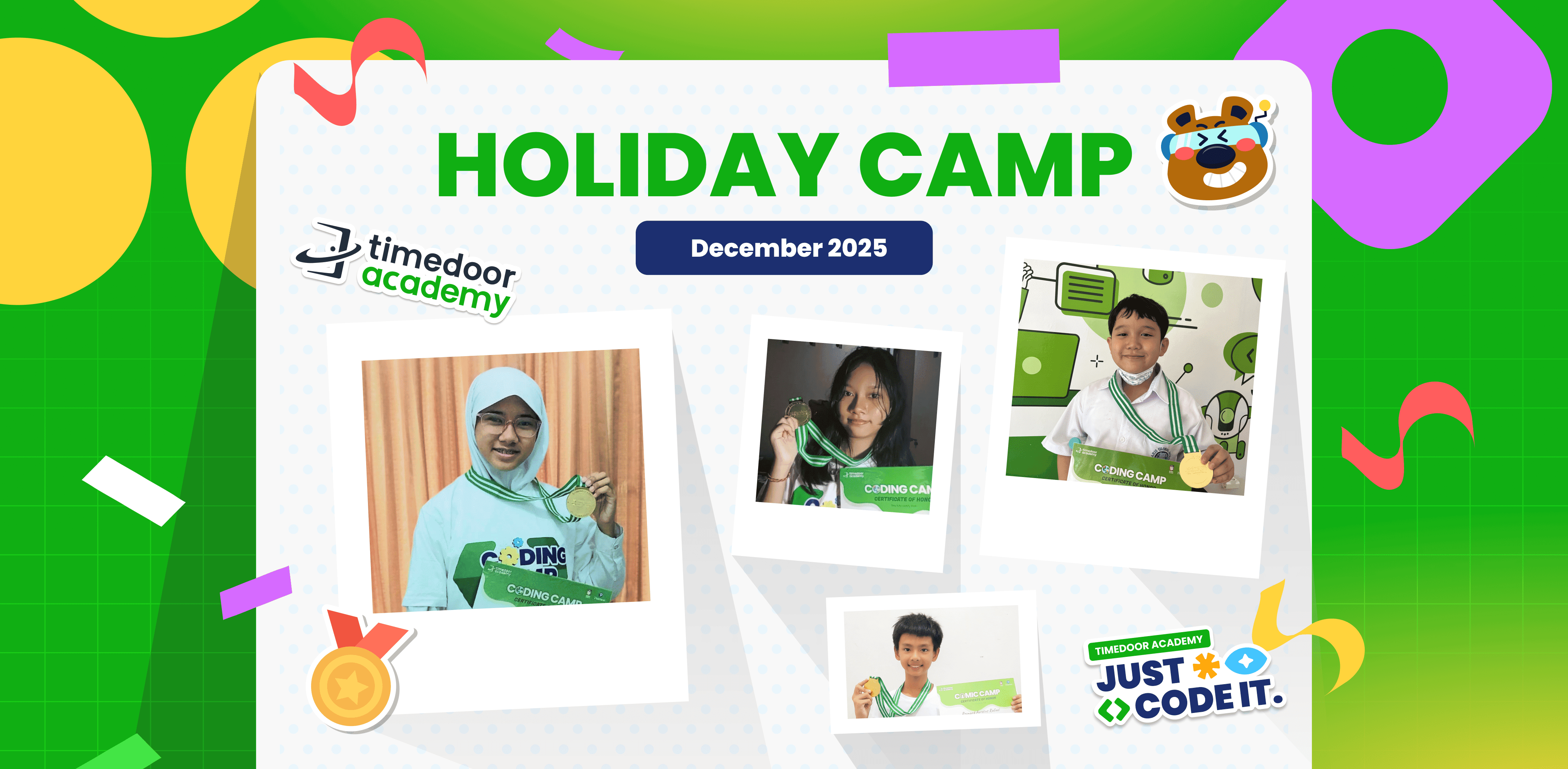
Official Announcement of Holiday Camp Awards December 2025

Official Announcement of Holiday Camp Awards December 2025 image

We are thrilled to celebrate the success of Holiday Camp 2025 held by Timedoor Academy, which took place from December 15 to December 30. This year’s event was our biggest yet, welcoming over 500 talented students from across Indonesia!

The experience reached new heights this year with the debut of our latest “Programs such as Cyber Heroes, in which students identify cyber threats such as phishing and malware by using Mini Games & Scratch, and also Make AI with Pictoblox, providing a well-rounded and immersive learning environment. On this special occasion, the students dived deep into their passions—ranging from Python and Roblox Development to Artificial Intelligence, and Comic Making.

Under the mentorship of our expert teachers, participants tackled ambitious projects and sharpened the digital skills essential for their futures. After much deliberation, we are now ready to honor those who truly stood out for their creativity and dedication.

We are proud to present the winners of the Best Project and Best Participant awards:

JUNIOR ANIMATOR
CATEGORY PARTICIPANT’S NAME BRANCH
Best Project Rayson Devatta Wang Jambi
Best Participant Rafka Irtiza Syaqier Sentul
JUNIOR 3D GAME
CATEGORY PARTICIPANT’S NAME BRANCH
Best Project Mikael Jose Alvaro Cikarang
Best Participant Kyrie Manado
JUNIOR CONSTRUCT
CATEGORY PARTICIPANT’S NAME BRANCH
Best Project Justin Owen Tandi Cikarang
Best Participant Saddam Khairul Hanif Cikarang
AI WITH PICTOBLOX
CATEGORY PARTICIPANT’S NAME BRANCH
Best Project Alden Immanuel Barneth Bandaso Mandagi Cikarang
Best Participant Raizel Zane Wiltan Palembang
CYBER HEROES
CATEGORY PARTICIPANT’S NAME BRANCH
Best Project Thomas Harvianz Green Lake City
Best Participant Fransisca Karla Alveenia Hadiwijaya Yogyakarta
KIDS CONSTRUCT
CATEGORY PARTICIPANT’S NAME BRANCH
Best Participant Zara Shaquitta Tanujaya BSD
KIDS ROBLOX
CATEGORY PARTICIPANT’S NAME BRANCH
Best Project Habibi Rafif Cibubur
Best Participant Ziggy Raziq Rizalya Makassar
KIDS PYTHON
CATEGORY PARTICIPANT’S NAME BRANCH
Best Project Bennedict Javier Jambi
Best Participant Felix Gerard Wyenn Tanjung Duren
TEENS WEB DEVELOPER
CATEGORY PARTICIPANT’S NAME BRANCH
Best Project Nathanael Andromeda Juan Kristanes Batam
Best Participant Muhammad Hafizh Prananda Aryawan Malang
TEENS ROBLOX
CATEGORY PARTICIPANT’S NAME BRANCH
Best Project Marcia Josephine Renon
Best Participant Muhammad Fajri Akbar Lampung
TEENS PYTHON
CATEGORY PARTICIPANT’S NAME BRANCH
Best Project Rayhan Avicenna Alfatih Jagakarsa
Best Participant Kalyana Adinda Parahita Jagakarsa
TEENS AI
CATEGORY PARTICIPANT’S NAME BRANCH
Best Project Tsaqif Bariq R.H. Gayungan
Best Participant Elishine Syallom Citraland
 COMIC KIDS
CATEGORY PARTICIPANT’S NAME BRANCH
Best Project Katrina Amadea Tanuwidjaja Online
Best Participant Flynn Oliseh Opene Online
IOT KIDS & TEEN
CATEGORY PARTICIPANT’S NAME BRANCH
Best Project Daffa Muhammad Zahir Cikarang
Best Participant Gerald Kelapa Gading


Keep Reading

How to Use Figma for Kids: A Fun and Simple Digital Design Guide
In today’s digital era, graphic design has become an increasingly essential skill, even for kids. Design is not just about drawing or creating illustrations. It also helps children develop creativity, visual logic, and systematic thinking. One of the most popular and beginner-friendly design tools to introduce early on is Figma. This article will guide you on how to use Figma for kids in a fun and easy-to-follow way. Figma is a web-based design platform widely used by UI/UX professionals and graphic designers. But because of its intuitive interface and real-time collaboration features, Figma can also be a great learning tool for children, especially those curious about digital design, posters, invitations, app layouts, or even simple games. Why Kids Should Learn Digital Design Digital design is not only about aesthetics, but also about communication. Kids who learn design early tend to express ideas visually, organize information clearly, and feel more confident experimenting with their creativity. Design skills also open doors to other fields like illustration, app development, animation, and branding. By learning how to use Figma for kids, the design process becomes more engaging. They can instantly try, rearrange, and explore design elements without needing to install any additional software. What to Prepare Before Using Figma Before your child starts designing, here are some things to set up: Figma account: Create a free account at figma.com. Use a parent’s email and assist during setup. Device: A laptop or desktop with a stable internet connection works best. Simple design theme: Start with fun, easy projects like a birthday card or character illustration. Benefits of Using Figma for Kids Here are some of the main benefits of using Figma as a learning tool for kids: Enhances creativity and visual aesthetics Builds logical thinking through layout structure Boosts confidence through hands-on creation Encourages teamwork and collaboration in online settings Step-by-Step Guide: How to Use Figma for Kids Below are specific steps on how to use Figma for kids, including core features and how to guide them: 1. Introduce the Interface and Basic Tools After logging in to a Figma account, walk your child through the main elements of the workspace: Canvas: the blank area where they’ll build designs Top toolbar: includes tools like Move, Frame, Shape, and Text Left panel: shows the object structure (layers) Right panel: used to adjust color, size, position, and effects Let them freely draw circles, squares, or stars and experiment with colors. This unstructured play helps them get familiar with Figma naturally. This is also a great starting point in how to use Figma for kids in a stress-free way. 2. Start a New Project Click New Design File and let your child name it something fun like “My Poster” or “Cute Cat Project.” Then: Create a Frame using A4 size or mobile screen dimensions Add shapes via the Shape tool, then change colors on the right panel Add text with the Text Tool, and adjust font size, color, and position This step of how to use Figma for kids feels like drawing on a digital piece of paper—fun and intuitive. 3. Add Images and Illustrations To make their design more dynamic, help them insert images: Click File > Place Image and choose from your computer Or simply drag and drop into the canvas Use the Unsplash plugin to find royalty-free images directly inside Figma This makes it easier for kids to create digital greeting cards, collages, or mood boards. These small projects are practical examples of how to use Figma for kids in real-life situations. 4. Create Simple App or Game Layouts For older kids, try introducing them to basic app layout design: Use Frames sized for iPhone or Android Add titles, icons, and buttons Turn elements into Components for duplication Use Prototype mode to simulate screen transitions This is a creative and exciting way to teach design logic and basic UX thinking. It’s also a more advanced stage in how to use Figma for kids who want to go deeper. 5. Collaborate and Present Figma is perfect for collaborative learning. Kids can: Click Share to invite parents, teachers, or friends Use Presentation Mode to view their design full-screen Receive comments directly on the canvas and learn from feedback These interactions help kids learn how to present and improve their ideas. How to use Figma for kids can extend into valuable lessons on teamwork and communication. Combine with Online Design Classes To support their learning journey, consider enrolling your child in an online design course. Timedoor Academy offers kid-friendly design programs based on fun projects and personalized learning. Learning how to use Figma for kids is much easier when supported by friendly mentors and structured activities. Tips for Parents to Support Learning To make the learning process smoother, parents can: Be present during the early stages, then give room to explore Ask about their designs and encourage storytelling Avoid focusing on perfection—celebrate creativity instead Try designing together as a bonding activity Ready to Introduce the World of Design? Introducing your child to digital creativity can begin with simple tools like Figma. With the right guidance and playful approach, how to use Figma for kids becomes a fun activity that sharpens logic, builds visual confidence, and sparks interest in technology. Timedoor Academy is here to support your journey. With interactive online classes and friendly instructors, your child can learn to design with confidence. Try a free class today and help your child discover their design potential from an early age.
Why Coding Games for Elementary School Kids Matter in the Digital Era 2025
In today’s digital era, children grow up surrounded by technology. They are familiar with using gadgets to play, watch, or even learn. Instead of being only passive users, children should also be equipped with the skills to create with technology. One of the most valuable skills is coding. Specifically, coding games for elementary school kids can serve as a fun entry point to introduce programming logic from an early age. Learning Through Play For children, learning while playing has always been the most effective approach. The concept of coding games for elementary school kids combines learning and play, allowing children to absorb knowledge without feeling pressured. By creating simple games, they can learn to think logically, solve problems, and understand how programs work. As a result, they are not only playing games but also building their own digital creations. The Benefits of Teaching Coding in Elementary School Introducing coding games for elementary school kids provides children with many advantages that go far beyond technical skills. Some of the key benefits include: Boosting creativity Children can express their imagination by designing characters, stories, and challenges within the games they build. Sharpening critical thinking Every game follows a set of rules. Through coding, children learn how to structure and organize these rules so the game works properly. Encouraging teamwork Many coding platforms allow kids to collaborate on projects, teaching them the importance of working with others. Preparing for the future Digital skills are becoming increasingly important. By learning coding games for elementary school kids, children are better prepared to face the demands of tomorrow. Child-Friendly Coding Platforms There are many platforms designed specifically for children. Some use colorful block-based coding that is easy to understand, while others introduce basic text-based commands gradually. Platforms like Scratch and Tynker, along with educational apps developed by learning institutions, make coding interactive and enjoyable. With this kind of approach, coding games for elementary school kids can be explored without overwhelming or intimidating young learners. The Role of Parents in Supporting Learning Parents play a vital role in supporting their children’s journey into coding. Providing time, access, and encouragement helps children grow more confident. When a child shows interest in creating a simple game, parents should appreciate their efforts and celebrate small achievements. With consistent support, learning coding games for elementary school kids becomes an engaging and meaningful activity rather than just another lesson. Teaching coding from an early age is an invaluable investment in a child’s future. With the right methods, coding goes beyond technical knowledge and becomes a way to develop creativity, logical reasoning, and resilience. Through coding games for elementary school kids, children can learn while playing and at the same time build essential skills that will serve them well in the digital era How Timedoor Academy Helps As an institution focused on technology education for children, Timedoor Academy offers a curriculum specifically designed for elementary school students. With a project-based learning method, children not only grasp concepts but also produce real outcomes such as simple games they can proudly share and play. The classes are interactive, age-appropriate, and most importantly fun. This makes coding games for elementary school kids approachable and exciting, turning challenges into enjoyable learning opportunities. Would you like your child to experience the joy of creating their own games while learning valuable skills? Sign them up for a free trial class at Timedoor Academy. Let your child discover how fun and empowering it can be to build their own digital creations. Click here to register and start their exciting journey in coding today.
Aplikasi Belajar Anak SD
Top 10 Technology Tools for Elementary Students in 2025
As we step into 2025, technology tools for elementary students are more important than ever. These tools enhance creativity, improve learning outcomes, and foster engagement both inside and outside the classroom. With the help of these technology tools for elementary students, children can develop essential skills that will serve them throughout their academic careers and beyond. Here’s a list of 10 essential technology tools for elementary students to boost their educational experience in 2025. Top 10 Technology Tools for Elementary Students in 2025 1. Kahoot! Focus: Interactive learning and quizzes Kahoot! remains one of the most popular technology tools for elementary students because it turns learning into a fun and competitive experience. Teachers and students can create customized quizzes on subjects like math, science, and language arts, fostering active participation. How to Use It: By incorporating Kahoot! in lessons, educators can make learning feel like a game. Students can play individually or in teams, which makes learning not only engaging but also interactive. With real-time feedback, teachers can adjust their lessons based on students' performance, ensuring that every child stays on track. 2. Seesaw Focus: Digital portfolio and communication Seesaw is another fantastic example of technology tools for elementary students that focuses on student documentation and communication. It allows students to create digital portfolios where they can showcase their work through photos, videos, and drawings. This tool strengthens the bond between teachers and parents, as they can track the progress of the students in real-time. How to Use It: With Seesaw, students can upload images of their assignments or record their thoughts on projects. Teachers can provide feedback and conduct virtual lessons or activities, keeping students and parents connected in an efficient, digital space. 3. Google Classroom Focus: Classroom management and assignment tracking Google Classroom is essential for managing assignments, tracking progress, and organizing classroom materials. As one of the top technology tools for elementary students, it helps both teachers and students streamline their work. Teachers can assign tasks, grade assignments, and provide real-time feedback, while students can easily access learning materials and submit work in one centralized platform. How to Use It: Teachers can post assignments and resources to Google Classroom, making it easy for students to stay organized. Additionally, it integrates with Google Drive, enabling students to collaborate on documents and presentations. This makes it easier to stay on top of deadlines and receive instant feedback. 4. Scratch Focus: Coding and creativity Scratch is one of the most popular technology tools for elementary students when it comes to learning programming. Through visual coding, students can create interactive stories, games, and animations, sparking creativity while teaching them important skills in computational thinking. How to Use It: Scratch is beginner-friendly and offers a drag-and-drop interface for students to build their own projects. Teachers can incorporate Scratch into STEM lessons, teaching logic, sequencing, and problem-solving through interactive coding challenges. This tool is a great starting point for young learners to get familiar with coding and digital creation. 5. Epic! Focus: Digital library for young readers For young readers, Epic! is an invaluable tool in the world of technology tools for elementary students. Epic! offers access to thousands of books, audiobooks, and educational videos. Its interactive features like read-aloud and quizzes make reading more engaging for children. How to Use It: Teachers can assign reading materials directly from Epic! to keep students engaged with books that suit their level. Students can explore a vast library of e-books or listen to audiobooks that cater to their individual reading preferences. Epic! fosters a love for reading by offering a fun and interactive approach to literature. 6. ClassDojo Focus: Classroom behavior and communication ClassDojo is one of the best technology tools for elementary students when it comes to fostering positive behavior and classroom culture. It allows teachers to reward students for good behavior, accomplishments, and teamwork. How to Use It: Teachers can assign points to students based on specific behaviors, such as being on task, helping others, or staying focused. These points can be exchanged for rewards like extra break time or special privileges. ClassDojo is an excellent tool for teaching students about responsibility and positive reinforcement. 7. TinkerCAD Focus: 3D design and engineeringFor students interested in design and engineering, TinkerCAD is one of the leading technology tools for elementary students. This user-friendly 3D design platform allows children to create their own digital models. How to Use It: Students can start by designing simple objects like keychains or toys and gradually work their way up to more complex 3D projects. Teachers can use TinkerCAD to introduce students to engineering and design concepts, making it easier for them to visualize their ideas and understand the basics of 3D modeling and printing. 8. Google Earth Focus: Geography and exploration Google Earth opens up the world to elementary students by allowing them to explore every corner of the globe. Whether for geography lessons or environmental studies, this tool is an essential part of technology tools for elementary students. How to Use It: Teachers can use Google Earth to give virtual tours of countries, cities, landmarks, and natural wonders. Students can explore geographical features and learn about different cultures and ecosystems. This immersive tool makes learning about the world fun and interactive. 9. Duolingo Focus: Language learning As one of the leading technology tools for elementary students, Duolingo helps young learners acquire new languages in a fun, gamified format. This app is perfect for introducing kids to a new language, including popular languages like Spanish, French, and German. How to Use It: Duolingo presents lessons in bite-sized segments that are both fun and educational. Students can practice daily and track their progress. This tool offers rewards and challenges, motivating students to keep learning new words and phrases while building language proficiency. 10. BrainPOP Focus: Educational videos and quizzes BrainPOP is a popular educational platform that offers animated videos and interactive quizzes. It covers a wide range of subjects, including science, math, and social studies, making it one of the best technology tools for elementary students to enhance their learning. How to Use It: Teachers can use BrainPOP to introduce new concepts in a fun and visual way. After watching the videos, students can complete quizzes and discuss the material in class. This helps reinforce key ideas and assess student understanding in an engaging, interactive manner. Why Technology Tools Matter for Elementary Students In 2025, technology tools for elementary students are not just an enhancement to traditional learning; they are essential to developing digital literacy and critical thinking skills. These tools help provide personalized learning experiences that adapt to the needs of each student, whether they need extra support or more challenging material. By incorporating technology tools for elementary students into the classroom, teachers can create an environment that promotes engagement, creativity, and collaboration, preparing students for future success in an increasingly digital world. Start Your Digital Learning Journey Today! Want to make learning even more engaging for your child? Explore Timedoor Academy and try free trial class today and discover how our digital learning platform can support your child’s educational growth with interactive lessons and expert-curated content.
float button