Apr 28, 2025

7 Top Programming Languages for Kids: A Comprehensive Guide for Young Learners
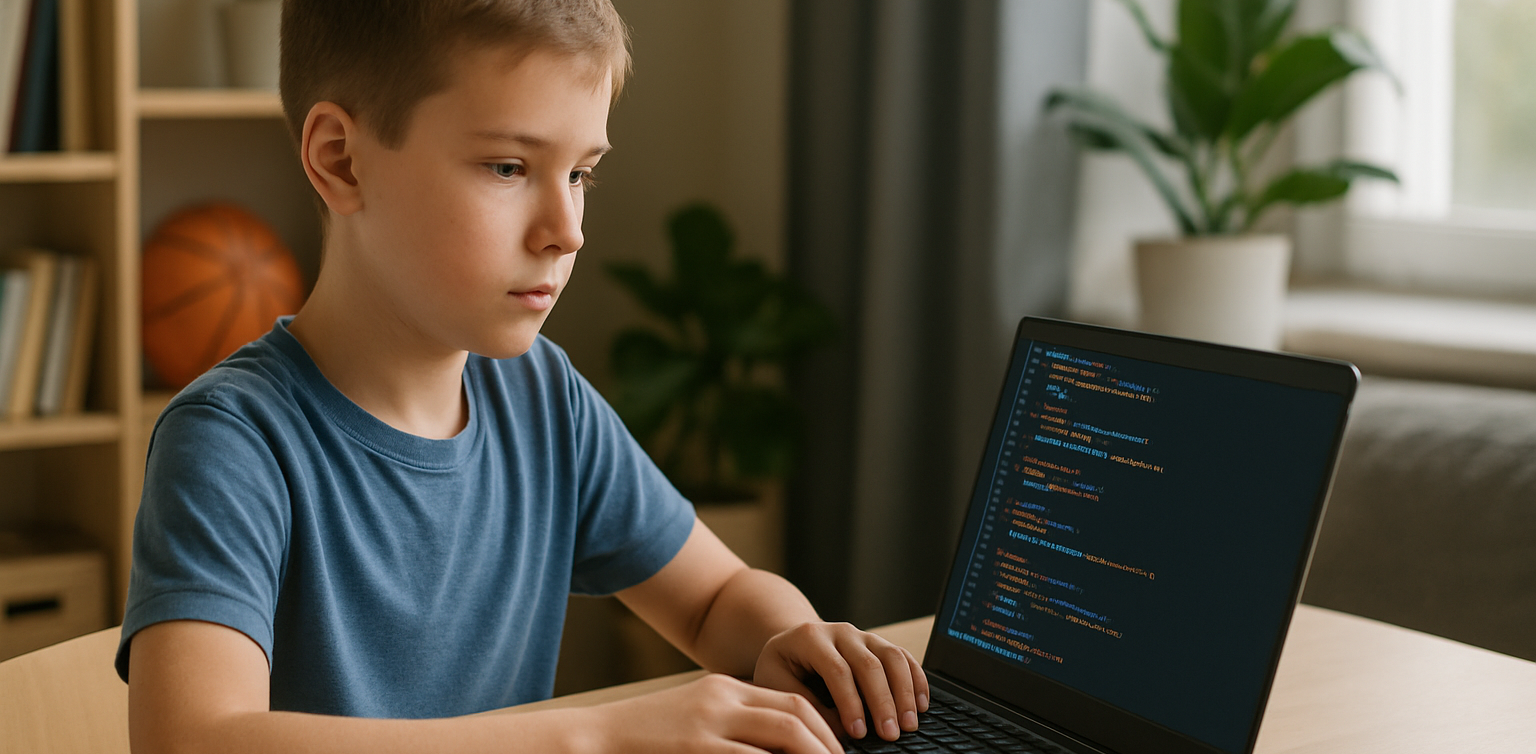
7 Top Programming Languages for Kids: A Comprehensive Guide for Young Learners image

In today’s tech-driven world, learning how to code is an essential skill, especially for young learners. The best programming languages for kids help introduce coding concepts in an engaging and accessible way. When choosing the best programming languages for kids, it’s important to focus on languages that are easy to understand, fun to learn, and open up opportunities for creative projects. In this guide, we will explore some of the best programming languages for kids and why they are excellent choices for young learners eager to start coding.

Why Should Kids Learn Programming?

Programming isn’t just about learning to code; it’s about developing problem-solving skills, creativity, and logical thinking. The best programming languages for kids teach children how to think critically and break down problems into smaller, manageable tasks. Additionally, coding offers children the opportunity to build their own games, websites, and apps, providing a sense of accomplishment as they bring their ideas to life.

Let’s look at some of the best programming languages for kids that can help them begin their coding journey.

1. Scratch

programming languages for kids

Scratch is often considered one of the best programming languages for kids due to its visual interface and simple drag-and-drop functionality. It allows children to create animations, games, and interactive stories without needing to write any complex code. Scratch introduces children to programming logic, such as loops, conditionals, and variables, while keeping things fun and creative.

The best programming languages for kids should focus on visual learning, and Scratch is a perfect example. It’s an excellent stepping stone for kids who are new to coding and want to explore the basics of programming in an interactive and playful way.

2. Python
programming languages for kids

Python is one of the best programming languages for kids because it has simple syntax and is very readable, making it easier for young learners to pick up. Python is used in many real-world applications, including web development, data analysis, and game design, which makes it a versatile language to learn. With its broad use in the tech industry, learning Python at a young age gives kids a valuable skill that they can build upon as they grow older.

Among the best programming languages for kids, Python stands out for its flexibility and ease of use, allowing children to start building more complex projects as they advance in their coding journey.

3. JavaScript

programming languages for kids

For kids interested in creating websites and online games, JavaScript is one of the best programming languages for kids. It’s the primary language used for adding interactivity to websites, and learning it will allow kids to create dynamic and engaging online experiences. JavaScript is a bit more advanced than Scratch or Python, but it’s still one of the best programming languages for kids because it’s in high demand and offers a hands-on way to build real-world applications.

By learning JavaScript, kids gain the foundational knowledge needed to work in web development and understand how websites function, making it a great choice among the best programming languages for kids.

4. Swift Playgrounds

programming languages for kids

Swift Playgrounds is a unique app that teaches children how to code in Swift, which is Apple’s programming language used to build iOS and macOS apps. As one of the best programming languages for kids, Swift is powerful yet accessible, allowing kids to learn coding while solving fun, interactive puzzles. Swift Playgrounds offers an exciting, game-like experience that keeps kids engaged while learning how to code.

For kids interested in app development, Swift Playgrounds is one of the best programming languages for kids to learn, as it provides a hands-on way to create mobile apps for iPhones and iPads.

5. HTML/CSS

HTML (HyperText Markup Language) and CSS (Cascading Style Sheets) are fundamental languages for web development, and they’re also some of the best programming languages for kids to learn. HTML is used to structure content on the web, while CSS is used to style that content and make it look visually appealing. By learning HTML and CSS, kids can start building their own websites from scratch, gaining a deeper understanding of how the internet works.

As two of the best programming languages for kids, HTML and CSS provide kids with a solid foundation in web development that will be useful if they want to learn more advanced languages in the future.

6. Blockly
Blockly is a visual programming language developed by Google that teaches programming concepts through a drag-and-drop interface. Blockly is an excellent choice among the best programming languages for kids because it allows kids to focus on logic and problem-solving without worrying about complex syntax. It’s perfect for young learners who want to understand the fundamentals of coding before transitioning to text-based programming languages.

For a fun introduction to coding, Blockly is one of the best programming languages for kids, helping kids develop the skills needed to progress to more advanced languages like Python or JavaScript.

7. Roblox Studio

Roblox Studio is one of the best programming languages for kids who are passionate about gaming. It uses Lua, a scripting language that’s easy to learn and widely used in game development. With Roblox Studio, kids can create their own games, design interactive environments, and even monetize their creations. It’s an ideal platform for young learners interested in both coding and game design, making it one of the best programming languages for kids.

Roblox Studio provides an engaging way for kids to learn programming while also fostering creativity, teamwork, and critical thinking.

Kickstart Your Coding Journey with the Best Programming Languages for Kids

Ingin tahu detail program? Image

Ingin tahu detail program?

Choosing the best programming languages for kids is an important step in setting them on the path to learning how to code. Whether they start with Scratch for simple game creation, move on to Python for general programming, or dive into JavaScript for web development, there are plenty of options to explore. Each of the best programming languages for kids offers unique learning opportunities and allows kids to create exciting projects while developing essential problem-solving skills.

At Timedoor Academy, we offer coding courses designed specifically for kids, teaching them the best programming languages for kids in a fun and interactive way. Help your child discover the exciting world of coding by signing up for a free trial class at Timedoor Academy!

Keep Reading

<strong>The Phenomenon of Child Exploitation by Influencers: A New Parenting Challenge in the Digital Era 2025</strong>
The Phenomenon of Child Exploitation by Influencers: A New Parenting Challenge in the Digital Era 2025
In recent years, the rapid growth of social media has given rise to countless influencers with millions of followers. It has become increasingly common for these influencers to feature their children in content to gain more attention, likes, and financial benefits. However, this trend does not always have a positive impact. Child exploitation has become a growing concern, especially when children are used as tools to boost popularity or generate income online. This article takes a deeper look at the phenomenon of child exploitation by influencers, the potential effects on children's development, and the important roles of parents and society in addressing this issue. What Is Child Exploitation in the Digital World? Child exploitation in the digital era refers to situations where children are excessively used for content creation, economic gain, or popularity, without regard for their rights, comfort, or future. In the influencer world, child exploitation often appears in the following ways: Children are made the main stars in family content, pranks, or toy unboxing videos. Children’s private lives are continuously exposed to the public, sometimes including sensitive moments like anger, sadness, or other personal experiences. Children are asked to promote products, do endorsements, or follow trends that may not be appropriate for their age. The profits generated from this content are not used for the benefit of the child, or the child is never given a voice in these decisions. Why Is Child Exploitation by Influencers Such a Serious Problem? There are several reasons why child exploitation by influencers is a serious issue: Violation of Children’s RightsEvery child has the right to privacy, to grow and develop healthily, and not to be treated as a commercial object. When child exploitation happens on social media, these rights are often ignored in pursuit of popularity. Mental Health RisksExcessive exposure to the public eye can make children feel pressured, unsafe, or even anxious. Negative comments, online bullying, and the expectation to always be perfect can impact a child’s psychological development. Lost ChildhoodChildren who are constantly on camera, have to act for content, or are heavily involved in content production are at risk of losing out on natural moments of play and age-appropriate learning. Long-Term ConsequencesChild exploitation can affect a person well into adulthood. They may struggle to form their own identity, suffer from low self-esteem, or regret their digital footprint that has already spread widely. Warning Signs of Child Exploitation by Influencers Parents and society need to be vigilant about these warning signs: The child looks uncomfortable, forced, or often cries during filming. The child is made to do things that are not age-appropriate for the sake of content. All of the child’s activities are documented and shared publicly without limits. Parents seem more focused on views, likes, and comments than the child’s well-being. The child is never asked for their opinion about their participation in content. The Role of Parents: Setting Boundaries, Ethics, and Responsibility Parents play the most important role in preventing child exploitation in the digital world. Here are some steps that can be taken: Respect Privacy BoundariesNot every moment of a child’s life needs to be shared publicly. Respect their privacy, especially if they show reluctance or discomfort. Prioritize Mental HealthMake sure children do not feel pressured, are not overexposed, and have space to be themselves off-camera. Involve Children in DecisionsTalk to your child before making content together. Listen to their wishes and feelings. Educate About Digital RisksHelp your child understand the consequences of digital footprints, cyberbullying, and the long-term impact of online content. Focus on the Child’s NeedsIf content generates income, ensure the child’s rights are protected. Prioritize education, comfort, and development, not just popularity. Society and Policy Makers Have a Role Too Beyond parental responsibilities, society and policy makers must work together to address child exploitation. Governments need to strengthen regulations on child protection in the digital world, including rules on commercial content involving children, transparency in managing a child’s earnings, and education for both influencers and parents. The public can also help by raising awareness or speaking up when they see content that involves child exploitation. A supportive environment is crucial to ensure this trend is not normalized or justified as mere entertainment. Teaching Children Boundaries in the Digital Era It is also important for parents to help children understand their own rights and boundaries online. Include them in discussions about what is appropriate to share on social media, and encourage them to say no if they ever feel uncomfortable. This helps children grow up with confidence and a healthy sense of self-protection from an early age. Protect Children Wisely and Build Digital Skills Child exploitation by influencers is a real challenge in the digital age that cannot be ignored. Parents, society, and policy makers need to work together to protect children from excessive exposure and pressure online. Always put children’s rights, well-being, and future first. In addition to limiting children’s exposure on social media, parents can equip their children with positive skills that are relevant for the digital era, such as learning to code. By joining coding classes at Timedoor Academy, kids can nurture their creativity, develop logical thinking, and explore technology in a fun and safe way, without needing to be in front of the camera. Sign your child up for a free trial class at Timedoor Academy so they can experience engaging, educational coding lessons that build confidence. Let’s make social media a platform for education and creativity, not a tool for child exploitation in the name of popularity.
Best Age for Kids to Use Laptops: What Age Can Kids Start Using Laptops for Learning?
Technology has brought many changes to education, including how children learn. Nowadays, laptops and tablets have become common learning tools. However, many parents still wonder: what is the best age for kids to use laptops, and at what age can kids start using laptops safely and effectively? This article provides a guide on the right age for children to start using laptops for learning, the benefits and challenges to consider, and tips to help ensure laptop use supports their development in the best way possible.   Why Is It Important to Consider Age When Letting Kids Use Laptops? Laptops and other digital devices make learning easier with wide access to information, interactive educational apps, and fast communication tools. However, early and unsupervised use of technology can pose risks like eye strain, posture problems, and screen dependency. That’s why parents need to know the best age for kids to use laptops so the benefits are maximized without compromising their health and social development. Choosing the right time also helps kids be mentally and cognitively ready to handle technology in a healthy way.   So, What Age Can Kids Start Using Laptops? There’s no strict rule because every child develops differently. But experts generally recommend: Under 2 years old: Avoid screen time including laptops and tablets, since brain development at this age depends heavily on direct physical and social interaction. Ages 2–5: Limit screen time to no more than 1 hour per day, and use devices only with educational content supervised by parents. 6 years and older: Kids can start using laptops for learning for longer periods, but with clear time limits and adult supervision. So, the age when kids can start freely using laptops for learning is usually around elementary school age—starting from 6 years old—with guidance and rules in place.   Benefits of Using Laptops for Kids’ Learning Using laptops appropriately by age and need offers many benefits, including: Access to Diverse Learning Resources: Kids can explore a variety of online sources like educational videos, e-books, and interactive apps. Development of Digital Skills: In today’s digital world, knowing how to use technology is a crucial skill that should be developed early. Boosting Creativity and Independence: Children can create digital projects like drawings, videos, or basic coding that stimulate creativity. Ease of Communication and Collaboration: Laptops enable kids to communicate easily with teachers and classmates, especially in remote learning.   Challenges and Risks of Laptop Use for Kids Despite the benefits, parents should be aware of some risks: Excessive Screen Time: Can cause eye fatigue, sleep disturbances, and other health issues. Poor Posture: Long use without ergonomic setups can lead to neck and back pain. Social and Emotional Issues: Dependence on devices may reduce social interaction and physical activity. Inappropriate Content: Kids might access unsuitable material without supervision.   Tips for Choosing the Best Age for Kids to Use Laptops Safely To ensure positive laptop use, consider these tips: Start Slowly and Gradually: Adjust laptop time based on your child’s age and focus capacity. Monitor and Supervise: Always stay with your child while they use the laptop, especially when young. Choose Educational Content: Make sure apps and websites are age-appropriate and support learning. Set Up Proper Posture and Breaks: Provide ergonomic seating and regular rest periods. Set Rules and Schedules: Agree on time limits to prevent overuse.   Supporting Your Child’s Tech Learning Journey To help your child use technology effectively and appropriately, besides knowing the best age for kids to use laptops, it’s important to introduce fun and age-appropriate coding lessons. Timedoor Academy offers specially designed coding programs for kids, with easy-to-understand and engaging methods. Don’t hesitate to try it out, because Timedoor Academy also provides free trial classes that let parents and children explore coding without pressure before committing fully. This is a great first step to support your child’s digital development for the future.   Best Age for Kids to Use Laptops and When It’s Appropriate Determining the best age for kids to use laptops and when they can safely start isn’t just about numbers, but also about the child’s mental, physical, and social readiness. Generally, elementary school age is an ideal time to begin using laptops as learning tools, with supervised and limited use. Healthy and purposeful laptop use opens up many learning opportunities and helps develop essential skills in the digital age. Therefore, parents should actively guide and regulate technology use so it supports their child’s overall growth.
9 Key Differences Between the 2013 Curriculum and the Merdeka Curriculum Today (2025 Update)
The differences between the 2013 curriculum and the Merdeka curriculum today have become an essential topic for parents to understand. This shift in educational approach is more than just a name change. It directly affects how children learn in school. With the right understanding, parents can better support their children’s learning process at home. The 2013 curriculum has been used for over a decade. However, ongoing evaluations showed a need for a more flexible and student-centered approach. This led to the introduction of the Merdeka curriculum as a major refresh to the national education system. So, what are the real differences between the 2013 curriculum and the Merdeka curriculum today? Below are nine key differences that parents need to know and how they impact children's education. 1. Curriculum Goals The 2013 curriculum aims to balance character, knowledge, and skills. In contrast, the Merdeka curriculum focuses more on developing each student's unique potential based on their interests and talents. This is one of the main differences between the 2013 curriculum and the Merdeka curriculum today in terms of how educational goals are designed and delivered in the classroom. 2. Learning Structure In the 2013 curriculum, all learning content is determined centrally, leaving teachers with limited flexibility. The Merdeka curriculum gives schools more freedom to adapt the structure based on local context and student needs. This flexibility is one of the most appreciated differences between the 2013 curriculum and the Merdeka curriculum today. 3. Learning Approach The 2013 curriculum uses a scientific approach that involves observation, questioning, data collection, analysis, and communication. Meanwhile, the Merdeka curriculum adopts a differentiated approach, allowing teachers to adjust teaching methods based on each student’s learning style and needs. 4. Lesson Content Another clear difference between the 2013 curriculum and the Merdeka curriculum today is the amount of learning material. The Merdeka curriculum simplifies content so students aren’t overwhelmed. It focuses on mastering key concepts instead of covering a large volume of topics, allowing for deeper understanding. 5. Assessment Method The 2013 curriculum relies heavily on administrative and quantitative assessments, which many teachers find complex and time-consuming. On the other hand, the Merdeka curriculum promotes formative assessments that help track a student’s progress and improve the learning process. 6. Role of Teachers Teachers in the 2013 curriculum function mainly as content deliverers. In the Merdeka curriculum, they take on the role of facilitators, guiding students through their learning journey. This shift in teaching roles is another major difference between the 2013 curriculum and the Merdeka curriculum today, reflecting a more student-centered learning experience. 7. Pancasila Student Profile Projects (P5) The 2013 curriculum didn’t include thematic projects. The Merdeka curriculum introduces P5 activities that help build student character through relevant themes like collaboration, creativity, and global diversity. This is one of the most visible differences between the 2013 curriculum and the Merdeka curriculum today in daily school activities. 8. Flexibility in Time and Learning Activities The 2013 curriculum tends to have rigid and packed schedules. In contrast, the Merdeka curriculum allows schools to organize learning time more flexibly. Lessons can happen outside the classroom through experiments, discussions, or even community-based learning. 9. Readiness for the Future The Merdeka curriculum is designed to meet 21st-century demands. It emphasizes critical thinking, communication, collaboration, and digital literacy. One of the most forward-looking differences between the 2013 curriculum and the Merdeka curriculum today is its focus on preparing students for technological and societal changes. The Role of Parents in the Merdeka Curriculum Era Parents are not just supporters but active partners in the Merdeka curriculum. Children need consistent support and involvement from home. One meaningful way to align with the spirit of this curriculum is by introducing your child to positive, skill-based activities like learning coding. Try a Free Coding Class at Timedoor Academy Timedoor Academy offers free trial coding classes specifically designed for kids based on their age and interests. These classes go beyond teaching technology. They help build logical thinking, creativity, and self-confidence. Each lesson is project-based, perfectly in line with the Merdeka curriculum. Kids will create games, animations, or basic apps while developing problem-solving skills and collaboration. With the support of experienced mentors, learning becomes fun, interactive, and meaningful. Let your child experience the joy of coding and build a stronger foundation for the future starting today.
float button