Aug 25, 2025

21st Century Skills for Children: Preparing the Next Generation
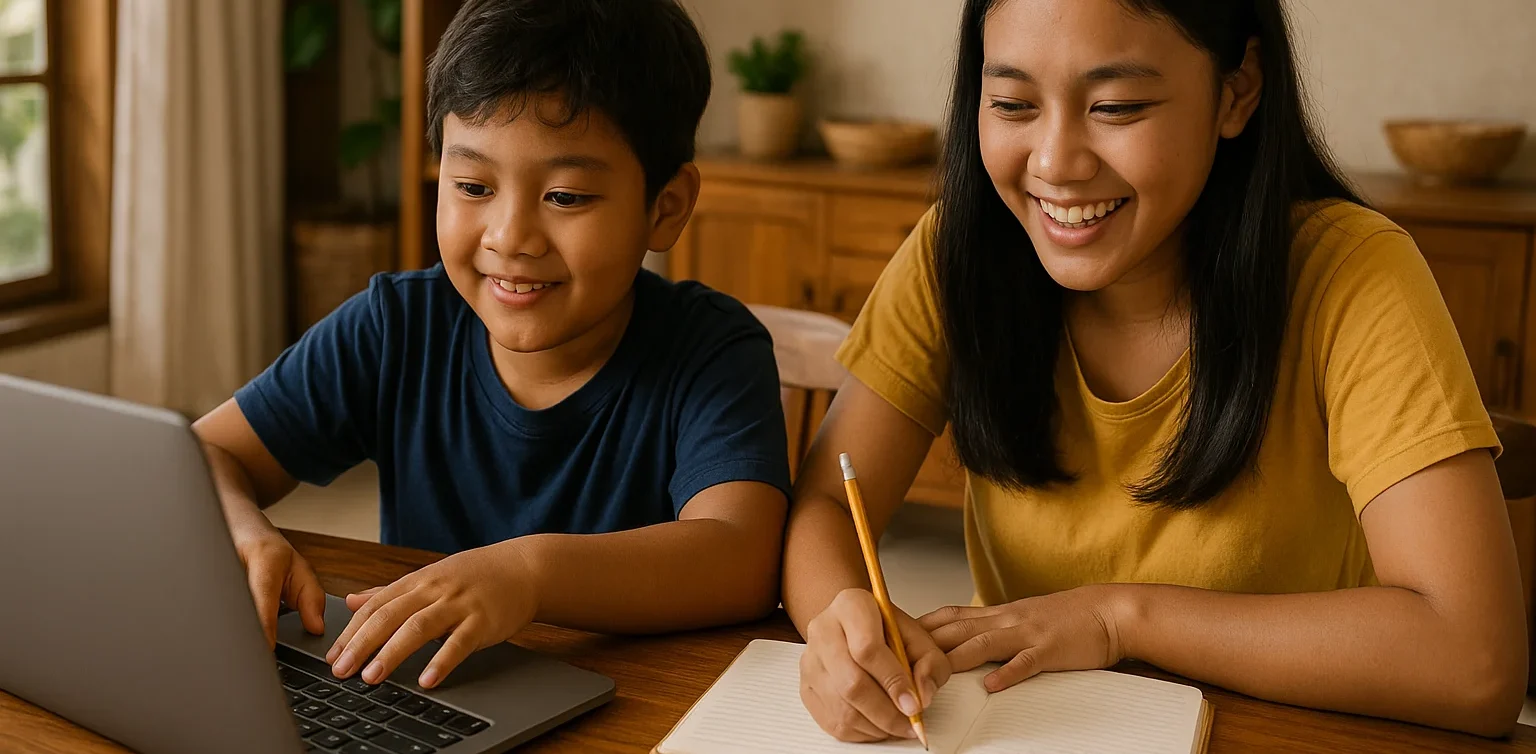
21st Century Skills for Children: Preparing the Next Generation image

In today’s fast-paced world, the demands for relevant skills are constantly evolving. For parents, ensuring that children acquire 21st century skills for children is essential so they can adapt, compete, and thrive in the future. This article will explore what these skills are and how parents can actively support their children in developing them effectively.

What Are 21st Century Skills?
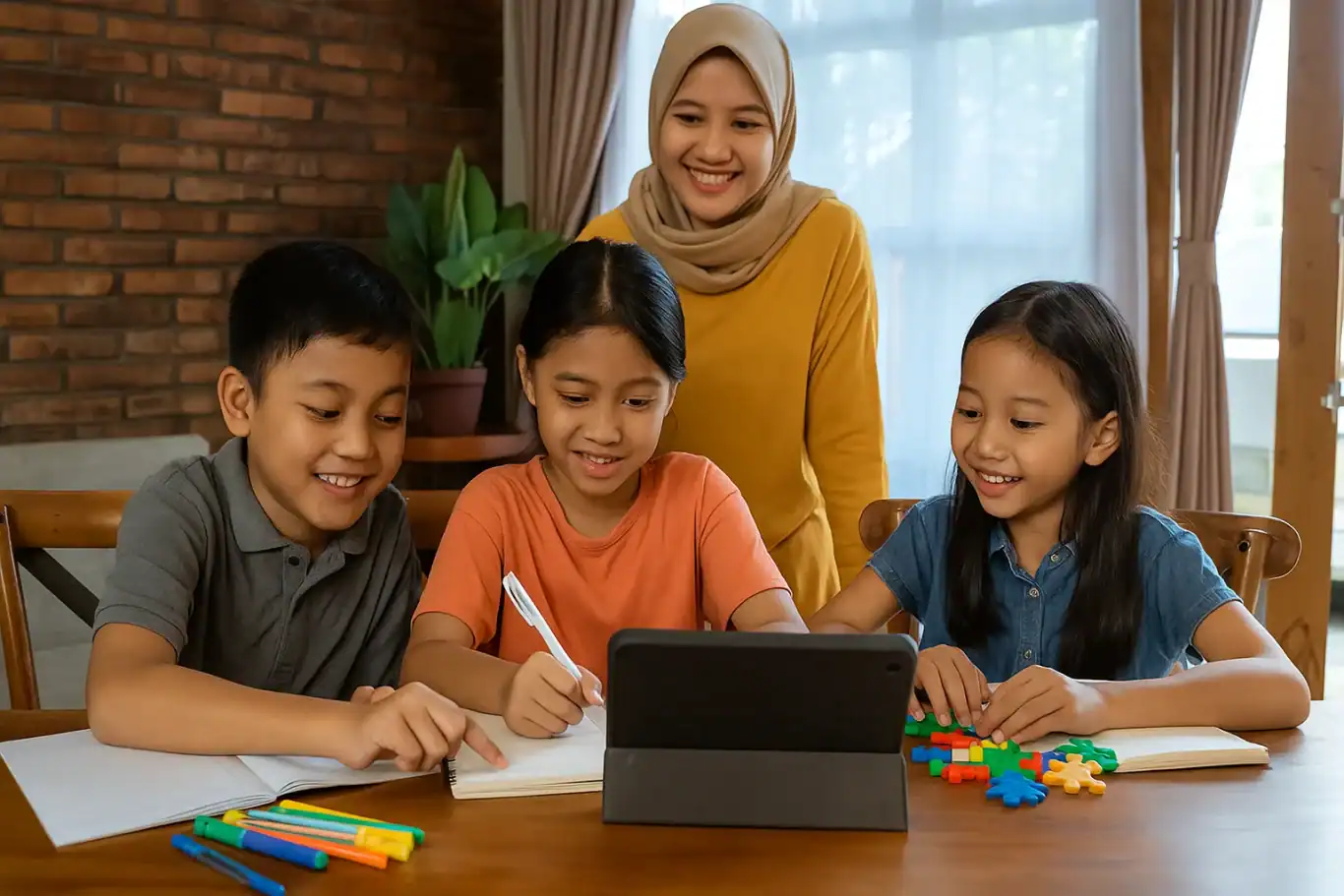
21st century skills for children

21st century skills refer to abilities that children need to face global challenges and technological advancement. These skills include critical thinking, creativity, communication, collaboration, digital literacy, and self-management. By mastering these competencies, children are not only able to learn efficiently but also solve problems creatively and innovate in various aspects of life.

It is crucial for parents to understand that 21st century skills for children extend beyond academics. For example, the ability to collaborate and communicate effectively helps children form strong relationships, while creativity and critical thinking equip them to tackle complex problems. These skills lay the foundation for lifelong learning and resilience.

Why Are 21st Century Skills Important for Children?

21st century skills for children

In an increasingly digital world, children face different opportunities and challenges compared to previous generations. They require more than basic knowledge—they need the ability to navigate information wisely, adapt to change, and work effectively with others. Therefore, 21st century skills for children are vital in establishing a strong foundation for future success.

Moreover, these skills foster lifelong learning. Critical and creative thinking enable children to explore their surroundings, generate innovative ideas, and develop solutions to emerging problems. Digital literacy is also a key component, as technology continues to play a central role in everyday life and the workforce.

Core 21st Century Skills for Children

21st century skills for children

Here are some essential competencies included in 21st century skills for children:

1. Critical Thinking and Problem Solving

The ability to analyze information, evaluate solutions, and make informed decisions is crucial. Children trained in critical thinking can approach challenges calmly and wisely.

2. Creativity and Innovation

Creativity allows children to generate new ideas and innovate. Through art, science experiments, and technology, parents can nurture creativity in their children. This aspect of 21st century skills for children is closely linked to innovation.

3. Communication and Collaboration

Effectively expressing ideas and working within a team are key for success. Children accustomed to group work are more capable of sharing ideas and learning from others.

4. Digital Literacy

Children must understand how to use technology effectively and safely. Digital literacy helps them access information responsibly, create positive content, and avoid risks online. Digital competence is an essential component of 21st century skills for children.

5. Self-Management

Time management, emotional regulation, and goal setting are parts of self-management. Children who develop these skills become more disciplined and confident in facing challenges.

Parents’ Role in Developing 21st Century Skills

Parents play a critical role in supporting the development of 21st century skills for children. Some steps include:

  • Providing opportunities for children to experiment and explore their interests.
  • Facilitating safe access to technology and educational resources.
  • Encouraging teamwork and participation in creative projects.
  • Modeling self-management and effective communication.

With proper guidance, children will naturally develop skills that are beneficial not only academically but also in daily life and future careers.

Developing 21st Century Skills at Timedoor Academy

Timedoor Academy offers programs designed to help children master 21st century skills for children through engaging and interactive methods. By combining technology, coding, and creative activities, children can learn while playing, developing creativity, critical thinking, and teamwork abilities.

These programs ensure every child has the opportunity to explore their talents, innovate, and build confidence. With parental support and the right learning environment, children will be well-prepared to face the challenges of a modern world.

Preparing Children for the Future

 Image

Developing 21st century skills for children is not optional—it is essential. Equipping children with critical thinking, creativity, communication, collaboration, digital literacy, and self-management prepares them to succeed in a global environment.If you want your child to learn 21st century skills in an engaging and effective way, sign up for a free trial at Timedoor Academy today and let them start exploring, creating, and growing for a bright future.

Keep Reading

What Is Vibe Coding? Understanding the Concept and Its Benefits for Kids
In today’s digital era, children are not only expected to excel academically but also to be creative, collaborative, and adaptable to technology. One learning method that is gaining attention in tech education is vibe coding. More parents and educators are beginning to ask: what is vibe coding, and how can it be used in a meaningful way to help children learn? This article will explain what is vibe coding, its core principles, and why this method is a fun and effective approach to introducing programming to young learners. If you’re considering a coding class that feels less rigid and more intuitive, vibe coding for kids might be the perfect fit. What Is Vibe Coding? To answer the question what is vibe coding, we need to understand the basic idea behind this learning method. Vibe coding refers to a teaching approach that emphasizes a fun, creative, and child-friendly atmosphere while learning programming. The word “vibe” represents the overall feeling or energy created during the learning experience. Unlike traditional programming lessons that can feel formal or rigid, vibe coding for kids focuses on letting children learn through play, imagination, and building meaningful projects. The emphasis is not just on the final product but also on enjoying the process of creating something. Why Is Vibe Coding a Great Fit for Kids? Once you understand what is vibe coding, it becomes clear why this method works especially well for children. Kids often get bored or overwhelmed by dry, technical lessons. Vibe coding for kids creates a fun, engaging environment that sparks curiosity and creativity. This approach incorporates storytelling, animations, music, and visuals to help children feel immersed in their projects. For example, kids can learn to code by creating their own video games, designing cartoon characters, or programming a virtual robot that follows commands. With this setup, children naturally learn the basics of coding such as logic, sequences, conditions, and loops. They’re not pressured to get everything right immediately. Instead, they’re encouraged to explore, try new things, and learn from mistakes. That’s the heart of vibe coding for kids: building a positive and flexible learning experience. Benefits of Vibe Coding for Kids For parents who are still unsure about this method, here are some key benefits that vibe coding for kids offers. It doesn’t just improve tech skills. It also supports broader developmental growth in young learners. Boosts creativityKids are encouraged to build things from their own ideas—games, animations, or simple apps. Develops logic and problem-solvingEven though the environment is playful, the foundation of vibe coding for kids is rooted in core programming logic. Promotes collaboration and communicationMany activities are group-based, teaching kids to discuss, share roles, and work as a team. Builds confidenceChildren gain pride and belief in their abilities when they successfully create something. Prepares them for the futureBy learning coding early, kids are better equipped for a digital-driven world. Vibe Coding at Timedoor Academy Now that you understand what is vibe coding, you might be wondering where your child can learn this method in a structured yet fun way. Timedoor Academy offers one of the best implementations of vibe coding for kids, combining creative programming with a child-centered teaching style. Timedoor’s platform is designed specifically for young learners, featuring project-based activities like game development, animations, and beginner-friendly applications. Every class is filled with engaging content and guided by experienced mentors who understand how kids learn best. The goal at Timedoor Academy is to make every student feel confident, curious, and excited about learning. Grades and tests are not the focus. Instead, it’s about exploring, creating, and enjoying the journey. This is exactly what vibe coding for kids is all about, and Timedoor applies it consistently across their programs. Conclusion: Let Your Kids Experience Vibe Coding Now you know what is vibe coding and how this approach makes learning programming enjoyable and effective for children. As our world becomes more digital, introducing kids to coding at an early age is no longer optional—it’s a smart and timely decision. If you’re looking for a coding class that sparks creativity, feels natural, and actually speaks your child’s language, vibe coding for kids at Timedoor Academy is a perfect choice. Sign your child up today and see how much fun they can have learning with vibe coding. Try a free trial class now at Timedoor Academy!
Positive Impact of Multimedia Training for Teenagers Every Parent Must Know
In today’s digital era, teenagers are not only using technology for entertainment but also for learning and creating. One of the most effective ways to help them grow is through multimedia training for teenagers. This program allows young learners to understand creative content production while developing skills that are highly relevant to their future. What Is Multimedia Training? Multimedia training is a learning program that covers a wide range of creative skills such as graphic design, photo editing, video production, animation, and interactive presentations. By joining multimedia training for teenagers, students gain fundamental knowledge of creative technology while also learning how to apply it to produce real projects. Key Benefits of Multimedia Training There are many reasons why parents choose multimedia training for teenagers for their children. Some of the main benefits include: Boosting Creativity Teenagers learn how to express their ideas through visual and audio works. Improving Technical Skills They are introduced to design and editing software widely used in the creative industry. Encouraging Critical Thinking In the process of creating content, they learn to plan, evaluate, and refine their work. Preparing for Future Careers With these skills, teenagers are better equipped for opportunities in design, communication, and technology. Relevance of Multimedia Training in the Digital Age Digital content is now an essential part of everyday life. Social media, YouTube, and other online platforms rely on engaging and high-quality content. Through multimedia training for teenagers, young people are not only consumers but also creators who can produce positive and valuable works. Enhancing Communication Skills Another important aspect is how multimedia training helps improve communication skills. In multimedia training for teenagers, students learn to deliver messages effectively through images, videos, or audio. This ability is useful not only for academic purposes but also for building strong social interactions. Building Confidence Through Achievement When teenagers successfully complete a multimedia project, such as a poster, a short video, or an animation, they experience a sense of accomplishment. This process naturally boosts their self-confidence. Therefore, multimedia training for teenagers contributes to positive character development as well. The Role of Parents in Supporting the Process Parental involvement plays a big role in the success of this journey. Supporting them with time, a comfortable learning environment, and appreciation for their creations will keep them motivated. With this encouragement, multimedia training for teenagers becomes an enjoyable and rewarding experience. Why Choose Timedoor Academy? Timedoor Academy provides multimedia training for teenagers designed to meet today’s learning needs. The curriculum emphasizes practical experience, ensuring that students not only understand theory but also produce real projects. With guidance from experienced mentors, every class is engaging, challenging, and inspiring for teenagers. Support Children’s Creativity with Multimedia Training As a parent, you surely want your child to gain skills that will benefit their future. Giving them the opportunity to join multimedia training is a wise decision. Enroll your child in a Free Trial at Timedoor Academy and see how their creativity grows into real abilities.
5 Must-Try Eid al Adha Food Recipes for a Delicious Family Celebration
Eid al-Adha is always associated with moments of togetherness and the tradition of sharing sacrificial meat. One of the best ways to celebrate this special day is by serving delicious homemade dishes for your loved ones. That’s why many people look for Eid al Adha food recipes that are unique, tasty, and different from previous years. This time, we’re sharing five Eid al Adha food recipes you can try at home. These recipes are not only practical and delicious, but they are also perfect for enjoying with the whole family. By using the sacrificial meat, you can explore a variety of Indonesian dishes that are rich in flavor and tradition. 1. Lamb Satay with Peanut Sauce Lamb satay is one of the most popular Eid al Adha food recipes and is always highly anticipated. Tender chunks of lamb, paired with a savory peanut sauce, create a taste that’s truly unforgettable. Ingredients: 500 grams lamb, cut into cubes 10 satay skewers 3 tablespoons sweet soy sauce 1 tablespoon cooking oil Peanut Sauce: 100 grams fried peanuts, ground 2 cloves garlic 2 large red chilies 3 tablespoons tamarind water Salt and sugar to taste How to make: Marinate the lamb with soy sauce and oil, let it sit for 30 minutes. Blend the peanut sauce ingredients, sauté until fragrant, then add tamarind water, salt, and sugar. Skewer the lamb and grill until cooked through. Serve with peanut sauce and fried shallots. 2. Special Beef Curry (Gulai Sapi) Beef curry is always a top choice among Eid al Adha food recipes. The rich yellow broth and tender beef are simply irresistible. Ingredients: 500 grams beef, cut as desired 500 ml coconut milk 1 stalk lemongrass 2 bay leaves Blended spices: 6 shallots 4 garlic cloves 2 cm ginger, turmeric, galangal 5 candlenuts 5 red chilies How to make: Sauté the blended spices, lemongrass, and bay leaves until fragrant. Add the beef, mix well. Pour in the coconut milk and simmer over low heat until the meat is tender and the broth thickens. Serve hot. 3. Sweet and Spicy Lamb Stew (Tongseng) Tongseng lamb is a wonderful alternative among Eid al Adha food recipes, especially if you love a soupy dish that’s rich in flavor. Ingredients: 400 grams lamb 1/2 small cabbage, roughly sliced 2 tomatoes 5 shallots, 3 garlic cloves 3 bird’s eye chilies (or to taste) 2 kaffir lime leaves, 1 stalk lemongrass How to make: Sauté shallots, garlic, and chilies until fragrant. Add the lamb, stir until the color changes. Add kaffir lime leaves, lemongrass, and tomatoes. Add cabbage and enough water. Cook until the meat and cabbage are tender. 4. Fresh Beef Soup Beef soup is a great Eid al Adha food recipe for children or elders because of its tender texture and refreshing broth. Ingredients: 500 grams beef, cut into small pieces 2 carrots, sliced 2 potatoes, diced 1 stalk each of scallion and celery 1 tomato How to make: Boil the beef until tender, remove the foam. Add carrots, potatoes, and other seasonings. Once everything is soft, add scallion, celery, and tomato. Serve the soup hot. 5. Purwakarta-style Maranggi Satay If you want to try something different among Eid al Adha food recipes, maranggi satay is a great choice. The combination of beef and special seasonings makes this satay a family favorite. Ingredients: 500 grams beef, cubed 2 tablespoons sweet soy sauce 1 tablespoon lime juice 1 tablespoon ground coriander How to make: Marinate the beef with soy sauce, lime juice, and coriander for 1 hour. Skewer the beef and grill over charcoal until cooked. Serve with spicy sambal or pickles. Tips for Cooking Tender Sacrificial Meat To make the most out of your Eid al Adha food recipes, here are a few simple tips for cooking meat: Cut the meat against the grain so it becomes more tender when cooked. Use grated pineapple or wrap the meat in papaya leaves during marination to soften it. Cook on low heat to let the spices soak in thoroughly. Making Eid al Adha More Meaningful and Educational Eid al Adha is not just about enjoying a variety of Eid al Adha food recipes with your family. It is also the perfect time to teach values of togetherness, sharing, and creativity to your children. Get them involved in the kitchen, let them help prepare ingredients, and introduce them to traditional Indonesian cuisine. Aside from cooking, family time like this can also be a great opportunity to introduce new skills to your children, such as learning to code. Coding encourages logical and creative thinking, which is highly valuable in today’s digital era. If you want your child to grow and thrive in the digital world, feel free to try the free trial coding class at Timedoor Academy. Make your family moments even more exciting, meaningful, and full of inspiration!
float button