Apr 25, 2025

Java Programming for High School Students: Unlock the World of Coding

Java Programming for High School Students: Unlock the World of Coding image

In today’s fast-paced, technology-driven world, programming skills have become essential for young minds. For high school students looking to dive into the world of coding, Java programming for high school students is an excellent starting point. Java is one of the most widely used programming languages, known for its versatility, reliability, and ease of learning. It is used in everything from mobile apps to large-scale enterprise applications.

Whether your child is interested in creating mobile games, building websites, or exploring artificial intelligence, Java programming for high school students provides a solid foundation. In this article, we will explore the importance of Java programming for high school students, how it can benefit their future, and why enrolling in a Java programming class for high school students is a smart choice.

Why Java Programming is a Great Choice for High School Students
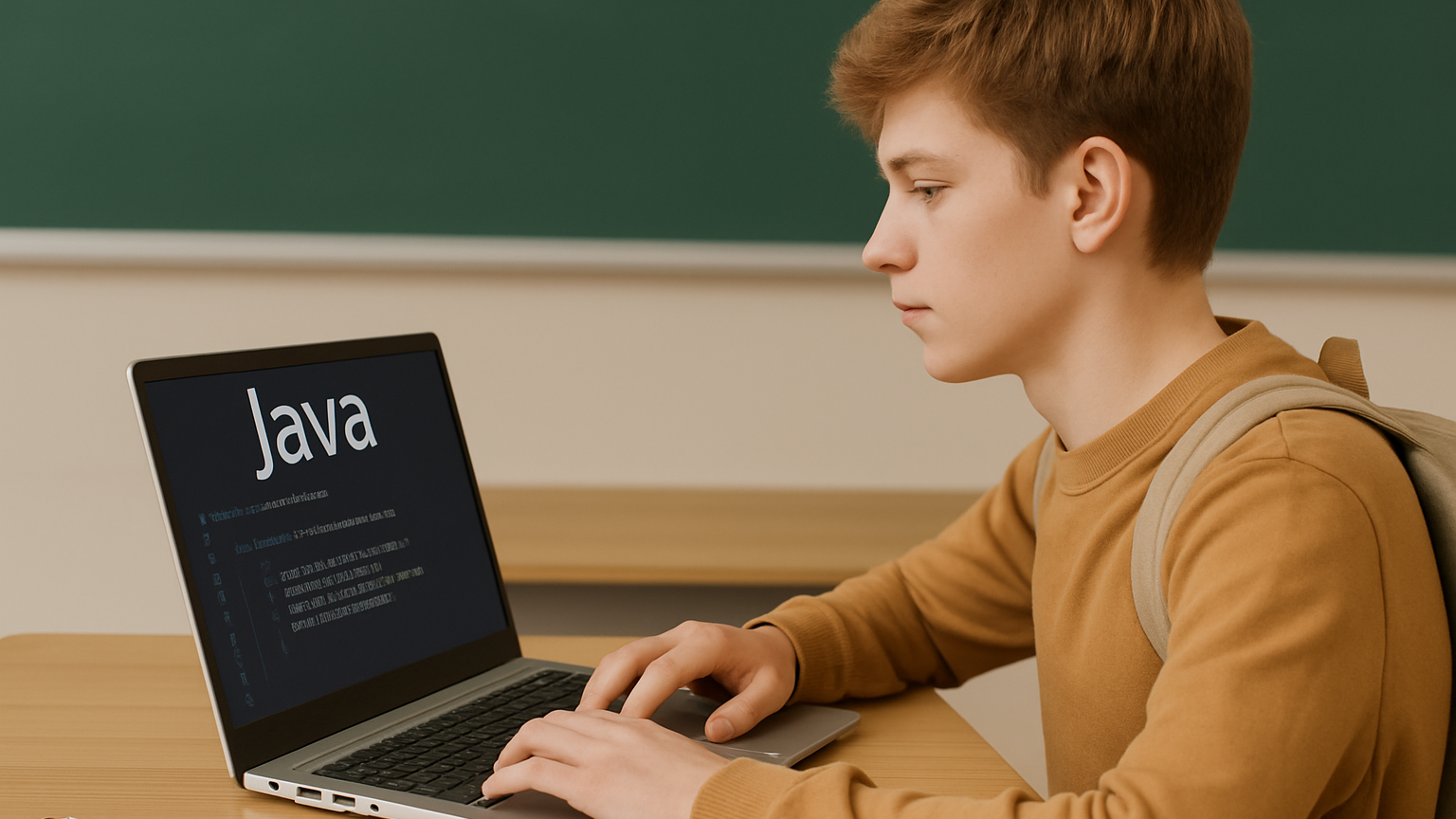
Java programming for high school students offers a wide range of advantages for young learners:

  1. Universal Language: Java is a language that can run on any platform without needing to be re-written, which is known as its platform independence. This means students can write code once and run it anywhere, whether on Windows, macOS, or Linux. This cross-platform compatibility is a big advantage for aspiring developers.
  2. Foundation for Other Languages: Learning Java programming for high school students provides a strong foundation for other programming languages. Once students are comfortable with Java, transitioning to other languages like Python, C++, or JavaScript becomes much easier. Java introduces students to core programming concepts such as variables, loops, conditionals, and object-oriented programming.
  3. Job Opportunities: Java programming for high school students is one of the most in-demand skills in the job market. By learning Java early on, students set themselves up for future opportunities in fields such as software development, game design, web development, and even machine learning.
  4. Problem-Solving Skills: Java programming for high school students helps develop logical thinking and problem-solving skills. By learning to write code, students practice breaking down problems into manageable pieces and finding efficient solutions. These skills are not only valuable for coding but also essential in various other aspects of life.
  5. Real-World Applications: Java is used in numerous industries, from finance to entertainment. It powers Android mobile apps, large-scale enterprise systems, cloud-based applications, and much more. By learning Java programming for high school students, they gain exposure to real-world applications and can apply their knowledge to projects with practical uses.

Benefits of Java Programming for High School Students

java programming for high school students

Enrolling in a Java programming class for high school students can provide several key benefits:

  1. Structured Learning Path: While there are plenty of online tutorials and resources available, taking a formal Java programming class for high school students provides a structured approach. Students learn from experienced instructors who guide them through the fundamentals and advanced topics, ensuring they build a strong understanding of the language.
  2. Hands-On Experience: Programming is best learned through practice. Java programming classes for high school students typically involve hands-on coding exercises, allowing students to apply their knowledge in real-time. Whether it’s building a simple calculator or creating a basic game, students get to experience the thrill of bringing their ideas to life.
  3. Access to Expert Guidance: Learning a programming language can be challenging, especially for beginners. Having access to expert instructors in a classroom setting allows students to ask questions, get feedback, and receive help when they encounter difficulties. This can boost their confidence and keep them motivated throughout the learning process.
  4. Collaborative Environment: Many Java programming classes for high school students encourage teamwork and collaboration. Students often work on group projects, where they can learn from one another, share ideas, and tackle challenges together. Collaboration enhances their communication skills and prepares them for future careers that require teamwork.
  5. Portfolio Building: One of the most valuable aspects of taking a Java programming class for high school students is the opportunity to build a programming portfolio. Students can showcase their projects, whether it’s a simple game or a web application, to potential employers or universities. A strong portfolio can set them apart from others in the competitive tech industry.

What Students Will Learn in Java Programming Classes
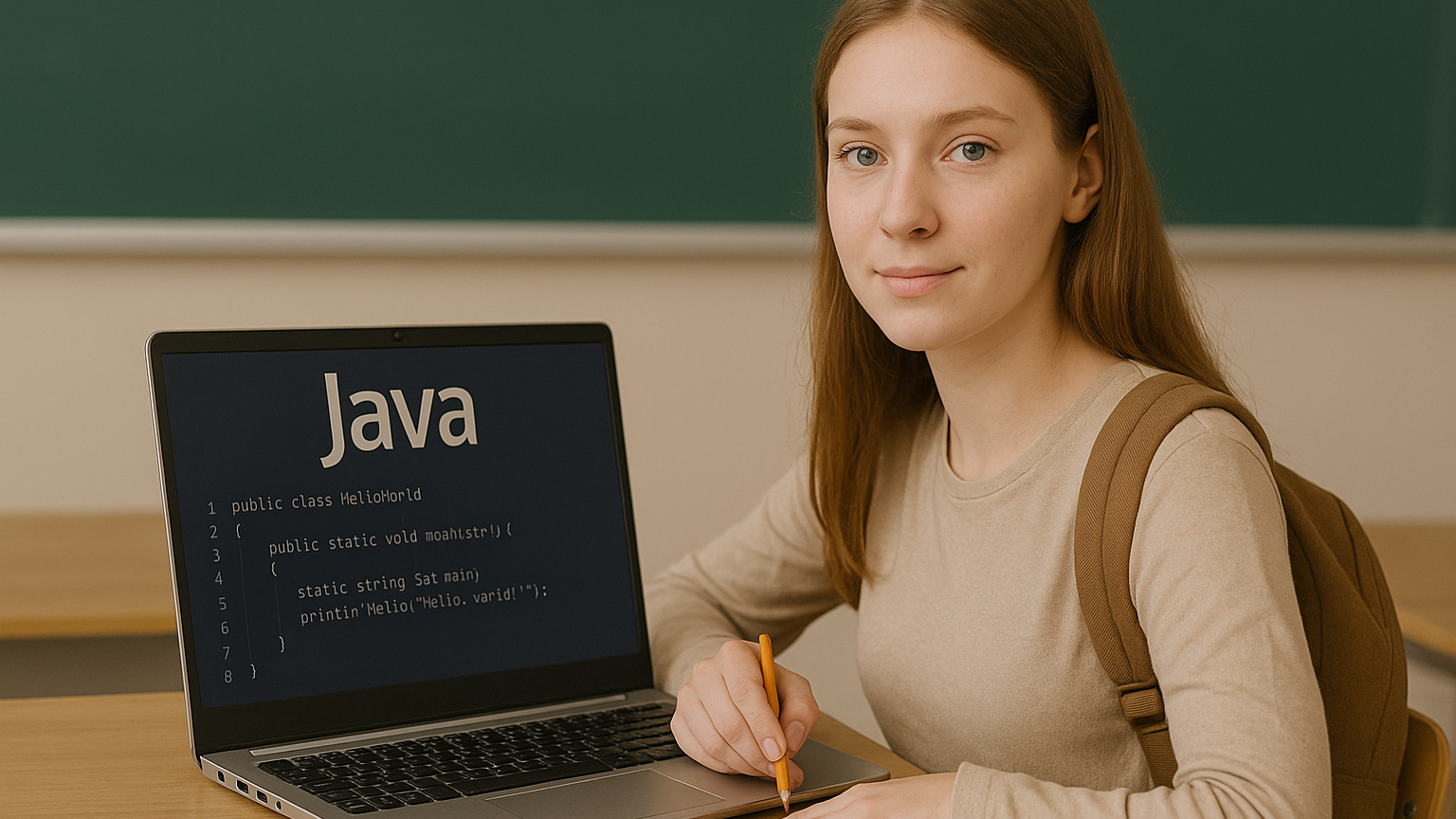
A typical Java programming class for high school students covers a wide range of topics, including:

  1. Introduction to Java: Students learn the basics of Java programming for high school students, including how to install and set up the Java development environment. They’ll also learn about the syntax of Java and how to write simple programs.
  2. Variables and Data Types: Students learn how to use variables to store data and how to work with different data types such as integers, strings, and booleans. They’ll also learn how to perform operations on variables.
  3. Control Flow: Students are introduced to control flow concepts such as conditionals (if-else statements) and loops (for, while), which help in making decisions and repeating actions within a program.
  4. Object-Oriented Programming (OOP): One of the key features of Java is its object-oriented nature. Students learn how to create and work with classes and objects, which is essential for developing complex applications.
  5. Functions and Methods: Students learn how to define and call functions (or methods) to perform specific tasks within their programs. This is essential for organizing code and making programs more efficient.
  6. Arrays and Collections: Students learn how to store and manage collections of data, such as arrays and lists, which are essential for building more advanced programs.
  7. Exception Handling: Java programming classes for high school students introduce students to the concept of error handling, teaching them how to anticipate and manage potential errors in their programs.
  8. GUI Development: Students may also learn the basics of creating graphical user interfaces (GUIs), allowing them to build user-friendly applications with buttons, text fields, and other interactive elements.
  9. Project Development: As a final step, students often work on a larger project, applying everything they’ve learned to create a complete Java application. This could be a simple game, a calculator, or a more complex system.

Why Timedoor Academy’s Java Programming Class Is Perfect for High School Students

 Image

At Timedoor Academy, we offer Java programming classes for high school students specifically designed to help young learners succeed. Our classes provide a well-rounded curriculum that covers everything from the basics to advanced topics. Our experienced instructors are passionate about teaching and helping students succeed, and our hands-on approach ensures that students gain practical coding experience.

We believe in making coding fun and accessible, and our classes are designed to engage students with interactive lessons, real-world projects, and collaborative work. Whether your child is new to programming or has some experience, our Java programming classes for high school students will help them develop their coding skills and prepare them for future success in the tech industry.

The Power of Java Programming for High School Students

Java programming for high school students is a valuable skill that can open doors to numerous career opportunities in the technology field. By enrolling in a Java programming class for high school students, they gain a solid foundation in coding that can serve as a stepping stone for future endeavors. The skills they acquire will not only help them in their academic journey but also prepare them for a bright future in the ever-evolving world of technology.

Start your child’s coding journey today with Timedoor Academy in free trial class and watch them unlock their potential in the world of programming!
Keep Reading

Screen Time Isn’t the Enemy: Why Screen Time for Kids Should Focus on Quality in 2025
In today’s digital age, screen time for kids is a hot topic among parents. Many worry that too much time in front of a screen could negatively impact their children’s physical health, mental well-being, and social development. However, the truth is, screen time for kids isn’t inherently bad. When used wisely and filled with the right kind of activities, it can actually bring many positive benefits. This article explores why the quality of screen time for kids matters more than simply limiting the hours. We’ll also discuss examples of productive digital activities, practical tips for managing screen time, and how parents can turn screen moments into opportunities for learning and meaningful family bonding. Look Beyond Just the Hours Most conversations about screen time for kids revolve around duration: how many hours per day is too much? But recent research suggests that the real impact depends more on what children do during that screen time and whether parents are involved. For example, watching educational shows, taking a coding class, or working on digital projects is far more beneficial than passively playing games or binge-watching entertainment videos. The American Academy of Pediatrics (AAP) recommends that parents focus more on content, engagement, and interaction, rather than rigidly limiting screen time hours. What Makes Screen Time High Quality? High-quality screen time is screen time that’s used for educational, creative, or character-building purposes. Examples include learning to code, creating animations, joining digital art classes, reading e-books, or communicating positively with friends and family. Quality also improves when digital activities involve parents. Helping kids choose educational apps, discussing movies together, or working on a digital project as a family can strengthen your bond and build children’s confidence. The Benefits of Well-Managed Screen Time When managed properly, screen time for kids can foster many valuable skills, such as: Digital literacy and tech readiness: Preparing children for a digital-driven world. Critical and creative thinking: Boosted through solving coding challenges, creating digital projects, or editing videos. Communication and collaboration: Practiced in online classes, learning forums, or group projects. Character development: Encouraging discipline, curiosity, responsibility, and confidence. The Risks of Unsupervised Use On the flip side, poorly managed screen time can lead to negative outcomes like gadget addiction, sleep problems, reduced social interaction, and passive behavior. That’s why active parental supervision and guidance are essential in shaping healthy screen habits. How to Make Screen Time More Productive Here are some practical tips to help ensure screen time for kids is beneficial: Choose Educational Content WiselyOpt for age-appropriate learning apps, websites, or programs. Avoid content that’s inappropriate or irrelevant. Create a Balanced Daily ScheduleBalance screen time with physical activity, outdoor play, and enough rest. Watch and Discuss TogetherBe present during digital activities and talk about what your child is learning or watching. Offer Creative Digital OptionsIntroduce fun experiences like coding, graphic design, vlogging, or app-based science experiments. Make It a Family ActivityTry learning coding together, watching documentaries, or working on family-friendly digital projects. Coding Courses: A Great Example of Quality Screen Time One of the best examples of productive screen time for kids is enrolling them in coding courses. Coding isn’t just a trend — it builds logic, creativity, and problem-solving skills. It also promotes patience, teamwork, and curiosity. At Timedoor Academy, children can explore coding through structured lessons and real-world projects in a safe and supportive environment. With free trial classes available, it’s a great way to turn screen time into a fun, meaningful learning experience.
How to Use Figma for Kids: A Fun and Simple Digital Design Guide
In today’s digital era, graphic design has become an increasingly essential skill, even for kids. Design is not just about drawing or creating illustrations. It also helps children develop creativity, visual logic, and systematic thinking. One of the most popular and beginner-friendly design tools to introduce early on is Figma. This article will guide you on how to use Figma for kids in a fun and easy-to-follow way. Figma is a web-based design platform widely used by UI/UX professionals and graphic designers. But because of its intuitive interface and real-time collaboration features, Figma can also be a great learning tool for children, especially those curious about digital design, posters, invitations, app layouts, or even simple games. Why Kids Should Learn Digital Design Digital design is not only about aesthetics, but also about communication. Kids who learn design early tend to express ideas visually, organize information clearly, and feel more confident experimenting with their creativity. Design skills also open doors to other fields like illustration, app development, animation, and branding. By learning how to use Figma for kids, the design process becomes more engaging. They can instantly try, rearrange, and explore design elements without needing to install any additional software. What to Prepare Before Using Figma Before your child starts designing, here are some things to set up: Figma account: Create a free account at figma.com. Use a parent’s email and assist during setup. Device: A laptop or desktop with a stable internet connection works best. Simple design theme: Start with fun, easy projects like a birthday card or character illustration. Benefits of Using Figma for Kids Here are some of the main benefits of using Figma as a learning tool for kids: Enhances creativity and visual aesthetics Builds logical thinking through layout structure Boosts confidence through hands-on creation Encourages teamwork and collaboration in online settings Step-by-Step Guide: How to Use Figma for Kids Below are specific steps on how to use Figma for kids, including core features and how to guide them: 1. Introduce the Interface and Basic Tools After logging in to a Figma account, walk your child through the main elements of the workspace: Canvas: the blank area where they’ll build designs Top toolbar: includes tools like Move, Frame, Shape, and Text Left panel: shows the object structure (layers) Right panel: used to adjust color, size, position, and effects Let them freely draw circles, squares, or stars and experiment with colors. This unstructured play helps them get familiar with Figma naturally. This is also a great starting point in how to use Figma for kids in a stress-free way. 2. Start a New Project Click New Design File and let your child name it something fun like “My Poster” or “Cute Cat Project.” Then: Create a Frame using A4 size or mobile screen dimensions Add shapes via the Shape tool, then change colors on the right panel Add text with the Text Tool, and adjust font size, color, and position This step of how to use Figma for kids feels like drawing on a digital piece of paper—fun and intuitive. 3. Add Images and Illustrations To make their design more dynamic, help them insert images: Click File > Place Image and choose from your computer Or simply drag and drop into the canvas Use the Unsplash plugin to find royalty-free images directly inside Figma This makes it easier for kids to create digital greeting cards, collages, or mood boards. These small projects are practical examples of how to use Figma for kids in real-life situations. 4. Create Simple App or Game Layouts For older kids, try introducing them to basic app layout design: Use Frames sized for iPhone or Android Add titles, icons, and buttons Turn elements into Components for duplication Use Prototype mode to simulate screen transitions This is a creative and exciting way to teach design logic and basic UX thinking. It’s also a more advanced stage in how to use Figma for kids who want to go deeper. 5. Collaborate and Present Figma is perfect for collaborative learning. Kids can: Click Share to invite parents, teachers, or friends Use Presentation Mode to view their design full-screen Receive comments directly on the canvas and learn from feedback These interactions help kids learn how to present and improve their ideas. How to use Figma for kids can extend into valuable lessons on teamwork and communication. Combine with Online Design Classes To support their learning journey, consider enrolling your child in an online design course. Timedoor Academy offers kid-friendly design programs based on fun projects and personalized learning. Learning how to use Figma for kids is much easier when supported by friendly mentors and structured activities. Tips for Parents to Support Learning To make the learning process smoother, parents can: Be present during the early stages, then give room to explore Ask about their designs and encourage storytelling Avoid focusing on perfection—celebrate creativity instead Try designing together as a bonding activity Ready to Introduce the World of Design? Introducing your child to digital creativity can begin with simple tools like Figma. With the right guidance and playful approach, how to use Figma for kids becomes a fun activity that sharpens logic, builds visual confidence, and sparks interest in technology. Timedoor Academy is here to support your journey. With interactive online classes and friendly instructors, your child can learn to design with confidence. Try a free class today and help your child discover their design potential from an early age.
apps for kids learning english
10 Best Apps for Kids Learning English in 2025 (Fun and Effective Tools)
In today's digital age, many parents are turning to technology to support their child's education. If you're searching for apps for kids learning English, you are in the right place. The right apps can help children build their vocabulary, improve pronunciation, and master grammar while having fun through interactive games, songs, and storytelling. This article features the 10 best apps for kids learning English in 2025. Whether your child is a complete beginner or looking to sharpen their English skills, these apps offer engaging ways to learn at home or on the go.   10 Best Apps for Kids Learning English in 2025 (Fun and Effective Tools)   1. Duolingo Kids Why it’s great: Duolingo Kids simplifies English learning with bite-sized, gamified lessons. The colorful design and rewards system make it exciting for young learners. Key Features: Fun vocabulary practice with visual cues Audio support for correct pronunciation Progress tracking for parents Ideal for: Children aged 4 to 10 who enjoy playful, interactive learning.   2. Lingokids – Playlearning App Why it’s great: Lingokids offers a complete English learning experience for kids. It includes games, songs, and videos that cover grammar, vocabulary, and conversation skills. Key Features: Adaptive learning based on skill level Downloadable content for offline use Weekly progress reports for parents Ideal for: Preschool and elementary-aged children who learn best through play.   3. Endless Alphabet Why it’s great: This app uses adorable animated monsters to introduce English words in a fun and engaging way. It's great for building vocabulary and early literacy skills. Key Features: Animated word puzzles Clear voice narration No ads or distractions Ideal for: Toddlers and young children who are just starting with apps for kids learning English.   4. ABCmouse Why it’s great: ABCmouse offers a full curriculum, including reading, phonics, and grammar lessons in English. With thousands of activities, kids stay engaged while learning. Key Features: Structured learning paths Hundreds of English storybooks Built-in reward system for motivation Ideal for: Kids aged 2 to 8 who need a well-rounded learning app.   5. Fun English by Studycat Why it’s great: This app uses games and songs to teach kids English vocabulary, phrases, and sentence structures. It's fun and suitable for both beginners and bilingual learners. Key Features: Voice recognition to practice speaking Games covering numbers, colors, and animals Easy navigation for kids Ideal for: Children who want to learn English in a playful environment.   6. Reading Eggs Why it’s great: Focused on reading and comprehension, Reading Eggs offers phonics-based lessons that improve vocabulary and fluency. Key Features: Interactive reading games English storybooks and lessons Adaptive difficulty levels Ideal for: Early readers who want to improve their English comprehension.   7. Khan Academy Kids Why it’s great: This free app includes English reading lessons along with math, logic, and social-emotional learning. The friendly characters guide kids through interactive stories and games. Key Features: High-quality educational content Creative learning tools No ads and completely free Ideal for: Parents looking for high-value, free apps for kids learning English.   8. Monkey Stories Why it’s great: Monkey Stories features a vast library of animated stories in English. Kids can follow along with subtitles, improving listening and reading skills. Key Features: 1,000+ English books and stories Interactive reading mode Daily learning goals Ideal for: Children who enjoy learning through storytelling.   9. Speakia Why it’s great: Speakia focuses on improving speaking and conversational English skills. It uses AI to simulate dialogues, helping kids speak more confidently. Key Features: Speaking practice with instant feedback Real-life conversation simulations Progress tracking Ideal for: Kids who need extra help with speaking and listening in English.   10. Hello English Kids Why it’s great: Hello English Kids offers lessons in vocabulary, sentence structure, and everyday conversations. The app is simple to use and designed for young learners. Key Features: Games and videos for better engagement English tests and flashcards Child-friendly interface Ideal for: Beginners looking for simple and effective apps for kids learning English.   Tips of Choosing Apps for Kids Learning English Choosing the best apps for kids learning English depends on your child's: Age and learning level: Make sure the content is age-appropriate. Learning style: Some children prefer stories, while others enjoy games or visuals. Screen time: Pick apps that are ad-free and encourage short, productive sessions. Look for apps that allow offline access and offer progress reports so parents can stay involved.   Final Thoughts There are plenty of amazing apps for kids learning English, but the key is to find one that suits your child’s unique interests and learning pace. From storytelling apps to full learning platforms, each of the ten apps mentioned above offers a different approach to mastering English in a fun, engaging way. If your child enjoys using technology to learn, why not take the next step with Timedoor Academy’s online coding classes? While they explore apps to improve their English, learning to code can help them develop logical thinking, creativity, and problem-solving skills. These are essential abilities in today's digital world. Try a free coding class at Timedoor Academy today and empower your child for the future.
float button