Apr 11, 2025

How to Create a Roblox Game for Kids: Easy Guide
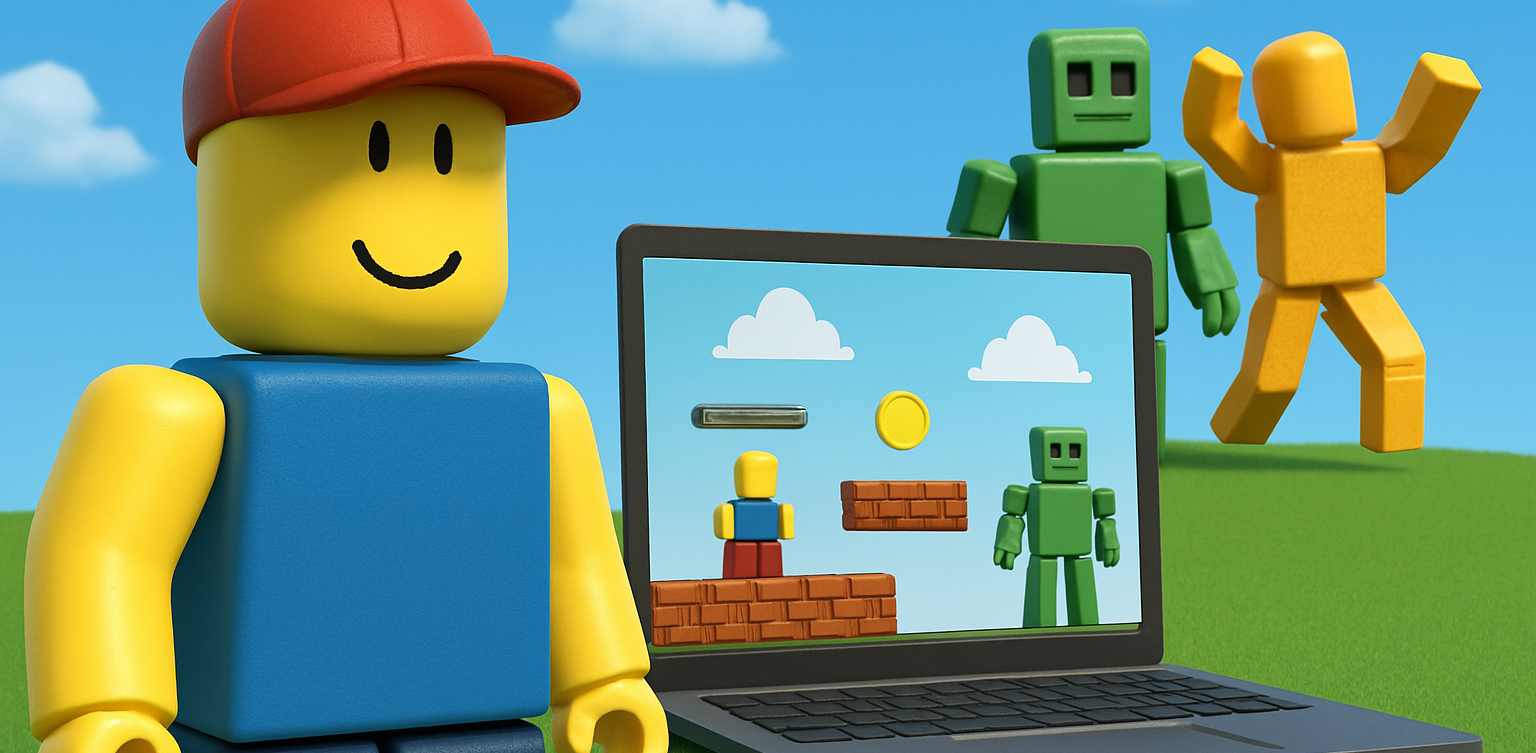
How to Create a Roblox Game for Kids: Easy Guide image

Roblox is a fantastic platform that allows kids to create, play, and share their own games. Learning how to create a game in Roblox can be a rewarding and fun experience for children, helping them develop creativity and basic coding skills. In this easy guide, we’ll walk you through step-by-step how your child can start creating their very own Roblox game.

Creating Roblox Game For Kids

Step 1: Setting Up Roblox Game Studio For Your Kids
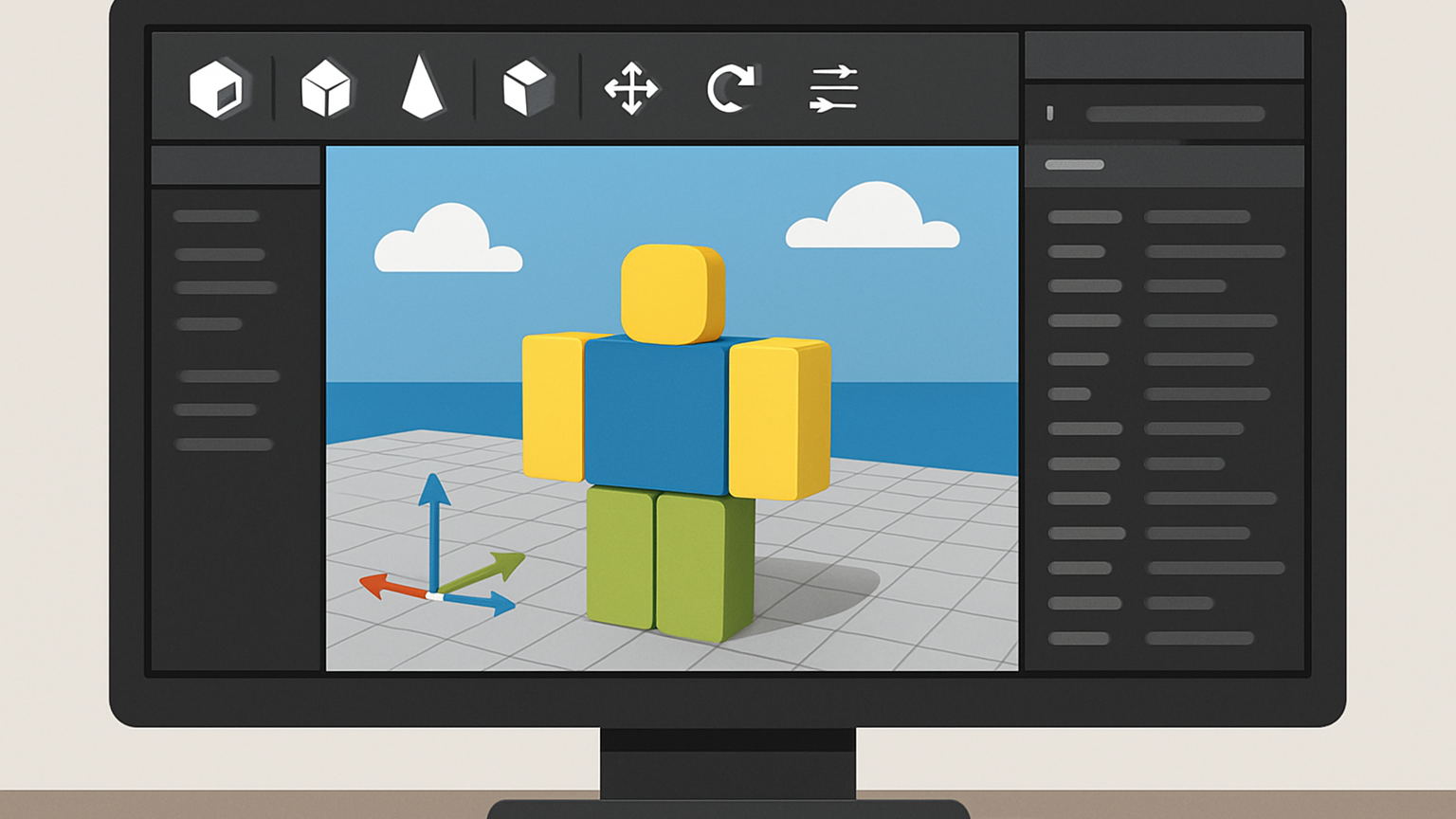
To create games, kids first need Roblox Game Studio. Here’s how to set it up:

  • Log in to your Roblox account.
  • Go to the Roblox Studio website and click on “Start Creating.”
  • Follow the simple instructions to install Roblox Studio on your computer.

Step 2: Choose a Roblox Game Template For Your Kids
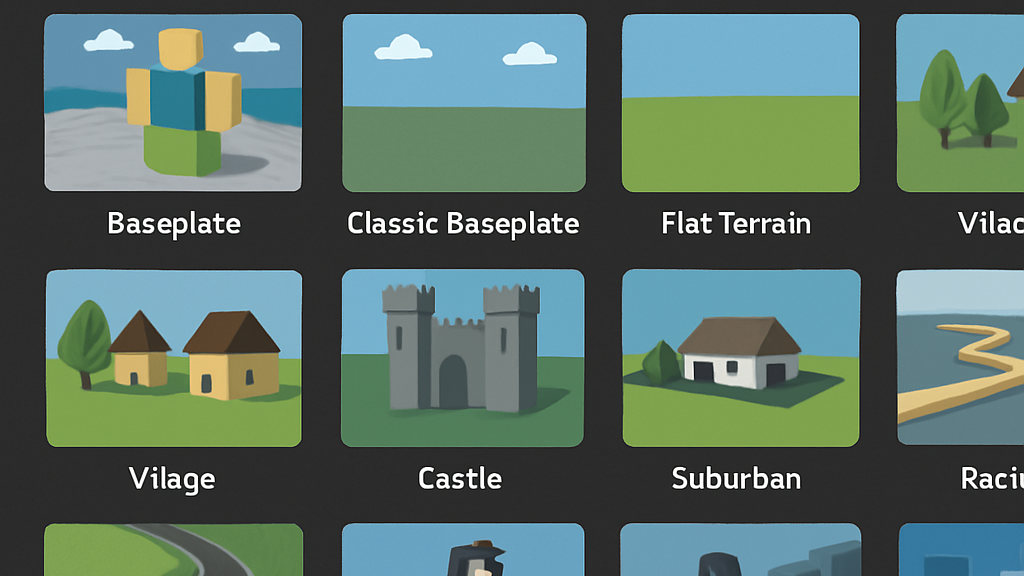
Roblox Game offers several easy-to-use templates to help beginners:

  • Open Roblox Studio.
  • Select “New,” and then choose a template like “Obby” (Obstacle Course) or “Baseplate.”

Step 3: Customize Your Roblox Game For Your Kids
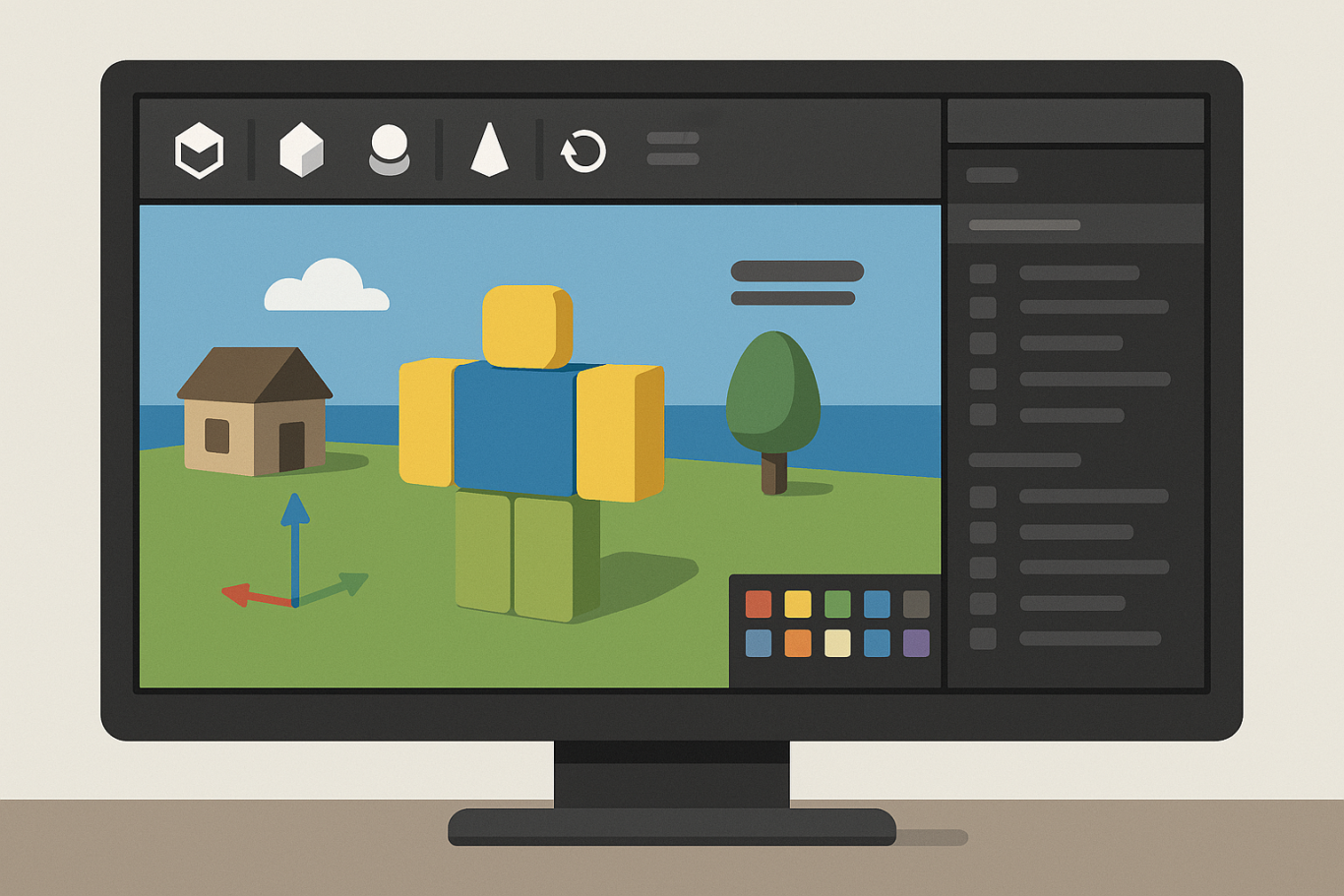
Encourage your child to personalize their roblox game:

  • Drag and drop different objects from the Toolbox.
  • Click objects to move, rotate, or resize them.
  • Customize colors and textures to make the game visually appealing.

Step 4: Add Simple Roblox Gameplay Elements For Your Kids
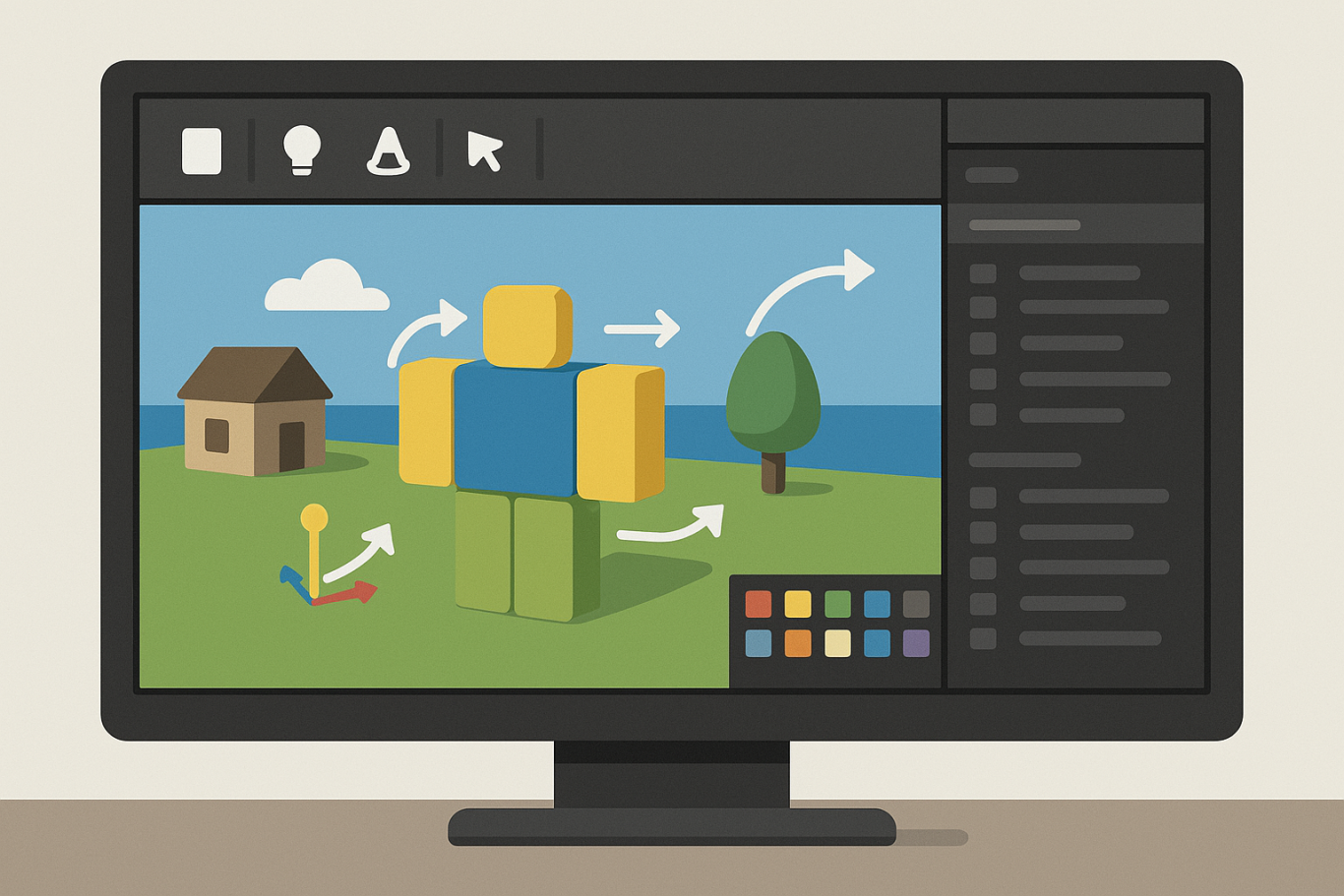
Make the roblox game interactive:

  • Add checkpoints or obstacles in an Obby game.
  • Use scripts from the Toolbox to easily add functionality.
  • Test the game frequently by clicking the “Play” button at the top.

Step 5: Publish and Share Your Kids Roblox Game
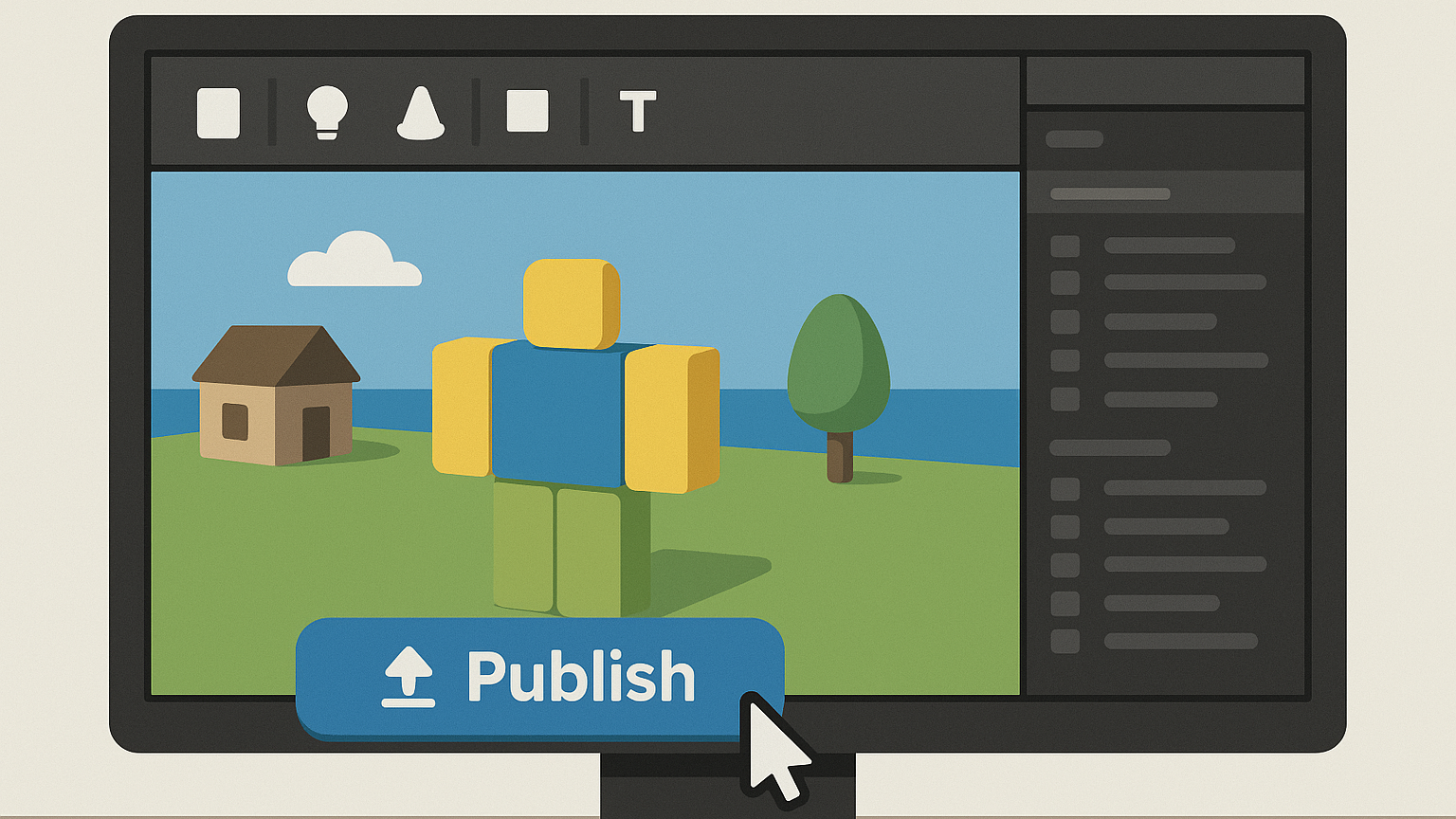
Once your roblox game is ready, follow these simple steps:

  • Click “File” then select “Publish to Roblox.”
  • Enter a fun and descriptive name for the game.
  • Choose settings like visibility (Public or Private).
  • Click “Create” to publish your game.

Tips for Kids Creating Roblox Game

  • Start simple: Create a basic game and gradually add more features.
  • Explore tutorials: Roblox provides great beginner tutorials.
  • Experiment: Don’t be afraid to try new things

Start Your Kids Roblox Game Journey Today!

Creating Roblox games is an excellent way for kids to express creativity while learning valuable skills. Follow our simple steps and your child can easily build their first Roblox game today. Want more learning experiences? Timedoor Academy offers free classes to help your kids dive deeper into coding and game design. Join the Free Trial Class now and keep the fun going!


Keep Reading

How to Choose a College Major: Why IT Major Is One of the Best Options in 2025
Deciding on how to choose a college major is one of the most important decisions for any student. The major you pick can shape your future career, skills, and opportunities. With so many options available, it can feel overwhelming to decide which path to take. Among the many fields, an IT major (Information Technology) stands out as a strong choice for students looking to enter a fast-growing, dynamic industry with global opportunities. This article will help you understand why an IT major could be the right fit and offer tips on how to choose a college major wisely. Why Choosing the Right College Major Matters Deciding on how to choose a college major is more than just picking a subject to study. It determines the skills you will develop, the network you build, and the kind of career path you might follow. A well-chosen major aligns with your interests and the demands of the job market, giving you a better chance at success after graduation. Many students struggle with this choice because they want to balance passion with practicality. You want to enjoy what you study but also ensure that your skills will be valuable in the real world. Understanding the current and future job market trends can guide you to make an informed decision. Why Consider an IT Major? High Demand and Job SecurityThe IT industry is growing rapidly worldwide. Businesses, governments, and organizations of all sizes rely on IT professionals to maintain systems, secure data, and develop new technologies. Roles like software developer, network administrator, cybersecurity analyst, and data scientist are in high demand and expected to grow for years to come. Versatile Skills Applicable Across IndustriesAn IT major equips you with technical skills that apply in various sectors such as healthcare, finance, education, entertainment, and more. Whether you want to build apps, manage cloud infrastructure, or analyze big data, the skills from an IT major open doors in many fields. Attractive Salaries and Career GrowthBecause of the specialized skills required, IT careers often come with competitive salaries. Plus, the tech industry is known for offering career advancement opportunities, certifications, and the chance to work in innovative environments. Continuous Learning and InnovationIT is an ever-evolving field. If you enjoy learning new technologies and solving problems creatively, an IT major offers a dynamic and stimulating career path. Tips for How to Choose a College Major Assess Your Interests and StrengthsThink about what subjects excite you and where your skills lie. Passion combined with aptitude often leads to success. Research Job Market TrendsLook into which majors have strong job prospects both locally and globally. The IT field, for example, shows consistent growth worldwide. Consider Your Long-Term GoalsWhere do you see yourself in 5 or 10 years? Choose a major that aligns with your vision. Talk to Professionals and AlumniConnect with people who have studied or work in your fields of interest to get real-world insights. Explore Related Courses or WorkshopsTry online courses, coding bootcamps, or workshops in IT or other areas you’re curious about. This can help you get a feel for what you like. How Online Learning Can Boost Your IT Journey Choosing an IT major doesn’t mean you only learn in classrooms. Many successful IT professionals supplement their studies with online courses and coding bootcamps. Platforms like Timedoor Academy offer interactive and beginner-friendly coding classes that can help you build practical skills alongside your college education. Timedoor also provides free trial classes, so you can explore if coding and IT are right for you before fully committing. This kind of hands-on experience can give you an edge when entering the job market. Making an Informed Choice How to choose a college major is a question many students face. By reflecting on your interests, researching industries, and exploring fields like IT major, you can make a choice that benefits both your passion and career prospects. If you’re leaning towards technology and innovation, an IT major is definitely worth considering. And remember, learning doesn’t stop with your degree. Using resources like Timedoor Academy to build real skills can set you up for success in the competitive global job market. Start your learning journey today with a free trial class and see where IT can take you!
Benefits of Coding for Kids: The Long-Term Advantages of Early Coding Education
In today’s digital era, coding skills are no longer just technical abilities—they have become essential assets for facing future challenges. That’s why many parents and educators are beginning to recognize the benefits of coding for kids from an early age. Coding education not only helps children understand technology but also offers numerous long-term advantages that are valuable for their development, both academically and in everyday life.   1. Enhancing Critical Thinking and Problem-Solving Skills One of the most important benefits of coding for kids is its ability to train critical thinking and problem-solving skills. When learning to code, children are taught how to break down large problems into smaller, manageable parts and to find logical and systematic solutions. This process helps kids develop analytical and creative thinking, which proves useful across various life situations and academic fields.   2. Fostering Creativity and Self-Expression Many people think of coding as a rigid activity filled with lines of code, but in reality, coding can be very creative. Through coding, kids can build exciting projects such as games, animations, and apps. This allows them to express their ideas and imagination in tangible ways using technology. This benefit of coding for kids is crucial so they become not only technology users but also creators.   3. Preparing Kids for the Future Job Market With rapid technological advancements, many future jobs will require coding as a key skill. By introducing coding early, children will be better prepared to face changes in the world and global competition. The benefits of coding for kids here lie in giving them a competitive edge to adapt to an increasingly digital and automated workforce.   4. Improving Focus and Attention to Detail Learning to code also demands that kids focus and pay attention to every line of code to ensure the program runs smoothly. This habit builds patience and sharpens their ability to notice details. With enhanced concentration, children can improve their performance in other subjects because they become accustomed to working carefully and systematically.   5. Strengthening Collaboration and Communication Skills Although coding may seem like an individual activity, many coding projects require teamwork. Kids learn how to communicate clearly, share ideas, and collaborate to solve problems. This benefit of coding for kids helps them develop important social skills and prepares them to work in dynamic, collaborative environments.   6. Boosting Confidence and Independence When children successfully complete a coding project, such as creating a simple game or application, they experience a sense of achievement that boosts their confidence. Moreover, coding teaches kids to learn independently, find solutions on their own when problems arise, and to persevere. These benefits of coding for kids are valuable in shaping strong character and resilience.   Start Coding Education for Kids at Timedoor Academy With all these important benefits of coding for kids, there’s no reason to delay introducing coding early. Timedoor Academy offers the best solution for parents who want to provide quality coding education to their children. The learning programs at Timedoor Academy are designed to be fun and interactive, so kids don’t just learn coding—they enjoy the process. We also offer free trial classes so your child can try and experience the benefits of coding for kids firsthand before making a commitment. Register your child now and help them develop skills that will be incredibly useful for their future! By giving children the chance to learn coding as early as possible, you’re opening doors for them to maximize their potential and be ready for the challenges of the digital age. Remember, the benefits of coding for kids go beyond technical skills—they’re about shaping mindset, creativity, and strong character. So don’t wait any longer—take advantage of coding education at Timedoor Academy and see the positive changes in your child!
21st Century Skills for Children: Preparing the Next Generation
In today’s fast-paced world, the demands for relevant skills are constantly evolving. For parents, ensuring that children acquire 21st century skills for children is essential so they can adapt, compete, and thrive in the future. This article will explore what these skills are and how parents can actively support their children in developing them effectively. What Are 21st Century Skills? 21st century skills refer to abilities that children need to face global challenges and technological advancement. These skills include critical thinking, creativity, communication, collaboration, digital literacy, and self-management. By mastering these competencies, children are not only able to learn efficiently but also solve problems creatively and innovate in various aspects of life. It is crucial for parents to understand that 21st century skills for children extend beyond academics. For example, the ability to collaborate and communicate effectively helps children form strong relationships, while creativity and critical thinking equip them to tackle complex problems. These skills lay the foundation for lifelong learning and resilience. Why Are 21st Century Skills Important for Children? In an increasingly digital world, children face different opportunities and challenges compared to previous generations. They require more than basic knowledge—they need the ability to navigate information wisely, adapt to change, and work effectively with others. Therefore, 21st century skills for children are vital in establishing a strong foundation for future success. Moreover, these skills foster lifelong learning. Critical and creative thinking enable children to explore their surroundings, generate innovative ideas, and develop solutions to emerging problems. Digital literacy is also a key component, as technology continues to play a central role in everyday life and the workforce. Core 21st Century Skills for Children Here are some essential competencies included in 21st century skills for children: 1. Critical Thinking and Problem Solving The ability to analyze information, evaluate solutions, and make informed decisions is crucial. Children trained in critical thinking can approach challenges calmly and wisely. 2. Creativity and Innovation Creativity allows children to generate new ideas and innovate. Through art, science experiments, and technology, parents can nurture creativity in their children. This aspect of 21st century skills for children is closely linked to innovation. 3. Communication and Collaboration Effectively expressing ideas and working within a team are key for success. Children accustomed to group work are more capable of sharing ideas and learning from others. 4. Digital Literacy Children must understand how to use technology effectively and safely. Digital literacy helps them access information responsibly, create positive content, and avoid risks online. Digital competence is an essential component of 21st century skills for children. 5. Self-Management Time management, emotional regulation, and goal setting are parts of self-management. Children who develop these skills become more disciplined and confident in facing challenges. Parents’ Role in Developing 21st Century Skills Parents play a critical role in supporting the development of 21st century skills for children. Some steps include: Providing opportunities for children to experiment and explore their interests. Facilitating safe access to technology and educational resources. Encouraging teamwork and participation in creative projects. Modeling self-management and effective communication. With proper guidance, children will naturally develop skills that are beneficial not only academically but also in daily life and future careers. Developing 21st Century Skills at Timedoor Academy Timedoor Academy offers programs designed to help children master 21st century skills for children through engaging and interactive methods. By combining technology, coding, and creative activities, children can learn while playing, developing creativity, critical thinking, and teamwork abilities. These programs ensure every child has the opportunity to explore their talents, innovate, and build confidence. With parental support and the right learning environment, children will be well-prepared to face the challenges of a modern world. Preparing Children for the Future Developing 21st century skills for children is not optional—it is essential. Equipping children with critical thinking, creativity, communication, collaboration, digital literacy, and self-management prepares them to succeed in a global environment.If you want your child to learn 21st century skills in an engaging and effective way, sign up for a free trial at Timedoor Academy today and let them start exploring, creating, and growing for a bright future.
float button