Apr 10, 2025

Jumbo and Kids: 3 Inspiring Lessons on Imagination & Technology

Jumbo and Kids: 3 Inspiring Lessons on Imagination & Technology image

As parents, we want to understand the world of children that often seems “absurd”-full of fantasy, but also full of potential. In today’s digital era, that world of imagination can be realized not only through drawings or handwriting, but also through digital media such as coding, animation, and game development. So, what can we learn from Jumbo’s story about children and technology?

1. Children’s Imagination Is Their Greatest Asset

Jo, the main character of Jumbo didn’t create Jumbo because she was told to, but because she felt alone and wanted a friend. Children have a rich inner world, and imagination is often the bridge to expressing emotions or exploring new ideas. Unfortunately, in an education system that focuses too much on academics, children’s imaginations can be forgotten. In fact, in the world of technology, creativity is a major force. Many great innovations were born not from knowledge, but from the courage to imagine things that do not yet exist. As parents, we can start by asking: “If you could make a robot like Jumbo, what would it be like? Can it do anything?” From there, children learn to think creatively and express ideas concretely.

2. Technology: Not an Enemy, But a Tool of Expression

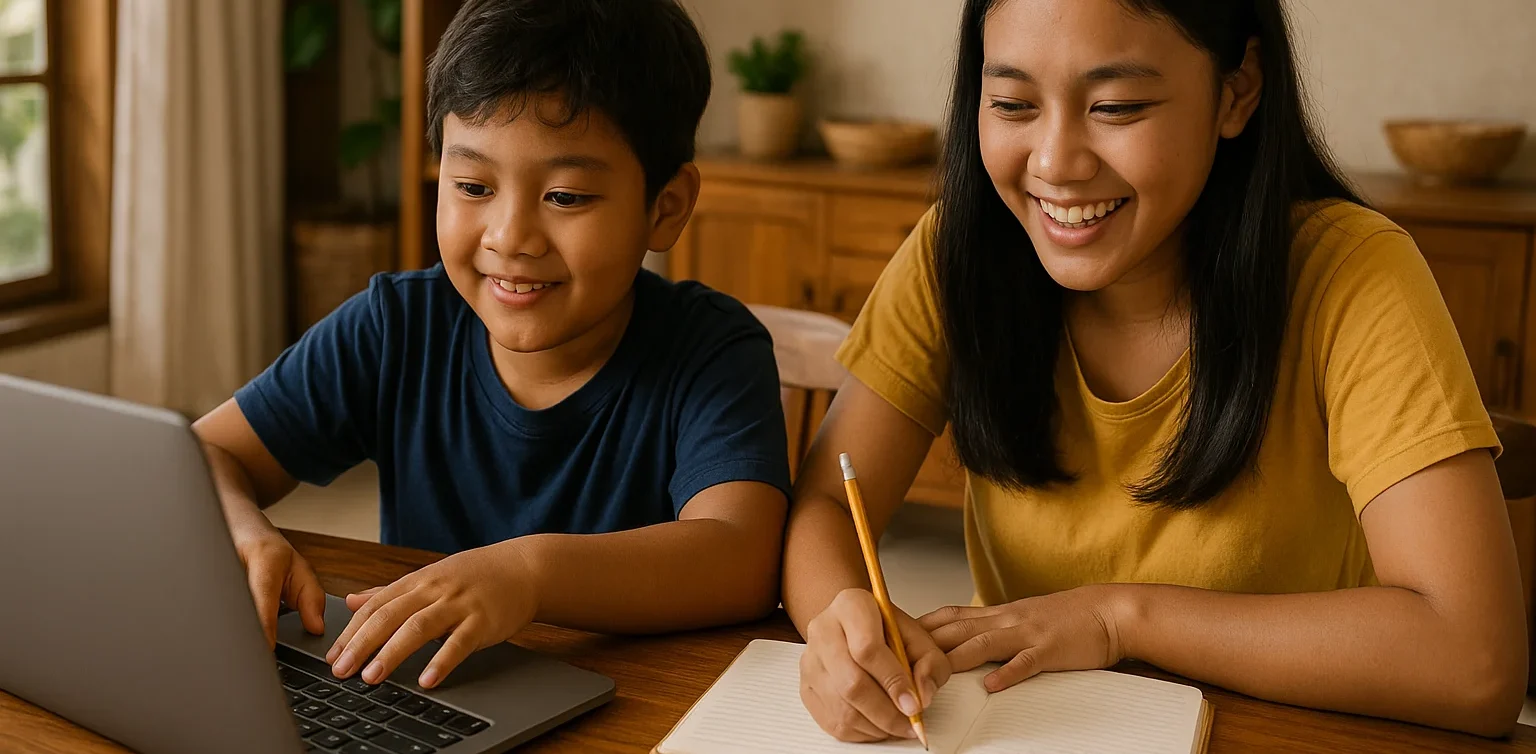
In the movie Jumbo, technology serves as a medium of expression-not just an entertainment tool. Just like Jo who built Jumbo from scrap, kids today can also create something from what they have: laptops, tablets, and internet connections. However, the use of technology must be directed. Gadgets are not always bad. If used with a clear purpose, they can be a means for children to learn to think logically, innovate, and even convey their feelings. Instead of forbidding children from playing with gadgets, we can ask: “What can you make with it?” “Do you want to try making your own game or animation?” This is where technology changes function: from passive consumption to active creation.

3. Every Child Can Be a Creator, Not Just a User

The movie Jumbo gives us one important message: children have the capacity to create something extraordinary, as long as they are given the opportunity. Not every child has to be a scientist or engineer, but every child can be a creator-they just need the right platform. Nowadays, learning technology such as coding or animation can start as early as elementary school. Children don’t need to build robots right away, but they can start by creating characters, organizing storylines, or creating small games. This process trains many things: from systematic thinking, problem solving, to cooperation. And most importantly? They learn to believe in their own ideas.
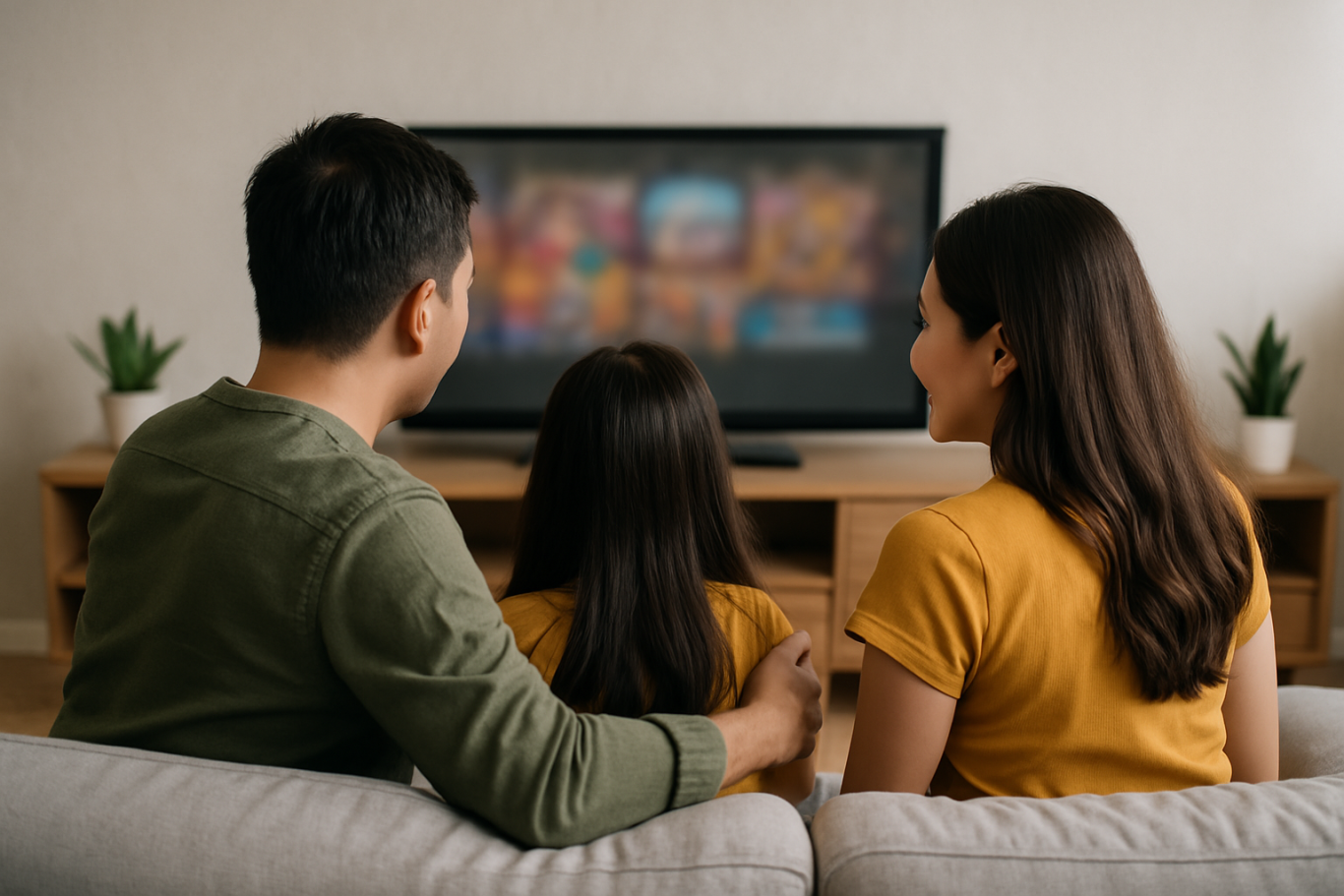
Are we ready to give children the space to create?

As parents, we have an important role to play in assisting and facilitating our children’s explorations – not rigidly directing them. Children’s imagination, like Jo in the movie Jumbo, is often the early foundation of 21st century skills: creativity, empathy, technological literacy and innovation. Giving space to play and imagine with technology could be the first step towards a brighter future for our children.

Help Your Child Bring Their Wild Ideas to Life with Timedoor Academy

At Timedoor Academy, we believe that every child has tremendous potential to create and not just follow. Through programs such as coding, animation, and digital design, children are encouraged to hone their imagination and put it into tangible form: from interactive games, animated characters, to personal digital projects that reflect their ideas and feelings. With a fun and structured approach, we help children understand that technology is not just consumption, but also a space for exploration.

Our classes are online and interactive, guided by professional mentors from Indonesia and Japan, and designed for children aged 5 to 18 from various backgrounds. So if your child has an imaginary world as big as a Jumbo robot, maybe they just need one thing: the right environment to make it happen. Timedoor is here to be the bridge between a child’s idea-rich world, and a bright future!


Keep Reading

How to Use Figma for Kids: A Fun and Simple Digital Design Guide
In today’s digital era, graphic design has become an increasingly essential skill, even for kids. Design is not just about drawing or creating illustrations. It also helps children develop creativity, visual logic, and systematic thinking. One of the most popular and beginner-friendly design tools to introduce early on is Figma. This article will guide you on how to use Figma for kids in a fun and easy-to-follow way. Figma is a web-based design platform widely used by UI/UX professionals and graphic designers. But because of its intuitive interface and real-time collaboration features, Figma can also be a great learning tool for children, especially those curious about digital design, posters, invitations, app layouts, or even simple games. Why Kids Should Learn Digital Design Digital design is not only about aesthetics, but also about communication. Kids who learn design early tend to express ideas visually, organize information clearly, and feel more confident experimenting with their creativity. Design skills also open doors to other fields like illustration, app development, animation, and branding. By learning how to use Figma for kids, the design process becomes more engaging. They can instantly try, rearrange, and explore design elements without needing to install any additional software. What to Prepare Before Using Figma Before your child starts designing, here are some things to set up: Figma account: Create a free account at figma.com. Use a parent’s email and assist during setup. Device: A laptop or desktop with a stable internet connection works best. Simple design theme: Start with fun, easy projects like a birthday card or character illustration. Benefits of Using Figma for Kids Here are some of the main benefits of using Figma as a learning tool for kids: Enhances creativity and visual aesthetics Builds logical thinking through layout structure Boosts confidence through hands-on creation Encourages teamwork and collaboration in online settings Step-by-Step Guide: How to Use Figma for Kids Below are specific steps on how to use Figma for kids, including core features and how to guide them: 1. Introduce the Interface and Basic Tools After logging in to a Figma account, walk your child through the main elements of the workspace: Canvas: the blank area where they’ll build designs Top toolbar: includes tools like Move, Frame, Shape, and Text Left panel: shows the object structure (layers) Right panel: used to adjust color, size, position, and effects Let them freely draw circles, squares, or stars and experiment with colors. This unstructured play helps them get familiar with Figma naturally. This is also a great starting point in how to use Figma for kids in a stress-free way. 2. Start a New Project Click New Design File and let your child name it something fun like “My Poster” or “Cute Cat Project.” Then: Create a Frame using A4 size or mobile screen dimensions Add shapes via the Shape tool, then change colors on the right panel Add text with the Text Tool, and adjust font size, color, and position This step of how to use Figma for kids feels like drawing on a digital piece of paper—fun and intuitive. 3. Add Images and Illustrations To make their design more dynamic, help them insert images: Click File > Place Image and choose from your computer Or simply drag and drop into the canvas Use the Unsplash plugin to find royalty-free images directly inside Figma This makes it easier for kids to create digital greeting cards, collages, or mood boards. These small projects are practical examples of how to use Figma for kids in real-life situations. 4. Create Simple App or Game Layouts For older kids, try introducing them to basic app layout design: Use Frames sized for iPhone or Android Add titles, icons, and buttons Turn elements into Components for duplication Use Prototype mode to simulate screen transitions This is a creative and exciting way to teach design logic and basic UX thinking. It’s also a more advanced stage in how to use Figma for kids who want to go deeper. 5. Collaborate and Present Figma is perfect for collaborative learning. Kids can: Click Share to invite parents, teachers, or friends Use Presentation Mode to view their design full-screen Receive comments directly on the canvas and learn from feedback These interactions help kids learn how to present and improve their ideas. How to use Figma for kids can extend into valuable lessons on teamwork and communication. Combine with Online Design Classes To support their learning journey, consider enrolling your child in an online design course. Timedoor Academy offers kid-friendly design programs based on fun projects and personalized learning. Learning how to use Figma for kids is much easier when supported by friendly mentors and structured activities. Tips for Parents to Support Learning To make the learning process smoother, parents can: Be present during the early stages, then give room to explore Ask about their designs and encourage storytelling Avoid focusing on perfection—celebrate creativity instead Try designing together as a bonding activity Ready to Introduce the World of Design? Introducing your child to digital creativity can begin with simple tools like Figma. With the right guidance and playful approach, how to use Figma for kids becomes a fun activity that sharpens logic, builds visual confidence, and sparks interest in technology. Timedoor Academy is here to support your journey. With interactive online classes and friendly instructors, your child can learn to design with confidence. Try a free class today and help your child discover their design potential from an early age.
cara mengurangi screen time pada anak
How to Reduce Screen Time for Kids and Encourage More Physical Activity
Screens are everywhere, from TVs and tablets to smartphones and laptops. While digital devices can support learning and creativity, many parents today are asking the same question: how to reduce screen time for kids without starting a daily argument. With more classes, entertainment, and social interaction happening online, children are spending more time in front of screens than ever before. But excessive screen time can affect their physical health, sleep quality, and even emotional well-being. So how can we find the right balance? This article shares practical tips for reducing screen time while promoting more physical activity, helping children grow in a healthy, well-rounded way.   Why Reducing Screen Time Matters Understanding how to reduce screen time for kids starts with knowing why it is important. According to the American Academy of Pediatrics, screen time (excluding educational use) should be limited to no more than two hours per day for children over age five. Excessive screen time can lead to: Eye strain and poor posture Trouble falling asleep Weight gain and low energy Reduced attention span and creativity Meanwhile, regular physical activity supports: Healthy growth and stronger bones Improved mood and focus Better sleep patterns Social development and teamwork skills   1. Set Consistent Rules and Daily Limits The first step in learning how to reduce screen time for kids is to set clear boundaries. Children thrive with structure, and having a consistent schedule helps them develop discipline and independence. Alternatives: Set device-free hours in the morning and evening Use timers or apps to manage screen duration Keep screens out of bedrooms, especially before bedtime Create a reward system for non-screen activities 2. Replace Passive Screen Time with Active Choices Not all screen time is bad, but it is important to guide children toward more active or creative screen use, or replace it with something physical. Alternatives: Encourage drawing, puzzles, or hands-on crafts Swap cartoons for interactive learning videos Use music apps for dancing or movement-based play Sign up for extracurriculars like swimming, martial arts, or team sports 3. Be a Role Model for Healthy Screen Habits Children mimic adult behavior. If you are always on your phone, it becomes harder to convince them to turn off their devices. Modeling a balanced tech routine is one of the most effective ways to teach how to reduce screen time for kids. Alternatives: Read a book while your child plays Keep your phone out of sight during meals Suggest family walks instead of watching TV Join your kids in outdoor games or activities 4. Involve Your Kids in Planning Screen-Free Time When children feel involved in the process, they are more likely to follow the rules. Let them help plan fun screen-free activities for the week. Alternatives: Create a weekly activity jar with ideas like bike rides, baking, or hide and seek Use sticker charts to track screen-free time Allow them to choose the family game or weekend adventure 5. Create Fun Physical Routines Balancing movement with screen time does not mean forcing kids into sports they do not enjoy. Find what excites them and build around that. Alternatives: Backyard obstacle courses Dance breaks between homework sessions Family yoga or stretching challenges Short fitness videos designed for kids Chores with a twist such as turning tasks into a timed race 6. Use Tech Wisely with Movement-Based Apps If completely removing screen time is not realistic, try using apps that blend movement with tech. This way, kids remain active while staying engaged. Alternatives: Dance apps like GoNoodle Augmented Reality (AR) games that require walking Fitness video games like Ring Fit Adventure Educational platforms that include movement breaks 7. Establish Tech-Free Family Traditions Make family time more meaningful by building rituals that do not involve screens. This strengthens your bond and shows that fun does not always require a device. Alternatives: Family cooking nights Nature walks or park visits Gardening or DIY projects Volunteering together in local events Learning how to reduce screen time for kids is not about removing devices entirely. It is about creating healthier, more balanced routines. When screen habits are paired with regular movement, children become more focused, creative, and emotionally strong. By staying involved, setting clear limits, and offering fun alternatives, parents can guide kids toward a lifestyle that blends the best parts of technology with the joys of being active.   Try a Healthy Digital Routine with Timedoor Academy Looking for another way how to reduce screen time for kids and turn them into learning time? At Timedoor Academy, your child can explore the world of coding, animation, and creative digital projects in a structured, kid-friendly environment. With live teachers and flexible schedules, our courses encourage healthy online habits and critical thinking. A free trial is available so you can see how your child can enjoy screen time the smart and balanced way. Visit our website to learn more and get started!
21st Century Skills for Children: Preparing the Next Generation
In today’s fast-paced world, the demands for relevant skills are constantly evolving. For parents, ensuring that children acquire 21st century skills for children is essential so they can adapt, compete, and thrive in the future. This article will explore what these skills are and how parents can actively support their children in developing them effectively. What Are 21st Century Skills? 21st century skills refer to abilities that children need to face global challenges and technological advancement. These skills include critical thinking, creativity, communication, collaboration, digital literacy, and self-management. By mastering these competencies, children are not only able to learn efficiently but also solve problems creatively and innovate in various aspects of life. It is crucial for parents to understand that 21st century skills for children extend beyond academics. For example, the ability to collaborate and communicate effectively helps children form strong relationships, while creativity and critical thinking equip them to tackle complex problems. These skills lay the foundation for lifelong learning and resilience. Why Are 21st Century Skills Important for Children? In an increasingly digital world, children face different opportunities and challenges compared to previous generations. They require more than basic knowledge—they need the ability to navigate information wisely, adapt to change, and work effectively with others. Therefore, 21st century skills for children are vital in establishing a strong foundation for future success. Moreover, these skills foster lifelong learning. Critical and creative thinking enable children to explore their surroundings, generate innovative ideas, and develop solutions to emerging problems. Digital literacy is also a key component, as technology continues to play a central role in everyday life and the workforce. Core 21st Century Skills for Children Here are some essential competencies included in 21st century skills for children: 1. Critical Thinking and Problem Solving The ability to analyze information, evaluate solutions, and make informed decisions is crucial. Children trained in critical thinking can approach challenges calmly and wisely. 2. Creativity and Innovation Creativity allows children to generate new ideas and innovate. Through art, science experiments, and technology, parents can nurture creativity in their children. This aspect of 21st century skills for children is closely linked to innovation. 3. Communication and Collaboration Effectively expressing ideas and working within a team are key for success. Children accustomed to group work are more capable of sharing ideas and learning from others. 4. Digital Literacy Children must understand how to use technology effectively and safely. Digital literacy helps them access information responsibly, create positive content, and avoid risks online. Digital competence is an essential component of 21st century skills for children. 5. Self-Management Time management, emotional regulation, and goal setting are parts of self-management. Children who develop these skills become more disciplined and confident in facing challenges. Parents’ Role in Developing 21st Century Skills Parents play a critical role in supporting the development of 21st century skills for children. Some steps include: Providing opportunities for children to experiment and explore their interests. Facilitating safe access to technology and educational resources. Encouraging teamwork and participation in creative projects. Modeling self-management and effective communication. With proper guidance, children will naturally develop skills that are beneficial not only academically but also in daily life and future careers. Developing 21st Century Skills at Timedoor Academy Timedoor Academy offers programs designed to help children master 21st century skills for children through engaging and interactive methods. By combining technology, coding, and creative activities, children can learn while playing, developing creativity, critical thinking, and teamwork abilities. These programs ensure every child has the opportunity to explore their talents, innovate, and build confidence. With parental support and the right learning environment, children will be well-prepared to face the challenges of a modern world. Preparing Children for the Future Developing 21st century skills for children is not optional—it is essential. Equipping children with critical thinking, creativity, communication, collaboration, digital literacy, and self-management prepares them to succeed in a global environment.If you want your child to learn 21st century skills in an engaging and effective way, sign up for a free trial at Timedoor Academy today and let them start exploring, creating, and growing for a bright future.
float button