Jun 30, 2025

How to Set Healthy Screen Time Limits for Children in 2025

<strong>How to Set Healthy Screen Time Limits for Children in 2025</strong> image

In today’s digital world, children are growing up surrounded by gadgets and screens. Televisions, smartphones, tablets, and laptops have all become a normal part of their daily lives. While these devices bring convenience and learning opportunities, many parents are left wondering: how can we set screen time limits for children that support their healthy physical, mental, and social growth?

When managed properly, screen time can be educational and entertaining. But when it becomes excessive, it may pose serious risks to children’s development. That’s why it’s essential for parents to create healthy screen time limits for children and stick to them consistently.

Why Do Screen Time Limits for Children Matter?

Screen Time Limits for Children

Children are naturally attracted to visual and interactive content. Without supervision, long hours in front of screens can lead to issues like poor sleep, eye strain, less physical activity, and difficulty with social interaction. At their developmental stage, children’s brains need real-world stimulation, not just digital input.

Too much screen exposure can also shorten attention spans and reduce focus. Research shows that a lack of screen time limits for children may lead to lower academic performance, slower language development, and even emotional imbalance.

Global Health Guidelines

Both the World Health Organization (WHO) and the American Academy of Pediatrics (AAP) offer age-specific recommendations for managing screen use:

  • Ages 0–2: Avoid screen time entirely, except for video calls with family.
  • Ages 2–5: Limit screen time to a maximum of 1 hour per day with adult supervision.
  • Age 6 and up: Monitor screen use to ensure it doesn’t interfere with sleep, exercise, or family time.

Of course, duration is only one part of the equation. The type of content and how it’s used matter even more. Not all screen time is harmful—especially when it’s used for learning or creating.

Risks of Excessive Screen Time

Without reasonable screen time limits for children, several long-term consequences can appear:

  • Sleep disruption: Blue light from screens can interfere with melatonin production, making it harder to fall asleep.
  • Physical inactivity: Children who spend too much time on screens may become sedentary, leading to obesity risks.
  • Eye strain: Prolonged use of devices can result in dry eyes and blurred vision.
  • Delayed communication and social skills: Face-to-face interaction decreases, especially during early childhood.
  • Emotional reactivity: Overuse of screens may lead to irritability, impatience, and difficulty managing emotions.

How to Set Effective Screen Time Limits

Here are several practical strategies that can help you manage screen time for your child:

  • Create a clear daily routine: Only allow screen time after homework, reading, or chores are finished.
  • Be a good role model: Reduce your own screen time at home so your child can follow your example.
  • Use parental control features: Many devices and apps have built-in tools to manage screen access and usage time.
  • Introduce fun offline activities: Encourage exercise, crafts, puzzles, or reading time to balance digital activities.
  • Establish screen-free zones: Keep devices out of the bedroom, dining area, or family time spaces.
  • Choose high-quality content: Use educational platforms or age-appropriate games and videos.
  • Communicate openly: Explain the reasons behind setting limits and include your child in creating rules.

Consistency, patience, and open dialogue will help your child build healthy digital habits that last.

A Better Way to Use Screen Time: Learn Coding at Timedoor Academy

 Image

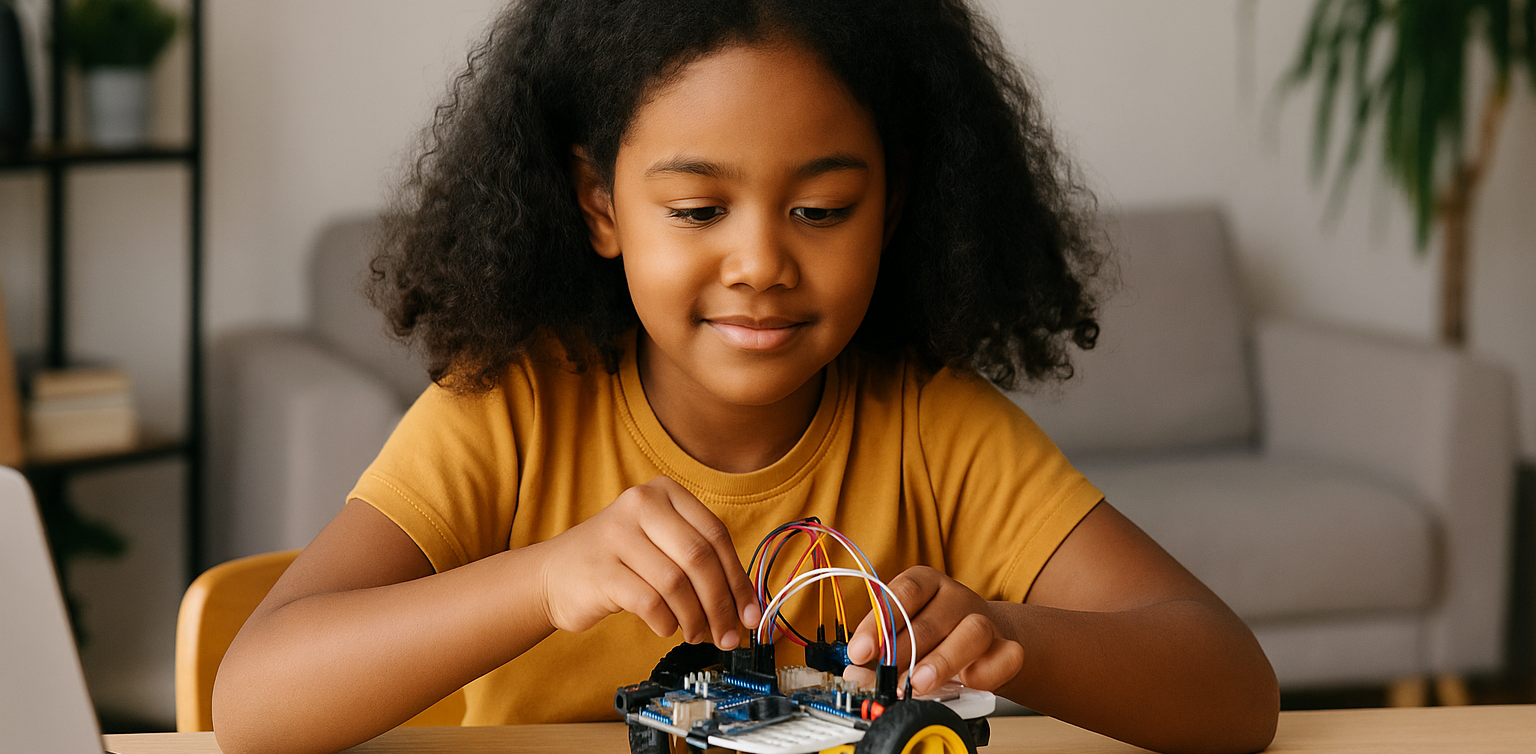
Instead of banning screens altogether, guide your child toward something meaningful. Coding is one of the best ways to turn screen time into an active, creative, and skill-building experience. Children learn logic, problem-solving, and digital literacy in a fun and empowering way.

At Timedoor Academy, we offer coding classes that teach children how to create games, websites, and animations while building responsible screen habits. With an international curriculum and project-based learning, screen time becomes a tool for growth—not just entertainment. Try our free trial class and see how your child can thrive with the right kind of digital learning.

Keep Reading

Belajar Coding Pemula Anak dan Remaja
How to Learn Coding for Beginners Kids and Teens
In today’s increasingly digital world, coding has become an essential skill that opens up many opportunities for the future. For kids and teens, learning coding for beginners is a great first step to understanding how technology works and starting to build their own digital creations. Why Should Kids and Teens Learn Coding for Beginners? Starting to learn coding for beginners at a young age offers many benefits, not only technical ones, but also for personal development and social skills. Some key benefits include: Improving logical thinking and problem-solving skills Boosting creativity and imagination Building a structured way of thinking Gaining confidence through creating real projects Understanding the technology they use every day First Steps to Learn Coding for Beginners To make the learning process more effective, it’s important to use a fun, engaging approach that matches the child’s learning level. Here are some steps to get started: Introduce basic concepts with interactive gamesApps like Scratch Junior or Code.org help kids understand the logic behind programming through visuals and games. Choose the right programming language based on ageAges 5–9: Scratch Junior, BlocklyAges 10–14: Scratch, basic PythonAges 15 and above: Python, HTML/CSS, JavaScript Start small with simple, fun projectsFor example, making a basic game or an animated story on Roblox or Minecraft Education Kid-Friendly Platforms to Learn Coding for Beginners There are many online platforms available to help children understand programming step by step. Recommended platforms include: Scratch – A visual programming tool perfect for beginners Code.org – Educational coding challenges with fun themes Tynker – A subscription-based platform with interactive content Minecraft Education – Learn coding through building and playing Timedoor Academy – Project-based coding courses available online and offline, perfect for kids and teens across the world! Make Learning to Code Fun and Enjoyable Kids are more likely to stick with coding if it’s connected to things they already enjoy. Here are some project ideas that make learning to code more exciting: Create interactive games using Scratch Build a short animation or digital comic Design a personal website with HTML and CSS Make a basic app using Python When children can see and share what they’ve created, they’ll feel proud and motivated to keep learning. Combine Kids' Interests with Learning to Code One effective way to encourage your child to learn coding for beginners is by tying it to their hobbies and interests. For example: Kids who love drawing can try digital animation Kids who enjoy gaming can learn to create their own games Kids who like writing can make interactive stories or visual novels This personalized approach makes the learning process feel more natural and enjoyable. Learning to Code is Better with Mentors Although self-learning is possible, coding for beginners is often more effective with a mentor and a supportive environment. At Timedoor Academy, kids and teens can join: Coding for Kids (ages 5 to 12) Coding for Teens (ages 13 to 18) Courses in Scratch, Python, HTML/CSS, and more All classes focus on hands-on practice through age-appropriate digital projects. Parents Play a Big Role in the Learning Journey Parental support is key, especially when children face challenges or lose motivation. What parents can do: Set aside time and space for learning Celebrate their child’s achievements, big or small Have conversations about the projects they’re working on Enroll them in a trusted program with the right learning style When parents show interest and encouragement, kids feel supported and excited to learn. Tips for Choosing the Right Coding Course for Beginners With so many options available, how do you choose the best one? Here are some factors to consider: Age and skill levelMake sure the course matches the child’s stage of development. It should be challenging but not overwhelming. Teaching methodProject-based, interactive learning is often more engaging than memorizing theory. Mentor availabilityHaving a mentor helps children when they get stuck or need guidance. Flexible schedulesA flexible program works well with school and other activities. Parent reviewsLook for testimonials or reviews to get a sense of the course’s quality and impact. At Timedoor Academy, every aspect is carefully designed to help kids learn coding for beginners in a way that’s fun, meaningful, and future-ready. Ready to Start Your Child's Coding Journey? Learning coding for beginners is an investment in the future, and it can start today. With the right approach, kids and teens won’t just understand technology, they’ll be able to shape it with their own ideas. Looking for a fun, project-based, and child-friendly place to start? Join Timedoor Academy’s free trial class available offline all around the world!
Amazing Benefits of Robotics Course for Elementary Students Every Parent Should Know
Technology is advancing rapidly year by year. Children who are currently in elementary school will face a future filled with innovation, automation, and artificial intelligence. Therefore, equipping them with relevant skills from an early age is crucial. One of the best ways to prepare them is through a robotics course for elementary students. With engaging and practical methods, children can learn to understand technology while also developing their creativity. What Is a Robotics Course? A robotics course is a learning program that introduces children to the process of designing, assembling, and programming simple robots. Through a robotics course for elementary students, children can explore the basic principles of science, technology, engineering, and mathematics, often referred to as STEM. These activities are designed to be fun and interactive, so children feel like they are playing while actually building valuable skills. The Benefits of Robotics Course for Children Many parents are choosing a robotics course for elementary students because of its wide-ranging benefits. First, children learn to think logically and systematically. Each robot component must be installed in the correct order, helping them understand cause-and-effect relationships. Second, they develop problem-solving skills. When the robot does not work as expected, children are encouraged to find creative solutions. Third, the course teaches patience and perseverance since building a robot requires time and dedication. Boosting Creativity and Imagination Beyond technical aspects, a robotics course for elementary students also nurtures creativity. Children are not limited to simply following instructions, but are encouraged to design and test their own ideas. For instance, they can build robots that walk, light up, or even play simple music. This process shows children that technology is not only something to use, but also something they can create themselves. Developing Social Skills Many robotics course for elementary students programs are conducted in groups. This allows children to collaborate with peers, exchange ideas, and solve challenges together. Learning how to work in a team will benefit them not only in school, but also in their personal and professional lives later on. Building a Strong Foundation for the Future In today’s world, technology skills are key to future success. By taking a robotics course for elementary students, children are not only prepared for academic challenges but also given a strong foundation for careers in technology-related fields. Areas such as artificial intelligence, data science, and mechanical engineering will be easier to grasp because they have already been introduced to the basics of robotics at a young age. The Role of Parents in Supporting Learning Parental support plays a major role in a child’s learning journey. Celebrating small achievements, assisting them during robot-building sessions, or simply listening to their stories about class experiences can boost their confidence. With such support, every session in a robotics course for elementary students will become even more meaningful. Why Choose Timedoor Academy? Timedoor Academy offers a robotics program tailored specifically for elementary school students. Its curriculum goes beyond technical knowledge by also focusing on creative thinking and collaboration. Each class is guided by experienced mentors who understand how to introduce technology to young learners effectively. With a fun and interactive environment, children will be excited to join every session. Enroll Your Child at Timedoor Academy! If you want your child to develop future-ready skills, now is the perfect time to take action. Register them for a Free Trial at Timedoor Academy and discover how robotics courses can transform curiosity into real abilities. Click the registration button today and give your child the best opportunity to grow and succeed.
<strong>5 Best! Free Coding Apps for Kids You Should Try</strong>
5 Best! Free Coding Apps for Kids You Should Try
Introducing free coding apps for kids is a powerful way to build their logical thinking, creativity, and problem-solving skills from an early age. With user-friendly and kid-safe platforms, children can explore how to code, design games, animate characters, and develop mini programs without paying for expensive software. Why Should Parents Discover the 5 Best Free Coding Apps for Kids? Coding is no longer just for tech-savvy teens or college students. Even elementary school kids can begin their digital journey through colorful and interactive interfaces. Below are five top recommendations of free coding apps for kids, each offering unique features and a fun learning experience. 1. Scratch Recommended Age: 8 to 16 yearsWhy It’s Great: Uses visual blocks instead of complicated text code, which is perfect for beginners Includes a safe online community where kids can share projects Offers guided tutorials that teach them how to create animations and games Parent Tip: Help your child start with a basic animation, then let them customize characters or add sound effects to boost engagement. 2. Code.org Recommended Age: 6 to 18 yearsWhy It’s Great: Offers a complete learning path from drag-and-drop to real coding with JavaScript Features Hour of Code activities with themes like Minecraft and Frozen Has tools for parents and teachers to track learning progress Parent Tip: Encourage your child to join Hour of Code events around the world to make the experience feel exciting and social. 3. Tynker Recommended Age: 7 to 14 yearsWhy It’s Great: Game-based learning with space, robot, and arcade themes Lets kids transition from visual blocks to text-based coding with Python or JavaScript Comes with ready-made project templates to jump-start creativity Parent Tip: Use the free Learning Path before exploring premium features. Make sure your child completes one level at a time to stay focused. 4. Grasshopper Recommended Age: 10 years and upWhy It’s Great: Developed by Google to teach JavaScript in bite-sized, mobile-friendly lessons Gives instant feedback with visual explanations Tracks daily learning streaks to encourage consistent practice Parent Tip: Set a goal for 15 minutes of coding each day. Short, regular practice is more effective than longer sessions once a week. 5. Kodable Recommended Age: 5 to 10 yearsWhy It’s Great: Uses fun maze games to teach programming logic like sequencing and loops Works offline, making it a great option for travel or areas with limited internet access Offers free lesson plans for teachers that parents can also use at home Parent Tip: Ask your child to explain what they did after each game level. Talking about the process helps reinforce their understanding. How to Maximize Learning from Free Coding Apps For Kids Create a Weekly RoutineKeep learning sessions short and fun. Younger children stay more focused with shorter screen time. Celebrate Their ProjectsPrint out screenshots or let them show their work to family. This helps build pride and motivation. Support Group LearningInvite a sibling or friend to try the same app. Coding becomes more fun when kids learn together. Connect to School LessonsUse these apps to explain math or science concepts. Coding is a powerful tool that makes abstract ideas more concrete. Why Free Coding Apps For Kids Matter Learning with free coding apps for kids provides valuable skills without financial barriers. These apps allow children to: Develop logical thinking and creativity Explore digital storytelling and simple game design Learn basic programming terms and structure Build confidence with hands-on digital tools What’s Next? Upgrade to Structured Learning at Timedoor Academy After exploring free coding apps for kids, you can take your child’s skills to the next level. Timedoor Academy offers online coding courses with expert instructors, real-world projects, and a fun, guided experience that grows with your child. Sign up now for a free trial coding class at Timedoor Academy and give your child a head start in the digital age.
float button