Jun 12, 2025

7 Signs of ADHD in Children Parents Should Recognize

<strong>7 Signs of ADHD in Children Parents Should Recognize</strong> image

Child development is a unique journey for every individual. While each child grows at their own pace with different traits and temperaments, there are times when parents become concerned about certain behaviors. A child who is unusually restless, often distracted, or frequently ignores instructions may be showing early signs of a condition known as ADHD.

ADHD, or Attention Deficit Hyperactivity Disorder, is a neurodevelopmental condition that often begins in childhood and can continue into adulthood. It affects a child’s ability to pay attention, manage impulses, and control movement. Recognizing the signs of ADHD in children early can make a significant difference in how they grow and succeed.

Here are some of the most common signs to look out for:

1. Difficulty Paying Attention
signs of adhd in children

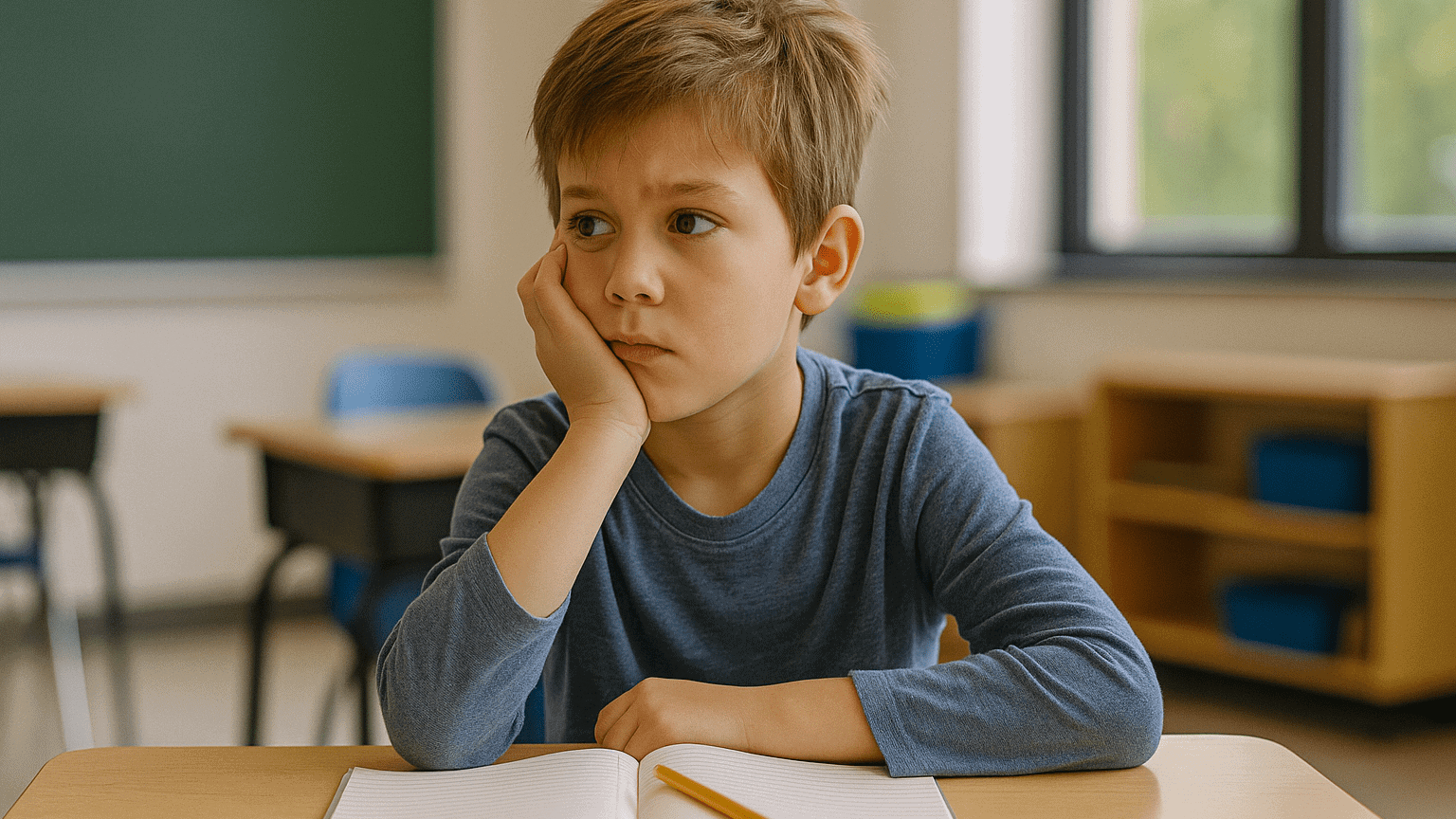
A frequent sign of ADHD in children is difficulty focusing on one task. Children may be easily distracted, often lose things, or appear not to listen even when spoken to directly. Tasks that require sustained mental effort, like homework or reading, are particularly challenging.

2. Often Forgetful or Careless

Children with ADHD tend to forget daily activities or make mistakes due to lack of focus, not because of low intelligence. Missing instructions, leaving assignments unfinished, or forgetting important items are common behaviors. These are often overlooked as typical child behavior but can be part of the signs of ADHD in children.

3. Hyperactive Behavior

Many children are energetic, but hyperactivity in ADHD goes beyond normal levels. Children may constantly move, fidget, or talk excessively. They struggle to sit still, even during meals or story time. This type of behavior is one of the most visible signs of ADHD in children.

4. Impatience or Trouble Waiting

Children with ADHD often find it hard to wait their turn or follow social rules. They may interrupt others, speak out in class, or take over games. These actions can affect how they interact with friends and adults, making social development more difficult. This is another key sign of ADHD in children that parents should observe.

5. Acting Without Thinking

Impulsivity is another clear indicator. A child might do something risky, like running across the street without checking for cars or grabbing a hot object. In conversation, they may say things without thinking or shout out answers before a question is finished. Such impulsive actions are commonly found in children showing signs of ADHD in children.

6. Emotional Outbursts

Many children with ADHD experience difficulty managing their emotions. They may get frustrated easily, cry or become angry quickly, and struggle to calm down. These emotional reactions may seem too intense for the situation and are often misunderstood. However, this is also among the signs of ADHD in children.

7. Difficulty Following Routine

Children with ADHD often struggle to adapt to routines or structured environments. They may forget the order of steps, need constant reminders, or find it hard to transition between activities. These behaviors can be challenging at school and home. Understanding this as part of the signs of ADHD in children can help parents respond with more patience and support.

ADHD Is More Than Just Being Active
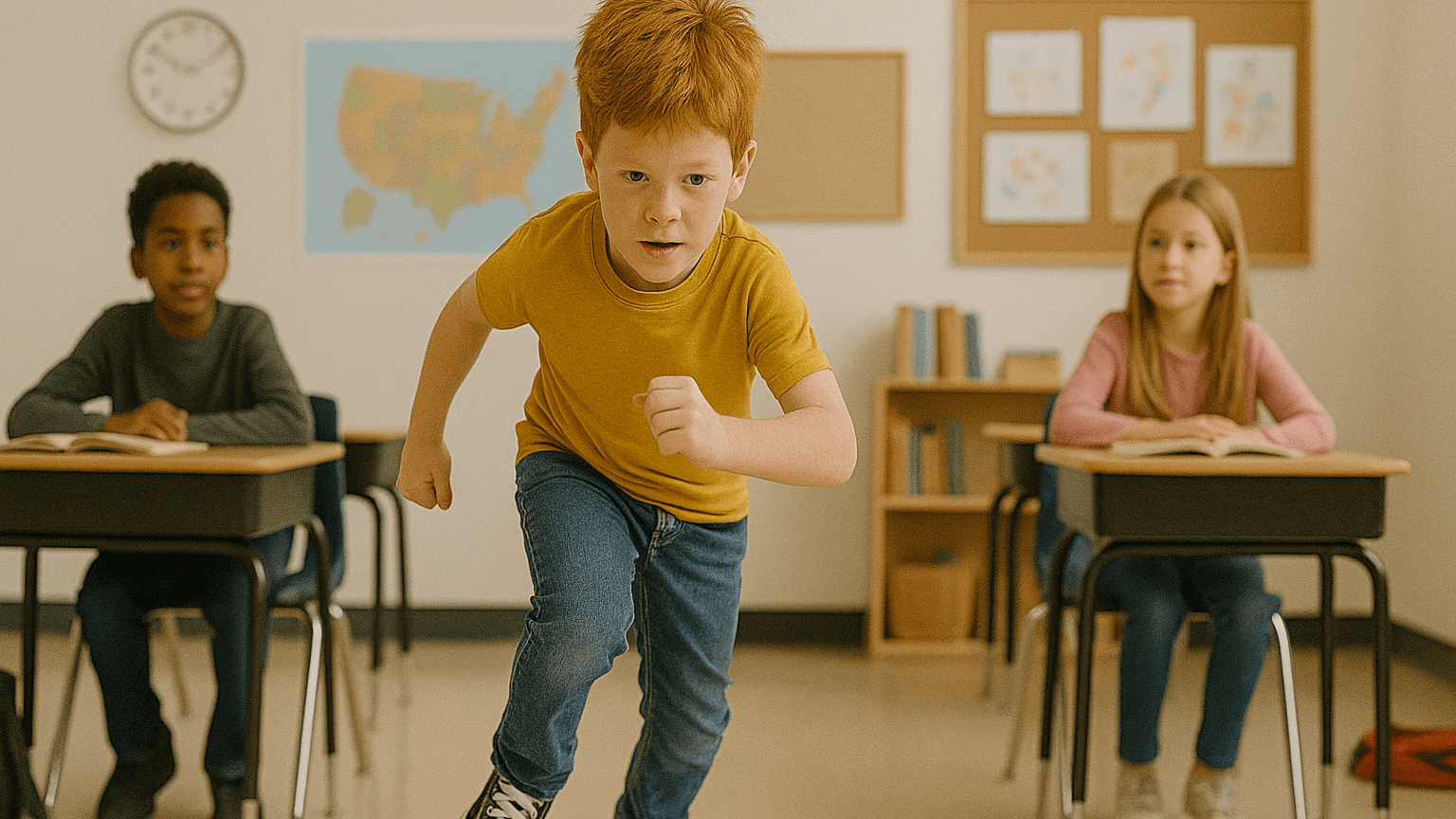
It is important to remember that not all active or distracted children have ADHD. Kids naturally have high energy levels and shorter attention spans. What sets ADHD apart is how frequently these behaviors occur and how much they interfere with a child’s life. If the signs of ADHD in children are present for more than six months and are affecting school or relationships, it may be time to seek professional help.

A thorough diagnosis should come from a qualified psychologist or developmental pediatrician. Parents should not try to diagnose on their own.

Parental Support Can Make a Big Difference

Supporting a child with ADHD requires consistency, empathy, and often guidance from professionals. With the right structure, children with ADHD can thrive and build positive habits for life. Understanding the signs of ADHD in children gives parents the power to help their child succeed.

A Positive Outlet: Coding for Kids

Ingin tahu detail program? Image

Ingin tahu detail program?

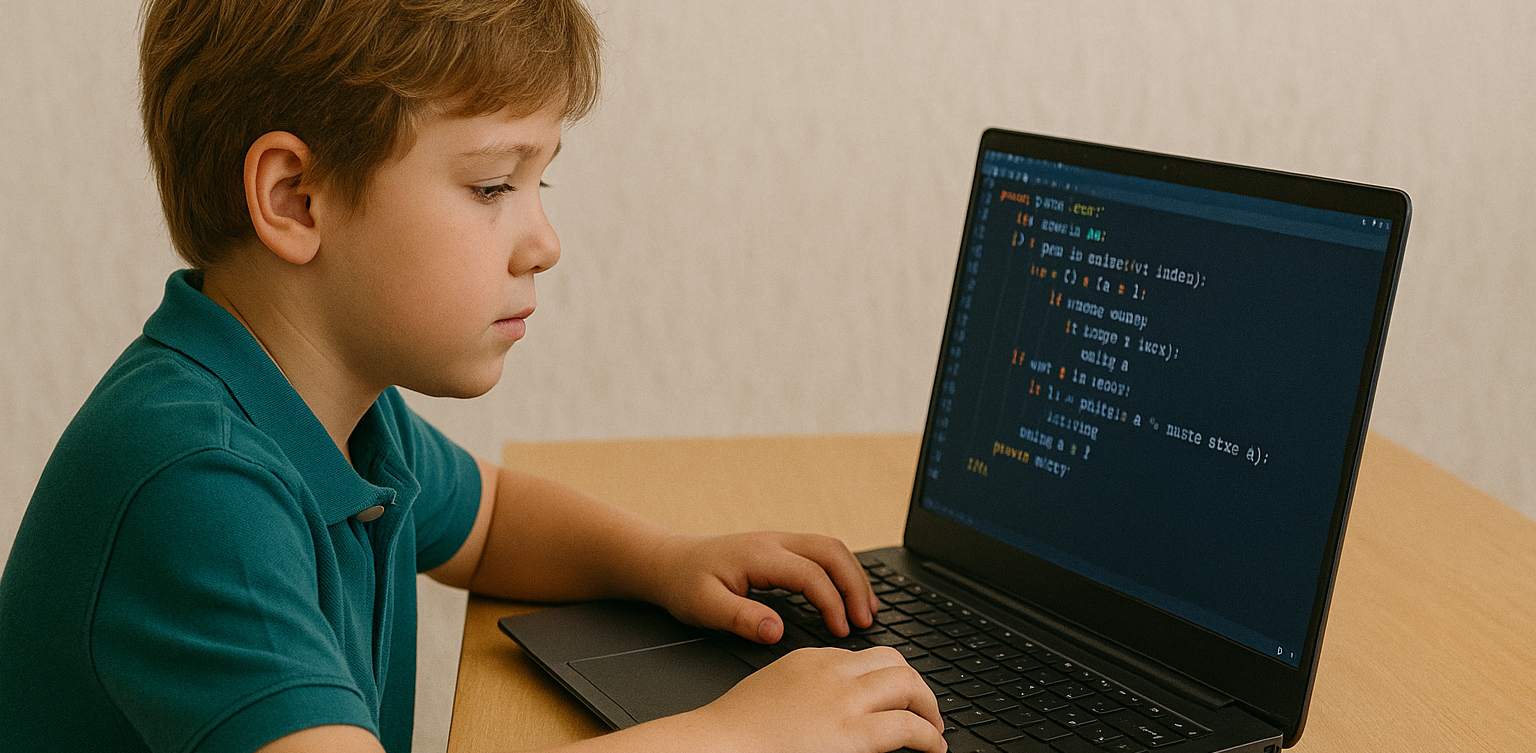
For children who have difficulty staying focused, creative and structured activities can help. Coding is one such activity. At Timedoor Academy, we offer coding classes that teach kids how to think logically, solve problems, and stay engaged. The visual and hands-on nature of coding makes it ideal for children who learn differently.

Interested in trying it out? Sign up for a free coding class at Timedoor Academy and let your child explore a world of creativity and learning through coding.

Keep Reading

bahasa pemrograman terbaik untuk anak
7 Top Programming Languages for Kids: A Comprehensive Guide for Young Learners
In today’s tech-driven world, learning how to code is an essential skill, especially for young learners. The best programming languages for kids help introduce coding concepts in an engaging and accessible way. When choosing the best programming languages for kids, it’s important to focus on languages that are easy to understand, fun to learn, and open up opportunities for creative projects. In this guide, we will explore some of the best programming languages for kids and why they are excellent choices for young learners eager to start coding. Why Should Kids Learn Programming? Programming isn’t just about learning to code; it’s about developing problem-solving skills, creativity, and logical thinking. The best programming languages for kids teach children how to think critically and break down problems into smaller, manageable tasks. Additionally, coding offers children the opportunity to build their own games, websites, and apps, providing a sense of accomplishment as they bring their ideas to life. Let’s look at some of the best programming languages for kids that can help them begin their coding journey. 1. Scratch Scratch is often considered one of the best programming languages for kids due to its visual interface and simple drag-and-drop functionality. It allows children to create animations, games, and interactive stories without needing to write any complex code. Scratch introduces children to programming logic, such as loops, conditionals, and variables, while keeping things fun and creative. The best programming languages for kids should focus on visual learning, and Scratch is a perfect example. It’s an excellent stepping stone for kids who are new to coding and want to explore the basics of programming in an interactive and playful way. 2. Python Python is one of the best programming languages for kids because it has simple syntax and is very readable, making it easier for young learners to pick up. Python is used in many real-world applications, including web development, data analysis, and game design, which makes it a versatile language to learn. With its broad use in the tech industry, learning Python at a young age gives kids a valuable skill that they can build upon as they grow older. Among the best programming languages for kids, Python stands out for its flexibility and ease of use, allowing children to start building more complex projects as they advance in their coding journey. 3. JavaScript For kids interested in creating websites and online games, JavaScript is one of the best programming languages for kids. It’s the primary language used for adding interactivity to websites, and learning it will allow kids to create dynamic and engaging online experiences. JavaScript is a bit more advanced than Scratch or Python, but it’s still one of the best programming languages for kids because it’s in high demand and offers a hands-on way to build real-world applications. By learning JavaScript, kids gain the foundational knowledge needed to work in web development and understand how websites function, making it a great choice among the best programming languages for kids. 4. Swift Playgrounds Swift Playgrounds is a unique app that teaches children how to code in Swift, which is Apple’s programming language used to build iOS and macOS apps. As one of the best programming languages for kids, Swift is powerful yet accessible, allowing kids to learn coding while solving fun, interactive puzzles. Swift Playgrounds offers an exciting, game-like experience that keeps kids engaged while learning how to code. For kids interested in app development, Swift Playgrounds is one of the best programming languages for kids to learn, as it provides a hands-on way to create mobile apps for iPhones and iPads. 5. HTML/CSS HTML (HyperText Markup Language) and CSS (Cascading Style Sheets) are fundamental languages for web development, and they’re also some of the best programming languages for kids to learn. HTML is used to structure content on the web, while CSS is used to style that content and make it look visually appealing. By learning HTML and CSS, kids can start building their own websites from scratch, gaining a deeper understanding of how the internet works. As two of the best programming languages for kids, HTML and CSS provide kids with a solid foundation in web development that will be useful if they want to learn more advanced languages in the future. 6. Blockly Blockly is a visual programming language developed by Google that teaches programming concepts through a drag-and-drop interface. Blockly is an excellent choice among the best programming languages for kids because it allows kids to focus on logic and problem-solving without worrying about complex syntax. It’s perfect for young learners who want to understand the fundamentals of coding before transitioning to text-based programming languages. For a fun introduction to coding, Blockly is one of the best programming languages for kids, helping kids develop the skills needed to progress to more advanced languages like Python or JavaScript. 7. Roblox Studio Roblox Studio is one of the best programming languages for kids who are passionate about gaming. It uses Lua, a scripting language that’s easy to learn and widely used in game development. With Roblox Studio, kids can create their own games, design interactive environments, and even monetize their creations. It’s an ideal platform for young learners interested in both coding and game design, making it one of the best programming languages for kids. Roblox Studio provides an engaging way for kids to learn programming while also fostering creativity, teamwork, and critical thinking. Kickstart Your Coding Journey with the Best Programming Languages for Kids Choosing the best programming languages for kids is an important step in setting them on the path to learning how to code. Whether they start with Scratch for simple game creation, move on to Python for general programming, or dive into JavaScript for web development, there are plenty of options to explore. Each of the best programming languages for kids offers unique learning opportunities and allows kids to create exciting projects while developing essential problem-solving skills. At Timedoor Academy, we offer coding courses designed specifically for kids, teaching them the best programming languages for kids in a fun and interactive way. Help your child discover the exciting world of coding by signing up for a free trial class at Timedoor Academy!
<strong>5 Best Free AI Apps for Kids That Make Learning Fun</strong>
5 Best Free AI Apps for Kids That Make Learning Fun
In today’s fast-paced digital world, free AI apps for kids have become an exciting solution for parents who want to support their children’s learning. Artificial Intelligence is no longer reserved for experts or professionals. Now, it’s available in engaging apps that help children read, solve problems, practice math, and boost creativity through fun and interactive tools. Still, many parents are unsure which free AI apps for kids are safe, educational, and truly effective. This article highlights five reliable AI-powered apps that are not only easy to use and child-friendly, but also completely free to access. 1. Khan Academy Kids Khan Academy Kids is one of the most widely recommended free AI apps for kids. It offers interactive lessons in reading, math, creativity, and emotional development. With the help of AI, the app personalizes content based on each child’s learning progress and preferences. The colorful design and engaging activities are tailored for children aged 2 to 8. Developed by education experts, the content is both fun and aligned with developmental stages. 2. Duolingo ABC Duolingo ABC is a simplified version of the main Duolingo language app, created specifically to help young learners develop reading skills. Using AI, the app adjusts lesson difficulty in real time and offers immediate feedback to children learning letters, words, and sounds. As one of the best free AI apps for kids focused on early literacy, Duolingo ABC is ad-free and safe for children when used with parental guidance. 3. Socratic by Google Socratic is an AI-powered educational tool from Google that helps children understand academic questions in a simple and visual way. Kids can take a photo of a homework question or type it in, and the app will provide clear answers and explanations. Ideal for children in elementary and middle school, Socratic supports learning in math, science, history, and language arts. It’s a smart choice among free AI apps for kids who need extra academic guidance and independence. 4. Quillionz Quillionz is a creative app that lets children generate quizzes and learning questions using AI. It encourages active engagement with educational material by allowing kids to become content creators, not just consumers. This app is especially helpful when reviewing lessons or preparing for schoolwork. Among the available free AI apps for kids, Quillionz stands out for promoting critical thinking and interactive learning at home or in the classroom. 5. Google Read Along Google Read Along is an app that supports children in learning to read out loud. It uses AI to listen to their voice, offering helpful corrections and encouragement. The app includes dozens of age-appropriate stories that children can explore at their own pace. It helps build reading confidence and fluency, making it one of the most effective free AI apps for kids who are just beginning their literacy journey. The progress tracking feature also lets parents follow along and celebrate their child’s improvement. Help Your Child Use Technology in a Positive Way Free AI apps for kids are a great way to introduce technology in a healthy, supportive way. But beyond using apps, it’s just as important to help children understand how technology works. Guiding them to learn and create with tech builds both digital awareness and real-life skills. One highly recommended path is coding. At Timedoor Academy, children can join age-appropriate coding classes that strengthen logical thinking, communication, and problem-solving through engaging, hands-on projects. Try a Free Coding Class at Timedoor Academy If you're curious how technology can help your child grow, try a free coding class at Timedoor Academy. It’s an opportunity for your child to turn screen time into learning time in a fun and supportive environment. With expert mentors and project-based lessons, coding becomes a favorite activity that sparks confidence and creativity. Book your free trial today and explore the possibilities together.
Aplikasi Belajar Anak SD
Top 10 Technology Tools for Elementary Students in 2025
As we step into 2025, technology tools for elementary students are more important than ever. These tools enhance creativity, improve learning outcomes, and foster engagement both inside and outside the classroom. With the help of these technology tools for elementary students, children can develop essential skills that will serve them throughout their academic careers and beyond. Here’s a list of 10 essential technology tools for elementary students to boost their educational experience in 2025. Top 10 Technology Tools for Elementary Students in 2025 1. Kahoot! Focus: Interactive learning and quizzes Kahoot! remains one of the most popular technology tools for elementary students because it turns learning into a fun and competitive experience. Teachers and students can create customized quizzes on subjects like math, science, and language arts, fostering active participation. How to Use It: By incorporating Kahoot! in lessons, educators can make learning feel like a game. Students can play individually or in teams, which makes learning not only engaging but also interactive. With real-time feedback, teachers can adjust their lessons based on students' performance, ensuring that every child stays on track. 2. Seesaw Focus: Digital portfolio and communication Seesaw is another fantastic example of technology tools for elementary students that focuses on student documentation and communication. It allows students to create digital portfolios where they can showcase their work through photos, videos, and drawings. This tool strengthens the bond between teachers and parents, as they can track the progress of the students in real-time. How to Use It: With Seesaw, students can upload images of their assignments or record their thoughts on projects. Teachers can provide feedback and conduct virtual lessons or activities, keeping students and parents connected in an efficient, digital space. 3. Google Classroom Focus: Classroom management and assignment tracking Google Classroom is essential for managing assignments, tracking progress, and organizing classroom materials. As one of the top technology tools for elementary students, it helps both teachers and students streamline their work. Teachers can assign tasks, grade assignments, and provide real-time feedback, while students can easily access learning materials and submit work in one centralized platform. How to Use It: Teachers can post assignments and resources to Google Classroom, making it easy for students to stay organized. Additionally, it integrates with Google Drive, enabling students to collaborate on documents and presentations. This makes it easier to stay on top of deadlines and receive instant feedback. 4. Scratch Focus: Coding and creativity Scratch is one of the most popular technology tools for elementary students when it comes to learning programming. Through visual coding, students can create interactive stories, games, and animations, sparking creativity while teaching them important skills in computational thinking. How to Use It: Scratch is beginner-friendly and offers a drag-and-drop interface for students to build their own projects. Teachers can incorporate Scratch into STEM lessons, teaching logic, sequencing, and problem-solving through interactive coding challenges. This tool is a great starting point for young learners to get familiar with coding and digital creation. 5. Epic! Focus: Digital library for young readers For young readers, Epic! is an invaluable tool in the world of technology tools for elementary students. Epic! offers access to thousands of books, audiobooks, and educational videos. Its interactive features like read-aloud and quizzes make reading more engaging for children. How to Use It: Teachers can assign reading materials directly from Epic! to keep students engaged with books that suit their level. Students can explore a vast library of e-books or listen to audiobooks that cater to their individual reading preferences. Epic! fosters a love for reading by offering a fun and interactive approach to literature. 6. ClassDojo Focus: Classroom behavior and communication ClassDojo is one of the best technology tools for elementary students when it comes to fostering positive behavior and classroom culture. It allows teachers to reward students for good behavior, accomplishments, and teamwork. How to Use It: Teachers can assign points to students based on specific behaviors, such as being on task, helping others, or staying focused. These points can be exchanged for rewards like extra break time or special privileges. ClassDojo is an excellent tool for teaching students about responsibility and positive reinforcement. 7. TinkerCAD Focus: 3D design and engineeringFor students interested in design and engineering, TinkerCAD is one of the leading technology tools for elementary students. This user-friendly 3D design platform allows children to create their own digital models. How to Use It: Students can start by designing simple objects like keychains or toys and gradually work their way up to more complex 3D projects. Teachers can use TinkerCAD to introduce students to engineering and design concepts, making it easier for them to visualize their ideas and understand the basics of 3D modeling and printing. 8. Google Earth Focus: Geography and exploration Google Earth opens up the world to elementary students by allowing them to explore every corner of the globe. Whether for geography lessons or environmental studies, this tool is an essential part of technology tools for elementary students. How to Use It: Teachers can use Google Earth to give virtual tours of countries, cities, landmarks, and natural wonders. Students can explore geographical features and learn about different cultures and ecosystems. This immersive tool makes learning about the world fun and interactive. 9. Duolingo Focus: Language learning As one of the leading technology tools for elementary students, Duolingo helps young learners acquire new languages in a fun, gamified format. This app is perfect for introducing kids to a new language, including popular languages like Spanish, French, and German. How to Use It: Duolingo presents lessons in bite-sized segments that are both fun and educational. Students can practice daily and track their progress. This tool offers rewards and challenges, motivating students to keep learning new words and phrases while building language proficiency. 10. BrainPOP Focus: Educational videos and quizzes BrainPOP is a popular educational platform that offers animated videos and interactive quizzes. It covers a wide range of subjects, including science, math, and social studies, making it one of the best technology tools for elementary students to enhance their learning. How to Use It: Teachers can use BrainPOP to introduce new concepts in a fun and visual way. After watching the videos, students can complete quizzes and discuss the material in class. This helps reinforce key ideas and assess student understanding in an engaging, interactive manner. Why Technology Tools Matter for Elementary Students In 2025, technology tools for elementary students are not just an enhancement to traditional learning; they are essential to developing digital literacy and critical thinking skills. These tools help provide personalized learning experiences that adapt to the needs of each student, whether they need extra support or more challenging material. By incorporating technology tools for elementary students into the classroom, teachers can create an environment that promotes engagement, creativity, and collaboration, preparing students for future success in an increasingly digital world. Start Your Digital Learning Journey Today! Want to make learning even more engaging for your child? Explore Timedoor Academy and try free trial class today and discover how our digital learning platform can support your child’s educational growth with interactive lessons and expert-curated content.
float button