Apr 10, 2025

DIY Coding Projects You Can Do with Your Kids at Home – Fun & Creative Learning Together!
DIY Coding Projects You Can Do with Your Kids at Home – Fun & Creative Learning Together! image

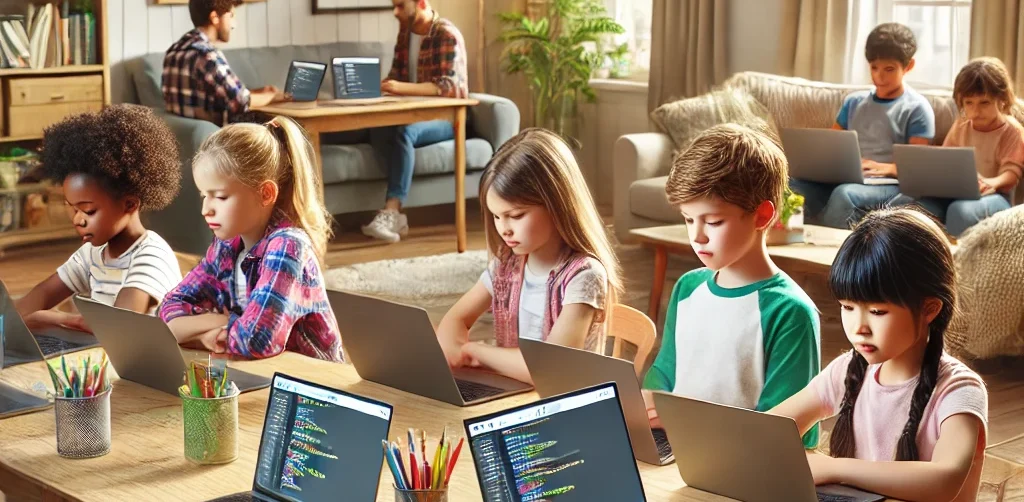
If your kids are fascinated by the world of technology, they’ll be excited to explore coding and create something they can interact with. And guess what? Coding isn’t as intimidating as it may seem! It’s a fun and educational learning experience that both you and your kids can enjoy together.

At Timedoor Academy, we believe in the power of hands-on learning. DIY coding projects not only teach kids essential coding skills but also spark creativity, problem-solving, and teamwork. Why not dive into the world of coding and engage your child in exciting learning activities today?

To get started, we’ve compiled a list of fun coding activities that are perfect for kids aged 6 to 12. Let’s make learning and coding an adventure right at home!

1. Create a Simple Animation Using Scratch Learning by Coding

Scratch is a beginner-friendly visual programming language that allows kids to create their own stories, games, and animations. This coding tool uses blocks of code that kids can drag and drop, making it easy to build interactive projects.

Project Idea:

• Create a simple animation where characters move across the screen or interact with one another. For example, you can create a story where a cat talks to a dog, or have a dancing sprite!

Why It’s Great?

• Scratch teaches kids basic concepts like sequencing, loops, and event handling. Plus, it’s a fun way to let their imagination run wild!

2. Build Your Own Interactive Coding Website with HTML & CSS Learning
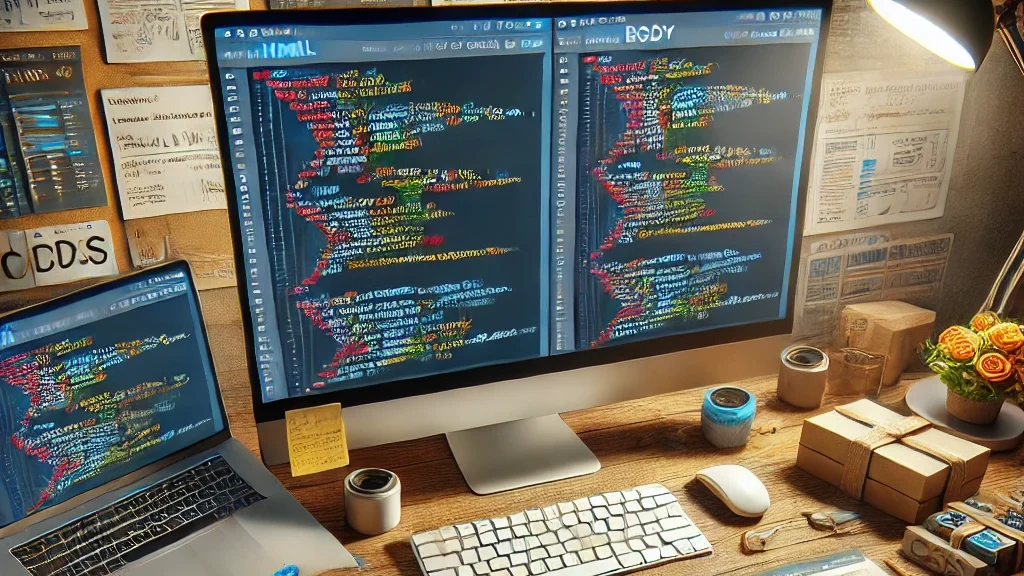
Want to introduce your child to the world of web development? Start with the basics of HTML (the structure of websites) and CSS (the styling). These simple tools lay the foundation for most websites and are an excellent way to teach coding while building something tangible.

Project Idea:

• Help your child design their first interactive website—perhaps a personal homepage, a family blog, or a site about their favorite hobbies. Add fun elements like color changes, buttons, and images to make it unique!

Why It’s Great?

• HTML and CSS are easy to learn and give kids a sense of accomplishment once they see their website live. It’s also a practical skill that could inspire future web development projects.

3. Create a Virtual Pet Game with Scratch or Python Coding Learning
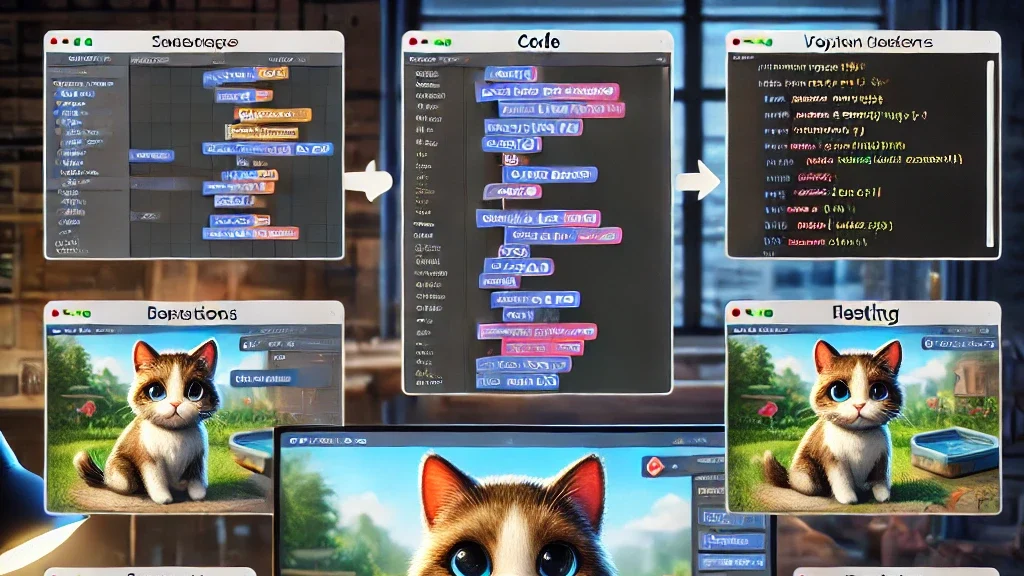
For a more advanced project, you can introduce your child to a text-based or graphical game. You can either start with Scratch for a simpler, drag-and-drop experience or move to Python for a more detailed, code-based game.

Project Idea:

• Make a simple virtual pet game where players can feed, play with, and take care of their pet. The game could involve a timer for pet care and scoring points for actions completed correctly.

Why It’s Great?

• This project teaches game design, logic, and conditionals (e.g., “If you feed the pet, it gets happier”). It’s a perfect introduction to more complex programming concepts, all while having fun creating a game!

4. Make a Digital Art Project by Coding with Tynker Learning
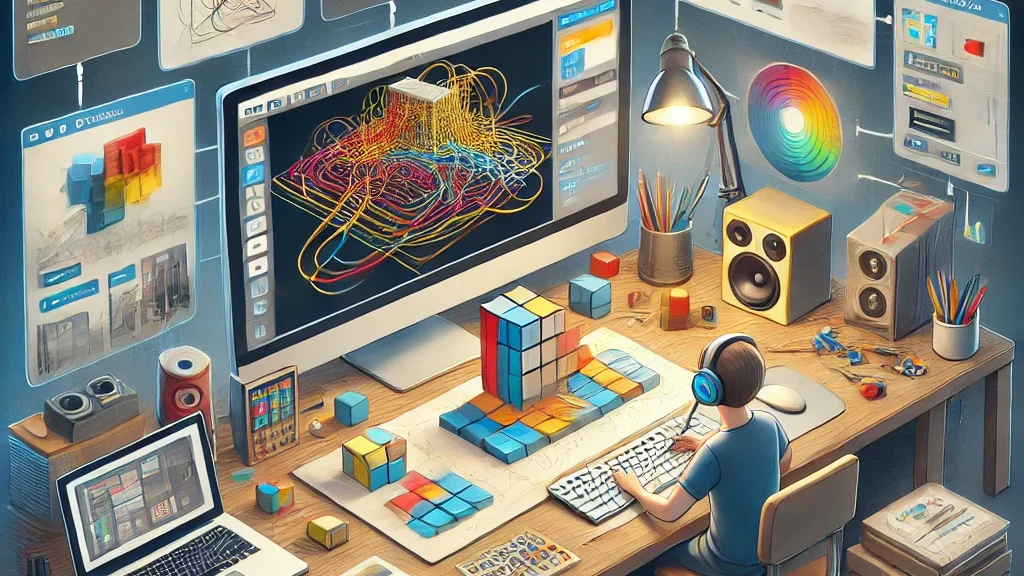
Tynker is another great coding platform that teaches kids how to code using fun, interactive lessons. It’s perfect for visual learners and offers a wide range of activities, including digital art creation.

Project Idea:

• Use Tynker to create your own digital drawing or animation. You can have your child make a picture come to life by using basic coding blocks to animate shapes or objects.

Why It’s Great?

• Tynker makes learning coding feel like a creative art project. It’s also a wonderful way for children to combine their interest in drawing with coding!

5. Make a DIY Robot with Coding Kits Learning
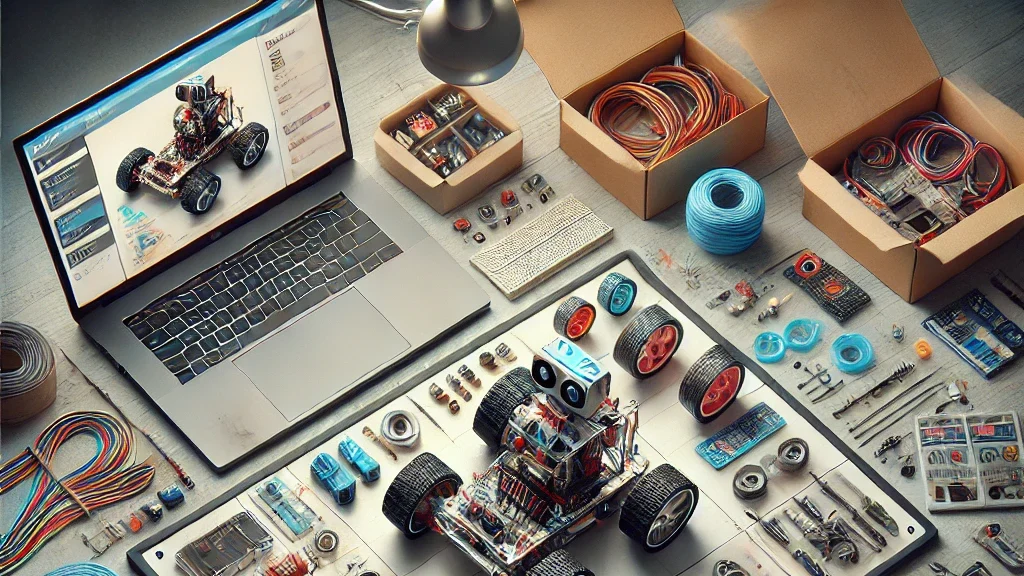
If you have access to coding kits such as LEGO Mindstorms, LittleBits, or other programmable robotics kits, this is a fantastic hands-on project to get kids into coding.

Project Idea:

• Build and program a robot that can move, detect objects, or follow simple commands. You can even create a challenge where the robot has to navigate a maze or complete a task, like picking up small objects.

Why It’s Great?

• Robotics introduces kids to both hardware and software, bridging the gap between the physical and digital worlds. It encourages problem-solving, critical thinking, and teamwork.

6. Create a Music Maker with Coding Learning
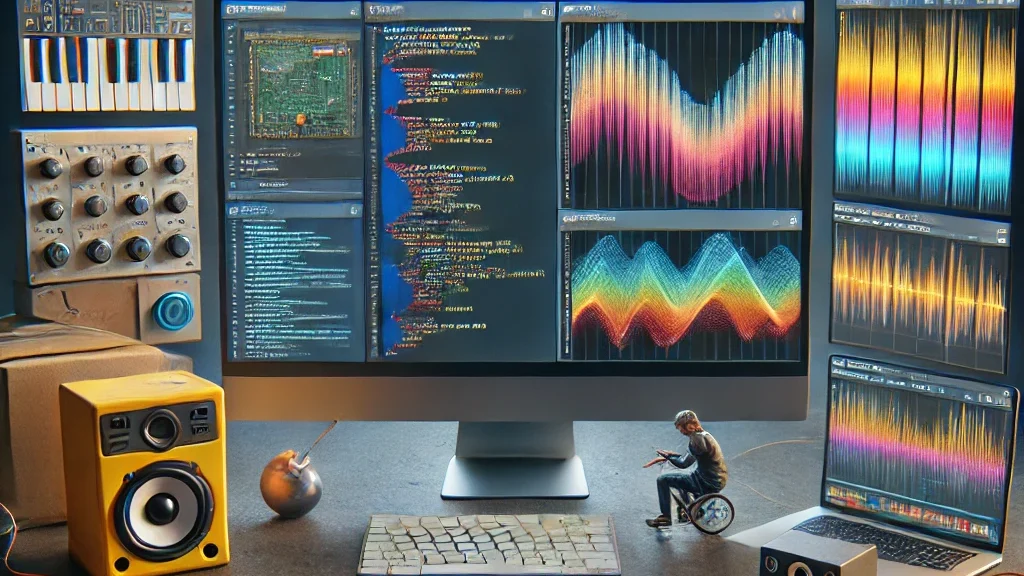
If your child loves music, why not combine it with coding? There are several tools and platforms that allow kids to make music through programming.

Project Idea:

• Help your child create a simple music generator where different sounds or beats are played based on certain inputs. Platforms like Sonic Pi let kids create music with code, and they can even create rhythms and melodies!

Why It’s Great?

• This project combines creativity with coding and gives kids a fun way to engage with both music and technology.

7. Design a Choose-Your-Own-Adventure Story by Coding Learning
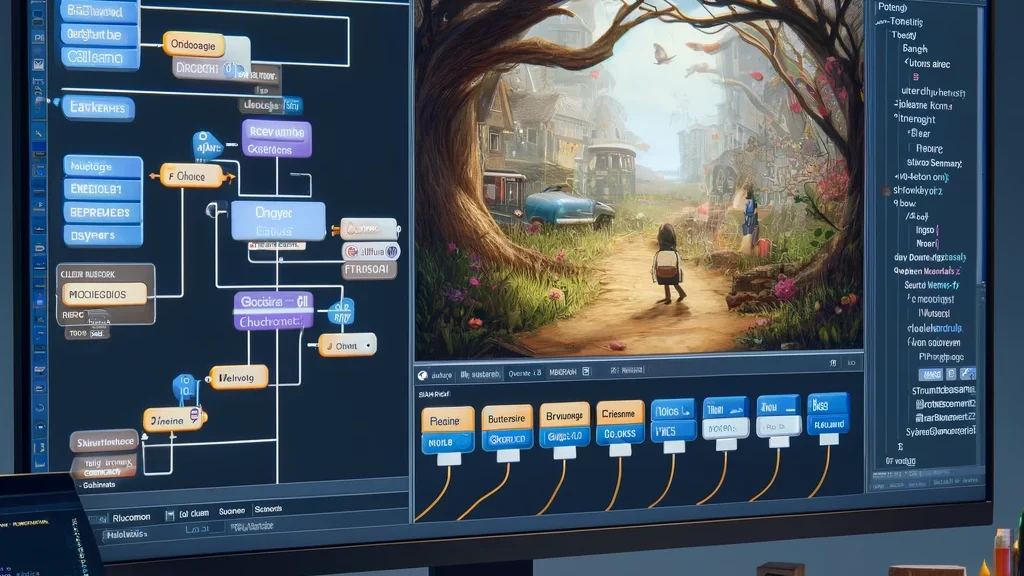
A fun way to learn coding is by creating an interactive story, like a “Choose Your Own Adventure” game. You can use simple platforms like Twine, which allows kids to write stories with code-based choices.

Project Idea:

• Write an interactive story where the reader can make choices, and each choice leads to different outcomes. For example, “Should the character go left or right?” The story branches out from there!

Why It’s Great?

• This teaches kids logic, sequencing, and how their decisions in coding can affect the outcome. Plus, it’s a great way for kids to practice their writing and storytelling skills.

Coding is Fun and Rewarding Learning!

At Timedoor Academy, we believe that learning to code is not only about the technical skills—it’s also about sparking curiosity, creativity, and critical thinking. By taking on these DIY coding projects, you’ll not only teach your child valuable programming skills but also bond through shared, creative experiences.

So, gather your tools, start coding, and most importantly, have fun with your child! Remember, the best way to learn is by doing—and what better way to learn together than through fun, hands-on projects?

Ready to dive deeper into coding learning?

Join one of Timedoor Academy‘s online coding classes and support your child’s learning journey in a structured, fun and supportive environment. We offer a Free Trial to provide a no-cost first learning experience, so your child can try our classes before deciding to continue. 

Our courses are designed to help children develop their coding skills while still enjoying every step of the way. Visit our website for more information here!


Keep Reading

Is Coding for Kids Worth It in 2025?
As technology continues to shape the way we live, learn, and work, many parents are asking the important question: is coding for kids worth it in 2025? With the growing digital economy and increasing reliance on technology, coding skills have become highly valuable. But for children, is learning to code truly beneficial? This article explores why coding for kids is a worthy investment, what skills they gain, and how it prepares them for the future.   Why Parents Ask: Is Coding for Kids Worth It? In the past, coding was seen as a skill for specialists working in IT companies. Today, however, coding has become a fundamental literacy, much like reading and writing. Parents naturally wonder if investing time and resources into coding classes for their children will pay off. Is coding for kids worth it given the demands of modern education and the job market? The answer depends on how coding education is approached and what children stand to gain beyond just writing lines of code. Coding teaches logical thinking, problem-solving, creativity, and resilience — skills that apply across many areas of life.   Coding Builds Problem-Solving and Logical Thinking One of the main benefits of coding is that it helps children develop strong problem-solving skills. When kids learn to code, they break down complex problems into smaller steps. This kind of logical thinking improves their ability to analyze situations and find solutions, a skill valuable in school and daily life. Understanding the structure of coding also improves sequencing and attention to detail. Kids learn to debug and fix errors, which encourages patience and persistence. So, if you ask is coding for kids worth it for developing critical thinking, the answer is a resounding yes.   Coding Encourages Creativity and Innovation Coding is not just about rules and algorithms; it also allows kids to be creative. When children code games, animations, or simple apps, they use their imagination to design and build unique projects. This process fosters innovative thinking and gives kids a sense of accomplishment. Many coding platforms designed for children encourage experimentation and playful learning, which makes coding fun and engaging. This creative aspect answers another part of the question: is coding for kids worth it because it helps nurture creativity from an early age.   Preparing for a Tech-Driven Future The job market is rapidly evolving, with many careers requiring at least a basic understanding of technology and coding. Even professions not directly related to programming benefit from coding knowledge because it improves digital literacy. By learning to code early, children gain a competitive advantage in their future education and career paths. They become comfortable with technology and adaptable to new digital tools. Hence, is coding for kids worth it for future readiness? Absolutely, since coding equips children with skills that will be essential in almost every industry.   Enhancing Collaboration and Communication Coding projects often involve teamwork and sharing ideas, especially in classroom or club settings. Kids learn how to collaborate, communicate their thoughts clearly, and work towards common goals. These social skills are as important as technical skills. So when considering is coding for kids worth it, remember that coding also helps children develop interpersonal skills that benefit them throughout life.   How to Make Coding Fun and Accessible for Kids For coding to be truly worth it, the learning process must be enjoyable and age-appropriate. Many educational programs today use games, visual programming languages like Scratch, and interactive tools that make coding accessible to young learners. Parents and educators should look for programs that emphasize creativity, problem-solving, and gradual skill-building rather than rote memorization. With the right approach, kids are more likely to stay motivated and develop a lasting interest in coding.   Supporting Your Child’s Coding Journey If you are wondering is coding for kids worth it in your child’s case, the best way to find out is to let them try it. Many coding academies and online platforms offer free trials or beginner courses for children. Timedoor Academy, for example, offers tailored coding programs that are fun and easy to follow for kids of various ages. They also provide free trial classes so parents and children can explore coding without commitment. Is Coding for Kids Worth It in 2025? The answer to is coding for kids worth it in 2025 is a confident yes. Coding education equips children with critical thinking, creativity, and essential digital skills that will serve them well in the future. Beyond just learning programming, kids develop problem-solving abilities, collaboration skills, and adaptability needed in today’s fast-changing world. To support your child’s coding journey, consider enrolling them in programs like Timedoor Academy, which offers engaging and age-appropriate coding lessons. They also provide a free trial class so your child can explore coding in a fun and pressure-free environment before committing. Starting coding early could be one of the best investments for your child’s future success.
How to Use Figma for Kids: A Fun and Simple Digital Design Guide
In today’s digital era, graphic design has become an increasingly essential skill, even for kids. Design is not just about drawing or creating illustrations. It also helps children develop creativity, visual logic, and systematic thinking. One of the most popular and beginner-friendly design tools to introduce early on is Figma. This article will guide you on how to use Figma for kids in a fun and easy-to-follow way. Figma is a web-based design platform widely used by UI/UX professionals and graphic designers. But because of its intuitive interface and real-time collaboration features, Figma can also be a great learning tool for children, especially those curious about digital design, posters, invitations, app layouts, or even simple games. Why Kids Should Learn Digital Design Digital design is not only about aesthetics, but also about communication. Kids who learn design early tend to express ideas visually, organize information clearly, and feel more confident experimenting with their creativity. Design skills also open doors to other fields like illustration, app development, animation, and branding. By learning how to use Figma for kids, the design process becomes more engaging. They can instantly try, rearrange, and explore design elements without needing to install any additional software. What to Prepare Before Using Figma Before your child starts designing, here are some things to set up: Figma account: Create a free account at figma.com. Use a parent’s email and assist during setup. Device: A laptop or desktop with a stable internet connection works best. Simple design theme: Start with fun, easy projects like a birthday card or character illustration. Benefits of Using Figma for Kids Here are some of the main benefits of using Figma as a learning tool for kids: Enhances creativity and visual aesthetics Builds logical thinking through layout structure Boosts confidence through hands-on creation Encourages teamwork and collaboration in online settings Step-by-Step Guide: How to Use Figma for Kids Below are specific steps on how to use Figma for kids, including core features and how to guide them: 1. Introduce the Interface and Basic Tools After logging in to a Figma account, walk your child through the main elements of the workspace: Canvas: the blank area where they’ll build designs Top toolbar: includes tools like Move, Frame, Shape, and Text Left panel: shows the object structure (layers) Right panel: used to adjust color, size, position, and effects Let them freely draw circles, squares, or stars and experiment with colors. This unstructured play helps them get familiar with Figma naturally. This is also a great starting point in how to use Figma for kids in a stress-free way. 2. Start a New Project Click New Design File and let your child name it something fun like “My Poster” or “Cute Cat Project.” Then: Create a Frame using A4 size or mobile screen dimensions Add shapes via the Shape tool, then change colors on the right panel Add text with the Text Tool, and adjust font size, color, and position This step of how to use Figma for kids feels like drawing on a digital piece of paper—fun and intuitive. 3. Add Images and Illustrations To make their design more dynamic, help them insert images: Click File > Place Image and choose from your computer Or simply drag and drop into the canvas Use the Unsplash plugin to find royalty-free images directly inside Figma This makes it easier for kids to create digital greeting cards, collages, or mood boards. These small projects are practical examples of how to use Figma for kids in real-life situations. 4. Create Simple App or Game Layouts For older kids, try introducing them to basic app layout design: Use Frames sized for iPhone or Android Add titles, icons, and buttons Turn elements into Components for duplication Use Prototype mode to simulate screen transitions This is a creative and exciting way to teach design logic and basic UX thinking. It’s also a more advanced stage in how to use Figma for kids who want to go deeper. 5. Collaborate and Present Figma is perfect for collaborative learning. Kids can: Click Share to invite parents, teachers, or friends Use Presentation Mode to view their design full-screen Receive comments directly on the canvas and learn from feedback These interactions help kids learn how to present and improve their ideas. How to use Figma for kids can extend into valuable lessons on teamwork and communication. Combine with Online Design Classes To support their learning journey, consider enrolling your child in an online design course. Timedoor Academy offers kid-friendly design programs based on fun projects and personalized learning. Learning how to use Figma for kids is much easier when supported by friendly mentors and structured activities. Tips for Parents to Support Learning To make the learning process smoother, parents can: Be present during the early stages, then give room to explore Ask about their designs and encourage storytelling Avoid focusing on perfection—celebrate creativity instead Try designing together as a bonding activity Ready to Introduce the World of Design? Introducing your child to digital creativity can begin with simple tools like Figma. With the right guidance and playful approach, how to use Figma for kids becomes a fun activity that sharpens logic, builds visual confidence, and sparks interest in technology. Timedoor Academy is here to support your journey. With interactive online classes and friendly instructors, your child can learn to design with confidence. Try a free class today and help your child discover their design potential from an early age.
Bagaimana Teknologi Meningkatkan Kreativitas Anak
How Technology Boosts Creativity for Kids
In today's digital age, technology plays a significant role in shaping children's lives, offering them not only entertainment but also endless opportunities to enhance their creativity. How technology boosts creativity for kids is not just about playing games or watching videos; it's about engaging with tools that encourage children to explore new ideas, express themselves through various forms of art, and solve complex problems in innovative ways. In this article, we’ll dive into the many ways how technology boosts creativity for kids, helping parents and educators harness the power of technology for creative development.   1. Digital Tools That Boost Creativity for Kids Technology offers a vast array of digital tools designed to stimulate creativity in children. Drawing apps like Procreate or Tayasui Sketches, for example, allow kids to create beautiful artworks on tablets, pushing their imagination and skills. Music production software, such as GarageBand, is another fantastic tool to help children explore their musical creativity by composing songs and learning about sound design. These tools don’t just teach technical skills; they encourage kids to think creatively. The immediate feedback and flexibility offered by these apps allow children to experiment with different styles and techniques, making it a fun and educational way how technology boosts creativity for kids.   2. Problem-Solving and Critical Thinking One of the most impactful ways how technology boosts creativity for kids is by enhancing their problem-solving and critical thinking abilities. Educational games and apps that challenge children to solve puzzles, plan strategies, and make decisions help develop their cognitive skills. Apps like Scratch or Tynker, which teach coding and logic, are excellent examples of how technology boosts creativity for kids. By engaging with these platforms, children not only learn to code but also learn to think critically, test solutions, and refine their ideas. This helps them become creative problem-solvers who are capable of thinking outside the box, which is an essential skill for both academic success and life in general.   3. Access to a Wealth of Creative Learning Resources The internet is a treasure trove of creative learning resources that can help how technology boosts creativity for kids. Platforms like YouTube, TED-Ed, and Khan Academy provide a wide variety of content that can spark children’s imaginations. From DIY craft tutorials to science experiments, there is no shortage of material to engage kids and fuel their creativity. Moreover, eBooks and audiobooks offer children new ways to experience stories that stimulate their imagination. These resources allow kids to engage with the arts, explore new concepts, and learn new skills in creative and interactive ways.   4. Collaborative Creativity and Social Interaction Technology also offers unique opportunities for kids to collaborate on creative projects with others. Online platforms and apps designed for group work allow children to share ideas, co-create, and provide feedback to one another, fostering both creativity and social skills. By working together, kids not only boost creativity but also learn how to communicate effectively, manage team dynamics, and develop empathy. For instance, children can participate in group art projects, write collaborative stories, or join virtual hackathons. These shared creative experiences are a great way to help children enhance their creativity while also developing valuable interpersonal skills.   5. Digital Storytelling for Creative Expression Digital storytelling is another powerful way how technology boosts creativity for kids. With easy-to-use platforms like Storybird, Adobe Spark, and even Instagram, children can write, illustrate, and share their stories in engaging ways. These platforms allow kids to take control of their narratives, helping them express their thoughts, ideas, and emotions creatively. Storytelling is not only a fun way to engage with creativity but also a valuable skill that supports literacy, critical thinking, and emotional development. By using digital tools to tell their stories, children can learn how to organize their ideas, use technology to enhance their creations, and communicate their thoughts in new and innovative ways.   6. Immersive Technologies: Virtual and Augmented Reality Virtual Reality (VR) and Augmented Reality (AR) technologies are increasingly being used to enhance creativity for kids. These immersive technologies provide children with the opportunity to engage with creative environments in ways that are not possible in the real world. With VR and AR, children can design virtual spaces, explore interactive 3D models, and engage in hands-on creative activities. For example, using VR headsets, children can participate in virtual learning experiences that incorporate art, design, and creativity. They can create 3D models, design virtual sculptures, or explore complex architectural structures. AR apps like Quiver bring children’s drawings to life, allowing them to see their artwork come to life in augmented spaces. These tools give kids a whole new world to explore, further showing how technology boosts creativity for kids.   7. Technology as a Gateway to STEM Creativity Another way how technology boosts creativity for kids is by inspiring them to pursue STEM (Science, Technology, Engineering, and Mathematics) fields, where creativity is a crucial component. Coding platforms, robotics kits, and 3D printing tools all encourage kids to create, innovate, and design in the realms of engineering and technology. Tools like LEGO Mindstorms or robotics kits allow kids to build and program their own creations, providing them with hands-on experience in both technology and design. These activities encourage kids to think creatively about how to solve problems, design solutions, and bring their ideas to life.   How Technology Boosts Creativity for Kids in Countless Ways Incorporating technology into your child’s life can have a profound impact on their creative development. From digital art and music tools to coding apps and immersive experiences, technology offers a vast range of opportunities for kids to explore, create, and learn. By using these tools, parents and educators can help nurture creativity, problem-solving skills, and innovation in children, setting them up for future success. At Timedoor Academy, we provide various online resources and learning tools designed to help your child develop their creativity through technology. Whether it’s interactive coding classes, virtual workshops, or personalized learning materials, we’re here to support your child’s creative journey. Start a free trial today and explore how technology can boost creativity for kids in exciting and engaging ways!
float button