Jul 15, 2022

Venue Partner Program – Coding School

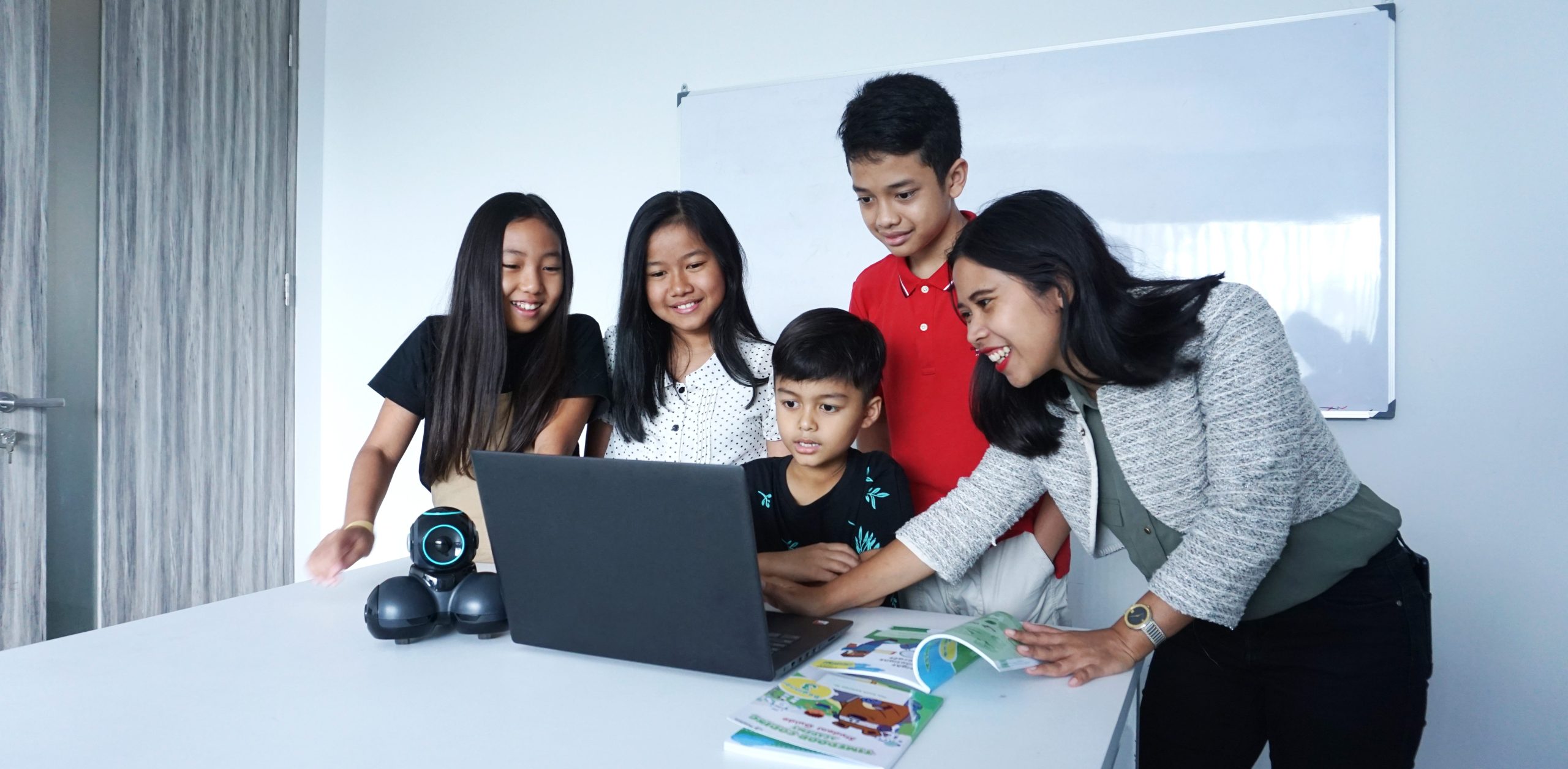
Venue Partner Program – Coding School image

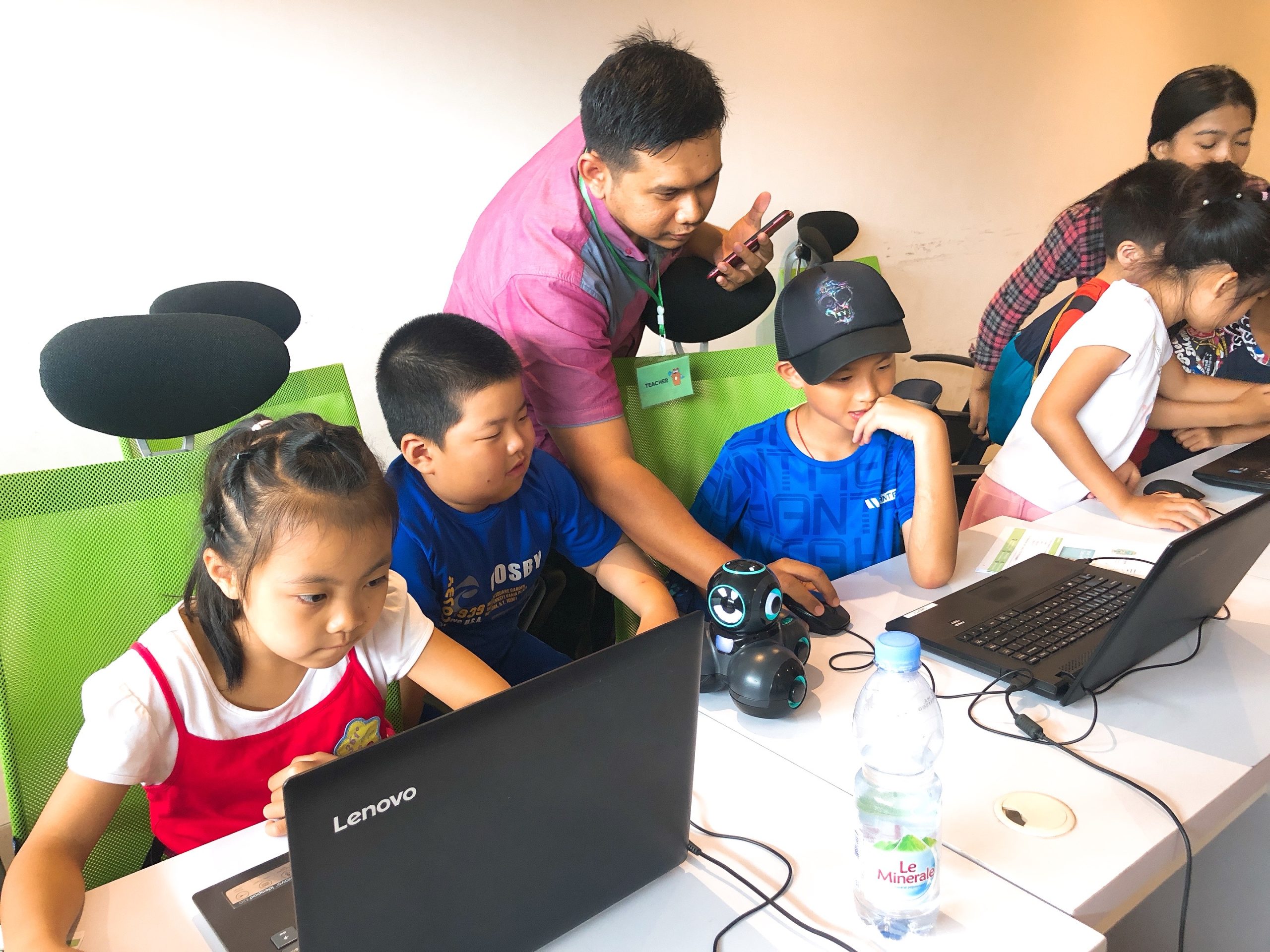
Turn Your Space into a Futuristic Education Center

Timedoor Academy is excited to explore the potential of opening an Offline branch in your area. If you happen to have any spare space, we invite you to consider partnering with us and discover the opportunity to generate passive income through our coding school. It’s a chance to contribute to the growth of your community by offering valuable educational resources while also benefiting from the financial rewards of this collaboration. Let’s join forces to create a positive impact together.
 

Business Model

– Sales Share Model
(Not Franchise Model)
 

Benefit

– All operations, management from Timedoor side
– You can generate passive income with spare space
– Synergy effect with your business
– No investment cost
 

Suitable for

– Venue Owner
– School
– Learning Center
– Co-Working Space
– Recreation Club
 

Requirement

– Minimum 3 Rooms, Ideally 7 Rooms for Class (or big class that we can partition into several class)
– Open 15:00 – 21:00 Weekdays, 08:00 – 18:00 Weekend


Contact Us to be our venue partner now!


Keep Reading

Cara Menghasilkan Uang dari Koding
How to Make Money Coding as a Kid
In today’s tech-driven world, kids are not just consumers of technology. They can become creators too. One exciting way for young minds to explore this potential is by learning how to code. What’s even better? Coding is not just a fun and valuable skill. It can also help children start earning money at an early age. In this article, we will explore practical and age-appropriate ideas on how to make money coding as a kid, and how platforms like Timedoor Academy can help kickstart the journey.   1. Build and Sell Simple Games One of the most popular ways for kids to make money with coding is by creating simple games. Platforms like Scratch allow children to build their own games using visual programming blocks. Once they get the hang of it, kids can upload their games to platforms like itch.io or Game Jolt, where others can play and support their work through donations or small purchases. This is a great way for kids to combine creativity with coding skills. It also teaches them the basics of digital entrepreneurship, such as designing for users and thinking about what makes a game fun and engaging.   2. Design a Personal Website or Blog Creating a personal website is a great way for kids to showcase their projects and interests. Using platforms like WordPress, Wix, or coding from scratch with HTML/CSS, kids can build blogs, portfolios, or fan pages. Once the website gains some visitors, there are many ways to monetize it. These include placing ads through Google AdSense with adult guidance, using affiliate links, or even selling digital products like game templates or beginner-friendly coding guides. This helps kids learn how websites work and how online income is generated in real life.   3. Create YouTube Coding Tutorials Another exciting option on how to make money coding as a kid is by creating YouTube tutorials. Kids can teach others how to code in Scratch, build simple apps, or walk through a project step by step. These videos do not need to be fancy. They just need to be clear and helpful. As the channel grows, monetization through YouTube ads, sponsorships, and affiliate links becomes possible. This is also a great way for kids to improve their communication skills while reinforcing their own understanding of coding.   4. Sell Digital Art or Assets for Games Kids who enjoy both coding and art can create digital assets like characters, backgrounds, or sound effects. These can be sold on platforms like Unity Asset Store, OpenGameArt, or Itch.io. For example, if your child designs a cool background for a Scratch game, they can package it with a few more designs and offer it for free or for a small fee online. This is a fun way to blend art, coding, and entrepreneurship.   5. Try Safe Freelance Gigs (With Parental Help) Older kids or teenagers ages 13 and up can start exploring junior freelance work in simple coding tasks. These include fixing bugs, customizing websites, or helping with small scripts. Sites like Fiverr or Freelancer often have beginner-friendly gigs that can be done with parental supervision. Even if the job pays only a few dollars at first, the experience and confidence gained are invaluable. It helps children see how coding is used in the real world and builds their early portfolio.   6. Participate in Coding Competitions Many platforms and organizations hold coding competitions or hackathons for kids. These events often come with prizes such as gadgets, cash, or even scholarships. Websites like Tynker, Code.org, and local coding academies host events where kids can test their skills and possibly win something exciting. Competing not only motivates kids to learn faster. It also introduces them to other like-minded peers and creates a supportive community.   7. Build Mobile Apps With tools like Thunkable, MIT App Inventor, or even Flutter, kids can start building simple mobile apps. Whether it is a calculator, a quiz game, or a daily planner, these apps can be uploaded to the Google Play Store with adult help. Even if the app is free, kids can include ads or in-app purchases to start earning money. It is a great way to explore real-world coding with tangible outcomes.   8. Teach Coding to Other Kids Once your child becomes confident in their coding skills, they can teach younger children or peers who are just starting out. Whether it is through local workshops, helping a sibling, or organizing a mini class with friends, this builds leadership and communication skills. Some older kids even offer beginner Scratch tutoring sessions online, turning their knowledge into a meaningful side hustle.   Why Learning to Code Early Matters Understanding how to make money coding as a kid goes beyond earning an allowance. It teaches real-world skills like time management, problem-solving, entrepreneurship, and confidence. Kids who code not only learn how to build apps or games. They also gain a mindset that prepares them for the future.   Start Coding the Fun Way with Timedoor Academy If your child is curious about coding, game creation, or building their first app, Timedoor Academy is the perfect place to begin. With interactive lessons, expert guidance, and beginner-friendly projects, kids can explore coding in a way that is fun and engaging. Ready to see if coding is right for your child? Visit us to join a free trial class and let your child turn creativity into real skills and even their first coding income.
bahasa pemrograman terbaik untuk anak
7 Top Programming Languages for Kids: A Comprehensive Guide for Young Learners
In today’s tech-driven world, learning how to code is an essential skill, especially for young learners. The best programming languages for kids help introduce coding concepts in an engaging and accessible way. When choosing the best programming languages for kids, it’s important to focus on languages that are easy to understand, fun to learn, and open up opportunities for creative projects. In this guide, we will explore some of the best programming languages for kids and why they are excellent choices for young learners eager to start coding. Why Should Kids Learn Programming? Programming isn’t just about learning to code; it’s about developing problem-solving skills, creativity, and logical thinking. The best programming languages for kids teach children how to think critically and break down problems into smaller, manageable tasks. Additionally, coding offers children the opportunity to build their own games, websites, and apps, providing a sense of accomplishment as they bring their ideas to life. Let’s look at some of the best programming languages for kids that can help them begin their coding journey. 1. Scratch Scratch is often considered one of the best programming languages for kids due to its visual interface and simple drag-and-drop functionality. It allows children to create animations, games, and interactive stories without needing to write any complex code. Scratch introduces children to programming logic, such as loops, conditionals, and variables, while keeping things fun and creative. The best programming languages for kids should focus on visual learning, and Scratch is a perfect example. It’s an excellent stepping stone for kids who are new to coding and want to explore the basics of programming in an interactive and playful way. 2. Python Python is one of the best programming languages for kids because it has simple syntax and is very readable, making it easier for young learners to pick up. Python is used in many real-world applications, including web development, data analysis, and game design, which makes it a versatile language to learn. With its broad use in the tech industry, learning Python at a young age gives kids a valuable skill that they can build upon as they grow older. Among the best programming languages for kids, Python stands out for its flexibility and ease of use, allowing children to start building more complex projects as they advance in their coding journey. 3. JavaScript For kids interested in creating websites and online games, JavaScript is one of the best programming languages for kids. It’s the primary language used for adding interactivity to websites, and learning it will allow kids to create dynamic and engaging online experiences. JavaScript is a bit more advanced than Scratch or Python, but it’s still one of the best programming languages for kids because it’s in high demand and offers a hands-on way to build real-world applications. By learning JavaScript, kids gain the foundational knowledge needed to work in web development and understand how websites function, making it a great choice among the best programming languages for kids. 4. Swift Playgrounds Swift Playgrounds is a unique app that teaches children how to code in Swift, which is Apple’s programming language used to build iOS and macOS apps. As one of the best programming languages for kids, Swift is powerful yet accessible, allowing kids to learn coding while solving fun, interactive puzzles. Swift Playgrounds offers an exciting, game-like experience that keeps kids engaged while learning how to code. For kids interested in app development, Swift Playgrounds is one of the best programming languages for kids to learn, as it provides a hands-on way to create mobile apps for iPhones and iPads. 5. HTML/CSS HTML (HyperText Markup Language) and CSS (Cascading Style Sheets) are fundamental languages for web development, and they’re also some of the best programming languages for kids to learn. HTML is used to structure content on the web, while CSS is used to style that content and make it look visually appealing. By learning HTML and CSS, kids can start building their own websites from scratch, gaining a deeper understanding of how the internet works. As two of the best programming languages for kids, HTML and CSS provide kids with a solid foundation in web development that will be useful if they want to learn more advanced languages in the future. 6. Blockly Blockly is a visual programming language developed by Google that teaches programming concepts through a drag-and-drop interface. Blockly is an excellent choice among the best programming languages for kids because it allows kids to focus on logic and problem-solving without worrying about complex syntax. It’s perfect for young learners who want to understand the fundamentals of coding before transitioning to text-based programming languages. For a fun introduction to coding, Blockly is one of the best programming languages for kids, helping kids develop the skills needed to progress to more advanced languages like Python or JavaScript. 7. Roblox Studio Roblox Studio is one of the best programming languages for kids who are passionate about gaming. It uses Lua, a scripting language that’s easy to learn and widely used in game development. With Roblox Studio, kids can create their own games, design interactive environments, and even monetize their creations. It’s an ideal platform for young learners interested in both coding and game design, making it one of the best programming languages for kids. Roblox Studio provides an engaging way for kids to learn programming while also fostering creativity, teamwork, and critical thinking. Kickstart Your Coding Journey with the Best Programming Languages for Kids Choosing the best programming languages for kids is an important step in setting them on the path to learning how to code. Whether they start with Scratch for simple game creation, move on to Python for general programming, or dive into JavaScript for web development, there are plenty of options to explore. Each of the best programming languages for kids offers unique learning opportunities and allows kids to create exciting projects while developing essential problem-solving skills. At Timedoor Academy, we offer coding courses designed specifically for kids, teaching them the best programming languages for kids in a fun and interactive way. Help your child discover the exciting world of coding by signing up for a free trial class at Timedoor Academy!
Top 5! How to Limit YouTube for Kids Effectively
In today’s digital world, YouTube has become one of the most popular entertainment platforms for children. While it offers a wide variety of educational content, it also exposes kids to videos that may not be suitable for their age. That’s why many parents are searching for a clear and practical solution: how to limit YouTube for kids. Ensuring your child’s safety while exploring the internet is no easy task. YouTube’s algorithm often suggests videos based on watch history, not necessarily on age-appropriateness. This makes it even more critical for parents to learn how to limit YouTube for kids as part of responsible digital parenting. Why It’s Important to Monitor Kids on YouTube While YouTube can be a great source of learning—offering science experiments, storytime videos, and creative tutorials—it can also lead kids down a rabbit hole of violent, inappropriate, or misleading content. Without proper supervision, your child may unintentionally view content that contradicts the values you are trying to instill. That’s why understanding how to limit YouTube for kids is not just a parenting option, but an essential digital safety measure. How to Limit YouTube for Kids: Practical Steps Here are some concrete steps you can take as a parent: 1. Use YouTube Kids App YouTube offers a child-friendly version of its platform called YouTube Kids. This app is designed with automatic filters to block inappropriate content and provide age-appropriate viewing. It’s a strong first step in your approach to how to limit YouTube for kids. 2. Enable Restricted Mode If your child uses the standard YouTube app, you can enable “Restricted Mode” in the settings. This feature helps filter out videos flagged as unsuitable. It adds an extra layer of protection in your efforts to control what your child watches. 3. Set Parental Controls Both YouTube Kids and the regular app allow you to set screen time limits and control the types of content your child can access. These built-in parental controls are crucial in enforcing how to limit YouTube for kids without needing constant supervision. 4. Establish Viewing Schedules Create specific times for when your child is allowed to watch YouTube, such as after completing homework or during weekends. Clear time restrictions encourage discipline and help children value their screen time. 5. Watch Together Spend time watching YouTube with your child. It’s not just about monitoring—it’s an opportunity to bond, understand their interests, and gently guide them toward more enriching content. 6. Educate Your Child on Good Content Choices Teach your child how to recognize content that is inappropriate or makes them uncomfortable. Encourage them to speak up if they come across something they don’t understand or that feels wrong. This empowers them to be responsible digital citizens. 7. Use Third-Party Monitoring Apps Tools like Google Family Link can provide more detailed control over your child’s online behavior. You can view their activity, set time limits, and even approve or block apps. These tools are highly effective in supporting your journey in how to limit YouTube for kids. Common Challenges Parents May Face Setting limits is not always easy. Children may resist new rules or attempt to find workarounds to access restricted content. That’s why consistency, patience, and open communication are key. Involve your child in creating these rules so they feel included and understand the reasons behind them. It’s also important to strike a balance. Remember, the goal of learning how to limit YouTube for kids is not to ban access entirely but to guide children toward safe and meaningful digital experiences. Limiting is Not Banning, It’s Redirecting When done right, how to limit YouTube for kids becomes a way of redirecting your child’s screen time toward educational and creative growth. There are countless videos that can inspire innovation, critical thinking, and even spark a passion for science, art, or coding—when chosen wisely. As parents, we have the power to shape how children interact with technology. By combining digital tools with parental guidance and open conversations, we prepare them for a safer and smarter future online. Try a Free Coding Class at Timedoor Academy Parenting in the digital era requires new tools and strategies. With the right knowledge and support, you can protect your child from harmful content while encouraging their curiosity and creativity. If you're looking for a positive and productive way to introduce your child to the digital world, consider enrolling them in a fun and educational tech program. Timedoor Academy offers free trial courses in coding, tailored for children aged 5 to 19.
float button