Apr 24, 2025

Positive & Negative Effects of AI on Kids
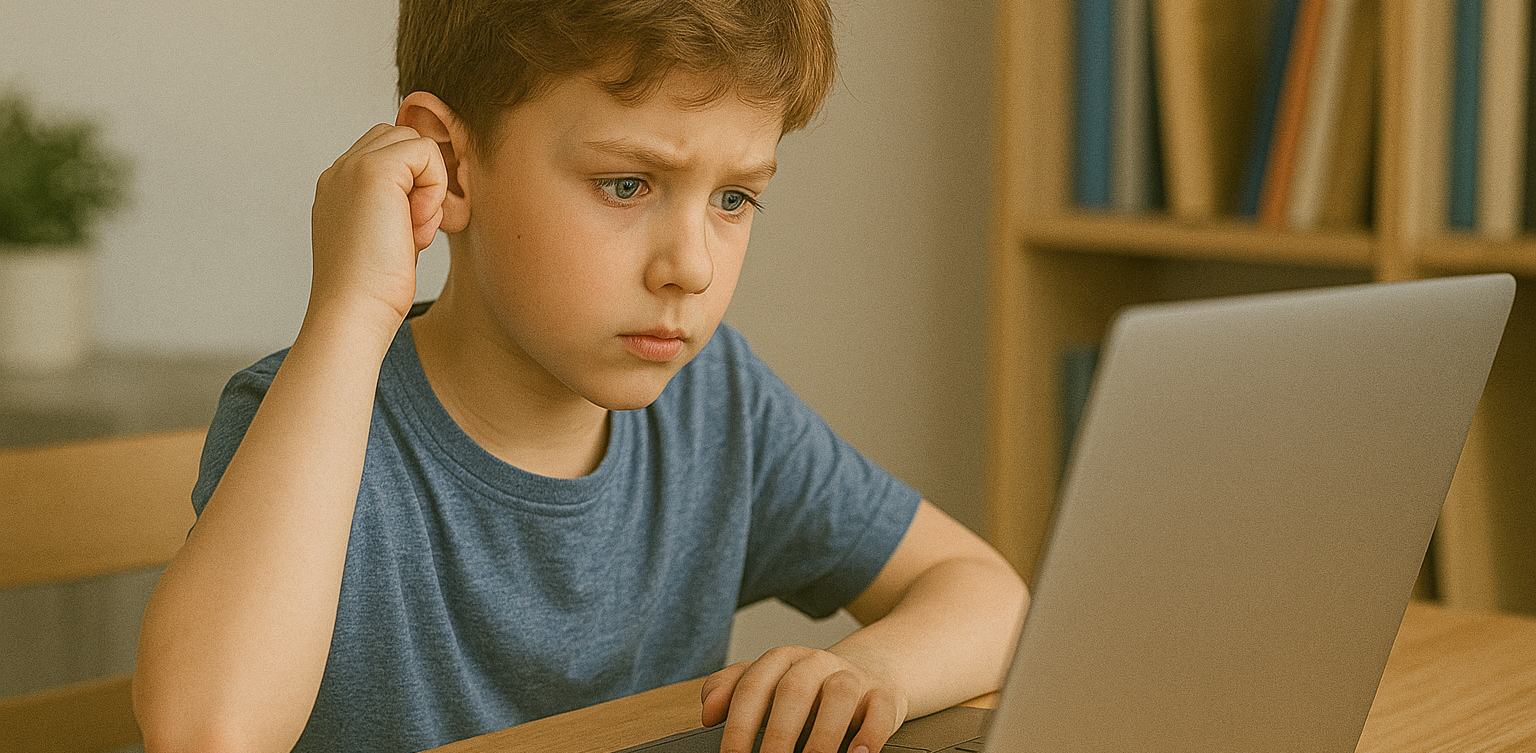
Positive & Negative Effects of AI on Kids image

Artificial Intelligence (AI) is becoming a regular part of children’s lives, from voice assistants and learning apps to smart toys and educational platforms. As this technology continues to shape the way children learn and interact with the world, parents and educators are beginning to ask an important question: what are the positive & negative effects of AI on kids?

While AI can provide engaging and personalized learning experiences, it also raises concerns about screen time, privacy, and social development. In this article, we’ll explore both sides of the story and help you better understand how to manage AI in your child’s life.

What Are the Positive & Negative Effects of AI on Kids?
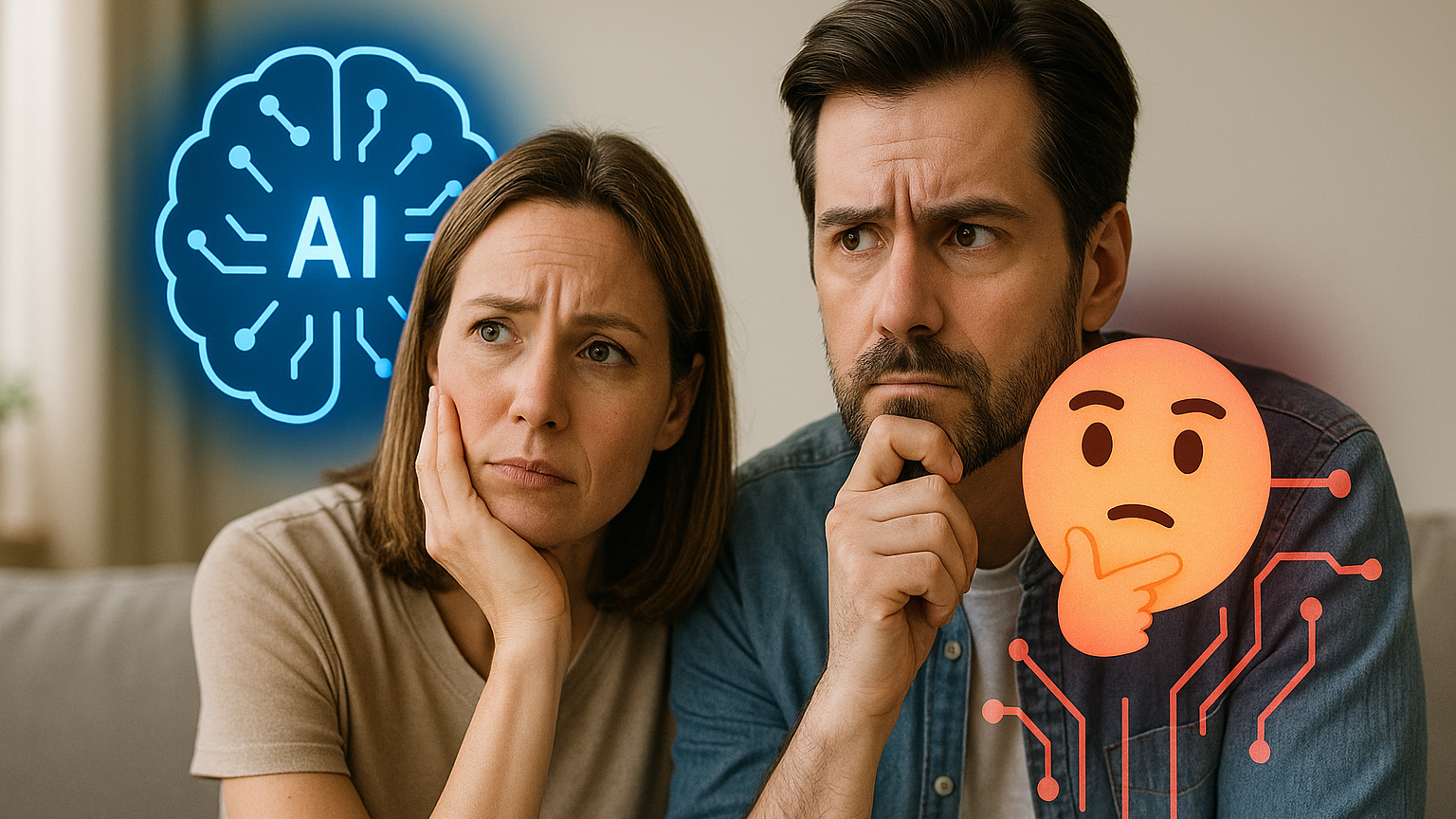
parents wondering Positive & Negative Effects of AI on Kids

Understanding the positive & negative effects of AI on kids starts with identifying how AI is used in their daily routines. Many children today interact with AI-powered tools at home, in school, or even while playing.

AI helps personalize lessons based on learning speed and style. It can adjust content difficulty, give instant feedback, and keep children motivated with gamified progress tracking. However, relying too much on AI can reduce face-to-face interactions and lead to excessive screen exposure.

As we explore each aspect, keep in mind that moderation and parental guidance are essential to maximizing the benefits of AI while avoiding its downsides.

Positive Effects of AI on Kids’ Learning and Development
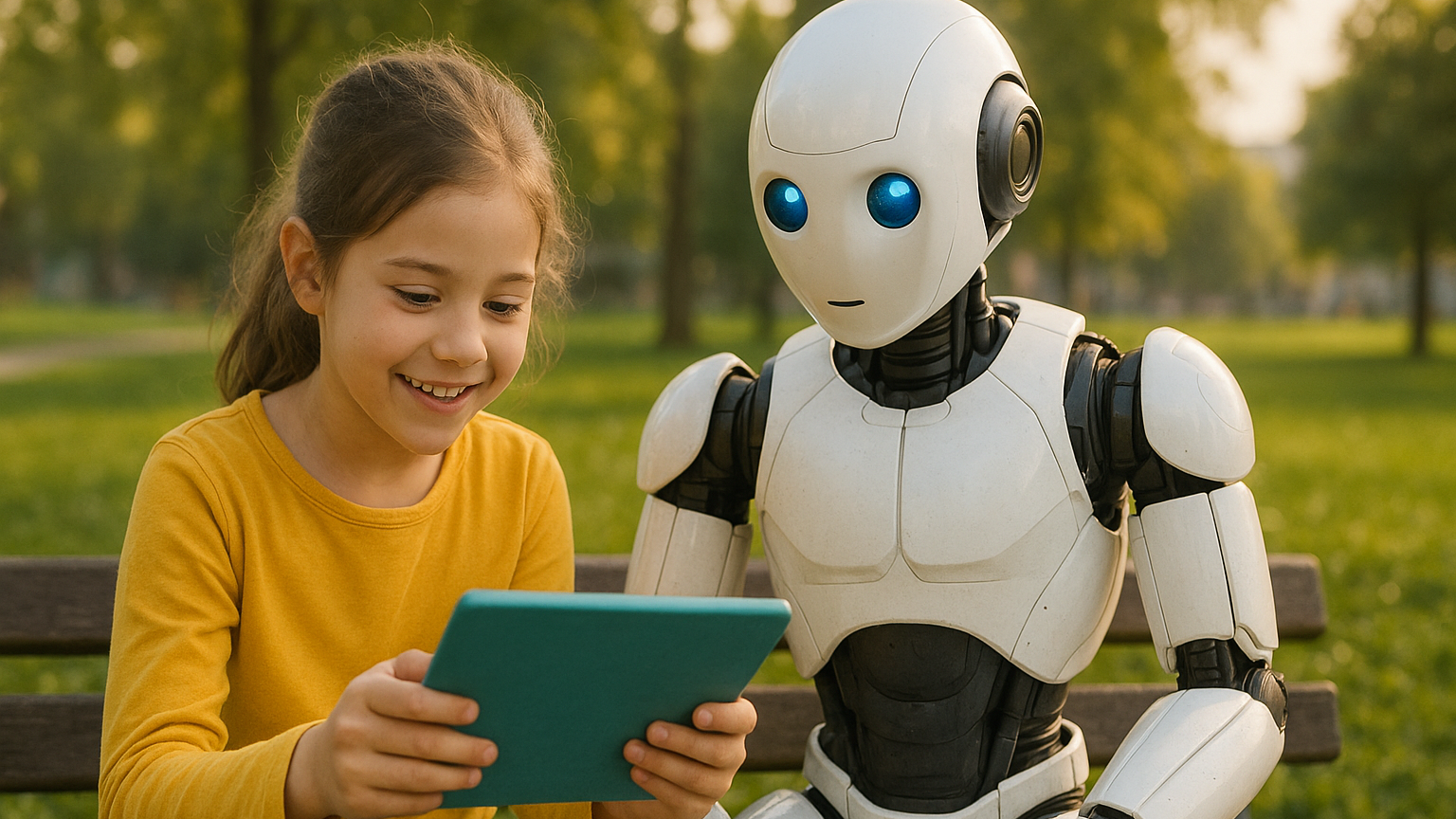
One of the major positive effects of AI on kids is how it transforms the learning process. AI can create personalized learning paths that help students progress at their own pace. This is especially useful for children who need more time with certain subjects or want to advance beyond the standard curriculum.

Some common benefits include:

  • Personalized education: Platforms like Duolingo, Khan Academy Kids, and Google’s Read Along adapt to a child’s learning speed and interests.
  • Interactive engagement: AI-powered tools can make learning fun. Children feel like they are playing a game, which boosts motivation and retention.
  • Support for special needs: AI can assist children with learning difficulties, such as dyslexia or ADHD, by providing tailored content and feedback.
  • Language development: Tools like ChatGPT or AI-powered story apps can help kids practice conversation skills, learn vocabulary, and explore creative writing.

When used thoughtfully, AI can support cognitive development, encourage independent learning, and make education more accessible to all children.

Negative Effects of AI on Kids’ Behavior and Health
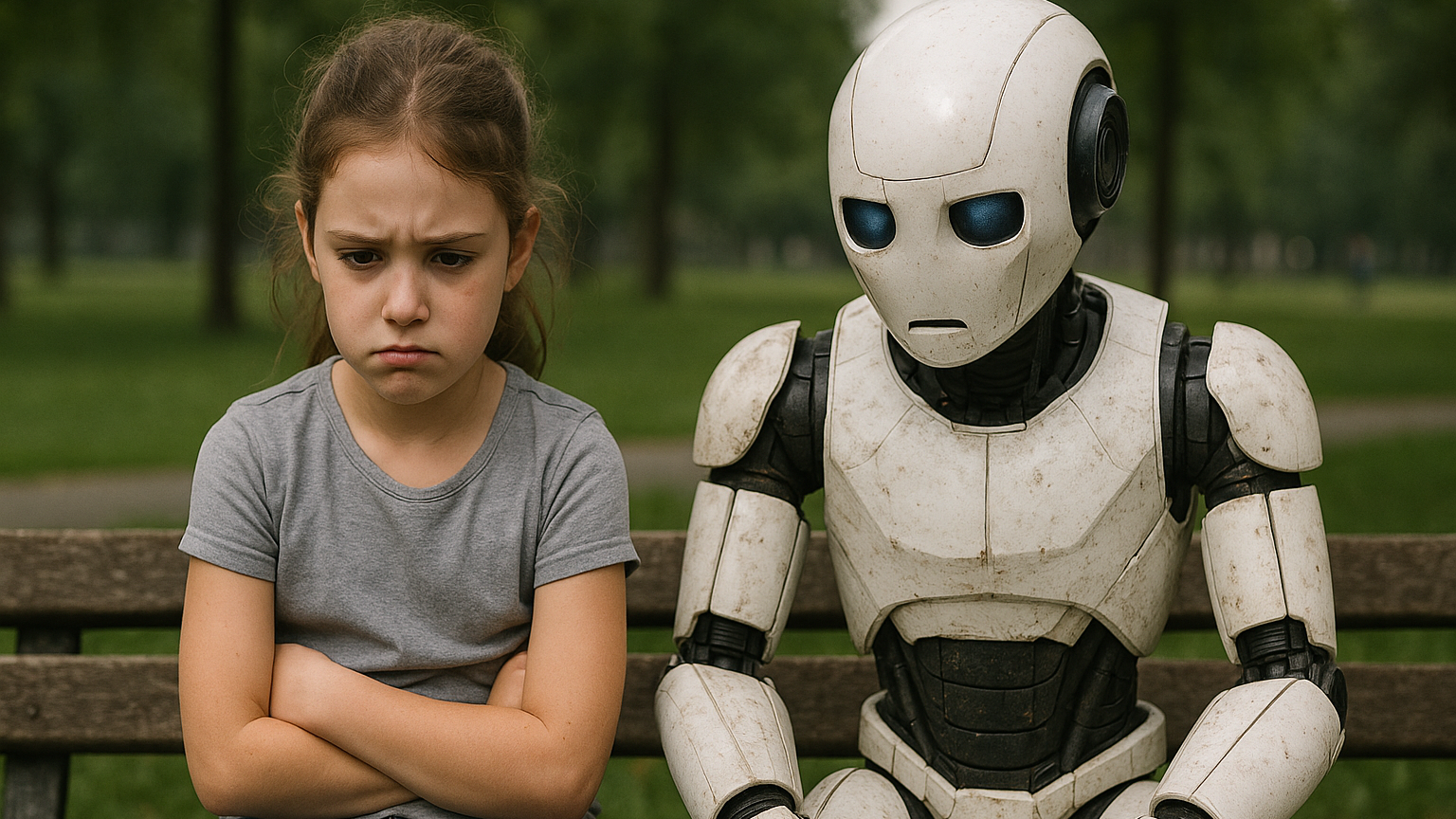
While the benefits are impressive, the negative effects of AI on kids should not be overlooked. Increased screen time and constant engagement with digital devices can affect children in many ways.

Here are some of the concerns:

  • Reduced social interaction: Over-reliance on AI tools can limit kids’ real-world communication and collaboration with peers.
  • Privacy and data concerns: AI tools often collect personal data. Parents must stay aware of how and where their child’s information is stored and used.
  • Impaired creativity: When kids rely too much on automated answers or suggestions, it may reduce their problem-solving and critical thinking skills.
  • Health risks: Excessive screen time is linked to eye strain, poor posture, and decreased physical activity.

These negative effects of AI on kids highlight the importance of setting boundaries and ensuring that AI is used as a supplement, not a replacement, for real-life experiences.

Balancing the Positive & Negative Effects of AI on Kids at Home and School
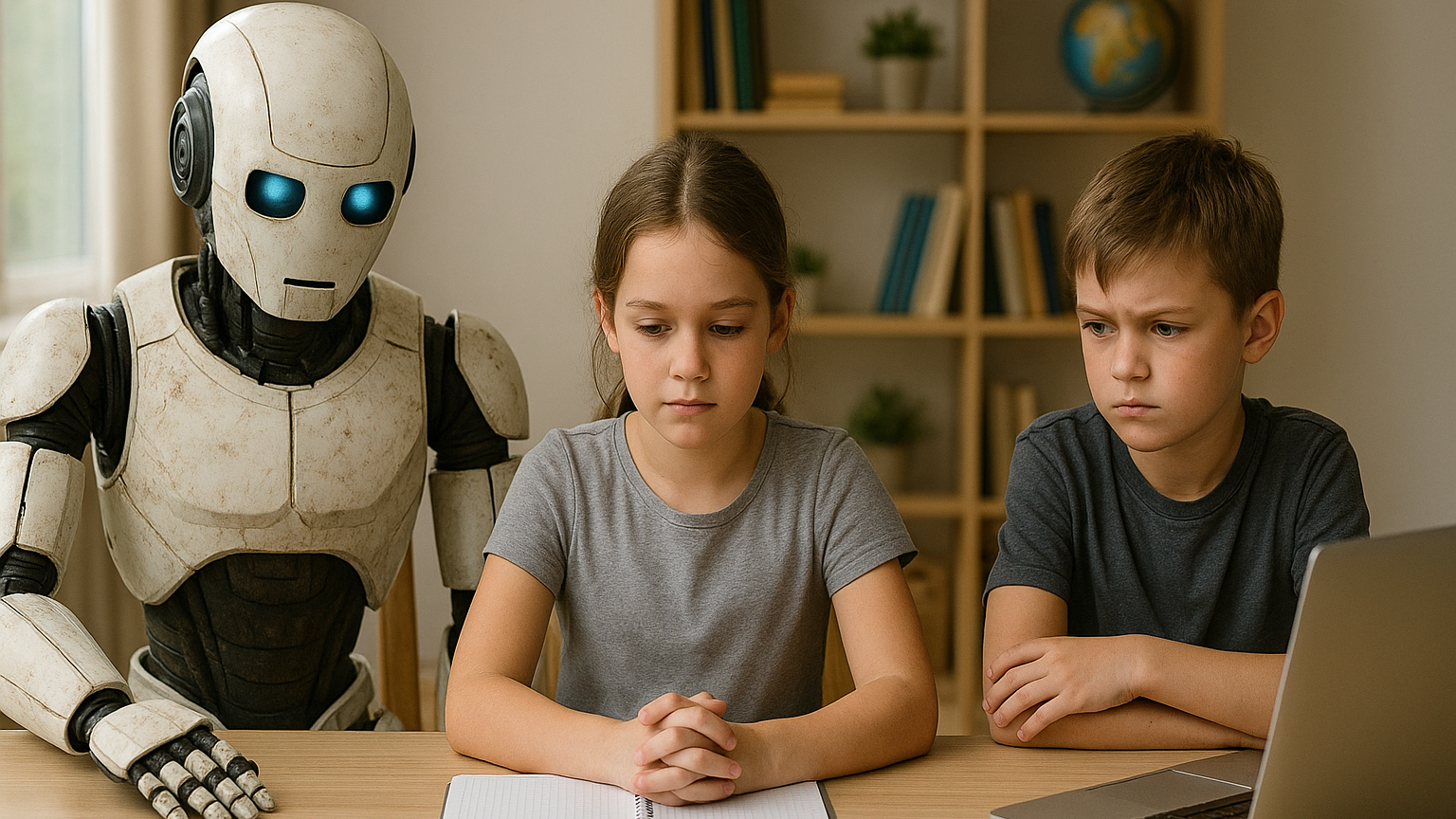
balancing Positive & Negative Effects of AI on Kids

Finding the right balance between the positive & negative effects of AI on kids is the key to ensuring that technology supports rather than harms their development.

Here are some strategies:

  • Set clear screen time limits: Encourage breaks and schedule offline activities like outdoor play or reading.
  • Choose high-quality apps: Use tools that offer educational value and avoid those filled with ads or mindless content.
  • Stay involved: Talk to your child about what they’re learning, and encourage them to ask questions or reflect on what they discover.
  • Encourage a mix of learning methods: Combine AI-based tools with traditional learning and hands-on activities.
  • Teach digital responsibility: Help kids understand the importance of online privacy, respectful communication, and balanced usage.

By creating a healthy digital environment at home and working with educators to do the same in schools, we can maximize the positive impact of AI while reducing the risks.

Managing the Positive & Negative Effects of AI on Kids
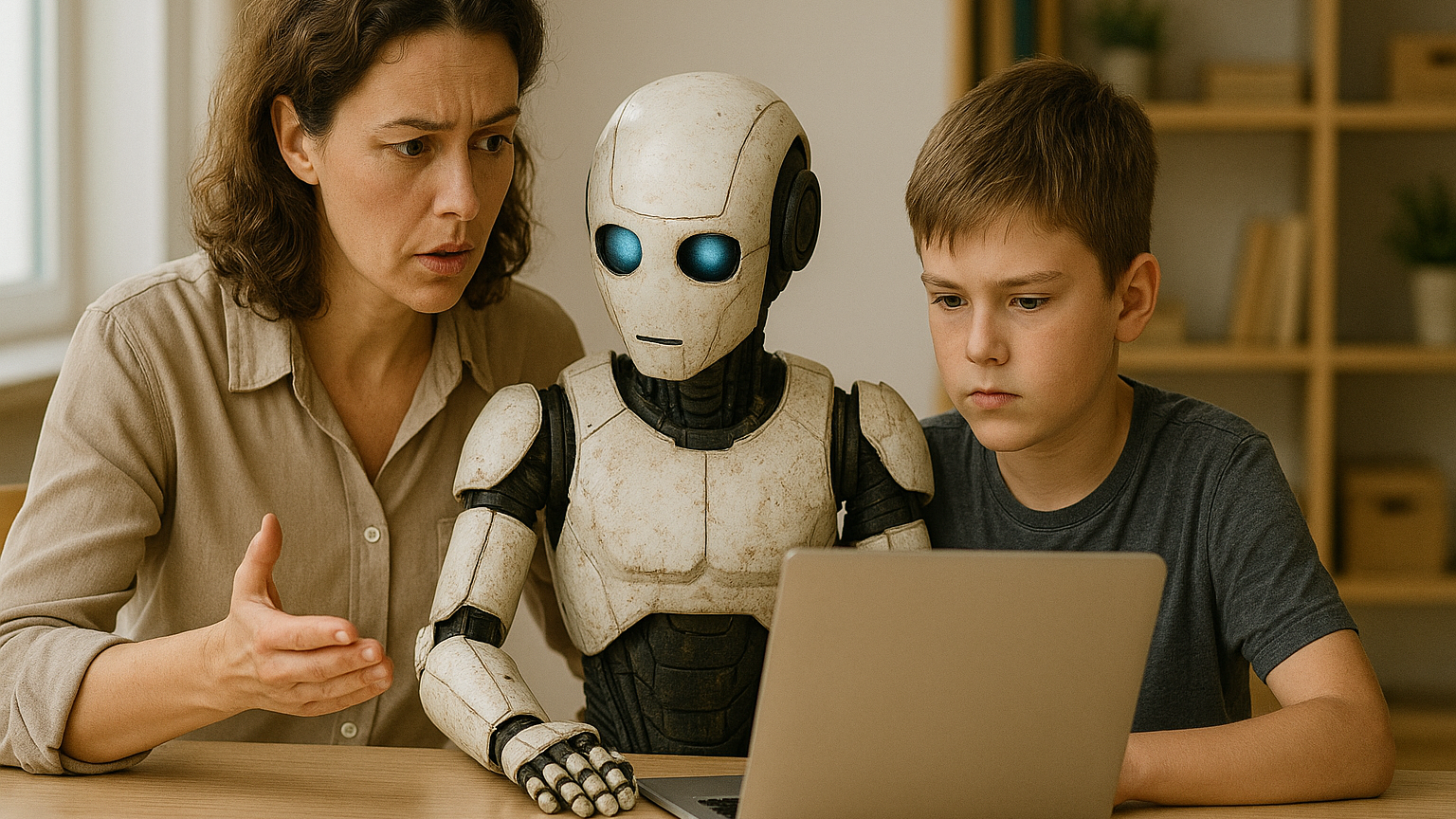
AI is here to stay, and its role in children’s lives will only continue to grow. As with any technology, the key is to use it intentionally. When guided properly, the positive & negative effects of AI on kids can be managed in a way that supports learning, creativity, and healthy development.

Parents, teachers, and caregivers all have a role in helping kids develop strong digital habits and a balanced approach to technology. With the right support, AI can be a powerful tool for growth rather than a source of distraction or harm.

Make AI Work for Your Child at Timedoor Academy

At Timedoor Academy, we believe in using technology the smart way. Our live, interactive coding and digital classes are designed to help kids explore AI, robotics, and programming while developing communication and critical thinking skills.

Ingin tahu detail program? Image

Ingin tahu detail program?

Looking for a healthy way to introduce tech into your child’s routine? Try our free class and see how we guide students to grow in a structured and inspiring environment.

Visit our website to learn more and start your child’s smart tech journey today!

Keep Reading

5 Top Public Speaking Course for Kids Recommendations with Pricing 2025
In today’s modern era, many parents are looking for public speaking course for kids since public speaking skills are incredibly important for developing children’s confidence and social abilities. No wonder more and more parents are seeking a trusted online public speaking course for kids to help their children communicate ideas clearly, whether at school or in their daily lives. By enrolling in a high-quality online public speaking course, children can practice structured speaking, overcome stage fright, and build real confidence. Below are 5 top recommendations for online public speaking courses for kids in 2025, complete with pricing, programs, and standout features. 1. Outschool: Public Speaking for Kids Price: Starting at $18 per classOutschool offers a wide range of online public speaking course options for kids ages 5–14. Classes include small group sessions focused on storytelling, presentations, and confidence building. Key Features: Flexible class schedules and certified instructors Engaging, project-based lessons Classes available for various age groups and skill levels Reviews and ratings from parents and students Access: 100% Online, Global 2. Udemy: Public Speaking for Kids and Teens Price: Starting at $20 per course (one-time payment)Udemy’s online public speaking course for kids and teens covers everything from basic speech techniques to delivering presentations with confidence. The curriculum is video-based and can be accessed at any time. Key Features: Lifetime access to lessons and resources Self-paced learning for maximum flexibility Activities and practice prompts for real-life speaking Completion certificate Access: Online, Worldwide 3. PlanetSpark Price: Starting at $30 per sessionPlanetSpark offers live, interactive online public speaking coursefor kids aged 6–16. Their curriculum covers debating, storytelling, stage presence, and leadership. Key Features: Personalized learning plans Regular feedback and progress tracking International student community Events, competitions, and showcases Access: Online, International 4. Speech & Debate Academy by Learn with Leaders Price: Starting at $50 per monthThis online public speaking course is led by instructors from top global universities and focuses on helping children master public speaking, debating, and critical thinking. Courses are available in group or one-on-one formats. Key Features: Small class sizes with personalized feedback Emphasis on confidence, persuasion, and communication skills Interactive debates and speech simulations Global exposure Access: Online, Open Worldwide 5. Kid Power Academy Price: Starting at $25 per group classKid Power Academy provides a highly interactive online public speaking course for kids, helping them practice speeches, interviews, and presentations in a supportive environment. Key Features: Certified, experienced instructors Fun activities including storytelling, games, and roleplay Progress reports for parents Focus on building positive self-image and confidence Access: Online, Available Globally Why Is an Online Public Speaking Course Important for Kids? Enrolling your child in an online public speaking course for kids will give them an essential foundation for the future. Children will learn how to organize their ideas, speak confidently in public, and present themselves well in a variety of situations. These skills are not only useful for competitions or school presentations, but also for developing leadership, teamwork, and self-expression. Alongside communication skills, it’s just as important to help your child develop technology skills such as coding. In today’s digital era, combining public speaking skills with digital literacy will prepare kids to face the challenges of the future with confidence. If you want your child to develop both strong public speaking skills and digital abilities, consider introducing them to creative coding classes at Timedoor Academy. Try a free trial coding class at Timedoor Academy so your child can grow in confidence, creativity, and readiness to compete in the modern world!
Complete Guide How to Make a Roblox Skin for Your Child
For many children, gaming has evolved beyond entertainment. It has become a creative outlet and a way to express themselves. One of the most popular platforms among kids and teens today is Roblox. This game allows users to create virtual worlds and customize their avatars to reflect their unique personalities. That’s why learning how to make a Roblox skin can be both fun and educational for your child. What Is a Roblox Skin? In Roblox, a skin refers to the appearance of a player’s avatar. Children can personalize their avatars by changing clothing, skin tones, hairstyles, accessories, and more. These skins aren’t just for looks. They’re tools for creativity and learning, especially when kids use Roblox Studio to explore deeper customization options. Why Should Kids Learn to Make Their Own Skins? Introducing children to how to make a Roblox skin has numerous benefits. First, it encourages creativity. Kids get to explore color combinations, design themes, and styles. Second, they gain exposure to basic digital tools and visual design principles. This process also supports problem-solving skills. Children often need to experiment and refine their designs to achieve the result they envision. Best of all, it transforms screen time into something more productive and purposeful. What Tools Are Needed? To help your child get started with how to make a Roblox skin, you’ll need just a few basic items: An active Roblox account A computer or laptop Access to Roblox Studio (available free on Roblox’s official site) A downloadable Roblox skin template Roblox provides flat skin templates that show the layout of each part of the avatar, including the head, torso, arms, and legs. These templates serve as the base for customization. Step-by-Step Instructions on How to Make a Roblox Skin Here’s a simple guide that parents and children can follow together: Download the official template from the Roblox Developer site. This template helps with precise customization. Use a graphic editing tool such as Paint.NET, GIMP, or even Pixlr. Choose software that’s beginner-friendly and age-appropriate. Design the skin by adding colors, patterns, logos, or any details your child enjoys. Let them express their personality. Save the file in PNG format without altering the original dimensions. Upload the skin to Roblox Studio and preview how it looks in the game. These steps are not just technical but also developmental. Kids will become familiar with software tools, layout concepts, and creative thinking. Tips to Make the Experience More Enjoyable To ensure your child has fun while learning how to make a Roblox skin, here are a few practical tips: Encourage creative freedom. Allow children to explore their ideas without strict limitations. Turn it into a shared project. Parents can join the process to build stronger connections with their kids. Celebrate their creations. Offering praise builds self-confidence and motivates kids to keep learning. Making a Roblox skin is not just a hobby. It’s a gateway into the world of design and digital literacy. Connecting Hobbies with Digital Learning Exploring how to make a Roblox skin can be an entry point into broader tech skills. Roblox Studio even allows users to add scripts using Lua, a programming language. If your child shows an interest in going further, this could be an ideal time to introduce them to structured learning in technology. Through this hobby, children get a hands-on introduction to digital tools, design logic, and maybe even a little coding. It’s an excellent way to turn a pastime into a valuable learning experience. Try a Free Coding Class at Timedoor Academy Helping your child discover how to make a Roblox skin is more than just a gaming activity. It nurtures creativity, boosts digital confidence, and introduces the basics of design and technology. With the right guidance, what begins as a simple customization project can lead to a deeper interest in tech-based learning. If you’re looking for a fun and structured way for your child to explore coding, creativity, and digital tools, Timedoor Academy offers coding classes specially designed for kids. These programs are interactive, age-appropriate, and focus on building skills for the future.Sign up today for a free trial at Timedoor Academy and support your child’s journey into the world of technology in a fun and meaningful way.
7 Top Movie Recommendations for Kids: Best Family Films of 2024 – 2025!
Watching movies with your children is not only a fun family activity, but also a meaningful way to teach important values, expand horizons, and spark their imagination. By choosing the right movie recommendations for kids, parents can introduce positive messages and exciting stories that stay with their children for years to come. Between 2024 and 2025, there are many new animated and live-action releases that are full of adventure and valuable lessons. Here are seven movie recommendations for kids that you should not miss for your next family movie night. 1. Jumbo (2025) Released on March 31, 2025, Jumbo is an Indonesian animated film directed by Ryan Adriandhy. The story follows Don, an orphaned boy often underestimated because of his large size. With the help of a tiny fairy named Meri, Don embarks on a magical adventure to discover the meaning of friendship and courage. Jumbo quickly became Indonesia’s highest-grossing animated movie of all time, reaching more than two million viewers in just eleven days. This is a must-watch and one of the top movie recommendations for kids in 2025. 2. Inside Out 2 (2024) Inside Out 2, released on June 14, 2024, is the much-anticipated sequel to Pixar’s acclaimed film. The story continues with Riley as she enters her teenage years, experiencing new emotions such as anxiety and embarrassment. As one of the most talked-about movie recommendations for kids this year, Inside Out 2 provides deep insight into the importance of understanding and managing feelings, making it both entertaining and meaningful for children and parents alike. 3. Elio (2025) Set to premiere on June 13, 2025, Elio is Pixar’s next big animated release. The movie centers on Elio, a young boy who is accidentally abducted by an intergalactic organization and suddenly finds himself appointed as Earth’s ambassador. Packed with vibrant interstellar adventures and positive messages about courage and self-discovery, Elio stands out among the latest movie recommendations for kids for families seeking something unique and imaginative. 4. The Wild Robot (2024) The Wild Robot was released on September 27, 2024, and tells the story of Roz, a robot who becomes stranded on a deserted island and must learn to adapt to the natural world and its inhabitants. This beautifully animated film is one of the most inspiring movie recommendations for kids, sharing heartfelt lessons about compassion, adaptation, and the importance of building relationships with others, no matter how different they may seem. 5. Zootopia 2 (2025) Zootopia 2 is scheduled for release on November 25, 2025, and brings back the beloved characters Judy Hopps and Nick Wilde as they solve new mysteries in the vibrant city of Zootopia. The movie is highly anticipated and is sure to be one of the top movie recommendations for kids next year, offering exciting stories and positive messages about diversity, teamwork, and justice. 6. Space Cadet (2025) Space Cadet, a Canadian animated film, had its world premiere on February 16, 2025, at the Berlin International Film Festival. This dialogue-free movie tells the story of a young astronaut and her robot guardian, exploring themes of loss, love, and finding your place in the universe. With its stunning visuals and emotional depth, Space Cadet is a standout among movie recommendations for kids and offers a unique viewing experience for the whole family. 7. Sauvages (2024) Released on May 18, 2024, Sauvages is a stop-motion animated film about Kéria, a young girl living in Borneo who teams up with her cousin and an orangutan to fight against deforestation. The movie addresses important themes of environmental conservation and cultural identity, making it one of the most educational and relevant movie recommendations for kids this year. Tips for Enjoying Movies with Kids To get the most out of these movie recommendations for kids, parents can try these simple tips: Choose movies that are appropriate for your child’s age and always check reviews beforehand. Discuss the story after watching, asking your child about their favorite characters and what lessons they learned. Combine movie time with other activities, such as reading related books or doing crafts inspired by the film’s themes. Limit screen time and balance it with physical activities and social interaction. Make movie night a special bonding time for the family, not just entertainment. By carefully selecting movie recommendations for kids, parents can help their children develop empathy, broaden their perspectives, and gain positive values from a young age. Balancing Entertainment and Digital Learning In today’s digital world, children need not only quality entertainment but also essential skills for the future. Along with watching the latest movie recommendations for kids, introduce them to the world of coding, creativity, and technology through fun educational activities. If you want your child to develop logical thinking, creativity, and self-confidence, sign them up for a free trial coding class at Timedoor Academy. Make family time even more fun and meaningful by balancing great entertainment with digital learning opportunities.
float button