Jun 04, 2025

What Is Vibe Coding? Understanding the Concept and Its Benefits for Kids

What Is Vibe Coding? Understanding the Concept and Its Benefits for Kids image

In today’s digital era, children are not only expected to excel academically but also to be creative, collaborative, and adaptable to technology. One learning method that is gaining attention in tech education is vibe coding. More parents and educators are beginning to ask: what is vibe coding, and how can it be used in a meaningful way to help children learn?

This article will explain what is vibe coding, its core principles, and why this method is a fun and effective approach to introducing programming to young learners. If you’re considering a coding class that feels less rigid and more intuitive, vibe coding for kids might be the perfect fit.

What Is Vibe Coding?
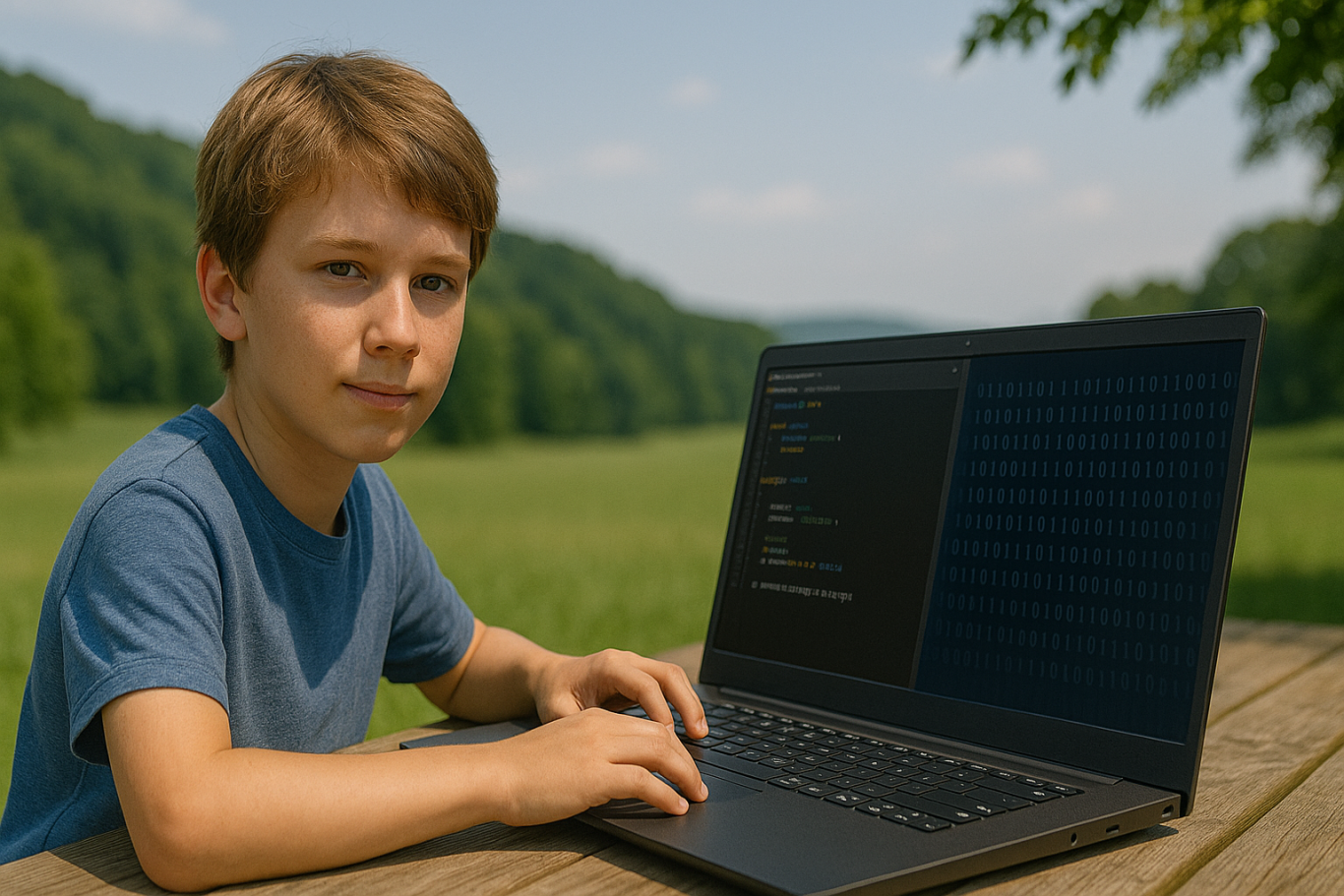
To answer the question what is vibe coding, we need to understand the basic idea behind this learning method. Vibe coding refers to a teaching approach that emphasizes a fun, creative, and child-friendly atmosphere while learning programming. The word “vibe” represents the overall feeling or energy created during the learning experience.

Unlike traditional programming lessons that can feel formal or rigid, vibe coding for kids focuses on letting children learn through play, imagination, and building meaningful projects. The emphasis is not just on the final product but also on enjoying the process of creating something.

Why Is Vibe Coding a Great Fit for Kids?
what is vibe coding

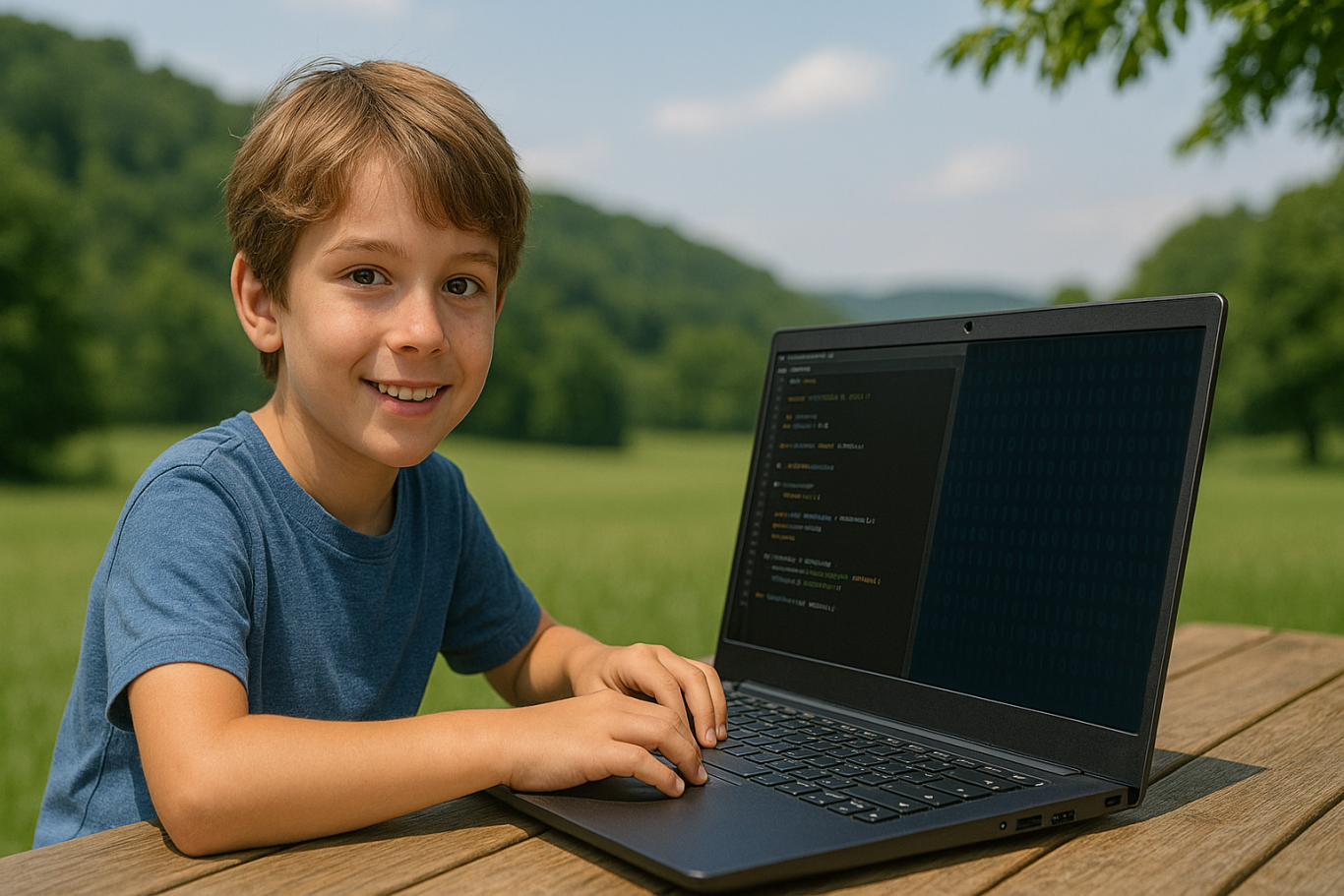
Once you understand what is vibe coding, it becomes clear why this method works especially well for children. Kids often get bored or overwhelmed by dry, technical lessons. Vibe coding for kids creates a fun, engaging environment that sparks curiosity and creativity.

This approach incorporates storytelling, animations, music, and visuals to help children feel immersed in their projects. For example, kids can learn to code by creating their own video games, designing cartoon characters, or programming a virtual robot that follows commands.

With this setup, children naturally learn the basics of coding such as logic, sequences, conditions, and loops. They’re not pressured to get everything right immediately. Instead, they’re encouraged to explore, try new things, and learn from mistakes. That’s the heart of vibe coding for kids: building a positive and flexible learning experience.

Benefits of Vibe Coding for Kids
vibe coding for kids

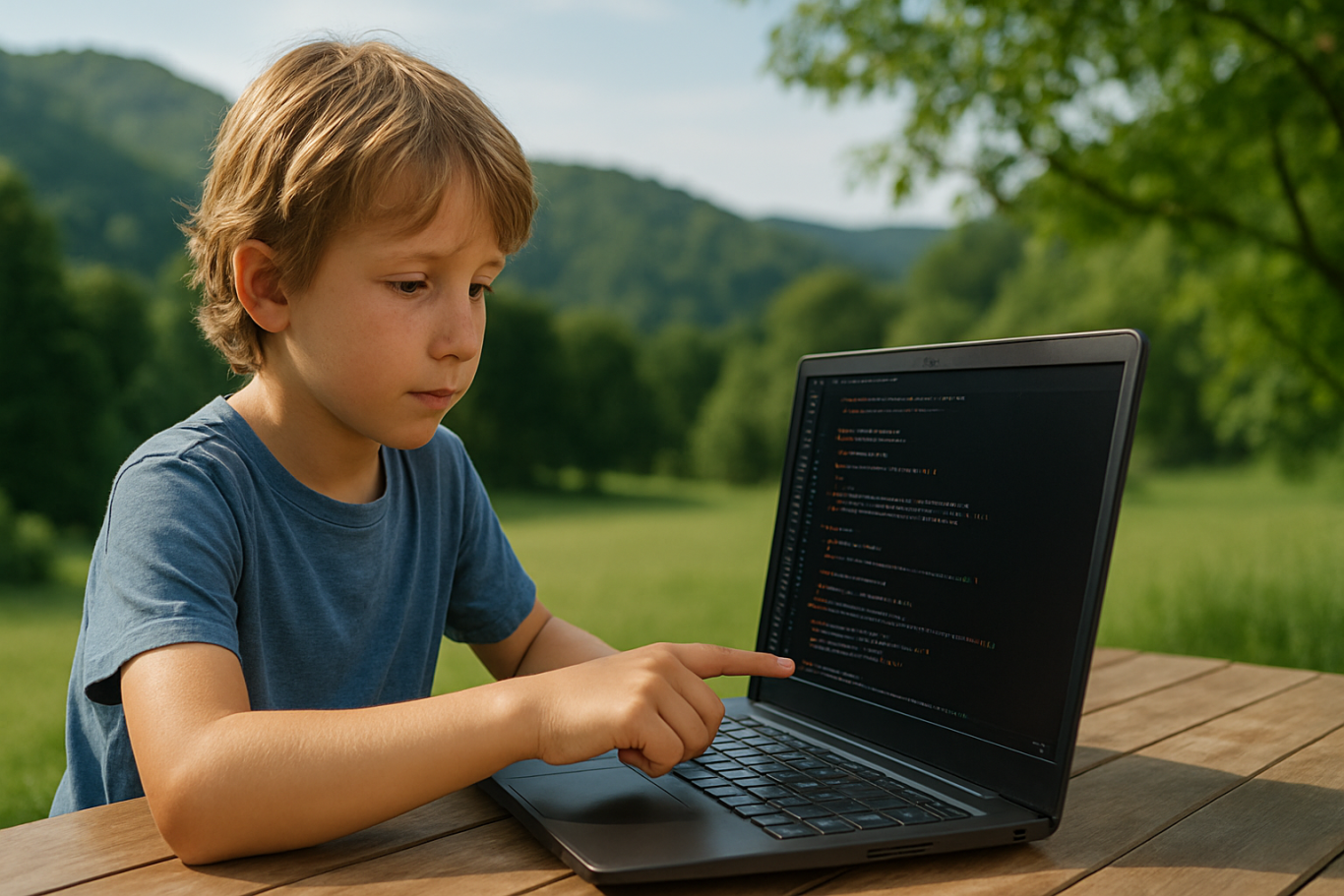
For parents who are still unsure about this method, here are some key benefits that vibe coding for kids offers. It doesn’t just improve tech skills. It also supports broader developmental growth in young learners.

  1. Boosts creativity
    Kids are encouraged to build things from their own ideas—games, animations, or simple apps.
  2. Develops logic and problem-solving
    Even though the environment is playful, the foundation of vibe coding for kids is rooted in core programming logic.
  3. Promotes collaboration and communication
    Many activities are group-based, teaching kids to discuss, share roles, and work as a team.
  4. Builds confidence
    Children gain pride and belief in their abilities when they successfully create something.
  5. Prepares them for the future
    By learning coding early, kids are better equipped for a digital-driven world.

Vibe Coding at Timedoor Academy
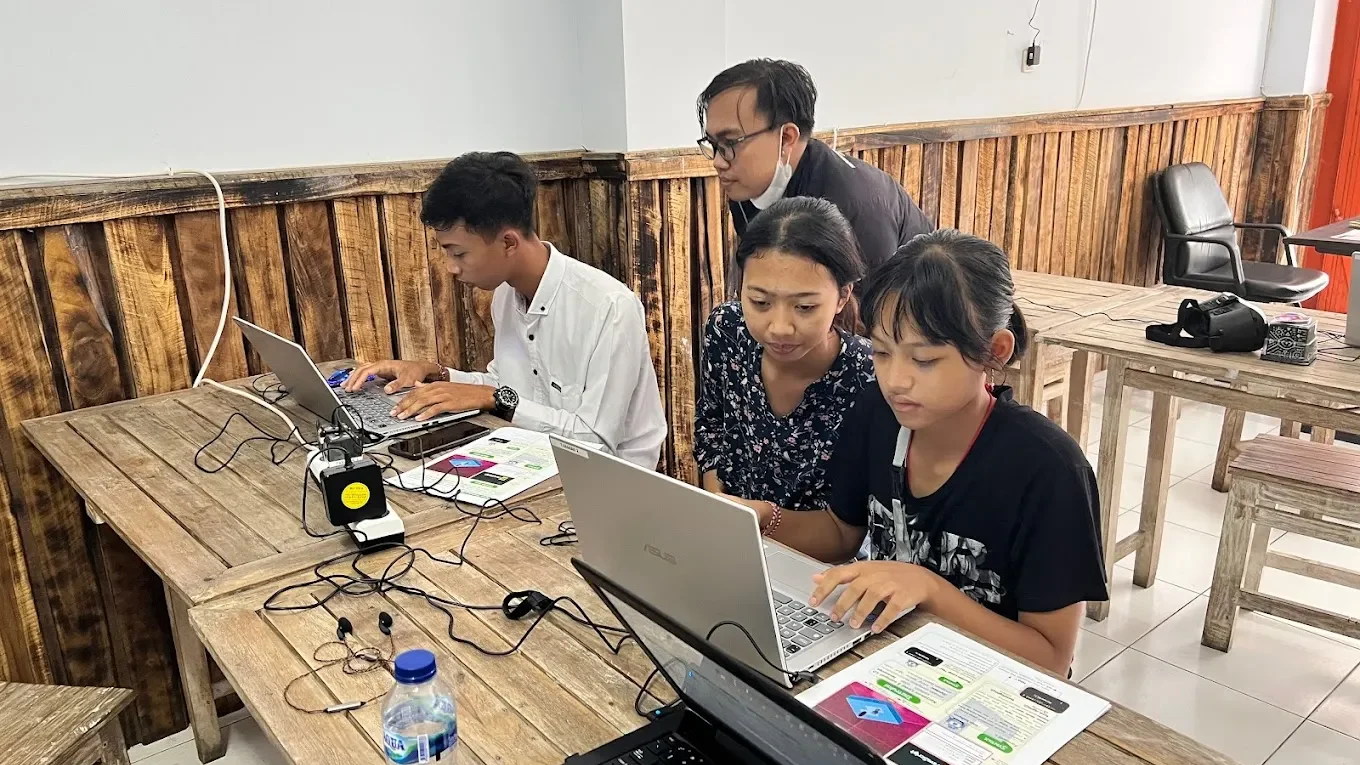
Now that you understand what is vibe coding, you might be wondering where your child can learn this method in a structured yet fun way. Timedoor Academy offers one of the best implementations of vibe coding for kids, combining creative programming with a child-centered teaching style.

Timedoor’s platform is designed specifically for young learners, featuring project-based activities like game development, animations, and beginner-friendly applications. Every class is filled with engaging content and guided by experienced mentors who understand how kids learn best.

The goal at Timedoor Academy is to make every student feel confident, curious, and excited about learning. Grades and tests are not the focus. Instead, it’s about exploring, creating, and enjoying the journey. This is exactly what vibe coding for kids is all about, and Timedoor applies it consistently across their programs.

Conclusion: Let Your Kids Experience Vibe Coding

 Image

Now you know what is vibe coding and how this approach makes learning programming enjoyable and effective for children. As our world becomes more digital, introducing kids to coding at an early age is no longer optional—it’s a smart and timely decision.

If you’re looking for a coding class that sparks creativity, feels natural, and actually speaks your child’s language, vibe coding for kids at Timedoor Academy is a perfect choice.

Sign your child up today and see how much fun they can have learning with vibe coding. Try a free trial class now at Timedoor Academy!

Keep Reading

10 Best JavaScript Apps for Kids to Learn Coding in 2025
As we step into 2025, coding is no longer just for adults. Children are now learning programming through engaging tools that match their interests and age. One of the most effective ways to start is by using JavaScript apps for kids. These apps provide a fun and structured way for children to learn how to code while developing essential problem-solving and logical thinking skills. Whether your child is just starting out or already interested in tech, this list of JavaScript apps for kids in 2025 offers the perfect tools to support their coding journey.   10 Best JavaScript Apps for Kids to Learn Coding in 2025   1. CodeCombat Best for: Ages 10 to 15CodeCombat teaches real JavaScript through game-based adventures. Kids write actual code to control characters, solve puzzles, and progress through game levels. It is ideal for children who enjoy gaming and want to learn through action. What stands out: Real coding is combined with exciting missions that keep them motivated.   2. Tynker Best for: Ages 7 to 14Tynker offers lessons that grow with your child, starting with visual block coding and gradually introducing JavaScript and Python. It includes creative projects like Minecraft modding, storytelling, and space-themed challenges. What stands out: Smooth transition from beginner to real coding for long-term growth.   3. Grasshopper Best for: Ages 10 to 16Created by Google, Grasshopper is a mobile-friendly app that uses short, interactive lessons to teach JavaScript. It's excellent for older kids who are ready for more advanced program What stands out: Clean design, daily goals, and real code that builds confidence.   4. Kodable Best for: Ages 5 to 10Kodable begins with simple block coding concepts and introduces JavaScript later on. It focuses on early logic and computational thinking skills through colorful, engaging games. What stands out: Family dashboard for parents to support and track their child's progress.   5. Code.org’s App Lab Best for: Ages 11 to 16App Lab gives kids the freedom to build their own apps using JavaScript. It is perfect for students who are ready to apply their skills through hands-on projects. What stands out: Combines design tools and coding to promote both creativity and technical ability.   6. Bitsbox Best for: Ages 8 to 14Bitsbox is a unique service that sends coding projects to your home, teaching kids how to build apps using real JavaScript. It is ideal for learners who benefit from physical materials alongside digital practice. What stands out: Kids can test their creations on phones or tablets instantly.   7. Hopscotch (with JavaScript transition) Best for: Ages 9 to 13Hopscotch is a visual coding app that also encourages older users to explore JavaScript through community-driven projects and tutorials. It appeals to children who are artistic and love customizing their work. What stands out: Blend of art and code helps kids express creativity.   8. CodeMonkey’s Game Builder Best for: Ages 8 to 12CodeMonkey introduces kids to programming concepts with a JavaScript-style language and game-based learning. Later stages include real JavaScript coding as kids grow more confident. What stands out: Helpful support resources for both kids and educators.   9. LightBot: Code Hour + JavaScript Add-ons Best for: Ages 6 to 11LightBot uses puzzles to teach basic programming logic. It pairs well with JavaScript extensions that introduce actual syntax when the child is ready to move beyond the basics. What stands out: Offline play combined with logic-based challenges.   10. ScriptKit Junior Best for: Ages 10 to 14ScriptKit Junior is a lightweight coding app for iPads where kids can build basic apps using simplified JavaScript. It is ideal for those interested in app development without the complexity of a full IDE. What stands out: Combines touch interaction and coding for intuitive learning.   Why Use JavaScript Apps for Kids? These JavaScript apps for kids help young learners grasp real programming skills in a way that is accessible and exciting. They build a foundation for future learning in tech, engineering, and creative fields. Key benefits include: Developing logical thinking and focus Enhancing creativity through project-based tasks Preparing for future tech careers Boosting self-confidence in problem solving   Choosing the Right JavaScript Apps For Kids To get the most out of JavaScript apps for kids match the app to your child’s age, interests, and goals. Here are a few tips: Test the app yourself to ensure it is ad-free and safe Choose apps with structured learning paths Encourage regular use without overdoing screen time Combine coding with offline creative play or group activities   Support Their JavaScript Learning at Timedoor Academy At Timedoor Academy, we offer both online and offline classes that introduce kids to the world of coding through engaging lessons in JavaScript, Python, robotics, and more. Our structured programs help children build strong technical and critical thinking skills in a fun, supportive environment. Try a free class at Timedoor Academy and discover how we make coding accessible and meaningful for kids of all ages. Visit our website to learn more and start your child’s smart tech journey today.
How Much Do Coders Make Per Hour? A Guide for Parents Raising Digital-Ready Kids in 2025
In a world increasingly shaped by digital technology, many parents are exploring the idea of preparing their children for tech-oriented careers. One profession that consistently ranks high in both opportunity and income potential is coding. But the real question for many is this: how much do coders make per hour? And more importantly, is learning to code truly a worthwhile investment in a child’s future? Why Coding for Kids Is Gaining Popularity Today, coding is not just for software engineers or tech professionals. It is becoming a foundational skill much like reading or math. Through coding, children learn how to think logically, solve problems creatively, and build confidence in their own ideas. As a result, coding for kids has become a fast-growing trend in modern education. Parents are enrolling their children in fun and interactive programs that teach how technology works and how to create digital solutions, not just consume them. Even if a child does not end up becoming a coder, learning to code can strengthen cognitive and soft skills that are transferable to many future careers. Kids coding classes provide a safe, structured way to develop those skills early. So, How Much Do Coders Make Per Hour? The answer to how much do coders make per hour depends on several factors, including geography, experience, and specialization. Below is an approximate breakdown of how much coders make per hour in different markets: United States: USD 35 to 75 per hour Western Europe: EUR 25 to 60 per hour Global remote freelancers: USD 10 to 50 per hour depending on skill level and reputation High-skill niches such as AI or cybersecurity: USD 70 or more per hour In general, coders with advanced technical skills or niche expertise like machine learning or blockchain earn significantly higher hourly rates. This makes understanding how much do coders make per hour important not only for career planning, but also for setting realistic expectations. How Freelance and Full-Time Coder Salaries Compare Freelancers usually charge per hour or per project, and their income can vary from month to month. On the other hand, full-time coders are typically paid monthly or annually, with benefits such as health insurance, paid leave, and ongoing training. Globally, many entry-level full-time coders earn around USD 2,500 to 4,000 per month depending on the country and company. Senior-level coders or tech leads, especially in major cities or remote-first companies, can earn significantly more. Whether freelance or full-time, understanding how much do coders make per hour helps parents evaluate the earning potential of this profession in both local and global markets. How Parents Can Support Their Child’s Interest in Technology If your child shows interest in technology, here are a few ways you can support their journey into coding: Start with fun, age-appropriate toolsUse beginner platforms like Scratch or Blockly that make coding feel like play. Many of these tools are specially designed for kids coding and require no prior experience. Follow your child’s pace and interestsLet curiosity lead. Some kids love creating games, others enjoy building animations or solving puzzles. Balance screen time with creativityEncourage your child to apply what they learn through small projects. This helps them see coding as a tool for creation, not just consumption. Join a community or online classCoding for kids becomes more enjoyable when children can learn together with peers. Look for clubs or live online classes tailored for children. Being involved as a supporter rather than a teacher helps keep your child motivated and confident. Is Coding a Guarantee of Future Success? Not always. But it is one of the most valuable skills a child can learn today. Coding teaches problem-solving, systems thinking, and resilience, which are important across almost all future jobs. So while how much do coders make per hour can be a strong motivator, the real value of coding is in preparing children to adapt and thrive in a tech-driven world. Introduce Your Child to the World of Technology with Timedoor If you want your child to explore digital skills in a fun and age-appropriate way, Timedoor Academy offers interactive online classes designed for children. Try a free trial coding class today and see how kids coding can become a meaningful part of your child’s learning journey.
Winners’ Announcement of Bootcamp December 2024
Timedoor Academy BootCamp 2024 was held from December 9 to 27, 2024, with over 200 participants from both Online and Offline classes across Indonesia. This year, we also launched two exciting new programs: Kids Machine Learning and Entrepreneurship, which generated even more excitement among our students. Timedoor Academy offers a dynamic 5-day BootCamp, featuring various programs that allow students to choose based on their interests. The Coding Camp includes a wide range of courses such as Game Development, Website Development, Python Development, Roblox Development, Artificial Intelligence, and Internet of Things (IoT). Meanwhile, our Design Camp focuses on nurturing students’ creativity through programs like Animation Creation, Branding Design, UI/UX Design, and Comic Making. At Timedoor Academy, we aim to help students become skilled programmers, designers, and comic artists in just 5 days by challenging them to create top-tier projects using cutting-edge platforms. This experience equips them to become digital experts ready to tackle the challenges of today and tomorrow! Today, we’re excited to announce the top award recipients from each program category. The award winners are recognized for their Best Project and Best Participant achievements. Check out the list of winners below! JUNIOR ANIMATOR CATEGORY PARTICIPANT’S NAME BRANCH Best Project Malik Akbar Pahlevi Cimanggu, Bogor Best Participant Made Indah Widyasari Renon JUNIOR 3D GAME CATEGORY PARTICIPANT’S NAME BRANCH Best Project Ibra Maimun Medan Best Participant Azfar Milo Respati Gatsu JUNIOR CONSTRUCT CATEGORY PARTICIPANT’S NAME BRANCH Best Project Randall Elmer Keeley Sanjaya Citraland Best Participant Brigita Clarisa Kanaya Bandaso Cikarang KIDS CONSTRUCT BEGINNER + WEBSITE CATEGORY PARTICIPANT’S NAME BRANCH Best Project Muhammad Iqbal Rachman Jambi Best Participant M.Abizar Maimun Medan KIDS MACHINE LEARNING CATEGORY PARTICIPANT’S NAME BRANCH Best Project Nabila Syahquita Pontianak Best Participant I Gede Agasthya Putra Darmawan Gatsu KIDS ANDROID APP DEVELOPER CATEGORY PARTICIPANT’S NAME BRANCH Best Project Raisa Raya Sabriya Jambi Best Participant Fatih Rizqi Mubarok Jambi KIDS ROBLOX CATEGORY PARTICIPANT’S NAME BRANCH Best Project Tyo Putra Daud Gorontalo Best Participant Natanael Halim Cikarang KIDS PYTHON CATEGORY PARTICIPANT’S NAME BRANCH Best Project Reinhart Amadeus Christianto Online ID Best Participant Olivia Kisya Mahendra Jimbaran KIDS AI DEVELOPER CATEGORY PARTICIPANT’S NAME BRANCH Best Project Jason Andrew Cikarang Best Participant Gabriel Prathama Wijaya Online ID TEENS PHASER CATEGORY PARTICIPANT’S NAME BRANCH Best Project Naufal Arfan Online ID Best Participant Muhammad Rizki Mahendra Online ID TEENS WEB DEVELOPER CATEGORY PARTICIPANT’S NAME BRANCH Best Project Arkaan Fatih Safaraz Pekanbaru Best Participant Faeyza Nur Huda Online ID TEENS ROBLOX CATEGORY PARTICIPANT’S NAME BRANCH Best Project Affa Danendra Sarwoko Pontianak Best Participant Muhammad Vedro Alfadillah Pontianak TEENS PYTHON CATEGORY PARTICIPANT’S NAME BRANCH Best Project Gregory Gaven Greenlake Best Participant Komang Gede Bayu Sefti Wiguna Renon TEENS APP DEV CATEGORY PARTICIPANT’S NAME BRANCH Best Project I Gusti Ayu Ari Cahya Widiadnyani Gatsu Best Participant Valkyrie Chan Online ID TEENS AI DEV CATEGORY PARTICIPANT’S NAME BRANCH Best Project Filigon Bryliant El Fikri Sirait Kelapa Gading Best Participant Aghniya Kelapa Gading  COMIC KIDS CATEGORY PARTICIPANT’S NAME BRANCH Best Project Razita Maryam Hernanda Online ID Best Participant Christopher Martin Susanto Online ID  COMIC TEENS CATEGORY PARTICIPANT’S NAME BRANCH Best Project Joanne Gracia Susanto Online ID Best Participant Ulinnuha Inma Ghozali Online ID  DESIGN BRANDING CATEGORY PARTICIPANT’S NAME BRANCH Best Project Kanaka Mahabarata Online ID Best Participant Anja Ruci Berlian Online ID  DESIGN ANIMATION CATEGORY PARTICIPANT’S NAME BRANCH Best Project Manuel Angelo Siburian Online ID Best Participant Justin Clarence Luckijaya Gatsu  DESIGN UI/UX WEB CATEGORY PARTICIPANT’S NAME BRANCH Best Project Jovan Wang Online ID Best Participant Jonathan Wang Online ID IOT KIDS & TEENS CATEGORY PARTICIPANT’S NAME BRANCH Best Project Kevin Hansel Wibowo Citraland Best Participant Kadek Nirwasita Danaswara Gatsu
float button