May 30, 2025

How to Use Google Family Link: Step by step Guide in 2025

How to Use Google Family Link: Step by step Guide in 2025 image

In this digital era, parents play an increasingly important role in guiding and monitoring their children’s online activities. One of the most popular apps used by families to help keep children safe and maintain a healthy balance with technology is Google Family Link. Through this app, parents can set, limit, and monitor their child’s device usage directly from their own smartphones. However, many parents are still not fully familiar with how to use Google Family Link effectively, so that its benefits can be maximized. This article will provide a detailed explanation on how to use Google Family Link, along with practical tips and benefits for both parents and children.

Google Family Link is a free app from Google specifically designed to help parents manage Android or Chromebook devices used by their children. With this app, parents can set time limits, monitor which apps are downloaded, and even decide which websites their children can access. All these features make how to use Google Family Link especially relevant for parents who want to stay involved in their children’s digital world without being overly controlling.

How to Use Google Family Link: A Step-by-Step Guide

Here are the steps on how to use Google Family Link effectively for your family:

  1. Download and Install the App
    The first step in how to use Google Family Link is to download the app on both the parent’s and the child’s devices. The app is free and available on both the Google Play Store and the App Store. Make sure the app is installed on both devices to begin setting things up.
  2. Create and Link Your Child’s Google Account
    Once the app is installed, parents need to create a dedicated Google account for their child or use an existing one. Follow the instructions provided by the app to link the child’s account with the parent’s account. This process ensures that every digital activity of the child can be monitored directly.
  3. Set Limits and Controls
    The next step in how to use Google Family Link is to set device usage time limits, restrict which apps can be downloaded, and manage which content can be accessed by your child. Parents can also block certain apps, set a bedtime schedule, and even track the location of the child’s device in real time.
  4. Regularly Monitor Your Child’s Activities
    One of the main benefits of how to use Google Family Link is the ability to monitor your child’s daily activities, such as which apps are used the most, total screen time, and other online activities. Parents will also receive notifications if the child tries to download a new app or access restricted websites.
  5. Discuss Rules with Your Child
    Although how to use Google Family Link gives parents full control, it is still important to involve your child in a discussion about device use rules. Explain the purpose of monitoring, listen to your child’s opinions, and make agreements together so the child feels respected and trusted.

Benefits of Using Google Family Link for Families

how to use google family link

By learning how to use Google Family Link, parents can enjoy several benefits, including:

  • Reducing the risk of children being exposed to negative content online.
  • Helping children form healthy and balanced digital habits.
  • Making it easier for parents to monitor device usage without constant supervision.
  • Providing a means for education and communication about digital ethics.

Challenges and Tips for Using Google Family Link Successfully

Even though the features in how to use Google Family Link are quite complete, there are still challenges that parents might face. Some children may feel their privacy is invaded or may try to bypass the controls. It is important for parents to explain the reason for using the app as a form of protection, not just control. Involve your child in creating the rules and give them space to learn responsibility for their choices.

Also, parents should stay updated with technological developments and new features from Google Family Link to get the most out of all its benefits.

Connecting Digital Literacy and Coding for Kids

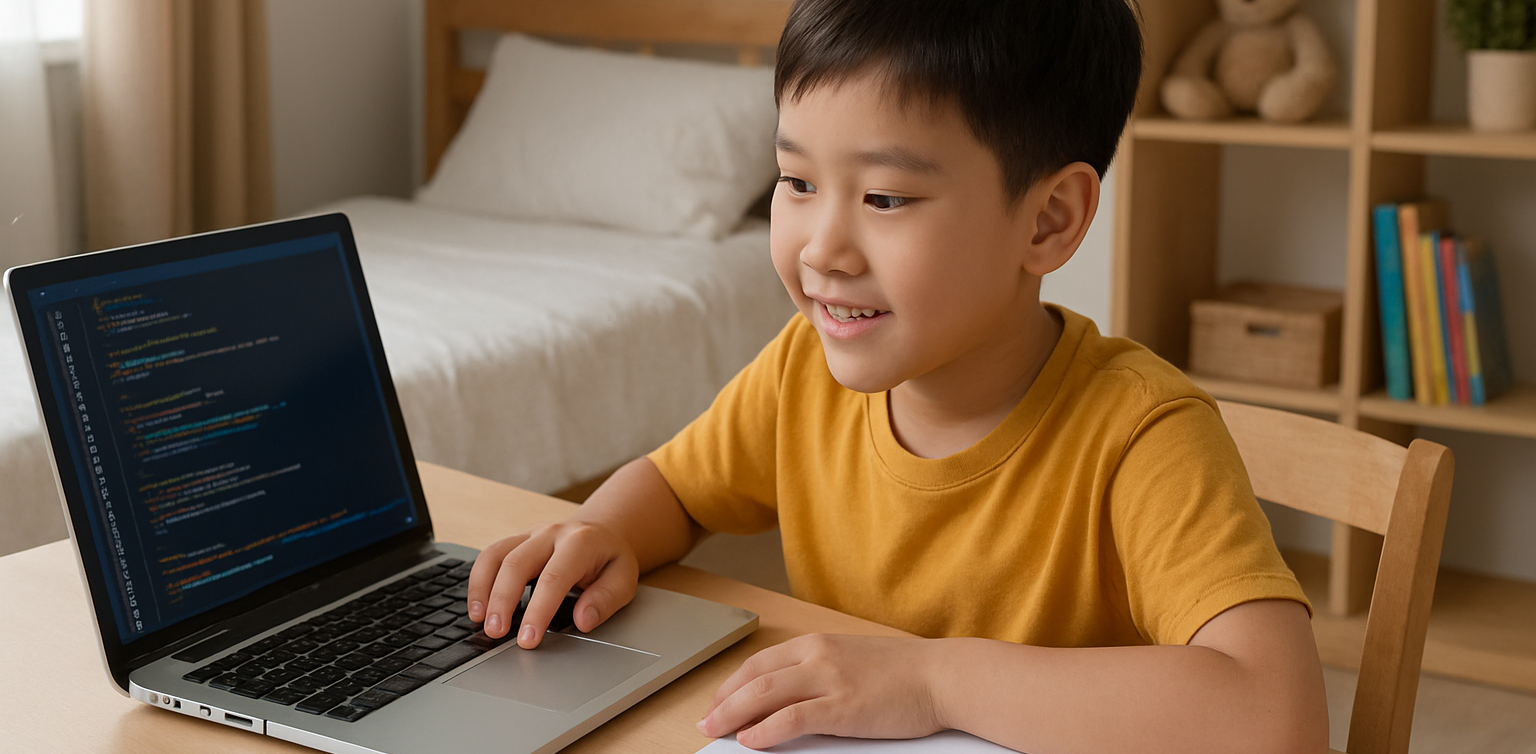
Beyond setting boundaries for device use, it is also important to equip children with digital literacy and 21st-century skills such as coding. Through coding, children learn to think critically, logically, and adapt to technological advances. Parents can make use of their children’s screen time for educational activities, such as joining interactive online coding classes.

Try a Free Trial Coding Class at Timedoor Academy

 Image

If you want your child to be smarter with technology, sign them up for a free trial coding class at Timedoor Academy. In these classes, children can learn coding in a fun and interactive way that relates to their daily life. In addition to building digital literacy, children will be guided by professional mentors, making the learning process more structured and positive. Visit our Timedoor Academy website or social media to schedule your child’s free trial coding class today.

By understanding how to use Google Family Link, parents can feel more at ease letting their children explore the digital world. Do not forget to maintain open communication, provide digital ethics education, and introduce coding as an important skill for a bright future.

Keep Reading

Why Coding for Kids Is Necessary in 2025?
With the rapid growth of technology, many parents are beginning to wonder if learning to code is becoming as essential as reading or math. As we approach 2025, nearly every aspect of life is increasingly connected to the digital world. That brings up a big question for families: is coding for kids something they really need to prioritize? We all want to prepare our children for the future. In this context, coding for kids is not just about preparing them for careers in tech. It’s also about helping them build useful life skills like critical thinking, problem-solving, and digital confidence. Coding for Kids Is Not Just for Future Programmers One common misconception is that only kids who want to become programmers should learn to code. In reality, coding helps children develop logical thinking and structured problem-solving skills. When kids learn coding, they are training their brains to approach problems step by step and think clearly. These skills are useful far beyond technology. Children who think in an organized way often do better in school subjects like math and science. So when we talk about the benefits of coding for kids, we’re also talking about building stronger thinking habits for life. The Future Job Market Will Rely on Technology We may not know exactly what jobs will look like in the future. But one thing is certain—technology will be part of nearly every profession. Understanding coding for kids means giving them a foundation that allows them to adapt to change and take advantage of new opportunities. Even in creative or non-tech careers, basic digital literacy is essential. Teaching coding for kids at a young age gives them a strong foundation that can apply across a wide range of future possibilities. Coding Builds Patience and Resilience Learning to code involves lots of trial and error. Children learn how to fix problems, try again, and improve their work. These are real-life lessons in patience and resilience. Through coding for kids, they develop the ability to stay calm and focused even when things don’t work perfectly. These soft skills are just as important as academic ones. Children who code learn to accept mistakes as part of the process, and they become better problem solvers because of it. Start with Simple and Fun Activities Not every child has to start writing complex code right away. There are many playful and creative ways to introduce coding for kids, especially at early ages. It can begin with games, logic puzzles, or interactive apps that teach the basics in an enjoyable way. The key is to create positive experiences. When coding feels fun and engaging, kids are more likely to continue learning. Parents don’t need to be tech experts—they just need to be supportive and encouraging as their kids explore. Coding for Kids Doesn’t Have to Be Expensive A big myth about learning to code is that it requires expensive tools or lessons. Today, there are many online platforms that offer quality coding for kids programs at affordable prices, or even for free. Timedoor Academy, for example, provides online classes designed specifically for children, with friendly mentors and fun projects. It’s a simple and effective way to introduce kids to the world of coding from the comfort of home. Why Coding for Kids Is a Smart Investment More than a trend, coding for kids is a long-term investment in your child’s development. It strengthens both technical and personal skills. From building logic to growing confidence, the value goes far beyond the screen. As technology continues to evolve, helping kids understand it early on will empower them to not just consume digital tools, but also create and innovate with them. Make Learning to Code Fun with Timedoor Academy If you’re ready to get your child started on a fun and meaningful tech journey, Timedoor Academy offers engaging online classes tailored for kids. With hands-on projects and expert guidance, your child will learn to code in a way that is exciting and age-appropriate. Try a free class today and explore how coding for kids can open the door to a confident and creative future.
How Virtual Reality in Kids Education Changes Learning
As technology becomes more embedded in daily life, education continues to evolve alongside it. One of the most exciting developments is the use of virtual reality in kids education, a concept that is no longer just futuristic. From classrooms to living rooms, VR is now used to enhance how children explore, understand, and retain knowledge. This article explores how VR is transforming the way kids learn, its benefits, real-world applications, and how parents and schools can embrace this shift.   What Is Virtual Reality in an Educational Context? Virtual reality is a digital simulation that allows users to interact with a 3D environment. In educational settings, it means that students can immerse themselves in topics such as history, science, art, and space in ways that were never possible before. Instead of reading about ancient civilizations, children can walk through virtual ruins. Rather than imagining the solar system, they can experience it in full scale. This hands-on approach to learning is what makes virtual reality in kids education so impactful.   From Passive Learning to Immersive Exploration Traditional learning often relies on reading, note-taking, and static visuals. While these methods are effective, they are not always engaging for every type of learner. Virtual reality enables multisensory learning experiences that feel more like exploration than instruction. For example, a child learning about volcanoes can virtually step inside one to see lava flow and tectonic plate movement. This type of experiential learning boosts curiosity and helps children grasp abstract or complex topics much faster.   Key Benefits of Virtual Reality in Kids Education 1. Increased Engagement and Motivation VR transforms lessons into adventures. Children are naturally more engaged when learning feels like play. This makes it easier to hold their attention and deepen their focus on the subject matter. 2. Better Knowledge Retention When children interact with content instead of simply reading or listening, their brains form stronger memory connections. VR helps students retain information through direct experience, not just memorization. 3. Safe Exploration of Real-World Concepts Certain experiments or field trips may be too dangerous, expensive, or inaccessible in real life. Virtual reality allows students to simulate these experiences safely. From exploring deep ocean ecosystems to observing chemical reactions, VR enables safe and repeatable learning. 4. Encourages Independent Learning Virtual reality in kids education supports autonomy. Children can learn at their own pace, repeat difficult lessons, and explore topics that interest them deeply. This fosters independent thinking and self-directed learning. 5. Inclusion for Different Learning Styles Some children learn visually, others through movement or sound. VR incorporates multiple modes of learning, helping educators reach students who might otherwise struggle with standard teaching formats.   Examples of VR Use in Real Classrooms Many educational institutions and platforms are already applying virtual reality in kids education. Some noteworthy tools include: Google Expeditions: Offers virtual field trips to locations such as the Great Wall of China or the surface of Mars. VictoryXR: Creates full science labs and virtual classrooms where students can conduct experiments. ClassVR: Provides ready-made curriculum-aligned content for schools to use with their students. These examples demonstrate how virtual reality in kids education is already improving outcomes in subjects like science, history, and geography.   How Parents and Teachers Can Get Started Adopting VR technology for learning doesn’t have to be expensive or difficult. Many educational VR platforms are compatible with smartphones and entry-level headsets. Parents can start by: Downloading trusted educational VR apps Using cardboard VR viewers with supported apps Setting screen time guidelines and offering support during learning sessions Teachers can integrate VR into their lesson plans by using tools that align with existing curriculum. It is important to ensure that content is age-appropriate and has clear learning objectives.   Things to Consider While the benefits are clear, there are a few considerations before adopting VR for children’s learning: Supervision: Younger kids need adult guidance to navigate VR content safely. Screen Time: Use VR as a supplement, not a replacement for human interaction or physical play. Content Quality: Not all VR apps are educational. Review each platform and select those developed by educators or trusted publishers. Equipment Requirements: Make sure devices are compatible and safe for children’s use. With thoughtful implementation, virtual reality in kids education can be a highly positive tool for both home and school environments.   The Future of Learning Is Immersive In 2025, virtual reality in kids education is no longer a novelty. It is becoming a core part of how children learn new skills, discover the world, and stay engaged in school. The technology is helping transform learning from something passive into something active, memorable, and exciting. As the cost of VR continues to decrease and content improves, more families and schools will be able to offer students this immersive learning experience.   Support Your Child’s Learning Journey with Timedoor Academy Looking for an engaging and tech-friendly way to support your child’s education? Timedoor Academy offers interactive online courses in coding, robotics, math, and digital creativity. While not all our classes use VR, they are designed with innovation and child engagement at the core. Sign up for a free trial class today and see how your child can build future-ready skills in a fun and structured environment — all from the comfort of home.
Aplikasi Belajar Anak SD
Top 10 Technology Tools for Elementary Students in 2025
As we step into 2025, technology tools for elementary students are more important than ever. These tools enhance creativity, improve learning outcomes, and foster engagement both inside and outside the classroom. With the help of these technology tools for elementary students, children can develop essential skills that will serve them throughout their academic careers and beyond. Here’s a list of 10 essential technology tools for elementary students to boost their educational experience in 2025. Top 10 Technology Tools for Elementary Students in 2025 1. Kahoot! Focus: Interactive learning and quizzes Kahoot! remains one of the most popular technology tools for elementary students because it turns learning into a fun and competitive experience. Teachers and students can create customized quizzes on subjects like math, science, and language arts, fostering active participation. How to Use It: By incorporating Kahoot! in lessons, educators can make learning feel like a game. Students can play individually or in teams, which makes learning not only engaging but also interactive. With real-time feedback, teachers can adjust their lessons based on students' performance, ensuring that every child stays on track. 2. Seesaw Focus: Digital portfolio and communication Seesaw is another fantastic example of technology tools for elementary students that focuses on student documentation and communication. It allows students to create digital portfolios where they can showcase their work through photos, videos, and drawings. This tool strengthens the bond between teachers and parents, as they can track the progress of the students in real-time. How to Use It: With Seesaw, students can upload images of their assignments or record their thoughts on projects. Teachers can provide feedback and conduct virtual lessons or activities, keeping students and parents connected in an efficient, digital space. 3. Google Classroom Focus: Classroom management and assignment tracking Google Classroom is essential for managing assignments, tracking progress, and organizing classroom materials. As one of the top technology tools for elementary students, it helps both teachers and students streamline their work. Teachers can assign tasks, grade assignments, and provide real-time feedback, while students can easily access learning materials and submit work in one centralized platform. How to Use It: Teachers can post assignments and resources to Google Classroom, making it easy for students to stay organized. Additionally, it integrates with Google Drive, enabling students to collaborate on documents and presentations. This makes it easier to stay on top of deadlines and receive instant feedback. 4. Scratch Focus: Coding and creativity Scratch is one of the most popular technology tools for elementary students when it comes to learning programming. Through visual coding, students can create interactive stories, games, and animations, sparking creativity while teaching them important skills in computational thinking. How to Use It: Scratch is beginner-friendly and offers a drag-and-drop interface for students to build their own projects. Teachers can incorporate Scratch into STEM lessons, teaching logic, sequencing, and problem-solving through interactive coding challenges. This tool is a great starting point for young learners to get familiar with coding and digital creation. 5. Epic! Focus: Digital library for young readers For young readers, Epic! is an invaluable tool in the world of technology tools for elementary students. Epic! offers access to thousands of books, audiobooks, and educational videos. Its interactive features like read-aloud and quizzes make reading more engaging for children. How to Use It: Teachers can assign reading materials directly from Epic! to keep students engaged with books that suit their level. Students can explore a vast library of e-books or listen to audiobooks that cater to their individual reading preferences. Epic! fosters a love for reading by offering a fun and interactive approach to literature. 6. ClassDojo Focus: Classroom behavior and communication ClassDojo is one of the best technology tools for elementary students when it comes to fostering positive behavior and classroom culture. It allows teachers to reward students for good behavior, accomplishments, and teamwork. How to Use It: Teachers can assign points to students based on specific behaviors, such as being on task, helping others, or staying focused. These points can be exchanged for rewards like extra break time or special privileges. ClassDojo is an excellent tool for teaching students about responsibility and positive reinforcement. 7. TinkerCAD Focus: 3D design and engineeringFor students interested in design and engineering, TinkerCAD is one of the leading technology tools for elementary students. This user-friendly 3D design platform allows children to create their own digital models. How to Use It: Students can start by designing simple objects like keychains or toys and gradually work their way up to more complex 3D projects. Teachers can use TinkerCAD to introduce students to engineering and design concepts, making it easier for them to visualize their ideas and understand the basics of 3D modeling and printing. 8. Google Earth Focus: Geography and exploration Google Earth opens up the world to elementary students by allowing them to explore every corner of the globe. Whether for geography lessons or environmental studies, this tool is an essential part of technology tools for elementary students. How to Use It: Teachers can use Google Earth to give virtual tours of countries, cities, landmarks, and natural wonders. Students can explore geographical features and learn about different cultures and ecosystems. This immersive tool makes learning about the world fun and interactive. 9. Duolingo Focus: Language learning As one of the leading technology tools for elementary students, Duolingo helps young learners acquire new languages in a fun, gamified format. This app is perfect for introducing kids to a new language, including popular languages like Spanish, French, and German. How to Use It: Duolingo presents lessons in bite-sized segments that are both fun and educational. Students can practice daily and track their progress. This tool offers rewards and challenges, motivating students to keep learning new words and phrases while building language proficiency. 10. BrainPOP Focus: Educational videos and quizzes BrainPOP is a popular educational platform that offers animated videos and interactive quizzes. It covers a wide range of subjects, including science, math, and social studies, making it one of the best technology tools for elementary students to enhance their learning. How to Use It: Teachers can use BrainPOP to introduce new concepts in a fun and visual way. After watching the videos, students can complete quizzes and discuss the material in class. This helps reinforce key ideas and assess student understanding in an engaging, interactive manner. Why Technology Tools Matter for Elementary Students In 2025, technology tools for elementary students are not just an enhancement to traditional learning; they are essential to developing digital literacy and critical thinking skills. These tools help provide personalized learning experiences that adapt to the needs of each student, whether they need extra support or more challenging material. By incorporating technology tools for elementary students into the classroom, teachers can create an environment that promotes engagement, creativity, and collaboration, preparing students for future success in an increasingly digital world. Start Your Digital Learning Journey Today! Want to make learning even more engaging for your child? Explore Timedoor Academy and try free trial class today and discover how our digital learning platform can support your child’s educational growth with interactive lessons and expert-curated content.
float button