Apr 14, 2025

8 Reasons Why Your Kids Should Join Coding Class

8 Reasons Why Your Kids Should Join Coding Class image

In today’s fast-moving digital world, coding is no longer just for tech professionals. It is quickly becoming a basic form of literacy, just like reading, writing, or math. Kids today are growing up surrounded by technology. From YouTube videos to online games and smart devices, digital tools play a major role in their daily lives.

So instead of letting kids just consume technology, why not teach them how to create it? That is exactly what coding classes are all about. These programs help kids build valuable skills that go far beyond the screen. Let’s explore the top reasons why joining a coding class could be one of the smartest decisions for your kids future.

Coding class improves kids problem-solving

At its core, coding is all about solving problems. Kids learn how to break a big challenge into smaller steps, test different solutions, and try again when something goes wrong. This helps them think logically and become more patient.

Imagine your child is building a simple game. The character is supposed to jump when they press a button, but it is not working. They start asking questions. Did they miss something? Is the command correct? This process of figuring things out helps develop critical thinking, a skill that will benefit them in school and beyond.

Coding class boosts kids creativity
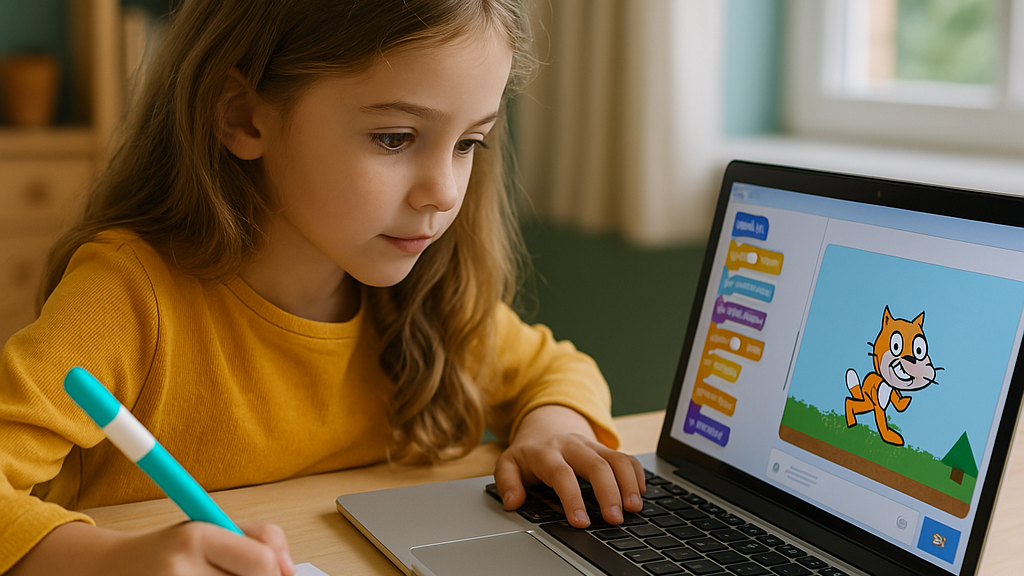
Coding is not just about writing lines of code. It is a way for kids to tell stories, build games, animate characters, and design their own digital world. With platforms like Scratch or Roblox Studio, children can turn their wildest ideas into real, working projects.

This kind of creativity builds confidence too. It shows kids that they can make something fun, interesting, and completely their own.

Coding class builds kids persistence and confidence
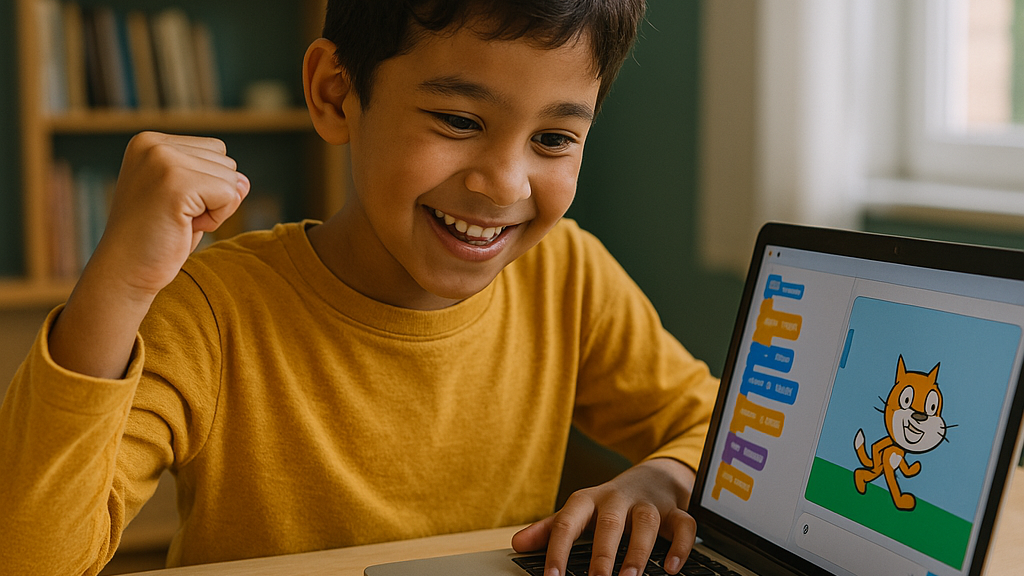
Coding teaches kids that it is okay to fail. In fact, failure is part of the process. When a code does not work, they are encouraged to try again. And again. Until they get it right. Over time, this builds resilience and confidence in their own abilities.

They start to think, I can fix this or I know how to figure this out instead of giving up. This kind of mindset helps in school, sports, and even social situations.

Coding class offer structured learning for kids
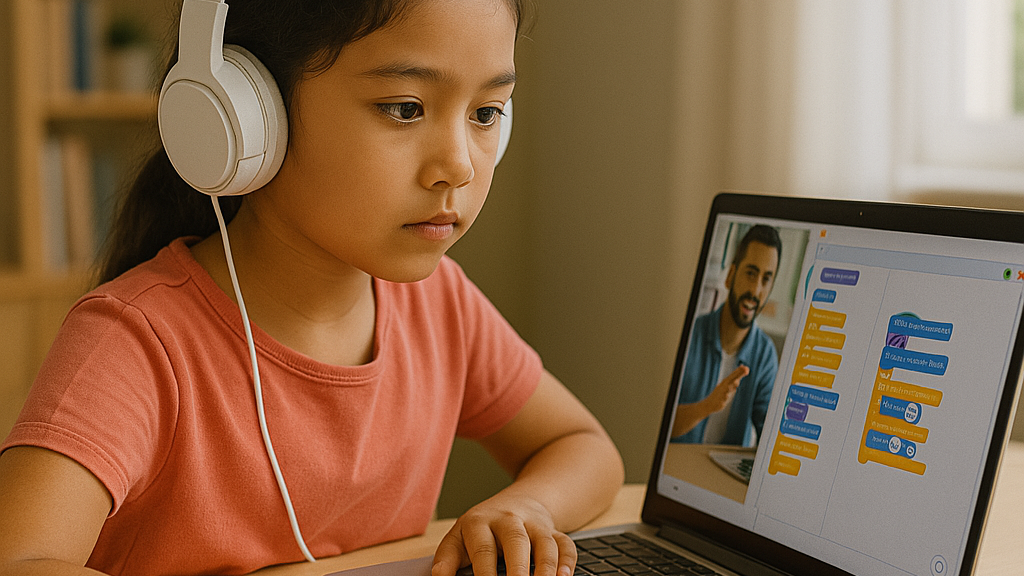
Sure, your child could try learning from free videos online. But coding classes offer something more valuable. They provide a step-by-step structure that matches your child’s age and skill level. With experienced instructors guiding them, kids can ask questions, get support, and build their skills in a safe space. It is similar to learning music or swimming. Having a coach makes a huge difference.

Coding class prepares kids for their future
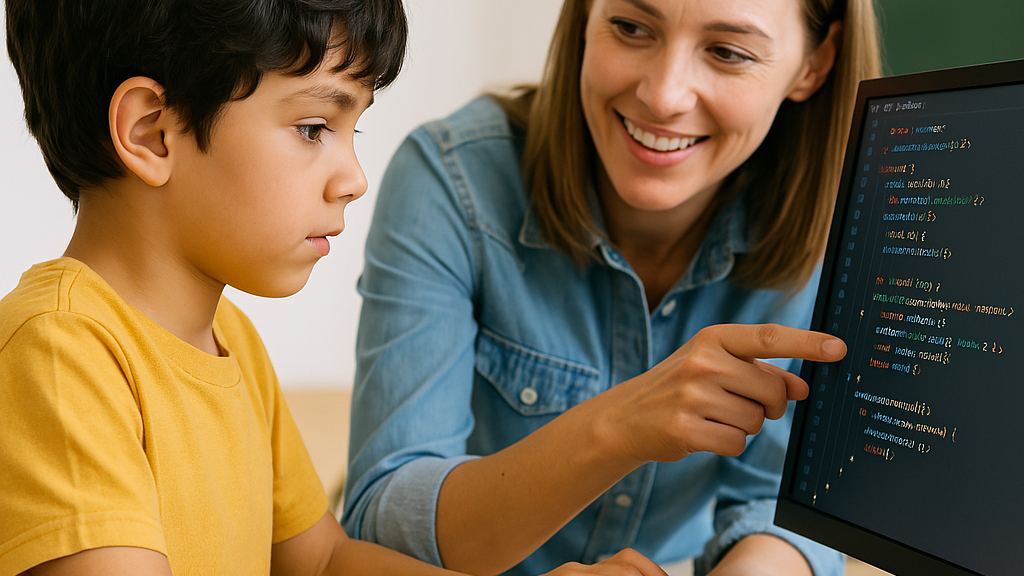
The job market is changing. Many of the careers our children will have one day do not even exist yet. But one thing is certain. Technology will be a big part of those jobs.

By learning to code, your child gets a head start. Even if they do not become a programmer, they will understand how technology works. That knowledge is useful in almost every field, from medicine to business to the arts.

Coding class encourages kids teamwork

Many people think coding is a solo activity, but that is not always true. In coding classes, kids often work in teams. They share ideas, collaborate on projects, and give each other feedback.

This helps improve their communication skills and teaches them how to work well with others. These are important skills no matter what career path they choose later on.

Coding class is fun for kids

Let us not forget the most important part. Coding is fun. When taught in a playful and engaging way, it becomes something kids actually look forward to. They get to build their own games, apps, and stories. They get to be creators, not just consumers.

And when kids are having fun while learning, they are more likely to stick with it.

Early exposure by coding class builds kids confidence
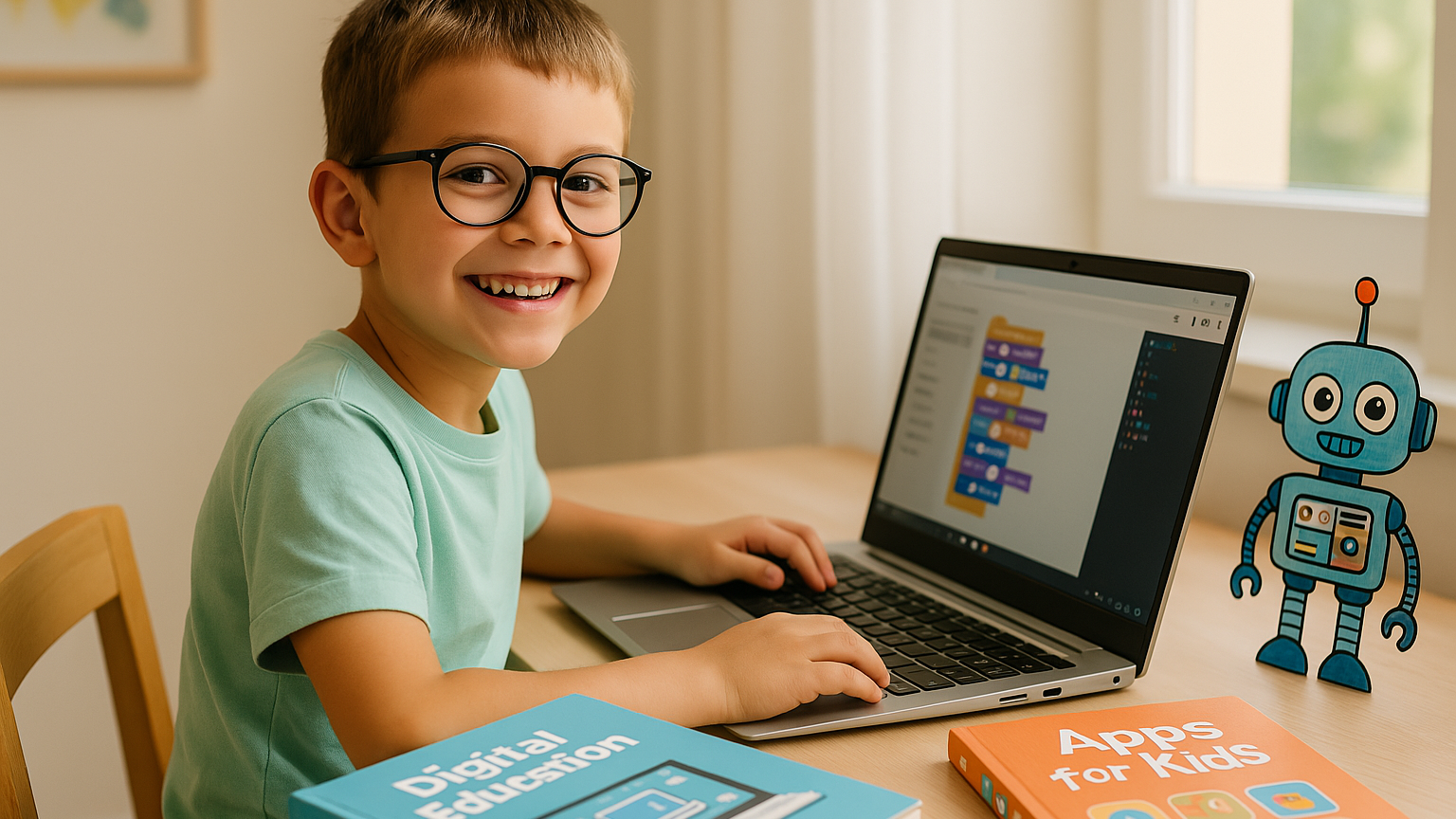
Just like learning a new language or playing an instrument, it is easier to start coding when you are young. Kids are naturally curious and unafraid to experiment. They pick things up quickly and are not afraid to make mistakes.

By introducing coding early, you help your child build digital confidence. They grow up not just comfortable with technology, but capable of using it in meaningful ways.

How to get started in coding class for your kids

You do not need to be a tech expert to support your child. Just look for beginner-friendly programs or platforms designed for kids. Start with block-based coding tools like Scratch, where they can drag and drop commands to make things happen.

Even better, enroll them in a structured coding class that fits their age and learning style. Classes with real instructors give kids the guidance and support they need to succeed.

Why Timedoor Academy is a great choice for your kids coding class

Ingin tahu detail program? Image

Ingin tahu detail program?

At Timedoor Academy, we make coding fun and meaningful for kids. Our classes are designed to be beginner-friendly, with hands-on projects, supportive mentors, and lots of room for creativity. Kids build games, solve challenges, and most importantly, enjoy the learning process.

Thousands of parents in Indonesia and beyond have already seen the benefits. Now it is your turn.

Let your child explore, create, and grow with technology. Enroll in a coding class or free trial at Timedoor Academy today and give them the tools to thrive in a digital world!


Keep Reading

Aplikasi Belajar Anak SD
Top 10 Technology Tools for Elementary Students in 2025
As we step into 2025, technology tools for elementary students are more important than ever. These tools enhance creativity, improve learning outcomes, and foster engagement both inside and outside the classroom. With the help of these technology tools for elementary students, children can develop essential skills that will serve them throughout their academic careers and beyond. Here’s a list of 10 essential technology tools for elementary students to boost their educational experience in 2025. Top 10 Technology Tools for Elementary Students in 2025 1. Kahoot! Focus: Interactive learning and quizzes Kahoot! remains one of the most popular technology tools for elementary students because it turns learning into a fun and competitive experience. Teachers and students can create customized quizzes on subjects like math, science, and language arts, fostering active participation. How to Use It: By incorporating Kahoot! in lessons, educators can make learning feel like a game. Students can play individually or in teams, which makes learning not only engaging but also interactive. With real-time feedback, teachers can adjust their lessons based on students' performance, ensuring that every child stays on track. 2. Seesaw Focus: Digital portfolio and communication Seesaw is another fantastic example of technology tools for elementary students that focuses on student documentation and communication. It allows students to create digital portfolios where they can showcase their work through photos, videos, and drawings. This tool strengthens the bond between teachers and parents, as they can track the progress of the students in real-time. How to Use It: With Seesaw, students can upload images of their assignments or record their thoughts on projects. Teachers can provide feedback and conduct virtual lessons or activities, keeping students and parents connected in an efficient, digital space. 3. Google Classroom Focus: Classroom management and assignment tracking Google Classroom is essential for managing assignments, tracking progress, and organizing classroom materials. As one of the top technology tools for elementary students, it helps both teachers and students streamline their work. Teachers can assign tasks, grade assignments, and provide real-time feedback, while students can easily access learning materials and submit work in one centralized platform. How to Use It: Teachers can post assignments and resources to Google Classroom, making it easy for students to stay organized. Additionally, it integrates with Google Drive, enabling students to collaborate on documents and presentations. This makes it easier to stay on top of deadlines and receive instant feedback. 4. Scratch Focus: Coding and creativity Scratch is one of the most popular technology tools for elementary students when it comes to learning programming. Through visual coding, students can create interactive stories, games, and animations, sparking creativity while teaching them important skills in computational thinking. How to Use It: Scratch is beginner-friendly and offers a drag-and-drop interface for students to build their own projects. Teachers can incorporate Scratch into STEM lessons, teaching logic, sequencing, and problem-solving through interactive coding challenges. This tool is a great starting point for young learners to get familiar with coding and digital creation. 5. Epic! Focus: Digital library for young readers For young readers, Epic! is an invaluable tool in the world of technology tools for elementary students. Epic! offers access to thousands of books, audiobooks, and educational videos. Its interactive features like read-aloud and quizzes make reading more engaging for children. How to Use It: Teachers can assign reading materials directly from Epic! to keep students engaged with books that suit their level. Students can explore a vast library of e-books or listen to audiobooks that cater to their individual reading preferences. Epic! fosters a love for reading by offering a fun and interactive approach to literature. 6. ClassDojo Focus: Classroom behavior and communication ClassDojo is one of the best technology tools for elementary students when it comes to fostering positive behavior and classroom culture. It allows teachers to reward students for good behavior, accomplishments, and teamwork. How to Use It: Teachers can assign points to students based on specific behaviors, such as being on task, helping others, or staying focused. These points can be exchanged for rewards like extra break time or special privileges. ClassDojo is an excellent tool for teaching students about responsibility and positive reinforcement. 7. TinkerCAD Focus: 3D design and engineeringFor students interested in design and engineering, TinkerCAD is one of the leading technology tools for elementary students. This user-friendly 3D design platform allows children to create their own digital models. How to Use It: Students can start by designing simple objects like keychains or toys and gradually work their way up to more complex 3D projects. Teachers can use TinkerCAD to introduce students to engineering and design concepts, making it easier for them to visualize their ideas and understand the basics of 3D modeling and printing. 8. Google Earth Focus: Geography and exploration Google Earth opens up the world to elementary students by allowing them to explore every corner of the globe. Whether for geography lessons or environmental studies, this tool is an essential part of technology tools for elementary students. How to Use It: Teachers can use Google Earth to give virtual tours of countries, cities, landmarks, and natural wonders. Students can explore geographical features and learn about different cultures and ecosystems. This immersive tool makes learning about the world fun and interactive. 9. Duolingo Focus: Language learning As one of the leading technology tools for elementary students, Duolingo helps young learners acquire new languages in a fun, gamified format. This app is perfect for introducing kids to a new language, including popular languages like Spanish, French, and German. How to Use It: Duolingo presents lessons in bite-sized segments that are both fun and educational. Students can practice daily and track their progress. This tool offers rewards and challenges, motivating students to keep learning new words and phrases while building language proficiency. 10. BrainPOP Focus: Educational videos and quizzes BrainPOP is a popular educational platform that offers animated videos and interactive quizzes. It covers a wide range of subjects, including science, math, and social studies, making it one of the best technology tools for elementary students to enhance their learning. How to Use It: Teachers can use BrainPOP to introduce new concepts in a fun and visual way. After watching the videos, students can complete quizzes and discuss the material in class. This helps reinforce key ideas and assess student understanding in an engaging, interactive manner. Why Technology Tools Matter for Elementary Students In 2025, technology tools for elementary students are not just an enhancement to traditional learning; they are essential to developing digital literacy and critical thinking skills. These tools help provide personalized learning experiences that adapt to the needs of each student, whether they need extra support or more challenging material. By incorporating technology tools for elementary students into the classroom, teachers can create an environment that promotes engagement, creativity, and collaboration, preparing students for future success in an increasingly digital world. Start Your Digital Learning Journey Today! Want to make learning even more engaging for your child? Explore Timedoor Academy and try free trial class today and discover how our digital learning platform can support your child’s educational growth with interactive lessons and expert-curated content.
8 Best Tips for Kids Managing Homework and Extracurricular Activities in 2025
In today’s fast-paced world, children are often expected to juggle multiple responsibilities at once. From finishing school assignments to attending coding classes, music lessons, or sports practices, their days can feel packed and overwhelming. That’s why many parents are actively searching for tips for kids managing homework and extracurricular activities — to help their children grow, learn, and stay balanced without feeling drained. This article explores eight practical and realistic strategies to support children in managing their responsibilities while maintaining motivation, rest time, and joy.   8 Best Tips for Kids Managing Homework and Extracurricular Activities in 2025   1. Build a Clear Weekly Schedule One of the most effective tips for kids managing homework and extracurricular is to establish a consistent weekly routine. Use a visual planner or calendar that breaks down each day into school hours, homework time, extracurricular sessions, meals, breaks, and bedtime. Having a structured schedule makes children feel more secure and reduces last-minute stress. Make sure to leave enough flexible time for unexpected tasks or short rests.   2. Teach Prioritization Early Not everything needs to be done right away. Teaching children how to prioritize tasks is essential. Sit down together weekly and look at upcoming deadlines, tests, and activity schedules. Help them break bigger projects into smaller steps and start with subjects or assignments that are more challenging. This habit will help them build a sense of control and decision-making, which is key when applying any tips for kids managing homework and extracurricular successfully.   3. Follow the “One Thing at a Time” Rule Kids tend to get overwhelmed when they multitask. Help them learn how to give full attention to one task before moving on to the next. For example, encourage them to finish their science homework before moving on to practice guitar. This method improves focus, builds confidence in completing tasks, and reduces stress caused by scattered attention.   4. Allow Time for Downtime One of the most underrated tips for kids managing homework and extracurricular is giving them time to do nothing. Children need moments of rest, play, and quiet. Downtime supports mental health, creativity, and emotional regulation. Even 15 to 30 minutes a day of unstructured time, where kids can relax without gadgets or tasks, can make a huge difference in their energy and focus levels.   5. Stay Involved Without Micromanaging While independence is important, kids also need emotional support and light guidance. Ask how they’re feeling about their weekly schedule or whether something feels too much. Let them know it’s okay to say no when needed and to ask for help. Being present and responsive helps prevent burnout and builds trust. This emotional connection plays a major role in supporting any effort around tips for kids managing homework and extracurricular.   6. Set Healthy Tech Boundaries Technology can be helpful, but it can also become a distraction. Set clear boundaries for screen time during homework and extracurricular sessions. Use simple tools like timers or productivity apps to support focus. For online classes, make sure their space is quiet and free from distractions like phones or games. Creating a tech environment that supports learning helps improve both academic and extracurricular engagement.   7. Encourage Passion-Based Activities Not every extracurricular needs to be intense or competitive. Include at least one activity your child truly enjoys. Whether it’s drawing, gardening, building robots, or learning languages, fun-based learning adds variety and balance. Passion projects can keep kids motivated and remind them that learning isn’t only about tests and grades. This is a powerful part of long-term success when applying tips for kids managing homework and extracurricular.   8. Choose Supportive Learning Platforms Sometimes kids need extra support outside of school. That’s where programs like Timedoor Academy come in. Timedoor offers flexible online classes in subjects like coding, robotics, math, and digital creativity — all designed to fit into your child’s existing routine. By learning through a fun and structured platform, kids can explore their interests while still managing school tasks smoothly.   Helping Kids Thrive with Balance and Support At the core of all these tips for kids managing homework and extracurricular activities is the goal of balance. Children thrive when they feel supported, not pressured. They need space to learn, grow, and rest. With a realistic schedule, clear priorities, downtime, and the right learning tools, kids can become more confident and independent. Parents play a key role in guiding and cheering them on. If you're ready to help your child explore new skills while balancing their responsibilities, join a free trial class at Timedoor Academy today. Give your child a head start in coding, robotics, and digital creativity while learning at their own pace from the comfort of home.
Why Learning Programming Is So Valuable for Children’s Future: The Secret to Digital Success
In today’s fast-growing digital world, technological skills have become one of the most essential assets for the next generation. Children are growing up surrounded by technology that continues to evolve every day. As parents, we naturally want to prepare our children with the best possible skills for their future. One of the most recommended abilities to learn today is programming or coding.Yet many parents still wonder, “programming is good for children future?” The answer is yes, and the reasons go far beyond just technical skills. Programming Builds Logical and Systematic Thinking Learning programming is not only about writing code, but also about thinking logically, creatively, and systematically. Children who learn to code develop problem-solving skills step by step. They learn how to analyze a challenge, find solutions, and test their ideas until they work effectively.This kind of structured thinking benefits them not only in technology but also in daily life. That is why programming is good for children future, as it builds a strong foundation for logical reasoning and critical thinking. Programming Teaches Perseverance and Independence When children write programs, they will often encounter errors or bugs. However, these moments teach them persistence and problem-solving resilience. They learn not to give up easily, to try different methods, and to find satisfaction in fixing mistakes.This process nurtures independence and patience—skills that will serve them in many aspects of life. So if someone asks why programming is good for children future, one of the main reasons is that it teaches them confidence and determination. Developing Creativity in the Digital Era Programming encourages children to be creative thinkers. They can design simple games, create educational apps, or build digital animations. Coding transforms imagination into reality, making it both logical and artistic.This creativity will set them apart as future innovators. The world increasingly needs individuals who do not only use technology but also create new technologies. That is another strong reason why programming is good for children future. Preparing for a Promising Career Path It is undeniable that the future job market will be dominated by digital professions. From app developers to cybersecurity experts, data analysts, and digital designers—technology will be at the heart of almost every career.Children who learn coding early have a competitive advantage. They will understand how technology works and how to use it to solve real-world problems. Simply put, programming is good for children future because it opens the door to endless career opportunities. Improving Collaboration and Communication Skills Programming projects often involve teamwork. By working together, children learn to share ideas, value different opinions, and communicate effectively. At Timedoor Academy, for instance, students are encouraged to work in teams to solve coding challenges.Through this experience, they learn that success depends not only on individual skills but also on teamwork and empathy—two essential soft skills for the future. Programming Builds Digital Awareness and Safety Programming also helps children understand how the digital world works. They learn about data privacy, online ethics, and the importance of cybersecurity.In a time when children frequently interact online, this knowledge becomes crucial. This is another reason why programming is good for children future, as it helps them become responsible and mindful digital citizens. Enhancing Academic and Mathematical Skills Studies show that children who learn programming tend to perform better in analytical and mathematical reasoning. Coding requires logical thinking and pattern recognition, which are both useful in understanding subjects like math, science, and even languages.No wonder many schools around the world are now including coding as part of their official curriculum. Why Parents Should Support Their Children in Learning Programming As parents, your role is vital in guiding and supporting your child’s journey in learning programming. Encouraging them to explore coding means helping them unlock future potential.You do not have to be a tech expert yourself—what matters most is providing encouragement and access to quality learning programs that make the experience fun and meaningful. Timedoor Academy offers a great opportunity for children to learn programming in an interactive, engaging, and age-appropriate way. Its curriculum is designed by experts to help children develop not only technical knowledge but also creativity, discipline, and digital responsibility. Register Now in Timedoor Academy! From logical thinking to creativity, teamwork, and character building, there is no doubt that programming is good for children future. Coding equips children with essential 21st-century skills that will help them adapt and thrive in a world driven by innovation. By introducing programming early, parents are giving their children a strong foundation to become capable, creative, and confident individuals. Want to prepare your child for a bright digital future? Enroll them now in Timedoor Academy and join our Free Trial Class! Through interactive lessons and real-world projects, children will not only learn coding but also develop creativity, confidence, and responsible digital habits. Start today, because the future begins with the first line of code.
float button