Jun 12, 2025

7 Early Signs of Autism in Children That Parents Often Miss
<strong>7 Early Signs of Autism in Children That Parents Often Miss</strong> image

Every child grows and develops at their own pace. However, some parents begin to worry when their child shows behaviors that seem different from others their age. One of the most important things to recognize early is the signs of autism in children, because early detection increases the chances of receiving the right support.

Autism, or Autism Spectrum Disorder (ASD), is a neurodevelopmental condition that affects how children interact, communicate, and behave. The symptoms can range from mild to more complex. Because it is a spectrum, many parents may not immediately realize their child is showing signs of autism.

Here are some common signs of autism in children that parents should not ignore:

1. Limited Eye Contact
signs of autism in children

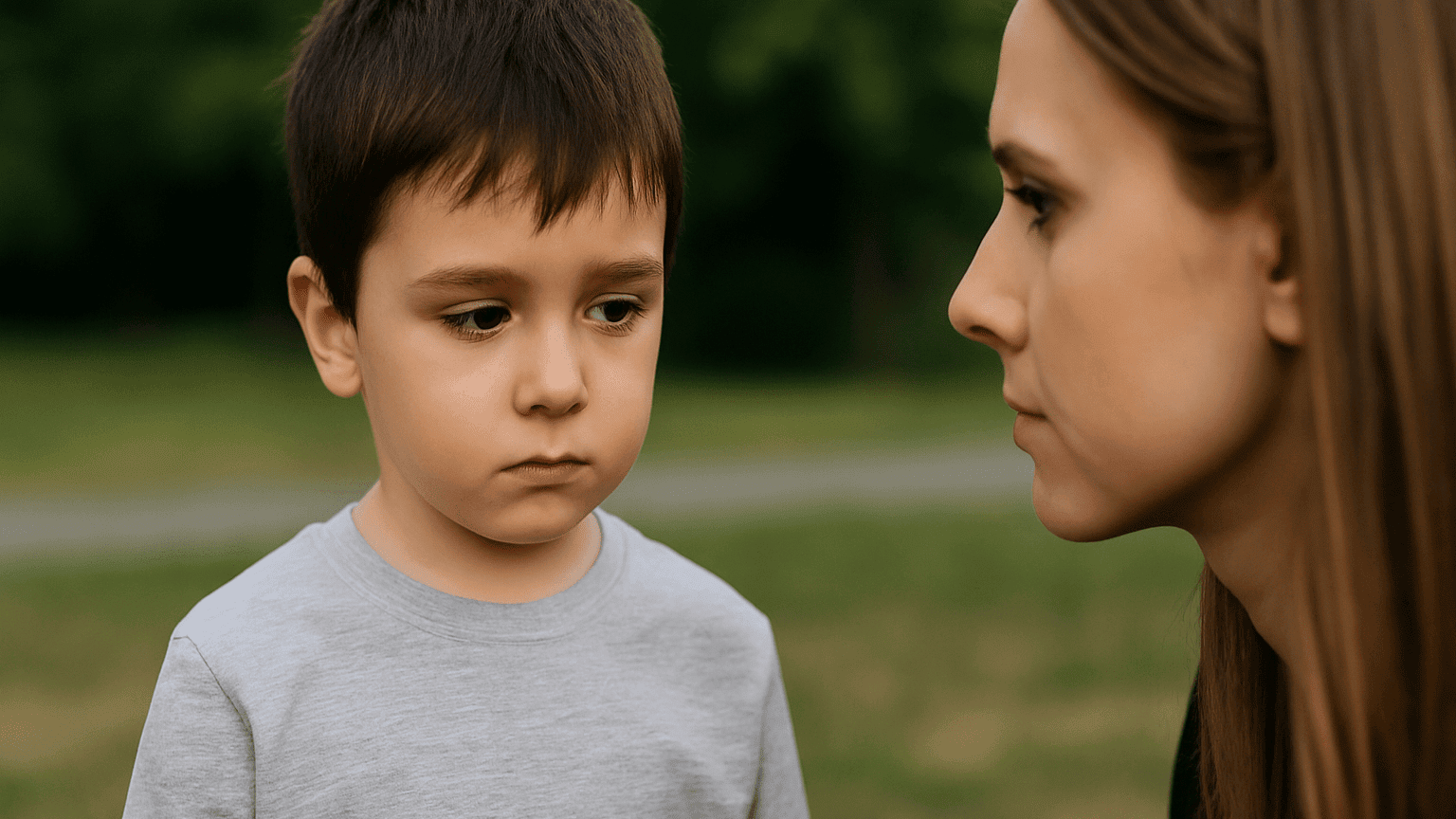
One of the earliest signs is that a child rarely makes eye contact. For example, when being spoken to or played with, the child avoids looking at the other person’s face. This can be an early sign of autism in children and is often mistaken for shyness or lack of focus.

2. Not Responding When Called by Name

By around one year old, most children will respond when their name is called. However, children with autism often do not react at all. They may seem lost in their own world, not because of hearing issues, but due to differences in how their brains process social information.

3. Lack of Social Expressions and Gestures

Children usually express emotions through smiles, waving, or pointing at things that catch their interest. If your child rarely shows these behaviors, it could be one of the signs of autism in children. Autistic children often have flat facial expressions and show limited interest in social interactions.

4. Delayed Speech or Lack of Functional Language
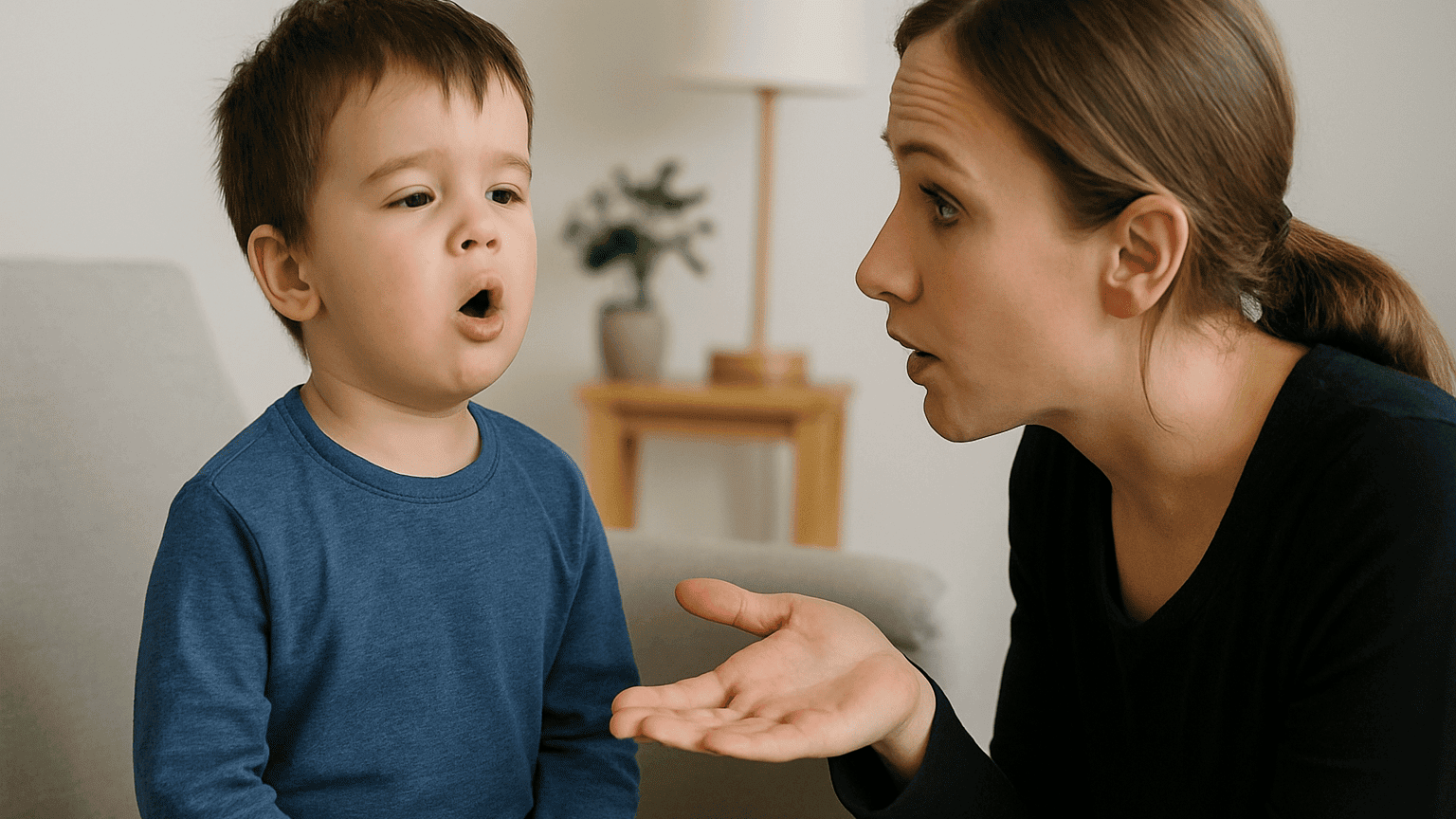
Many children with autism experience speech delays. Some may say words but not use them for communication. Others prefer to use gestures rather than words to express their needs. This is one of the most common signs of autism in children, especially noticeable by the preschool years.

5. Unusual Play Patterns

Most children enjoy role-playing or interacting with peers. But children with autism may fixate on certain parts of toys, like spinning wheels or lining up objects in repetitive ways. This kind of rigid play pattern is a typical sign of autism in children.

6. Over or Under Sensitivity to Senses

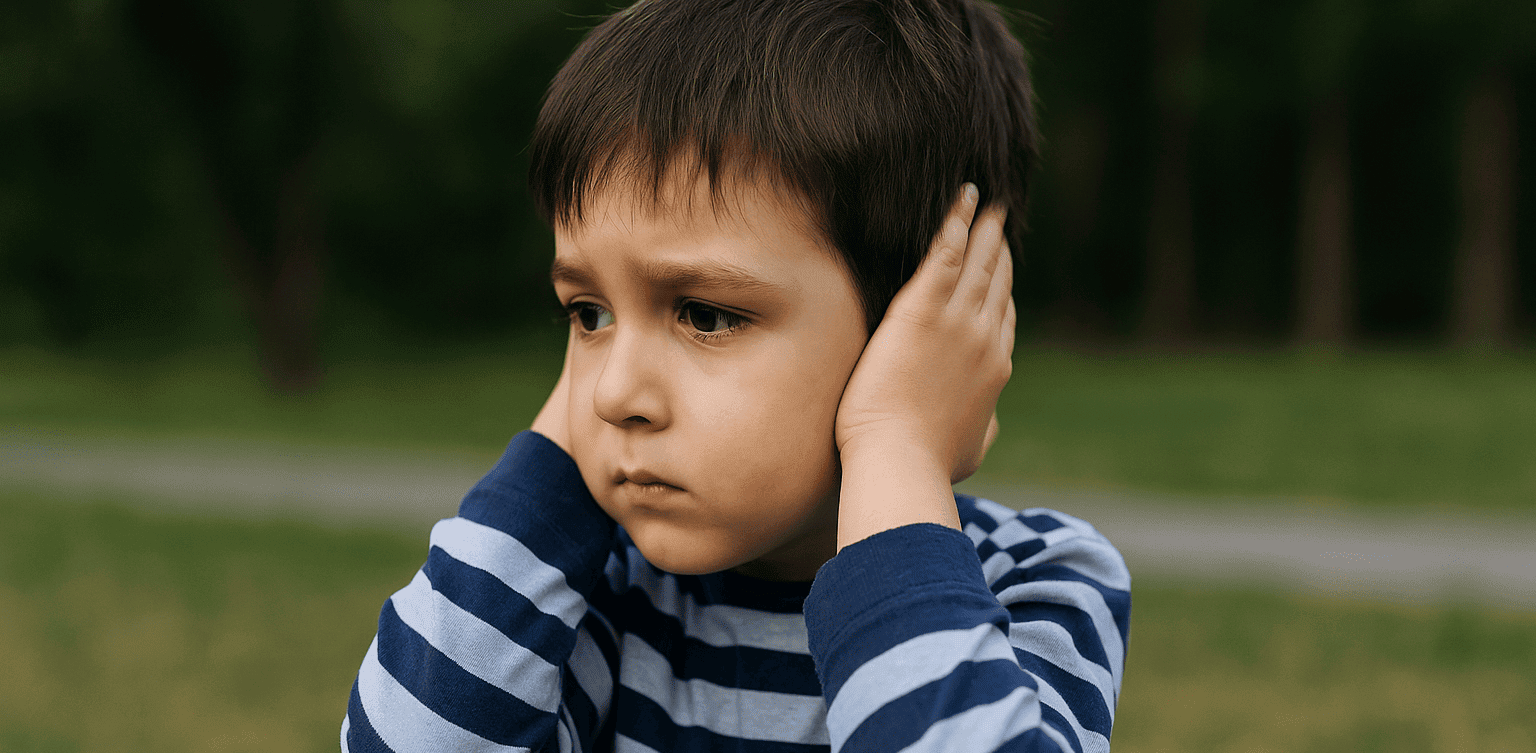
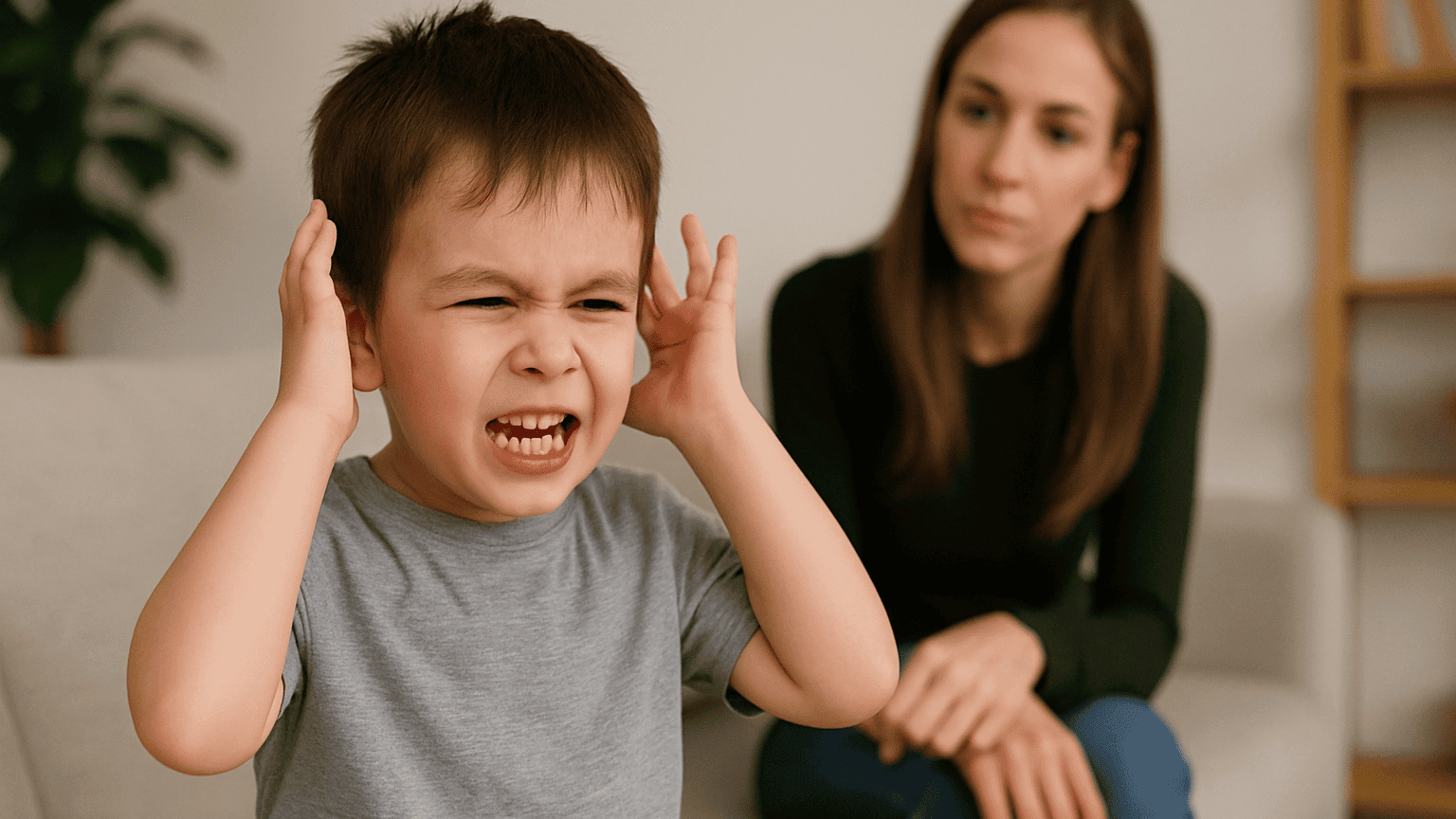
Autistic children may show extreme reactions to loud noises, light touches, or bright lights. On the other hand, some may not respond at all to such stimuli. These unusual sensory responses are one of the signs of autism in children that can confuse many parents.

7. Repetitive Movements or Speech
Children with autism often repeat specific movements or words, such as hand-flapping, jumping, or echoing phrases over and over. These behaviors provide comfort or stimulation and are a recognizable sign of autism in children.

Should Parents Be Worried?

Noticing several signs of autism in children does not mean you should panic. What matters most is observing consistently and consulting with professionals such as child psychologists or developmental pediatricians. A proper diagnosis requires thorough evaluation, and not every child with delays or unique behaviors is on the autism spectrum.

Early identification helps children receive targeted interventions and therapies. Whether it is speech therapy, occupational therapy, or social skills support, these can help children reach their full potential.

Bonus: How Technology Can Help Children Learn

 Image

In addition to nurturing emotional and social development, parents can also introduce their children to structured and engaging activities that build focus and logic, such as coding. Coding teaches kids how to think logically, solve problems, and follow sequences.

Timedoor Academy offers child-friendly coding courses tailored to different learning styles, including children who thrive in visual or structured environments. Try a free coding class today and discover how technology can support your child’s learning in a fun and meaningful way.

Keep Reading

Cara Membuat Game di Roblox untuk Anak-Anak
How to Create a Roblox Game for Kids: Easy Guide
Roblox is a fantastic platform that allows kids to create, play, and share their own games. Learning how to create a game in Roblox can be a rewarding and fun experience for children, helping them develop creativity and basic coding skills. In this easy guide, we’ll walk you through step-by-step how your child can start creating their very own Roblox game. Creating Roblox Game For Kids Step 1: Setting Up Roblox Game Studio For Your Kids To create games, kids first need Roblox Game Studio. Here’s how to set it up: Log in to your Roblox account. Go to the Roblox Studio website and click on "Start Creating." Follow the simple instructions to install Roblox Studio on your computer. Step 2: Choose a Roblox Game Template For Your Kids Roblox Game offers several easy-to-use templates to help beginners: Open Roblox Studio. Select "New," and then choose a template like "Obby" (Obstacle Course) or "Baseplate." Step 3: Customize Your Roblox Game For Your Kids Encourage your child to personalize their roblox game: Drag and drop different objects from the Toolbox. Click objects to move, rotate, or resize them. Customize colors and textures to make the game visually appealing. Step 4: Add Simple Roblox Gameplay Elements For Your Kids Make the roblox game interactive: Add checkpoints or obstacles in an Obby game. Use scripts from the Toolbox to easily add functionality. Test the game frequently by clicking the "Play" button at the top. Step 5: Publish and Share Your Kids Roblox Game Once your roblox game is ready, follow these simple steps: Click "File" then select "Publish to Roblox." Enter a fun and descriptive name for the game. Choose settings like visibility (Public or Private). Click "Create" to publish your game. Tips for Kids Creating Roblox Game Start simple: Create a basic game and gradually add more features. Explore tutorials: Roblox provides great beginner tutorials. Experiment: Don’t be afraid to try new things Start Your Kids Roblox Game Journey Today! Creating Roblox games is an excellent way for kids to express creativity while learning valuable skills. Follow our simple steps and your child can easily build their first Roblox game today. Want more learning experiences? Timedoor Academy offers free classes to help your kids dive deeper into coding and game design. Join the Free Trial Class now and keep the fun going!
Why did Indonesia ban Roblox but Australia did not? A thorough look at children’s digital safety
Source: marketing-interactive.com Recently, the government's policy to restrict or even block access to Roblox for children under the age of 16 has become a hot topic among parents. This move was triggered by the rampant cases of grooming (online child sexual abuse) and the spread of age-inappropriate content on the platform. As parents, it is natural to feel concerned. However, let us examine this phenomenon from a global perspective. In Australia, despite facing the same level of cybercrime risks, Roblox continues to operate without any restrictions. Why is the approach so different? Different Perspectives: Gaming Platform vs Social Media There are two main reasons why the Australian government did not take extreme measures such as a total block: Viewed as a Creative Ecosystem Platform, Not Just Social Media The Australian government and its digital regulatory agency view Roblox primarily as a gaming platform where children can learn to be creative, not just social media. Their regulatory focus is on the responsibility of game developers to create a safe environment, not on blocking access for users. Default Private Policy for Children's Accounts Through the Safety by Design initiative, the Australian government urges platforms to provide automatic protection. As a result, children's accounts there are set to private mode by default. This means that the chat feature with strangers and profile visibility are closed from the moment they register. So, what about children in Indonesia? The main control currently lies in the hands of parents. Parents must proactively activate security features manually. It's quite easy to do: go to the Settings menu, then select Parental Controls. There, parents can activate the Parent PIN so that children cannot change the settings, as well as turn off the chat feature to close two-way communication with strangers. Is Blocking Enough? The answer: No. Blocking one application may provide a temporary sense of security, but it does not solve the root of the problem. The digital world is vast. Currently, almost all online games have two-way communication features. If access to Roblox is closed, potential digital crimes such as cyberbullying or grooming can still lurk around children through other games or platforms. Closing one door will not stop ‘uninvited guests’ from looking for an open window. The only strong defence that children can take with them wherever they surf is digital literacy. Children must be equipped with critical thinking skills when communicating online. They must understand stranger danger (the danger of strangers in the virtual world), game literacy, and mindful messaging (thinking before responding to messages). Turning Concerns into Potential Teaching children technical digital literacy can sometimes be confusing. The language we use is often difficult for them to understand, or even comes across as lecturing. If parents are unsure where to start, entrusting this education to the experts is the wisest choice. At Timedoor Academy, children are not only taught to be passive consumers of games, but are guided to be productive creators. They can learn to make their own games using Roblox Studio in a 100% safe and monitored environment. Moreover, the Timedoor Academy curriculum incorporates digital literacy material in a fun and age-appropriate way. They will learn to recognise the characteristics of cyberbullying, understand privacy boundaries, and how to protect themselves online. In this era of artificial intelligence and rapidly advancing technology, limiting children's exploration risks leaving them far behind their peers. Children who are not equipped with technological skills and digital literacy from an early age will miss out on many opportunities in the future. Ensure your little ones are ready to face the challenges of the digital world with their full potential. Parents can secure their first steps by consulting for free at Timedoor Academy. The opportunity to provide protection while developing your child's talents is right before your eyes, do not delay in making a decision. Reading References for Parents: Australian eSafety Commissioner: Protecting children on gaming platforms Roblox Corp: Safety and Civility - Parent Guide UNICEF: Digital Literacy for Children and Teens Prepare your little one for the future through exciting learning experiences. Sign up for a free trial  session now!
Best Age for Kids to Use Laptops: What Age Can Kids Start Using Laptops for Learning?
Technology has brought many changes to education, including how children learn. Nowadays, laptops and tablets have become common learning tools. However, many parents still wonder: what is the best age for kids to use laptops, and at what age can kids start using laptops safely and effectively? This article provides a guide on the right age for children to start using laptops for learning, the benefits and challenges to consider, and tips to help ensure laptop use supports their development in the best way possible.   Why Is It Important to Consider Age When Letting Kids Use Laptops? Laptops and other digital devices make learning easier with wide access to information, interactive educational apps, and fast communication tools. However, early and unsupervised use of technology can pose risks like eye strain, posture problems, and screen dependency. That’s why parents need to know the best age for kids to use laptops so the benefits are maximized without compromising their health and social development. Choosing the right time also helps kids be mentally and cognitively ready to handle technology in a healthy way.   So, What Age Can Kids Start Using Laptops? There’s no strict rule because every child develops differently. But experts generally recommend: Under 2 years old: Avoid screen time including laptops and tablets, since brain development at this age depends heavily on direct physical and social interaction. Ages 2–5: Limit screen time to no more than 1 hour per day, and use devices only with educational content supervised by parents. 6 years and older: Kids can start using laptops for learning for longer periods, but with clear time limits and adult supervision. So, the age when kids can start freely using laptops for learning is usually around elementary school age—starting from 6 years old—with guidance and rules in place.   Benefits of Using Laptops for Kids’ Learning Using laptops appropriately by age and need offers many benefits, including: Access to Diverse Learning Resources: Kids can explore a variety of online sources like educational videos, e-books, and interactive apps. Development of Digital Skills: In today’s digital world, knowing how to use technology is a crucial skill that should be developed early. Boosting Creativity and Independence: Children can create digital projects like drawings, videos, or basic coding that stimulate creativity. Ease of Communication and Collaboration: Laptops enable kids to communicate easily with teachers and classmates, especially in remote learning.   Challenges and Risks of Laptop Use for Kids Despite the benefits, parents should be aware of some risks: Excessive Screen Time: Can cause eye fatigue, sleep disturbances, and other health issues. Poor Posture: Long use without ergonomic setups can lead to neck and back pain. Social and Emotional Issues: Dependence on devices may reduce social interaction and physical activity. Inappropriate Content: Kids might access unsuitable material without supervision.   Tips for Choosing the Best Age for Kids to Use Laptops Safely To ensure positive laptop use, consider these tips: Start Slowly and Gradually: Adjust laptop time based on your child’s age and focus capacity. Monitor and Supervise: Always stay with your child while they use the laptop, especially when young. Choose Educational Content: Make sure apps and websites are age-appropriate and support learning. Set Up Proper Posture and Breaks: Provide ergonomic seating and regular rest periods. Set Rules and Schedules: Agree on time limits to prevent overuse.   Supporting Your Child’s Tech Learning Journey To help your child use technology effectively and appropriately, besides knowing the best age for kids to use laptops, it’s important to introduce fun and age-appropriate coding lessons. Timedoor Academy offers specially designed coding programs for kids, with easy-to-understand and engaging methods. Don’t hesitate to try it out, because Timedoor Academy also provides free trial classes that let parents and children explore coding without pressure before committing fully. This is a great first step to support your child’s digital development for the future.   Best Age for Kids to Use Laptops and When It’s Appropriate Determining the best age for kids to use laptops and when they can safely start isn’t just about numbers, but also about the child’s mental, physical, and social readiness. Generally, elementary school age is an ideal time to begin using laptops as learning tools, with supervised and limited use. Healthy and purposeful laptop use opens up many learning opportunities and helps develop essential skills in the digital age. Therefore, parents should actively guide and regulate technology use so it supports their child’s overall growth.
float button