Jul 30, 2025

Age Limit for Children Using Gadgets: When Is the Right Time?

<strong>Age Limit for Children Using Gadgets: When Is the Right Time?</strong> image

In today’s digital age, gadgets have become an inseparable part of daily life. Children are increasingly exposed to smartphones, tablets, and laptops from a very young age. This growing trend raises a crucial question for parents: what is the ideal age limit for children using gadgets?

This question does not have a one-size-fits-all answer, as every child develops at their own pace. However, understanding the basic principles of when and how children should be introduced to gadgets is essential for developing healthy digital habits.

Why Setting an Age Limit Matters
age limit for children using gadgets

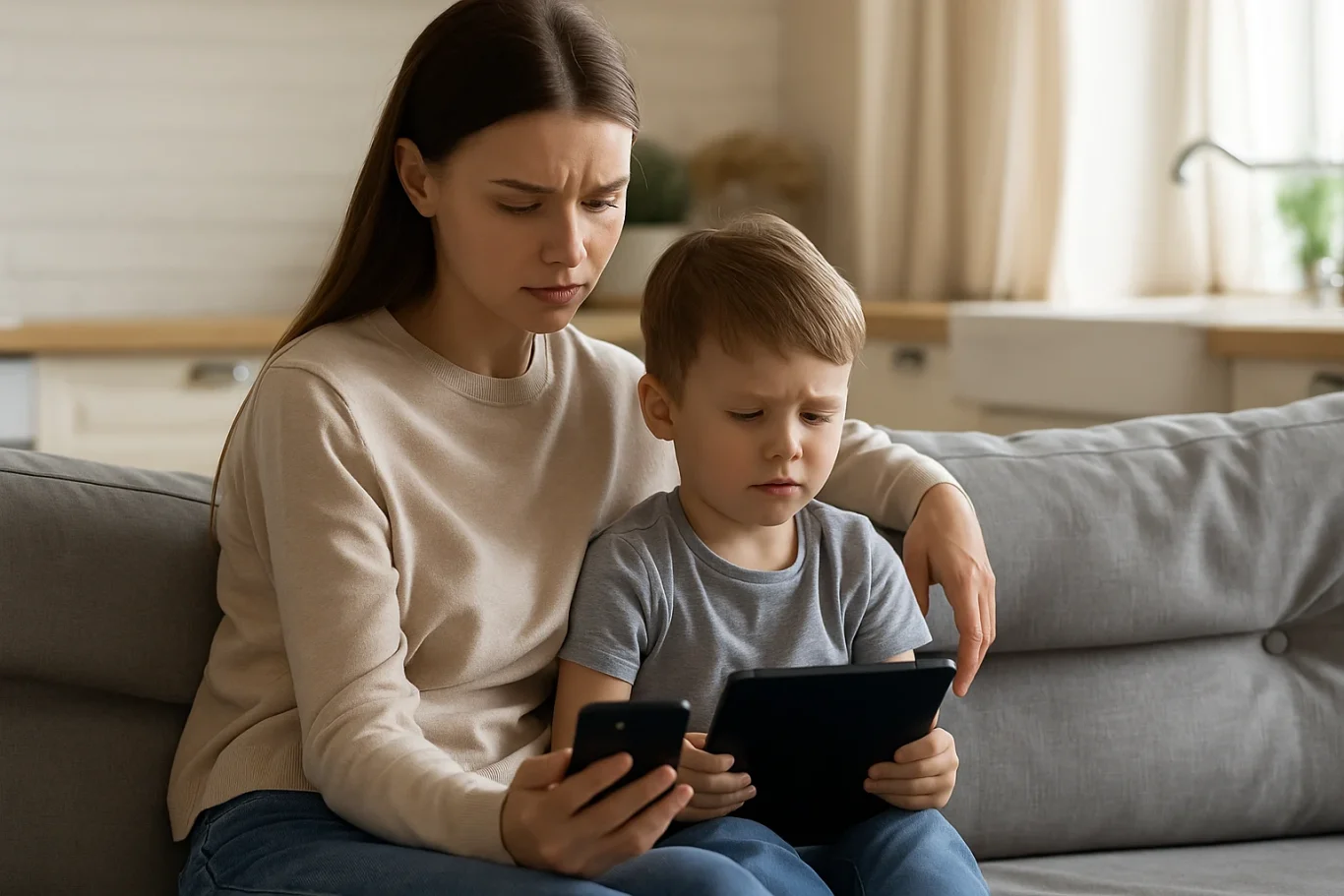
Research shows that excessive gadget use at an early age, especially without supervision, can negatively affect a child’s cognitive, emotional, and social development. Therefore, setting an age limit for children using gadgets is not about banning technology entirely. Rather, it’s about protecting children and guiding them during their growth years.

Children who spend too much time on gadgets may experience sleep disturbances, delayed speech development, or even early signs of screen addiction. That’s why it’s important for parents to know the right time to introduce gadgets and how to direct their usage in a positive way.

Expert Recommendations

Child development organizations such as the American Academy of Pediatrics (AAP) offer clear guidelines on the age limit for children using gadgets:

  • 0–18 months: Avoid screen exposure except for video calls with family members.
  • 18–24 months: If introducing gadgets, ensure the content is high-quality and that parents are present to assist and explain.
  • 2–5 years: Limit screen time to one hour per day, focused on educational content.
  • 6 years and older: Begin to teach children about screen time boundaries, digital responsibility, and the importance of physical activity.

These recommendations can serve as a helpful starting point for parents to develop digital guidelines at home.

When Is a Child Ready for Their Own Gadget?
age limit for children using gadgets

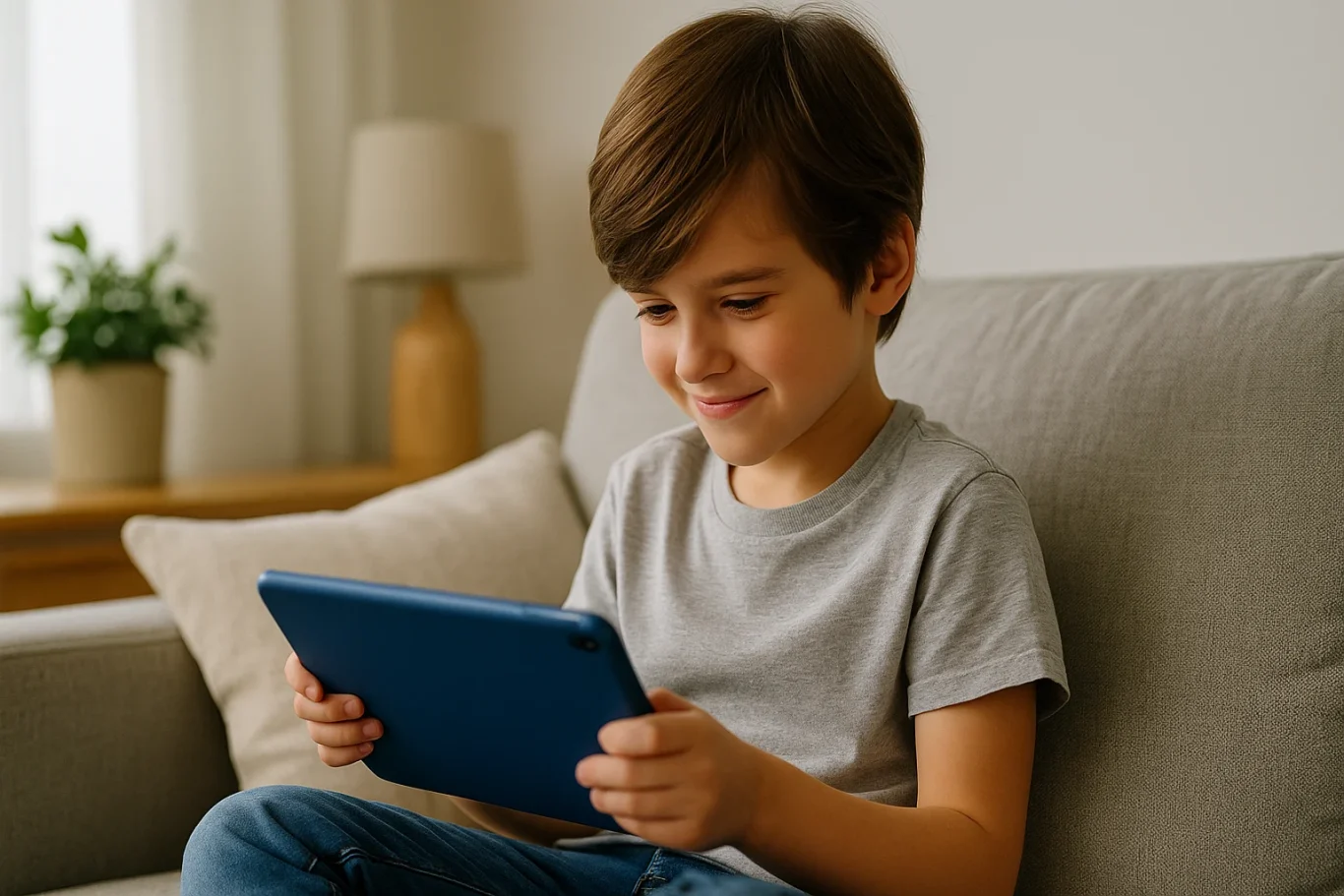
Beyond the question of screen time, many parents also wonder when it’s appropriate for children to have their own gadget. This goes beyond just age. The age limit for children using gadgets should take into account emotional maturity and responsibility.

Here are a few things to consider before handing over a personal device:

  • Has your child demonstrated a clear understanding of rules and limits?
  • Can your child take care of their belongings responsibly?
  • Does your child use digital tools for learning or productive activities?

If your answers are mostly yes, it may be time to consider allowing a child to own a device, provided you set clear boundaries and maintain active supervision.

The Role of Parents in Digital Guidance

age limit for children using gadgets

Establishing the age limit for children using gadgets is only effective if parents are actively involved in the process. It’s not just about creating rules. Parents should model good behavior by managing their own screen time and encouraging healthy tech habits.

Use this opportunity to teach your children about digital literacy, including internet safety, online etiquette, and the importance of taking regular screen breaks. Additionally, promote offline activities like reading, outdoor play, and creative hobbies to create a more balanced lifestyle.

Using Gadgets for Positive Purposes
age limit for children using gadgets

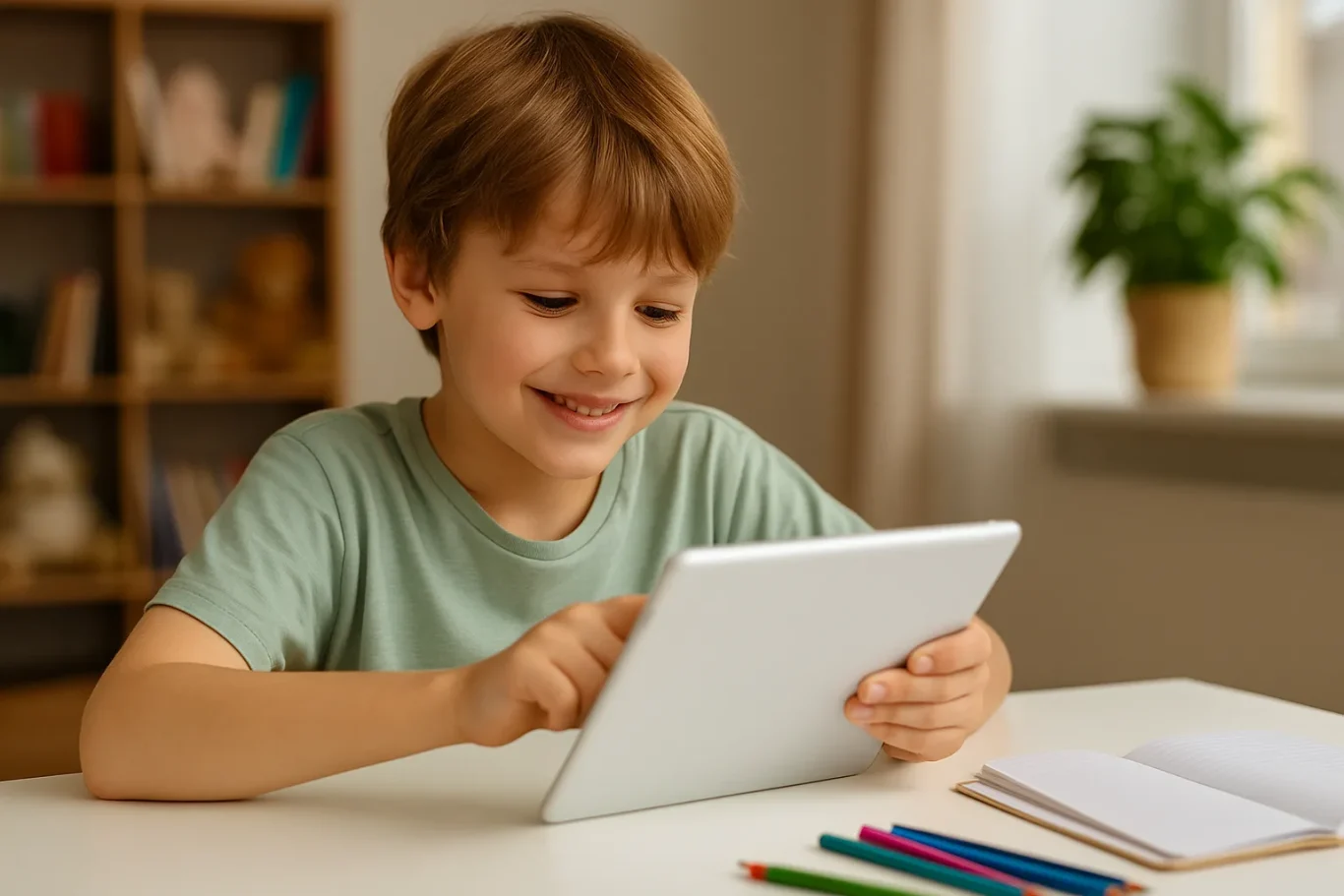
Gadgets are not inherently bad. When used properly, they can be powerful tools for learning and creativity. There are numerous educational platforms and apps designed specifically to enhance children’s knowledge and skills.

That’s why the age limit for children using gadgets should be complemented by introducing them to productive tech-based activities like learning coding, animation, or basic digital design. When children use gadgets to create and explore, they develop valuable 21st-century skills while staying engaged in meaningful ways.

Responsible Tech Starts with Age-Appropriate Use

Ingin tahu detail program? Image

Ingin tahu detail program?

Understanding the age limit for children using gadgets is a foundational step in fostering healthy digital habits at home. While each family’s approach may differ, the underlying principles remain the same: supervision, clear time limits, and age-appropriate content.

As parents, our role is not to fear the digital world, but to prepare our children for it with wisdom, support, and education.

Would you like your child to use gadgets for something truly meaningful? Sign up for a free trial at Timedoor Academy, where your child can learn coding and digital skills in a fun, structured, and educational environment.


Keep Reading

The Role of Parents in Kids Digital Learning: Practical Tips for 2025
Digital learning is now a core part of how kids learn. Since the pandemic, many have grown used to studying through screens, whether from school platforms or extra classes like coding, languages, or math. But behind the ease of technology, the role of parents in kids digital learning is still key to making learning effective. Some might think digital learning makes kids more independent, but not all are ready to manage time, stay focused, or understand lessons on their own. This is where the role of parents in kids digital learning remains essential. Parents are not just supervisors but active guides who support and respond to their kids’ needs. Setting a Healthy Learning Rhythm Time management is one of the biggest challenges in digital learning. Without a teacher physically present, kids can get distracted easily when learning at home. Parents can help by building a consistent routine that balances study and rest. This structure helps shape responsible habits early. It is one of the simplest ways to support the role of parents in kids digital learning and helps build long-term discipline. Creating a Supportive Learning Space Focus depends a lot on environment. At home, distractions like TV, traffic noise, or a younger sibling playing nearby can make learning harder. Parents should create a quiet, comfortable study spot where kids can focus better. Make sure tools like laptops, headphones, and internet connections are working properly. These technical basics matter more than they seem. Helping with this setup is a key part of the role of parents in kids digital learning at home. Offering Emotional Support Digital learning can feel isolating. Kids may feel stuck, frustrated, or unsure who to talk to when lessons are hard. That is why emotional support is just as important as helping with assignments. Simple questions like “Was today’s class fun?” or “Anything that confused you?” can make a big difference. Being emotionally available is a powerful part of the role of parents in kids digital learning, helping kids stay motivated and confident. Guiding Tech Use with Balance Technology can help learning, but it can also be distracting. Kids might be tempted to play games or watch videos during study time. That is why parents should stay involved by setting rules and limits that feel fair. Use screen timers, focus modes, or parental control tools. More importantly, explain why these rules exist so kids see them as helpful, not harsh. Balanced tech use is part of the role of parents in kids digital learning that keeps learning on track. Becoming a Learning Partner Parents do not have to know everything their kid is learning. Just being involved by listening to a project explanation or joining an online session shows support. Being a learning partner means exploring together and showing real interest. This shared effort makes learning more engaging and strengthens the role of parents in kids digital learning by building trust and motivation. Why Parents Still Matter in Kids' Digital Learning Technology has made learning more flexible, but the role of parents in kids digital learning is still irreplaceable. From setting routines to offering encouragement, parents help make learning not only effective but enjoyable. By staying engaged and present, you give your kid the best chance to succeed. You become the connection between digital tools and real growth. Support Your Kid’s Digital Learning with Timedoor Academy Looking for a better way to support your kid’s learning at home? Timedoor Academy offers fun and interactive online classes in coding, math, and robotics. All programs are designed specifically for kids. Try a free class today and discover how we make your role of parents in kids digital learning easier and more meaningful.
5 Top Public Speaking Course for Kids Recommendations with Pricing 2025
In today’s modern era, many parents are looking for public speaking course for kids since public speaking skills are incredibly important for developing children’s confidence and social abilities. No wonder more and more parents are seeking a trusted online public speaking course for kids to help their children communicate ideas clearly, whether at school or in their daily lives. By enrolling in a high-quality online public speaking course, children can practice structured speaking, overcome stage fright, and build real confidence. Below are 5 top recommendations for online public speaking courses for kids in 2025, complete with pricing, programs, and standout features. 1. Outschool: Public Speaking for Kids Price: Starting at $18 per classOutschool offers a wide range of online public speaking course options for kids ages 5–14. Classes include small group sessions focused on storytelling, presentations, and confidence building. Key Features: Flexible class schedules and certified instructors Engaging, project-based lessons Classes available for various age groups and skill levels Reviews and ratings from parents and students Access: 100% Online, Global 2. Udemy: Public Speaking for Kids and Teens Price: Starting at $20 per course (one-time payment)Udemy’s online public speaking course for kids and teens covers everything from basic speech techniques to delivering presentations with confidence. The curriculum is video-based and can be accessed at any time. Key Features: Lifetime access to lessons and resources Self-paced learning for maximum flexibility Activities and practice prompts for real-life speaking Completion certificate Access: Online, Worldwide 3. PlanetSpark Price: Starting at $30 per sessionPlanetSpark offers live, interactive online public speaking coursefor kids aged 6–16. Their curriculum covers debating, storytelling, stage presence, and leadership. Key Features: Personalized learning plans Regular feedback and progress tracking International student community Events, competitions, and showcases Access: Online, International 4. Speech & Debate Academy by Learn with Leaders Price: Starting at $50 per monthThis online public speaking course is led by instructors from top global universities and focuses on helping children master public speaking, debating, and critical thinking. Courses are available in group or one-on-one formats. Key Features: Small class sizes with personalized feedback Emphasis on confidence, persuasion, and communication skills Interactive debates and speech simulations Global exposure Access: Online, Open Worldwide 5. Kid Power Academy Price: Starting at $25 per group classKid Power Academy provides a highly interactive online public speaking course for kids, helping them practice speeches, interviews, and presentations in a supportive environment. Key Features: Certified, experienced instructors Fun activities including storytelling, games, and roleplay Progress reports for parents Focus on building positive self-image and confidence Access: Online, Available Globally Why Is an Online Public Speaking Course Important for Kids? Enrolling your child in an online public speaking course for kids will give them an essential foundation for the future. Children will learn how to organize their ideas, speak confidently in public, and present themselves well in a variety of situations. These skills are not only useful for competitions or school presentations, but also for developing leadership, teamwork, and self-expression. Alongside communication skills, it’s just as important to help your child develop technology skills such as coding. In today’s digital era, combining public speaking skills with digital literacy will prepare kids to face the challenges of the future with confidence. If you want your child to develop both strong public speaking skills and digital abilities, consider introducing them to creative coding classes at Timedoor Academy. Try a free trial coding class at Timedoor Academy so your child can grow in confidence, creativity, and readiness to compete in the modern world!
8 Reasons Why Your Kids Should Join Coding Class
In today’s fast-moving digital world, coding is no longer just for tech professionals. It is quickly becoming a basic form of literacy, just like reading, writing, or math. Kids today are growing up surrounded by technology. From YouTube videos to online games and smart devices, digital tools play a major role in their daily lives. So instead of letting kids just consume technology, why not teach them how to create it? That is exactly what coding classes are all about. These programs help kids build valuable skills that go far beyond the screen. Let’s explore the top reasons why joining a coding class could be one of the smartest decisions for your kids future. Coding class improves kids problem-solving At its core, coding is all about solving problems. Kids learn how to break a big challenge into smaller steps, test different solutions, and try again when something goes wrong. This helps them think logically and become more patient. Imagine your child is building a simple game. The character is supposed to jump when they press a button, but it is not working. They start asking questions. Did they miss something? Is the command correct? This process of figuring things out helps develop critical thinking, a skill that will benefit them in school and beyond. Coding class boosts kids creativity Coding is not just about writing lines of code. It is a way for kids to tell stories, build games, animate characters, and design their own digital world. With platforms like Scratch or Roblox Studio, children can turn their wildest ideas into real, working projects. This kind of creativity builds confidence too. It shows kids that they can make something fun, interesting, and completely their own. Coding class builds kids persistence and confidence Coding teaches kids that it is okay to fail. In fact, failure is part of the process. When a code does not work, they are encouraged to try again. And again. Until they get it right. Over time, this builds resilience and confidence in their own abilities. They start to think, I can fix this or I know how to figure this out instead of giving up. This kind of mindset helps in school, sports, and even social situations. Coding class offer structured learning for kids Sure, your child could try learning from free videos online. But coding classes offer something more valuable. They provide a step-by-step structure that matches your child’s age and skill level. With experienced instructors guiding them, kids can ask questions, get support, and build their skills in a safe space. It is similar to learning music or swimming. Having a coach makes a huge difference. Coding class prepares kids for their future The job market is changing. Many of the careers our children will have one day do not even exist yet. But one thing is certain. Technology will be a big part of those jobs. By learning to code, your child gets a head start. Even if they do not become a programmer, they will understand how technology works. That knowledge is useful in almost every field, from medicine to business to the arts. Coding class encourages kids teamwork Many people think coding is a solo activity, but that is not always true. In coding classes, kids often work in teams. They share ideas, collaborate on projects, and give each other feedback. This helps improve their communication skills and teaches them how to work well with others. These are important skills no matter what career path they choose later on. Coding class is fun for kids Let us not forget the most important part. Coding is fun. When taught in a playful and engaging way, it becomes something kids actually look forward to. They get to build their own games, apps, and stories. They get to be creators, not just consumers. And when kids are having fun while learning, they are more likely to stick with it. Early exposure by coding class builds kids confidence Just like learning a new language or playing an instrument, it is easier to start coding when you are young. Kids are naturally curious and unafraid to experiment. They pick things up quickly and are not afraid to make mistakes. By introducing coding early, you help your child build digital confidence. They grow up not just comfortable with technology, but capable of using it in meaningful ways. How to get started in coding class for your kids You do not need to be a tech expert to support your child. Just look for beginner-friendly programs or platforms designed for kids. Start with block-based coding tools like Scratch, where they can drag and drop commands to make things happen. Even better, enroll them in a structured coding class that fits their age and learning style. Classes with real instructors give kids the guidance and support they need to succeed. Why Timedoor Academy is a great choice for your kids coding class At Timedoor Academy, we make coding fun and meaningful for kids. Our classes are designed to be beginner-friendly, with hands-on projects, supportive mentors, and lots of room for creativity. Kids build games, solve challenges, and most importantly, enjoy the learning process. Thousands of parents in Indonesia and beyond have already seen the benefits. Now it is your turn. Let your child explore, create, and grow with technology. Enroll in a coding class or free trial at Timedoor Academy today and give them the tools to thrive in a digital world!
float button