Sep 04, 2025

Introducing AI Coding for Elementary School Kids: A Vital Skill in the Digital Age

Introducing AI Coding for Elementary School Kids: A Vital Skill in the Digital Age image

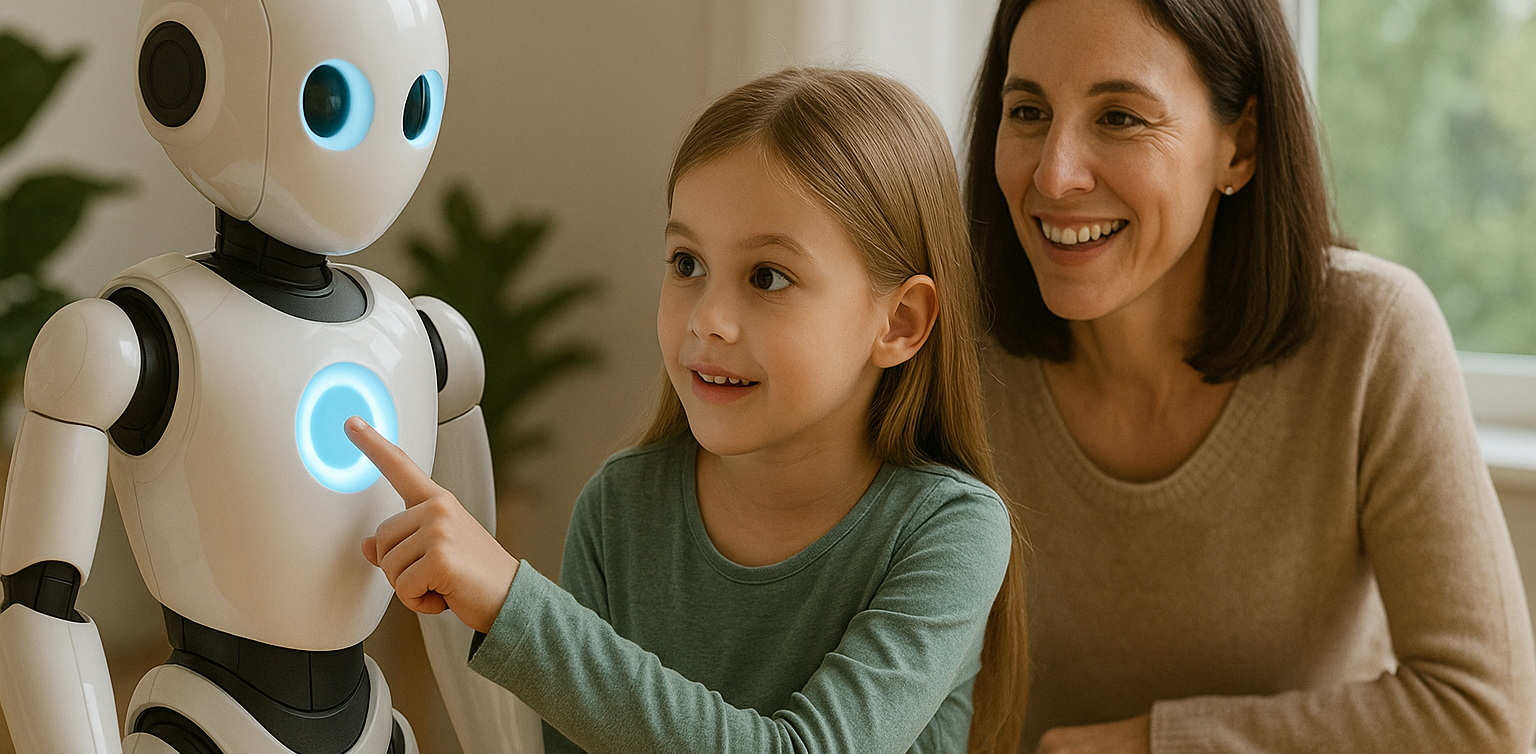
In today’s digital era, children are growing up surrounded by technology. From smartphones and social media to online games, technology has become an inseparable part of daily life. As parents, it is important to ensure that our children are not just passive users but also understand how technology actually works. One of the best ways to achieve this is by introducing AI Coding for Elementary School Kids.

Some parents may wonder whether concepts like artificial intelligence are too complex for children in elementary school. The truth is, they are not. Children have strong curiosity and quick learning abilities. With fun and age-appropriate teaching methods, AI coding can be introduced early, helping them develop logical and creative thinking skills.

Why AI Coding for Elementary School Kids Matters

AI Coding for Elementary School Kids

Artificial intelligence is no longer just a trend but a cornerstone of the future workforce. Almost every industry, from healthcare and education to transportation and entertainment, is already leveraging AI. By introducing AI Coding for Elementary School Kids, parents are providing opportunities for their children to acquire skills that will be highly valuable in the years to come.

Moreover, learning AI coding trains children to think systematically. They gain insight into how computer programs operate, how data is processed, and how machines can “learn” from patterns. These skills are not only relevant in the technology sector but also useful in solving everyday challenges.

The Benefits of Learning AI Coding from a Young Age

  1. Boosting critical thinking skills
    Children learn to analyze problems and come up with effective solutions.
  2. Encouraging creativity
    Through AI Coding for Elementary School Kids, they can create simple projects such as a chatbot or an interactive game.
  3. Preparing for the future
    The future job market requires individuals who can innovate and create technology, not just use it.
  4. Building confidence
    When children successfully complete a coding project, they feel proud of their achievement and gain confidence to take on new challenges.

How to Teach AI Coding for Elementary School Kids

Teaching AI does not mean diving straight into complex theories. There are many fun and practical ways to introduce the subject:

  • Using educational apps and platforms
    Many platforms are designed to introduce AI concepts through play. Children can learn while enjoying engaging activities.
  • Relating projects to everyday life
    Kids can create simple programs such as color-picking tools or guessing games. This makes AI Coding for Elementary School Kids feel relevant to their world.
  • Visual-based learning
    Since young children understand better through visuals, using block-based coding helps them grasp abstract concepts more easily.

The Role of Parents in Supporting Their Children

AI Coding for Elementary School Kids

Parents play an essential role in guiding children through this journey. Spending time together, offering encouragement, and showing genuine interest in what they are learning can make a big difference. You do not need to be a tech expert to support your child. What matters most is giving them opportunities to explore and try new things.

It is also important for parents to ensure balance. While AI Coding for Elementary School Kids can be exciting, children should still have plenty of time to play outdoors, socialize, and pursue other hobbies. A well-rounded approach supports both intellectual growth and emotional well-being.

Timedoor Academy: The Right Place to Learn AI Coding

AI Coding for Elementary School Kids

For parents who want to provide the best learning environment, Timedoor Academy is a trusted choice. With interactive teaching methods designed specifically for children, Timedoor Academy makes coding fun and accessible, including lessons related to AI.

Programs at Timedoor Academy are tailored for elementary school students, ensuring that AI coding is introduced in ways that are easy to understand. Experienced instructors guide children step by step, so they not only learn theory but also create enjoyable real-world projects.

Register Now!

 Image

Introducing AI Coding for Elementary School Kids is not as daunting as it may seem. In fact, the earlier children are introduced to these concepts, the more prepared they will be to face the future. With the right approach, AI coding can become an enjoyable and rewarding activity that supports both learning and creativity.

If you want your child to experience the joy of learning coding in a fun, interactive, and future-oriented way, now is the perfect time to start.

Sign up your child for a free trial at Timedoor Academy today and let them experience the excitement of learning AI coding from an early age!
Keep Reading

Tips for Managing Your Child’s Screen Time: How to Wisely Handle Kids’ Screen Time in 2025
In today’s digital era, screen time for kids has become a regular part of their daily lives. Devices like smartphones, tablets, and laptops are often used for playing, watching, and learning. However, many parents find it challenging to manage screen time so that their children stay healthy while maximizing its benefits. This article shares practical tips on managing your child’s screen time so it can be used wisely and productively.   Why Is Managing Screen Time for Kids Important? Excessive screen time without proper supervision can lead to problems such as eye strain, reduced physical activity, and sleep issues. By properly managing screen time for kids, parents help safeguard their children’s physical and mental health while supporting effective learning.   Effective Tips to Manage Screen Time for Kids 1. Set Clear Time Limits Create rules about when and how long your child can use gadgets daily. For example, limit usage to 1-2 hours a day, adjusted based on age and needs. Consistency is key so kids understand and follow the rules. 2. Choose Educational and Age-Appropriate Content Ensure your child accesses apps, videos, or games that support learning and fit their age group. Educational content turns screen time into enjoyable learning moments. 3. Accompany Your Child During Screen Time Parents should stay with their children while they use gadgets, especially for younger kids. This helps monitor content and provide explanations to maximize benefits. 4. Create a Balanced Screen Time Schedule Balance screen time with other activities, such as after completing homework or physical play. Avoid letting screen time replace outdoor play or social interaction. 5. Use Parental Control Features Take advantage of device settings to restrict access to inappropriate content and manage usage duration. 6. Set a Good Example Children tend to imitate their parents’ behavior. Use gadgets responsibly yourself to teach by example.   Benefits of Properly Managing Screen Time for Kids With proper management, screen time for kids not only avoids negative effects but also: Improves focus and concentration in learning Encourages independent learning through technology Strengthens parent-child relationships through shared screen time Develops digital skills from an early age   Challenges in Managing Kids’ Screen Time Managing screen time is not always easy. Common challenges include: Children resisting or struggling to follow screen time limits Parents lacking time to supervise gadget use consistently Difficulty finding engaging and educational content Devices often being used more for entertainment than education To overcome these, parents need patience and creativity in setting and enforcing rules. Open communication and involving children in rule-making can improve compliance.   Supporting Your Child’s Digital Growth Through Coding Beyond managing screen time, introducing children to coding is a positive step. Timedoor Academy offers fun and easy-to-understand coding programs designed specifically for kids. With this program, your child’s screen time becomes more meaningful—not just entertainment but also time spent learning creativity and critical thinking. Timedoor Academy also offers free trial classes, allowing parents and kids to explore coding stress-free before committing.   How to Effectively Manage Screen Time for a More Meaningful Experience Managing your child’s screen time is key to ensuring healthy and productive gadget use. By setting limits, choosing educational content, supervising usage, and balancing with other activities, screen time can become an effective learning tool. Equally important is supporting your child’s digital development through coding education, which is a valuable investment for their future. Timedoor Academy’s child-friendly methods and free trial classes provide an excellent opportunity for kids to explore the tech world in a fun, pressure-free way.
<strong>The Importance of Kids EQ in the Modern Era of 2025</strong>
The Importance of Kids EQ in the Modern Era of 2025
The rapid growth of the digital world and technology in today’s modern era means parents need to equip their children with more than just academic intelligence. Now, kids EQ—or emotional intelligence—is a key foundation for building character, social skills, and helping children face the increasingly complex challenges of our time. It’s no wonder that future success is closely linked to the quality of EQ, not just report card grades or cognitive abilities. This article will discuss what EQ really means for kids, why its quality is so important in the modern world of 2025, the long-term benefits your child can experience, and simple tips for parents to nurture emotional intelligence from an early age. What Is EQ and Why Is It Becoming More Important? for Kids Kids EQ (emotional quotient or children’s emotional intelligence) is a child’s ability to recognize, understand, manage, and express emotions in a positive way. Children with strong EQ can control anger, accept failure gracefully, and show empathy toward others. EQ also includes important social skills like communication, teamwork, and the ability to build healthy relationships. In the modern era of 2025, the need for kids EQ is bigger than ever. Children must be able to adapt, manage stress, and solve problems not only in the real world but also in digital environments such as social media, online games, or virtual learning communities. The Benefits of Kids EQ for Life and the Future Good quality kids EQ brings many long-term benefits, such as: Boosting confidence and independence: Children aren’t easily swayed by peer pressure or bullying, whether at school or online. Improving conflict resolution skills: Kids are better able to discuss, listen, and respect others’ opinions. Easier adaptation to new environments: Thanks to empathy and good manners, children can quickly make friends and fit in wherever they go. Building resilience when facing setbacks or rejection. Higher academic and non-academic achievement: Children with strong kids EQ can focus and don’t get lost in negative emotions. Studies show that kids EQ plays a big role in future career success and overall happiness. The Challenges of Developing Kids EQ in the Digital Age Even though it’s so important, developing kids EQ in the digital age comes with unique challenges: Less face-to-face interaction due to increased screen time, making kids more likely to communicate online than in person. Exposure to online conflict or negative comments that can trigger stress and negative emotions. Few real-life examples around them on how to manage emotions in a healthy way. Pressure to achieve and compete that can make children feel stressed and anxious. That’s why parents have a huge role to play as role models, guides, and open listeners to their children’s daily feelings and experiences. Simple Tips to Nurture Kids EQ Here are some practical steps parents can take to help boost kids EQ: Be a positive role model. Show your child how to manage emotions calmly and avoid losing your temper. Talk about feelings. Ask, “How did you feel today?” or “What made you happy or sad?” regularly. Practice empathy through daily activities. Invite your child to help a friend or share stories about others’ experiences. Praise efforts to manage emotions. For example, “I’m proud you stayed patient when playing with your friends.” Teach simple relaxation techniques. Deep breathing, taking a break when angry, or enjoying hobbies to calm down. Introduce collaborative activities, such as learning coding with friends, playing team sports, or group projects. Kids EQ and IT Skills for the Future Along with nurturing kids EQ, it’s also important to equip children with other essential future skills, like critical thinking, problem-solving, and digital literacy. Learning to code is a great way to strengthen these abilities while also teaching teamwork, communication, and empathy. In project-based coding activities, children often work in teams, discuss ideas, respect different opinions, and learn to handle setbacks positively. Timedoor Academy offers coding programs for kids that focus not just on technical skills but also on building character and kids EQ. Kids EQ and Digital Skills: Preparing for the Future High-quality kids EQ in the modern era of 2025 isn’t just a bonus—it’s a key requirement for children to be ready for life’s challenges. With strong kids EQ, your child can grow into a confident, empathetic person who builds healthy relationships both online and offline. Help nurture your child’s emotional intelligence while also preparing them for the digital world by enrolling them in a coding program at Timedoor Academy. Sign up for a free trial class and experience the positive impact on kids EQ, creativity, and your child’s future in our digital age.
<strong>Top 5 Love Language in Children and How to Understand Them in 2025</strong>
Top 5 Love Language in Children and How to Understand Them in 2025
Every child has a unique way of feeling and receiving love from their parents. Some feel deeply cared for through hugs, while others light up when given quality time or small gifts. This is what we call the love language in children — the main way they recognize affection and connection from the people closest to them. Understanding the love language in children is key to building a strong and secure bond. Sometimes, even when parents feel they’ve done everything right, their child may still seem distant or unsatisfied. In many cases, it's not about doing more, but about expressing love in the way the child truly understands. Here are the five types of love language in children and how to recognize and respond to them. 1. Physical Touch For children whose love language in children is physical touch, simple acts like hugs, kisses, or holding hands carry deep emotional meaning. These children feel safe and loved when their parents are physically present and affectionate. You’ll often find them climbing into laps, cuddling during storytime, or reaching for your hand even in small moments. To connect with them, try starting and ending the day with a hug, offer a gentle pat on the back for encouragement, or simply hold their hand while walking together. These gestures can mean more than a thousand words. 2. Words of Affirmation Children with this love language in children respond strongly to kind, encouraging words. Phrases like “I’m proud of you,” “You did great,” or “I appreciate your help” fill their emotional tank quickly. These children are likely to light up when praised and often repeat words that meant something to them. If this sounds like your child, make an effort to offer sincere praise, both verbally and through small notes. Your words can build their confidence and sense of self-worth in powerful ways. 3. Quality Time If your child frequently asks you to play, talk, or spend time together, they may have a love language in children that centers on quality time. These kids don’t need expensive toys or grand gestures — they simply want your full attention. Put your phone down, turn off the TV, and engage in activities they enjoy. Whether it's drawing, baking together, or just chatting before bed, what matters most is your undivided presence. 4. Receiving Gifts Some children feel most loved when they receive something tangible, even something small. It could be a favorite snack, a hand-drawn card, or a flower picked from the yard. For children with this love language in children, gifts represent love, attention, and thoughtfulness. Watch how your child reacts when they receive something. Do they treasure it for days or show it to everyone? These signs may indicate that small, meaningful tokens help them feel valued and remembered. 5. Acts of Service Children with this love language in children feel loved when others help them. It could be tying their shoelaces, fixing a broken toy, or assisting with homework. These acts of care show the child that someone is paying attention to their needs and willing to support them. Pay attention to how your child reacts when you help without being asked. A bright smile or a sigh of relief may mean they see these acts not as obligations, but as signs of deep love. Why Understanding the Love Language in Children Matters When parents understand the love language in children, emotional connections grow stronger. Communication becomes more meaningful, and children are less likely to feel ignored or misunderstood. They become more secure, open, and confident in expressing themselves. By tuning in to your child's emotional needs, you're not just parenting — you're building a relationship that lasts a lifetime. Encourage Healthy Growth Through Positive Activities One way to express love meaningfully is to support your child's development with fun and enriching activities. In today’s digital world, introducing your child to something like coding is a smart step. It’s fun, engaging, and helps them build logic and confidence. At Timedoor Academy, your child can try a free coding class tailored to their age and learning style. With hands-on projects and interactive lessons, children learn to solve problems creatively and collaborate effectively. Let them explore technology in a positive way that supports both their emotional and intellectual growth.
float button