Apr 17, 2025

The Role of AI for Kids Education

The Role of AI for Kids Education image

Picture this: a child learning math with a virtual tutor that patiently explains complex ideas. Or mastering a new language through interactive games, tailored to their learning speed and interests. This isn’t a fantasy—it’s the real-world impact of The Role of AI for kids education.

Artificial Intelligence (AI) is revolutionizing how children learn. With smart technology, education becomes more personalized, engaging, and flexible, helping every child unlock their true potential.

The Role of AI for Kids Education

Why AI for Kids Education Matters

Children are naturally curious, adaptable, and fast learners—ideal qualities for learning with AI. With advanced algorithms, AI can personalize learning paths for each child, making lessons more efficient and enjoyable.

Here’s how AI for kids education makes a difference:

  • Adapts content based on each child’s learning progress
  • Matches teaching methods to individual learning styles
  • Provides real-time feedback and suggestions when a child struggles

AI can also track patterns—like which topics confuse a child, when they’re most focused, and how they best absorb information.

Key Benefits of AI for Kids Education

1. Personalized Learning for Every Child

No two children learn the same way. AI for kids education lets children learn at their own pace—whether they need extra time or crave advanced challenges. AI adapts to meet them exactly where they are.

2. Interactive and Engaging Lessons

From adaptive quizzes to fun simulations, AI turns learning into a game. To children, it feels like play. But underneath, they’re gaining deep understanding and critical thinking skills.

3. Instant Feedback

No more waiting days for test results. AI offers real-time feedback, helping kids quickly understand mistakes and try again. It also suggests additional exercises when needed.

4. Inclusive Support for Special Needs

AI-based tools can support children with dyslexia, ADHD, or other learning differences. From reading-aloud features to simplified instructions, AI makes education more inclusive for everyone.

5. Time-Saving for Parents and Teachers

AI automates reports and tracks progress, allowing parents and teachers to focus more on guidance and emotional support rather than grading and paperwork.

Real Examples of AI for Kids Education
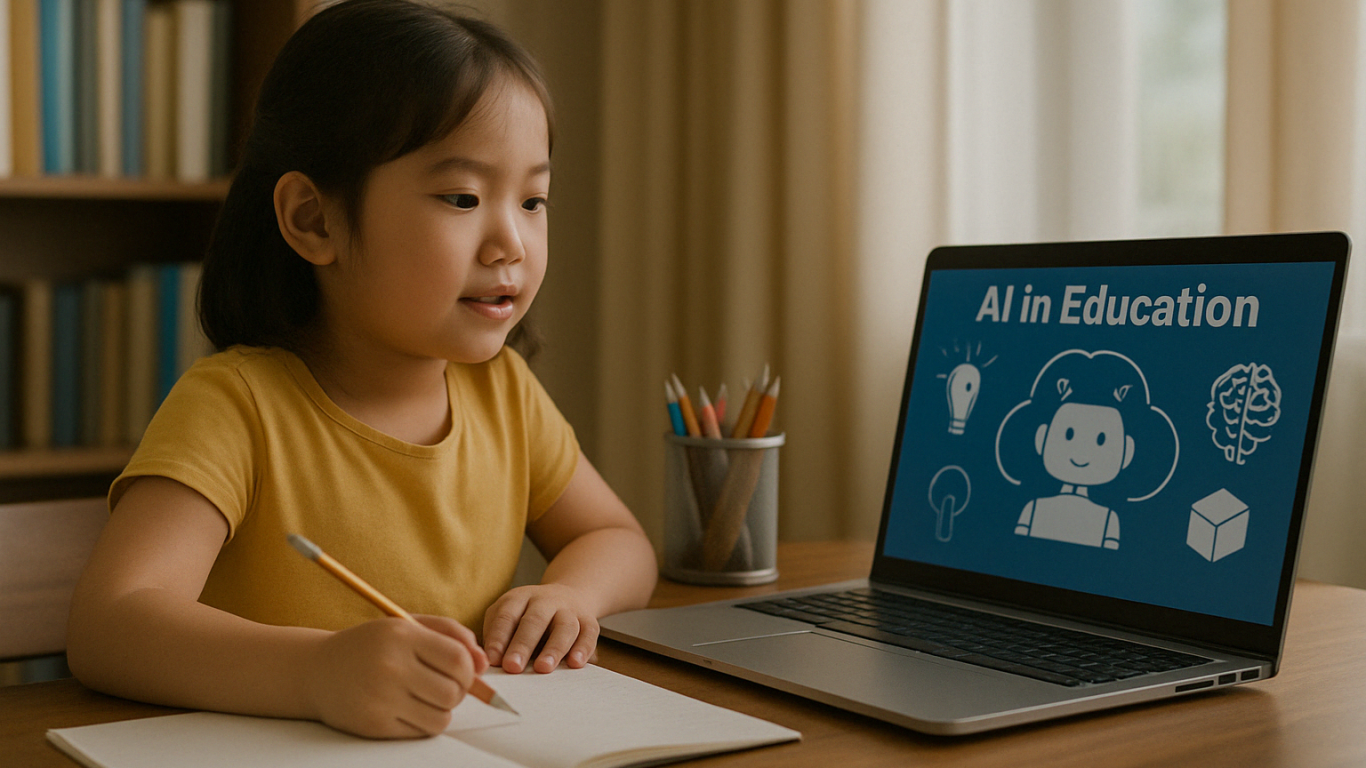
Many platforms are already using AI for kids education successfully:

  • Socratic by Google – Snap a homework question, get step-by-step help.
  • Tynker – Teaches kids coding with gamified learning.
  • Duolingo – Uses adaptive tech to personalize language learning.
  • Khan Academy Kids – Combines fun animations with AI for early learning.

These tools show that AI for Kids education isn’t just theory—it’s shaping learning today.

Challenges of AI for Kids Education
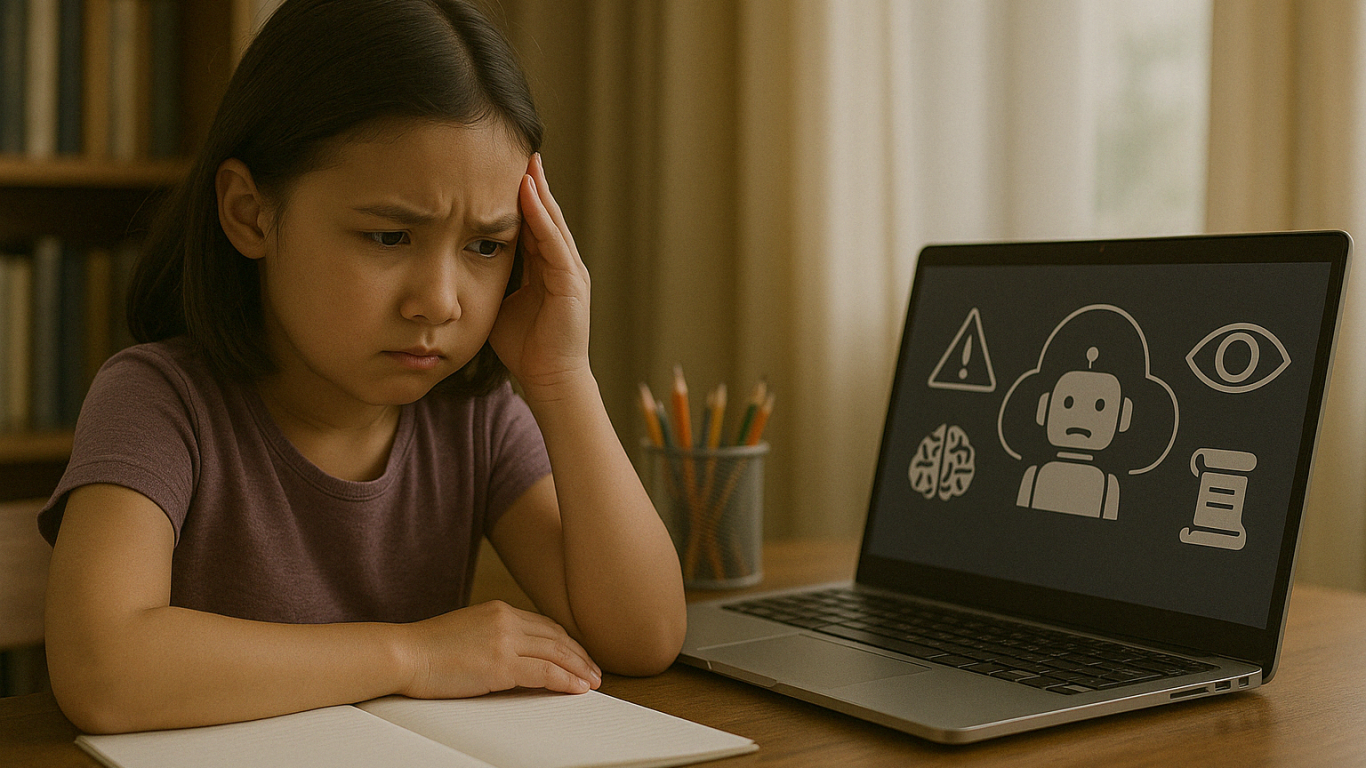
Despite the benefits, there are important challenges to keep in mind:

1. Data Privacy

Children are vulnerable online. AI platforms must have strong protection for kids’ personal data.

2. Lack of Human Interaction

While AI is smart, it can’t replace real human friendships. Children still need to build empathy, teamwork, and social skills through real-life interaction.

3. Unequal Access

Not all families can afford AI devices or fast internet. Equal access must be a top priority for inclusive education.

4. Technology Overuse

Overreliance on screens can limit offline creativity. Children still need time to explore nature, books, and play beyond digital tools.

Human Support in AI for Kids Education
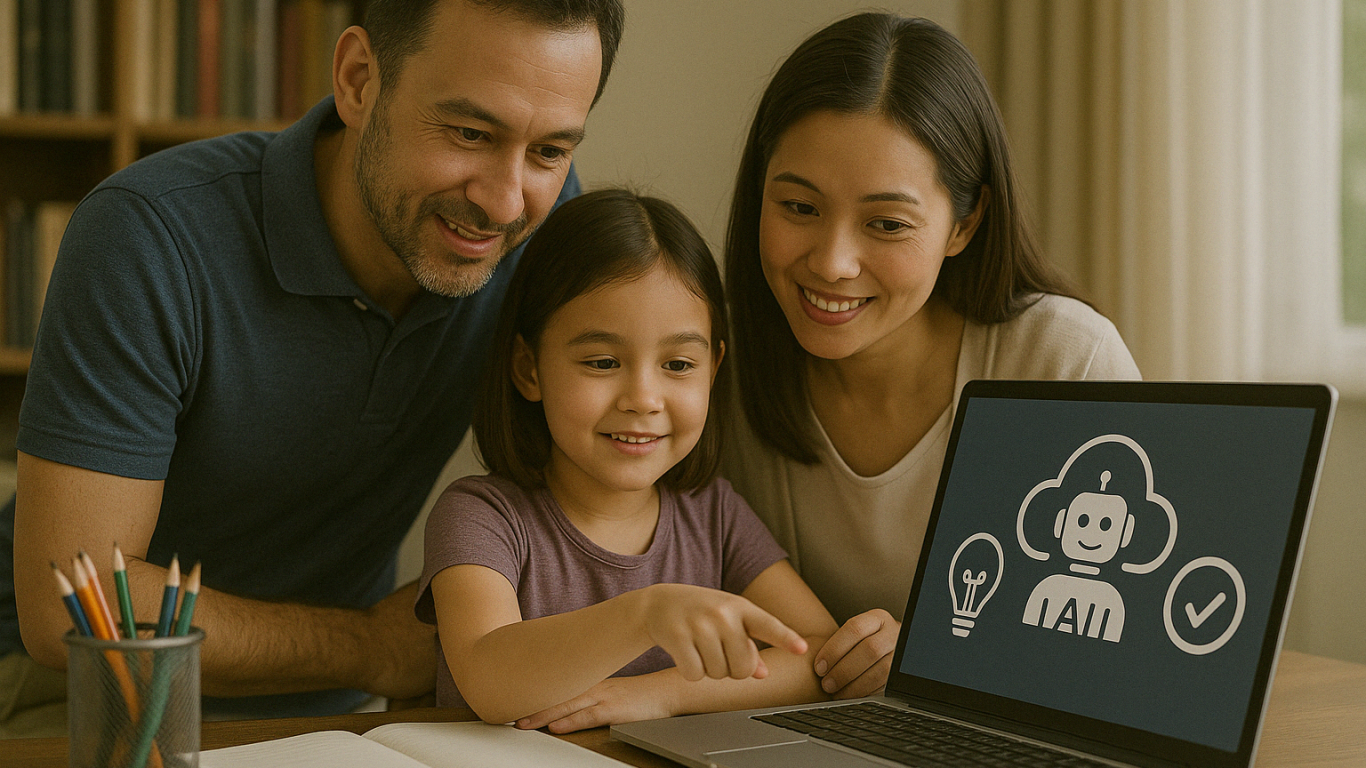
AI is a powerful tool, but it must be guided by people who care. Parents and teachers are essential in making sure AI for Kids Education technology is used wisely.

Here are some tips:

  • Use age-appropriate, trusted AI platforms
  • Supervise learning sessions and offer emotional support
  • Teach kids about digital responsibility and screen time balance
  • Mix AI learning with offline activities

Shaping the Future of Education Together

Ingin tahu detail program? Image

Ingin tahu detail program?

AI for kids education is not about replacing traditional learning—it’s about making it better. When used with care and purpose, AI helps children become confident, independent learners prepared for the future.

At Timedoor Academy, we believe in combining innovation with empathy. Let’s build a future where technology empowers children to thrive.

? Ready to Explore the Future of Learning?

Try a free class at Timedoor Academy and see how AI for kids education can spark your child’s learning journey today.


Keep Reading

<strong>What Is Deepfake? The Impact on Children in 2025 and How to Respond Wisely</strong>
What Is Deepfake? The Impact on Children in 2025 and How to Respond Wisely
The rapid development of digital technology has brought about countless innovations, and one of the most talked-about today is deepfake technology. Recently, the term “deepfake” has been frequently discussed, especially as more and more fake videos that appear shockingly real circulate on social media. But what is deepfake exactly, and why do parents need to understand and be cautious about this technology, especially to protect their children? This article will explain what is deepfake, how it works, and the potential impact it can have on children. We’ll also cover practical steps parents can take to help their kids face digital challenges with confidence. What Is Deepfake? Understanding the Technology Behind Fake Faces Before exploring its impact, it’s important for both parents and children to know what is deepfake. Deepfake is a term used for videos, images, or audio created with artificial intelligence (AI) so convincingly that they appear real, even though they’re fake. This technology can swap faces, mimic voices, or even make someone say or do things that never actually happened. Originally, deepfake technology was developed for entertainment and cinema, such as creating special effects in movies. However, as technology has advanced, deepfakes are increasingly misused—for spreading hoaxes, scams, and even digital bullying. That’s why digital literacy and education about deepfake is now more crucial than ever for Indonesian families. How Does Deepfake Work? To help children and parents better understand what is deepfake, let’s look at the basics of how this technology operates. Deepfake uses machine learning, especially deep learning techniques, to analyze and mimic someone’s facial expressions, voice, and movements. Using sets of videos or photos of a target, AI “learns” unique patterns and then applies them to new videos to make them appear extremely realistic. The end result of a deepfake is often very difficult to distinguish from real footage, especially at a glance. This makes deepfake technology dangerous if misused, particularly for children who may not yet know how to verify what they see online. The Impact of Deepfake on Children After understanding what is deepfake, it’s essential to recognize the negative effects it can have on children in the digital era: 1. Spread of Hoaxes and MisinformationChildren can easily be convinced by a deepfake video or audio that looks and sounds real, making them vulnerable to fake news, slander, or provocative issues. 2. Cyberbullying and ExploitationDeepfake can be used to create fake content that humiliates or damages a child’s reputation, or even as a tool for online bullying and exploitation. 3. Fraud and Privacy ThreatsA child’s personal data can be stolen and used to create deepfakes, which could then be involved in scams, blackmail, or other crimes. 4. Self-Doubt and Mental Health IssuesIf a child becomes a victim of deepfake, they may experience stress, shame, and even trauma, which can affect their self-confidence and mental well-being. 5. Difficulty Distinguishing Fact from ManipulationAt a young age, children are not fully equipped to tell the difference between genuine and fake content. Lack of digital literacy can make them more susceptible to digital manipulation. The Role of Parents: Education and Protection Simply understanding what is deepfake isn’t enough. Parents must also actively educate and guide their children to stay safe in the digital world. Here are some practical steps: Teach Digital Literacy EarlyDiscuss with your child about what is deepfake, how to spot fake content, and the importance of not believing every piece of information encountered online. Build Open CommunicationEncourage children to talk if they come across suspicious content or feel uncomfortable with something online. Strengthen Data Privacy AwarenessHelp children understand the importance of keeping personal data—photos, videos, and identity information—private and protected. Be a Role ModelParents should use technology and social media wisely, and avoid sharing or spreading unverified content. Introduce Positive Digital ActivitiesRedirect children’s attention to educational and productive digital activities, such as learning coding, creating digital projects, or exploring new knowledge. Coding: A Smart Way to Protect Children in the Digital World One concrete way to equip children for the deepfake era is to introduce them to coding. By learning to code, children don’t just become technology users—they also gain an understanding of how technology works. Coding sharpens logic, analytical skills, and encourages critical and creative thinking. Children who learn coding are better able to recognize digital manipulation and understand how AI behind deepfake works. Timedoor Academy offers interactive, fun, and age-appropriate coding programs. Children can learn to build apps, simple games, and even understand basic AI concepts through friendly and easy-to-follow methods. Time to Outsmart Deepfake, Starting from Home In today’s digital age, understanding what is deepfake should be a priority for every family. With the right knowledge, digital literacy education, and technology skills such as coding, children will be better prepared to face the risks and opportunities of the online world. Don’t let your child fall victim to digital manipulation! Register your child for a free trial class at Timedoor Academy and introduce them to coding and digital safety from an early age.
<strong>How to Set Healthy Screen Time Limits for Children in 2025</strong>
How to Set Healthy Screen Time Limits for Children in 2025
In today’s digital world, children are growing up surrounded by gadgets and screens. Televisions, smartphones, tablets, and laptops have all become a normal part of their daily lives. While these devices bring convenience and learning opportunities, many parents are left wondering: how can we set screen time limits for children that support their healthy physical, mental, and social growth? When managed properly, screen time can be educational and entertaining. But when it becomes excessive, it may pose serious risks to children’s development. That’s why it’s essential for parents to create healthy screen time limits for children and stick to them consistently. Why Do Screen Time Limits for Children Matter? Children are naturally attracted to visual and interactive content. Without supervision, long hours in front of screens can lead to issues like poor sleep, eye strain, less physical activity, and difficulty with social interaction. At their developmental stage, children’s brains need real-world stimulation, not just digital input. Too much screen exposure can also shorten attention spans and reduce focus. Research shows that a lack of screen time limits for children may lead to lower academic performance, slower language development, and even emotional imbalance. Global Health Guidelines Both the World Health Organization (WHO) and the American Academy of Pediatrics (AAP) offer age-specific recommendations for managing screen use: Ages 0–2: Avoid screen time entirely, except for video calls with family. Ages 2–5: Limit screen time to a maximum of 1 hour per day with adult supervision. Age 6 and up: Monitor screen use to ensure it doesn’t interfere with sleep, exercise, or family time. Of course, duration is only one part of the equation. The type of content and how it’s used matter even more. Not all screen time is harmful—especially when it’s used for learning or creating. Risks of Excessive Screen Time Without reasonable screen time limits for children, several long-term consequences can appear: Sleep disruption: Blue light from screens can interfere with melatonin production, making it harder to fall asleep. Physical inactivity: Children who spend too much time on screens may become sedentary, leading to obesity risks. Eye strain: Prolonged use of devices can result in dry eyes and blurred vision. Delayed communication and social skills: Face-to-face interaction decreases, especially during early childhood. Emotional reactivity: Overuse of screens may lead to irritability, impatience, and difficulty managing emotions. How to Set Effective Screen Time Limits Here are several practical strategies that can help you manage screen time for your child: Create a clear daily routine: Only allow screen time after homework, reading, or chores are finished. Be a good role model: Reduce your own screen time at home so your child can follow your example. Use parental control features: Many devices and apps have built-in tools to manage screen access and usage time. Introduce fun offline activities: Encourage exercise, crafts, puzzles, or reading time to balance digital activities. Establish screen-free zones: Keep devices out of the bedroom, dining area, or family time spaces. Choose high-quality content: Use educational platforms or age-appropriate games and videos. Communicate openly: Explain the reasons behind setting limits and include your child in creating rules. Consistency, patience, and open dialogue will help your child build healthy digital habits that last. A Better Way to Use Screen Time: Learn Coding at Timedoor Academy Instead of banning screens altogether, guide your child toward something meaningful. Coding is one of the best ways to turn screen time into an active, creative, and skill-building experience. Children learn logic, problem-solving, and digital literacy in a fun and empowering way. At Timedoor Academy, we offer coding classes that teach children how to create games, websites, and animations while building responsible screen habits. With an international curriculum and project-based learning, screen time becomes a tool for growth—not just entertainment. Try our free trial class and see how your child can thrive with the right kind of digital learning.
How to Use Google Family Link: Step by step Guide in 2025
In this digital era, parents play an increasingly important role in guiding and monitoring their children’s online activities. One of the most popular apps used by families to help keep children safe and maintain a healthy balance with technology is Google Family Link. Through this app, parents can set, limit, and monitor their child’s device usage directly from their own smartphones. However, many parents are still not fully familiar with how to use Google Family Link effectively, so that its benefits can be maximized. This article will provide a detailed explanation on how to use Google Family Link, along with practical tips and benefits for both parents and children. Google Family Link is a free app from Google specifically designed to help parents manage Android or Chromebook devices used by their children. With this app, parents can set time limits, monitor which apps are downloaded, and even decide which websites their children can access. All these features make how to use Google Family Link especially relevant for parents who want to stay involved in their children’s digital world without being overly controlling. How to Use Google Family Link: A Step-by-Step Guide Here are the steps on how to use Google Family Link effectively for your family: Download and Install the AppThe first step in how to use Google Family Link is to download the app on both the parent’s and the child’s devices. The app is free and available on both the Google Play Store and the App Store. Make sure the app is installed on both devices to begin setting things up. Create and Link Your Child’s Google AccountOnce the app is installed, parents need to create a dedicated Google account for their child or use an existing one. Follow the instructions provided by the app to link the child’s account with the parent’s account. This process ensures that every digital activity of the child can be monitored directly. Set Limits and ControlsThe next step in how to use Google Family Link is to set device usage time limits, restrict which apps can be downloaded, and manage which content can be accessed by your child. Parents can also block certain apps, set a bedtime schedule, and even track the location of the child’s device in real time. Regularly Monitor Your Child’s ActivitiesOne of the main benefits of how to use Google Family Link is the ability to monitor your child’s daily activities, such as which apps are used the most, total screen time, and other online activities. Parents will also receive notifications if the child tries to download a new app or access restricted websites. Discuss Rules with Your ChildAlthough how to use Google Family Link gives parents full control, it is still important to involve your child in a discussion about device use rules. Explain the purpose of monitoring, listen to your child’s opinions, and make agreements together so the child feels respected and trusted. Benefits of Using Google Family Link for Families By learning how to use Google Family Link, parents can enjoy several benefits, including: Reducing the risk of children being exposed to negative content online. Helping children form healthy and balanced digital habits. Making it easier for parents to monitor device usage without constant supervision. Providing a means for education and communication about digital ethics. Challenges and Tips for Using Google Family Link Successfully Even though the features in how to use Google Family Link are quite complete, there are still challenges that parents might face. Some children may feel their privacy is invaded or may try to bypass the controls. It is important for parents to explain the reason for using the app as a form of protection, not just control. Involve your child in creating the rules and give them space to learn responsibility for their choices. Also, parents should stay updated with technological developments and new features from Google Family Link to get the most out of all its benefits. Connecting Digital Literacy and Coding for Kids Beyond setting boundaries for device use, it is also important to equip children with digital literacy and 21st-century skills such as coding. Through coding, children learn to think critically, logically, and adapt to technological advances. Parents can make use of their children’s screen time for educational activities, such as joining interactive online coding classes. Try a Free Trial Coding Class at Timedoor Academy If you want your child to be smarter with technology, sign them up for a free trial coding class at Timedoor Academy. In these classes, children can learn coding in a fun and interactive way that relates to their daily life. In addition to building digital literacy, children will be guided by professional mentors, making the learning process more structured and positive. Visit our Timedoor Academy website or social media to schedule your child’s free trial coding class today. By understanding how to use Google Family Link, parents can feel more at ease letting their children explore the digital world. Do not forget to maintain open communication, provide digital ethics education, and introduce coding as an important skill for a bright future.
float button