May 14, 2025

Educating Children in the Digital Age 2025: Practical Tips for Modern Parents

Educating Children in the Digital Age 2025: Practical Tips for Modern Parents image

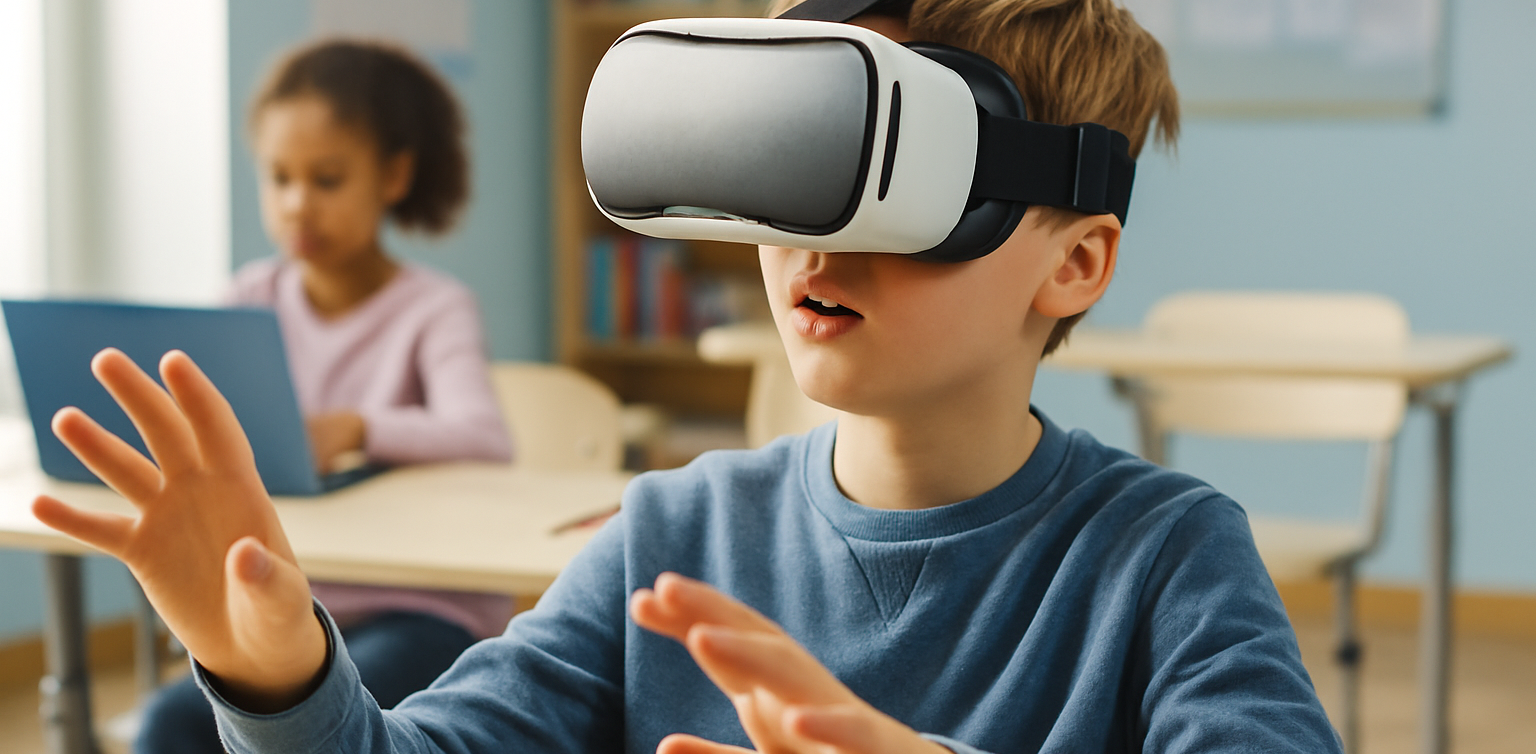
In today’s hyper-connected world, educating children in the digital age has become a new challenge for parents. It’s no longer just about limiting screen time but also teaching digital etiquette, online safety, and emotional intelligence when navigating the internet. The digital world offers endless learning opportunities for children but also comes with risks if not guided properly. This is why educating children in the digital age requires a more adaptive and tech-aware approach from parents.

Why Is It Important to Educate Children in the Digital Age?

educating children in the digital age

Children today grow up with gadgets in their hands. From online learning to gaming and social media, their daily activities often revolve around screens. Without proper guidance, they are vulnerable to negative content, cyberbullying, social media addiction, and even identity theft. Therefore, educating children in the digital age is not optional — it’s a necessity.

Parents play a crucial role as both mentors and role models in helping children use technology in a healthy and productive way. Digital literacy is also essential, equipping children with the skills to discern accurate information and avoid misinformation or fake news. With the right foundation, children will be better prepared to face the challenges of the digital world.

Challenges Parents Face in Educating Children in the Digital Age

While technology brings many benefits, it can be overwhelming for parents to keep up. Common challenges include:

  • Struggling to control children’s screen time due to the abundance of entertainment like YouTube and TikTok.
  • Limited understanding of the ever-evolving digital apps and platforms.
  • Children’s exposure to inappropriate content not suited to their age.
  • Generational gaps that make discussions about technology difficult.

Educating children in the digital age requires extra effort from parents to continually learn and adapt. Not to become tech experts, but to stay relevant and effectively guide their children.

Practical Tips for Educating Children in the Digital Age

To help parents navigate this journey, here are some practical tips for educating children in the digital age:

  1. Be a Digital Role Model
    Children naturally imitate their parents. By demonstrating responsible gadget use, parents set a positive example for their children to follow.
  2. Set Clear Rules
    Establish clear agreements about screen time, allowed content, and designated times for offline activities to help children develop a balanced routine.
  3. Discuss Digital Etiquette
    Have open conversations about online manners, the importance of privacy, and how to handle negative comments or interactions.
  4. Leverage Educational Apps
    Instead of banning gadgets, direct children towards educational apps that support learning, such as coding platforms and interactive games.
  5. Balance with Offline Activities
    Encourage children to engage in outdoor play, exercise, and creative activities away from screens to reduce gadget dependency.

Educating children in the digital age is not about restricting their interaction with technology. It’s about equipping them with the skills to use it responsibly and healthily.

Recommended Apps for Educating Children in the Digital Age

To support parents in this journey, here are some recommended apps:

  • Google Family Link
    Helps parents monitor and manage their child’s device usage, including screen time limits and app filters.
  • Khan Academy Kids
    A free educational platform with interactive learning materials designed for young children and elementary school students.
  • Duolingo ABC
    An app dedicated to helping young children learn to read through bite-sized lessons and interactive activities. Perfect for building early literacy skills in a digital format.

By utilizing these apps, parents can more easily accompany their children in exploring the digital world safely and educationally.

The Parent’s Role Remains Crucial in the Digital Era

Educating children in the digital age is undoubtedly challenging but far from impossible. With an open mindset, good communication, and responsible use of technology, parents can help their children grow into digitally literate individuals. Remember, technology is merely a tool. What matters most is how we guide our children to use that tool for positive purposes.

 Image

Help your child make the most of technology in a smart and safe way with Timedoor Academy. Try our free coding class today and see the positive impact on your child’s future.
Keep Reading

Cara Membuat Game di Roblox untuk Anak-Anak
How to Create a Roblox Game for Kids: Easy Guide
Roblox is a fantastic platform that allows kids to create, play, and share their own games. Learning how to create a game in Roblox can be a rewarding and fun experience for children, helping them develop creativity and basic coding skills. In this easy guide, we’ll walk you through step-by-step how your child can start creating their very own Roblox game. Creating Roblox Game For Kids Step 1: Setting Up Roblox Game Studio For Your Kids To create games, kids first need Roblox Game Studio. Here’s how to set it up: Log in to your Roblox account. Go to the Roblox Studio website and click on "Start Creating." Follow the simple instructions to install Roblox Studio on your computer. Step 2: Choose a Roblox Game Template For Your Kids Roblox Game offers several easy-to-use templates to help beginners: Open Roblox Studio. Select "New," and then choose a template like "Obby" (Obstacle Course) or "Baseplate." Step 3: Customize Your Roblox Game For Your Kids Encourage your child to personalize their roblox game: Drag and drop different objects from the Toolbox. Click objects to move, rotate, or resize them. Customize colors and textures to make the game visually appealing. Step 4: Add Simple Roblox Gameplay Elements For Your Kids Make the roblox game interactive: Add checkpoints or obstacles in an Obby game. Use scripts from the Toolbox to easily add functionality. Test the game frequently by clicking the "Play" button at the top. Step 5: Publish and Share Your Kids Roblox Game Once your roblox game is ready, follow these simple steps: Click "File" then select "Publish to Roblox." Enter a fun and descriptive name for the game. Choose settings like visibility (Public or Private). Click "Create" to publish your game. Tips for Kids Creating Roblox Game Start simple: Create a basic game and gradually add more features. Explore tutorials: Roblox provides great beginner tutorials. Experiment: Don’t be afraid to try new things Start Your Kids Roblox Game Journey Today! Creating Roblox games is an excellent way for kids to express creativity while learning valuable skills. Follow our simple steps and your child can easily build their first Roblox game today. Want more learning experiences? Timedoor Academy offers free classes to help your kids dive deeper into coding and game design. Join the Free Trial Class now and keep the fun going!
<strong>5 Best Ways Understanding Introvert vs Antisocial Kids Difference</strong>
5 Best Ways Understanding Introvert vs Antisocial Kids Difference
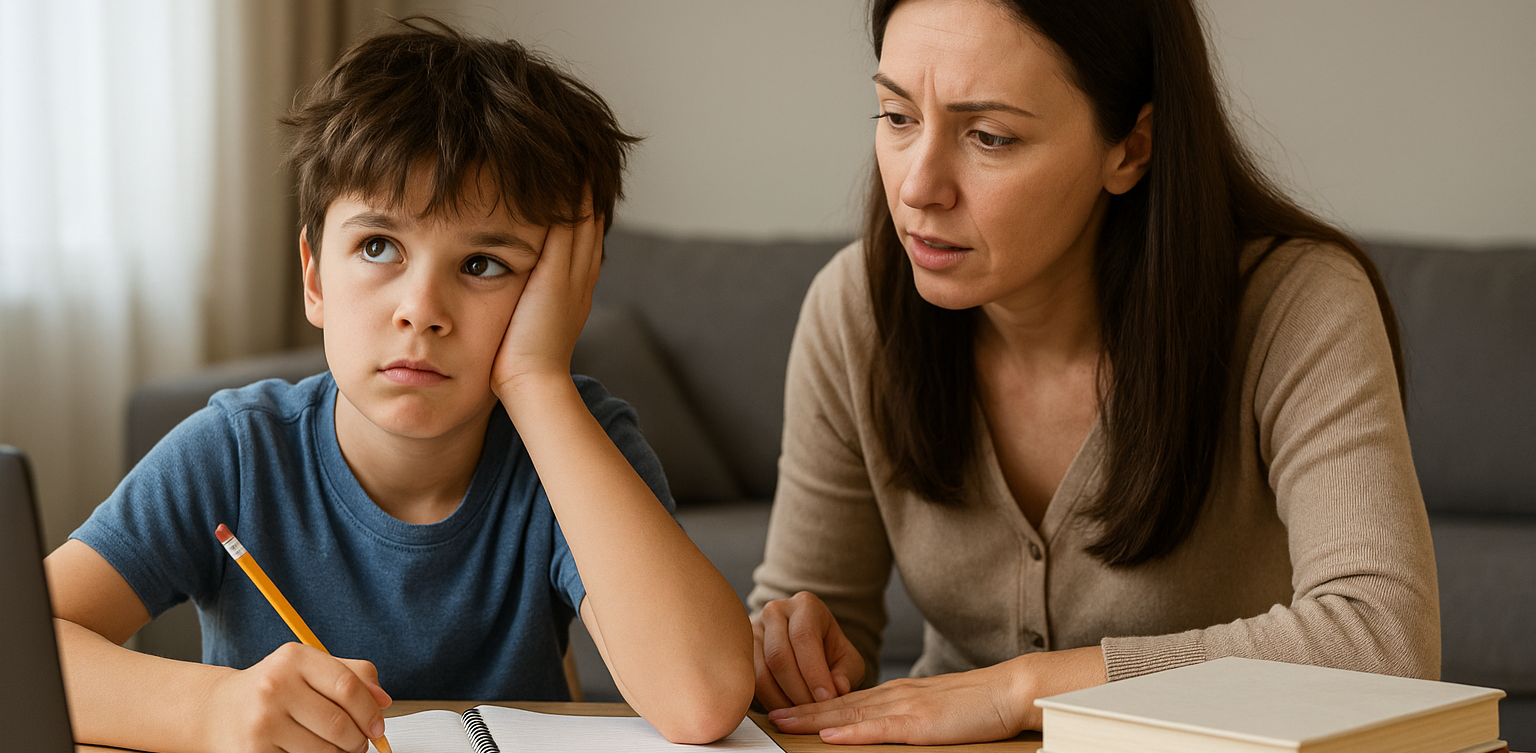
Many parents still struggle to tell the difference between introverted and antisocial behavior in children. Both can seem quiet or withdrawn, but they have very different meanings. Understanding introvert vs antisocial kids is essential so parents can respond with the right support and approach. Discovering Difference of Introvert vs Antisocial Kids An introverted child is someone who feels more comfortable doing quiet activities alone or with one or two close friends. They are not afraid of people, but social settings can be draining for them. Meanwhile, antisocial kids may break rules, ignore others’ feelings, and show disruptive behavior that goes beyond shyness or quietness.In this article, we will look at how to recognize introvert vs antisocial kids by identifying key behaviors and needs. 1. Different Roots Behind the Behavior Introverted kids prefer calm and independent play because it makes them feel secure and happy. It is a personal preference, not a sign of trouble. On the other hand, kids with antisocial tendencies often act out because of emotional or behavioral challenges. They may show no guilt when they hurt others or ignore rules at home and school. In this case, parents need to understand that introvert vs antisocial kids is not just about social interest, but about deeper behavioral differences. 2. Social Comfort and Adaptation Introverted children can build healthy friendships, even if it takes time. They open up when they feel safe and are not pressured to socialize too much. In contrast, antisocial children often resist or act aggressively in social situations. They may have little interest in forming relationships or even behave in harmful ways. Recognizing this helps in understanding the core difference between introvert vs antisocial kids. 3. Empathy and Emotional Response Introverts are often very empathetic. They notice how others feel and avoid conflict when possible. Antisocial kids, however, may lack empathy. They might say or do things that hurt others and show no signs of remorse. This lack of emotional connection is one of the clearest signs when comparing introvert vs antisocial kids. 4. Relationships and Communication While introverted children may have fewer friends, their relationships are often deep and meaningful. They connect on a personal level and value trust. Antisocial kids, on the other hand, tend to have troubled relationships. They may lie, break trust, or reject others altogether. This makes it hard for them to build or maintain any lasting bond. Parents should observe these patterns carefully when thinking about introvert vs antisocial kids. 5. What Parents Can Do For introverted children, it's important to respect their need for personal space. Support them by encouraging quiet hobbies, reading, or art. They still need social interaction, but in smaller, more manageable doses. If your child shows signs of being antisocial, such as constant rule-breaking or hurting others without guilt, it is best to seek help from a child psychologist. Early intervention can prevent more serious problems in the future. Learning the true nature of introvert vs antisocial kids helps guide that support. Early Awareness Brings Better Support Understanding introvert vs antisocial kids is not about labeling, but about offering the right care. Each child is unique, and when we listen without judgment, we open the door for them to grow confidently. A calm, patient environment and strong communication will make it easier for children to express their thoughts and feelings, regardless of their personality type. Want to Boost Logic and Confidence Too? Besides supporting your child's emotional growth, you can also help them develop skills like problem-solving and focus. Coding is a fun way to improve these abilities. It teaches kids structure, creativity, and critical thinking. Timedoor Academy offers fun and age-appropriate coding classes for kids. Let your child try a free coding trial class today and explore a new world of learning.
Why was Roblox banned in Indonesia? Here is Komdigi’s explanation and how children can remain creative without risk!
Source: katadata.co.id Shocking news has come from the Ministry of Communication and Digital Affairs (Komdigi). On social media, official statements regarding restrictions on access to digital platforms for minors have begun to be widely discussed. Many parents are asking, ‘Is it true that Roblox will be banned?’ Through its official statement, the government has reaffirmed its commitment to protecting children from digital risks. Komdigi stated that starting on 28 March 2026, access to social media (such as TikTok and Instagram) and gaming platforms such as Roblox will be restricted for children under the age of 16. This is because these platforms are classified as high risk in terms of exposure to age-inappropriate content. Why is the Government Concerned? We must acknowledge that child safety in the virtual world is a major challenge. As a very popular platform, Roblox does pose risks if used without strict supervision, especially in relation to interactions with strangers or user-generated content that has not been fully filtered. This is what underpins the government's decisive action to minimise the negative impact on the mental health and safety of our children. Good News: Roblox Continues to Tighten Security Despite the blocking issue, it is important for parents to know that globally, Roblox itself continues to make major updates to its security system. Based on information from Internet Matters and The Guardian, Roblox has launched new features to give parents greater control: Parental Accounts: Parents can now link their accounts to their children's accounts to monitor their activities directly. Age Restrictions for Children Under 13: Children under the age of 13 are now restricted from accessing chat features outside of the game and are prohibited from entering social hangout categories that are considered less educational. Content Maturity Labels: A clearer rating system to ensure children only play content appropriate for their age category. Don't Let Children Be Sad, Turn Them Into ‘Creators’  Looking at this issue, we need to see it from a broader perspective. The main problem is not with Roblox itself, but with how children use it. At Timedoor Academy, we help children transition from being passive Players (Users) to productive Creators through Roblox Studio.   Why is learning in Roblox Studio safe and beneficial? Productive Platform: Roblox Studio is not a place to play games, but a professional game development tool. To date, there are no regulations prohibiting the use of Roblox Studio because its function is for education and creativity. Learning Future Skills: Through our curriculum, children learn programming logic (coding), mathematics, and even English in a very enjoyable way. Educational Games: The games we teach at Timedoor Academy focus on educational content, enabling children to build a positive digital world. Safety Commitment at Timedoor Academy Parents, don't worry! At Timedoor Academy, we are fully committed to ensuring the safety and comfort of your children's learning experience. We prioritise a safe learning environment, especially when teaching coding through Roblox Studio. Here are the concrete steps we take to protect our students: Full Supervision: Our main focus is to develop children's productive skills through coding. Therefore, we will continue to supervise students in using Roblox Studio as long as there is no official ban from the government. This ensures that students' learning continues to run smoothly. Identity Verification: If new regulations require stricter verification, we will ask for your consent as parents to use official IDs. The goal? To ensure that your child's account remains legal, safe, and fully compliant with government regulations, so you can rest assured while your child creates. Total Transparency for Parents: We believe in complete openness. You can always access and check all the details of your child's activities during class, from coding projects to any interactions. With this approach, Timedoor Academy is not just a place to learn coding, but also a trusted partner in educating children safely. Conclusion for Parents Instead of focusing our energy on our children's disappointment over restricted access to play, let's encourage them to see new opportunities. Turn their sense of ‘loss’ into motivation to create. With Timedoor Academy, children are no longer just spending time in front of a screen, but are building their own future as technology creators. Want more advice on how to channel your child's interest in technology in a more positive way? Join our community at Timedoor Academy! Prepare your little one for the future through exciting learning experiences. Sign up for a free trial  session now!
float button