Jul 18, 2025

Complete Guide How to Make a Roblox Skin for Your Child
Complete Guide How to Make a Roblox Skin for Your Child image

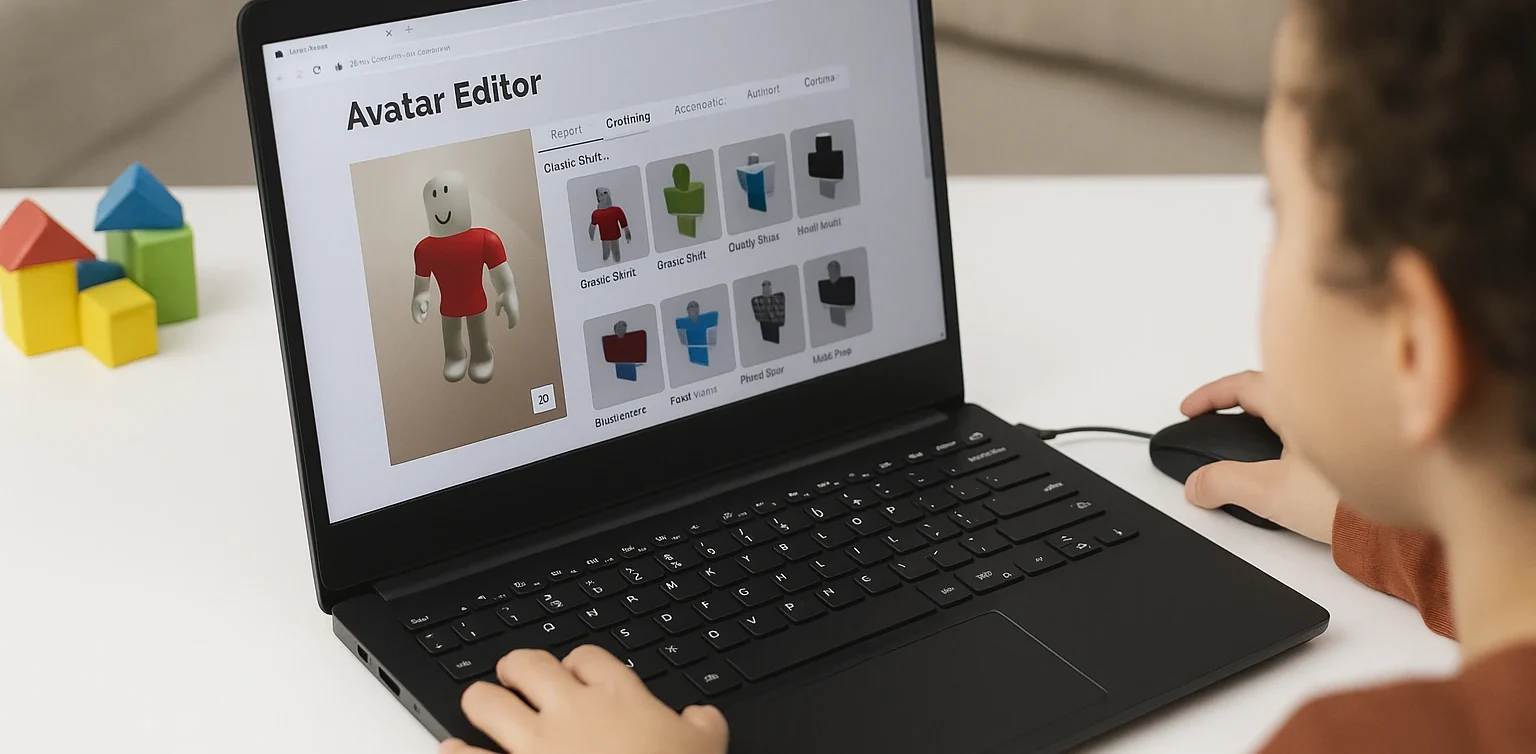
For many children, gaming has evolved beyond entertainment. It has become a creative outlet and a way to express themselves. One of the most popular platforms among kids and teens today is Roblox. This game allows users to create virtual worlds and customize their avatars to reflect their unique personalities. That’s why learning how to make a Roblox skin can be both fun and educational for your child.

What Is a Roblox Skin?
How to Make a Roblox Skin

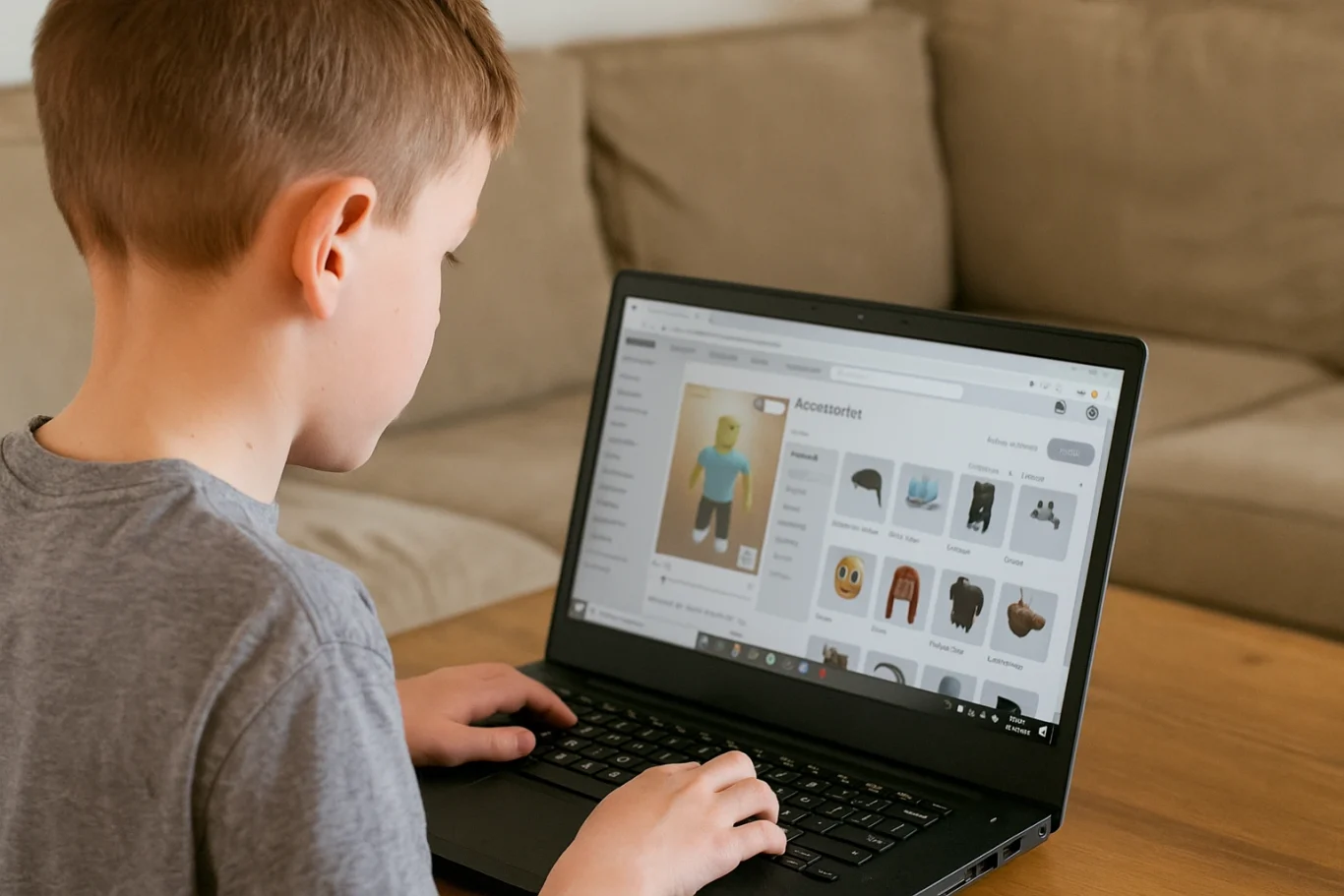
In Roblox, a skin refers to the appearance of a player’s avatar. Children can personalize their avatars by changing clothing, skin tones, hairstyles, accessories, and more. These skins aren’t just for looks. They’re tools for creativity and learning, especially when kids use Roblox Studio to explore deeper customization options.

Why Should Kids Learn to Make Their Own Skins?
How to Make a Roblox Skin

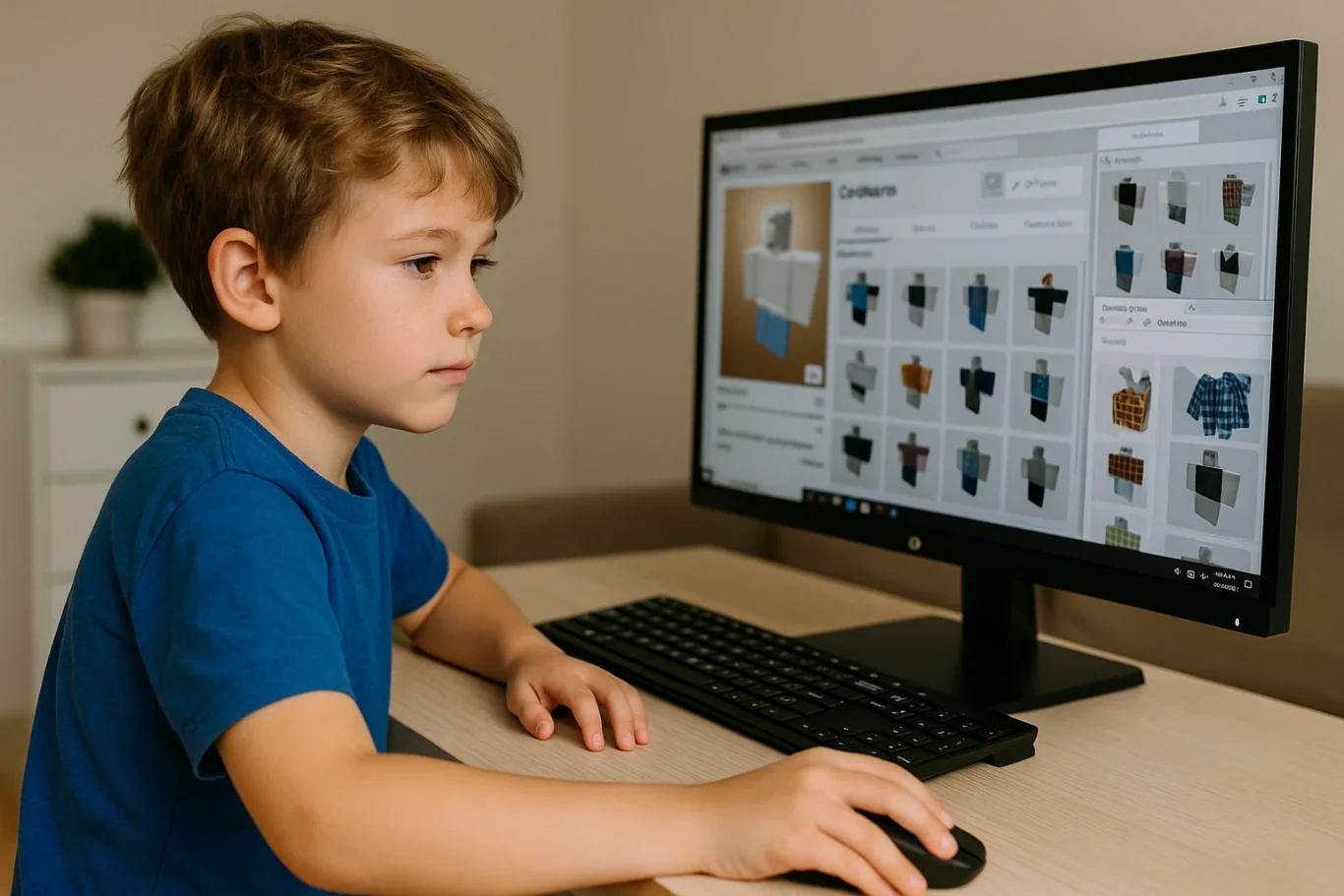
Introducing children to how to make a Roblox skin has numerous benefits. First, it encourages creativity. Kids get to explore color combinations, design themes, and styles. Second, they gain exposure to basic digital tools and visual design principles.

This process also supports problem-solving skills. Children often need to experiment and refine their designs to achieve the result they envision. Best of all, it transforms screen time into something more productive and purposeful.

What Tools Are Needed?

To help your child get started with how to make a Roblox skin, you’ll need just a few basic items:

  1. An active Roblox account
  2. A computer or laptop
  3. Access to Roblox Studio (available free on Roblox’s official site)
  4. A downloadable Roblox skin template

Roblox provides flat skin templates that show the layout of each part of the avatar, including the head, torso, arms, and legs. These templates serve as the base for customization.

Step-by-Step Instructions on How to Make a Roblox Skin

Here’s a simple guide that parents and children can follow together:

  1. Download the official template from the Roblox Developer site. This template helps with precise customization.
  2. Use a graphic editing tool such as Paint.NET, GIMP, or even Pixlr. Choose software that’s beginner-friendly and age-appropriate.
  3. Design the skin by adding colors, patterns, logos, or any details your child enjoys. Let them express their personality.
  4. Save the file in PNG format without altering the original dimensions.
  5. Upload the skin to Roblox Studio and preview how it looks in the game.

These steps are not just technical but also developmental. Kids will become familiar with software tools, layout concepts, and creative thinking.

Tips to Make the Experience More Enjoyable
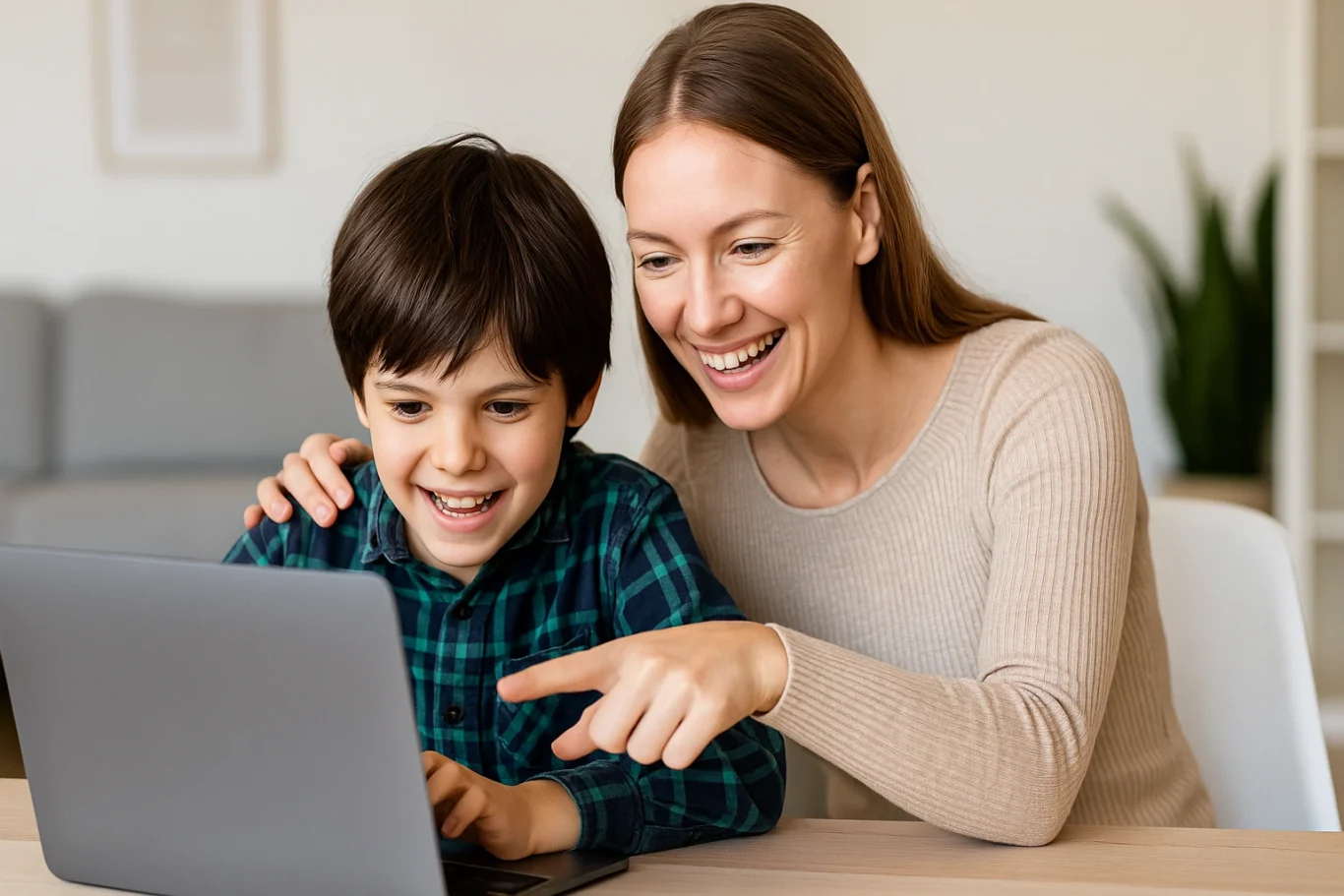
To ensure your child has fun while learning how to make a Roblox skin, here are a few practical tips:

  • Encourage creative freedom. Allow children to explore their ideas without strict limitations.
  • Turn it into a shared project. Parents can join the process to build stronger connections with their kids.
  • Celebrate their creations. Offering praise builds self-confidence and motivates kids to keep learning.

Making a Roblox skin is not just a hobby. It’s a gateway into the world of design and digital literacy.

Connecting Hobbies with Digital Learning
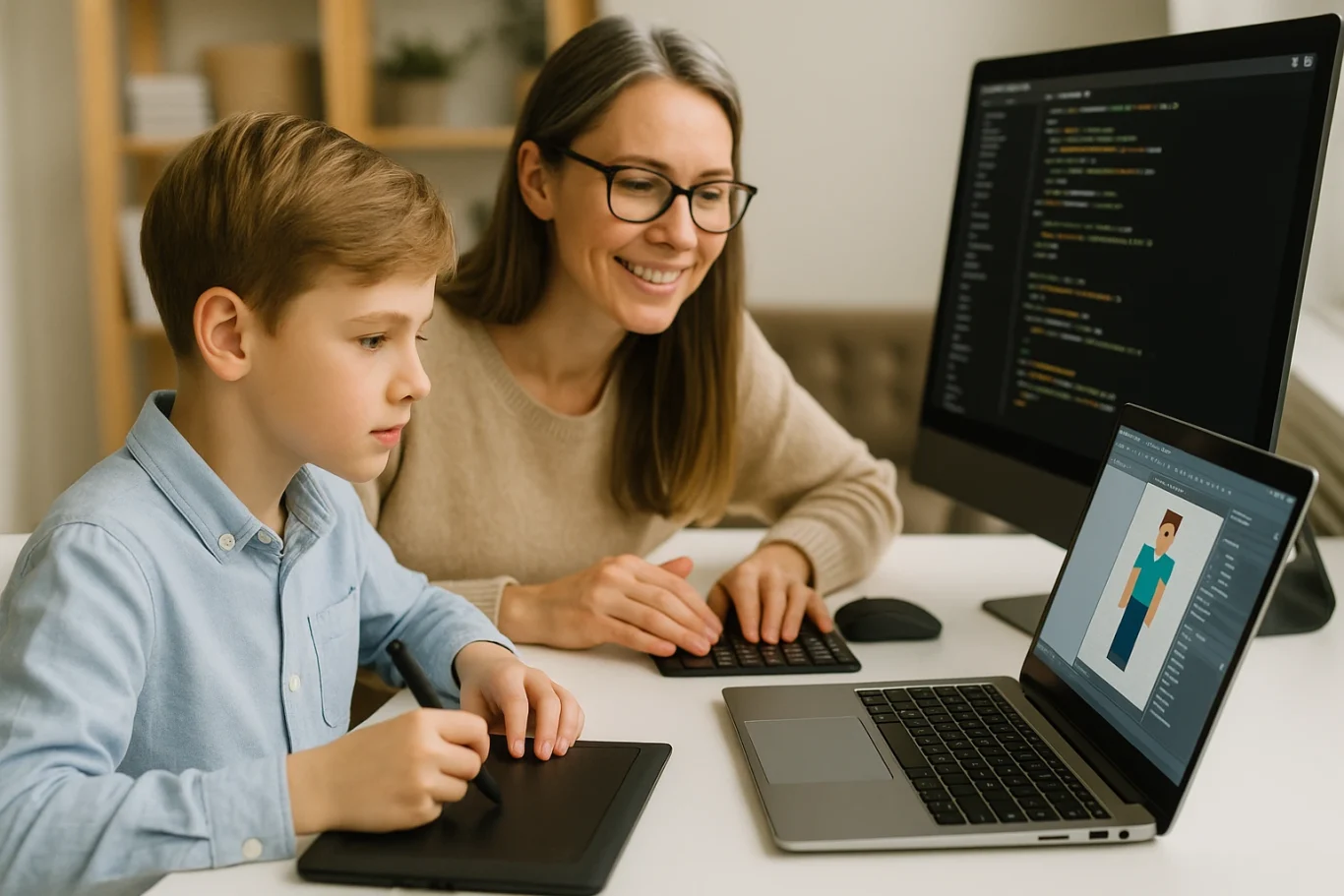
Exploring how to make a Roblox skin can be an entry point into broader tech skills. Roblox Studio even allows users to add scripts using Lua, a programming language. If your child shows an interest in going further, this could be an ideal time to introduce them to structured learning in technology.

Through this hobby, children get a hands-on introduction to digital tools, design logic, and maybe even a little coding. It’s an excellent way to turn a pastime into a valuable learning experience.

Try a Free Coding Class at Timedoor Academy

 Image

Helping your child discover how to make a Roblox skin is more than just a gaming activity. It nurtures creativity, boosts digital confidence, and introduces the basics of design and technology. With the right guidance, what begins as a simple customization project can lead to a deeper interest in tech-based learning.

If you’re looking for a fun and structured way for your child to explore coding, creativity, and digital tools, Timedoor Academy offers coding classes specially designed for kids. These programs are interactive, age-appropriate, and focus on building skills for the future.
Sign up today for a free trial at Timedoor Academy and support your child’s journey into the world of technology in a fun and meaningful way.
Keep Reading

9 Parenting Tips for Children That Help Shape Their Future
Being a parent is more than just meeting your child’s physical needs. It is a lifelong responsibility to nurture their character, emotional well-being, and future readiness. In today’s fast-paced and digital world, parenting requires a more adaptive and thoughtful approach. That is why understanding effective parenting tips for children is crucial to providing meaningful support. 1. Understand Your Child’s Personality Every child is unique. Some are highly active and outgoing, while others may be quiet and reserved. Getting to know your child’s personality helps you adjust your communication style and parenting strategy. One of the most important parenting tips for children is observing without judgment and giving your child the space to express themselves freely. 2. Build Open Communication Communication is the foundation of a strong parent-child relationship. Children who feel heard and respected tend to develop greater self-confidence. Simple daily moments, like meals or car rides, can be perfect for building open and honest conversations. One of the essential parenting tips for children is to listen actively, avoid harsh judgment, and respond with empathy. 3. Set Clear and Consistent Boundaries While freedom is important, children also need boundaries to feel secure and learn responsibility. Parents who consistently apply clear rules help children develop a sense of discipline. Within the framework of parenting tips for children, boundaries are not meant to control but to guide healthy behavior and build self-regulation. 4. Be a Role Model Children learn more from what they see than what they are told. If you want your child to be respectful, honest, and responsible, you need to model those behaviors yourself. One of the most powerful yet often overlooked parenting tips for children is leading by example through everyday actions. 5. Guide Technology Use with Care Children today are exposed to technology from a very early age. Instead of banning gadgets, parents should guide their use wisely. Introduce children to educational apps and creative digital tools that encourage productive learning. Among modern parenting tips for children, teaching digital responsibility is crucial. 6. Offer Emotional Support Children who feel emotionally supported are more resilient and confident. Be there for your child during difficult moments, celebrate their achievements, and show them unconditional love. Emotional support is one of the most valuable parenting tips for children, as it fosters inner strength and emotional intelligence. 7. Create Healthy Daily Routines Consistent routines for sleeping, eating, studying, and playing give children a sense of structure and security. These routines also help develop time management skills. Simple, repeated habits are a vital part of effective parenting tips for children, laying a solid foundation for future growth. 8. Involve Children in Decision-Making Give your child opportunities to participate in everyday decisions, such as choosing their clothes or planning family meals. This empowers them to think critically and express their preferences. From a list of practical parenting tips for children, allowing children to make choices builds independence and self-esteem. 9. Keep Learning as a Parent No parent is perfect, and every child is different. Staying open to learning helps you adapt to your child’s changing needs. Attending parenting workshops, reading educational books, or seeking professional advice can strengthen your parenting skills. Among all parenting tips for children, the willingness to grow with your child may be the most important. Shaping the Future Begins at Home Parenting is a long-term investment filled with joys and challenges. By applying proven parenting tips for children, we create a supportive environment that allows our children to thrive emotionally, socially, and intellectually. Small actions today can build the future we dream of for our kids. If you’re looking to enhance your child’s learning journey, Timedoor Academy offers an engaging platform where children can explore the world of technology in a safe, structured, and exciting way. Sign your child up for a free trial at Timedoor Academy today and see how fun, guided tech learning can boost their confidence, creativity, and future readiness.
Cara Membuat Game di Roblox untuk Anak-Anak
How to Create a Roblox Game for Kids: Easy Guide
Roblox is a fantastic platform that allows kids to create, play, and share their own games. Learning how to create a game in Roblox can be a rewarding and fun experience for children, helping them develop creativity and basic coding skills. In this easy guide, we’ll walk you through step-by-step how your child can start creating their very own Roblox game. Creating Roblox Game For Kids Step 1: Setting Up Roblox Game Studio For Your Kids To create games, kids first need Roblox Game Studio. Here’s how to set it up: Log in to your Roblox account. Go to the Roblox Studio website and click on "Start Creating." Follow the simple instructions to install Roblox Studio on your computer. Step 2: Choose a Roblox Game Template For Your Kids Roblox Game offers several easy-to-use templates to help beginners: Open Roblox Studio. Select "New," and then choose a template like "Obby" (Obstacle Course) or "Baseplate." Step 3: Customize Your Roblox Game For Your Kids Encourage your child to personalize their roblox game: Drag and drop different objects from the Toolbox. Click objects to move, rotate, or resize them. Customize colors and textures to make the game visually appealing. Step 4: Add Simple Roblox Gameplay Elements For Your Kids Make the roblox game interactive: Add checkpoints or obstacles in an Obby game. Use scripts from the Toolbox to easily add functionality. Test the game frequently by clicking the "Play" button at the top. Step 5: Publish and Share Your Kids Roblox Game Once your roblox game is ready, follow these simple steps: Click "File" then select "Publish to Roblox." Enter a fun and descriptive name for the game. Choose settings like visibility (Public or Private). Click "Create" to publish your game. Tips for Kids Creating Roblox Game Start simple: Create a basic game and gradually add more features. Explore tutorials: Roblox provides great beginner tutorials. Experiment: Don’t be afraid to try new things Start Your Kids Roblox Game Journey Today! Creating Roblox games is an excellent way for kids to express creativity while learning valuable skills. Follow our simple steps and your child can easily build their first Roblox game today. Want more learning experiences? Timedoor Academy offers free classes to help your kids dive deeper into coding and game design. Join the Free Trial Class now and keep the fun going!
Positive Impact of Multimedia Training for Teenagers Every Parent Must Know
In today’s digital era, teenagers are not only using technology for entertainment but also for learning and creating. One of the most effective ways to help them grow is through multimedia training for teenagers. This program allows young learners to understand creative content production while developing skills that are highly relevant to their future. What Is Multimedia Training? Multimedia training is a learning program that covers a wide range of creative skills such as graphic design, photo editing, video production, animation, and interactive presentations. By joining multimedia training for teenagers, students gain fundamental knowledge of creative technology while also learning how to apply it to produce real projects. Key Benefits of Multimedia Training There are many reasons why parents choose multimedia training for teenagers for their children. Some of the main benefits include: Boosting Creativity Teenagers learn how to express their ideas through visual and audio works. Improving Technical Skills They are introduced to design and editing software widely used in the creative industry. Encouraging Critical Thinking In the process of creating content, they learn to plan, evaluate, and refine their work. Preparing for Future Careers With these skills, teenagers are better equipped for opportunities in design, communication, and technology. Relevance of Multimedia Training in the Digital Age Digital content is now an essential part of everyday life. Social media, YouTube, and other online platforms rely on engaging and high-quality content. Through multimedia training for teenagers, young people are not only consumers but also creators who can produce positive and valuable works. Enhancing Communication Skills Another important aspect is how multimedia training helps improve communication skills. In multimedia training for teenagers, students learn to deliver messages effectively through images, videos, or audio. This ability is useful not only for academic purposes but also for building strong social interactions. Building Confidence Through Achievement When teenagers successfully complete a multimedia project, such as a poster, a short video, or an animation, they experience a sense of accomplishment. This process naturally boosts their self-confidence. Therefore, multimedia training for teenagers contributes to positive character development as well. The Role of Parents in Supporting the Process Parental involvement plays a big role in the success of this journey. Supporting them with time, a comfortable learning environment, and appreciation for their creations will keep them motivated. With this encouragement, multimedia training for teenagers becomes an enjoyable and rewarding experience. Why Choose Timedoor Academy? Timedoor Academy provides multimedia training for teenagers designed to meet today’s learning needs. The curriculum emphasizes practical experience, ensuring that students not only understand theory but also produce real projects. With guidance from experienced mentors, every class is engaging, challenging, and inspiring for teenagers. Support Children’s Creativity with Multimedia Training As a parent, you surely want your child to gain skills that will benefit their future. Giving them the opportunity to join multimedia training is a wise decision. Enroll your child in a Free Trial at Timedoor Academy and see how their creativity grows into real abilities.
float button