Jul 18, 2025

Top 5! How to Limit YouTube for Kids Effectively

Top 5! How to Limit YouTube for Kids Effectively image

In today’s digital world, YouTube has become one of the most popular entertainment platforms for children. While it offers a wide variety of educational content, it also exposes kids to videos that may not be suitable for their age. That’s why many parents are searching for a clear and practical solution: how to limit YouTube for kids.

Ensuring your child’s safety while exploring the internet is no easy task. YouTube’s algorithm often suggests videos based on watch history, not necessarily on age-appropriateness. This makes it even more critical for parents to learn how to limit YouTube for kids as part of responsible digital parenting.

Why It’s Important to Monitor Kids on YouTube
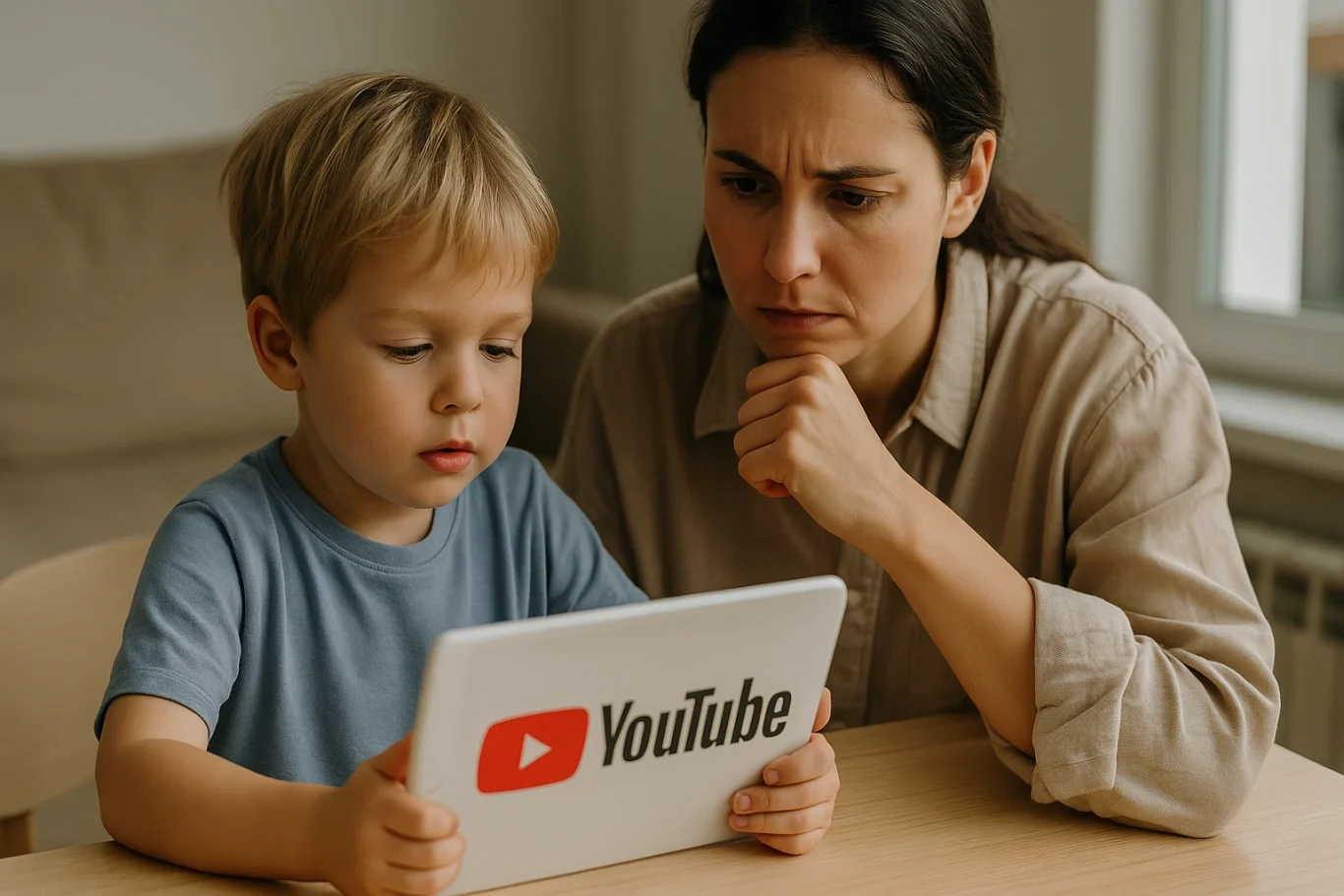
how to limit YouTube for kids

While YouTube can be a great source of learning—offering science experiments, storytime videos, and creative tutorials—it can also lead kids down a rabbit hole of violent, inappropriate, or misleading content. Without proper supervision, your child may unintentionally view content that contradicts the values you are trying to instill.

That’s why understanding how to limit YouTube for kids is not just a parenting option, but an essential digital safety measure.

How to Limit YouTube for Kids: Practical Steps
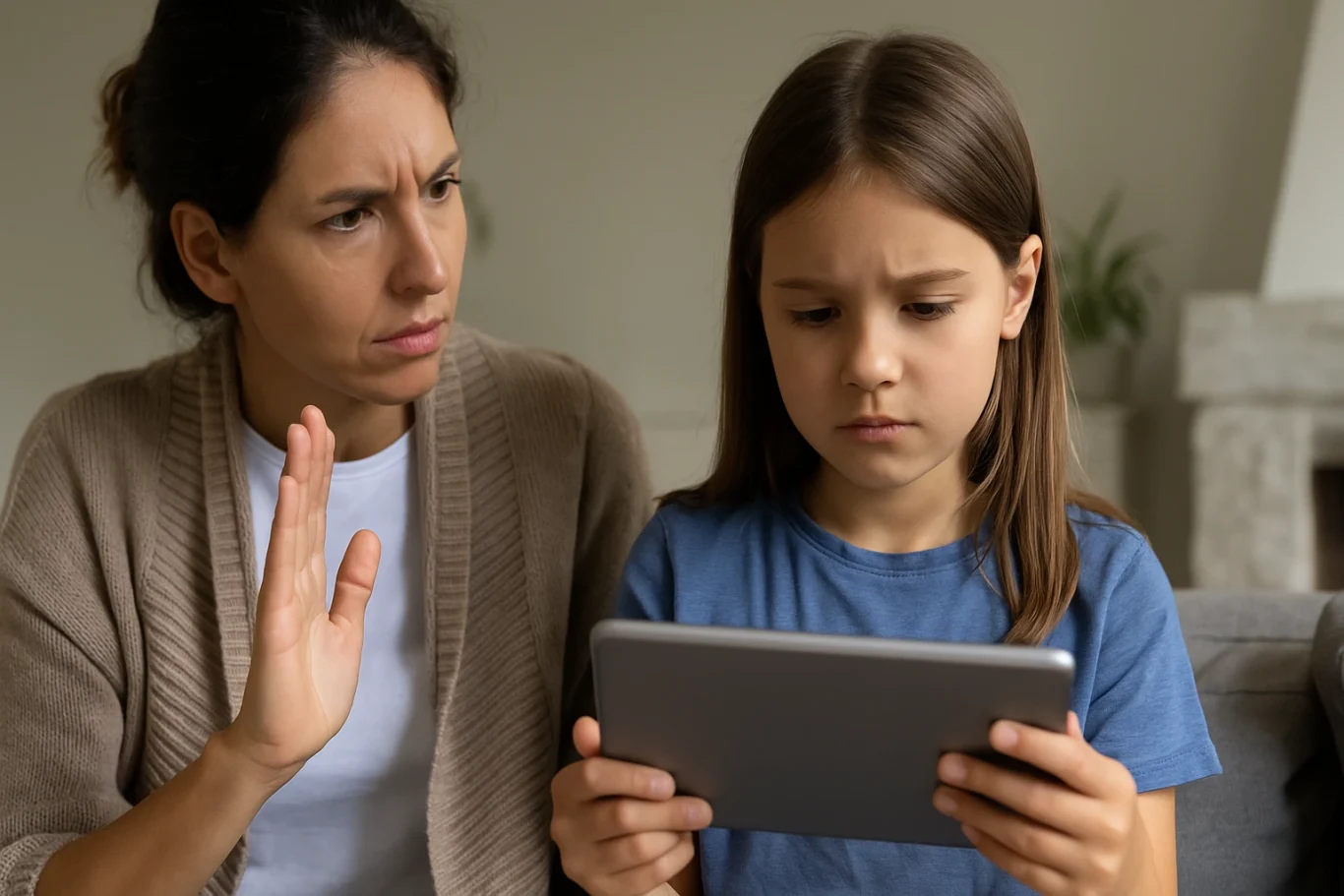
Here are some concrete steps you can take as a parent:

1. Use YouTube Kids App

YouTube offers a child-friendly version of its platform called YouTube Kids. This app is designed with automatic filters to block inappropriate content and provide age-appropriate viewing. It’s a strong first step in your approach to how to limit YouTube for kids.

2. Enable Restricted Mode

If your child uses the standard YouTube app, you can enable “Restricted Mode” in the settings. This feature helps filter out videos flagged as unsuitable. It adds an extra layer of protection in your efforts to control what your child watches.

3. Set Parental Controls

Both YouTube Kids and the regular app allow you to set screen time limits and control the types of content your child can access. These built-in parental controls are crucial in enforcing how to limit YouTube for kids without needing constant supervision.

4. Establish Viewing Schedules

Create specific times for when your child is allowed to watch YouTube, such as after completing homework or during weekends. Clear time restrictions encourage discipline and help children value their screen time.

5. Watch Together

Spend time watching YouTube with your child. It’s not just about monitoring—it’s an opportunity to bond, understand their interests, and gently guide them toward more enriching content.

6. Educate Your Child on Good Content Choices

Teach your child how to recognize content that is inappropriate or makes them uncomfortable. Encourage them to speak up if they come across something they don’t understand or that feels wrong. This empowers them to be responsible digital citizens.

7. Use Third-Party Monitoring Apps

Tools like Google Family Link can provide more detailed control over your child’s online behavior. You can view their activity, set time limits, and even approve or block apps. These tools are highly effective in supporting your journey in how to limit YouTube for kids.

Common Challenges Parents May Face

Setting limits is not always easy. Children may resist new rules or attempt to find workarounds to access restricted content. That’s why consistency, patience, and open communication are key. Involve your child in creating these rules so they feel included and understand the reasons behind them.

It’s also important to strike a balance. Remember, the goal of learning how to limit YouTube for kids is not to ban access entirely but to guide children toward safe and meaningful digital experiences.

Limiting is Not Banning, It’s Redirecting

When done right, how to limit YouTube for kids becomes a way of redirecting your child’s screen time toward educational and creative growth. There are countless videos that can inspire innovation, critical thinking, and even spark a passion for science, art, or coding—when chosen wisely.

As parents, we have the power to shape how children interact with technology. By combining digital tools with parental guidance and open conversations, we prepare them for a safer and smarter future online.

Try a Free Coding Class at Timedoor Academy

Ingin tahu detail program? Image

Ingin tahu detail program?

Parenting in the digital era requires new tools and strategies. With the right knowledge and support, you can protect your child from harmful content while encouraging their curiosity and creativity. If you’re looking for a positive and productive way to introduce your child to the digital world, consider enrolling them in a fun and educational tech program. Timedoor Academy offers free trial courses in coding, tailored for children aged 5 to 19.


Keep Reading

Introducing AI Coding for Elementary School Kids: A Vital Skill in the Digital Age
In today’s digital era, children are growing up surrounded by technology. From smartphones and social media to online games, technology has become an inseparable part of daily life. As parents, it is important to ensure that our children are not just passive users but also understand how technology actually works. One of the best ways to achieve this is by introducing AI Coding for Elementary School Kids. Some parents may wonder whether concepts like artificial intelligence are too complex for children in elementary school. The truth is, they are not. Children have strong curiosity and quick learning abilities. With fun and age-appropriate teaching methods, AI coding can be introduced early, helping them develop logical and creative thinking skills. Why AI Coding for Elementary School Kids Matters Artificial intelligence is no longer just a trend but a cornerstone of the future workforce. Almost every industry, from healthcare and education to transportation and entertainment, is already leveraging AI. By introducing AI Coding for Elementary School Kids, parents are providing opportunities for their children to acquire skills that will be highly valuable in the years to come. Moreover, learning AI coding trains children to think systematically. They gain insight into how computer programs operate, how data is processed, and how machines can “learn” from patterns. These skills are not only relevant in the technology sector but also useful in solving everyday challenges. The Benefits of Learning AI Coding from a Young Age Boosting critical thinking skills Children learn to analyze problems and come up with effective solutions. Encouraging creativity Through AI Coding for Elementary School Kids, they can create simple projects such as a chatbot or an interactive game. Preparing for the future The future job market requires individuals who can innovate and create technology, not just use it. Building confidence When children successfully complete a coding project, they feel proud of their achievement and gain confidence to take on new challenges. How to Teach AI Coding for Elementary School Kids Teaching AI does not mean diving straight into complex theories. There are many fun and practical ways to introduce the subject: Using educational apps and platforms Many platforms are designed to introduce AI concepts through play. Children can learn while enjoying engaging activities. Relating projects to everyday life Kids can create simple programs such as color-picking tools or guessing games. This makes AI Coding for Elementary School Kids feel relevant to their world. Visual-based learning Since young children understand better through visuals, using block-based coding helps them grasp abstract concepts more easily. The Role of Parents in Supporting Their Children Parents play an essential role in guiding children through this journey. Spending time together, offering encouragement, and showing genuine interest in what they are learning can make a big difference. You do not need to be a tech expert to support your child. What matters most is giving them opportunities to explore and try new things. It is also important for parents to ensure balance. While AI Coding for Elementary School Kids can be exciting, children should still have plenty of time to play outdoors, socialize, and pursue other hobbies. A well-rounded approach supports both intellectual growth and emotional well-being. Timedoor Academy: The Right Place to Learn AI Coding For parents who want to provide the best learning environment, Timedoor Academy is a trusted choice. With interactive teaching methods designed specifically for children, Timedoor Academy makes coding fun and accessible, including lessons related to AI. Programs at Timedoor Academy are tailored for elementary school students, ensuring that AI coding is introduced in ways that are easy to understand. Experienced instructors guide children step by step, so they not only learn theory but also create enjoyable real-world projects. Register Now! Introducing AI Coding for Elementary School Kids is not as daunting as it may seem. In fact, the earlier children are introduced to these concepts, the more prepared they will be to face the future. With the right approach, AI coding can become an enjoyable and rewarding activity that supports both learning and creativity. If you want your child to experience the joy of learning coding in a fun, interactive, and future-oriented way, now is the perfect time to start. Sign up your child for a free trial at Timedoor Academy today and let them experience the excitement of learning AI coding from an early age!
Coding for Game-Loving Kids: Help Child’s Gaming Addiction
Coding for Game-Loving Kids is important in today’s digital era, because many children enjoy playing games, especially popular games like Roblox. For some parents, gaming addiction can be a major concern. Children who spend too much time playing games often neglect study time, sleep, and social interaction. Instead of simply forbidding gaming, parents can turn their child’s hobby into a productive activity through Coding for Game-Loving Kids. With the right approach, a passion for gaming can be redirected to develop digital skills and creativity. Children can learn not only to play games but also to understand how games are made. This is where Coding for Game-Loving Kids becomes a practical and enjoyable solution. The Benefits of Introducing Coding Turning a gaming hobby into coding practice offers numerous benefits. Firstly, children can continue exploring the gaming world they enjoy, but in a more productive manner. Secondly, learning coding helps develop logical thinking, problem-solving skills, and creativity. With coding knowledge, children can transition from being mere players to becoming creators of their own games. Timedoor Academy provides specialized classes in Coding for Game-Loving Kids, including game developer programs. Here, children are guided step by step to create their own games, blending learning with their love for gaming. This offers parents a smart way to channel their child’s gaming interest positively. Why Game Developer Classes Are Perfect for Game-Loving Kids Timedoor Academy’s game developer classes are designed specifically for children passionate about gaming. The curriculum is age-appropriate and uses interactive teaching methods. Children are taught how to design simple to intermediate games. The process is engaging, and children feel accomplished when their games can be played by friends. Parents do not need to worry if their children have previously spent too much time playing games. On the contrary, these classes are an effective way to utilize their interest productively. With proper guidance, children learn discipline, focus, and essential digital skills from an early age. Tips for Parents: Turning a Hobby Into a Productive Activity Understand Your Child’s Interest Identify the types of games your child enjoys and use them as a starting point for introducing coding. Provide Positive Motivation Praise your child for every small project they complete through coding. This builds confidence and encourages continued learning. Combine Learning and Fun Interactive coding lessons ensure that learning feels as enjoyable as playing games. Choose the Right Learning Environment Enrolling your child in Timedoor Academy allows them to learn coding in a structured, safe, and fun environment. By applying these strategies, parents can redirect their child’s energy toward positive learning without taking away their love for games. Using Technology to Develop Children Gaming addiction does not always need to be a problem when handled appropriately. Through Coding for Game-Loving Kids at Timedoor Academy, children can learn to create games, develop creativity, and enhance digital skills. Parents play a crucial role by supporting and motivating children to learn actively. Transforming a child’s interest in games into a productive activity benefits not only their digital skills but also builds discipline, confidence, and problem-solving abilities, which are vital in today’s digital world. Enroll your child at Timedoor Academy today and turn their love for gaming into valuable digital skills. With our Coding for Game-Loving Kids classes, your child will learn to create games, unleash their creativity, and achieve rewarding accomplishments. Sign up now for a free trial and start an exciting learning journey!
<strong>7 Top Facts About the Danger of YouTube Shorts for Kids in 2025</strong>
7 Top Facts About the Danger of YouTube Shorts for Kids in 2025
In today’s digital age, YouTube is no longer just an entertainment platform for adults. It has become part of many children’s daily routines. One of the most popular features among kids today is YouTube Shorts — short-form videos lasting between 15 to 60 seconds that auto-play in endless succession. While this feature may seem fun and harmless, parents should be aware of the growing danger of YouTube Shorts for kids. YouTube Shorts are designed to keep users engaged for as long as possible. They are particularly captivating to children, who are naturally drawn to fast, colorful, and funny content. However, beneath the surface of quick entertainment lies a range of hidden risks that could seriously affect a child’s mental, emotional, and social development. Here are seven critical facts that explain the danger of YouTube Shorts for kids, and why it’s important for parents to take action early. 1. Instant Content Builds Impatience in Children One major danger of YouTube Shorts for kids is the way it encourages instant gratification. Since the content is so short and constantly changing, kids become less capable of sustaining attention or focus. They are trained to expect quick entertainment without needing to think deeply. Over time, this can harm their concentration and patience when learning or completing tasks. 2. Algorithm Traps Kids in an Endless Loop YouTube Shorts uses an algorithm that adjusts content based on user preferences. If a child watches a funny or exciting video, the system will keep serving similar clips. This creates a cycle that’s hard to break. Without realizing it, the danger of YouTube Shorts for kids increases as they spend hours watching, neglecting social interaction or physical activities that are crucial for healthy growth. 3. Age-Inappropriate Content Slips Through While YouTube offers parental controls, they are far from foolproof. Many kids are still exposed to content that isn’t age-appropriate — from foul language and violence to questionable values. This is a serious danger of YouTube Shorts for kids that many parents overlook. Kids may start mimicking language or behaviors they don’t fully understand or know how to handle. 4. Decline in Imagination and Creativity Excessive exposure to passive visual content can weaken a child’s imagination. Instead of creating their own stories or games, they become consumers rather than creators. One long-term danger of YouTube Shorts for kids is the potential drop in creativity and problem-solving skills, both of which are essential in today’s evolving world. 5. Disruption of Daily Routines Children who frequently watch YouTube Shorts often lose track of time. What starts as watching “just one video” turns into hours of screen time, disrupting sleep, meals, and study schedules. This danger of YouTube Shorts for kids can interfere with healthy routines and habits that should be formed at a young age. 6. Increased Anxiety and FOMO Even kids are now experiencing fear of missing out (FOMO). They feel pressured to keep up with trends so they can relate to their peers. This constant need to stay updated leads to anxiety and social stress. If left unchecked, the danger of YouTube Shorts for kids can turn into issues with self-esteem and dependency on social media for validation. 7. Reduced Interest in Learning and Physical Play When children prefer watching short videos over reading books, playing outdoors, or spending time with family, it’s a red flag. They may lose interest in vital developmental activities. The danger of YouTube Shorts for kids here lies in reduced motivation to learn and a lack of physical exercise, both of which are essential for their overall health and development. What Can Parents Do About It? The first step is recognizing that banning technology altogether is not a realistic solution. Instead, children should be taught how to use it responsibly. Open communication, empathetic guidance, and clear boundaries are key to managing their digital habits. One effective approach is to redirect their attention to more productive digital activities, like learning to code. Coding helps children shift from passive consumption to active creation. It boosts their confidence, strengthens their focus, and opens doors to a bright future. Try a Free Coding Class at Timedoor Academy To counter the danger of YouTube Shorts for kids, Timedoor Academy offers specially designed coding classes that are fun, visual, and age-appropriate. Children are guided to create games, animations, and digital projects that build both creativity and logic. You can sign up for a free coding class at Timedoor Academy as a great first step. With an engaging, project-based curriculum and the support of professional mentors, your child can transition from passive viewer to empowered creator. Help your child grow into a tech-savvy learner with healthy digital habits today.
float button