Apr 24, 2025

How to Reduce Screen Time for Kids and Encourage More Physical Activity
How to Reduce Screen Time for Kids and Encourage More Physical Activity image

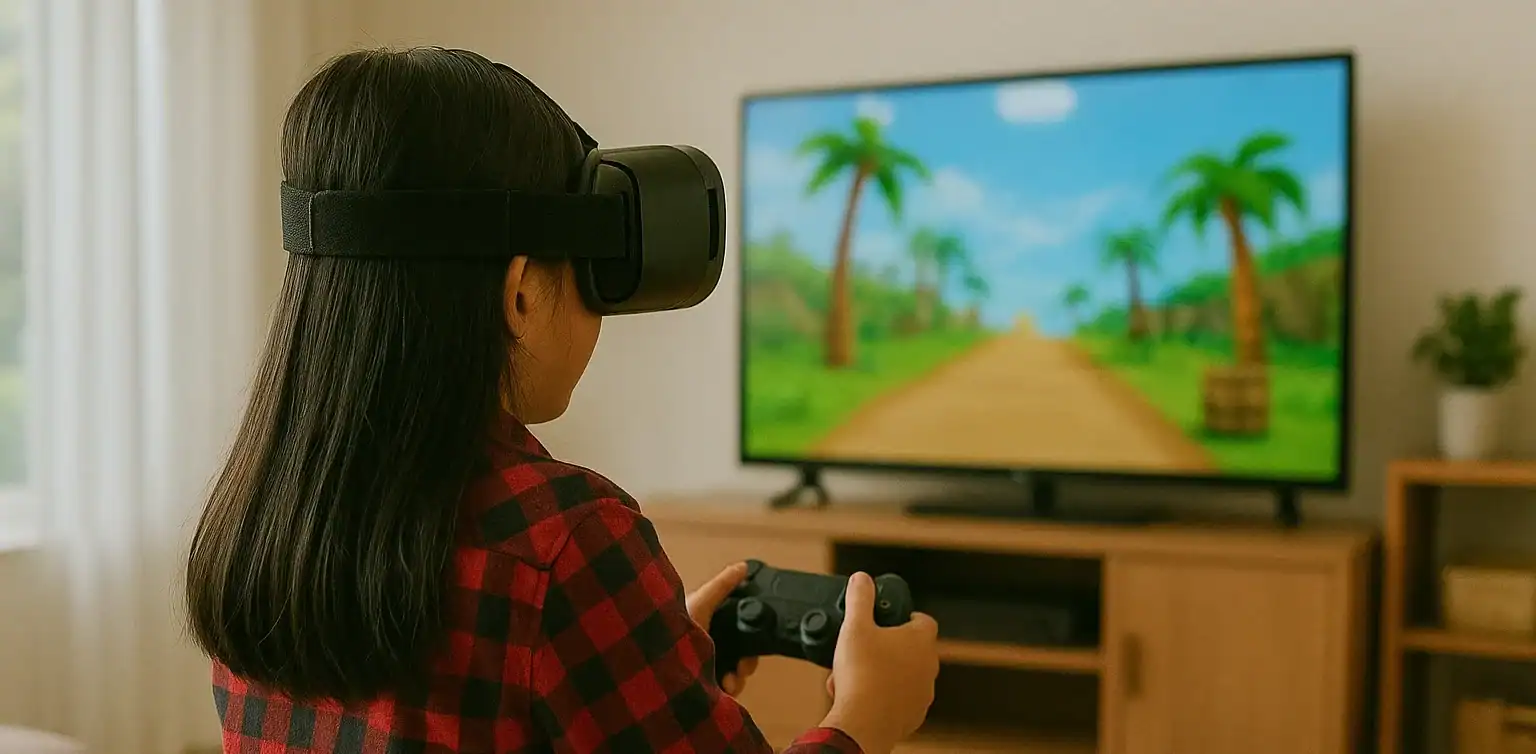
Screens are everywhere, from TVs and tablets to smartphones and laptops. While digital devices can support learning and creativity, many parents today are asking the same question: how to reduce screen time for kids without starting a daily argument.

With more classes, entertainment, and social interaction happening online, children are spending more time in front of screens than ever before. But excessive screen time can affect their physical health, sleep quality, and even emotional well-being. So how can we find the right balance?

This article shares practical tips for reducing screen time while promoting more physical activity, helping children grow in a healthy, well-rounded way.

Why Reducing Screen Time Matters

Understanding how to reduce screen time for kids starts with knowing why it is important. According to the American Academy of Pediatrics, screen time (excluding educational use) should be limited to no more than two hours per day for children over age five.

Excessive screen time can lead to:

  • Eye strain and poor posture
  • Trouble falling asleep
  • Weight gain and low energy
  • Reduced attention span and creativity

Meanwhile, regular physical activity supports:

  • Healthy growth and stronger bones
  • Improved mood and focus
  • Better sleep patterns
  • Social development and teamwork skills

1. Set Consistent Rules and Daily Limits

how to reduce screen time for kids

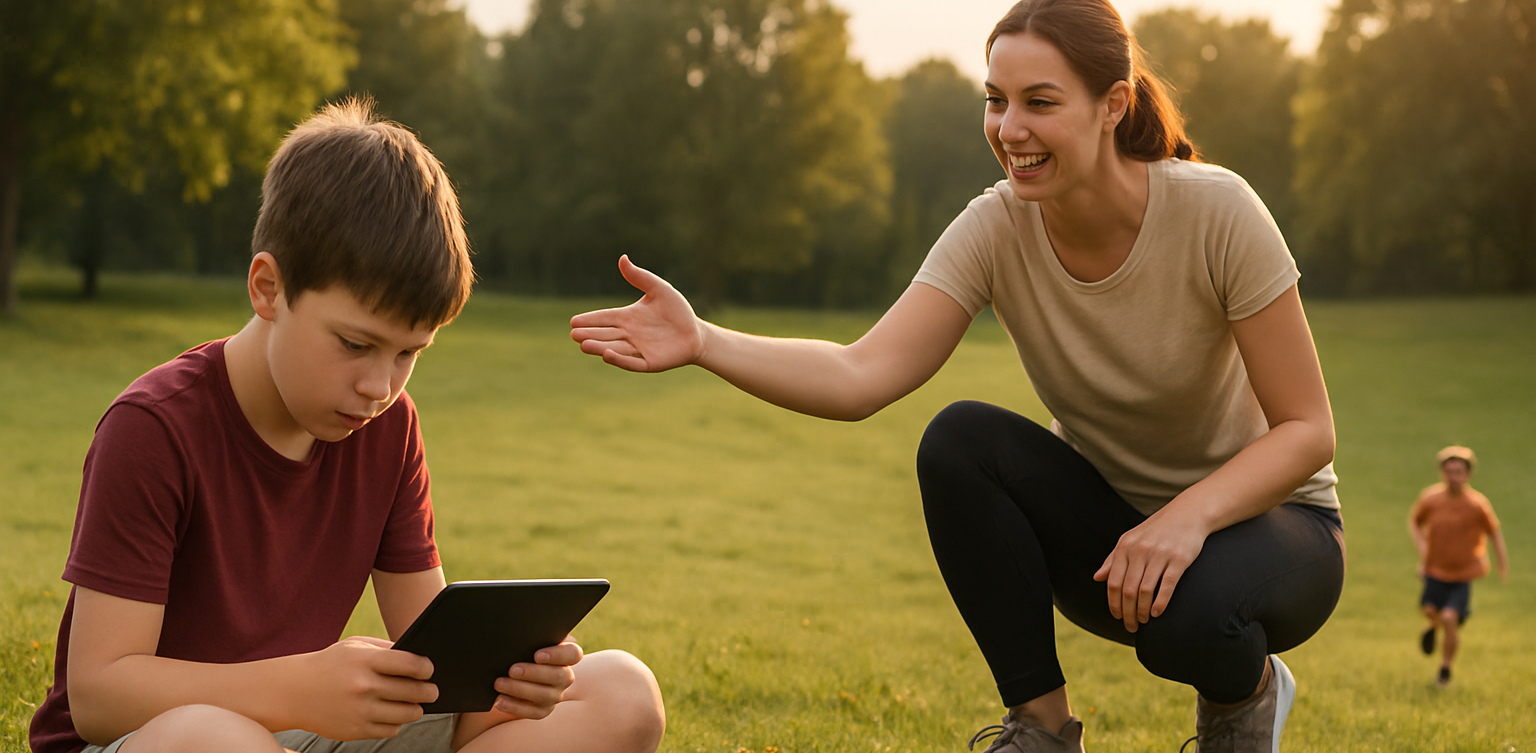
The first step in learning how to reduce screen time for kids is to set clear boundaries. Children thrive with structure, and having a consistent schedule helps them develop discipline and independence.

Alternatives:

  • Set device-free hours in the morning and evening
  • Use timers or apps to manage screen duration
  • Keep screens out of bedrooms, especially before bedtime
  • Create a reward system for non-screen activities

2. Replace Passive Screen Time with Active Choices

how to reduce screen time for kids

Not all screen time is bad, but it is important to guide children toward more active or creative screen use, or replace it with something physical.

Alternatives:

  • Encourage drawing, puzzles, or hands-on crafts
  • Swap cartoons for interactive learning videos
  • Use music apps for dancing or movement-based play
  • Sign up for extracurriculars like swimming, martial arts, or team sports

3. Be a Role Model for Healthy Screen Habits

Children mimic adult behavior. If you are always on your phone, it becomes harder to convince them to turn off their devices. Modeling a balanced tech routine is one of the most effective ways to teach how to reduce screen time for kids.

Alternatives:

  • Read a book while your child plays
  • Keep your phone out of sight during meals
  • Suggest family walks instead of watching TV
  • Join your kids in outdoor games or activities

4. Involve Your Kids in Planning Screen-Free Time

When children feel involved in the process, they are more likely to follow the rules. Let them help plan fun screen-free activities for the week.

Alternatives:

  • Create a weekly activity jar with ideas like bike rides, baking, or hide and seek
  • Use sticker charts to track screen-free time
  • Allow them to choose the family game or weekend adventure

5. Create Fun Physical Routines

Balancing movement with screen time does not mean forcing kids into sports they do not enjoy. Find what excites them and build around that.

Alternatives:

  • Backyard obstacle courses
  • Dance breaks between homework sessions
  • Family yoga or stretching challenges
  • Short fitness videos designed for kids
  • Chores with a twist such as turning tasks into a timed race

6. Use Tech Wisely with Movement-Based Apps

If completely removing screen time is not realistic, try using apps that blend movement with tech. This way, kids remain active while staying engaged.

Alternatives:

  • Dance apps like GoNoodle
  • Augmented Reality (AR) games that require walking
  • Fitness video games like Ring Fit Adventure
  • Educational platforms that include movement breaks

7. Establish Tech-Free Family Traditions

Make family time more meaningful by building rituals that do not involve screens. This strengthens your bond and shows that fun does not always require a device.

Alternatives:

  • Family cooking nights
  • Nature walks or park visits
  • Gardening or DIY projects
  • Volunteering together in local events

Learning how to reduce screen time for kids is not about removing devices entirely. It is about creating healthier, more balanced routines. When screen habits are paired with regular movement, children become more focused, creative, and emotionally strong.

By staying involved, setting clear limits, and offering fun alternatives, parents can guide kids toward a lifestyle that blends the best parts of technology with the joys of being active.

Try a Healthy Digital Routine with Timedoor Academy

Looking for another way how to reduce screen time for kids and turn them into learning time? At Timedoor Academy, your child can explore the world of coding, animation, and creative digital projects in a structured, kid-friendly environment. With live teachers and flexible schedules, our courses encourage healthy online habits and critical thinking.

 Image

A free trial is available so you can see how your child can enjoy screen time the smart and balanced way. Visit our website to learn more and get started!
Keep Reading

The Importance of Soft Skills for Elementary School Kids
In today’s digital era, academic intelligence is no longer the only key to success. Soft skills are increasingly recognized as essential in building confidence, shaping character, and preparing children for global challenges. Among the many valuable soft skills to develop early on, one stands out as especially impactful: Skill Public Speaking. As parents, we naturally want our children to grow into confident individuals who can express themselves clearly. Public speaking is not just about standing on a stage and speaking to an audience. It is about communicating ideas with clarity, conviction, and confidence. This ability becomes a strong foundation for children in both their academic and social lives. Why Soft Skills Matter for Elementary School Kids During the elementary school years, children are at a stage of rapid cognitive and emotional development. They are learning to understand themselves, relate to others, and form habits that will carry into adulthood. Soft skills such as communication, empathy, leadership, and teamwork help children adapt more effectively to various situations. Among these, Skill Public Speaking plays a crucial role. The ability to speak clearly and confidently can help children in school presentations, competitions, and even everyday interactions with peers. More importantly, it trains them to listen to their audience, manage nervousness, and deliver messages in a structured way. Benefits of Developing Skill Public Speaking Early Boosting Confidence Children who regularly practice speaking in front of others gain more confidence in expressing their opinions. This confidence benefits them not only in school but also in everyday life. Encouraging Structured Thinking When preparing a presentation, children learn to organize their ideas systematically. This process sharpens their critical and analytical thinking skills. Improving Social Abilities Skill Public Speaking teaches children to maintain eye contact, observe audience reactions, and engage effectively with others. These habits strengthen their empathy and social connections. Preparing for the Future Strong communication skills are highly valued in higher education and the professional world. By learning public speaking in elementary school, children gain a long-lasting competitive advantage. The Role of Parents in Supporting Their Children Parents play a significant role in encouraging children to practice speaking confidently. Supportive gestures such as giving praise, providing opportunities to perform, and creating a safe environment free from harsh criticism help children feel more comfortable. Simple activities, like letting a child tell stories to the family, read aloud, or present a project, are excellent starting points. Parents can also guide their children toward structured learning programs. These programs not only teach techniques for effective Skill Public Speaking, but also help children manage nervousness, choose their words carefully, and engage with different audiences. How Timedoor Academy Supports Children Timedoor Academy recognizes the importance of developing soft skills at an early age. Through a well-designed curriculum, children can learn Skill Public Speaking in a fun and interactive environment. Experienced tutors provide guidance that helps students improve their speaking ability while also building self-confidence. Each session is designed to actively involve students, ensuring they not only learn the theory but also practice directly. Whether through presentations, role-plays, or group discussions, children gain valuable experience that prepares them for both academic and real-life situations. By practicing regularly in a safe and supportive environment, children gradually overcome their fears and discover the joy of expressing themselves clearly. This approach builds resilience and prepares them for greater challenges ahead. Building a Future-Ready Generation Soft skills are as important as academic abilities in preparing children for success. With Skill Public Speaking, children become more confident, thoughtful, and ready to engage in today’s dynamic world. The earlier they begin practicing these skills, the greater the positive impact on their development. For parents, investing in their child’s soft skills is a meaningful step toward long-term growth. With the right encouragement and proper guidance, children can grow not only academically strong but also emotionally resilient and socially capable. Ready to Support Your Child? If you want your child to grow into a confident individual who is ready to face future challenges, Timedoor Academy is here to help. Enroll them in a free trial program and let them experience the excitement of learning Skill Public Speaking in a fun, interactive, and supportive environment. Through this program, your child will discover new ways to express themselves while preparing to become part of a strong and capable future generation.
30 Best! Nintendo Switch Games for Kids in 2025
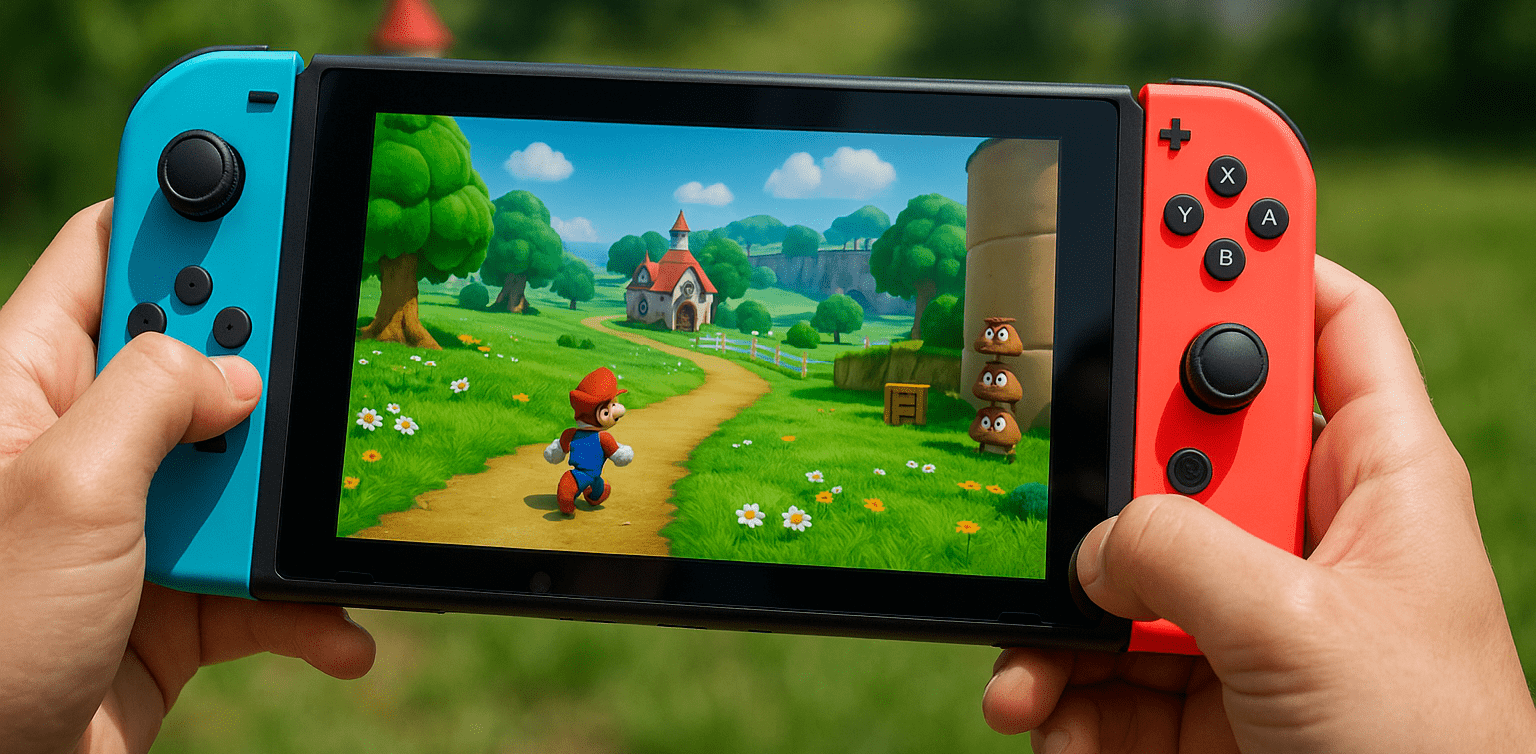
The Nintendo Switch has become one of the most popular consoles among children and families. Thanks to its flexible and user-friendly design, there is a wide range of nintendo switch games for kids available. More parents are now selective in choosing games that are not only fun, but also educational, safe, and age-appropriate. In this article, we share 30 recommended nintendo switch games for kids in 2025. These games are curated to suit various age ranges, from toddlers to pre-teens, and offer a balance of entertainment and learning value. 1. Animal Crossing: New Horizons Introduces children to independent living, island management, and teaches responsibility and creativity. 2. Super Mario Odyssey A classic adventure filled with light challenges and vibrant visuals for kids aged 6 and above. 3. Yoshi’s Crafted World One of the most visually creative nintendo switch games for kids, featuring hand-crafted art and simple gameplay. 4. Mario Kart 8 Deluxe Colorful racing fun and healthy competition, ideal for family play. 5. Pokémon Scarlet & Violet Encourages exploration of a fantasy world and strategic thinking through Pokémon battles. 6. Just Dance 2025 Combines music with physical movement, perfect for family entertainment and fitness. 7. Kirby and the Forgotten Land A vibrant platformer with adorable characters, suitable for kids aged 5 and above. 8. Crayola Scoot A racing and coloring game ideal for kids who love to express themselves visually. 9. Luigi’s Mansion 3 A light puzzle adventure great for kids with big imaginations. 10. Mario + Rabbids Sparks of Hope A fun strategy game featuring quirky characters and an engaging story. 11. Captain Toad: Treasure Tracker Light puzzle and exploration gameplay that strengthens logic and focus. 12. Pikmin 4 Teaches teamwork, strategy, and decision-making in a fun, nature-inspired world. 13. Snipperclips: Cut it Out, Together! A cooperative game that promotes communication and problem-solving. 14. Donkey Kong Country: Tropical Freeze A challenging yet exciting classic platformer for kids aged 7 and up. 15. Minecraft One of the most popular nintendo switch games for kids, encouraging creativity, exploration, and logical thinking. 16. Splatoon 3 A non-violent shooter that emphasizes color, creativity, and healthy competition. 17. Story of Seasons: Friends of Mineral Town Ideal for kids who want to learn about farming and rural life in a playful way. 18. Big Brain Academy: Brain vs. Brain A brain-training game that’s both fun and educational for the whole family. 19. Pokémon Let’s Go Pikachu / Eevee A lighter, more accessible Pokémon game perfect for beginners. 20. New Super Mario Bros. U Deluxe A classic platformer that supports up to 4 players at once. 21. Clubhouse Games: 51 Worldwide Classics A global collection of traditional games that boost logic and concentration. 22. Nintendo Switch Sports Offers virtual sports activities such as bowling, tennis, and soccer. 23. Ring Fit Adventure Combines exercise with RPG gameplay, ideal for physically active kids. 24. Tetris 99 A modern take on the timeless puzzle game. 25. Cooking Mama: Cookstar A fun cooking simulation game that introduces kids to simple recipes. 26. Paw Patrol: Mighty Pups Save Adventure Bay Tailored for toddlers and preschoolers, based on the popular cartoon series. 27. Hello Kitty Kruisers A cute racing game featuring Hello Kitty characters, safe for young kids. 28. My Universe: School Teacher A simulation game that lightly teaches children about school and education. 29. Animal Hospital Builds empathy and responsibility by caring for virtual animals. 30. LEGO City Undercover A light open-world game with humor and fun missions in a LEGO universe. Tips for Choosing Nintendo Switch Games for Kids When selecting nintendo switch games for kids, parents should check the ESRB age rating, game content, and whether the game supports cooperative play. Avoid games with excessive violence and opt for ones that promote social interaction, creativity, or learning. Equally important, playing games with your child helps strengthen your bond and allows you to monitor the content together. Learning Through Play: A Healthy Alternative with Coding With all the nintendo switch games for kids above, parents now have many safe, educational, and age-appropriate options. But instead of just playing, kids can also learn how games are created, making screen time more meaningful. At Timedoor Academy, children can learn how to build their own games through fun and structured coding classes. With an international curriculum and project-based learning, kids develop logic, creativity, and confidence. Sign your child up today and enjoy a free trial class at Timedoor Academy.
7 Top Dangers of Sweetened Condensed Milk for Children in 2025
Sweetened condensed milk is still widely considered by many parents as a substitute for regular milk or a nutritious drink for kids. Its sweet taste, low price, and appealing packaging often make it seem like a practical choice. However, the dangers of sweetened condensed milk for children are serious and often go unnoticed. Unlike regular milk, sweetened condensed milk is a processed product that is extremely high in sugar and contains very little protein or calcium. It is more accurately categorized as a sugary beverage with a milky flavor. Unfortunately, due to a lack of awareness, the dangers of sweetened condensed milk for children continue to be overlooked, especially in households with limited access to nutrition education. This article outlines seven key dangers of sweetened condensed milk for children that parents must be aware of in order to make healthier choices for their families. 1. Extremely High Sugar Content A single serving of sweetened condensed milk can contain more than 40 percent sugar. Children who consume it regularly are at high risk of excessive sugar intake. This is one of the primary dangers of sweetened condensed milk for children, as it can lead to obesity, tooth decay, and metabolic issues from a young age. 2. Increased Risk of Childhood Diabetes Too much sugar from sweetened condensed milk puts added stress on the pancreas to produce insulin. Over time, this can result in blood sugar regulation problems. One of the more alarming dangers of sweetened condensed milk for children is the rising number of cases of type 2 diabetes found in school-aged kids. 3. Lacks Essential Nutrients Though it may look like milk, the nutritional content of sweetened condensed milk is significantly lower than that of UHT milk or formula. Children need protein, healthy fats, and calcium, all of which are lacking in this product. The danger of sweetened condensed milk for children in this context is that it can make kids feel full without providing the nutrients needed for healthy growth. 4. Develops a Sweet Tooth Drinking sweetened condensed milk regularly can condition children to prefer overly sweet foods. This can lead them to reject healthier options like vegetables or natural foods. One of the dangers of sweetened condensed milk for children is that it creates unbalanced eating habits that are hard to reverse later in life. 5. Digestive Discomfort Some children may experience diarrhea or constipation after consuming large amounts of sweetened condensed milk. Its high sugar and processed fat content can disrupt the balance of gut bacteria. This is one of the more overlooked dangers of sweetened condensed milk for children, but it can significantly affect their daily activities. 6. Causes Tooth Decay Sweetened condensed milk is sticky and tends to cling to teeth. If not brushed away properly, the leftover sugar becomes a breeding ground for cavity-causing bacteria. This danger of sweetened condensed milk for children can manifest quickly, especially if they brush infrequently or still use bottles. 7. Lowers Overall Family Nutrition Quality Many families serve sweetened condensed milk as a daily drink, which can lower the overall standard of nutrition in the household. Children may miss out on better sources of calcium and protein. The dangers of sweetened condensed milk for children go beyond individual health and can negatively impact the entire family’s eating habits. What Can Parents Do? The first step is recognizing that not all milky-looking drinks are healthy for kids. Always read labels, seek reliable information, and consult with a pediatric nutritionist if needed. Replace sugary drinks with water, fresh milk, or natural fruit juices with no added sugar. Guide Children Toward Positive, Productive Activities In addition to managing nutrition, parents can support their children by encouraging activities that promote growth and learning. One excellent option is coding. Coding is not just fun, it also boosts focus, logic, and creativity from an early age. Try a Free Coding Class at Timedoor Academy Timedoor Academy offers free coding classes for children ages 5 to 18. Kids can learn to build games, animations, and digital projects tailored to their age and interests. With project-based learning and the guidance of professional mentors, children will be engaged in creating and thinking, not just consuming screen time. Invite your child to try a free coding class at Timedoor Academy today. Help them build a future that is healthy, smart, and filled with creativity!
float button