May 05, 2025

How to Use Figma for Kids: A Fun and Simple Digital Design Guide

How to Use Figma for Kids: A Fun and Simple Digital Design Guide image

In today’s digital era, graphic design has become an increasingly essential skill, even for kids. Design is not just about drawing or creating illustrations. It also helps children develop creativity, visual logic, and systematic thinking. One of the most popular and beginner-friendly design tools to introduce early on is Figma. This article will guide you on how to use Figma for kids in a fun and easy-to-follow way.

Figma is a web-based design platform widely used by UI/UX professionals and graphic designers. But because of its intuitive interface and real-time collaboration features, Figma can also be a great learning tool for children, especially those curious about digital design, posters, invitations, app layouts, or even simple games.

Why Kids Should Learn Digital Design

Digital design is not only about aesthetics, but also about communication. Kids who learn design early tend to express ideas visually, organize information clearly, and feel more confident experimenting with their creativity. Design skills also open doors to other fields like illustration, app development, animation, and branding.

By learning how to use Figma for kids, the design process becomes more engaging. They can instantly try, rearrange, and explore design elements without needing to install any additional software.

What to Prepare Before Using Figma

Before your child starts designing, here are some things to set up:

  • Figma account: Create a free account at figma.com. Use a parent’s email and assist during setup.
  • Device: A laptop or desktop with a stable internet connection works best.
  • Simple design theme: Start with fun, easy projects like a birthday card or character illustration.

Benefits of Using Figma for Kids

Here are some of the main benefits of using Figma as a learning tool for kids:

  • Enhances creativity and visual aesthetics
  • Builds logical thinking through layout structure
  • Boosts confidence through hands-on creation
  • Encourages teamwork and collaboration in online settings

Step-by-Step Guide: How to Use Figma for Kids

Below are specific steps on how to use Figma for kids, including core features and how to guide them:

1. Introduce the Interface and Basic Tools

how to use figma for kids

After logging in to a Figma account, walk your child through the main elements of the workspace:

  • Canvas: the blank area where they’ll build designs
  • Top toolbar: includes tools like Move, Frame, Shape, and Text
  • Left panel: shows the object structure (layers)
  • Right panel: used to adjust color, size, position, and effects

Let them freely draw circles, squares, or stars and experiment with colors. This unstructured play helps them get familiar with Figma naturally. This is also a great starting point in how to use Figma for kids in a stress-free way.

2. Start a New Project
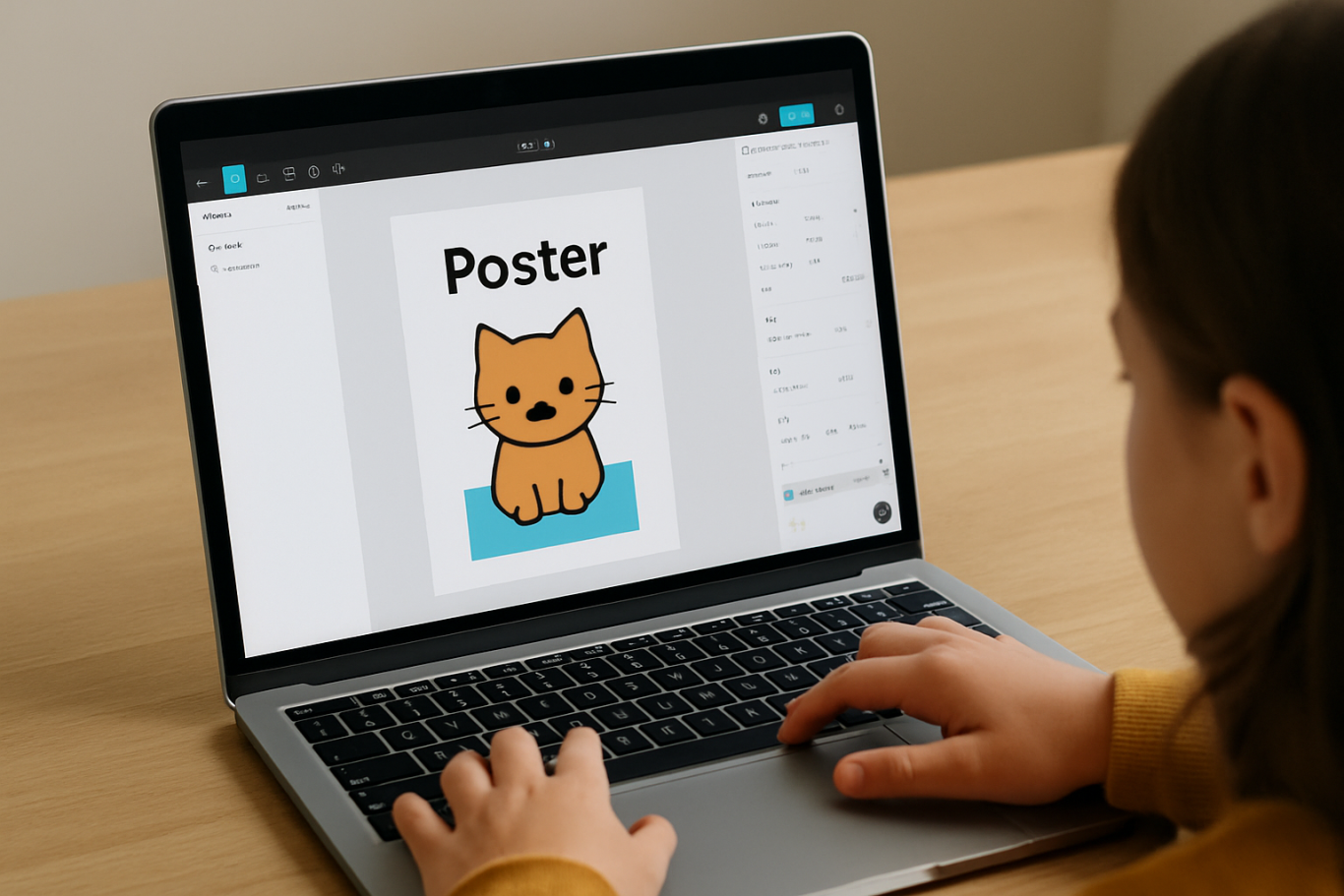
Click New Design File and let your child name it something fun like “My Poster” or “Cute Cat Project.” Then:

  • Create a Frame using A4 size or mobile screen dimensions
  • Add shapes via the Shape tool, then change colors on the right panel
  • Add text with the Text Tool, and adjust font size, color, and position

This step of how to use Figma for kids feels like drawing on a digital piece of paper—fun and intuitive.

3. Add Images and Illustrations
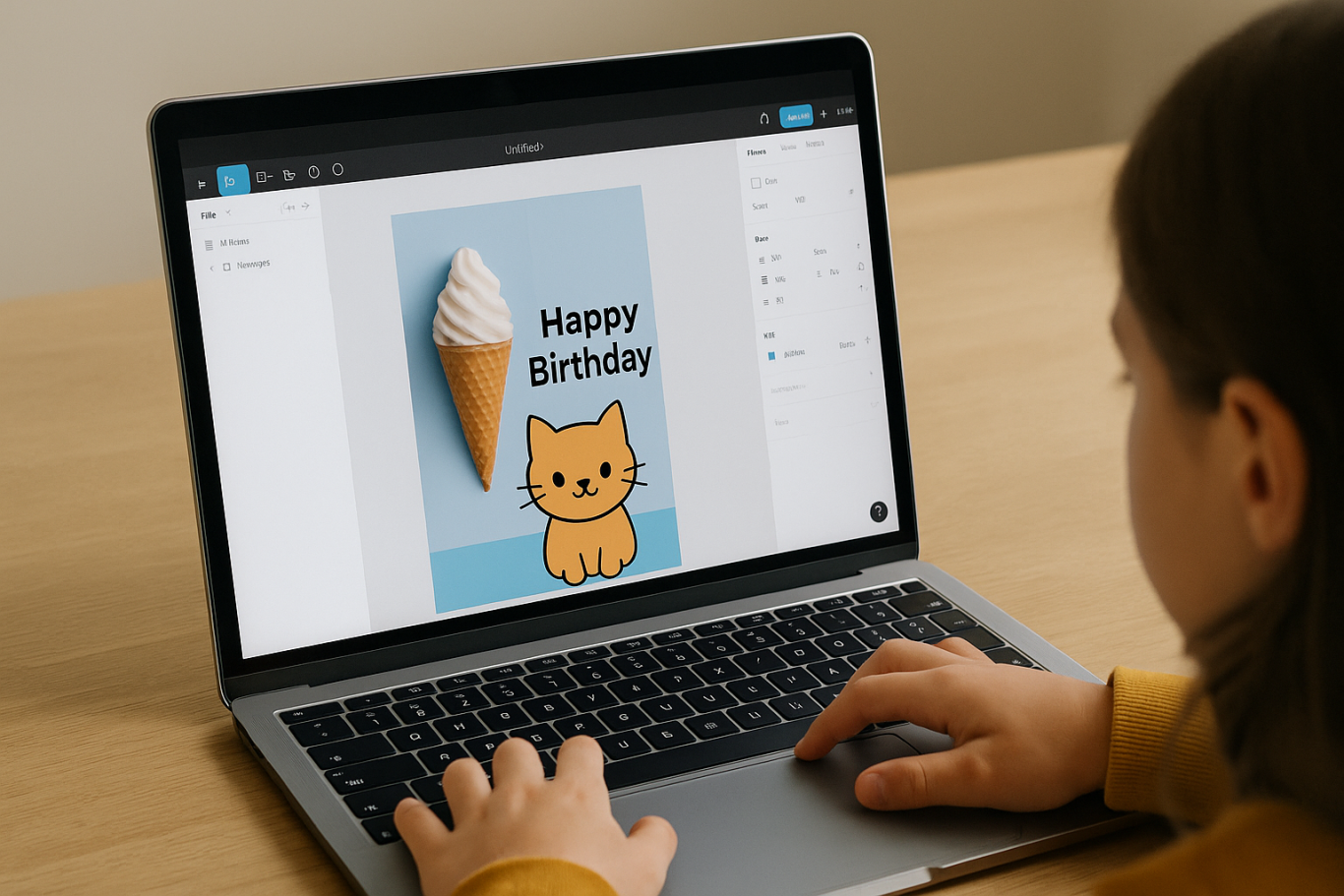
To make their design more dynamic, help them insert images:

  • Click File > Place Image and choose from your computer
  • Or simply drag and drop into the canvas
  • Use the Unsplash plugin to find royalty-free images directly inside Figma

This makes it easier for kids to create digital greeting cards, collages, or mood boards. These small projects are practical examples of how to use Figma for kids in real-life situations.

4. Create Simple App or Game Layouts
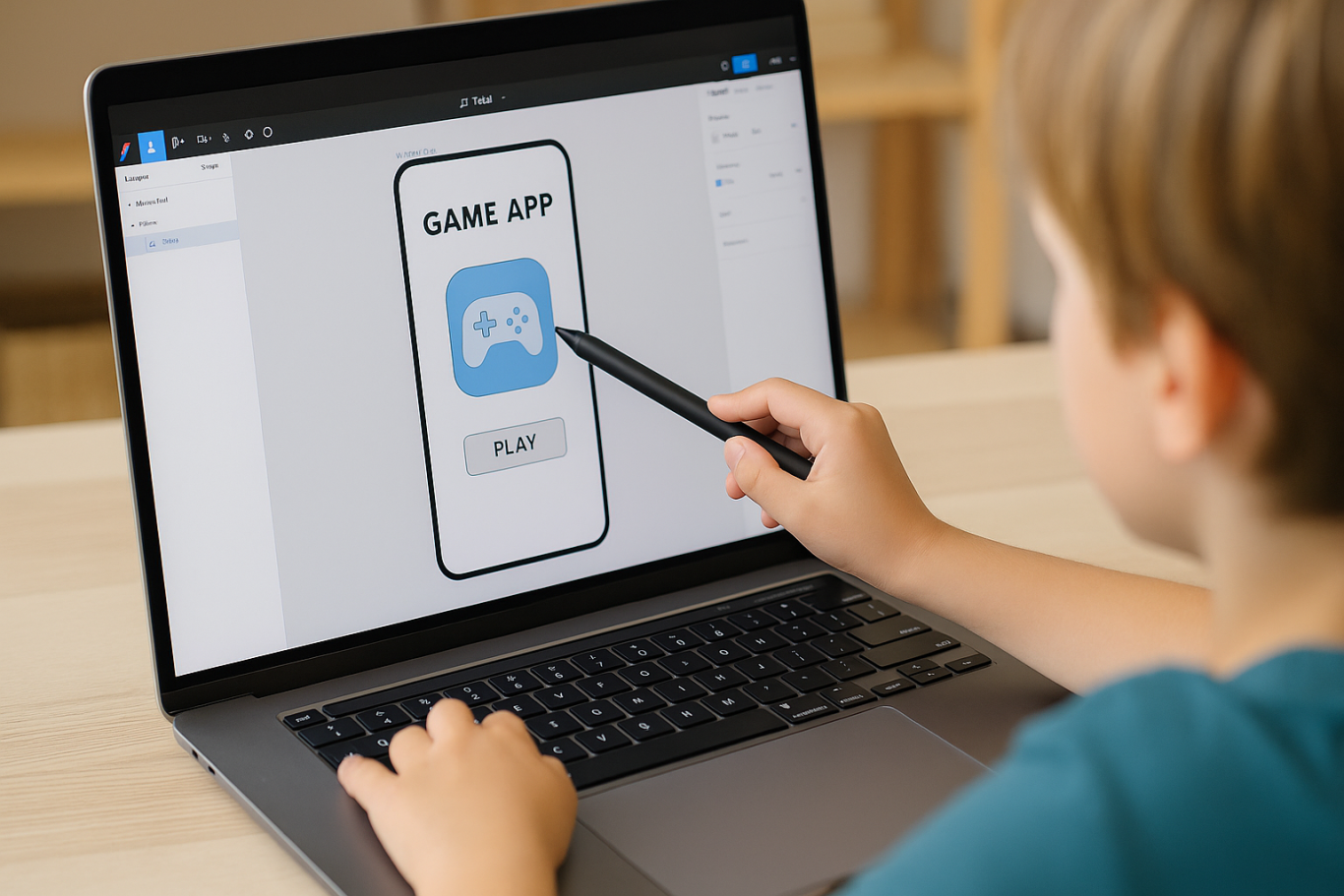
For older kids, try introducing them to basic app layout design:

  • Use Frames sized for iPhone or Android
  • Add titles, icons, and buttons
  • Turn elements into Components for duplication
  • Use Prototype mode to simulate screen transitions

This is a creative and exciting way to teach design logic and basic UX thinking. It’s also a more advanced stage in how to use Figma for kids who want to go deeper.

5. Collaborate and Present
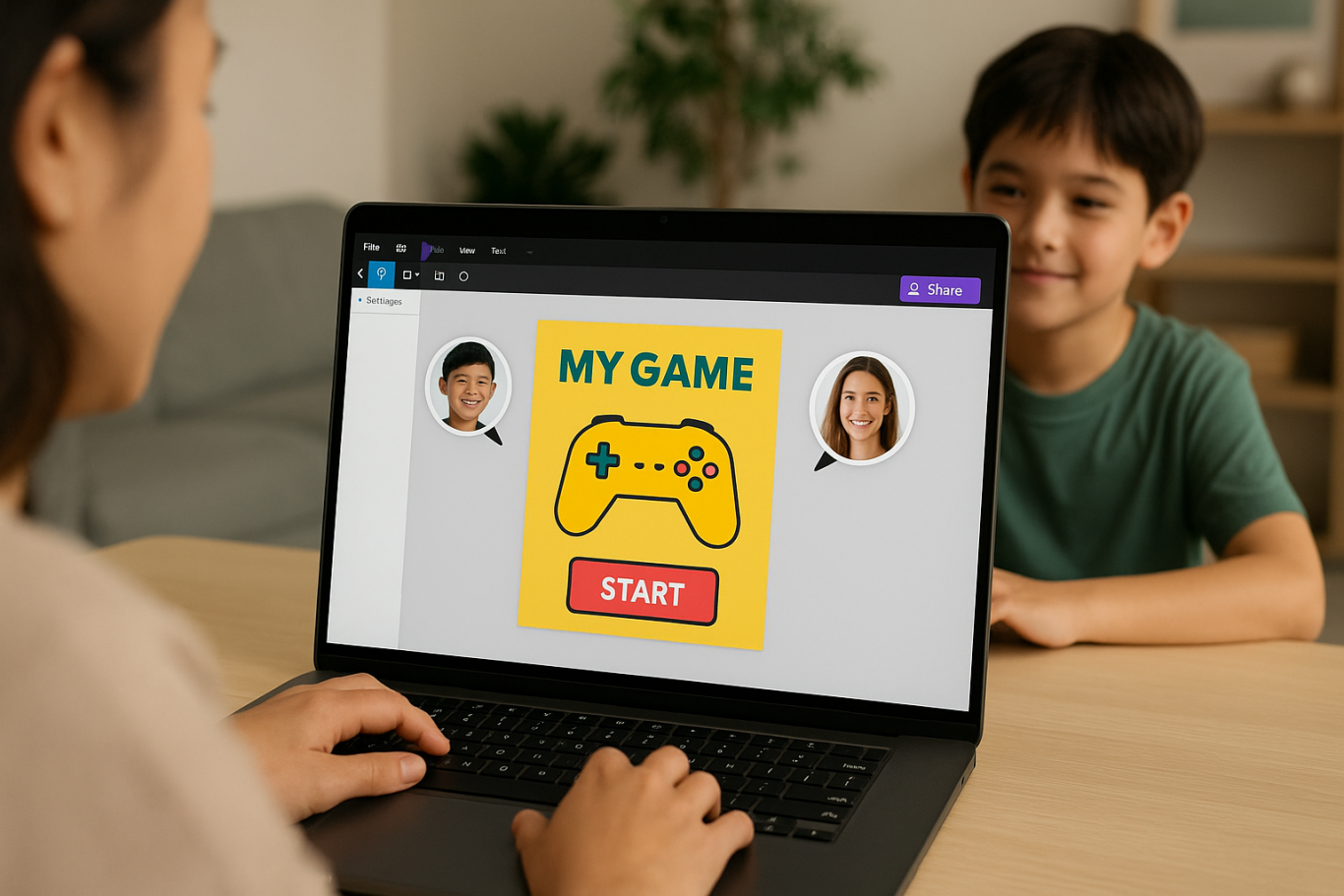
Figma is perfect for collaborative learning. Kids can:

  • Click Share to invite parents, teachers, or friends
  • Use Presentation Mode to view their design full-screen
  • Receive comments directly on the canvas and learn from feedback

These interactions help kids learn how to present and improve their ideas. How to use Figma for kids can extend into valuable lessons on teamwork and communication.

Combine with Online Design Classes

To support their learning journey, consider enrolling your child in an online design course. Timedoor Academy offers kid-friendly design programs based on fun projects and personalized learning. Learning how to use Figma for kids is much easier when supported by friendly mentors and structured activities.

Tips for Parents to Support Learning

To make the learning process smoother, parents can:

  • Be present during the early stages, then give room to explore
  • Ask about their designs and encourage storytelling
  • Avoid focusing on perfection—celebrate creativity instead
  • Try designing together as a bonding activity

Ready to Introduce the World of Design?

Introducing your child to digital creativity can begin with simple tools like Figma. With the right guidance and playful approach, how to use Figma for kids becomes a fun activity that sharpens logic, builds visual confidence, and sparks interest in technology.

 Image

Timedoor Academy is here to support your journey. With interactive online classes and friendly instructors, your child can learn to design with confidence. Try a free class today and help your child discover their design potential from an early age.


Keep Reading

10 Powerful Reasons Why Understanding The Importance of Digital Safety for Kids Matters Today
In the digital era, kids are growing up surrounded by screens, the internet, and endless online interactions. While technology offers many advantages, it also introduces new challenges that parents cannot ignore. From social media exposure to online gaming and digital learning, kids face potential risks that may affect their privacy, safety, and mental well-being. That is why understanding the importance of digital safety for kids has become a vital aspect of modern parenting. As technology becomes an inseparable part of daily life, the need to educate kids about online behavior, privacy protection, and responsible technology use becomes more urgent. Digital literacy is no longer just an option; it is an essential skill for every child in the 21st century. 1. Building Awareness About Online Threats Many kids use the internet without understanding its potential dangers. Parents and educators need to guide them to recognize harmful websites, suspicious links, or strangers who might have bad intentions. Teaching kids about the importance of digital safety for kids helps them develop awareness from an early age, making them more cautious when navigating the online world. 2. Protecting Personal Information One of the key components of the importance of digital safety for kids is teaching them how to protect their personal information. Many websites and apps ask for details such as names, photos, and locations. Without proper knowledge, kids may share private data that could be misused by others. Parents must teach their kids never to share personal information without permission and to use privacy settings responsibly. 3. Preventing Cyberbullying Cyberbullying is a growing concern in today’s society. Kids who spend time on social media or online games may face bullying, harassment, or exclusion. By understanding the importance of digital safety for kids, both parents and kids can learn how to prevent, identify, and handle cyberbullying effectively. Encouraging open communication and emotional support is key to protecting a child’s mental health online. 4. Encouraging Responsible Social Media Use Social media platforms are a popular space for kids to express themselves and connect with friends. However, it is also a place where misinformation, inappropriate content, and privacy issues can occur. Educating kids about the importance of digital safety for kids means guiding them to use social media responsibly, think before they post, and understand the consequences of sharing personal content publicly. 5. Managing Screen Time Wisely Digital safety also includes managing how much time kids spend online. Excessive screen time can lead to fatigue, distraction, and reduced focus in learning. Understanding the importance of digital safety for kids helps parents and kids create healthy boundaries between study time, online entertainment, and offline activities. Balanced screen time supports both mental and physical well-being. 6. Strengthening Digital Literacy Skills Digital literacy goes beyond knowing how to use gadgets. It involves critical thinking, information evaluation, and problem-solving skills. Through programs like coding or digital creativity classes, kids can learn how to use technology safely and productively. Learning the importance of digital safety for kids empowers them to become responsible digital citizens who use technology for positive purposes. 7. Avoiding Scams and Online Manipulation Kids can easily fall for online scams, such as fake giveaways or misleading ads. They may also be influenced by manipulative content designed to collect data or promote harmful behavior. Teaching them the importance of digital safety for kids helps prevent these incidents. They learn to identify suspicious behavior and make smarter online choices. 8. Promoting Positive Online Communication Online communication can be beneficial when used positively. Kids can learn, share ideas, and collaborate across cultures. However, they must also understand the ethics of digital communication, such as respecting others’ opinions and avoiding hurtful language. Incorporating the importance of digital safety for kids into their learning encourages empathy and respect in every online interaction. 9. Preparing for a Digital Future As technology continues to evolve, digital safety becomes an essential foundation for every future career. Kids who understand the importance of digital safety for kids will grow into professionals who value data protection, cybersecurity, and ethical technology use. Early exposure to these concepts prepares them to thrive in a world where digital skills are in high demand. 10. Empowering Parents and Schools to Collaborate Lastly, promoting the importance of digital safety for kids requires collaboration between parents, teachers, and institutions. Schools can integrate digital safety education into the curriculum, while parents can apply these lessons at home. Together, they create a safe and supportive environment where kids can explore technology without fear. How Timedoor Academy Helps Strengthen Digital Safety Education Timedoor Academy understands that technology can be both exciting and challenging for kids. Through structured learning programs, students not only develop coding and digital skills but also gain awareness about online safety, privacy, and responsible internet use. Each class is designed to help kids understand the importance of digital safety for kids in practical and engaging ways. By joining Timedoor Academy, your child will be guided by professional mentors who are committed to creating a positive and secure learning environment. Parents can feel confident knowing that their kids are developing both technical knowledge and safe digital habits. Ready to Help Your Child Explore Technology Safely? Digital safety begins with knowledge. If you want your child to grow up as a confident, creative, and responsible digital user, now is the perfect time to take the first step. Register your child for a free trial class at Timedoor Academy today! Discover how our expert mentors can help shape your child’s understanding of technology while ensuring their safety in the digital world.
<strong>Is Coding Necessary for Kids? Let’s Find Out in 2025!</strong>
Is Coding Necessary for Kids? Let’s Find Out in 2025!
In today’s rapidly evolving digital era, many parents are asking, is coding necessary for kids to learn from an early age? Coding or programming is one of the skills increasingly in demand, but is it really necessary for children to learn coding? This article will explore whether coding is necessary for kids, its benefits, challenges, and how parents can start their children on the right path, especially through coding programs like those offered by Timedoor Academy. Is Coding Necessary for Kids? The question is coding necessary for kids has become more common, especially with advances in technology and digital education. Formally, coding is not yet a mandatory subject in all schools, but today’s job market and digital industries highly value tech and coding skills. Coding is the language behind almost every digital device we use today. Teaching coding early helps prepare children for future challenges that rely heavily on technology and digital innovation. So, while it may not be mandatory by regulation yet, coding is a crucial skill that should be introduced early. Benefits of Coding for Kids When considering is coding necessary for kids, it is important to understand the benefits of learning coding. Coding helps children develop logical and systematic thinking. They learn to break down big problems into smaller parts and solve them step by step. Coding also boosts creativity because children get to create digital projects such as games, animations, and apps. This makes learning coding fun and builds their confidence. Additionally, coding develops problem-solving skills and perseverance. Children need to be patient and precise to ensure their programs work correctly. These skills are valuable not only in tech but in many areas of life. Challenges in Learning Coding for Kids Even though there are many benefits, some challenges come with learning coding. This often leads parents to ask again, is coding necessary for kids, considering the learning process can be tough. Kids may struggle with abstract concepts or complex logic. Parents need to provide extra support and choose fun, age-appropriate methods so children stay engaged and don’t get frustrated. Programs like those at Timedoor Academy are designed to make coding interactive and enjoyable for kids. With the right approach, these challenges can be overcome, and children become more interested in technology. How to Start Learning Coding for Kids? If you still wonder is coding necessary for kids, the key is starting the right way. Begin with simple basics like visual block coding that’s easy to understand. Timedoor Academy offers coding classes tailored to kids’ age and skill level, from beginner to advanced. Children learn through fun projects that deepen their understanding. Timedoor Academy also provides free trial classes. These allow parents and kids to experience the learning method before fully committing. The Role of Parents in Supporting Coding Learning Parents play a crucial role in helping kids succeed in coding. They can set aside dedicated time for learning and accompany children while they work on assignments or projects. Discussing what children learn helps them feel supported and motivated. Good parent-child communication strengthens the learning process and helps kids overcome difficulties. Parents should also remind kids to balance study and rest to avoid fatigue and burnout. Conclusion: Is Coding Necessary for Kids? So, is coding necessary for kids? While coding isn’t mandatory in many schools yet, it is vital for children’s futures. Teaching coding early prepares kids for a digital workforce and develops critical thinking, creativity, and problem-solving skills. Timedoor Academy supports this by offering child-friendly, interactive, and accessible coding classes. With free trial classes available, parents and kids can try a free trial class before fully joining. Don’t wait! Register your child at Timedoor Academy and give them the chance to learn coding in a fun and effective way. With coding skills, your child will be ready to thrive in an advancing digital world full of opportunities.
Future-Ready Skills: Coding Education for Elementary School Students
In today’s digital era, technology skills are no longer optional but have become essential for the younger generation. Wise parents understand the importance of preparing their children for the future by equipping them with the right knowledge and mindset. One valuable skill to introduce early is coding. Through Coding Education for Elementary School Students, children not only learn how to use technology but also how it truly works. Many parents might wonder if coding is too complicated for young learners. In fact, when taught through interactive and enjoyable methods, children adapt quickly. Coding can be presented like solving puzzles, stacking blocks, or building a story. With the right approach, Coding Education for Elementary School Students becomes accessible and engaging for kids. Why Start Early? Introducing coding at an early age brings multiple benefits. First, children develop logical and structured thinking. When writing code, they learn to arrange steps in order and understand cause-and-effect relationships. Second, coding sparks creativity. Children can design simple games, animations, or applications that reflect their imagination. Third, it fosters persistence. When their programs do not run smoothly, they practice finding solutions until they succeed. Therefore, Coding Education for Elementary School Students is not just about computer knowledge, but also about shaping resilient, creative, and critical thinkers. The Connection Between Coding and Daily Life Coding is not a separate or abstract concept. Children encounter it daily through apps, digital games, and smart devices. By learning coding, they can understand the logic behind these technologies. For example, when playing a game, they can imagine how a character moves because of certain instructions happening in the background. This transforms children from passive consumers into future creators of technology. That is the true value of Coding Education for Elementary School Students compared to simply using gadgets. Challenges and the Role of Parents Of course, introducing coding to children comes with challenges. One of the biggest is keeping the learning process enjoyable. Children can lose focus if the lessons are too complicated or monotonous. This is why teaching methods must be designed specifically for their age group. Parents play a crucial role by providing encouragement and consistent support. Setting aside time, motivating children when they face difficulties, and choosing a trusted learning program are key to success. With proper guidance, Coding Education for Elementary School Students can be a meaningful and sustainable journey. Effective Learning Methods To ensure effective learning, methods must be child-friendly. One popular approach is visual programming, where children use drag-and-drop blocks to create instructions. This helps them grasp the basics without being overwhelmed by complex syntax. Another method is integrating hobbies into coding. A child who enjoys drawing can learn to create simple animations, while a child who loves games can experiment with building their own mini-games. Through these approaches, Coding Education for Elementary School Students feels natural and relevant to their daily experiences. Long-Term Impact The benefits of coding extend far beyond the present. Children who start coding early often perform better in subjects involving logic, such as mathematics and science. Moreover, they will be more competitive in the future as technology continues to shape industries worldwide. In this sense, Coding Education for Elementary School Students is a long-term investment. It nurtures innovative thinking, problem-solving abilities, and adaptability, all of which are essential for thriving in a globalized world. Fun and Safe Coding for Elementary School Kids For parents, introducing coding during the elementary school years is a forward-looking decision. With the right teaching methods, coding can be both fun and educational. Timedoor Academy offers a structured curriculum and experienced tutors to guide children in learning coding interactively and safely. If you want your child to be future-ready with strong digital skills, consider signing them up for a free trial at Timedoor Academy. With creative and enjoyable learning experiences, your child will discover the exciting world of coding while preparing for a brighter future.
float button