Apr 25, 2025

How to Make Money Coding as a Kid
How to Make Money Coding as a Kid image

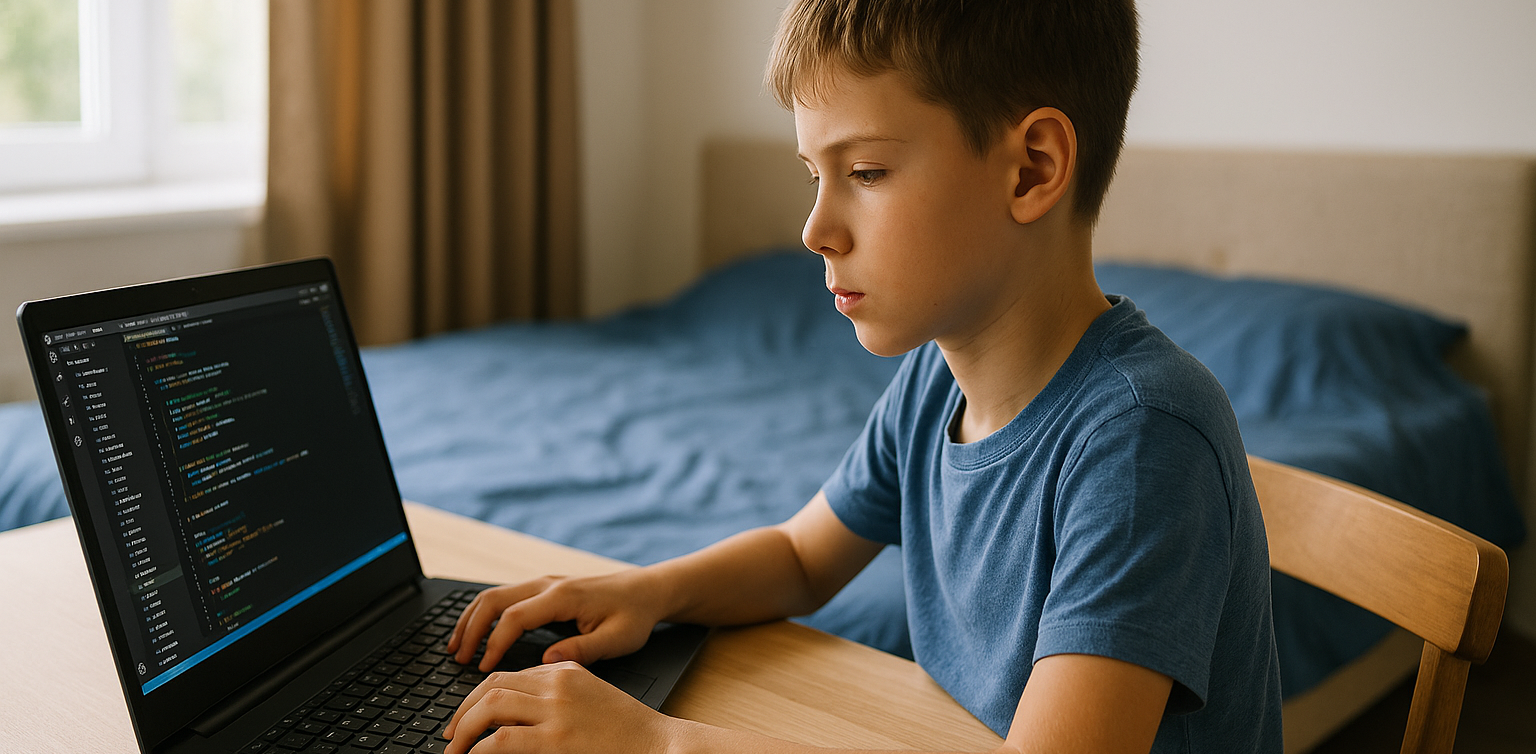
In today’s tech-driven world, kids are not just consumers of technology. They can become creators too. One exciting way for young minds to explore this potential is by learning how to code. What’s even better? Coding is not just a fun and valuable skill. It can also help children start earning money at an early age. In this article, we will explore practical and age-appropriate ideas on how to make money coding as a kid, and how platforms like Timedoor Academy can help kickstart the journey.

1. Build and Sell Simple Games
how to make money coding as a kid

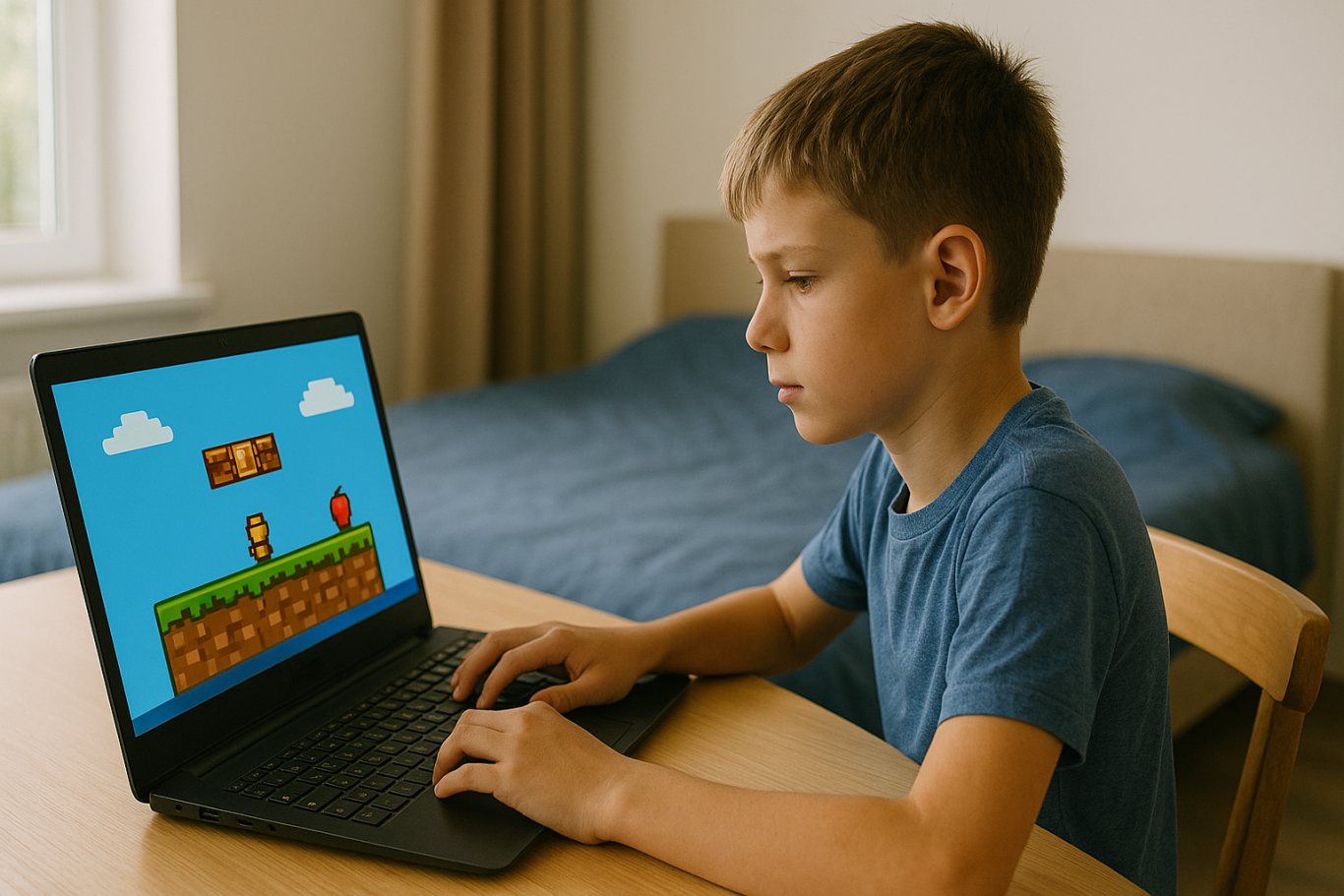
One of the most popular ways for kids to make money with coding is by creating simple games. Platforms like Scratch allow children to build their own games using visual programming blocks. Once they get the hang of it, kids can upload their games to platforms like itch.io or Game Jolt, where others can play and support their work through donations or small purchases.

This is a great way for kids to combine creativity with coding skills. It also teaches them the basics of digital entrepreneurship, such as designing for users and thinking about what makes a game fun and engaging.

2. Design a Personal Website or Blog
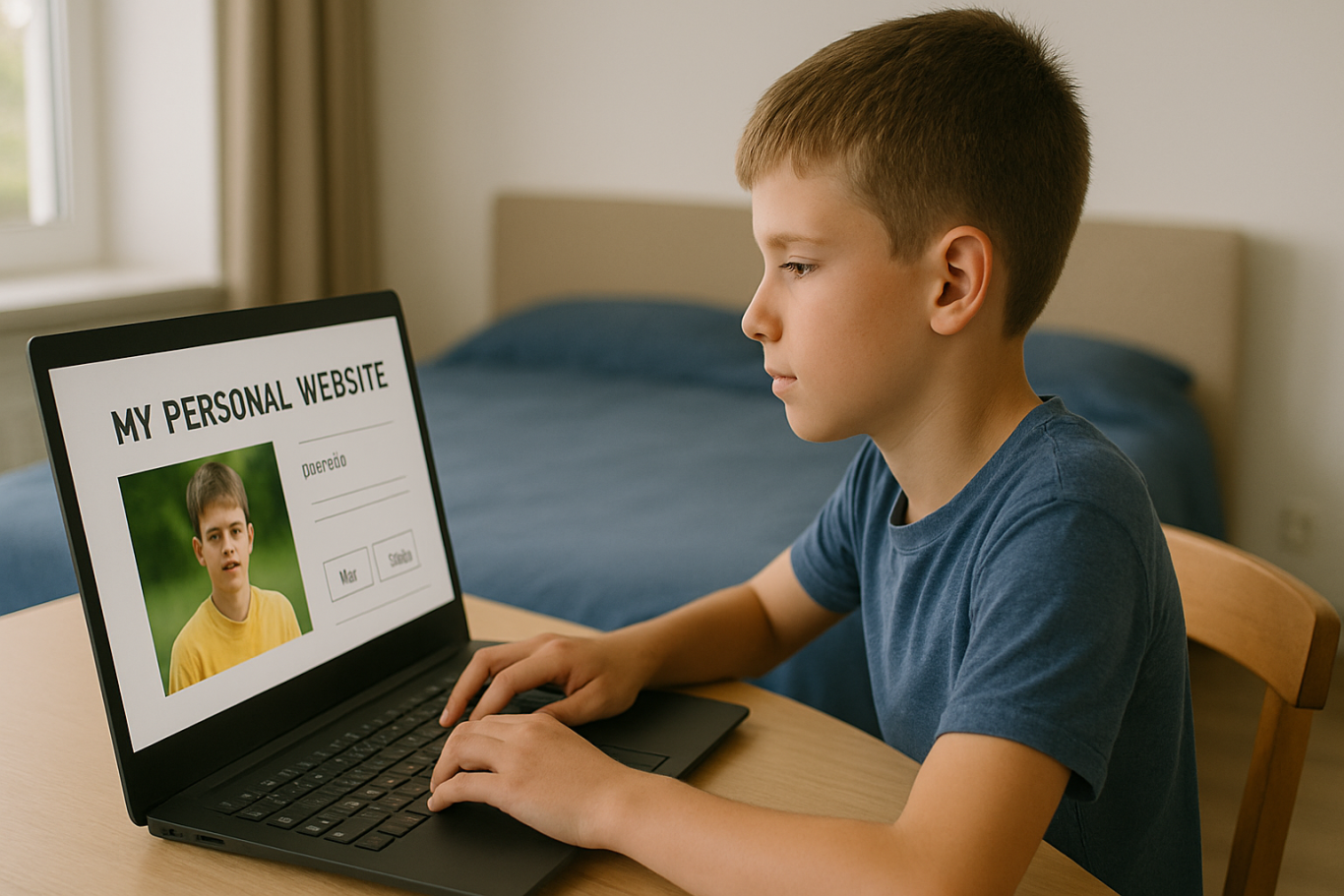
Creating a personal website is a great way for kids to showcase their projects and interests. Using platforms like WordPress, Wix, or coding from scratch with HTML/CSS, kids can build blogs, portfolios, or fan pages.

Once the website gains some visitors, there are many ways to monetize it. These include placing ads through Google AdSense with adult guidance, using affiliate links, or even selling digital products like game templates or beginner-friendly coding guides. This helps kids learn how websites work and how online income is generated in real life.

3. Create YouTube Coding Tutorials
how to make money coding as a kid

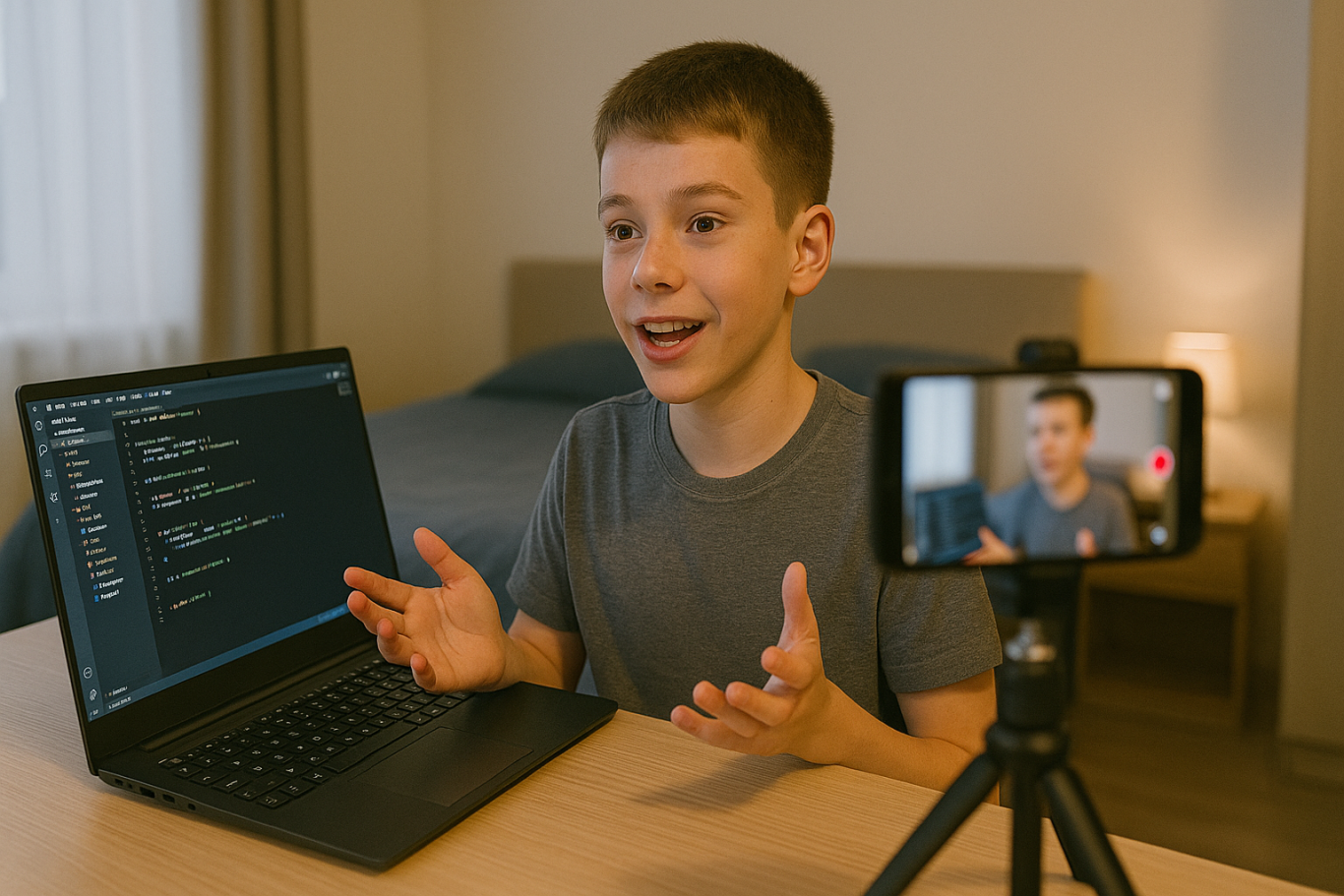
Another exciting option on how to make money coding as a kid is by creating YouTube tutorials. Kids can teach others how to code in Scratch, build simple apps, or walk through a project step by step. These videos do not need to be fancy. They just need to be clear and helpful.

As the channel grows, monetization through YouTube ads, sponsorships, and affiliate links becomes possible. This is also a great way for kids to improve their communication skills while reinforcing their own understanding of coding.

4. Sell Digital Art or Assets for Games
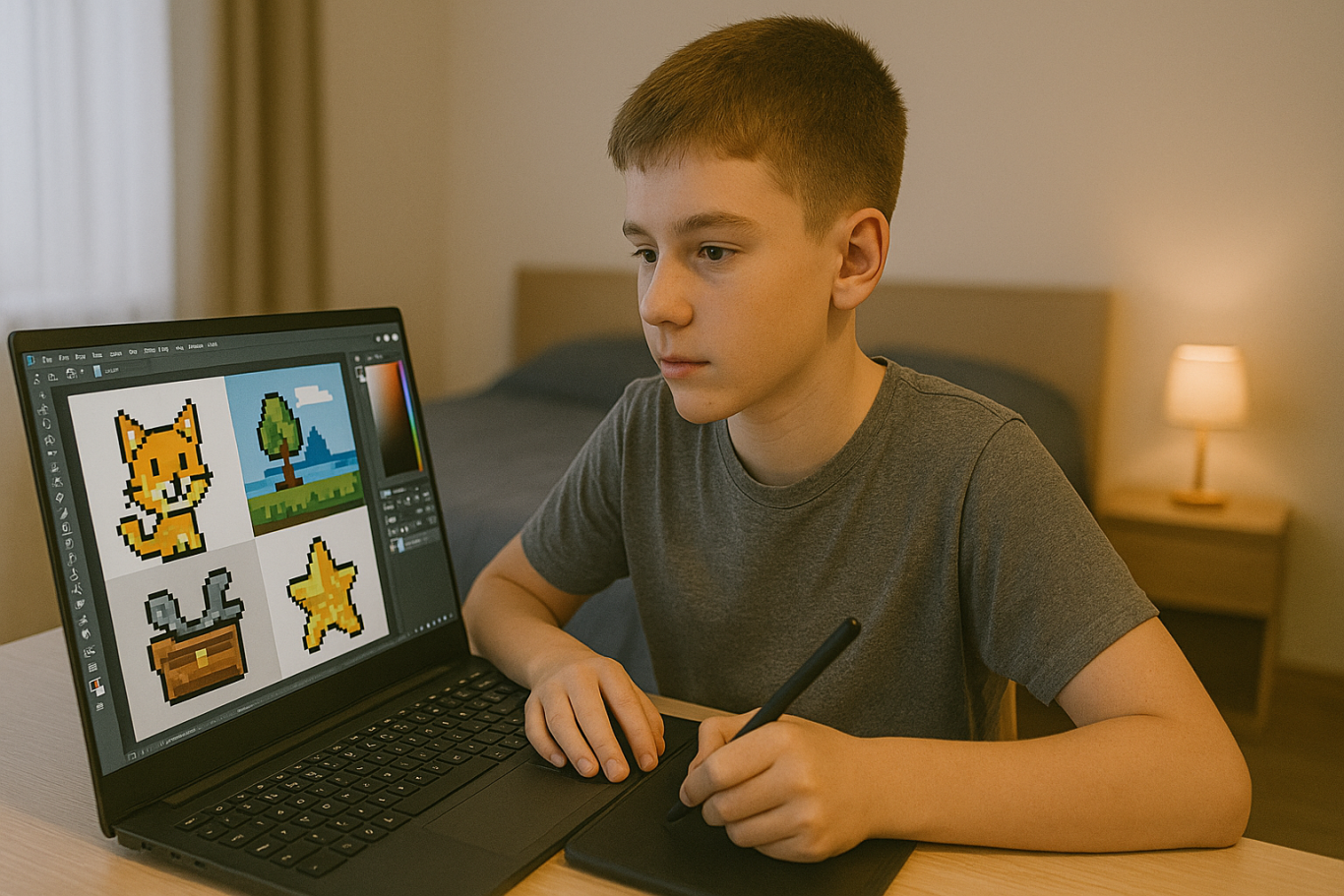
Kids who enjoy both coding and art can create digital assets like characters, backgrounds, or sound effects. These can be sold on platforms like Unity Asset Store, OpenGameArt, or Itch.io.

For example, if your child designs a cool background for a Scratch game, they can package it with a few more designs and offer it for free or for a small fee online. This is a fun way to blend art, coding, and entrepreneurship.

5. Try Safe Freelance Gigs (With Parental Help)
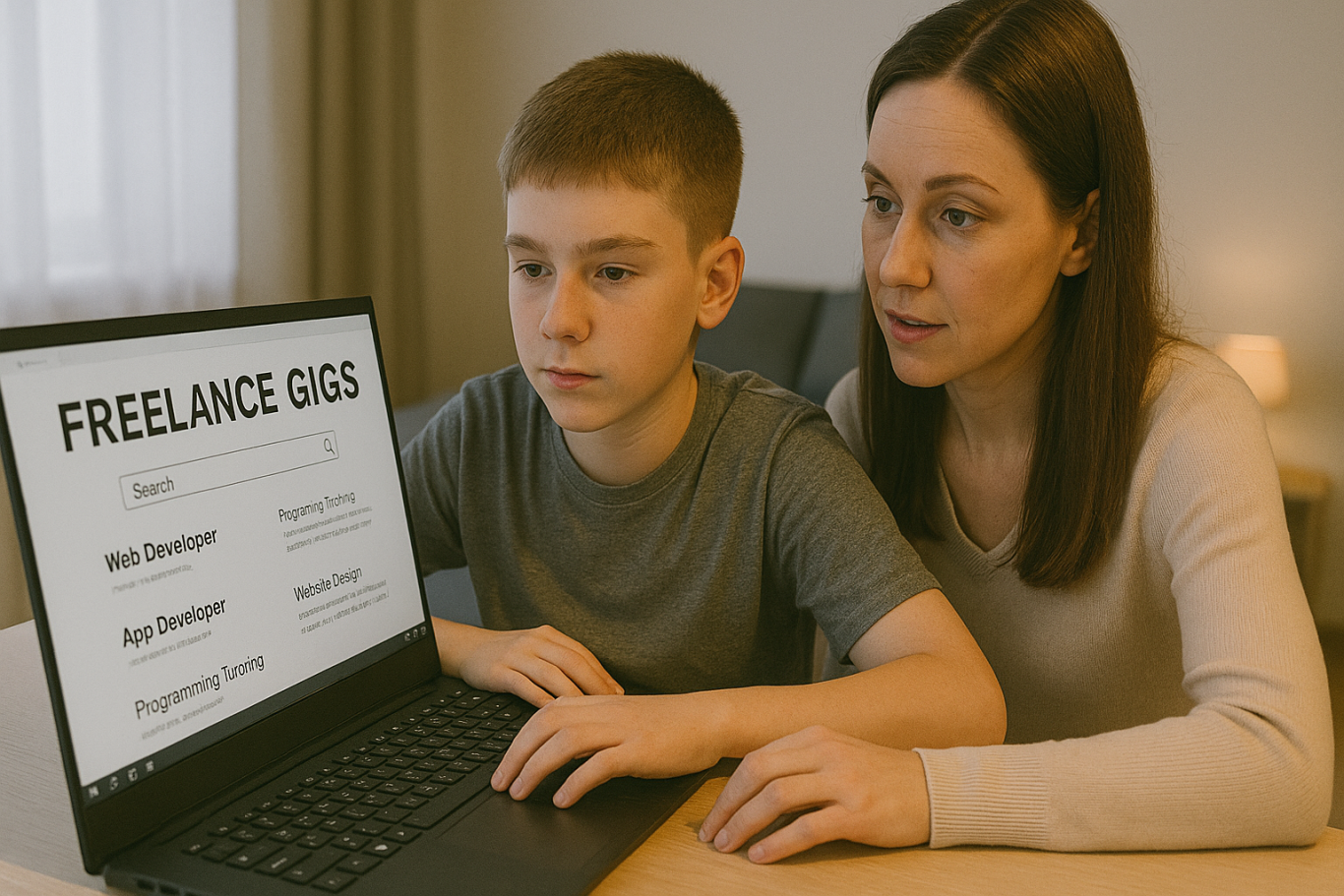
Older kids or teenagers ages 13 and up can start exploring junior freelance work in simple coding tasks. These include fixing bugs, customizing websites, or helping with small scripts. Sites like Fiverr or Freelancer often have beginner-friendly gigs that can be done with parental supervision.

Even if the job pays only a few dollars at first, the experience and confidence gained are invaluable. It helps children see how coding is used in the real world and builds their early portfolio.

6. Participate in Coding Competitions
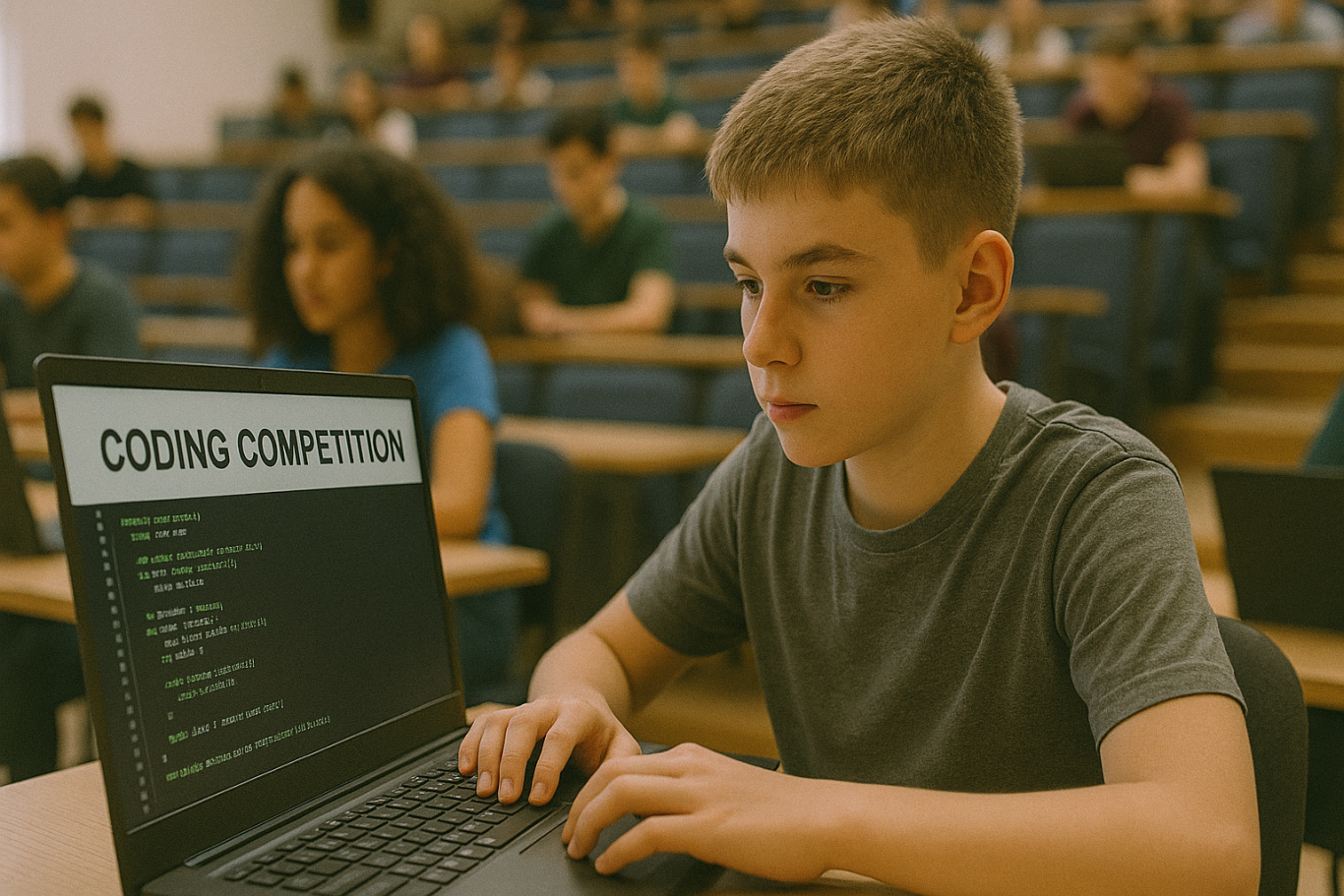
Many platforms and organizations hold coding competitions or hackathons for kids. These events often come with prizes such as gadgets, cash, or even scholarships. Websites like Tynker, Code.org, and local coding academies host events where kids can test their skills and possibly win something exciting.

Competing not only motivates kids to learn faster. It also introduces them to other like-minded peers and creates a supportive community.

7. Build Mobile Apps
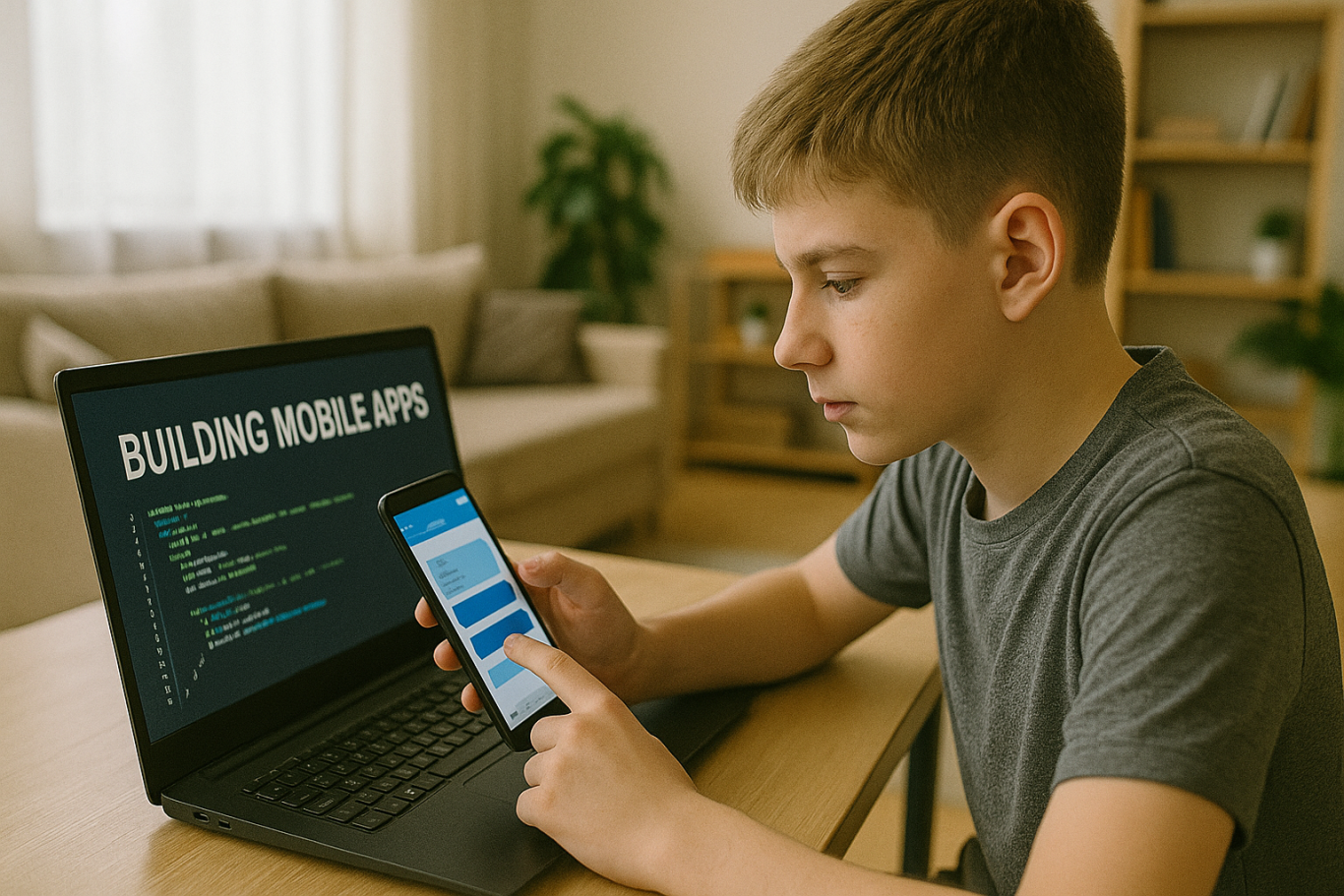
With tools like Thunkable, MIT App Inventor, or even Flutter, kids can start building simple mobile apps. Whether it is a calculator, a quiz game, or a daily planner, these apps can be uploaded to the Google Play Store with adult help.

Even if the app is free, kids can include ads or in-app purchases to start earning money. It is a great way to explore real-world coding with tangible outcomes.

8. Teach Coding to Other Kids
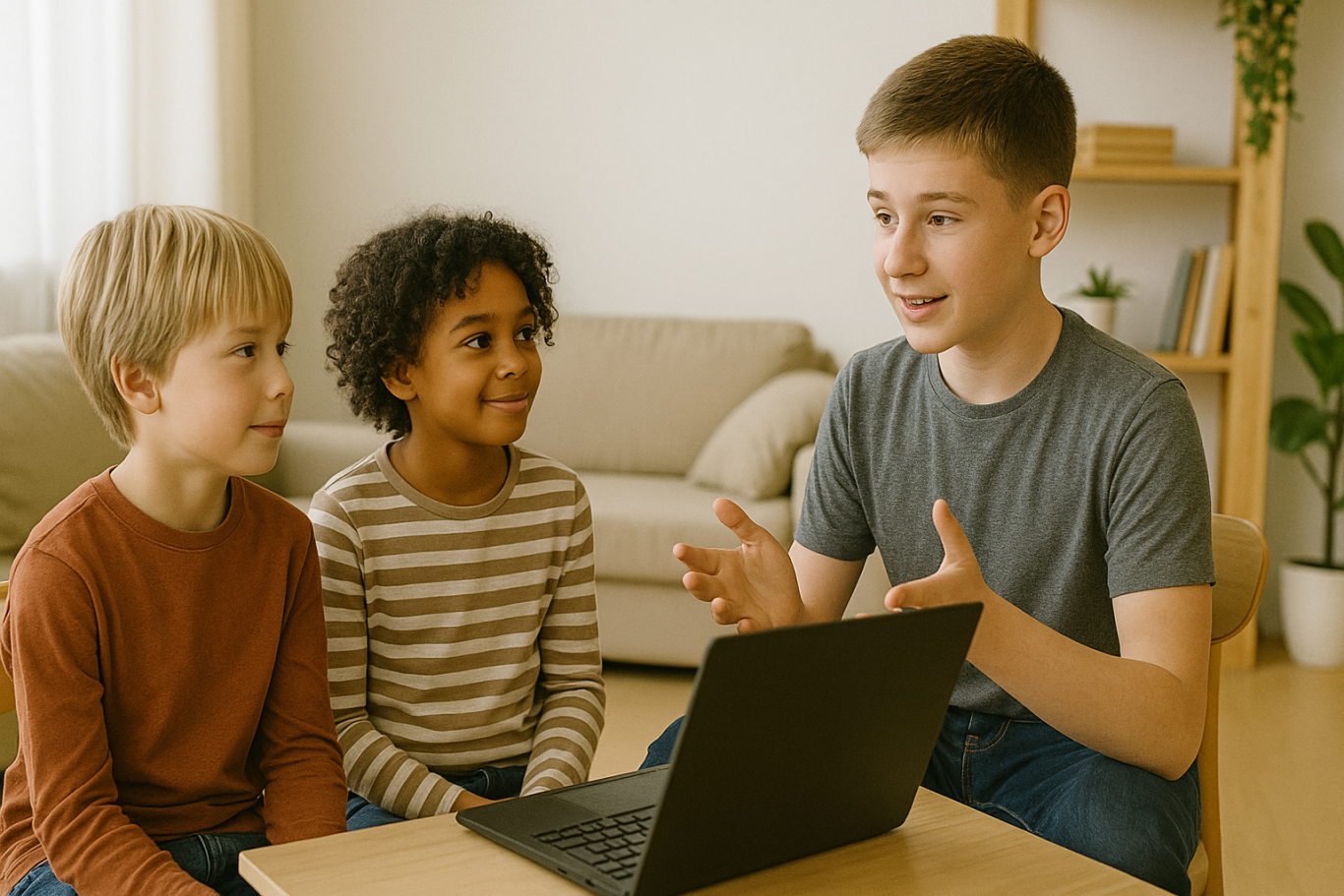
Once your child becomes confident in their coding skills, they can teach younger children or peers who are just starting out. Whether it is through local workshops, helping a sibling, or organizing a mini class with friends, this builds leadership and communication skills.

Some older kids even offer beginner Scratch tutoring sessions online, turning their knowledge into a meaningful side hustle.

Why Learning to Code Early Matters

Understanding how to make money coding as a kid goes beyond earning an allowance. It teaches real-world skills like time management, problem-solving, entrepreneurship, and confidence. Kids who code not only learn how to build apps or games. They also gain a mindset that prepares them for the future.

Start Coding the Fun Way with Timedoor Academy

 Image

If your child is curious about coding, game creation, or building their first app, Timedoor Academy is the perfect place to begin. With interactive lessons, expert guidance, and beginner-friendly projects, kids can explore coding in a way that is fun and engaging.

Ready to see if coding is right for your child? Visit us to join a free trial class and let your child turn creativity into real skills and even their first coding income.


Keep Reading

5 Powerful Secrets of the Project Based Learning Method in Coding Education
In today’s modern education system, learning methods have evolved to become more dynamic and interactive. One of the most effective approaches in improving students’ engagement and understanding is the project based learning method. This approach focuses on learning through direct experience and the practical application of knowledge in real-world projects. In the digital age, coding skills have become one of the most essential abilities for children to master early. However, learning coding is not just about memorizing syntax or following instructions. It’s about developing logical thinking, creativity, and problem-solving skills. That’s where the project based learning method plays a key role in helping children learn meaningfully and effectively. Why the Project Based Learning Method Works for Coding Children are naturally more interested when they can see the real results of their work. In the project based learning method, they don’t just listen to theory but are actively involved in creating projects such as simple games, interactive apps, or digital animations. Through this approach, students learn by exploring, collaborating, and experimenting. They discover how to organize ideas, design solutions, and solve real problems using coding logic. This process makes learning more engaging, fun, and memorable. Key Advantages of the Project Based Learning Method in Coding Boosts Learning Motivation When children see the outcomes of their own work, they gain a sense of pride and accomplishment. The project based learning method helps them feel that every lesson has a purpose. This builds intrinsic motivation to keep learning and exploring new things. Enhances Problem-Solving Skills Every project presents challenges that children must overcome. This trains them to think critically and find creative solutions. The project based learning method encourages perseverance and helps children build confidence in solving complex problems. Encourages Collaboration and Communication One of the most valuable elements of the project based learning method is teamwork. Students learn to share ideas, listen to others’ opinions, and combine their skills to achieve the best results. These social and communication skills are essential for their future success. Deepens Understanding of Technology Concepts By directly applying what they learn, children gain a deeper understanding of how technology works. They don’t just know how to write code; they understand the logic behind it and how it can be used to create meaningful solutions. Implementation at Timedoor Academy Timedoor Academy understands the importance of interactive and practical learning. That’s why our coding classes use the project based learning method to ensure every student learns actively and joyfully. Each module is carefully designed so that students can work on real projects based on their skill levels. For example, beginners might create interactive animations, while advanced learners can develop simple games or websites. Moreover, the instructors at Timedoor Academy act as mentors who guide children to think creatively behind every project. The learning experience not only produces digital products but also builds a problem-solving mindset that lasts a lifetime. Positive Impacts on Child Development Children who learn through the project based learning method show significant growth in various aspects. They become more confident as they complete real projects. Their critical thinking and time management skills also improve noticeably. Additionally, this approach teaches children that making mistakes is part of the learning process. When their projects don’t work as expected, they learn to fix and try again. This growth mindset is crucial in today’s ever-evolving technological world. Connecting Theory with Real Life One of the biggest challenges in teaching coding is helping students understand the connection between theory and real-world application. With the project based learning method, children learn that every line of code has a real function and purpose. For instance, they might create a simple app to organize their study schedule or design an educational game for their friends. Once they realize that coding skills can be used to build something useful, their enthusiasm for learning grows naturally. Parents’ Role in Supporting Learning Parents play a vital role in supporting their children’s journey using the project based learning method. Offering encouragement and appreciation for their work builds their confidence. Giving children the space to experiment and explore also helps nurture independent thinking. Parents can support by asking about their learning process, not just the final outcome. This strengthens the bond between parents and children while encouraging continuous growth. Conclusion: Active, Creative, and Meaningful Learning Coding education through the project based learning method is more than just teaching children to write code. It’s about shaping analytical thinkers who are creative, resilient, and solution-oriented. This approach empowers them to face challenges positively while building essential skills for the future.If you want your child to learn coding in an engaging and meaningful way, sign them up for a Free Trial Class at Timedoor Academy. Let them experience the joy of learning through real projects that spark creativity and build confidence for a bright digital future.
7 Top Real Dangers of Roblox for Kids in 2025
Roblox has quickly become one of the most popular online games among children today. With its open-world design and endless possibilities for creating and playing games within the platform, it offers a fun and imaginative space for kids. But behind its colorful charm, parents need to be aware of the very real dangers of Roblox for kids that often go unnoticed. As an open and user-driven platform, Roblox allows players to interact, build content, and explore virtual worlds freely. Unfortunately, that same freedom also creates potential risks that can impact a child’s emotional, mental, and social well-being. Below are seven critical dangers of Roblox for kids that every parent should understand to better protect their child. 1. Exposure to Age-Inappropriate Content Although Roblox has parental controls and age restrictions, many games are created by users and don’t go through strict moderation. This can expose children to violence, harsh language, or mature themes. One of the most concerning dangers of Roblox for kids is how easily this content can influence their thoughts, speech, and behavior if not properly monitored. 2. Unsafe Online Chat Features Roblox includes chat functions that allow players to talk with others. Without restrictions, children may engage with strangers who could have bad intentions. In some instances, these chats have led to cyberbullying or inappropriate conversations. This makes the chat feature one of the more hidden yet dangerous dangers of Roblox for kids. 3. Risk of Gaming Addiction Roblox’s constantly evolving content and variety of mini-games make it highly addictive. Many children find themselves playing for hours without a break, leading to less time for schoolwork, sleep, and physical activity. One of the long-term dangers of Roblox for kids is the disruption of a healthy daily routine and the decline of important real-world habits. 4. In-App Purchases and Digital Spending While Roblox is free to download and play, it includes in-app purchases through its virtual currency, Robux. Kids may not fully understand the value of money and might make accidental purchases, sometimes using their parents’ payment methods. This financial risk is another example of the underestimated dangers of Roblox for kids. 5. Online Predators and Stranger Danger Some online predators disguise themselves as friendly players and use Roblox to connect with children. Over time, they may ask for personal information or manipulate trust. Among the most serious dangers of Roblox for kids is the possibility of them falling victim to online grooming or exploitation. 6. Decreased Interest in Physical and Social Activities Spending too much time on Roblox can lead to children losing interest in physical play or socializing with friends and family. Over time, this withdrawal can slow down their social development. One of the behavioral dangers of Roblox for kids is the reduction in offline experiences that build empathy, communication, and social skills. 7. Distraction from Learning and Lower Academic Focus Kids who spend too much time playing Roblox may struggle to concentrate in school. They often think about the game even during study time and may become restless or disinterested in learning. This drop in focus and motivation is a clear warning among the many dangers of Roblox for kids that affect their educational progress. What Can Parents Do? Rather than banning Roblox completely, a more effective approach is to guide your child’s digital use. Set clear screen time limits, use parental controls, and have open conversations about the dangers of Roblox for kids. It’s also a good idea to offer healthier tech-based alternatives that are just as fun, but more beneficial. One such activity is learning to code. Instead of just playing games, children can explore how games are made, which builds logic, creativity, and self-confidence. Try a Free Coding Class at Timedoor Academy Timedoor Academy offers free coding classes for children aged 5 to 18. With a project-based learning method and a fun, age-appropriate curriculum, kids get to create games, animations, and digital projects while learning valuable problem-solving skills. Guided by professional mentors, children can shift from being passive users of tech to creative thinkers and builders. Let’s help kids grow in a safe and inspiring digital space. Sign your child up today for a free coding class at Timedoor Academy!
7 Top Dangers of Sweetened Condensed Milk for Children in 2025
Sweetened condensed milk is still widely considered by many parents as a substitute for regular milk or a nutritious drink for kids. Its sweet taste, low price, and appealing packaging often make it seem like a practical choice. However, the dangers of sweetened condensed milk for children are serious and often go unnoticed. Unlike regular milk, sweetened condensed milk is a processed product that is extremely high in sugar and contains very little protein or calcium. It is more accurately categorized as a sugary beverage with a milky flavor. Unfortunately, due to a lack of awareness, the dangers of sweetened condensed milk for children continue to be overlooked, especially in households with limited access to nutrition education. This article outlines seven key dangers of sweetened condensed milk for children that parents must be aware of in order to make healthier choices for their families. 1. Extremely High Sugar Content A single serving of sweetened condensed milk can contain more than 40 percent sugar. Children who consume it regularly are at high risk of excessive sugar intake. This is one of the primary dangers of sweetened condensed milk for children, as it can lead to obesity, tooth decay, and metabolic issues from a young age. 2. Increased Risk of Childhood Diabetes Too much sugar from sweetened condensed milk puts added stress on the pancreas to produce insulin. Over time, this can result in blood sugar regulation problems. One of the more alarming dangers of sweetened condensed milk for children is the rising number of cases of type 2 diabetes found in school-aged kids. 3. Lacks Essential Nutrients Though it may look like milk, the nutritional content of sweetened condensed milk is significantly lower than that of UHT milk or formula. Children need protein, healthy fats, and calcium, all of which are lacking in this product. The danger of sweetened condensed milk for children in this context is that it can make kids feel full without providing the nutrients needed for healthy growth. 4. Develops a Sweet Tooth Drinking sweetened condensed milk regularly can condition children to prefer overly sweet foods. This can lead them to reject healthier options like vegetables or natural foods. One of the dangers of sweetened condensed milk for children is that it creates unbalanced eating habits that are hard to reverse later in life. 5. Digestive Discomfort Some children may experience diarrhea or constipation after consuming large amounts of sweetened condensed milk. Its high sugar and processed fat content can disrupt the balance of gut bacteria. This is one of the more overlooked dangers of sweetened condensed milk for children, but it can significantly affect their daily activities. 6. Causes Tooth Decay Sweetened condensed milk is sticky and tends to cling to teeth. If not brushed away properly, the leftover sugar becomes a breeding ground for cavity-causing bacteria. This danger of sweetened condensed milk for children can manifest quickly, especially if they brush infrequently or still use bottles. 7. Lowers Overall Family Nutrition Quality Many families serve sweetened condensed milk as a daily drink, which can lower the overall standard of nutrition in the household. Children may miss out on better sources of calcium and protein. The dangers of sweetened condensed milk for children go beyond individual health and can negatively impact the entire family’s eating habits. What Can Parents Do? The first step is recognizing that not all milky-looking drinks are healthy for kids. Always read labels, seek reliable information, and consult with a pediatric nutritionist if needed. Replace sugary drinks with water, fresh milk, or natural fruit juices with no added sugar. Guide Children Toward Positive, Productive Activities In addition to managing nutrition, parents can support their children by encouraging activities that promote growth and learning. One excellent option is coding. Coding is not just fun, it also boosts focus, logic, and creativity from an early age. Try a Free Coding Class at Timedoor Academy Timedoor Academy offers free coding classes for children ages 5 to 18. Kids can learn to build games, animations, and digital projects tailored to their age and interests. With project-based learning and the guidance of professional mentors, children will be engaged in creating and thinking, not just consuming screen time. Invite your child to try a free coding class at Timedoor Academy today. Help them build a future that is healthy, smart, and filled with creativity!
float button