Jun 05, 2025

5 Best! Online Quran Classes for Kids with Prices in 2025

5 Best! Online Quran Classes for Kids with Prices in 2025 image

As technology evolves and family routines become more hectic, many parents are now turning to online quran lessons for kids as a flexible and effective way to introduce their children to the fundamentals of Islamic learning. Thanks to online platforms, children can now learn to read the Quran from home in a fun, engaging, and structured environment.

Well-known institutions across Indonesia now offer quran classes for kids that cover various programs such as Iqro reading, Quran recitation with proper tajweed, basic memorization, and character-building through Islamic values. These classes are not only about recitation. They also support personal growth through patience, discipline, and kindness.

To help you choose the right program, here are 5 of the most reputable and trusted online quran classes for kids to explore in 2025.

5 Best! Online Quran Classes for Kids with Prices in 2025

1. Rumah Quran Salman
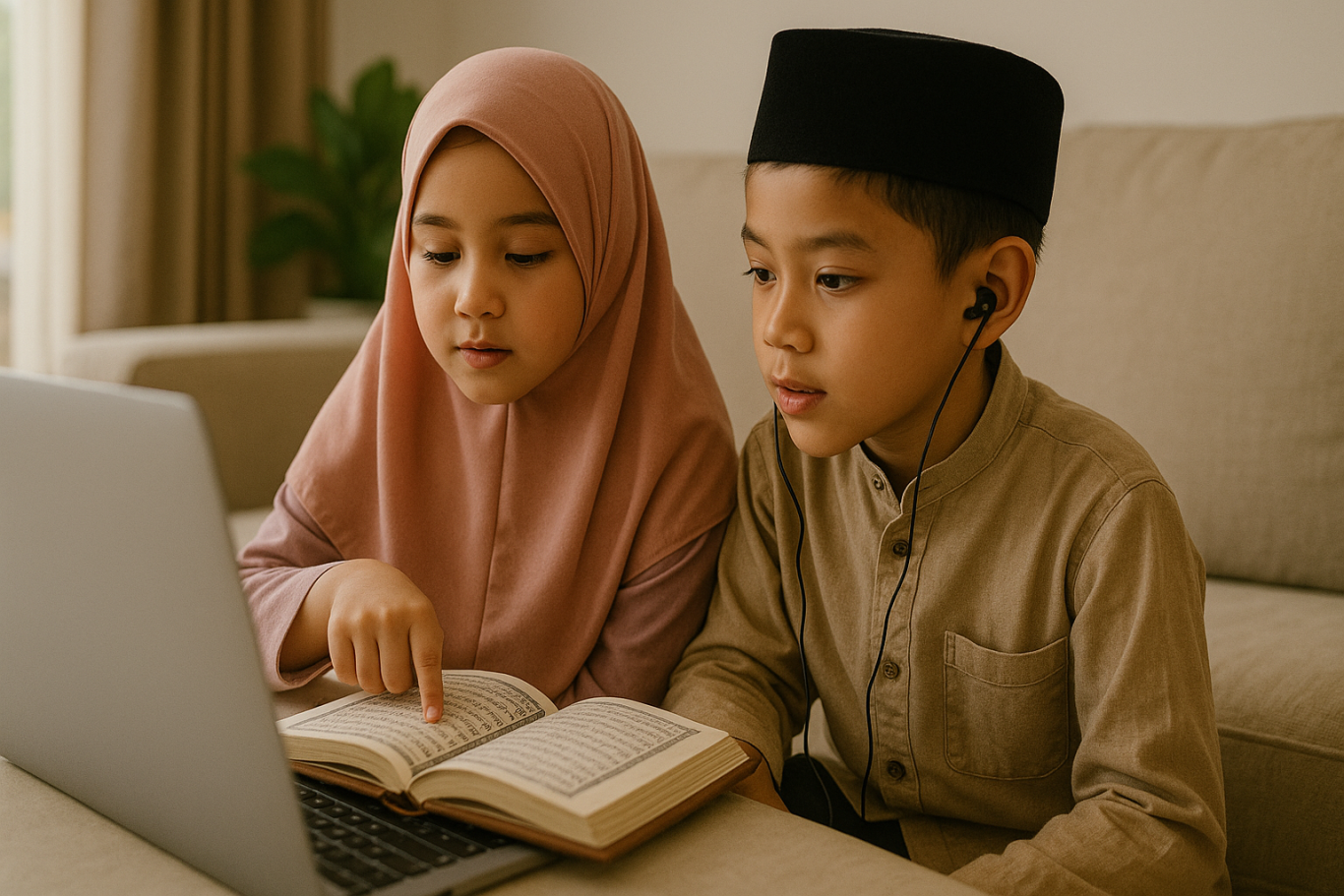
online quran classes for kids

Price: Starting from IDR 400,000 per month

Rumah Quran Salman is a well-known Islamic learning center that offers structured quran classes for kids with certified teachers. Their programs include Iqro reading, tajweed, and Quran memorization for children aged 4 and above.

Key Features:

  • Step-by-step Iqro to Quran progression
  • Private and small group classes
  • Monthly progress reports for parents
  • Professional teachers with Islamic education backgrounds

Platform: Zoom and WhatsApp Parent Group
 

2. AQL Islamic School – Ngaji Online
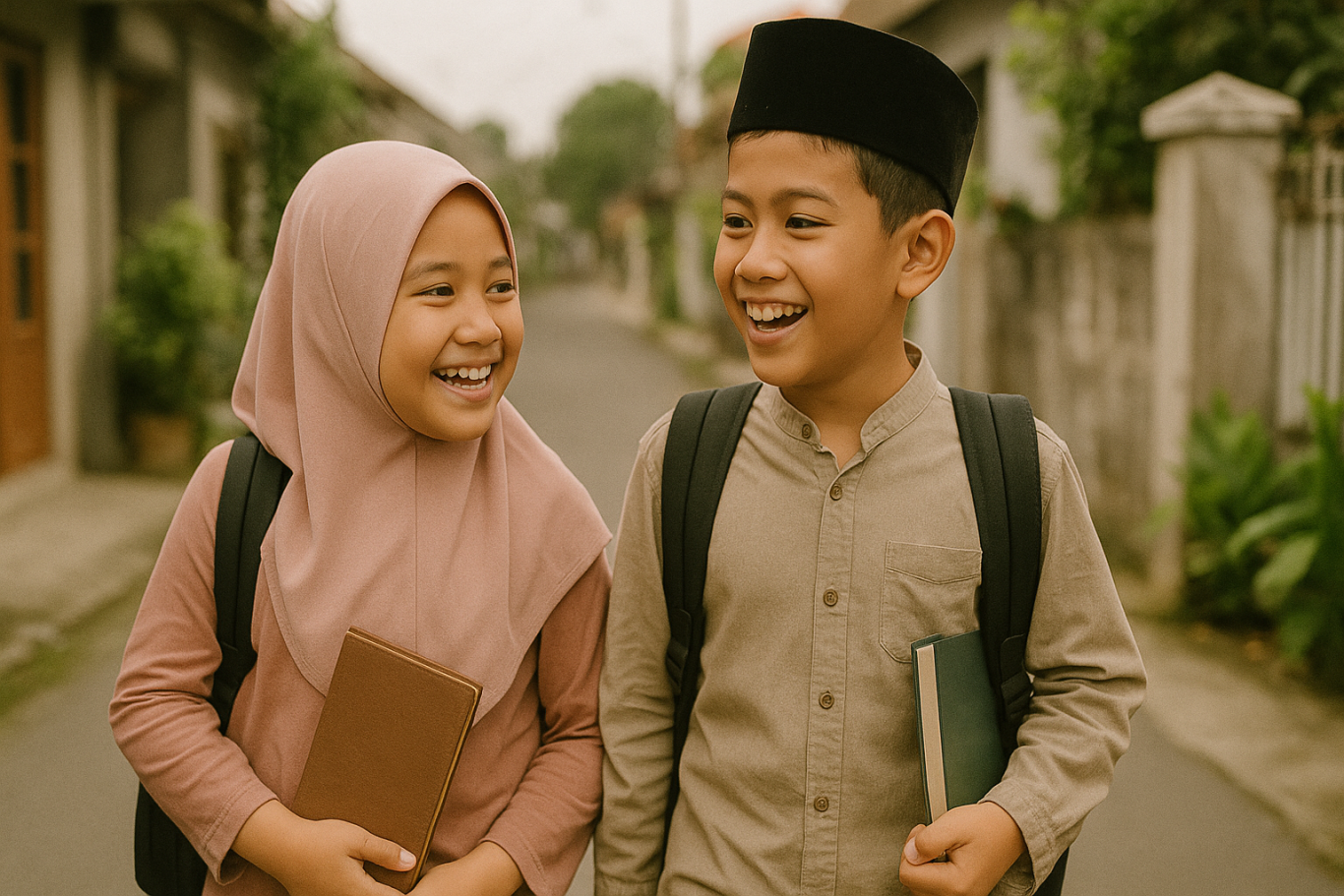
quran classes for kids

Price: Starting from IDR 500,000 per month

AQL is led by Ustadz Bachtiar Nasir and is known for its Islamic education programs. Their online quran lessons for kids focus on improving recitation, memorization, and instilling Islamic values such as tawheed and good character.

Key Features:

  • Talaqqi and memorization-based teaching
  • Curriculum includes adab and basic Islamic beliefs
  • Live Zoom classes with recordings available
  • Certificates for each level completed

Platform: Zoom and AQL Learning Portal
 

3. Zaidan Quranic Center – Ngaji Online

les ngaji anak

Price: Starting from IDR 350,000 per month

Zaidan Quranic Center offers fun, personalized quran classes for kids. They are known for adapting lessons to each child’s pace and making the experience enjoyable and motivating.

Key Features:

  • Programs for memorization and tajweed
  • One-on-one learning with chosen instructors
  • Monthly progress assessments
  • Flexible schedule options

Platform: Google Meet and WhatsApp

4. Tilawati Online

kursus ngaji anak

Price: Starting from IDR 375,000 per month

Tilawati is one of the most widely used Quran learning methods in Indonesia. Their online quran lessons for kids are led by certified instructors using the official Tilawati curriculum and books.

Key Features:

  • Nationally standardized materials
  • Official Tilawati certified teachers
  • Programs for Iqro, Quran reading, and memorization
  • Ongoing parent-teacher communication

Platform: Zoom and Tilawati App

5. Rumah Belajar Quran Ummu Habibah

Price: Starting from IDR 300,000 per month

This learning center focuses on girls and younger children. Their quran classes for kids are designed to be nurturing and interactive using songs, stories, and positive reinforcement.

Key Features:

  • Story-based lessons and Islamic songs
  • Experienced and patient female teachers
  • Teaches daily prayers and short surahs
  • Printable and digital study materials

Platform: Zoom and Google Meet

Quran Time Over? Time for Coding

 Image

After building a solid spiritual foundation through quran classes for kids, introducing children to digital skills like coding can be the next exciting step. Learning to code helps children develop logical thinking, focus, and creativity. These are values that align well with what they learn through online quran lessons for kids.

Timedoor Academy provides coding classes specifically designed for kids. The learning is interactive, project-based, and tailored to make technology approachable and fun. From creating games to designing animations, children can grow both intellectually and spiritually.

Balance your child’s education by supporting both their spiritual and digital growth. Sign up for a free trial class today at Timedoor Academy!


Keep Reading

<strong>Age Limit for Children Using Gadgets: When Is the Right Time?</strong>
Age Limit for Children Using Gadgets: When Is the Right Time?
In today's digital age, gadgets have become an inseparable part of daily life. Children are increasingly exposed to smartphones, tablets, and laptops from a very young age. This growing trend raises a crucial question for parents: what is the ideal age limit for children using gadgets? This question does not have a one-size-fits-all answer, as every child develops at their own pace. However, understanding the basic principles of when and how children should be introduced to gadgets is essential for developing healthy digital habits. Why Setting an Age Limit Matters Research shows that excessive gadget use at an early age, especially without supervision, can negatively affect a child’s cognitive, emotional, and social development. Therefore, setting an age limit for children using gadgets is not about banning technology entirely. Rather, it’s about protecting children and guiding them during their growth years. Children who spend too much time on gadgets may experience sleep disturbances, delayed speech development, or even early signs of screen addiction. That’s why it’s important for parents to know the right time to introduce gadgets and how to direct their usage in a positive way. Expert Recommendations Child development organizations such as the American Academy of Pediatrics (AAP) offer clear guidelines on the age limit for children using gadgets: 0–18 months: Avoid screen exposure except for video calls with family members. 18–24 months: If introducing gadgets, ensure the content is high-quality and that parents are present to assist and explain. 2–5 years: Limit screen time to one hour per day, focused on educational content. 6 years and older: Begin to teach children about screen time boundaries, digital responsibility, and the importance of physical activity. These recommendations can serve as a helpful starting point for parents to develop digital guidelines at home. When Is a Child Ready for Their Own Gadget? Beyond the question of screen time, many parents also wonder when it’s appropriate for children to have their own gadget. This goes beyond just age. The age limit for children using gadgets should take into account emotional maturity and responsibility. Here are a few things to consider before handing over a personal device: Has your child demonstrated a clear understanding of rules and limits? Can your child take care of their belongings responsibly? Does your child use digital tools for learning or productive activities? If your answers are mostly yes, it may be time to consider allowing a child to own a device, provided you set clear boundaries and maintain active supervision. The Role of Parents in Digital Guidance Establishing the age limit for children using gadgets is only effective if parents are actively involved in the process. It’s not just about creating rules. Parents should model good behavior by managing their own screen time and encouraging healthy tech habits. Use this opportunity to teach your children about digital literacy, including internet safety, online etiquette, and the importance of taking regular screen breaks. Additionally, promote offline activities like reading, outdoor play, and creative hobbies to create a more balanced lifestyle. Using Gadgets for Positive Purposes Gadgets are not inherently bad. When used properly, they can be powerful tools for learning and creativity. There are numerous educational platforms and apps designed specifically to enhance children’s knowledge and skills. That’s why the age limit for children using gadgets should be complemented by introducing them to productive tech-based activities like learning coding, animation, or basic digital design. When children use gadgets to create and explore, they develop valuable 21st-century skills while staying engaged in meaningful ways. Responsible Tech Starts with Age-Appropriate Use Understanding the age limit for children using gadgets is a foundational step in fostering healthy digital habits at home. While each family’s approach may differ, the underlying principles remain the same: supervision, clear time limits, and age-appropriate content. As parents, our role is not to fear the digital world, but to prepare our children for it with wisdom, support, and education. Would you like your child to use gadgets for something truly meaningful? Sign up for a free trial at Timedoor Academy, where your child can learn coding and digital skills in a fun, structured, and educational environment.
How to Use Figma for Kids: A Fun and Simple Digital Design Guide
In today’s digital era, graphic design has become an increasingly essential skill, even for kids. Design is not just about drawing or creating illustrations. It also helps children develop creativity, visual logic, and systematic thinking. One of the most popular and beginner-friendly design tools to introduce early on is Figma. This article will guide you on how to use Figma for kids in a fun and easy-to-follow way. Figma is a web-based design platform widely used by UI/UX professionals and graphic designers. But because of its intuitive interface and real-time collaboration features, Figma can also be a great learning tool for children, especially those curious about digital design, posters, invitations, app layouts, or even simple games. Why Kids Should Learn Digital Design Digital design is not only about aesthetics, but also about communication. Kids who learn design early tend to express ideas visually, organize information clearly, and feel more confident experimenting with their creativity. Design skills also open doors to other fields like illustration, app development, animation, and branding. By learning how to use Figma for kids, the design process becomes more engaging. They can instantly try, rearrange, and explore design elements without needing to install any additional software. What to Prepare Before Using Figma Before your child starts designing, here are some things to set up: Figma account: Create a free account at figma.com. Use a parent’s email and assist during setup. Device: A laptop or desktop with a stable internet connection works best. Simple design theme: Start with fun, easy projects like a birthday card or character illustration. Benefits of Using Figma for Kids Here are some of the main benefits of using Figma as a learning tool for kids: Enhances creativity and visual aesthetics Builds logical thinking through layout structure Boosts confidence through hands-on creation Encourages teamwork and collaboration in online settings Step-by-Step Guide: How to Use Figma for Kids Below are specific steps on how to use Figma for kids, including core features and how to guide them: 1. Introduce the Interface and Basic Tools After logging in to a Figma account, walk your child through the main elements of the workspace: Canvas: the blank area where they’ll build designs Top toolbar: includes tools like Move, Frame, Shape, and Text Left panel: shows the object structure (layers) Right panel: used to adjust color, size, position, and effects Let them freely draw circles, squares, or stars and experiment with colors. This unstructured play helps them get familiar with Figma naturally. This is also a great starting point in how to use Figma for kids in a stress-free way. 2. Start a New Project Click New Design File and let your child name it something fun like “My Poster” or “Cute Cat Project.” Then: Create a Frame using A4 size or mobile screen dimensions Add shapes via the Shape tool, then change colors on the right panel Add text with the Text Tool, and adjust font size, color, and position This step of how to use Figma for kids feels like drawing on a digital piece of paper—fun and intuitive. 3. Add Images and Illustrations To make their design more dynamic, help them insert images: Click File > Place Image and choose from your computer Or simply drag and drop into the canvas Use the Unsplash plugin to find royalty-free images directly inside Figma This makes it easier for kids to create digital greeting cards, collages, or mood boards. These small projects are practical examples of how to use Figma for kids in real-life situations. 4. Create Simple App or Game Layouts For older kids, try introducing them to basic app layout design: Use Frames sized for iPhone or Android Add titles, icons, and buttons Turn elements into Components for duplication Use Prototype mode to simulate screen transitions This is a creative and exciting way to teach design logic and basic UX thinking. It’s also a more advanced stage in how to use Figma for kids who want to go deeper. 5. Collaborate and Present Figma is perfect for collaborative learning. Kids can: Click Share to invite parents, teachers, or friends Use Presentation Mode to view their design full-screen Receive comments directly on the canvas and learn from feedback These interactions help kids learn how to present and improve their ideas. How to use Figma for kids can extend into valuable lessons on teamwork and communication. Combine with Online Design Classes To support their learning journey, consider enrolling your child in an online design course. Timedoor Academy offers kid-friendly design programs based on fun projects and personalized learning. Learning how to use Figma for kids is much easier when supported by friendly mentors and structured activities. Tips for Parents to Support Learning To make the learning process smoother, parents can: Be present during the early stages, then give room to explore Ask about their designs and encourage storytelling Avoid focusing on perfection—celebrate creativity instead Try designing together as a bonding activity Ready to Introduce the World of Design? Introducing your child to digital creativity can begin with simple tools like Figma. With the right guidance and playful approach, how to use Figma for kids becomes a fun activity that sharpens logic, builds visual confidence, and sparks interest in technology. Timedoor Academy is here to support your journey. With interactive online classes and friendly instructors, your child can learn to design with confidence. Try a free class today and help your child discover their design potential from an early age.
Fun and Easy Coding Lessons for Kids in 2025
In today’s fast-moving digital world, coding has become an essential skill for children. It’s not just about preparing them to become future programmers, but also about helping them build logic, improve critical thinking, and solve problems in a structured way. That’s why introducing coding lessons for kids at an early age is a smart move for both parents and educators. Teaching coding to children, especially those in elementary school, requires a different approach than teaching older students or adults. The material must be adapted to their level of understanding and presented in a way that is fun and interactive, so they stay engaged and motivated. So, what kind of coding lessons for kids are best suited for young learners? Let’s explore the options. Why Kids Should Learn Coding Before diving into the types of coding lessons for kids, it’s important to understand why coding is valuable from a young age. Some of the key benefits include: 1. Strengthening logical thinkingCoding teaches kids how to think in steps and solve problems using logic. This helps develop structured and organized thought patterns. 2. Encouraging creativityThrough coding, children can build their own games, animations, and digital stories. It sparks imagination and creative expression. 3. Preparing for the digital futureAs technology becomes more integrated into everyday life and future careers, understanding coding gives kids a head start and builds a strong foundation. 4. Building resilienceWhen something in their code doesn’t work, kids are encouraged to find solutions and try again. This helps develop patience and problem-solving skills. Recommended Coding Lessons for Kids There are many ways to introduce coding lessons for kids, depending on their age and learning style. Here are some great starting points: 1. Understanding Basic Logic and Algorithms Before learning a programming language, kids need to grasp simple concepts like sequences, conditionals (if-then statements), and loops. These can be taught using hands-on activities like card games, unplugged coding puzzles, or guided problem-solving exercises. 2. Block-Based Programming Block-based platforms are one of the most effective ways to start coding lessons for kids. Kids drag and drop visual blocks that represent code to complete tasks. Some popular platforms include: Scratch: Designed for children to build animations, games, and interactive projects. Code.org: Offers beginner-friendly lessons with characters and stories that keep kids engaged. Blockly: Similar to Scratch and great for easing the transition into text-based programming. These tools make learning to code intuitive, visual, and fun. 3. Beginner Programming Languages Once children are comfortable with block-based coding, they can begin to explore simple programming languages such as: Python: Known for its readability and simplicity, perfect for beginners. HTML & CSS: Great for kids interested in web design and layout. Basic JavaScript: Helps kids understand interactivity and logic on websites. These coding lessons for kids should be introduced slowly and supported by mentors who understand how to guide young learners. 4. Real-Life Coding Applications To make learning more meaningful, kids can be shown how coding is used in real life. They can build educational games, simulate everyday systems like traffic lights, create interactive calendars, or program basic robots using tools like Micro:bit or LEGO Robotics. These hands-on applications show that coding can be both fun and useful. Tips for Teaching Kids to Code For coding lessons for kids to be effective, the teaching method is just as important as the content. Here are a few tips: Use interactive visualsChildren understand and retain more when they see how things work. Use videos, animations, and coding games. Make learning funIncorporate games, challenges, and reward systems to keep kids motivated and engaged. Celebrate small winsRecognizing achievements helps build confidence and encourages progress. Keep it gradualAvoid overwhelming kids by focusing on one concept at a time and allowing them to master it before moving on. Start Early, Build Strong Foundations The best coding lessons for kids are those that suit their developmental level, encourage creativity, and support essential skills like logical thinking and problem-solving. By starting early, children are not only introduced to the world of technology, but they also gain confidence in exploring and understanding how digital systems work around them. If you’re looking for a program that makes coding accessible, fun, and age-appropriate, Timedoor Academy offers interactive lessons led by experienced instructors. Sign your child up for one of our engaging classes and take advantage of our free trial session. It’s the perfect way to introduce coding lessons for kids in a positive and meaningful way!
float button