May 06, 2025

Beware of Social Media Platforms Children Should Avoid in 2025
Beware of Social Media Platforms Children Should Avoid in 2025 image

In today’s digital age, social media is part of everyday life — even for children. Many kids have social media accounts before they even reach their teenage years, whether to play games, watch videos, or stay in touch with friends. But not all platforms are safe or appropriate. There are several social media platforms children should avoid due to the high risks they pose to their safety and psychological development.

Why Should Children’s Access to Social Media Be Limited?
social media platforms children should avoid

Children are still in the process of developing cognitive and emotional maturity. They often don’t fully understand privacy boundaries, long-term consequences of online posts, or how to handle harmful digital interactions. Without proper supervision, children can be exposed to inappropriate content, online predators, cyberbullying, and even social media addiction.

That’s why parents need to be aware of the social media platforms children should avoid, and replace them with safer, age-appropriate alternatives.

List of Social Media Platforms Children Should Avoid
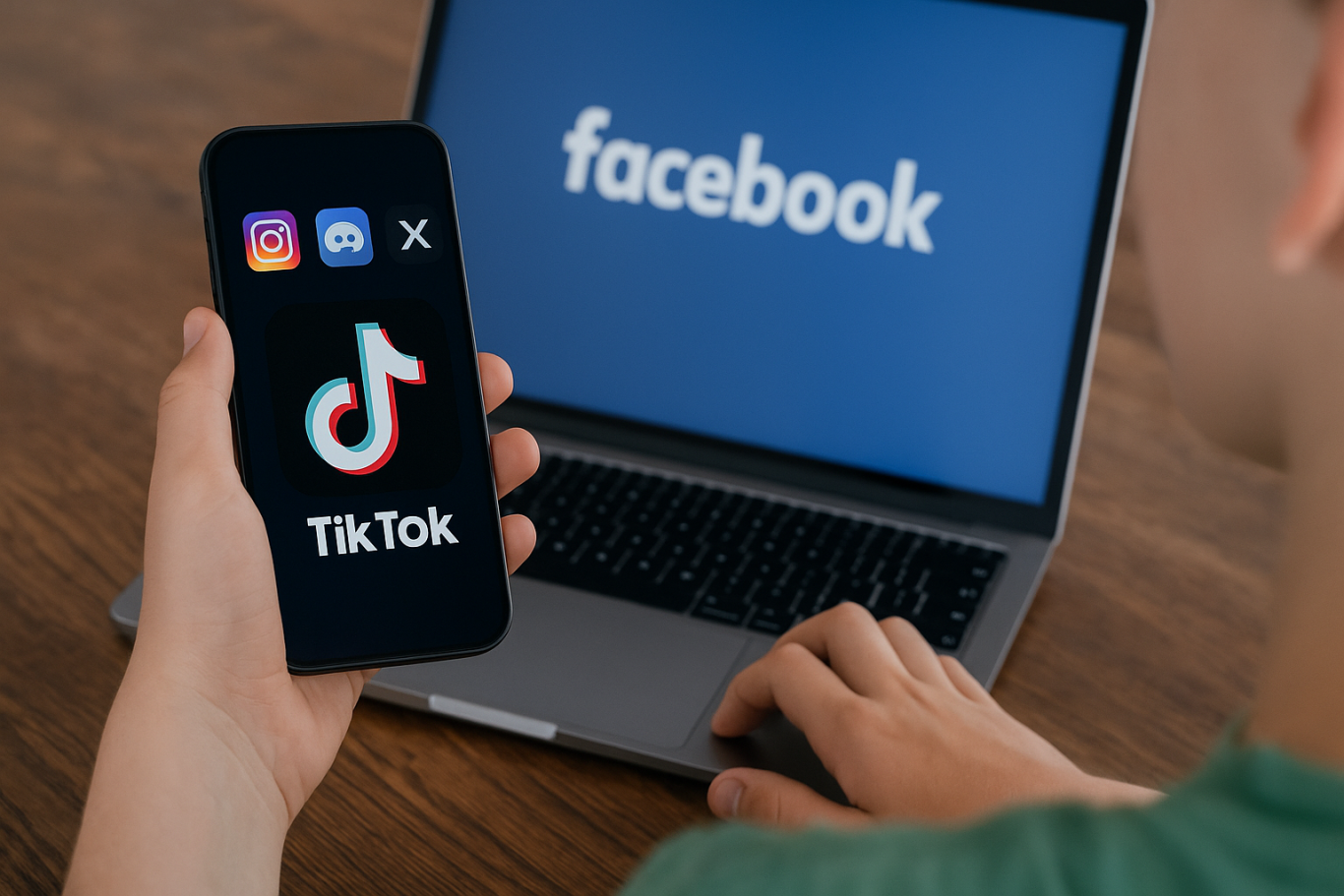
Here are several platforms that are not recommended for children, especially without parental supervision:

  1. TikTok (without child restrictions)
    While TikTok offers “Family Pairing” and “Restricted Mode,” the reality is that explicit content, dangerous challenges, and toxic comments are still easily accessible. The platform’s algorithm quickly delivers viral content, some of which may not be suitable for kids.
  2. X (formerly Twitter)
    X is an open platform where anyone can post opinions and information, often without filters. Harmful content, hate speech, and misinformation are rampant. The DM (Direct Message) feature also allows strangers to contact users directly — a big risk for children.
  3. Discord
    Initially created for gaming communities, Discord has expanded into all kinds of chat servers. Many are public and unmoderated, making it easy for children to encounter inappropriate language, adult content, or strangers with bad intentions.
  4. Instagram
    Instagram often pressures kids to focus on appearance, popularity, and curated lifestyles. Its comment and DM features can become avenues for cyberbullying or unhealthy social comparisons.
  5. Facebook
    Though no longer a favorite among younger users, Facebook is still widely used by adults. The platform exposes kids to hoaxes, extreme content in groups, and unwanted interactions, making it one of the social media platforms children should avoid.

Recognizing which social media platforms children should avoid allows parents to take control of their child’s digital environment and redirect their attention to safer spaces.

Psychological and Social Risks
Allowing children to use social media platforms children should avoid can lead to serious consequences. Children may experience low self-esteem from comparing themselves to others, feel pressure to maintain a certain online image, or face emotional distress from negative comments.

Exposure to violent or sexual content can disrupt emotional growth and affect how children view relationships and self-worth. In the long run, it can lead to mental health issues and strained social development offline.

How to Protect Children from Harmful Social Media
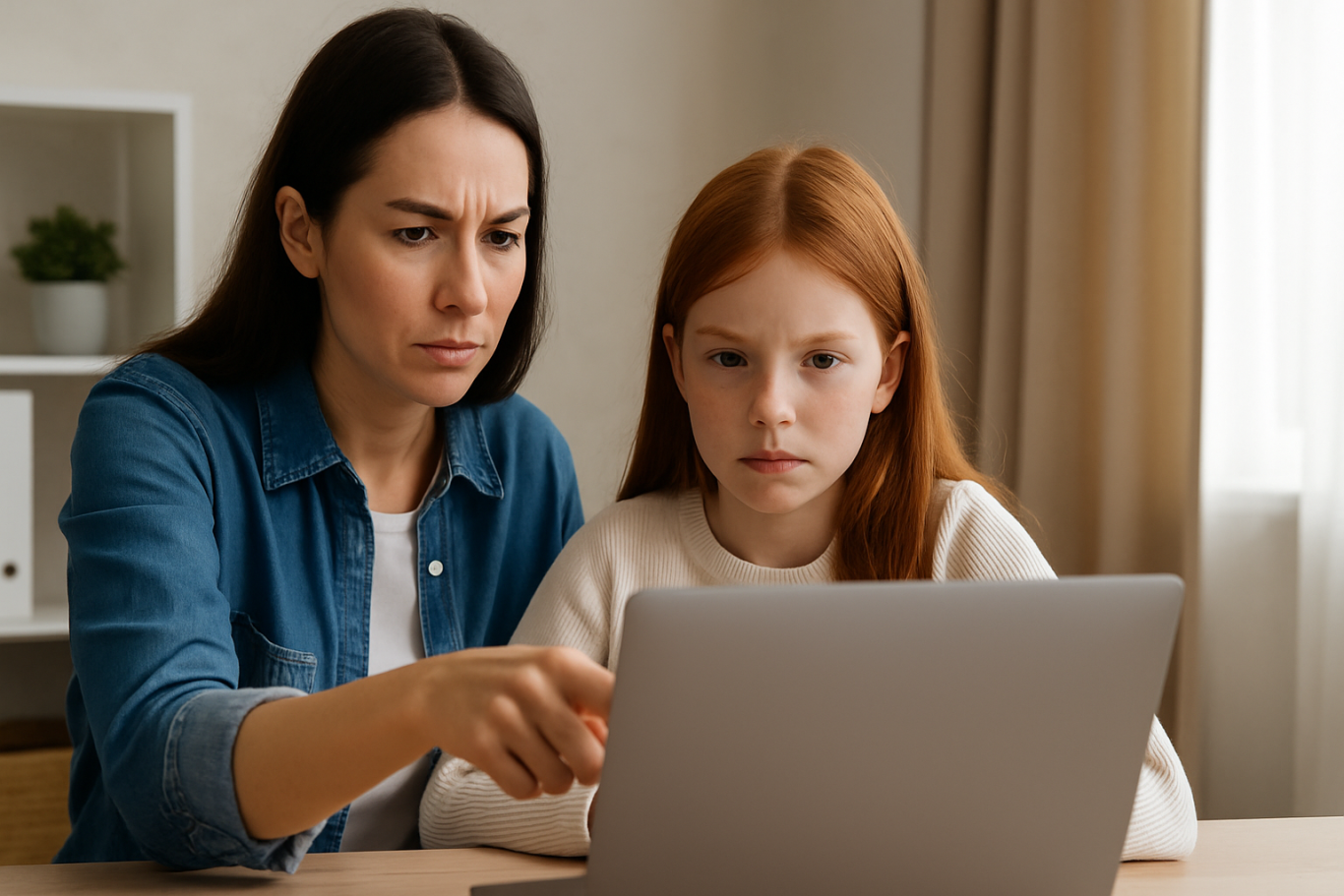
Parents can take the following steps to protect children from risky digital exposure:

  1. Delay social media access until they are ready
    Respect the minimum age requirements of each platform. Make sure your child is mentally and emotionally ready before allowing them to join.
  2. Use parental control apps and settings
    Many platforms offer tools that help monitor and limit what kids can access. Enable privacy and safety settings wherever possible.
  3. Check in on your child’s digital activity regularly
    This isn’t about spying but ensuring that your child’s online space is safe and healthy.
  4. Open up conversations about online content and friendships
    Encourage children to share what they see and experience online. Building trust is key to early problem detection.
  5. Introduce educational and kid-friendly platforms
    Safer alternatives like YouTube Kids or interactive learning platforms are better choices than social media platforms children should avoid.

A Safer Digital Experience Starts with Awareness

Understanding which social media platforms children should avoid is a crucial step in developing healthy digital habits. The online world can be fun and enriching — but only when children are equipped with the right tools, knowledge, and adult guidance.

Ingin tahu detail program? Image

Ingin tahu detail program?

If you’re looking for a way to introduce your child to the digital world safely and meaningfully, Timedoor Academy offers kid-friendly coding and digital literacy classes. You can also try a free trial class today and discover how digital learning can be both safe and fun from the start.
Keep Reading

Cara Membuat Game di Roblox untuk Anak-Anak
How to Create a Roblox Game for Kids: Easy Guide
Roblox is a fantastic platform that allows kids to create, play, and share their own games. Learning how to create a game in Roblox can be a rewarding and fun experience for children, helping them develop creativity and basic coding skills. In this easy guide, we’ll walk you through step-by-step how your child can start creating their very own Roblox game. Creating Roblox Game For Kids Step 1: Setting Up Roblox Game Studio For Your Kids To create games, kids first need Roblox Game Studio. Here’s how to set it up: Log in to your Roblox account. Go to the Roblox Studio website and click on "Start Creating." Follow the simple instructions to install Roblox Studio on your computer. Step 2: Choose a Roblox Game Template For Your Kids Roblox Game offers several easy-to-use templates to help beginners: Open Roblox Studio. Select "New," and then choose a template like "Obby" (Obstacle Course) or "Baseplate." Step 3: Customize Your Roblox Game For Your Kids Encourage your child to personalize their roblox game: Drag and drop different objects from the Toolbox. Click objects to move, rotate, or resize them. Customize colors and textures to make the game visually appealing. Step 4: Add Simple Roblox Gameplay Elements For Your Kids Make the roblox game interactive: Add checkpoints or obstacles in an Obby game. Use scripts from the Toolbox to easily add functionality. Test the game frequently by clicking the "Play" button at the top. Step 5: Publish and Share Your Kids Roblox Game Once your roblox game is ready, follow these simple steps: Click "File" then select "Publish to Roblox." Enter a fun and descriptive name for the game. Choose settings like visibility (Public or Private). Click "Create" to publish your game. Tips for Kids Creating Roblox Game Start simple: Create a basic game and gradually add more features. Explore tutorials: Roblox provides great beginner tutorials. Experiment: Don’t be afraid to try new things Start Your Kids Roblox Game Journey Today! Creating Roblox games is an excellent way for kids to express creativity while learning valuable skills. Follow our simple steps and your child can easily build their first Roblox game today. Want more learning experiences? Timedoor Academy offers free classes to help your kids dive deeper into coding and game design. Join the Free Trial Class now and keep the fun going!
How Virtual Reality in Kids Education Changes Learning
As technology becomes more embedded in daily life, education continues to evolve alongside it. One of the most exciting developments is the use of virtual reality in kids education, a concept that is no longer just futuristic. From classrooms to living rooms, VR is now used to enhance how children explore, understand, and retain knowledge. This article explores how VR is transforming the way kids learn, its benefits, real-world applications, and how parents and schools can embrace this shift.   What Is Virtual Reality in an Educational Context? Virtual reality is a digital simulation that allows users to interact with a 3D environment. In educational settings, it means that students can immerse themselves in topics such as history, science, art, and space in ways that were never possible before. Instead of reading about ancient civilizations, children can walk through virtual ruins. Rather than imagining the solar system, they can experience it in full scale. This hands-on approach to learning is what makes virtual reality in kids education so impactful.   From Passive Learning to Immersive Exploration Traditional learning often relies on reading, note-taking, and static visuals. While these methods are effective, they are not always engaging for every type of learner. Virtual reality enables multisensory learning experiences that feel more like exploration than instruction. For example, a child learning about volcanoes can virtually step inside one to see lava flow and tectonic plate movement. This type of experiential learning boosts curiosity and helps children grasp abstract or complex topics much faster.   Key Benefits of Virtual Reality in Kids Education 1. Increased Engagement and Motivation VR transforms lessons into adventures. Children are naturally more engaged when learning feels like play. This makes it easier to hold their attention and deepen their focus on the subject matter. 2. Better Knowledge Retention When children interact with content instead of simply reading or listening, their brains form stronger memory connections. VR helps students retain information through direct experience, not just memorization. 3. Safe Exploration of Real-World Concepts Certain experiments or field trips may be too dangerous, expensive, or inaccessible in real life. Virtual reality allows students to simulate these experiences safely. From exploring deep ocean ecosystems to observing chemical reactions, VR enables safe and repeatable learning. 4. Encourages Independent Learning Virtual reality in kids education supports autonomy. Children can learn at their own pace, repeat difficult lessons, and explore topics that interest them deeply. This fosters independent thinking and self-directed learning. 5. Inclusion for Different Learning Styles Some children learn visually, others through movement or sound. VR incorporates multiple modes of learning, helping educators reach students who might otherwise struggle with standard teaching formats.   Examples of VR Use in Real Classrooms Many educational institutions and platforms are already applying virtual reality in kids education. Some noteworthy tools include: Google Expeditions: Offers virtual field trips to locations such as the Great Wall of China or the surface of Mars. VictoryXR: Creates full science labs and virtual classrooms where students can conduct experiments. ClassVR: Provides ready-made curriculum-aligned content for schools to use with their students. These examples demonstrate how virtual reality in kids education is already improving outcomes in subjects like science, history, and geography.   How Parents and Teachers Can Get Started Adopting VR technology for learning doesn’t have to be expensive or difficult. Many educational VR platforms are compatible with smartphones and entry-level headsets. Parents can start by: Downloading trusted educational VR apps Using cardboard VR viewers with supported apps Setting screen time guidelines and offering support during learning sessions Teachers can integrate VR into their lesson plans by using tools that align with existing curriculum. It is important to ensure that content is age-appropriate and has clear learning objectives.   Things to Consider While the benefits are clear, there are a few considerations before adopting VR for children’s learning: Supervision: Younger kids need adult guidance to navigate VR content safely. Screen Time: Use VR as a supplement, not a replacement for human interaction or physical play. Content Quality: Not all VR apps are educational. Review each platform and select those developed by educators or trusted publishers. Equipment Requirements: Make sure devices are compatible and safe for children’s use. With thoughtful implementation, virtual reality in kids education can be a highly positive tool for both home and school environments.   The Future of Learning Is Immersive In 2025, virtual reality in kids education is no longer a novelty. It is becoming a core part of how children learn new skills, discover the world, and stay engaged in school. The technology is helping transform learning from something passive into something active, memorable, and exciting. As the cost of VR continues to decrease and content improves, more families and schools will be able to offer students this immersive learning experience.   Support Your Child’s Learning Journey with Timedoor Academy Looking for an engaging and tech-friendly way to support your child’s education? Timedoor Academy offers interactive online courses in coding, robotics, math, and digital creativity. While not all our classes use VR, they are designed with innovation and child engagement at the core. Sign up for a free trial class today and see how your child can build future-ready skills in a fun and structured environment — all from the comfort of home.
5 Top Public Speaking Course for Kids Recommendations with Pricing 2025
In today’s modern era, many parents are looking for public speaking course for kids since public speaking skills are incredibly important for developing children’s confidence and social abilities. No wonder more and more parents are seeking a trusted online public speaking course for kids to help their children communicate ideas clearly, whether at school or in their daily lives. By enrolling in a high-quality online public speaking course, children can practice structured speaking, overcome stage fright, and build real confidence. Below are 5 top recommendations for online public speaking courses for kids in 2025, complete with pricing, programs, and standout features. 1. Outschool: Public Speaking for Kids Price: Starting at $18 per classOutschool offers a wide range of online public speaking course options for kids ages 5–14. Classes include small group sessions focused on storytelling, presentations, and confidence building. Key Features: Flexible class schedules and certified instructors Engaging, project-based lessons Classes available for various age groups and skill levels Reviews and ratings from parents and students Access: 100% Online, Global 2. Udemy: Public Speaking for Kids and Teens Price: Starting at $20 per course (one-time payment)Udemy’s online public speaking course for kids and teens covers everything from basic speech techniques to delivering presentations with confidence. The curriculum is video-based and can be accessed at any time. Key Features: Lifetime access to lessons and resources Self-paced learning for maximum flexibility Activities and practice prompts for real-life speaking Completion certificate Access: Online, Worldwide 3. PlanetSpark Price: Starting at $30 per sessionPlanetSpark offers live, interactive online public speaking coursefor kids aged 6–16. Their curriculum covers debating, storytelling, stage presence, and leadership. Key Features: Personalized learning plans Regular feedback and progress tracking International student community Events, competitions, and showcases Access: Online, International 4. Speech & Debate Academy by Learn with Leaders Price: Starting at $50 per monthThis online public speaking course is led by instructors from top global universities and focuses on helping children master public speaking, debating, and critical thinking. Courses are available in group or one-on-one formats. Key Features: Small class sizes with personalized feedback Emphasis on confidence, persuasion, and communication skills Interactive debates and speech simulations Global exposure Access: Online, Open Worldwide 5. Kid Power Academy Price: Starting at $25 per group classKid Power Academy provides a highly interactive online public speaking course for kids, helping them practice speeches, interviews, and presentations in a supportive environment. Key Features: Certified, experienced instructors Fun activities including storytelling, games, and roleplay Progress reports for parents Focus on building positive self-image and confidence Access: Online, Available Globally Why Is an Online Public Speaking Course Important for Kids? Enrolling your child in an online public speaking course for kids will give them an essential foundation for the future. Children will learn how to organize their ideas, speak confidently in public, and present themselves well in a variety of situations. These skills are not only useful for competitions or school presentations, but also for developing leadership, teamwork, and self-expression. Alongside communication skills, it’s just as important to help your child develop technology skills such as coding. In today’s digital era, combining public speaking skills with digital literacy will prepare kids to face the challenges of the future with confidence. If you want your child to develop both strong public speaking skills and digital abilities, consider introducing them to creative coding classes at Timedoor Academy. Try a free trial coding class at Timedoor Academy so your child can grow in confidence, creativity, and readiness to compete in the modern world!
float button