Jun 10, 2025

10 Best Sensory Play Ideas for Kids in 2025
<strong>10 Best Sensory Play Ideas for Kids in 2025</strong> image

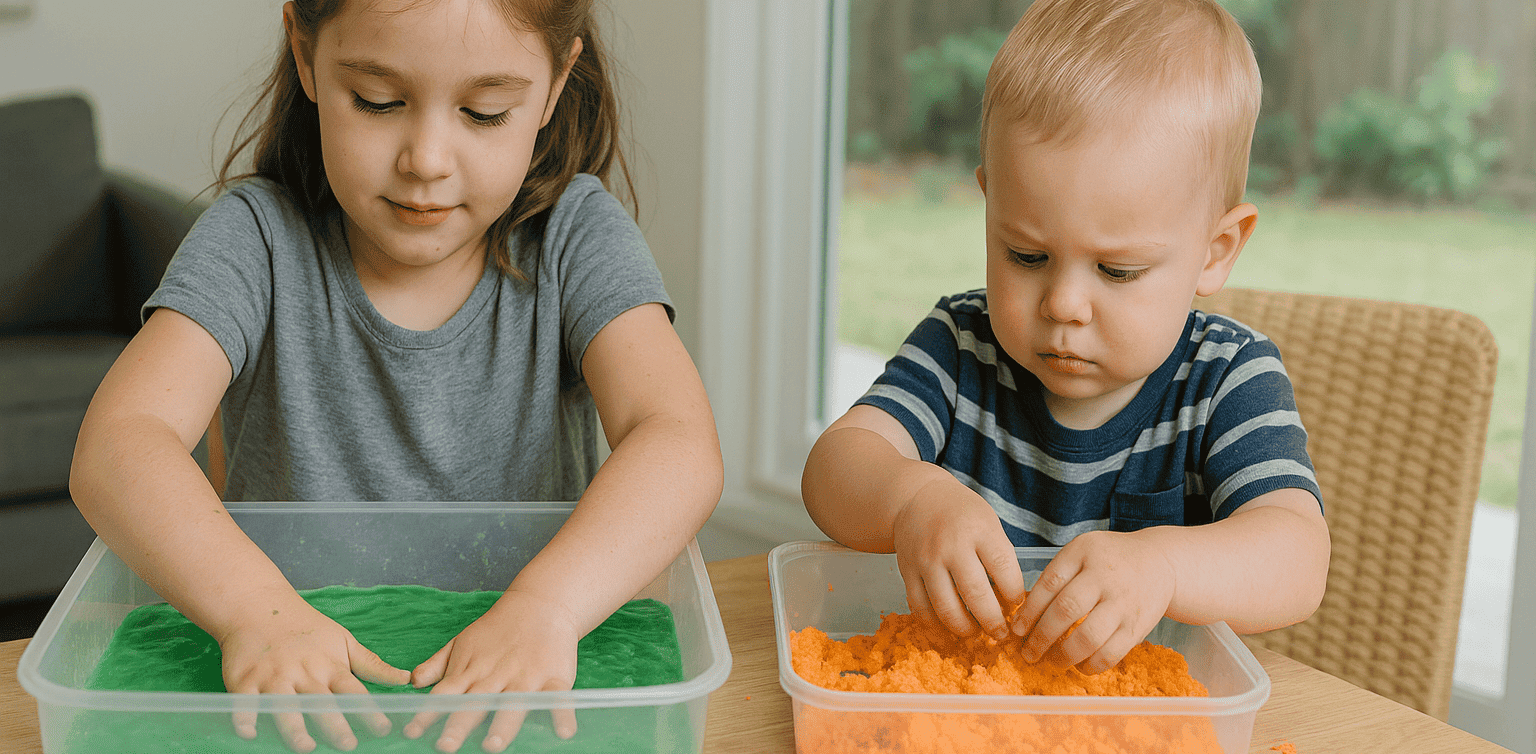
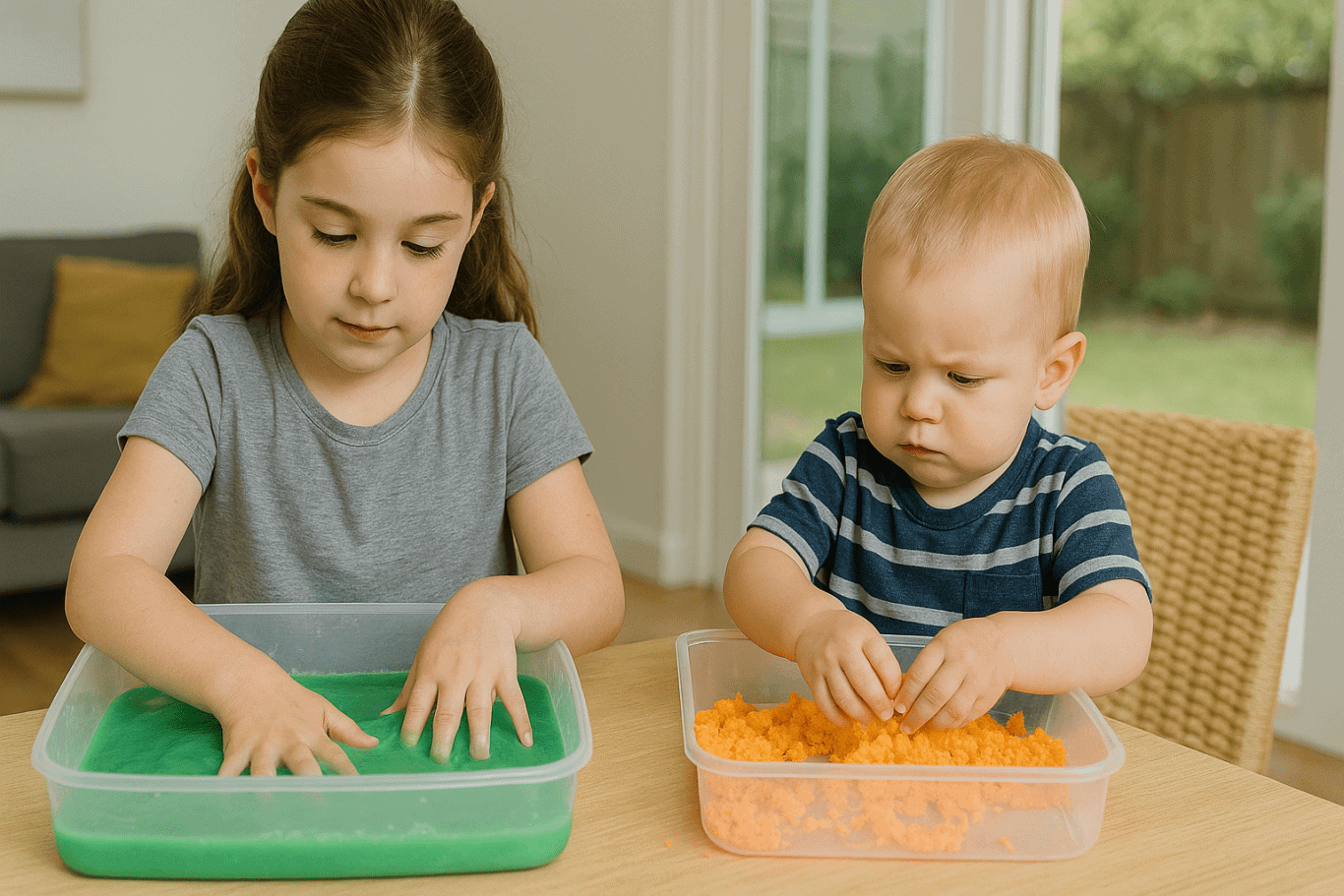
Sensory play for kids is a powerful way to support their motor, cognitive, and emotional development. Through hands-on sensory experiences, children explore textures, colors, sounds, and smells in a fun and educational way. Many parents are now looking for sensory activities that are easy to create at home using simple materials.

In this article, you’ll discover 10 of the best sensory play ideas that are simple, effective, and perfect for kids aged 2 to 6. These activities help spark creativity while allowing children to engage with their surroundings using multiple senses.

10 Best Sensory Play Ideas for Kids in 2025
sensory play for kids

1. Dry and Wet Sand Play

Fill a large container with dry sand on one side and damp sand on the other. Let children dig, scoop, and build. This classic activity provides textural contrast and is a great form of sensory play for kids.

2. Glitter Bottles

Combine water, glitter, and a few drops of baby oil in a clear bottle. Shake and watch the glitter move slowly. This is a calming visual tool that supports focus and mindfulness.

3. Colored Flour Bin

Mix flour with different food colorings. Kids can stir, shape, and play with the textures and colors. It’s a simple way to introduce creativity and fine motor skills.

4. Texture Board

Attach materials like velvet, cotton, bubble wrap, and sponge to a board. Kids can explore by touching and describing the textures. This supports descriptive language and sensory curiosity.

5. Frozen Fruit Cubes

Freeze fruit pieces or colored water in small molds. Children can feel and taste the cubes as they melt. This is a cold, exciting, and safe sensory experience.

6. Soapy Swirl Mats

Use a waterproof mat and add soapy water. Kids can use plastic tools to swirl, cut, and push bubbles around. This offers tactile fun with minimal mess.

7. Scented Dough

Create homemade dough with added scents like vanilla or mint. Let kids shape the dough while enjoying the soothing smells. It’s one of the most engaging types of sensory play for kids.

8. Mystery Smell Boxes

Fill small boxes with items like coffee grounds, orange peels, or herbs. Let kids sniff and guess what’s inside. This builds their sense of smell and memory.

9. Magnetic Object Play

Create a station with small metal objects and let children use magnets to move them. It combines touch with basic science exploration.

10. Vegetable Mud

Mix vegetable peels with water and soil in a bin. Kids can squeeze and scoop the mixture. It’s messy, fun, and encourages curiosity through texture.

Tips to Maximize Sensory Play
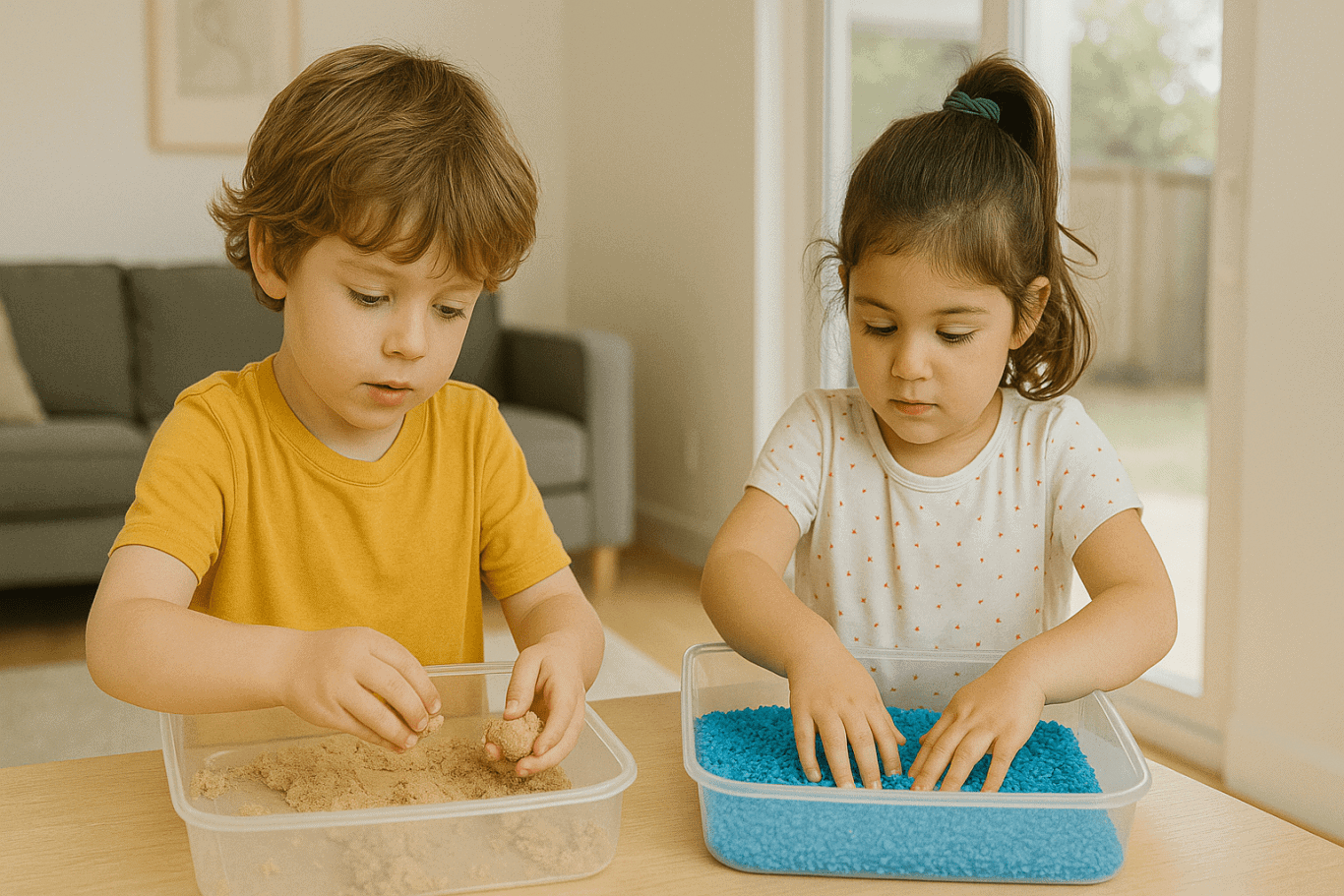
Use a variety of senses
Great sensory play for kids should involve at least two senses, such as sight and touch or smell and hearing.

Keep it safe
Always use safe, non-toxic, and age-appropriate materials. Supervise activities closely, especially for toddlers.

Encourage parent interaction
Join in the activities. Your presence helps guide the play while also strengthening your bond with your child.

Keep it simple to clean
Use trays or bins to contain materials and make cleanup easy. Choose washable tools and surfaces.

Adjust based on your child’s reaction
Pay attention to what your child enjoys and be flexible. Not every texture will appeal to every child, and that’s perfectly normal.

Why Sensory Play Supports Growth
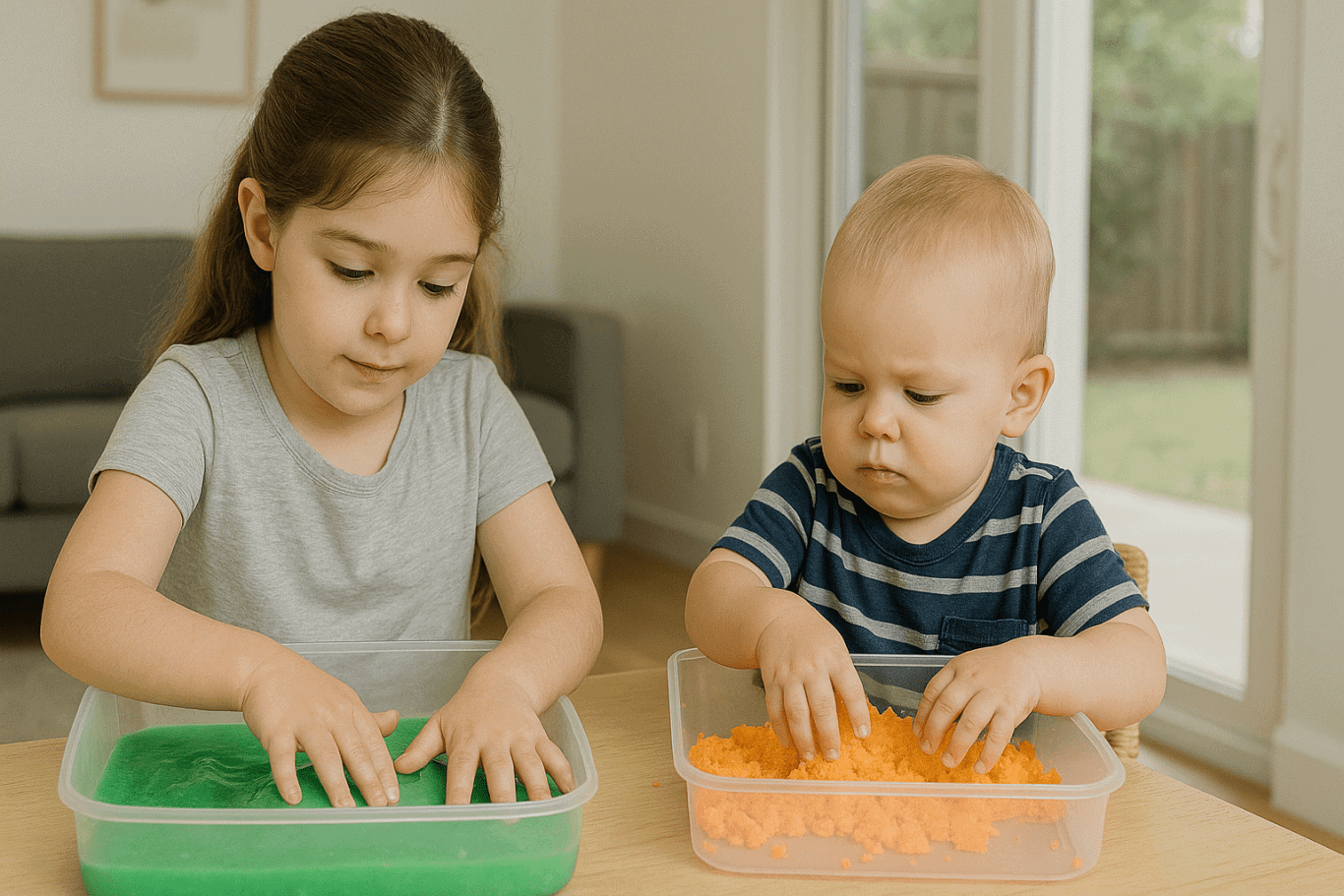
Sensory play for kids isn’t just fun, it supports language, motor skills, and early problem-solving. It allows children to explore, test, and learn about their environment in a hands-on way. Over time, this strengthens their ability to concentrate, follow instructions, and express themselves clearly.

Blending Sensory with Digital Skills

 Image

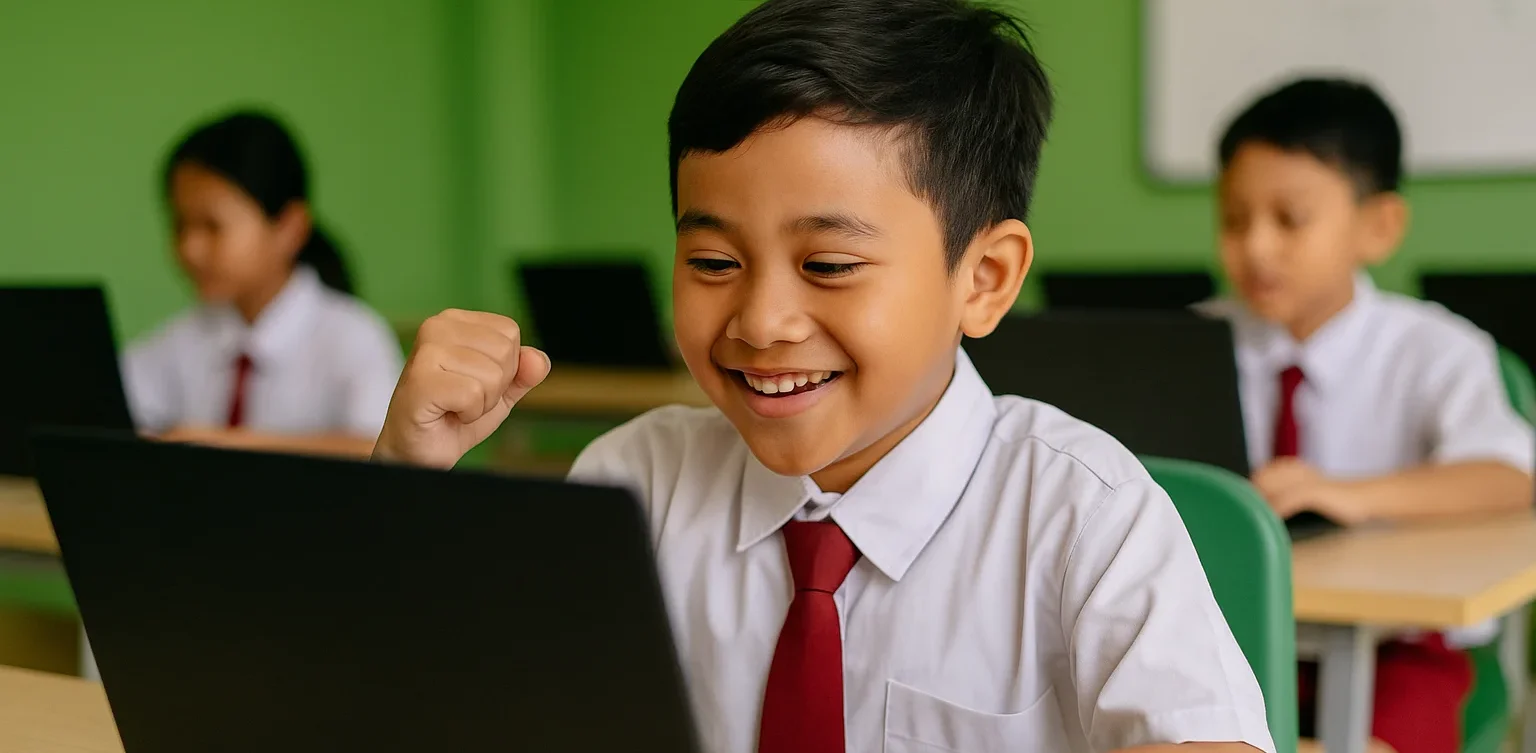
Once your child is engaged in sensory play for kids, it’s a great time to introduce digital learning tools like coding. At Timedoor Academy, kids learn programming in fun and interactive ways. Coding helps build logical thinking and creativity in a digital space. Sensory activities and digital literacy together create a well-rounded foundation for your child’s future. Try a free trial class at Timedoor Academy today!

Keep Reading

Cheap Laptops For Kids
10 Best Cheap Laptops for Kids in 2025: Specs and Prices
As digital learning becomes more integrated into daily education, laptops have become an essential tool for kids. From joining online classes to completing homework and exploring creative projects like coding or animation, a laptop can be a child’s gateway to limitless learning. In this article, we’ll share 10 best cheap laptops for kids in 2025 that strike the perfect balance between affordability, durability, and performance. Whether your child is in elementary or junior high school, these devices can support their learning journey without breaking your budget.   What to Look for in Cheap Laptops for Kids Before buying a laptop for your child, make sure you check the essentials: 1. Budget-friendly price Look for options ranging from $150 to $400 that still offer smooth performance for daily school needs. 2. RAM and Storage A minimum of 4 GB RAM and at least 64 GB storage is ideal for online learning, browsing, and video conferencing. 3. Battery Life Long battery life (6 to 10 hours) ensures your child can use the laptop for long school sessions without constantly needing to recharge. 4. Screen Size and Portability Laptops with 11 to 14 inch screens are the best for kids, offering a balance between portability and screen real estate for learning. 5. Operating System Windows 10 or 11 or ChromeOS laptops tend to support the widest range of educational apps and tools.   10 Best Cheap Laptops for Kids in 2025 Here are 10 cheap laptops for kids that are recommended based on their specifications and friendly prices as of April 2025:   1. ASUS Chromebook C204 Price: Around $220Display: 11.6-inch HDProcessor: Intel Celeron N4000RAM & Storage: 4 GB RAM, 32 GB eMMCBattery: Up to 10 hours This laptop is durable and perfect for younger kids who need something that can withstand a little rough handling. 2. Lenovo IdeaPad Slim 1 Price: Around $280Display: 14-inch HDProcessor: AMD 3020eRAM & Storage: 4 GB RAM, 64 GB eMMCBattery: Up to 8 hours An affordable laptop that packs just enough power for everyday school activities. 3. Acer Aspire 3 Slim A314 Price: Around $300Display: 14-inch HDProcessor: Intel Celeron N4500RAM & Storage: 4 GB RAM, 256 GB SSDBattery: Up to 9 hours This budget-friendly model is suitable for kids starting to experiment with design and coding. 4. HP Chromebook 11A G8 Price: Around $230Display: 11.6-inch HDProcessor: AMD A4RAM & Storage: 4 GB RAM, 32 GB eMMCBattery: Up to 10 hours Great for younger kids thanks to its simple design and intuitive ChromeOS. 5. Zyrex Sky 232 S2 Price: Around $210Display: 14-inch Full HDProcessor: Intel Celeron N3350RAM & Storage: 4 GB RAM, 128 GB SSDBattery: Up to 7 hours A local option that combines affordability with decent performance for online school activities. 6. Axioo MyBook 14E Price: Around $250Display: 14-inch HDProcessor: Intel Celeron N4020RAM & Storage: 4 GB RAM, 128 GB SSDBattery: Up to 8 hours This lightweight laptop is perfect for active kids who need to take their learning on the go. 7. Samsung Chromebook 4 Price: Around $240Display: 11.6-inch HDProcessor: Intel Celeron N4000RAM & Storage: 4 GB RAM, 32 GB eMMCBattery: Up to 12.5 hours A highly affordable energy-efficient device with an easy-to-use interface. 8. Dell Inspiron 11 3180 Price: Around $280Display: 11.6-inch HDProcessor: AMD A9RAM & Storage: 4 GB RAM, 64 GB eMMCBattery: Up to 9 hours Compact and sleek this laptop is perfect for light schoolwork and web browsing. 9. Lenovo Chromebook 3 14 Price: Around $300Display: 14-inch HDProcessor: MediaTek MT8183RAM & Storage: 4 GB RAM, 64 GB eMMCBattery: Up to 10 hours Perfect for kids using Google Classroom and other school apps. 10. HP Stream 11 Price: Around $260Display: 11.6-inch HDProcessor: Intel Celeron N4020RAM & Storage: 4 GB RAM, 64 GB eMMCBattery: Up to 10 hours Affordable portable and designed for basic school tasks and entertainment.   Cheap Laptops For Kids as Kids Learning Journey Support Giving laptops for kids is not just a financial decision. It’s an investment in their confidence independence and future potential. These cheap laptops for kids and affordable laptops for kids are not just tools. They’re a stepping stone into digital exploration. But to truly make the most of these tools your child also needs the right guidance. At Timedoor Academy we offer online classes in coding animation game development and more tailored for kids ages 7 to 18. Let your child explore the tech world with the support of expert mentors and interactive learning methods. Best of all you can try it out first. Sign up now for a free trial class and take the first step toward your child’s digital future.
Tips for Managing Your Child’s Screen Time: How to Wisely Handle Kids’ Screen Time in 2025
In today’s digital era, screen time for kids has become a regular part of their daily lives. Devices like smartphones, tablets, and laptops are often used for playing, watching, and learning. However, many parents find it challenging to manage screen time so that their children stay healthy while maximizing its benefits. This article shares practical tips on managing your child’s screen time so it can be used wisely and productively.   Why Is Managing Screen Time for Kids Important? Excessive screen time without proper supervision can lead to problems such as eye strain, reduced physical activity, and sleep issues. By properly managing screen time for kids, parents help safeguard their children’s physical and mental health while supporting effective learning.   Effective Tips to Manage Screen Time for Kids 1. Set Clear Time Limits Create rules about when and how long your child can use gadgets daily. For example, limit usage to 1-2 hours a day, adjusted based on age and needs. Consistency is key so kids understand and follow the rules. 2. Choose Educational and Age-Appropriate Content Ensure your child accesses apps, videos, or games that support learning and fit their age group. Educational content turns screen time into enjoyable learning moments. 3. Accompany Your Child During Screen Time Parents should stay with their children while they use gadgets, especially for younger kids. This helps monitor content and provide explanations to maximize benefits. 4. Create a Balanced Screen Time Schedule Balance screen time with other activities, such as after completing homework or physical play. Avoid letting screen time replace outdoor play or social interaction. 5. Use Parental Control Features Take advantage of device settings to restrict access to inappropriate content and manage usage duration. 6. Set a Good Example Children tend to imitate their parents’ behavior. Use gadgets responsibly yourself to teach by example.   Benefits of Properly Managing Screen Time for Kids With proper management, screen time for kids not only avoids negative effects but also: Improves focus and concentration in learning Encourages independent learning through technology Strengthens parent-child relationships through shared screen time Develops digital skills from an early age   Challenges in Managing Kids’ Screen Time Managing screen time is not always easy. Common challenges include: Children resisting or struggling to follow screen time limits Parents lacking time to supervise gadget use consistently Difficulty finding engaging and educational content Devices often being used more for entertainment than education To overcome these, parents need patience and creativity in setting and enforcing rules. Open communication and involving children in rule-making can improve compliance.   Supporting Your Child’s Digital Growth Through Coding Beyond managing screen time, introducing children to coding is a positive step. Timedoor Academy offers fun and easy-to-understand coding programs designed specifically for kids. With this program, your child’s screen time becomes more meaningful—not just entertainment but also time spent learning creativity and critical thinking. Timedoor Academy also offers free trial classes, allowing parents and kids to explore coding stress-free before committing.   How to Effectively Manage Screen Time for a More Meaningful Experience Managing your child’s screen time is key to ensuring healthy and productive gadget use. By setting limits, choosing educational content, supervising usage, and balancing with other activities, screen time can become an effective learning tool. Equally important is supporting your child’s digital development through coding education, which is a valuable investment for their future. Timedoor Academy’s child-friendly methods and free trial classes provide an excellent opportunity for kids to explore the tech world in a fun, pressure-free way.
7 Types of Robot Coding Suitable for Beginners
In today’s digital era, introducing children to technology is becoming increasingly important. One of the most engaging and educational ways to do this is through robot coding. This activity not only develops logical thinking but also fosters creativity, problem-solving skills, and teamwork. For parents, choosing the right robot coding tool for beginners is crucial. There are many options available, from simple to more advanced robots. To make the decision easier, let’s explore the benefits of robot coding, the types of beginner-friendly robots, and tips for choosing the most suitable option for your child. Why Choose Robot Coding for Beginners Robot coding is designed to help children learn programming interactively. Instead of only typing code on a screen, they can see how their commands make a robot move or perform specific actions. This makes the learning process more tangible and fun. Children become motivated to experiment because they immediately see the results of their code. For example, when they program a robot to move forward or avoid an obstacle, they witness how logic and commands shape real outcomes. This builds confidence and curiosity in young learners. Types of Robot Coding for Beginners Here are some beginner-friendly robots that children can easily explore: Line Following Robot This robot uses light sensors to follow a line on the floor. It is simple but effective for teaching decision-making based on conditions.   Obstacle Avoidance Robot Equipped with ultrasonic or infrared sensors, this robot avoids obstacles in its path. Children learn about basic if-else logic, which is fundamental in coding. Drawing Robot This robot can create patterns or drawings on paper. It is perfect for children who enjoy art, as they can combine coding logic with creativity.   Voice Controlled Robot A robot that responds to simple voice commands like “move” or “stop.” This helps children understand how machines interact with human input.   Dancing Robot Small robots that can be programmed to dance to patterns or music. It shows children that robot coding can be fun and expressive.   Sensor-Based Robot Robots equipped with light, temperature, or motion sensors that react to environmental conditions. For example, moving when motion is detected or turning on lights when it is dark.   Modular Robot Robots that can be reassembled and programmed with new functions. These encourage creativity and problem-solving by letting children design and rebuild their robots. With this wide selection, parents can choose robots based on their child’s interests. If the child enjoys art, a Drawing Robot is ideal. For those who love challenges, an Obstacle Avoidance Robot may be more suitable. Tips for Choosing Robot Coding Tools for Kids Match with Age Select robots appropriate for the child’s development stage. Younger children may benefit from block-based coding systems, while older ones can explore text-based coding.   Consider Child’s Interests Children who like creativity may prefer drawing robots, while those interested in problem-solving might enjoy sensor-based or obstacle avoidance robots.   Ease of Use A beginner robot coding kit should come with clear instructions, a user-friendly app, and ideally an active support community.   Prioritize Safety Ensure the materials are safe, durable, and suitable for repeated use by children. Long-Term Benefits of Learning Robot Coding Robot coding is not just a hobby. It builds a strong foundation for future skills. Children develop logical thinking, creativity, and perseverance, all of which are critical for success in the digital age. By experimenting with robots, kids also build resilience. If a program doesn’t work as expected, they learn to troubleshoot and try again, developing patience and determination. Parents can also participate in the process, making it a shared family activity that strengthens bonds while learning new skills. Learning Robots Coding Easier with Timedoor Academy Introducing children to robot coding at an early stage is a wise investment in their future. With the many beginner-friendly options available, each child can find a robot that suits their interests and learning style. If you are looking for a program that blends technology with creativity, Timedoor Academy offers interactive courses that can guide children step by step. Register your child now for a free trial at Timedoor Academy and discover how robot coding can be both an enjoyable and meaningful learning experience for their future.
float button