Jun 08, 2024

Timedoor Academy Tech Festival 2024 Finalists Announcement
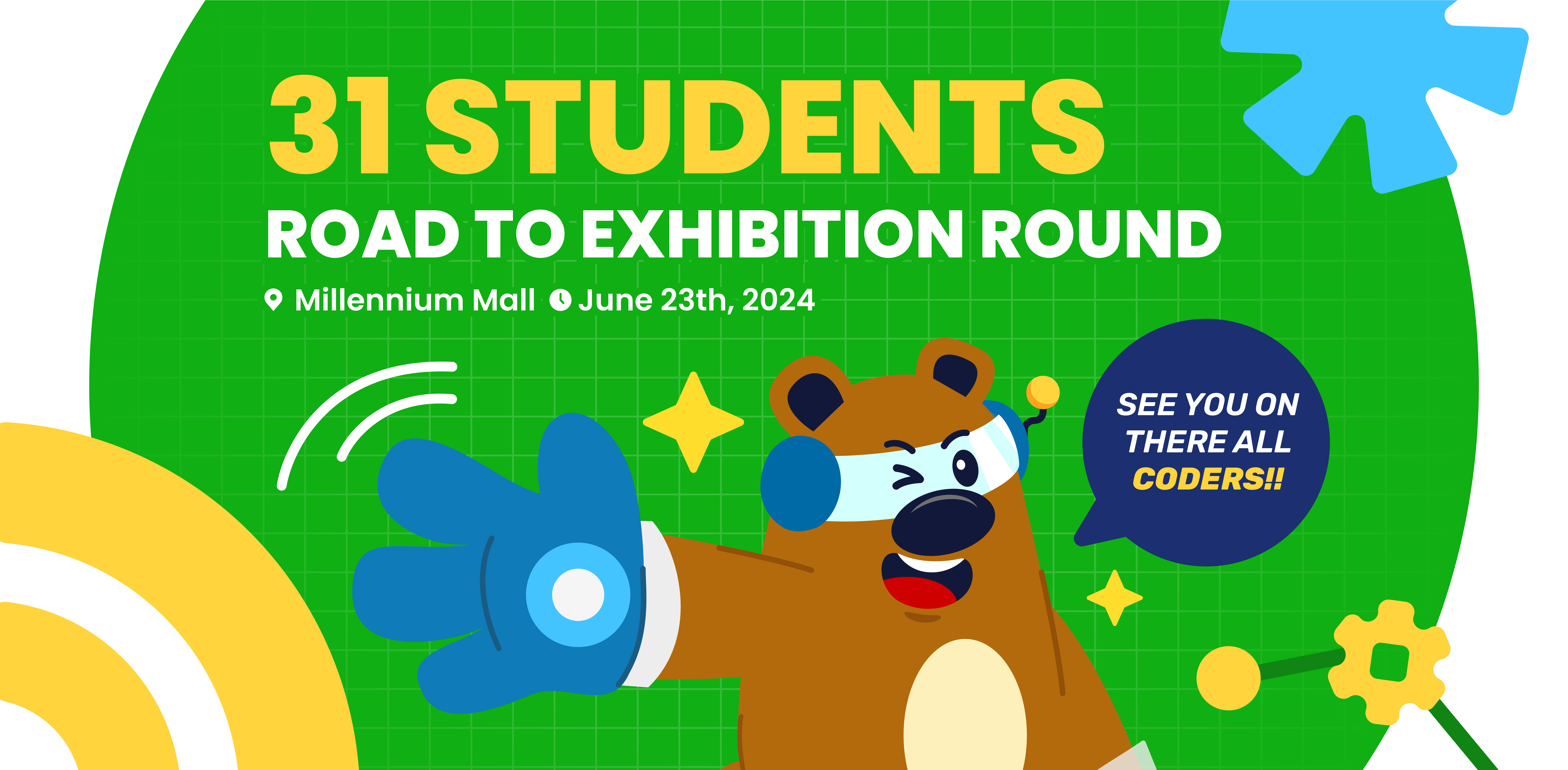
Timedoor Academy Tech Festival 2024 Finalists Announcement image

Timedoor Academy Tech Festival Coding Competition and Exhibition 2024 is an event aimed at providing a platform for all Timedoor Academy students to showcase various projects they have created, ranging from games and websites to applications. The preliminary round was participated by over 200++ participants from all over Indonesia. From these participants, an elimination stage was conducted to select 31 chosen participants for the Exhibition Round, which will be held offline at Millennium Mall Jakarta on Sunday, June 23, 2024.

Today, we announce the 31 participants selected to participate in the Exhibition Round at Millennium Mall Jakarta from all categories. The list of participants who made it to the Exhibition Round can be seen below.

Exhibition Finalist

GAME WITH KODU
STUDENT’S NAME BRANCH
Albert Liandra Kurniawan Timedoor Academy Cengkareng
Ida Bagus Oka Janaka Timedoor Academy Renon
Jeremy Dominic Liong Timedoor Academy Cengkareng
Jethro Buniardi Timedoor Academy Harapan Indah Bekasi
Muhammad Ghaisan Abgari Timedoor Academy Gading Serpong
GAME WITH SCRATCH 3
STUDENT’S NAME BRANCH
Anak Agung Gde Axel Mahendra Timedoor Academy Online ID
Anja Ruci Berlian Timedoor Academy Online ID
Darrel Arana Irwanto Timedoor Academy Cikarang
Emilie Kierra Rinaldy Timedoor Academy Kelapa Gading
I Putu Theodore Wira Pradana Timedoor Academy Jimbaran
GAME WITH CONSTRUCT 3
STUDENT’S NAME BRANCH
Gabriel Veriano Timedoor Academy Cikarang
Glenys Salsabila Kyeshi Parlina Timedoor Academy Gatsu Barat Bali
Michael Mahardika Wijaya Timedoor Academy Online ID
Putu Dimas Graha Wardhana Timedoor Academy Renon
Yehezkiel Kennard Alvaro La Beneamata Timedoor Academy Gatsu Barat Bali
GAME WITH ROBLOX
STUDENT’S NAME BRANCH
Clairine Elise Lei Timedoor Academy Online ID
Julio Miguel Setiawan Timedoor Academy Cikarang
Keigan Noel Hamdany Timedoor Academy Online ID
Peter Luciano Kencana Timedoor Academy Gading Serpong
Ryan Kenzie Tanady Timedoor Academy Cengkareng
GAME WITH PHASER 3
STUDENT’S NAME BRANCH
Demas Firjatulloh Janitro Timedoor Academy Online ID
I Gede Raditya Ananda Putra Timedoor Academy Renon
I Kadek Arya Raditya Timedoor Academy Renon
Made Anantawijaya Giriwidya Hantana Timedoor Academy Gatsu Barat Bali
Ni Putu Bela Septiandita Rustama Timedoor Academy Gatsu Barat Bali
WEBSITE
STUDENT’S NAME BRANCH
Ardhani Prayata Akmal Timedoor Academy Online ID
I Putu Mahendra Arya Valentino Timedoor Academy Renon
Komang Ayu Arista Dewi Timedoor Academy Gatsu Barat Bali
Matthew Vito Santoso Timedoor Academy Online ID
Ngakan Putu Satria Dewangga Timedoor Academy Gatsu Barat Bali
MOBILE APPS
STUDENT’S NAME BRANCH
Shavonne Miguel Halim Timedoor Academy Online ID

The 31 selected participants and their parents are expected to attend the online Technical Meeting for the Exhibition. The details are as follows:

Day/Date: Saturday, June 15, 2023
Time: 3:00 PM WIB / 4:00 PM WITA
Place: Online
Meeting ID: 839 547 7948
Passcode: 12345

Link : https://bit.ly/zoomEgypt

Participants and parents are also advised to review the exhibition round information in the Guidebook. You can download the Guidebook here: Download Guidebook.


Special Recognition

We also want to recognize the other 10 most creative projects (Phaser only 5), which will receive a medal. These medals will be sent to the recipients’ addresses as a token of our appreciation for their outstanding work.

Game with Kodu:

  • Arga Riviandra Zamara – Houbii Bogor
  • Firdhah Atiqah – Harapan Indah Bekasi
  • Gavin Immanuel Hosada – Bandung
  • Gede Kaivan Azkaradipta Manumesha Mataram – Renon Bali
  • Hanif Abhicandra Zafran – Gayungan Surabaya
  • Ida Bagus Bumi Prana – Renon Bali
  • Komang Cakradev – Renon Bali
  • Marc Daryl Mahadana – Houbii Bogor
  • Muhammad Malvino Putera Mulia – Gading Serpong
  • Skye Ansel Chen – Cengkareng

Game with Scratch 3:

  • Anindya Filia Susanto – Houbii Bogor
  • Azka Virendra Darmawan – Houbii Bogor
  • Gandewa Arjuna Gelar – Online ID
  • Levin Elnathan – Harapan Indah Bekasi
  • Maverick Archer Yeriel – Kelapa Gading
  • Mikhayla Leandra Krisbayu – Online ID
  • Owen Hiroshi Lie – Batam
  • Quinza Haziqah – Online ID
  • Theodorus Giovanni Daniswara – Gayungan Surabaya
  • Yehuda Matthew Muradsanobar Sihaloho – Cikarang

Game with Construct 3:

  • Cut Zara Tashanita – Online ID
  • I Gede Reva Awidya Kayana – Karangasem Bali
  • I Nyoman Aditya Basudeva Mahaputra – Gatsu Barat Bali
  • I Putu Aryasatya Mahendra Mahaputra – Renon Bali
  • I Putu Raditya Hendra Saputra – Karangasem Bali
  • Jonathan Isaac Santoso – Citraland Surabaya
  • Mas Maulana Ubaydillah Mukhayan – Renon Bali
  • Muhammad Fadhil – Kelapa Gading
  • Muhammad Laa Rayba Fiihi – Online ID
  • Ryan Alvaro Emmyson – Cengkareng

 Game with Roblox:

  • Altair Harry Janssena – Online ID
  • Arinathan Martuah Saragih – Online ID
  • Ida Bagus Agung Janar Wibawa – Renon Bali
  • Jillian Davyne Suyono – Online ID
  • Khalil Ezra Allegradana – Online ID
  • Muhammad Al Fatih – Online ID
  • Reflita Marsha Setiawan – Cikarang
  • Reigaara Endea Yustisia – Kelapa Gading
  • Rizky Arkananta Mahardika – Cengkareng
  • Zineddin Alkhawarizmi – Houbii Bogor

Game with Phaser:

  • Felix Mahendra Putra Bangun – Cikarang
  • Hanif Fausta Syafif – Online ID
  • I Gusti Ngurah Prama Wedanta – Tabanan Bali
  • Ida Bagus Pradnyana Wedhanta – Renon Bali
  • Richard Christopher Bono – Renon Bali

Website:

  • Bonaventura Silitonga – Online ID
  • Breza Artha Medico – Online ID
  • Darren Clementius Leonard – Kelapa Gading
  • Daven Bryan Suyono – Online ID
  • Erland Pramana – Houbii Bogor
  • Gede Divka Bramanta Devadatta Putra – Renon Bali
  • Kadek Pramana Kenzo Widia Poetra – Renon Bali
  • Made Calysta Maheswari – Online ID
  • Muhammad Ihsan Nadhif – Kelapa Gading
  • Regina Joan Medea Jati Laksono – Online ID

We thank all the students, parents, and mentors for their hard work and dedication. Let’s make the Timedoor Academy Tech Festival Coding Competition and Exhibition 2024 a memorable and inspiring experience for everyone involved!

Keep Reading

How to Use Figma for Kids: A Fun and Simple Digital Design Guide
In today’s digital era, graphic design has become an increasingly essential skill, even for kids. Design is not just about drawing or creating illustrations. It also helps children develop creativity, visual logic, and systematic thinking. One of the most popular and beginner-friendly design tools to introduce early on is Figma. This article will guide you on how to use Figma for kids in a fun and easy-to-follow way. Figma is a web-based design platform widely used by UI/UX professionals and graphic designers. But because of its intuitive interface and real-time collaboration features, Figma can also be a great learning tool for children, especially those curious about digital design, posters, invitations, app layouts, or even simple games. Why Kids Should Learn Digital Design Digital design is not only about aesthetics, but also about communication. Kids who learn design early tend to express ideas visually, organize information clearly, and feel more confident experimenting with their creativity. Design skills also open doors to other fields like illustration, app development, animation, and branding. By learning how to use Figma for kids, the design process becomes more engaging. They can instantly try, rearrange, and explore design elements without needing to install any additional software. What to Prepare Before Using Figma Before your child starts designing, here are some things to set up: Figma account: Create a free account at figma.com. Use a parent’s email and assist during setup. Device: A laptop or desktop with a stable internet connection works best. Simple design theme: Start with fun, easy projects like a birthday card or character illustration. Benefits of Using Figma for Kids Here are some of the main benefits of using Figma as a learning tool for kids: Enhances creativity and visual aesthetics Builds logical thinking through layout structure Boosts confidence through hands-on creation Encourages teamwork and collaboration in online settings Step-by-Step Guide: How to Use Figma for Kids Below are specific steps on how to use Figma for kids, including core features and how to guide them: 1. Introduce the Interface and Basic Tools After logging in to a Figma account, walk your child through the main elements of the workspace: Canvas: the blank area where they’ll build designs Top toolbar: includes tools like Move, Frame, Shape, and Text Left panel: shows the object structure (layers) Right panel: used to adjust color, size, position, and effects Let them freely draw circles, squares, or stars and experiment with colors. This unstructured play helps them get familiar with Figma naturally. This is also a great starting point in how to use Figma for kids in a stress-free way. 2. Start a New Project Click New Design File and let your child name it something fun like “My Poster” or “Cute Cat Project.” Then: Create a Frame using A4 size or mobile screen dimensions Add shapes via the Shape tool, then change colors on the right panel Add text with the Text Tool, and adjust font size, color, and position This step of how to use Figma for kids feels like drawing on a digital piece of paper—fun and intuitive. 3. Add Images and Illustrations To make their design more dynamic, help them insert images: Click File > Place Image and choose from your computer Or simply drag and drop into the canvas Use the Unsplash plugin to find royalty-free images directly inside Figma This makes it easier for kids to create digital greeting cards, collages, or mood boards. These small projects are practical examples of how to use Figma for kids in real-life situations. 4. Create Simple App or Game Layouts For older kids, try introducing them to basic app layout design: Use Frames sized for iPhone or Android Add titles, icons, and buttons Turn elements into Components for duplication Use Prototype mode to simulate screen transitions This is a creative and exciting way to teach design logic and basic UX thinking. It’s also a more advanced stage in how to use Figma for kids who want to go deeper. 5. Collaborate and Present Figma is perfect for collaborative learning. Kids can: Click Share to invite parents, teachers, or friends Use Presentation Mode to view their design full-screen Receive comments directly on the canvas and learn from feedback These interactions help kids learn how to present and improve their ideas. How to use Figma for kids can extend into valuable lessons on teamwork and communication. Combine with Online Design Classes To support their learning journey, consider enrolling your child in an online design course. Timedoor Academy offers kid-friendly design programs based on fun projects and personalized learning. Learning how to use Figma for kids is much easier when supported by friendly mentors and structured activities. Tips for Parents to Support Learning To make the learning process smoother, parents can: Be present during the early stages, then give room to explore Ask about their designs and encourage storytelling Avoid focusing on perfection—celebrate creativity instead Try designing together as a bonding activity Ready to Introduce the World of Design? Introducing your child to digital creativity can begin with simple tools like Figma. With the right guidance and playful approach, how to use Figma for kids becomes a fun activity that sharpens logic, builds visual confidence, and sparks interest in technology. Timedoor Academy is here to support your journey. With interactive online classes and friendly instructors, your child can learn to design with confidence. Try a free class today and help your child discover their design potential from an early age.
Introduction to Basic Robotics for Kids: Tips and Trick 2025
As technology advances rapidly, introducing children to robotics is no longer considered too early. In fact, robotics is one of the most valuable areas to explore at a young age, helping children develop logical thinking, creativity, and structured problem-solving skills. An introduction to basic robotics for kids can be a gateway to exploring technology in a fun and meaningful way. With a solid foundation in how technology works, children will be better prepared to navigate and shape the future ahead. What Is Robotics? Robotics is the field of study focused on designing, building, and controlling robots. For children, a robot doesn’t have to be a complex machine. It can be a simple educational toy that can move or perform tasks based on programmed instructions. Through an introduction to basic robotics for kids, children begin to understand core concepts like sensors, motors, and logic commands, while also learning that every action has a cause and an effect. Why Should Kids Learn Robotics Early? Builds Logical and Systematic ThinkingRobotics helps children learn how to think in sequences and steps. They learn to structure instructions so a robot can perform specific tasks, reinforcing their problem-solving skills. Encourages Creativity and InnovationChildren are given the opportunity to create something from their own ideas. Whether they are designing how a robot looks or deciding what it should do, they are learning to turn imagination into real outcomes. Introduces Technology in a Positive WayWhen children learn about technology through robotics, they see it as a helpful tool rather than just entertainment. This shapes how they interact with technology as they grow. Boosts Independence and ConfidenceCompleting a working robot on their own gives children a sense of accomplishment. This achievement builds self-confidence and motivates them to keep learning and trying new things. How to Get Started with Robotics for Kids An introduction to basic robotics for kids should be fun, simple, and age-appropriate. There are many robotics kits designed specifically for children, often equipped with easy-to-follow instructions and safe-to-use components. Parents can also begin with unplugged activities to build early logical thinking. Games like direction cards or movement simulations that mimic robot commands can serve as great stepping stones before introducing digital coding. Fun Robotics Activities to Try at Home Simple activities like building robots out of cardboard or using beginner-friendly kits like Bee-Bot can make robotics feel like play. Apps like Scratch Junior also help kids understand coding logic in a visual, hands-on way. The key to a successful introduction to basic robotics for kids is to keep it playful. When children enjoy the process, they naturally become more engaged and absorb more from each activity. Common Challenges and How to Overcome Them Introducing robotics to children can come with challenges. Not every parent has a technical background, and not every child is excited right from the start. These obstacles can be managed with patience and flexibility. Start small, go at the child’s pace, and remove the pressure to get everything right the first time. A consistent and supportive learning environment can make a big difference. Robotics as a Foundation for the Future An introduction to basic robotics for kids is not just about teaching them to use technology, but also about shaping how they think. It nurtures critical thinking, creative problem-solving, and the courage to experiment. Children learn to see failure as part of the process, to try again, and to evaluate what can be improved. These life skills will benefit them in any field they choose to pursue in the future. Learn Coding and Robotics Easily with Timedoor Academy If you're looking for a fun and structured way for your child to learn coding and robotics, Timedoor Academy offers interactive online classes designed for kids. Using creative methods and kid-friendly tools, children can build logical thinking, create commands, and develop real projects with confidence. Try a free coding and robotics class today with Timedoor Academy and help your child take their first steps into the world of future-ready technology through a guided and joyful introduction to basic robotics for kids.
<strong>From Customer to Partner: Over 70 Parents Joined the Parentpreneurship Webinar by Timedoor Academy</strong>
From Customer to Partner: Over 70 Parents Joined the Parentpreneurship Webinar by Timedoor Academy
On Saturday, May 17, 2025, Timedoor Academy held a webinar titled “Parentpreneurship: From Customer to Partner,” a special program aimed at active students’ parents who are interested in exploring business partnership opportunities with Timedoor Academy. This event successfully attracted more than 70 participants, reflecting the high enthusiasm for collaboration in technology education. The Parentpreneurship Timedoor Academy webinar was opened by Yutaka-san, CEO of Timedoor Academy, who presented Timedoor’s vision to expand access to quality IT education across Indonesia through strategic partnerships with various partners, including students’ parents. There were also two inspiring guests of Parentpreneurship Timedoor Academy who have already become partners with Timedoor Academy: Mr. George Purba, who has experience in the F&B industry, has now opened two Timedoor Academy branches and is currently preparing for his third branch. Mr. Iskandar, who has successfully brought Timedoor Academy to Gorontalo and Manado, and is now also preparing for his third branch. Both of them showed that this partnership can be undertaken by anyone, even without a background in education or technology business, as long as there is passion and commitment to grow together. The Parentpreneurship Timedoor Academy webinar concluded with an interactive Q&A session as well as a presentation of the business proposal and market analysis, providing a comprehensive overview for participants of Parentpreneurship Timedoor Academy interested in becoming part of the Timedoor Academy family as official partners. We would like to thank all participants for joining. We hope this event will be the starting point for impactful and sustainable collaboration. Missed this event? Don’t worry! You can contact our team directly via Chat on WhatsApp or find more complete information about Timedoor Academy’s partnership program at:🔗 https://timedooracademy.com/partnership-franchise-investment/
float button