May 05, 2025

How to Introduce AI to Kids: Tips and Trick 2025
How to Introduce AI to Kids: Tips and Trick 2025 image

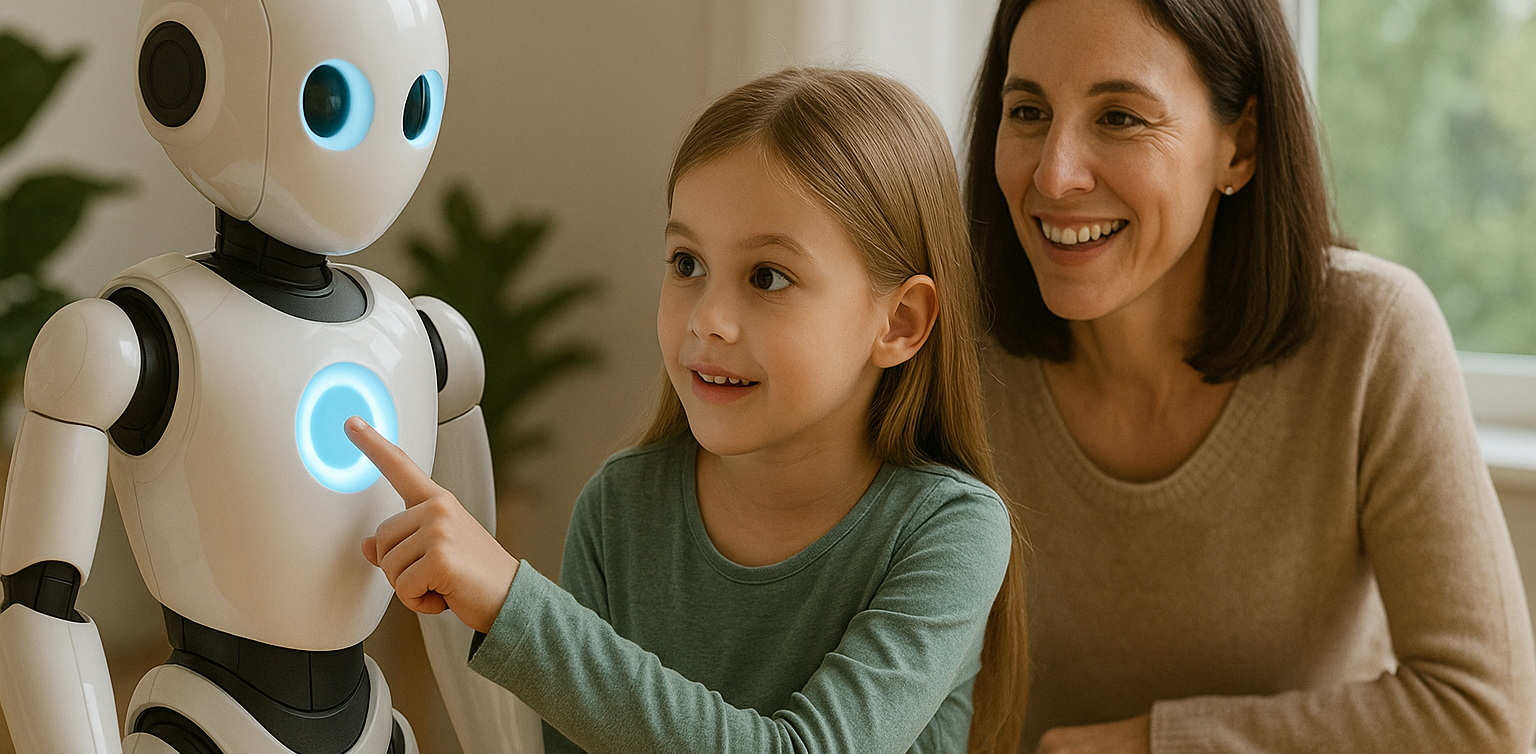
Artificial Intelligence, or AI, is no longer just a concept of the future. From voice assistants on smartphones to video recommendations on YouTube, AI is part of our everyday lives. That’s why learning how to introduce AI to kids is so important. When kids understand the basics, they can grow from passive users into confident, curious thinkers in a tech-driven world.

Many parents worry that AI sounds too complicated for young minds. In reality, it can be introduced in very simple and engaging ways. Using relatable examples and interactive methods helps children understand how this powerful technology works.

Use Everyday Examples
how to introduce ai to kids

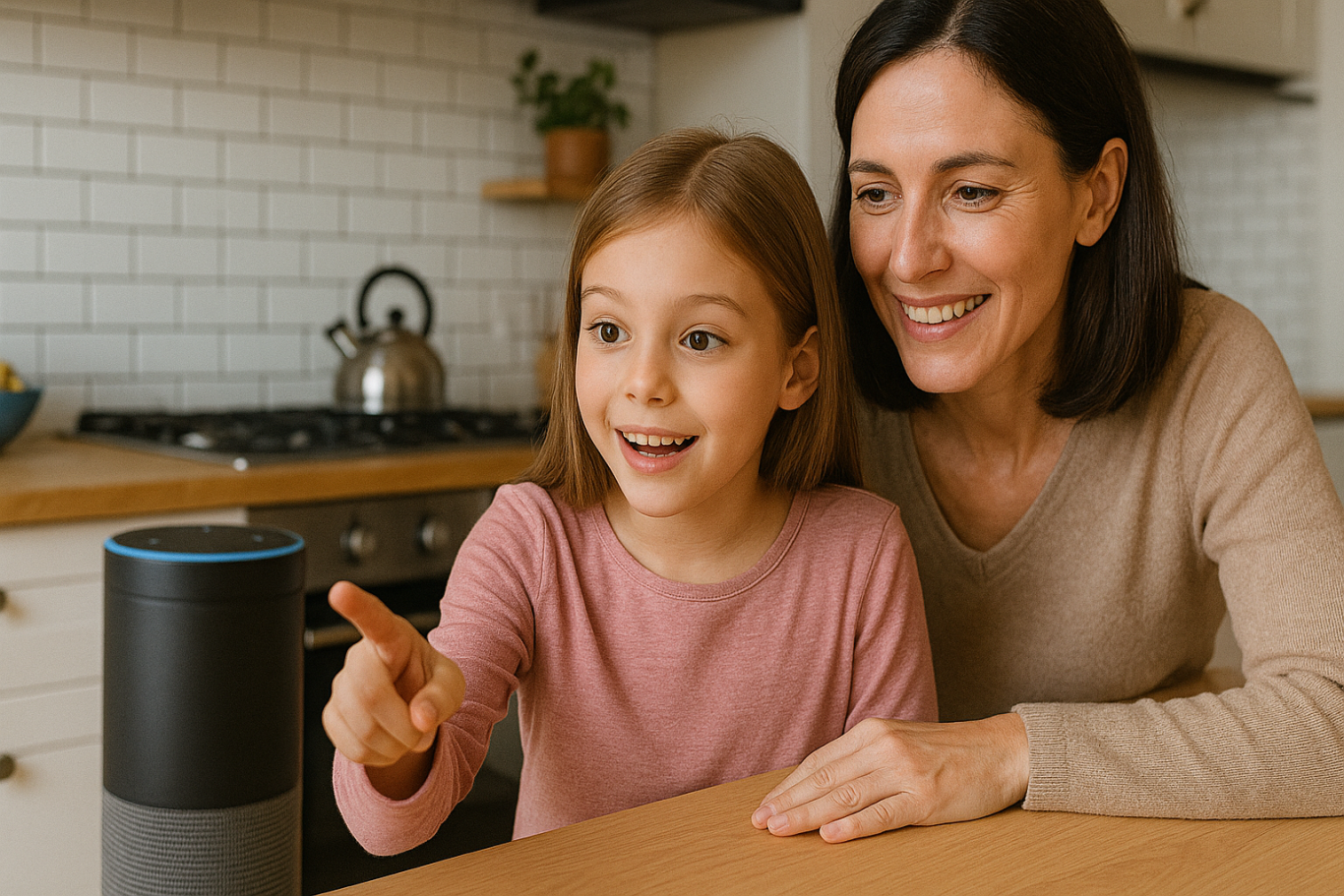
The easiest way to begin is by pointing out how AI already exists around your child. When they ask questions to Google Assistant or talk to Siri, explain that they are interacting with AI systems that are designed to understand and respond to human language.

You can also show them how platforms like YouTube suggest videos based on what they usually watch. This helps children understand that AI can observe patterns and make decisions, which is a great starting point in how to introduce AI to kids.

Turn Learning into Stories

Kids naturally connect with stories. You can create short tales about friendly robots that learn from their experiences, or animated characters who grow smarter over time. These narratives make AI feel more familiar and less abstract.

Use simple examples in the story to show that AI learns just like people do. For instance, a robot might recognize faces after seeing them many times, just like children learn to recognize their classmates. Storytelling makes it easier to introduce complex ideas in a way kids enjoy.

Play and Learn Together

Play is one of the most effective learning tools for children. There are many apps and games that teach the building blocks of AI in fun ways. Look for games that involve logic puzzles, matching patterns, or choosing the best action based on different situations.

These playful tools help children learn without even realizing it. Exploring AI through games is a great strategy if you are wondering how to introduce AI to kids without making it feel like a formal lesson.

Explain According to Their Age

Every child learns at a different pace. Younger children might only need to know that some technology can learn and help people. Older kids can begin to understand that AI works by using information and following rules to make decisions.

There is no need to dive into technical terms. The goal is to help kids understand that AI is something people design and control. How to introduce AI to kids should match their age and curiosity level so the process feels natural.

Show Real-Life Uses
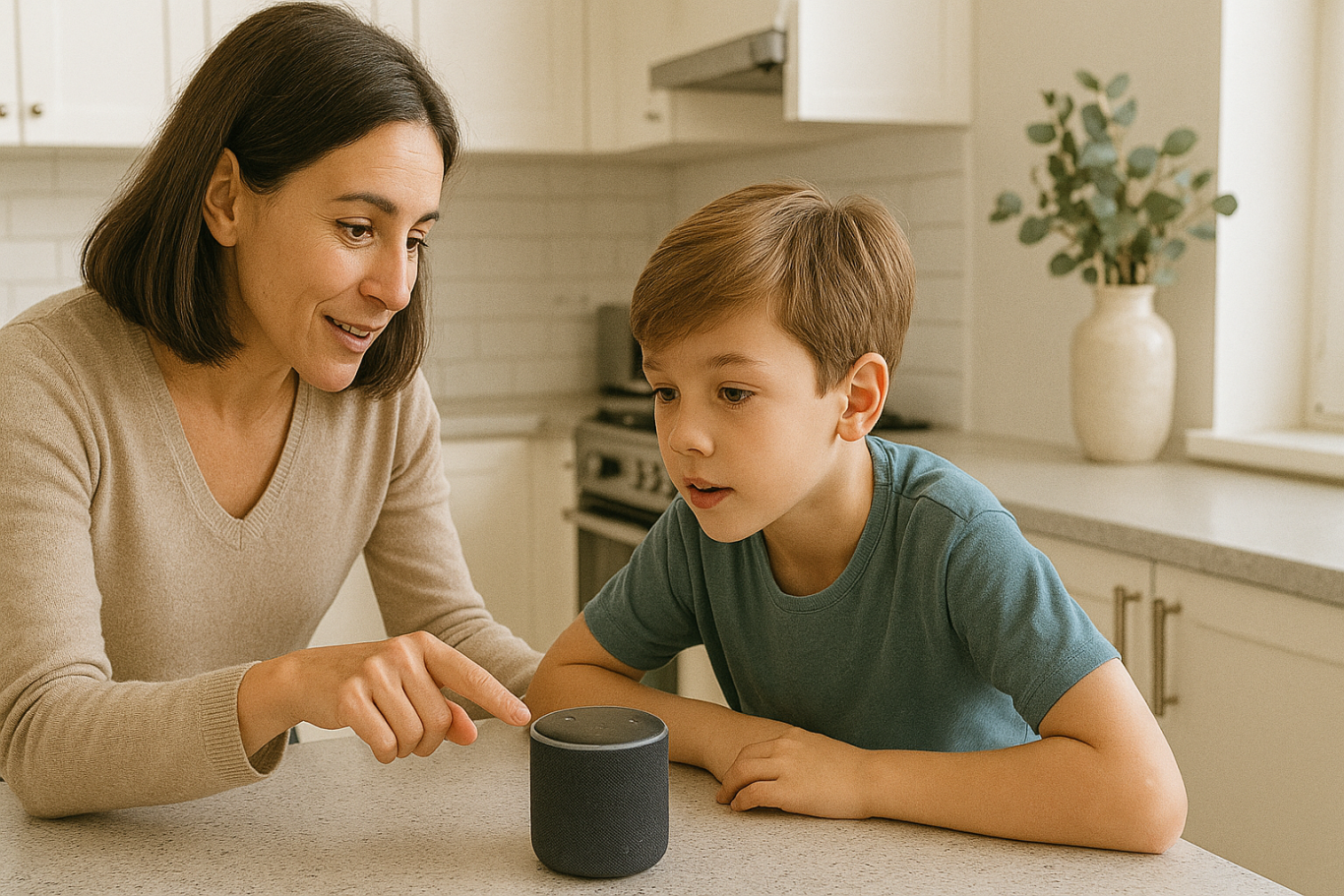
Kids become more interested when they understand why something matters. You can show them how AI is used to help doctors read x-rays, how it guides self-driving cars, or how it supports students with personalized learning tools.

Understanding how AI helps people in real situations helps children see its value. This makes the topic more meaningful and gives you a strong foundation for how to introduce AI to kids in a way they’ll appreciate.

Support Curiosity and Exploration

After learning the basics, kids will often ask more questions. Use this moment to explore together. Look up short videos, create small projects, or just have simple discussions based on their questions.

Encouraging exploration builds problem-solving skills and confidence. One of the best parts of how to introduce AI to kids is helping them grow more independent in how they think and learn.

Teach Responsible Use

Understanding AI should go hand in hand with learning digital responsibility. Talk to your child about online safety, the importance of privacy, and how to treat others kindly in digital spaces.

Teaching children how to use technology thoughtfully is just as important as showing them how it works. A full approach to how to introduce AI to kids includes values and habits that prepare them for real life.

Learn with Timedoor Academy

If you want to support your child’s learning journey in technology, Timedoor Academy offers online interactive classes that are perfect for kids. With fun and age-appropriate lessons in coding, logic, and digital creativity, your child can explore AI concepts in a way that’s engaging and easy to understand.

Ingin tahu detail program? Image

Ingin tahu detail program?

Timedoor Academy helps children build strong foundations in tech while having fun. Join a free trial class today and start discovering how to introduce AI to kids with the support of experienced mentors and exciting hands-on projects

Keep Reading

6 Best Free Coding Resources for Kids in 2025
In today’s digital era, coding is becoming one of the most essential skills kids can learn for the future. It is not just about creating computer programs, but also about building logical thinking, creativity, and problem-solving abilities. Fortunately, there are now many free coding resources for kids that can be accessed easily from home. For parents who want to introduce programming early on, this article shares a variety of platforms, apps, and websites that offer free, fun, and kid-friendly coding lessons. Why Should Kids Learn to Code Early? Learning to code is not only for those who want to become programmers. It helps sharpen important cognitive skills like critical thinking, persistence, and collaboration. In addition, coding teaches kids how to face failure and try again, as they learn to troubleshoot and improve their work. Introducing coding at an early age also gives kids a chance to explore their interests in technology and create things they can be proud of, such as simple games, animations, or interactive stories. What Makes a Coding Resource Kid-Friendly? When choosing a free coding resource for kids, it is important to look for the following: Clear, simple language that is easy to understand Engaging and interactive visuals Gradual, age-appropriate learning paths Gamified elements to keep kids motivated Safe and ad-free learning environments Here are some great platforms and tools to try out. 6 Best Free Coding Resources for Kids in 2025 1. Scratch Scratch is an introductory coding platform developed by MIT for kids ages 8 and up. Using colorful code blocks, kids can create animations, stories, or interactive games without needing to write code. Scratch encourages creativity and features a global community where kids can safely share their projects. It is also available in Bahasa Indonesia, making it even more accessible for Indonesian families. 2. Code.org Code.org is one of the best free coding resources for kids worldwide. It offers a wide range of free courses with varying difficulty levels, from beginner to advanced. Kids can even learn with their favorite characters like Elsa from Frozen or Steve from Minecraft. The platform also provides age-specific curriculums for elementary to high school students, with a fun, project-based approach. 3. Tynker Tynker is another popular platform recommended for kids. While the premium version is paid, Tynker offers free access to several well-structured introductory modules. Kids can learn basic coding concepts through games, build animations, and even get a taste of drones and robotics in a simplified way. 4. Khan Academy – Computer Programming Khan Academy is widely recognized for offering free educational content, and its programming section is no exception. It provides beginner-friendly coding lessons, especially for older kids and teens who are starting to understand text-based programming logic. The videos are interactive and well-paced, making Khan Academy a great choice for slightly more advanced learners. 5. Blockly Games Blockly Games is a collection of educational games that teach basic coding concepts using block-based visual programming. It is perfect for kids who are just starting out and want to learn while having fun. With a simple and functional interface, Blockly Games is a solid first step into the world of coding for elementary-aged kids. 6. Timedoor Academy In addition to these global platforms, there is also a great local option: Timedoor Academy. Timedoor offers interactive online coding classes for kids, using a fun and structured approach guided by experienced instructors. Timedoor Academy understands the unique needs of children potential. It tailors its lessons to local language, uses project-based learning, and provides flexible schedules. A free trial class is also available, making it easy for parents and kids to try it out before committing. Tips for Supporting Kids Coding at Home To make the most of your child’s coding journey, here are a few helpful tips for parents: Be there to guide them when they try a new platform, especially younger kids Set a regular learning schedule, like 30 minutes per day Give small creative challenges, such as making a simple game or animation Celebrate their achievements, no matter how small Keep screen time balanced with physical and social activities Ready to Start Coding from Home? Here’s the First Step: Learning to code has never been more accessible, thanks to the growing number of free coding resources for kids. Parents can introduce programming in a fun, engaging way through platforms designed with kids in mind. But to make learning more structured and effective, it helps to choose the right method and guidance. Timedoor Academy offers kid-focused online coding classes with a creative and organized approach. Led by experienced instructors and adapted to different age levels, Timedoor is ready to support your child’s coding journey. Try a free class today and help your child start learning to code from home in a fun and meaningful way.
Children Using AI In Esducation
How to Use AI in Kids Education: A Step-by-Step Guide to Revolutionizing Learning
AI in kids education is transforming the way kids learn by offering personalized, engaging, and effective learning experiences. Whether you're an educator, parent, or guardian, using AI-powered tools in children's education can make a significant impact on their academic success. This step-by-step guide will show you how to incorporate AI in kids education from understanding its role to effectively using it in everyday learning settings. Step 1: Understand The Benefit of AI in Kids Education The first step in using AI in kids education is to understand its potential benefits. AI-powered tools can: Personalize learning by adapting to each child’s pace and needs. Provide instant feedback to help children improve faster. Offer a variety of learning resources, such as videos, quizzes, and games, that keep kids engaged. Support children with special needs by providing tailored learning tools. These benefits create a dynamic and effective learning environment, enabling kids to excel at their own pace. Step 2: Choose the Right AI-Powered Learning Apps to Support AI in Kids Education Choosing the right AI-powered learning apps is essential to support your AI in kids education. Here are some popular options: Khan Academy Kids: Offers personalized learning paths for children aged 2-8 in subjects like math, reading, and problem-solving. DreamBox: A math-focused app for kids in kindergarten through 8th grade that adjusts difficulty based on the child’s learning pace. Scratch: A visual programming language for children to learn coding through interactive games and animations. Duolingo: An AI-driven language learning app that helps kids learn new languages with immediate feedback. By selecting the best apps, you can ensure that your kid receives the most effective AI-enhanced education. Step 3: Implement AI in Kids Education For Daily Learning Routines Now that you have the right tools, to support AI in kids education, it’s time to integrate AI-powered educational tools into your child’s daily routine: Daily practice: Encourage daily use of AI apps for short sessions to reinforce what they’ve learned. Homework help: Use Socratic by Google for assistance with homework and to provide explanations for complex problems. Interactive learning: Incorporate fun, hands-on activities using Tynker for coding or Osmo for interactive learning games. Integrating AI into daily routines helps children make steady progress while keeping learning fun. Step 4: Track Progress and Adjust Learning Paths of AI in Kids Education One key benefit of using AI in kids education is its ability to track progress. Most AI-powered tools provide built-in analytics that monitor a child’s performance. Here’s how to track and adjust: Review progress reports: Apps like DreamBox and Khan Academy Kids provide reports that show areas of strength and where improvement is needed. Adjust learning paths: Based on progress reports, you can adjust your child’s learning path to focus on areas where they need more practice. Set goals: Work with your child to set goals and use AI data to track their achievements and motivate them to reach milestones. Regularly reviewing progress ensures the learning experience remains effective and keeps your children challenged. Step 5: Use AI in Kids Education to Support Special Education Needs AI in Kids Education can significantly support children with special educational needs. Personalized learning tools cater to the unique needs of each child, providing a more inclusive educational experience. Examples include: Speech recognition tools for children with hearing impairments or speech delays. Visual aids for children with autism spectrum disorders to better understand concepts. Cognitive training apps to improve focus and memory for children with ADHD. AI-powered tools designed for special education help create an inclusive learning environment where every child can thrive. Step 6: Foster Collaboration with Group Learning of AI in Kids Education AI is not just for individual learning—it also supports group learning. Many AI-powered apps allow children to collaborate on projects. Here’s how: Group challenges: Apps like Scratch and Tynker allow children to collaborate on coding projects, fostering teamwork and creative problem-solving. Peer learning: Platforms like Google Classroom foster group discussions and collaborative learning with real-time AI feedback. Teacher-student collaboration: AI tools assist teachers in monitoring group projects and providing personalized feedback to each student. Group learning with AI promotes communication and teamwork while enhancing learning outcomes. Step 7: Monitor Safety and Well-being of AI in Kids Education It’s essential to ensure that AI in Kids Education uses AI tools in a safe environment. Here are some key safety measures: Limit screen time: Set time limits for using AI apps to avoid overuse and encourage breaks. Monitor activity: Track the content your child engages with to ensure it is age-appropriate. Privacy settings: Ensure the apps have proper privacy settings and don’t collect unnecessary personal data. By monitoring your child’s use of AI tools, you can ensure a safe and productive learning experience. The Future of Learning with AI in Kids Education Using AI in kids education is revolutionizing the way kids learn, offering personalized, engaging, and inclusive learning experiences. By following these steps—understanding AI’s benefits, choosing the right tools, implementing them in daily routines, tracking progress, and ensuring safety—you can help your child make the most of AI-powered education. At Timedoor Academy, we leverage AI to enhance children's learning experiences, helping them develop critical skills like coding, problem-solving, and creativity. Join our free trial class and give your child the tools they need to succeed in the future of education.
How Virtual Reality in Kids Education Changes Learning
As technology becomes more embedded in daily life, education continues to evolve alongside it. One of the most exciting developments is the use of virtual reality in kids education, a concept that is no longer just futuristic. From classrooms to living rooms, VR is now used to enhance how children explore, understand, and retain knowledge. This article explores how VR is transforming the way kids learn, its benefits, real-world applications, and how parents and schools can embrace this shift.   What Is Virtual Reality in an Educational Context? Virtual reality is a digital simulation that allows users to interact with a 3D environment. In educational settings, it means that students can immerse themselves in topics such as history, science, art, and space in ways that were never possible before. Instead of reading about ancient civilizations, children can walk through virtual ruins. Rather than imagining the solar system, they can experience it in full scale. This hands-on approach to learning is what makes virtual reality in kids education so impactful.   From Passive Learning to Immersive Exploration Traditional learning often relies on reading, note-taking, and static visuals. While these methods are effective, they are not always engaging for every type of learner. Virtual reality enables multisensory learning experiences that feel more like exploration than instruction. For example, a child learning about volcanoes can virtually step inside one to see lava flow and tectonic plate movement. This type of experiential learning boosts curiosity and helps children grasp abstract or complex topics much faster.   Key Benefits of Virtual Reality in Kids Education 1. Increased Engagement and Motivation VR transforms lessons into adventures. Children are naturally more engaged when learning feels like play. This makes it easier to hold their attention and deepen their focus on the subject matter. 2. Better Knowledge Retention When children interact with content instead of simply reading or listening, their brains form stronger memory connections. VR helps students retain information through direct experience, not just memorization. 3. Safe Exploration of Real-World Concepts Certain experiments or field trips may be too dangerous, expensive, or inaccessible in real life. Virtual reality allows students to simulate these experiences safely. From exploring deep ocean ecosystems to observing chemical reactions, VR enables safe and repeatable learning. 4. Encourages Independent Learning Virtual reality in kids education supports autonomy. Children can learn at their own pace, repeat difficult lessons, and explore topics that interest them deeply. This fosters independent thinking and self-directed learning. 5. Inclusion for Different Learning Styles Some children learn visually, others through movement or sound. VR incorporates multiple modes of learning, helping educators reach students who might otherwise struggle with standard teaching formats.   Examples of VR Use in Real Classrooms Many educational institutions and platforms are already applying virtual reality in kids education. Some noteworthy tools include: Google Expeditions: Offers virtual field trips to locations such as the Great Wall of China or the surface of Mars. VictoryXR: Creates full science labs and virtual classrooms where students can conduct experiments. ClassVR: Provides ready-made curriculum-aligned content for schools to use with their students. These examples demonstrate how virtual reality in kids education is already improving outcomes in subjects like science, history, and geography.   How Parents and Teachers Can Get Started Adopting VR technology for learning doesn’t have to be expensive or difficult. Many educational VR platforms are compatible with smartphones and entry-level headsets. Parents can start by: Downloading trusted educational VR apps Using cardboard VR viewers with supported apps Setting screen time guidelines and offering support during learning sessions Teachers can integrate VR into their lesson plans by using tools that align with existing curriculum. It is important to ensure that content is age-appropriate and has clear learning objectives.   Things to Consider While the benefits are clear, there are a few considerations before adopting VR for children’s learning: Supervision: Younger kids need adult guidance to navigate VR content safely. Screen Time: Use VR as a supplement, not a replacement for human interaction or physical play. Content Quality: Not all VR apps are educational. Review each platform and select those developed by educators or trusted publishers. Equipment Requirements: Make sure devices are compatible and safe for children’s use. With thoughtful implementation, virtual reality in kids education can be a highly positive tool for both home and school environments.   The Future of Learning Is Immersive In 2025, virtual reality in kids education is no longer a novelty. It is becoming a core part of how children learn new skills, discover the world, and stay engaged in school. The technology is helping transform learning from something passive into something active, memorable, and exciting. As the cost of VR continues to decrease and content improves, more families and schools will be able to offer students this immersive learning experience.   Support Your Child’s Learning Journey with Timedoor Academy Looking for an engaging and tech-friendly way to support your child’s education? Timedoor Academy offers interactive online courses in coding, robotics, math, and digital creativity. While not all our classes use VR, they are designed with innovation and child engagement at the core. Sign up for a free trial class today and see how your child can build future-ready skills in a fun and structured environment — all from the comfort of home.
float button