Apr 21, 2025

10 Best Python Apps for Kids to Learn Coding in 2025
10 Best Python Apps for Kids to Learn Coding in 2025 image

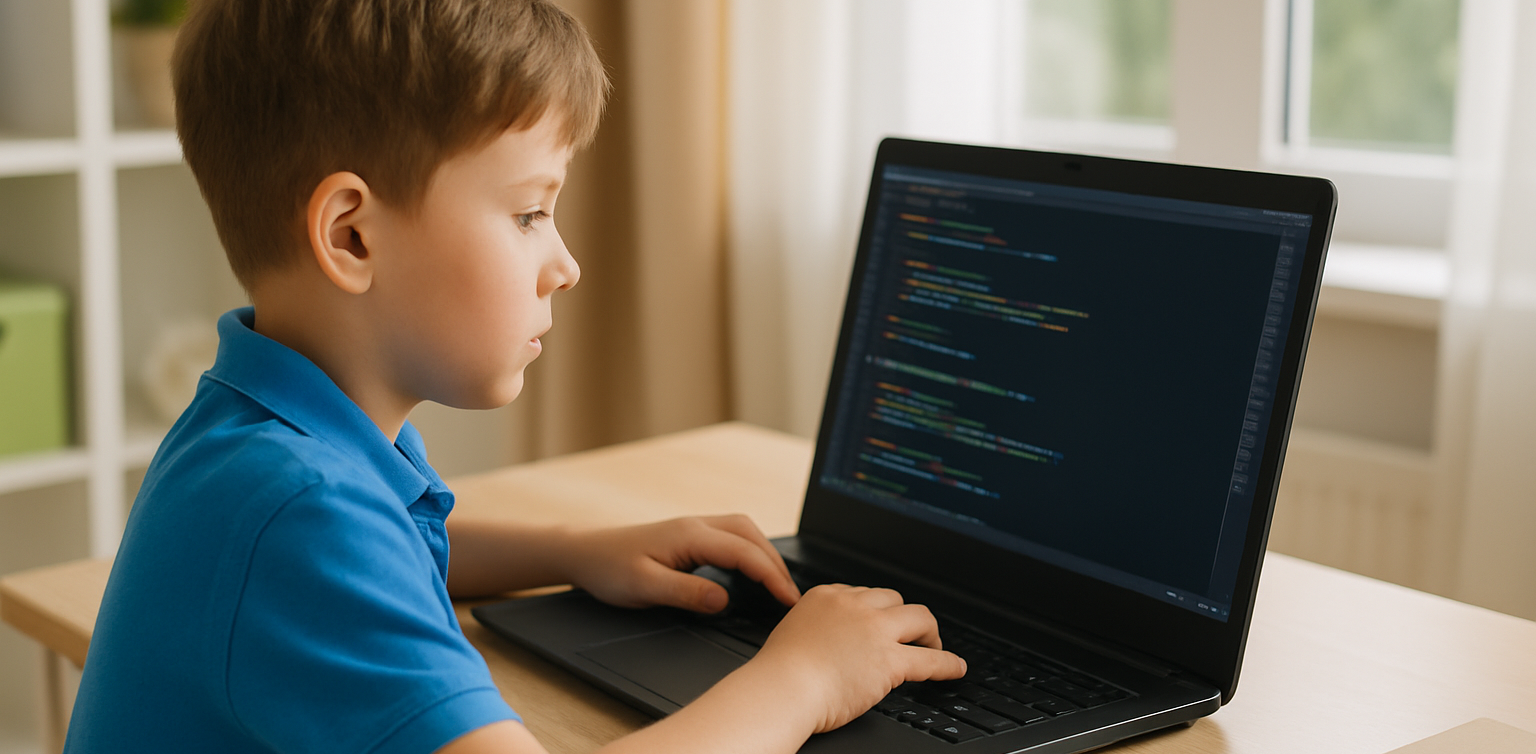
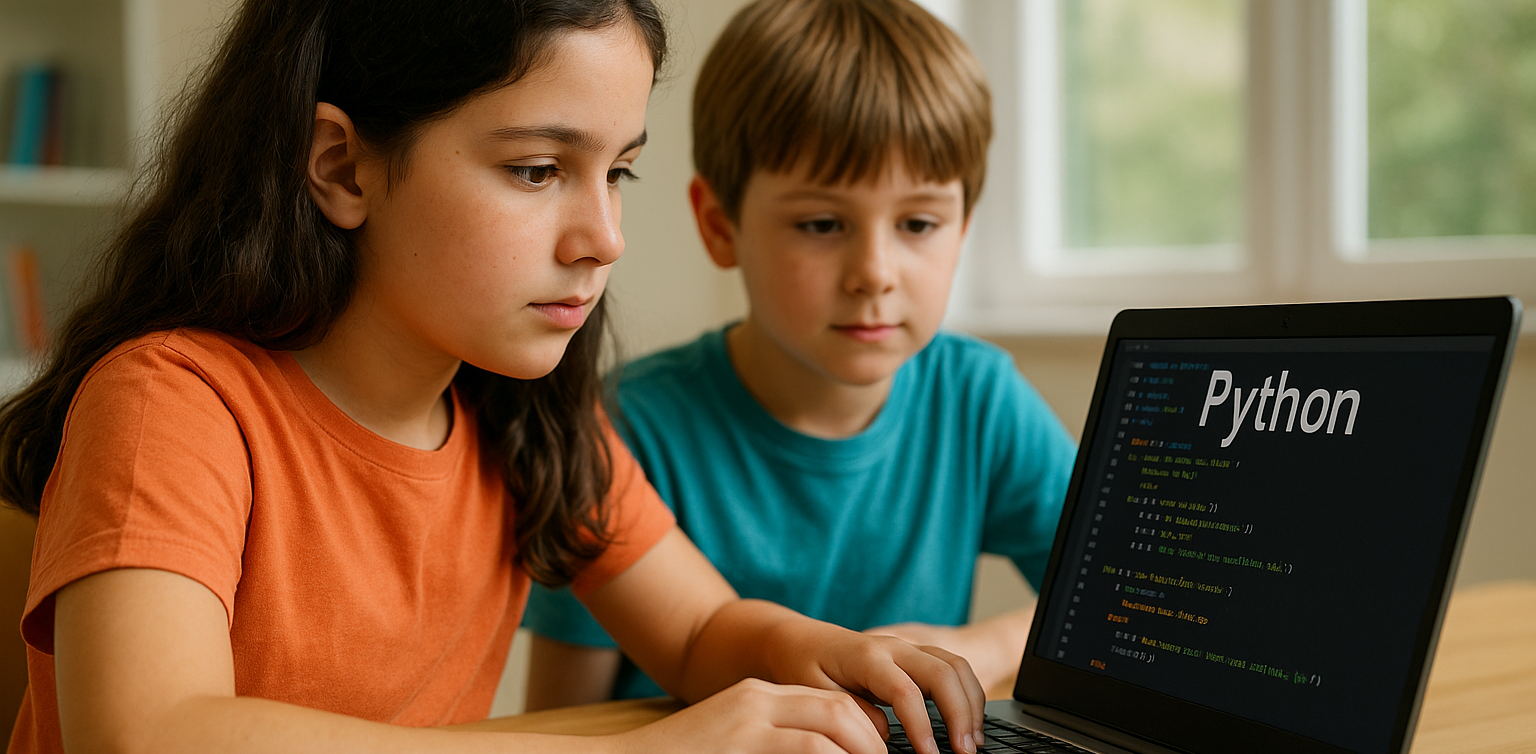
In 2025, programming has become one of the most important skills for children to learn. With the rise of digital education, more parents and educators are introducing coding at an early age. Among the many programming languages, Python stands out for its readability and beginner-friendly structure, making it an ideal language for young learners. Today, there are plenty of Python apps for kids that make learning fun, interactive, and suitable for different age groups.

These Python apps for kids are designed to simplify complex concepts and teach children how to think logically and solve problems creatively. Many of these apps use games, animation, and step-by-step challenges to help children build a strong foundation in Python coding. Whether your child is new to programming or already curious about how games and websites work, these apps will help them take their first steps into the world of technology.

Here are the 10 best Python apps for kids that you can explore in 2025!

10 Best Python Apps for Kids to Learn Coding in 2025

1. Tynker
python apps for kids

Focus: Learn Python through games and puzzles
Tynker is a highly recommended platform that offers a range of beginner to advanced courses, including Python. Its game-based lessons make learning Python enjoyable for kids and easy for parents to follow.

How to Use It: Kids can choose a Python learning path, solve challenges, and build their own mini projects with guided instructions and instant feedback.

2. CodeCombat
Focus: Coding adventure game with real Python code
CodeCombat combines learning with adventure. Kids control characters in a game by writing actual Python code. It’s one of the best Python apps for kids who enjoy storytelling and gaming.

How to Use It: Children choose their characters, learn spells (code), and battle through levels by solving real coding problems using Python.

3. Trinket

Focus: Write and share live Python code online
Trinket is a coding tool that allows kids to write, run, and share Python code directly from their browser without installing anything. It’s simple and ideal for beginners.

How to Use It: Children can explore beginner-friendly Python projects, experiment with code, and instantly see the output. Great for school use or homeschooling.

4. SoloLearn

Focus: Mobile learning app for Python basics
SoloLearn is a mobile app that provides bite-sized Python lessons. While it’s suitable for learners of all ages, kids who are in upper elementary or middle school can benefit from its beginner courses.

How to Use It: Kids can log in daily, go through short lessons, take quizzes, and interact with a global community of learners.

5. Pythonista (iOS Only)

Focus: Real coding in Python for iPad users
Pythonista is one of the more advanced Python apps for kids who are ready to try real-world coding environments. It features a full Python IDE on iOS.

How to Use It: Young learners can build small apps, run scripts, and explore how Python works on mobile devices. Best for kids with prior coding experience.

6. EduBlocks
Focus: Visual to text-based Python coding
EduBlocks bridges the gap between block-based coding and text-based Python. It is perfect for transitioning from platforms like Scratch to actual Python code.

How to Use It: Kids drag and drop visual blocks that automatically translate into real Python code, helping them understand syntax while building confidence.

7. PyGame
Focus: Build games using Python If your child loves gaming, PyGame is one of the most engaging Python apps for kids. It is a set of Python modules used to make video games, and kids can create their own projects from scratch.

How to Use It: Children can follow tutorials to build simple games such as pong or snake and then level up to more advanced interactive games.

8. Programming Hero

Focus: Gamified learning and storytelling in Python
Programming Hero teaches Python through colorful storytelling and missions. This makes it a great tool for children who enjoy visuals and creativity.

How to Use It: Kids complete quests and unlock achievements while learning Python concepts like variables, loops, and functions in a game-like environment.

9. Blockly for Python

Focus: Visual blocks to learn Python syntax
Blockly is a drag-and-drop visual coding app that helps kids learn the syntax of Python before they start writing the actual code.

How to Use It: Kids create Python programs by dragging and arranging blocks to represent Python code, gradually transitioning to actual text-based coding.

10. Timedoor Academy’s Python Course for Kids
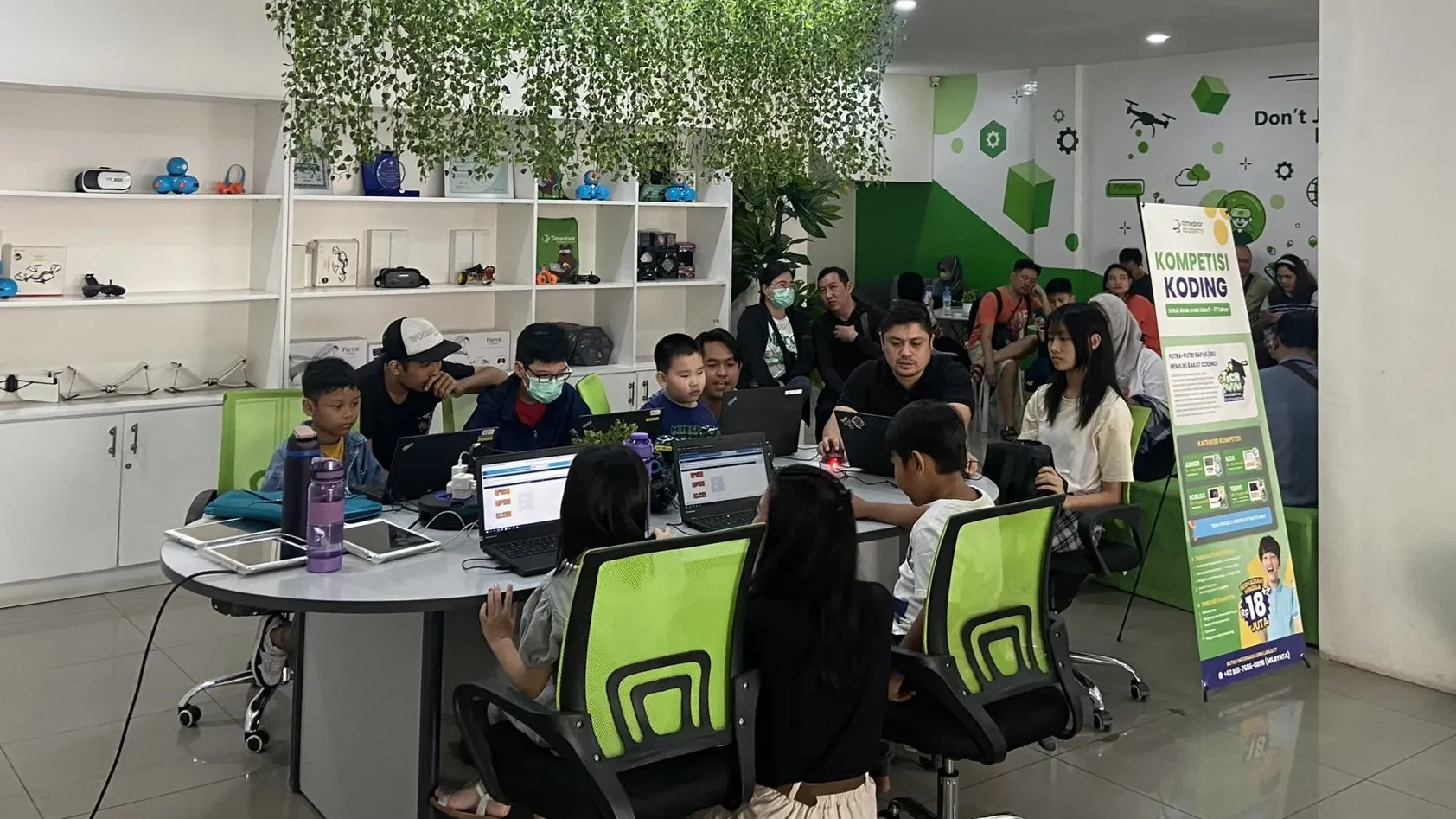
Focus: Structured online classes with live mentorship
Timedoor Academy offers a fun and guided learning experience for kids who want to master Python. Lessons are designed by expert instructors who make programming fun and practical.

How to Use It: Kids can join a free trial class, explore Python basics, and build real projects such as games and animations with a mentor’s help.

Why Use Python Apps for Kids?

Python apps for kids are more than just learning tools. They are platforms that encourage curiosity, support creativity, and teach valuable skills in problem-solving, logic, and digital literacy. Unlike traditional learning methods, these apps allow children to experiment, make mistakes, and learn through interactive challenges.

Python also offers a clean and easy-to-read syntax, which makes it perfect for beginners. Many schools and educators now include Python in their curriculum because it provides a strong foundation for learning other programming languages and STEM subjects in the future.

By using Python apps for kids, your child can learn at their own pace, explore their interests, and even develop confidence in tech-related skills that may become essential in their careers later on.

Join a Free Trial with Timedoor Academy

 Image

Looking for a structured yet fun way to help your child learn Python? Timedoor Academy provides interactive online coding classes that are tailored for kids. With live mentorship and project-based learning, children can build their own games, websites, and animations while learning real Python skills.

Try a free trial class today and start your child’s coding journey with one of the best tech education platforms in Asia.

Keep Reading

7 Powerful Secrets to Make Learning Coding Fun for Kids
In today’s digital era full of opportunities, coding has become an essential skill that can open many doors to a bright future. However, many parents still think that learning coding is difficult or complicated. In fact, with the fun way to learn coding, children can enjoy the process while developing creativity and logical thinking skills. Timedoor Academy understands that every child learns differently. Therefore, the teaching approach must make children feel engaged, excited, and not pressured. Through interactive learning, children not only understand technical concepts but also learn how to solve problems in a fun and meaningful way. Why Should Learning Coding Be Fun? When children enjoy the learning process, they can understand concepts more easily and stay motivated to explore more. The fun way to learn coding helps build a child’s natural curiosity about the world of technology. Unlike traditional learning methods, fun learning puts children at the center of the experience. They do not just listen to theories but actively create something real, such as a simple game, animation, or mini app. This approach not only makes coding easier to understand but also helps children develop critical, creative, and collaborative thinking skills. 1. Learning Through Real Projects One of the best fun ways to learn coding is by working on real projects. Children can create projects based on their interests, such as designing game characters, making a simple website, or creating an interactive story with code. When they see their hard work turn into something real, their sense of pride and confidence grows. These projects also provide deeper meaning compared to doing theoretical exercises. 2. Using Interactive and Visual Media Learning coding does not always mean staring at a screen full of text. Timedoor Academy uses a variety of interactive tools such as visual platforms and educational games designed especially for children. These tools help kids understand programming logic in a visual and intuitive way. As a result, the fun way to learn coding becomes real, as children not only learn but also play and create at the same time. 3. Guided by Friendly and Professional Mentors Another key factor is guidance from mentors. A professional mentor knows how to create a positive atmosphere and keep students motivated. At Timedoor Academy, mentors are not just teachers but also friendly companions in learning. They guide patiently and help children discover their best learning style. This makes the learning process warm, personal, and supportive of the fun way to learn coding for every student. 4. Connecting Coding to Daily Life Children understand things more easily when they can relate them to their personal experiences. For example, explaining logic through their favorite games or situations they encounter daily. This approach helps children realize that coding is not something foreign but a part of modern life. In this way, the fun way to learn coding allows kids to see the real benefits of technology around them. 5. Encouraging the Spirit of Experimentation In coding, making mistakes is completely normal. In fact, mistakes are valuable opportunities to learn and grow. Timedoor Academy encourages children not to be afraid of failure because each attempt helps them understand better. With a supportive environment, children feel confident to experiment and innovate. This is the essence of the fun way to learn coding, making them feel safe to explore without pressure. 6. Learning Together with Friends Learning in groups makes the classroom atmosphere more active and interactive. Children can discuss ideas, collaborate, and even work on one project together. Besides improving social skills, this also trains children to work in teams, just like professionals do in the real world. Timedoor Academy integrates teamwork in every class, so children learn to communicate and respect others’ opinions. With a positive learning community, the fun way to learn coding truly comes to life. 7. Appreciating Every Process and Achievement Children feel motivated when their efforts are recognized. Timedoor Academy always appreciates every child’s progress, no matter how small it is. These recognitions help children stay passionate about learning and growing. Through this positive and appreciative approach, the fun way to learn coding becomes an unforgettable experience. It is not only about the result but also about enjoying the process of learning with enthusiasm and joy. The Role of Parents in Supporting the Process Parents play a big role in helping children enjoy the coding journey. Emotional support, encouragement, and time from parents can make children more enthusiastic about learning. It is also important for parents to understand that coding is not only about technical skills but also about building logical, creative, and problem-solving mindsets. By giving children the freedom to explore, they will grow into independent individuals who are ready for the digital future. Learning Coding is Fun! Learning coding does not have to be difficult or boring. With the right approach, the fun way to learn coding can become an inspiring experience for children. Through interactive lessons, supportive mentors, and a positive learning environment, children can develop critical thinking, creativity, and confidence while enjoying the world of technology.Do you want your child to learn coding in a fun and effective way? Register now for a Free Trial Class at Timedoor Academy! Let your child experience interactive learning that builds creativity, confidence, and love for technology from an early age.
How to Use Figma for Kids: A Fun and Simple Digital Design Guide
In today’s digital era, graphic design has become an increasingly essential skill, even for kids. Design is not just about drawing or creating illustrations. It also helps children develop creativity, visual logic, and systematic thinking. One of the most popular and beginner-friendly design tools to introduce early on is Figma. This article will guide you on how to use Figma for kids in a fun and easy-to-follow way. Figma is a web-based design platform widely used by UI/UX professionals and graphic designers. But because of its intuitive interface and real-time collaboration features, Figma can also be a great learning tool for children, especially those curious about digital design, posters, invitations, app layouts, or even simple games. Why Kids Should Learn Digital Design Digital design is not only about aesthetics, but also about communication. Kids who learn design early tend to express ideas visually, organize information clearly, and feel more confident experimenting with their creativity. Design skills also open doors to other fields like illustration, app development, animation, and branding. By learning how to use Figma for kids, the design process becomes more engaging. They can instantly try, rearrange, and explore design elements without needing to install any additional software. What to Prepare Before Using Figma Before your child starts designing, here are some things to set up: Figma account: Create a free account at figma.com. Use a parent’s email and assist during setup. Device: A laptop or desktop with a stable internet connection works best. Simple design theme: Start with fun, easy projects like a birthday card or character illustration. Benefits of Using Figma for Kids Here are some of the main benefits of using Figma as a learning tool for kids: Enhances creativity and visual aesthetics Builds logical thinking through layout structure Boosts confidence through hands-on creation Encourages teamwork and collaboration in online settings Step-by-Step Guide: How to Use Figma for Kids Below are specific steps on how to use Figma for kids, including core features and how to guide them: 1. Introduce the Interface and Basic Tools After logging in to a Figma account, walk your child through the main elements of the workspace: Canvas: the blank area where they’ll build designs Top toolbar: includes tools like Move, Frame, Shape, and Text Left panel: shows the object structure (layers) Right panel: used to adjust color, size, position, and effects Let them freely draw circles, squares, or stars and experiment with colors. This unstructured play helps them get familiar with Figma naturally. This is also a great starting point in how to use Figma for kids in a stress-free way. 2. Start a New Project Click New Design File and let your child name it something fun like “My Poster” or “Cute Cat Project.” Then: Create a Frame using A4 size or mobile screen dimensions Add shapes via the Shape tool, then change colors on the right panel Add text with the Text Tool, and adjust font size, color, and position This step of how to use Figma for kids feels like drawing on a digital piece of paper—fun and intuitive. 3. Add Images and Illustrations To make their design more dynamic, help them insert images: Click File > Place Image and choose from your computer Or simply drag and drop into the canvas Use the Unsplash plugin to find royalty-free images directly inside Figma This makes it easier for kids to create digital greeting cards, collages, or mood boards. These small projects are practical examples of how to use Figma for kids in real-life situations. 4. Create Simple App or Game Layouts For older kids, try introducing them to basic app layout design: Use Frames sized for iPhone or Android Add titles, icons, and buttons Turn elements into Components for duplication Use Prototype mode to simulate screen transitions This is a creative and exciting way to teach design logic and basic UX thinking. It’s also a more advanced stage in how to use Figma for kids who want to go deeper. 5. Collaborate and Present Figma is perfect for collaborative learning. Kids can: Click Share to invite parents, teachers, or friends Use Presentation Mode to view their design full-screen Receive comments directly on the canvas and learn from feedback These interactions help kids learn how to present and improve their ideas. How to use Figma for kids can extend into valuable lessons on teamwork and communication. Combine with Online Design Classes To support their learning journey, consider enrolling your child in an online design course. Timedoor Academy offers kid-friendly design programs based on fun projects and personalized learning. Learning how to use Figma for kids is much easier when supported by friendly mentors and structured activities. Tips for Parents to Support Learning To make the learning process smoother, parents can: Be present during the early stages, then give room to explore Ask about their designs and encourage storytelling Avoid focusing on perfection—celebrate creativity instead Try designing together as a bonding activity Ready to Introduce the World of Design? Introducing your child to digital creativity can begin with simple tools like Figma. With the right guidance and playful approach, how to use Figma for kids becomes a fun activity that sharpens logic, builds visual confidence, and sparks interest in technology. Timedoor Academy is here to support your journey. With interactive online classes and friendly instructors, your child can learn to design with confidence. Try a free class today and help your child discover their design potential from an early age.
Benefits of Coding for Kids: The Long-Term Advantages of Early Coding Education
In today’s digital era, coding skills are no longer just technical abilities—they have become essential assets for facing future challenges. That’s why many parents and educators are beginning to recognize the benefits of coding for kids from an early age. Coding education not only helps children understand technology but also offers numerous long-term advantages that are valuable for their development, both academically and in everyday life.   1. Enhancing Critical Thinking and Problem-Solving Skills One of the most important benefits of coding for kids is its ability to train critical thinking and problem-solving skills. When learning to code, children are taught how to break down large problems into smaller, manageable parts and to find logical and systematic solutions. This process helps kids develop analytical and creative thinking, which proves useful across various life situations and academic fields.   2. Fostering Creativity and Self-Expression Many people think of coding as a rigid activity filled with lines of code, but in reality, coding can be very creative. Through coding, kids can build exciting projects such as games, animations, and apps. This allows them to express their ideas and imagination in tangible ways using technology. This benefit of coding for kids is crucial so they become not only technology users but also creators.   3. Preparing Kids for the Future Job Market With rapid technological advancements, many future jobs will require coding as a key skill. By introducing coding early, children will be better prepared to face changes in the world and global competition. The benefits of coding for kids here lie in giving them a competitive edge to adapt to an increasingly digital and automated workforce.   4. Improving Focus and Attention to Detail Learning to code also demands that kids focus and pay attention to every line of code to ensure the program runs smoothly. This habit builds patience and sharpens their ability to notice details. With enhanced concentration, children can improve their performance in other subjects because they become accustomed to working carefully and systematically.   5. Strengthening Collaboration and Communication Skills Although coding may seem like an individual activity, many coding projects require teamwork. Kids learn how to communicate clearly, share ideas, and collaborate to solve problems. This benefit of coding for kids helps them develop important social skills and prepares them to work in dynamic, collaborative environments.   6. Boosting Confidence and Independence When children successfully complete a coding project, such as creating a simple game or application, they experience a sense of achievement that boosts their confidence. Moreover, coding teaches kids to learn independently, find solutions on their own when problems arise, and to persevere. These benefits of coding for kids are valuable in shaping strong character and resilience.   Start Coding Education for Kids at Timedoor Academy With all these important benefits of coding for kids, there’s no reason to delay introducing coding early. Timedoor Academy offers the best solution for parents who want to provide quality coding education to their children. The learning programs at Timedoor Academy are designed to be fun and interactive, so kids don’t just learn coding—they enjoy the process. We also offer free trial classes so your child can try and experience the benefits of coding for kids firsthand before making a commitment. Register your child now and help them develop skills that will be incredibly useful for their future! By giving children the chance to learn coding as early as possible, you’re opening doors for them to maximize their potential and be ready for the challenges of the digital age. Remember, the benefits of coding for kids go beyond technical skills—they’re about shaping mindset, creativity, and strong character. So don’t wait any longer—take advantage of coding education at Timedoor Academy and see the positive changes in your child!
float button