Sep 23, 2025

7 Types of Robot Coding Suitable for Beginners
7 Types of Robot Coding Suitable for Beginners image

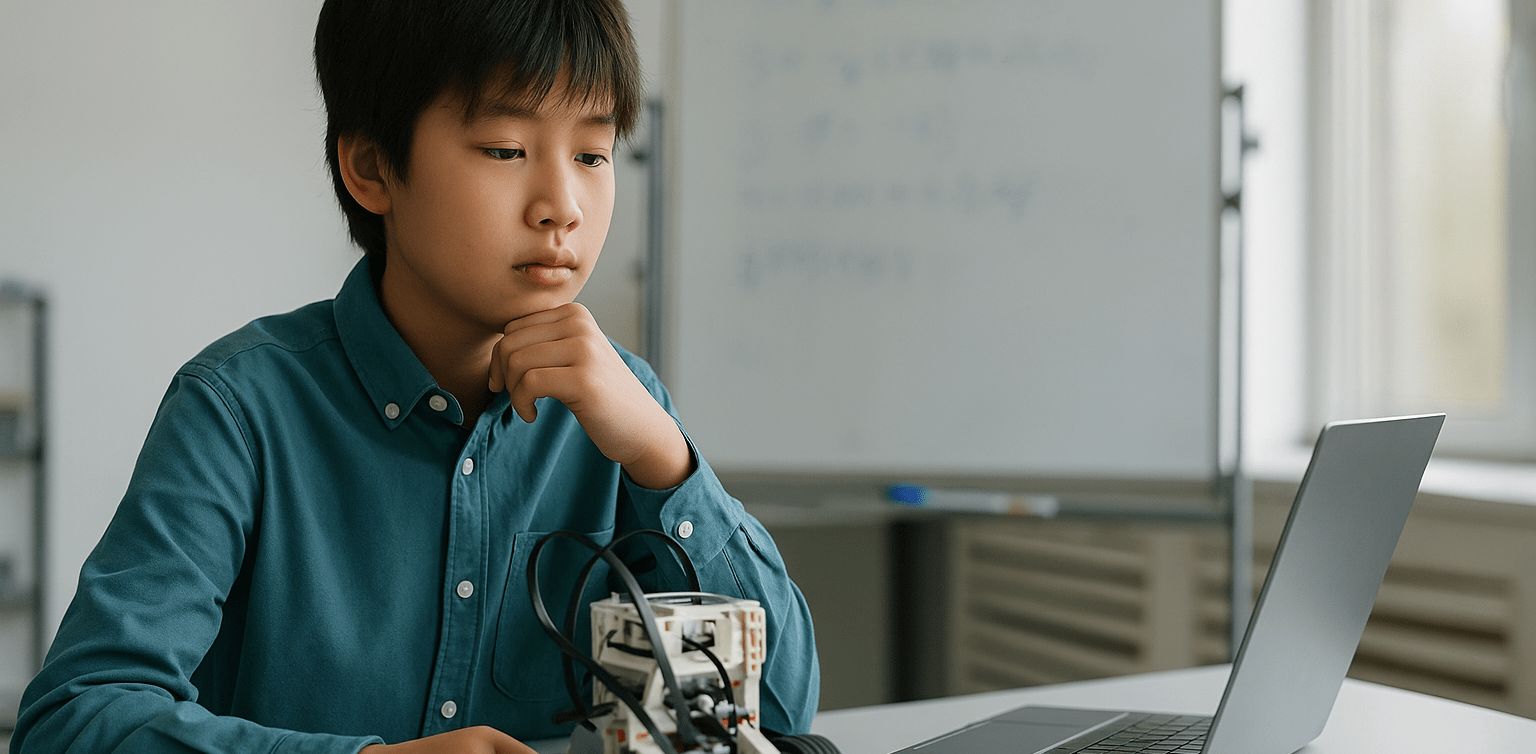
In today’s digital era, introducing children to technology is becoming increasingly important. One of the most engaging and educational ways to do this is through robot coding. This activity not only develops logical thinking but also fosters creativity, problem-solving skills, and teamwork.

For parents, choosing the right robot coding tool for beginners is crucial. There are many options available, from simple to more advanced robots. To make the decision easier, let’s explore the benefits of robot coding, the types of beginner-friendly robots, and tips for choosing the most suitable option for your child.

Why Choose Robot Coding for Beginners
Robot Coding

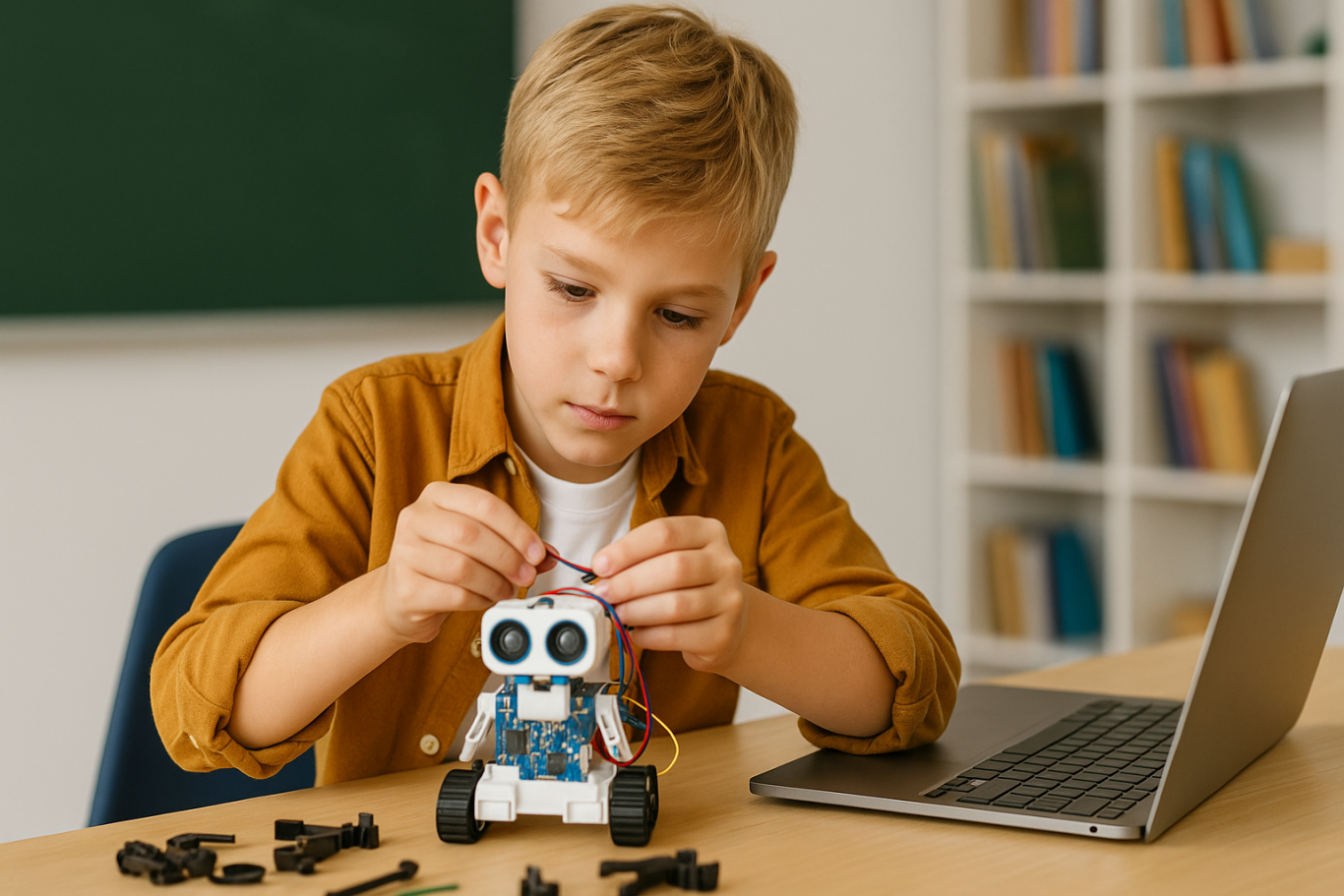
Robot coding is designed to help children learn programming interactively. Instead of only typing code on a screen, they can see how their commands make a robot move or perform specific actions. This makes the learning process more tangible and fun.

Children become motivated to experiment because they immediately see the results of their code. For example, when they program a robot to move forward or avoid an obstacle, they witness how logic and commands shape real outcomes. This builds confidence and curiosity in young learners.

Types of Robot Coding for Beginners
Robot Coding

Here are some beginner-friendly robots that children can easily explore:

  1. Line Following Robot
    This robot uses light sensors to follow a line on the floor. It is simple but effective for teaching decision-making based on conditions.


  2. Obstacle Avoidance Robot
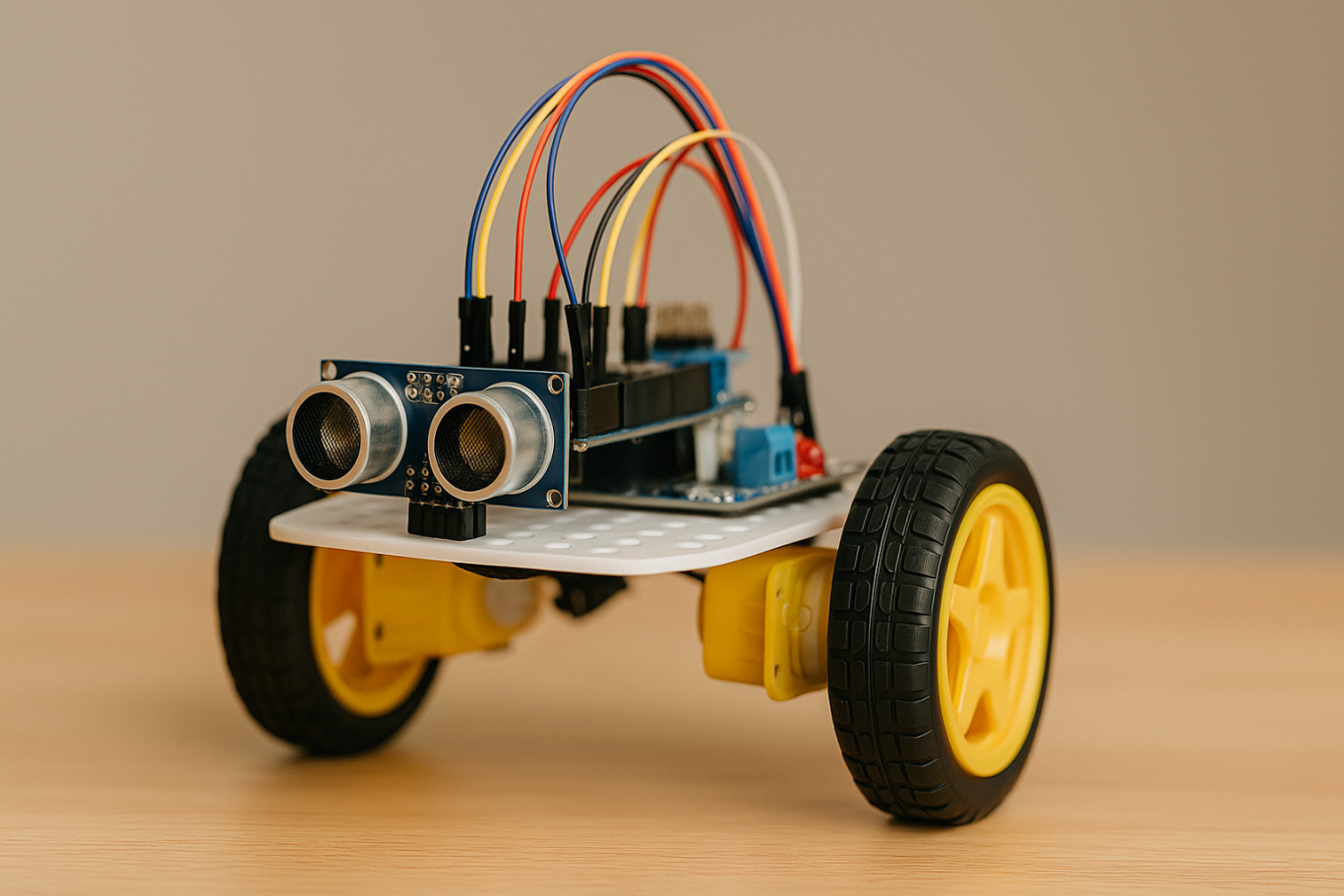
    Equipped with ultrasonic or infrared sensors, this robot avoids obstacles in its path. Children learn about basic if-else logic, which is fundamental in coding.

  3. Drawing Robot
    This robot can create patterns or drawings on paper. It is perfect for children who enjoy art, as they can combine coding logic with creativity.


  4. Voice Controlled Robot
    A robot that responds to simple voice commands like “move” or “stop.” This helps children understand how machines interact with human input.


  5. Dancing Robot
    Small robots that can be programmed to dance to patterns or music. It shows children that robot coding can be fun and expressive.


  6. Sensor-Based Robot
    Robots equipped with light, temperature, or motion sensors that react to environmental conditions. For example, moving when motion is detected or turning on lights when it is dark.


  7. Modular Robot
    Robots that can be reassembled and programmed with new functions. These encourage creativity and problem-solving by letting children design and rebuild their robots.

With this wide selection, parents can choose robots based on their child’s interests. If the child enjoys art, a Drawing Robot is ideal. For those who love challenges, an Obstacle Avoidance Robot may be more suitable.

Tips for Choosing Robot Coding Tools for Kids

  1. Match with Age
    Select robots appropriate for the child’s development stage. Younger children may benefit from block-based coding systems, while older ones can explore text-based coding.


  2. Consider Child’s Interests
    Children who like creativity may prefer drawing robots, while those interested in problem-solving might enjoy sensor-based or obstacle avoidance robots.


  3. Ease of Use
    A beginner robot coding kit should come with clear instructions, a user-friendly app, and ideally an active support community.


  4. Prioritize Safety
    Ensure the materials are safe, durable, and suitable for repeated use by children.

Long-Term Benefits of Learning Robot Coding
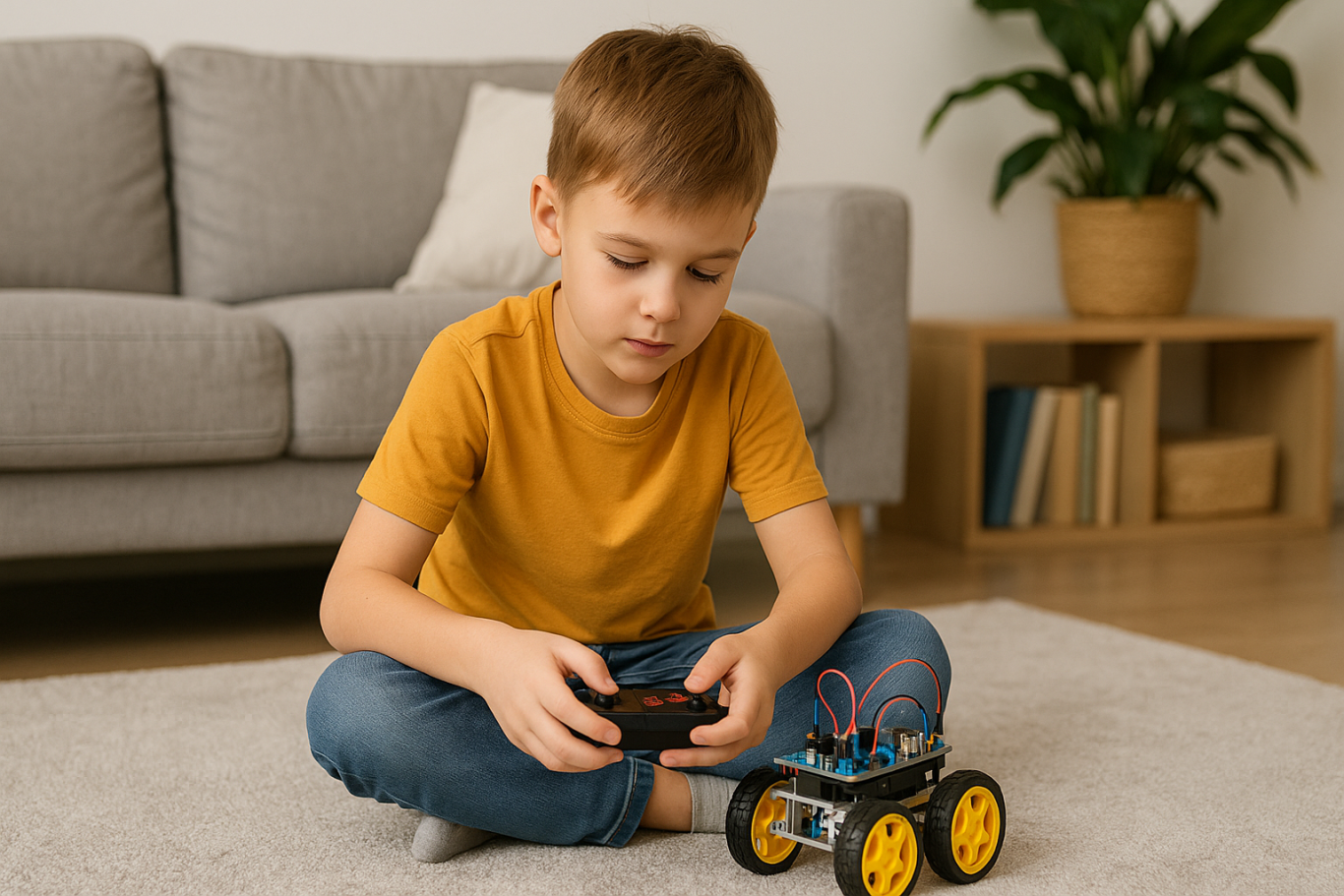
Robot Coding

Robot coding is not just a hobby. It builds a strong foundation for future skills. Children develop logical thinking, creativity, and perseverance, all of which are critical for success in the digital age.

By experimenting with robots, kids also build resilience. If a program doesn’t work as expected, they learn to troubleshoot and try again, developing patience and determination.

Parents can also participate in the process, making it a shared family activity that strengthens bonds while learning new skills.

Learning Robots Coding Easier with Timedoor Academy

Ingin tahu detail program? Image

Ingin tahu detail program?

Introducing children to robot coding at an early stage is a wise investment in their future. With the many beginner-friendly options available, each child can find a robot that suits their interests and learning style.

If you are looking for a program that blends technology with creativity, Timedoor Academy offers interactive courses that can guide children step by step.

Register your child now for a free trial at Timedoor Academy and discover how robot coding can be both an enjoyable and meaningful learning experience for their future.


Keep Reading

8 Best Tips for Kids Managing Homework and Extracurricular Activities in 2025
In today’s fast-paced world, children are often expected to juggle multiple responsibilities at once. From finishing school assignments to attending coding classes, music lessons, or sports practices, their days can feel packed and overwhelming. That’s why many parents are actively searching for tips for kids managing homework and extracurricular activities — to help their children grow, learn, and stay balanced without feeling drained. This article explores eight practical and realistic strategies to support children in managing their responsibilities while maintaining motivation, rest time, and joy.   8 Best Tips for Kids Managing Homework and Extracurricular Activities in 2025   1. Build a Clear Weekly Schedule One of the most effective tips for kids managing homework and extracurricular is to establish a consistent weekly routine. Use a visual planner or calendar that breaks down each day into school hours, homework time, extracurricular sessions, meals, breaks, and bedtime. Having a structured schedule makes children feel more secure and reduces last-minute stress. Make sure to leave enough flexible time for unexpected tasks or short rests.   2. Teach Prioritization Early Not everything needs to be done right away. Teaching children how to prioritize tasks is essential. Sit down together weekly and look at upcoming deadlines, tests, and activity schedules. Help them break bigger projects into smaller steps and start with subjects or assignments that are more challenging. This habit will help them build a sense of control and decision-making, which is key when applying any tips for kids managing homework and extracurricular successfully.   3. Follow the “One Thing at a Time” Rule Kids tend to get overwhelmed when they multitask. Help them learn how to give full attention to one task before moving on to the next. For example, encourage them to finish their science homework before moving on to practice guitar. This method improves focus, builds confidence in completing tasks, and reduces stress caused by scattered attention.   4. Allow Time for Downtime One of the most underrated tips for kids managing homework and extracurricular is giving them time to do nothing. Children need moments of rest, play, and quiet. Downtime supports mental health, creativity, and emotional regulation. Even 15 to 30 minutes a day of unstructured time, where kids can relax without gadgets or tasks, can make a huge difference in their energy and focus levels.   5. Stay Involved Without Micromanaging While independence is important, kids also need emotional support and light guidance. Ask how they’re feeling about their weekly schedule or whether something feels too much. Let them know it’s okay to say no when needed and to ask for help. Being present and responsive helps prevent burnout and builds trust. This emotional connection plays a major role in supporting any effort around tips for kids managing homework and extracurricular.   6. Set Healthy Tech Boundaries Technology can be helpful, but it can also become a distraction. Set clear boundaries for screen time during homework and extracurricular sessions. Use simple tools like timers or productivity apps to support focus. For online classes, make sure their space is quiet and free from distractions like phones or games. Creating a tech environment that supports learning helps improve both academic and extracurricular engagement.   7. Encourage Passion-Based Activities Not every extracurricular needs to be intense or competitive. Include at least one activity your child truly enjoys. Whether it’s drawing, gardening, building robots, or learning languages, fun-based learning adds variety and balance. Passion projects can keep kids motivated and remind them that learning isn’t only about tests and grades. This is a powerful part of long-term success when applying tips for kids managing homework and extracurricular.   8. Choose Supportive Learning Platforms Sometimes kids need extra support outside of school. That’s where programs like Timedoor Academy come in. Timedoor offers flexible online classes in subjects like coding, robotics, math, and digital creativity — all designed to fit into your child’s existing routine. By learning through a fun and structured platform, kids can explore their interests while still managing school tasks smoothly.   Helping Kids Thrive with Balance and Support At the core of all these tips for kids managing homework and extracurricular activities is the goal of balance. Children thrive when they feel supported, not pressured. They need space to learn, grow, and rest. With a realistic schedule, clear priorities, downtime, and the right learning tools, kids can become more confident and independent. Parents play a key role in guiding and cheering them on. If you're ready to help your child explore new skills while balancing their responsibilities, join a free trial class at Timedoor Academy today. Give your child a head start in coding, robotics, and digital creativity while learning at their own pace from the comfort of home.
7 Top Real Dangers of Roblox for Kids in 2025
Roblox has quickly become one of the most popular online games among children today. With its open-world design and endless possibilities for creating and playing games within the platform, it offers a fun and imaginative space for kids. But behind its colorful charm, parents need to be aware of the very real dangers of Roblox for kids that often go unnoticed. As an open and user-driven platform, Roblox allows players to interact, build content, and explore virtual worlds freely. Unfortunately, that same freedom also creates potential risks that can impact a child’s emotional, mental, and social well-being. Below are seven critical dangers of Roblox for kids that every parent should understand to better protect their child. 1. Exposure to Age-Inappropriate Content Although Roblox has parental controls and age restrictions, many games are created by users and don’t go through strict moderation. This can expose children to violence, harsh language, or mature themes. One of the most concerning dangers of Roblox for kids is how easily this content can influence their thoughts, speech, and behavior if not properly monitored. 2. Unsafe Online Chat Features Roblox includes chat functions that allow players to talk with others. Without restrictions, children may engage with strangers who could have bad intentions. In some instances, these chats have led to cyberbullying or inappropriate conversations. This makes the chat feature one of the more hidden yet dangerous dangers of Roblox for kids. 3. Risk of Gaming Addiction Roblox’s constantly evolving content and variety of mini-games make it highly addictive. Many children find themselves playing for hours without a break, leading to less time for schoolwork, sleep, and physical activity. One of the long-term dangers of Roblox for kids is the disruption of a healthy daily routine and the decline of important real-world habits. 4. In-App Purchases and Digital Spending While Roblox is free to download and play, it includes in-app purchases through its virtual currency, Robux. Kids may not fully understand the value of money and might make accidental purchases, sometimes using their parents’ payment methods. This financial risk is another example of the underestimated dangers of Roblox for kids. 5. Online Predators and Stranger Danger Some online predators disguise themselves as friendly players and use Roblox to connect with children. Over time, they may ask for personal information or manipulate trust. Among the most serious dangers of Roblox for kids is the possibility of them falling victim to online grooming or exploitation. 6. Decreased Interest in Physical and Social Activities Spending too much time on Roblox can lead to children losing interest in physical play or socializing with friends and family. Over time, this withdrawal can slow down their social development. One of the behavioral dangers of Roblox for kids is the reduction in offline experiences that build empathy, communication, and social skills. 7. Distraction from Learning and Lower Academic Focus Kids who spend too much time playing Roblox may struggle to concentrate in school. They often think about the game even during study time and may become restless or disinterested in learning. This drop in focus and motivation is a clear warning among the many dangers of Roblox for kids that affect their educational progress. What Can Parents Do? Rather than banning Roblox completely, a more effective approach is to guide your child’s digital use. Set clear screen time limits, use parental controls, and have open conversations about the dangers of Roblox for kids. It’s also a good idea to offer healthier tech-based alternatives that are just as fun, but more beneficial. One such activity is learning to code. Instead of just playing games, children can explore how games are made, which builds logic, creativity, and self-confidence. Try a Free Coding Class at Timedoor Academy Timedoor Academy offers free coding classes for children aged 5 to 18. With a project-based learning method and a fun, age-appropriate curriculum, kids get to create games, animations, and digital projects while learning valuable problem-solving skills. Guided by professional mentors, children can shift from being passive users of tech to creative thinkers and builders. Let’s help kids grow in a safe and inspiring digital space. Sign your child up today for a free coding class at Timedoor Academy!
10 Practical Tips to Set Up a Comfortable and Productive Home Learning Space for Kids
In today’s digital age, children are not only learning at school but also through various online platforms from the comfort of home. That’s why setting up a home learning space for kids that is both comfortable and productive has become increasingly important. A well-organized learning environment supports better focus, enhances motivation, and encourages independent study habits from an early age. Here are ten simple yet effective tips to help parents create an ideal home learning space that supports both comfort and academic success. 10 Practical Tips to Set Up a Comfortable and Productive Home Learning Space for Kids 1. Choose a Quiet Spot with Minimal Distractions Start by picking a location that isn’t heavily trafficked throughout the day. Ideally, a home learning space for kids should be away from TVs, the kitchen, or play areas. If you don’t have a dedicated room, convert a quiet corner of the bedroom or living room into a learning zone. Use a bookshelf or lightweight divider to create a clear separation between study time and leisure time. 2. Ensure Good Lighting Lighting has a direct impact on mood and focus. Make sure the home learning space for kids has access to natural light during the day. For evening sessions, provide a desk lamp with bright but soft white lighting. Avoid dim lights, as they can cause drowsiness and reduce attention. 3. Provide Ergonomic Furniture A comfortable setup goes a long way. Use a chair and desk that match your child’s height to encourage proper posture. Add cushions or a footrest if needed, so your child can sit comfortably for longer study sessions. 4. Minimize Visual and Audio Distractions Overly bright or busy decor can be distracting in home learning space for kids. Stick to neutral or calming colors for the walls and furniture. Keep toys and unrelated devices out of reach during study hours. If noise from outside interrupts your child’s focus, consider using noise-cancelling headphones, especially during online classes. 5. Keep All Learning Materials Within Reach Equip the space with all the essentials: stationery, books, a laptop or tablet, headphones, and a reliable internet connection. Having everything nearby prevents unnecessary movement and keeps the child focused. Use storage bins or small shelves to keep the desk tidy and clutter-free. 6. Display a Daily Schedule Help your child develop a routine by creating a visual schedule. Post it on the wall near their desk using colorful charts or illustrations. The schedule can include study time, breaks, meals, and creative activities. Visual structure supports time management and builds responsibility. 7. Involve Your Child in the Setup Let your child have a say in how the space looks. Allow them to choose the colors, arrange the desk, or decorate with their favorite items. When kids feel ownership over their home learning space, they are more likely to use it enthusiastically and keep it tidy. 8. Ensure Good Air Circulation and Room Temperature A cool, fresh room helps maintain energy and concentration. Open windows regularly or use a fan or air conditioner if needed. Scent can also influence mood — try light, calming scents like lavender to create a relaxed environment. 9. Match the Setup to Your Child’s Digital Learning Needs If your child is involved in digital learning, make sure the equipment works smoothly. Check the laptop or tablet, webcam, microphone, and internet connection before class begins. Also, make sure their chair and desk setup supports good posture for screen-based learning. 10. Add Motivational Personal Touches Showcase your child’s artwork, awards, or inspiring quotes on the wall. Personal touches can boost confidence and make the space feel more welcoming and meaningful to them. Maximize Your Child’s Home Learning Space with the Right Learning Program Creating a home learning space for kids is a strong start, but it becomes truly effective when paired with the right learning content. Timedoor Academy offers a wide range of interactive online classes to help children grow academically and creatively — all from their home learning space. With subjects like coding, robotics, math, and digital creativity, your child can explore their interests in a fun and structured way. Sign up for a free trial class at Timedoor Academy today and give your child the opportunity to build skills for the future while learning comfortably at home.
float button