Apr 10, 2025

Top 10 Educational Apps for Kids in 2025 – Learning Meets Fun!

Top 10 Educational Apps for Kids in 2025 – Learning Meets Fun! image

How often do your kids ask, ‘Mom, can I play with your phone?’ It’s a question many parents hear daily. But what if that screen time could be transformed into a chance for kids to learn, grow, and explore through educational apps? At Timedoor Academy, we believe fun learning shouldn’t end when the school day does. With the right fun learning apps, your child can develop new skills, spark curiosity, and fall in love with education—all while having fun. To help you make the most of screen time, we’ve curated a list of the Top 10 Educational Apps for Kids in 2025—designed for children ages 4 to 12!

Top 10 Educational Fun Learning Apps for Kids in 2025

1. Khan Academy Kids: Best Educational App for Kids’ Fun Learning
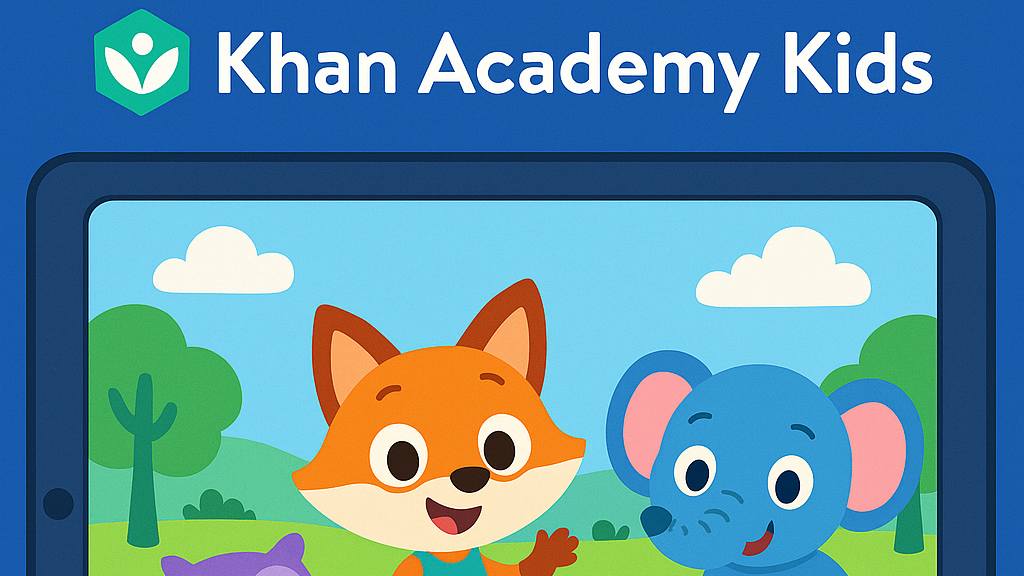
• Age: 2–8 | Free

– This all-time favorite keeps growing smarter. In 2025, Khan Academy Kids features more personalized learning paths and emotional learning tools, helping kids improve not just academically—but socially too. The app offers a broad range of subjects, from math and reading to social-emotional skills, making it ideal for holistic development.

• Timedoor Tip: Great for early learners who enjoy story-based learning!

2. Duolingo ABC: Best Educational App for Kids’ Fun Learning
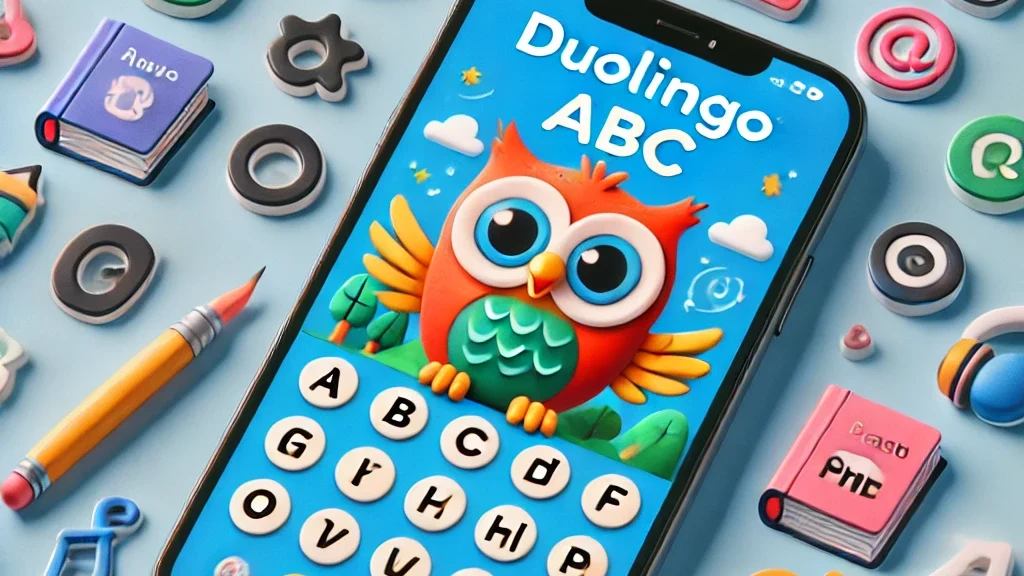
• Age: 3–7 | Free

– A charming spin-off from Duolingo, this app is now powered by AI-driven reading tutors. It helps young kids master the alphabet, phonics, and basic reading skills through interactive play. The app’s bright and engaging visuals keep children interested as they learn essential language skills step by step.

• Encourages early literacy in both native and foreign languages.

3. Toca Life World: Best Educational App for Kids’ Fun Learning

• Age: 6–12 | Freemium

– More than just a game, Toca Life is a creative sandbox for storytelling, roleplaying, and problem-solving. In 2025, it includes educational missions designed by child psychologists and educators to foster creativity and teach key skills like emotional intelligence, cooperation, and critical thinking.

• Great for building creativity and emotional intelligence.

4. Prodigy Math Game: Best Educational App for Kids’ Fun Learning
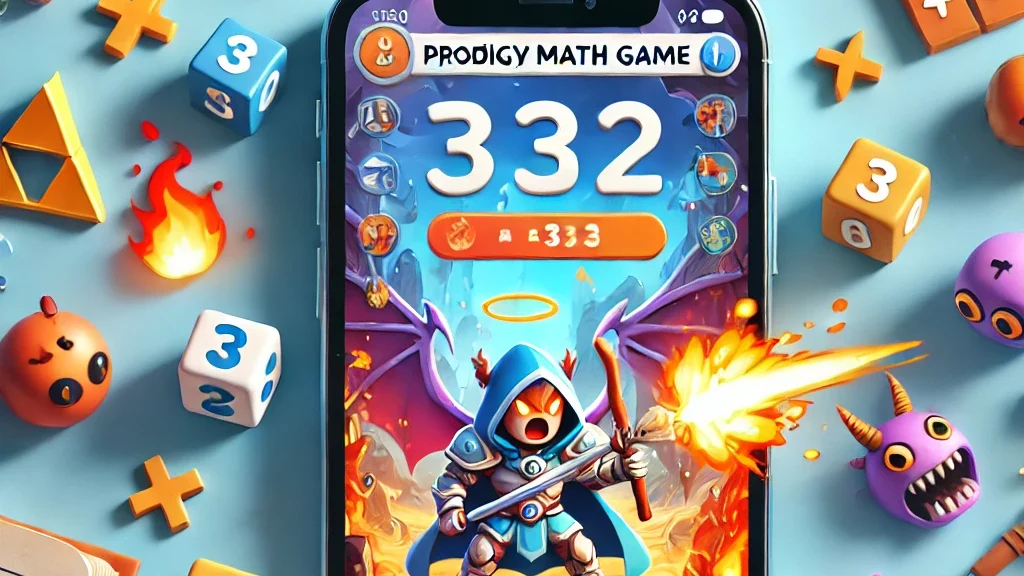
• Age: 6–12 | Free with premium option

– Prodigy gamifies math using an RPG-style format. The 2025 version introduces adaptive difficulty, so kids are constantly challenged at the right level. With multiplayer features, kids can “battle” with friends while solving math problems, turning learning into an interactive adventure.

• Fun, fantasy, and fractions—all rolled into one!

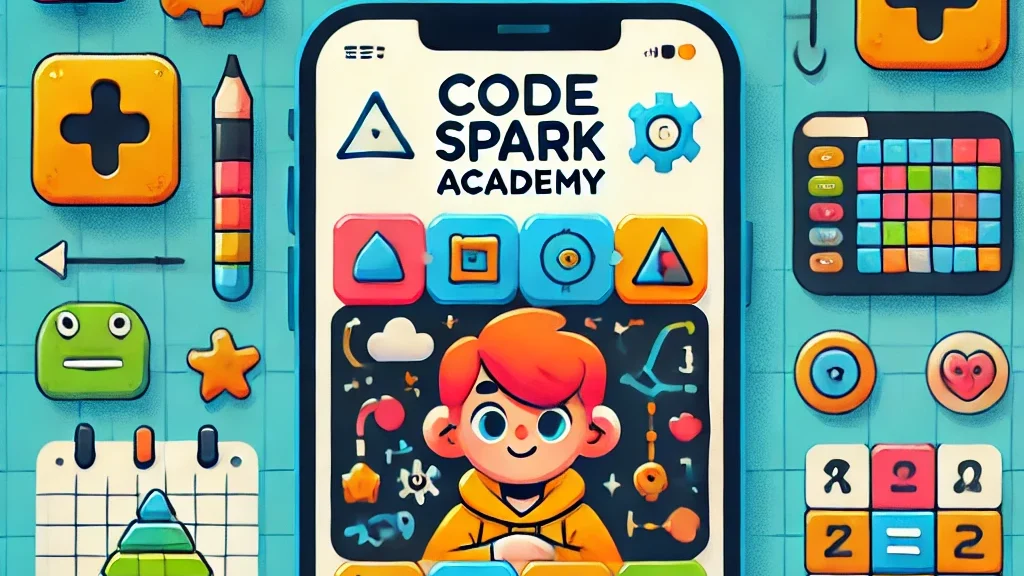
5. CodeSpark Academy: Best Educational App for Kids’ Fun Learning
• Age: 5–9 | Subscription

– A coding app with no words! Kids learn the logic behind coding through puzzles, games, and story creation. In 2025, CodeSpark Academy introduces collaborative coding projects, allowing kids to work together and solve problems, making it even more engaging for young digital creators.

• Perfect for young digital creators and future programmers!

Read our another articles:
https://timedooracademy.com/blog/winners-announcement-of-bootcamp-december-2024
https://timedooracademy.com/blog/timedoor-academy-sea-coding-competition

6. Sago Mini World: Best Educational App for Kids’ Fun Learning

• Age: 2–5 | Subscription

– This charming app bundle includes over 40 educational games designed for toddlers, each focused on foundational concepts such as shapes, colors, and problem-solving. In 2025, the app adds new science and nature-themed adventures to spark curiosity and introduce environmental awareness.

• Ideal for learning through play—especially in early childhood.

7. Elmo Loves ABCs: Best Educational App for Kids’ Fun Learning
• Age: 2–5 | Paid

– Beloved Elmo helps kids learn alphabets and counting through songs, games, and drawing. A timeless favorite, Elmo’s cheerful presence makes learning numbers fun and accessible for even the youngest learners. The app offers age-appropriate challenges that promote early math skills.

• A great bonding activity for parents and toddlers.

8. Endless Alphabet: Best Educational App for Kids’ Fun Learning

• Age: 3–7 | Paid

– This delightful app uses playful animations and adorable characters to teach kids the alphabet and vocabulary. Each word is brought to life through fun puzzles, with vibrant visuals and friendly creatures that help reinforce each letter and its sound. It’s an excellent way to build literacy skills in young children.

• Great for early literacy and word recognition skills.

9. Monkey Preschool Lunchbox: Best Educational App for Kids’ Fun Learning

• Age: 2–5 | Paid

– This app introduces young children to a variety of foundational concepts such as colors, shapes, numbers, and letters, all through engaging mini-games. The app’s friendly characters make the learning process playful and entertaining, providing a fun, hands-on way to practice essential skills.

• Perfect for toddlers to build early math and reading skills in a fun way.

10. Epic!: Best Educational App for Kids’ Fun Learning

• Age: 3–12 | Subscription

– Epic! offers an extensive digital library of books, audiobooks, and educational videos, making reading more exciting for kids. The app adapts to your child’s interests and reading level, providing them with personalized recommendations and a wide variety of reading material that encourages independent learning.

• Ideal for developing reading habits and expanding vocabulary.

Turn Kids Curiosity Into Capable Fun Learning

In 2025, the world of educational apps is more exciting than ever. Whether your child wants to build stories, solve puzzles, explore new languages, or code their first game—there’s an app waiting to spark that passion.

As parents, we don’t just want our kids to be tech-savvy—we want them to be thoughtful, creative learners. The right apps, used with guidance, can be powerful tools for just that.

Want to take your kids learning to the next level?

Join one of Timedoor Academy’s online coding classes and support their development in a structured, fun, and nurturing Llearning environment. Visit our website or contact our team to find the best course for your child.


Keep Reading

<strong>7 Outstanding Recommendations for English Courses for Elementary School Kids</strong>
7 Outstanding Recommendations for English Courses for Elementary School Kids
Finding the right place for English Courses for Elementary Kids can be challenging for many parents. With the growing importance of English as a global language, choosing the right institution becomes a crucial step in shaping your child’s future. In this article, we will explore several outstanding recommendations that you can consider. Why English Courses Are Important for Elementary Kids Elementary school is a golden stage where children can absorb new languages more easily. Enrolling them in English Courses for Elementary Kids allows them to build strong foundations in speaking, listening, reading, and writing. Beyond academics, mastering English can also open up wider opportunities both socially and educationally in the future. Recommended English Courses for Elementary School Kids Here are some trusted institutions to consider: 1. Timedoor Academy Timedoor Academy offers a modern and child-friendly approach. English Courses for Elementary Kids program is designed with interactive methods, using digital technology that makes learning both fun and engaging. Experienced teachers ensure that children not only memorize but also gain the confidence to communicate naturally. 2. EF (English First) EF is a globally recognized language school with a strong reputation. Their specialized kids’ programs follow an international curriculum, supported by small class sizes and highly trained teachers. 3. LIA (Lembaga Indonesia Amerika) LIA has long been a popular choice for Indonesian families. Their courses focus on everyday communication, helping children use English more naturally in conversations. 4. Wall Street English Kids Although better known for adult learners, Wall Street English also provides special programs for kids. Modern facilities and technology-based learning materials make it an appealing choice. 5. Kumon English Kumon, famous for its math program, also offers English courses. Their approach focuses on reading practice, which is suitable for kids who enjoy literacy-based learning. 6. English Bright Kids This institution emphasizes fun learning through creative activities. Children learn English via games, songs, and group activities, which keeps them motivated and enthusiastic. 7. IALF (Indonesia Australia Language Foundation) IALF is a trusted language center with a strong academic reputation. Their children’s program emphasizes active listening and speaking skills in a supportive environment. Tips for Choosing the Right Course Before enrolling your child, here are a few things you should take into account: Location should be easily accessible. Curriculum must suit your child’s needs. Learning methods should be enjoyable. Teachers must be certified and experienced. Class size should be small enough for individual attention. By considering these factors, you can ensure that your child gets the most out of their learning experience. Register Your Child Now at Timedoor Academy! Choosing English Courses for Elementary Kids is not just about academic performance but also about equipping children with essential communication skills for the future. Each institution above offers unique strengths that may suit different learning styles. If you’re looking for a modern, interactive, and enjoyable course, Timedoor Academy is an excellent choice. Sign your child up for a free trial at Timedoor Academy today and let them experience the joy of learning English in a whole new way!
Introduction to Basic Robotics for Kids: Tips and Trick 2025
As technology advances rapidly, introducing children to robotics is no longer considered too early. In fact, robotics is one of the most valuable areas to explore at a young age, helping children develop logical thinking, creativity, and structured problem-solving skills. An introduction to basic robotics for kids can be a gateway to exploring technology in a fun and meaningful way. With a solid foundation in how technology works, children will be better prepared to navigate and shape the future ahead. What Is Robotics? Robotics is the field of study focused on designing, building, and controlling robots. For children, a robot doesn’t have to be a complex machine. It can be a simple educational toy that can move or perform tasks based on programmed instructions. Through an introduction to basic robotics for kids, children begin to understand core concepts like sensors, motors, and logic commands, while also learning that every action has a cause and an effect. Why Should Kids Learn Robotics Early? Builds Logical and Systematic ThinkingRobotics helps children learn how to think in sequences and steps. They learn to structure instructions so a robot can perform specific tasks, reinforcing their problem-solving skills. Encourages Creativity and InnovationChildren are given the opportunity to create something from their own ideas. Whether they are designing how a robot looks or deciding what it should do, they are learning to turn imagination into real outcomes. Introduces Technology in a Positive WayWhen children learn about technology through robotics, they see it as a helpful tool rather than just entertainment. This shapes how they interact with technology as they grow. Boosts Independence and ConfidenceCompleting a working robot on their own gives children a sense of accomplishment. This achievement builds self-confidence and motivates them to keep learning and trying new things. How to Get Started with Robotics for Kids An introduction to basic robotics for kids should be fun, simple, and age-appropriate. There are many robotics kits designed specifically for children, often equipped with easy-to-follow instructions and safe-to-use components. Parents can also begin with unplugged activities to build early logical thinking. Games like direction cards or movement simulations that mimic robot commands can serve as great stepping stones before introducing digital coding. Fun Robotics Activities to Try at Home Simple activities like building robots out of cardboard or using beginner-friendly kits like Bee-Bot can make robotics feel like play. Apps like Scratch Junior also help kids understand coding logic in a visual, hands-on way. The key to a successful introduction to basic robotics for kids is to keep it playful. When children enjoy the process, they naturally become more engaged and absorb more from each activity. Common Challenges and How to Overcome Them Introducing robotics to children can come with challenges. Not every parent has a technical background, and not every child is excited right from the start. These obstacles can be managed with patience and flexibility. Start small, go at the child’s pace, and remove the pressure to get everything right the first time. A consistent and supportive learning environment can make a big difference. Robotics as a Foundation for the Future An introduction to basic robotics for kids is not just about teaching them to use technology, but also about shaping how they think. It nurtures critical thinking, creative problem-solving, and the courage to experiment. Children learn to see failure as part of the process, to try again, and to evaluate what can be improved. These life skills will benefit them in any field they choose to pursue in the future. Learn Coding and Robotics Easily with Timedoor Academy If you're looking for a fun and structured way for your child to learn coding and robotics, Timedoor Academy offers interactive online classes designed for kids. Using creative methods and kid-friendly tools, children can build logical thinking, create commands, and develop real projects with confidence. Try a free coding and robotics class today with Timedoor Academy and help your child take their first steps into the world of future-ready technology through a guided and joyful introduction to basic robotics for kids.
4 Bahasa Pemrograman Terbaik Untuk Anak
Top 4 Programming Languages for Kids
In today’s digital-first world, teaching children how to code is becoming just as essential as teaching them math, reading, or science. Coding builds logical thinking, creativity, and problem-solving skills. These are abilities that are crucial for success in any future career. But with so many programming languages out there, many parents wonder: Where should my child start? The answer depends on your child’s age, interests, and learning style. Some languages are visual and beginner-friendly, while others offer more complexity for older or advanced learners. In this article, we’ll break down the top 4 programming languages for kids, explaining what makes each of them great and how to choose the right one for your child’s coding journey.   Why Should Kids Learn Programming Language In Coding? Before we jump into the list, let’s quickly look at why coding is so valuable for children: Boosts logical thinking and analytical skills Strengthens creativity and imagination Improves academic performance, especially in STEM subjects Builds persistence and resilience through problem-solving Prepares them for a future in a tech-driven world Coding also helps children become creators of technology, not just passive users.   1. Programming Language In Coding: Scratch Best for Kids Aged 6 to 12 Scratch is a block-based programming language developed by MIT, specifically for children and beginners. Instead of typing code, kids drag and drop visual blocks to build animations, games, and interactive stories. Why it’s great: No previous coding knowledge needed Highly visual and engaging Encourages storytelling, creativity, and experimentation Free and web-based Scratch is ideal for young learners who enjoy art, games, or creative play. It’s fun, easy to understand, and extremely rewarding.   2. Programming Language In Coding: Python Best for Kids Aged 10 and Up Python is one of the world’s most popular programming languages and a great choice for kids who are ready to move beyond visual coding. Its syntax is clean and readable, making it one of the easiest text-based languages to learn. Why it’s great: Beginner-friendly with real-world applications Used in data science, AI, game development, and automation Loads of free resources and tutorials available Great for building games, quizzes, and mini apps Python is perfect for curious kids who enjoy solving problems and want to dive deeper into the tech world.   3. Programming Language In Coding: JavaScript Best for Kids Aged 11 and Up JavaScript is the go-to language for web development. If your child is interested in how websites work or wants to build their own online games or tools, JavaScript is an exciting and rewarding option. Why it’s great: Teaches how to make websites interactive Encourages real-time experimentation in the browser Can be combined with HTML and CSS for full website building Great for creative projects like online games and visual effects JavaScript is ideal for tweens and teens who are internet-savvy and want to bring their ideas to life on the web.   4. Programming Language In Coding: Blockly Best for Kids Aged 7 to 10 Blockly is a visual coding language like Scratch but with a twist. It also shows the actual code behind the blocks. It’s designed to help children transition from block-based programming to real text-based coding. Why it’s great: Easy to use with a visual interface Builds understanding of programming logic Bridges the gap between Scratch and Python Often used in educational robots and coding kits Blockly is excellent for kids who are ready to go beyond simple blocks but not quite ready for full typing-based code.   Quick Guide by Age For Kids To Choose Programming Language Age Group Recommended Language 6 to 8 Scratch or Blockly 9 to 12 Scratch, then Python 12+ Python or JavaScript   How Can Parents Support Their Kids Coding Journey? Explore coding platforms together such as Timedoor Academy Choose fun, project-based learning activities Encourage creativity by allowing your child to build what they love Celebrate progress at every step, no matter how small   Ready to Help Your Kids Start Coding? The best programming language for your child is the one that fits their age, interest, and learning pace. Whether they’re creating their first animation in Scratch or developing a game in Python, every coding experience empowers them with skills for the future. At Timedoor Academy, we provide structured and engaging online coding classes for children of all ages. Our programs are designed to turn beginners into confident young coders through hands-on learning and creative projects. Ready to start your child’s coding journey? Check out our courses and free trial at Timedoor Academy and unlock your child’s potential in tech.
float button