May 21, 2025

Free Coding Classes: A Golden Opportunity for Kids to Learn Technology in 2025

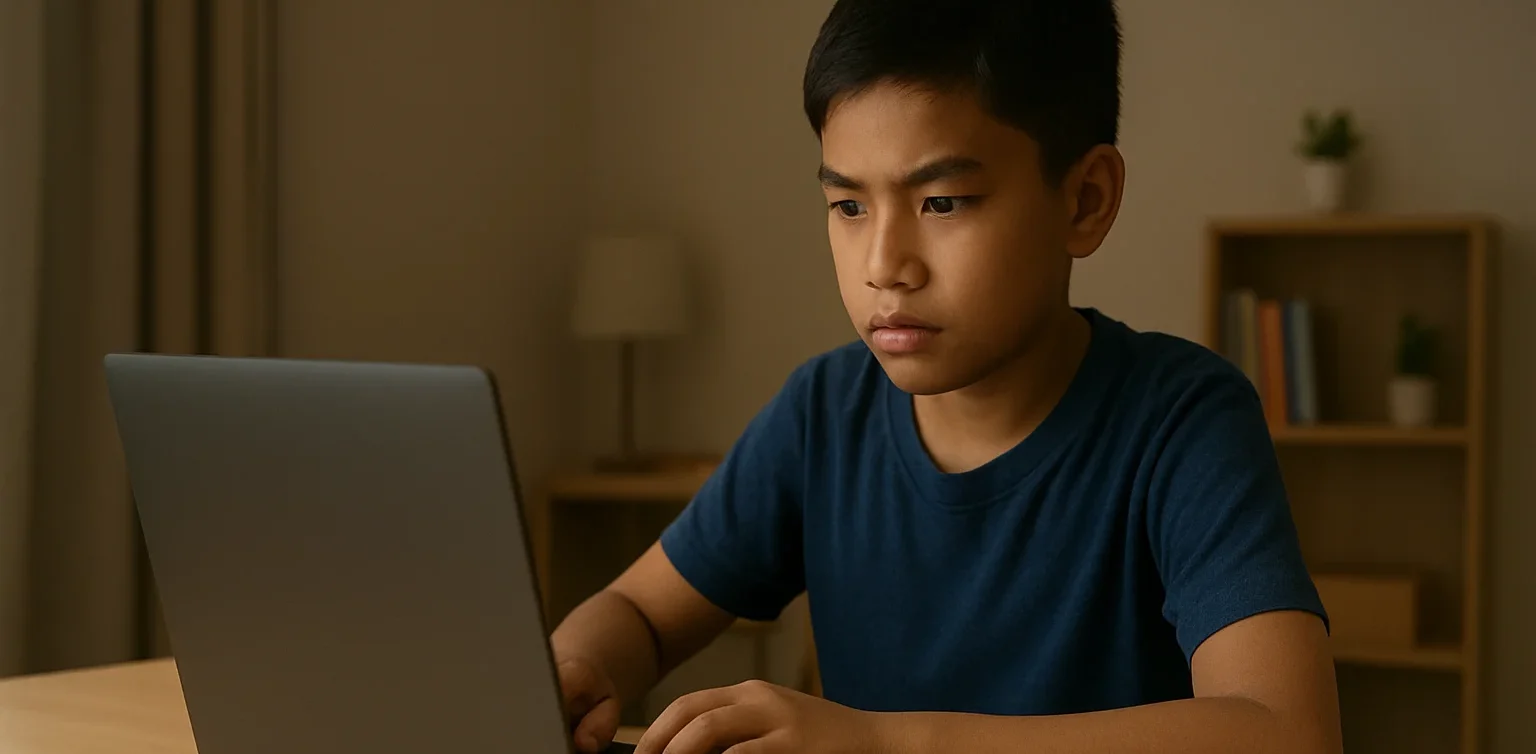
<strong>Free Coding Classes: A Golden Opportunity for Kids to Learn Technology in 2025</strong> image

Free coding classes have become an attractive option for parents who want their children to gain technology skills without spending a lot of money. In today’s digital era, the ability to code or program is essential to master from an early age. This article will discuss why free coding classes are highly needed, the benefits of learning coding from a young age, and how Timedoor Academy offers fun and easy-to-follow free coding programs for children.

Why Are Free Coding Classes Important for Kids?

free coding classes

Technology has become an essential part of everyday life, especially for children growing up in the digital age. Almost every activity, from learning to entertainment and communication, involves digital technology. Therefore, the ability to understand and use technology—especially coding—has become a mandatory skill that kids need to prepare for the future.

Unfortunately, not all parents can afford the often high costs of coding courses. With free coding classes, kids from various socioeconomic backgrounds can enjoy the opportunity to learn coding. This helps open up more equitable access to technology education, so children are no longer held back by financial barriers and can gain important skills for their future.

Additionally, free coding classes give kids a chance to familiarize themselves with a technology language that is continuously evolving and serves as the foundation for many future careers. By understanding coding early, children gain a competitive edge as they enter the workforce.

Benefits of Learning Coding from an Early Age

Learning coding is more than just writing computer programs. The process trains kids to think logically, systematically, and creatively when solving problems. Children who start coding early tend to have better problem-solving abilities because they’re used to breaking down complex problems into smaller parts and solving them step-by-step.

Moreover, learning to code helps improve kids’ focus and patience. They must carefully follow step-by-step instructions to make sure their programs run correctly—an excellent habit that benefits them in many areas of life and education.

Beyond technical skills, coding builds confidence because children can see the results of their own work, such as simple games, animations, or apps they create. This motivates them to keep learning and innovating.

What Does Timedoor Academy Offer in Its Free Coding Classes?

Timedoor Academy deeply understands the importance of coding education for children but also recognizes that cost can be a barrier for many parents. That’s why Timedoor Academy provides free coding classes designed specifically for kids, with easy-to-understand materials and an interactive, fun learning approach.

These free coding classes don’t just teach basic theory like using block coding and logic; they also encourage kids to create simple, engaging projects. This means children don’t just learn theory—they get hands-on practice, which strengthens their understanding and makes learning more lively.

The teachers at Timedoor Academy are professionals experienced in teaching children, so they deliver materials in a language kids easily grasp while creating a comfortable classroom atmosphere. Their kid-friendly methods make learning fun and keep children motivated.

Besides free coding classes, Timedoor Academy also offers free trial classes for paid coding programs. These trial classes give kids and parents a chance to experience the teaching method and see if the program suits them before fully committing.

How to Join Free Coding Classes at Timedoor Academy

 Image

Joining Timedoor Academy’s free coding classes is very easy. Parents just need to register through Timedoor Academy’s official website. The registration process is quick and simple, so kids can immediately start learning according to flexible schedules that fit their and their family’s time.

Moreover, Timedoor Academy provides responsive support during the learning process. So parents and kids don’t need to worry if they face any difficulties or have questions related to the material.

The Role of Parents in Supporting Children’s Coding Learning
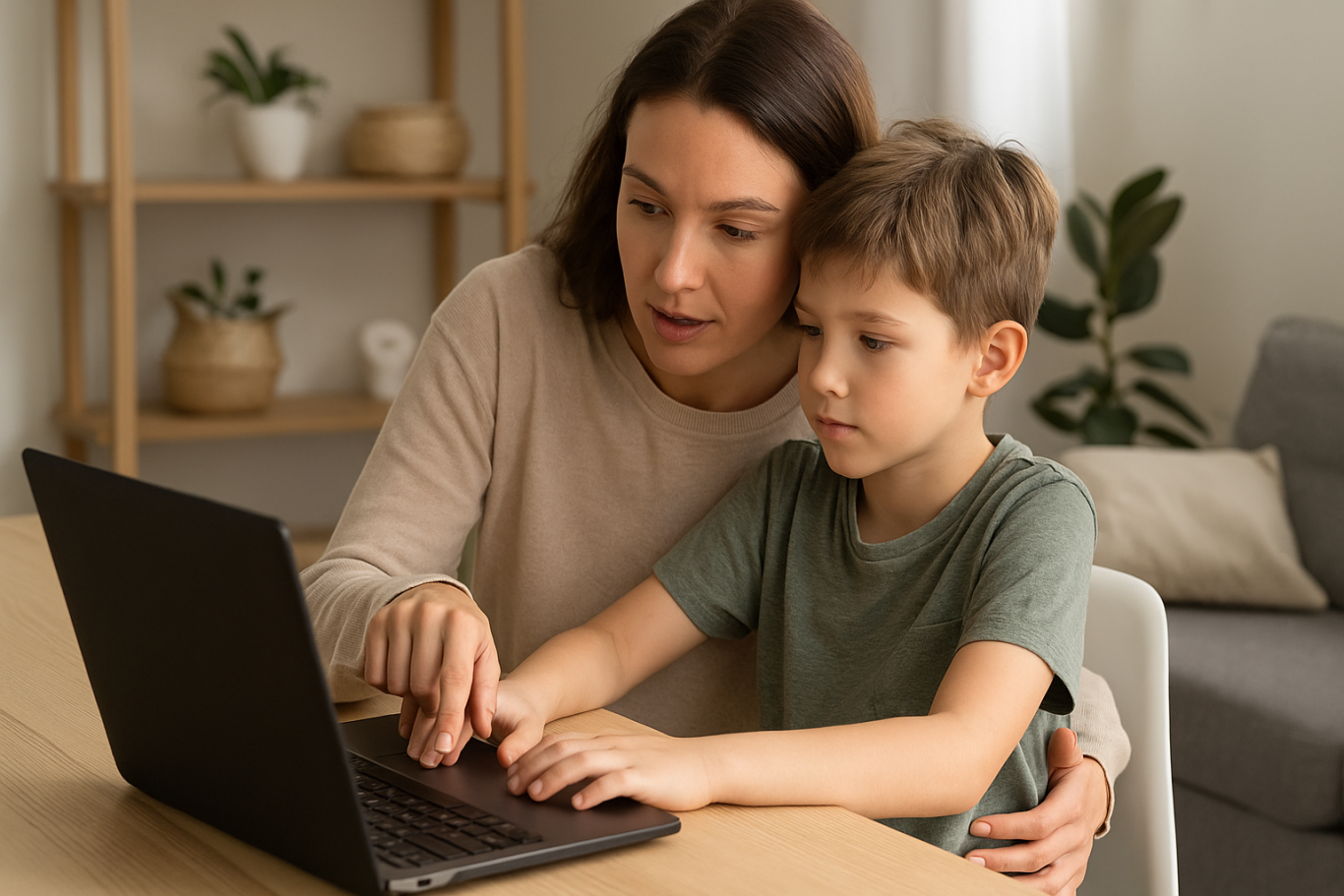
Parental support plays a crucial role in the success of children learning coding. Parents can help by setting aside special time for kids to focus on coding and by accompanying them while working on coding tasks or projects.

Furthermore, parents can discuss the material their kids are learning and how it applies in everyday life. This approach can increase children’s motivation and understanding, making them even more enthusiastic about learning.

Parents should also remind children to balance their learning with enough rest so they don’t get tired or bored during the coding learning process.

Starting Your Child’s Digital Future with Free Coding Classes

Free coding classes provide the best opportunity for children to start learning technology without financial burden. By learning coding from an early age, children get used to thinking critically and creatively, as well as developing problem-solving skills that will be very useful in their future.

Timedoor Academy offers fun and interactive free coding classes supported by professional teachers who are experts at teaching kids. Don’t let your child miss out on this valuable opportunity! Register your child now for free coding classes at Timedoor Academy and also take advantage of free trial classes available for paid programs.

Give your child the essential digital skills needed to face an increasingly advanced and digital world. Visit Timedoor Academy’s website today and start a fun and rewarding coding learning journey!


Keep Reading

4 Bahasa Pemrograman Terbaik Untuk Anak
Top 4 Programming Languages for Kids
In today’s digital-first world, teaching children how to code is becoming just as essential as teaching them math, reading, or science. Coding builds logical thinking, creativity, and problem-solving skills. These are abilities that are crucial for success in any future career. But with so many programming languages out there, many parents wonder: Where should my child start? The answer depends on your child’s age, interests, and learning style. Some languages are visual and beginner-friendly, while others offer more complexity for older or advanced learners. In this article, we’ll break down the top 4 programming languages for kids, explaining what makes each of them great and how to choose the right one for your child’s coding journey.   Why Should Kids Learn Programming Language In Coding? Before we jump into the list, let’s quickly look at why coding is so valuable for children: Boosts logical thinking and analytical skills Strengthens creativity and imagination Improves academic performance, especially in STEM subjects Builds persistence and resilience through problem-solving Prepares them for a future in a tech-driven world Coding also helps children become creators of technology, not just passive users.   1. Programming Language In Coding: Scratch Best for Kids Aged 6 to 12 Scratch is a block-based programming language developed by MIT, specifically for children and beginners. Instead of typing code, kids drag and drop visual blocks to build animations, games, and interactive stories. Why it’s great: No previous coding knowledge needed Highly visual and engaging Encourages storytelling, creativity, and experimentation Free and web-based Scratch is ideal for young learners who enjoy art, games, or creative play. It’s fun, easy to understand, and extremely rewarding.   2. Programming Language In Coding: Python Best for Kids Aged 10 and Up Python is one of the world’s most popular programming languages and a great choice for kids who are ready to move beyond visual coding. Its syntax is clean and readable, making it one of the easiest text-based languages to learn. Why it’s great: Beginner-friendly with real-world applications Used in data science, AI, game development, and automation Loads of free resources and tutorials available Great for building games, quizzes, and mini apps Python is perfect for curious kids who enjoy solving problems and want to dive deeper into the tech world.   3. Programming Language In Coding: JavaScript Best for Kids Aged 11 and Up JavaScript is the go-to language for web development. If your child is interested in how websites work or wants to build their own online games or tools, JavaScript is an exciting and rewarding option. Why it’s great: Teaches how to make websites interactive Encourages real-time experimentation in the browser Can be combined with HTML and CSS for full website building Great for creative projects like online games and visual effects JavaScript is ideal for tweens and teens who are internet-savvy and want to bring their ideas to life on the web.   4. Programming Language In Coding: Blockly Best for Kids Aged 7 to 10 Blockly is a visual coding language like Scratch but with a twist. It also shows the actual code behind the blocks. It’s designed to help children transition from block-based programming to real text-based coding. Why it’s great: Easy to use with a visual interface Builds understanding of programming logic Bridges the gap between Scratch and Python Often used in educational robots and coding kits Blockly is excellent for kids who are ready to go beyond simple blocks but not quite ready for full typing-based code.   Quick Guide by Age For Kids To Choose Programming Language Age Group Recommended Language 6 to 8 Scratch or Blockly 9 to 12 Scratch, then Python 12+ Python or JavaScript   How Can Parents Support Their Kids Coding Journey? Explore coding platforms together such as Timedoor Academy Choose fun, project-based learning activities Encourage creativity by allowing your child to build what they love Celebrate progress at every step, no matter how small   Ready to Help Your Kids Start Coding? The best programming language for your child is the one that fits their age, interest, and learning pace. Whether they’re creating their first animation in Scratch or developing a game in Python, every coding experience empowers them with skills for the future. At Timedoor Academy, we provide structured and engaging online coding classes for children of all ages. Our programs are designed to turn beginners into confident young coders through hands-on learning and creative projects. Ready to start your child’s coding journey? Check out our courses and free trial at Timedoor Academy and unlock your child’s potential in tech.
<strong>5 Top Recommendations for Saving Accounts for Kids: Safe and Educational Options</strong>
5 Top Recommendations for Saving Accounts for Kids: Safe and Educational Options
Teaching children to save from an early age is a smart move to help them build healthy financial habits. One of the most effective steps parents can take is to open saving accounts for kids with a trusted bank. Through these special products, parents can introduce financial concepts, help children manage their allowance, and encourage a sense of responsibility about money management right from the start. Today, many banks around the world offer saving accounts for kids that are both attractive and educational. Parents can easily keep an eye on the balance and guide their children toward reaching their savings goals, whether it’s for a new toy, a book, or something they need for school. However, choosing saving accounts for kids should not be done on a whim. There are several factors to consider, including minimum deposit requirements, fees, as well as features like debit cards, mobile banking apps, and educational resources. Here are five of the best saving accounts for kids from globally recognized banks that are worth considering this year. 1. HSBC MySavings Youth Account The HSBC MySavings Youth Account is a popular choice among saving accounts for kids. Designed for children and teens (typically ages 7 to 17, though age requirements vary by country), this account helps kids understand banking basics and offers competitive interest rates with parental oversight. Highlights: No monthly fees Low minimum deposit Optional debit card with parental approval Online banking access for both parents and kids HSBC’s strong global network and easy-to-use digital services make it a reliable choice for families everywhere. 2. Santander 123 Mini Account The Santander 123 Mini Account is an excellent example of saving accounts for kids that are accessible internationally, especially in the UK and Spain. Suitable for children up to 17 years old, this account focuses on developing smart savings habits through a simple interface. Highlights: No monthly maintenance fees No minimum deposit Optional contactless debit card for older kids Online and mobile banking for parents and children This account lets parents supervise transactions while helping children learn the importance of saving and budgeting. 3. Capital One Kids Savings Account For families in the United States, the Capital One Kids Savings Account is an easy and fee-free way to get children started with saving accounts for kids. This account offers robust parental controls and is designed to be managed entirely online. Highlights: No monthly or annual fees No minimum balance requirement Competitive interest rates User-friendly mobile banking app Capital One also provides helpful resources for parents and kids to learn about money management together. 4. Revolut <18 (Under 18 Account) Revolut <18 is a digital solution for saving accounts for kids, available across Europe, the UK, Australia, Singapore, and other regions. Designed for children ages 6 to 17, it provides a digital wallet and a prepaid debit card under the supervision of a parent. Highlights: Instant app-based notifications Parental controls and spending limits Prepaid debit card for safe transactions Budgeting tools and goal setting Revolut <18 is ideal for families who want a modern, digital approach to teaching kids about saving and spending safely. 5. Chase First Banking Chase First Banking is one of the latest saving accounts for kids in the United States, created in partnership with Greenlight. It combines checking and savings features with strong parental controls and educational tools. Highlights: No monthly service fees Customizable saving, spending, and earning features Parental approval for key transactions Access to a large network of ATMs and branches Chase’s mobile app is intuitive and helps children learn to set goals, manage money, and track their progress in real time. Tips for Choosing the Right Saving Accounts for Kids To maximize the benefits, here are some useful tips for selecting saving accounts for kids: Choose an account that suits your child’s age and offers strong parental oversight. Look for low fees, reasonable minimum deposits, and attractive interest rates. Consider extra features such as mobile banking, debit cards, and educational content. Prefer banks with programs that reward good saving habits and offer financial education. Involve your child in the process of opening the account to build a sense of responsibility and motivation. Saving, Financial Literacy, and Digital Skills for the Future Introducing saving accounts for kids is not just about putting money away; it’s about building a foundation for lifelong financial literacy. In our increasingly digital world, it’s also wise to introduce children to essential digital skills like coding, preparing them for tomorrow’s challenges. If you want your child to become both financially responsible and tech-savvy, sign them up for a free trial coding class at Timedoor Academy. Kids can learn money management while developing logical thinking and creativity, helping them grow into a wise and innovative generation.
Introduction to Basic Robotics for Kids: Tips and Trick 2025
As technology advances rapidly, introducing children to robotics is no longer considered too early. In fact, robotics is one of the most valuable areas to explore at a young age, helping children develop logical thinking, creativity, and structured problem-solving skills. An introduction to basic robotics for kids can be a gateway to exploring technology in a fun and meaningful way. With a solid foundation in how technology works, children will be better prepared to navigate and shape the future ahead. What Is Robotics? Robotics is the field of study focused on designing, building, and controlling robots. For children, a robot doesn’t have to be a complex machine. It can be a simple educational toy that can move or perform tasks based on programmed instructions. Through an introduction to basic robotics for kids, children begin to understand core concepts like sensors, motors, and logic commands, while also learning that every action has a cause and an effect. Why Should Kids Learn Robotics Early? Builds Logical and Systematic ThinkingRobotics helps children learn how to think in sequences and steps. They learn to structure instructions so a robot can perform specific tasks, reinforcing their problem-solving skills. Encourages Creativity and InnovationChildren are given the opportunity to create something from their own ideas. Whether they are designing how a robot looks or deciding what it should do, they are learning to turn imagination into real outcomes. Introduces Technology in a Positive WayWhen children learn about technology through robotics, they see it as a helpful tool rather than just entertainment. This shapes how they interact with technology as they grow. Boosts Independence and ConfidenceCompleting a working robot on their own gives children a sense of accomplishment. This achievement builds self-confidence and motivates them to keep learning and trying new things. How to Get Started with Robotics for Kids An introduction to basic robotics for kids should be fun, simple, and age-appropriate. There are many robotics kits designed specifically for children, often equipped with easy-to-follow instructions and safe-to-use components. Parents can also begin with unplugged activities to build early logical thinking. Games like direction cards or movement simulations that mimic robot commands can serve as great stepping stones before introducing digital coding. Fun Robotics Activities to Try at Home Simple activities like building robots out of cardboard or using beginner-friendly kits like Bee-Bot can make robotics feel like play. Apps like Scratch Junior also help kids understand coding logic in a visual, hands-on way. The key to a successful introduction to basic robotics for kids is to keep it playful. When children enjoy the process, they naturally become more engaged and absorb more from each activity. Common Challenges and How to Overcome Them Introducing robotics to children can come with challenges. Not every parent has a technical background, and not every child is excited right from the start. These obstacles can be managed with patience and flexibility. Start small, go at the child’s pace, and remove the pressure to get everything right the first time. A consistent and supportive learning environment can make a big difference. Robotics as a Foundation for the Future An introduction to basic robotics for kids is not just about teaching them to use technology, but also about shaping how they think. It nurtures critical thinking, creative problem-solving, and the courage to experiment. Children learn to see failure as part of the process, to try again, and to evaluate what can be improved. These life skills will benefit them in any field they choose to pursue in the future. Learn Coding and Robotics Easily with Timedoor Academy If you're looking for a fun and structured way for your child to learn coding and robotics, Timedoor Academy offers interactive online classes designed for kids. Using creative methods and kid-friendly tools, children can build logical thinking, create commands, and develop real projects with confidence. Try a free coding and robotics class today with Timedoor Academy and help your child take their first steps into the world of future-ready technology through a guided and joyful introduction to basic robotics for kids.
float button