May 22, 2025

Screen Time Isn’t the Enemy: Why Screen Time for Kids Should Focus on Quality in 2025
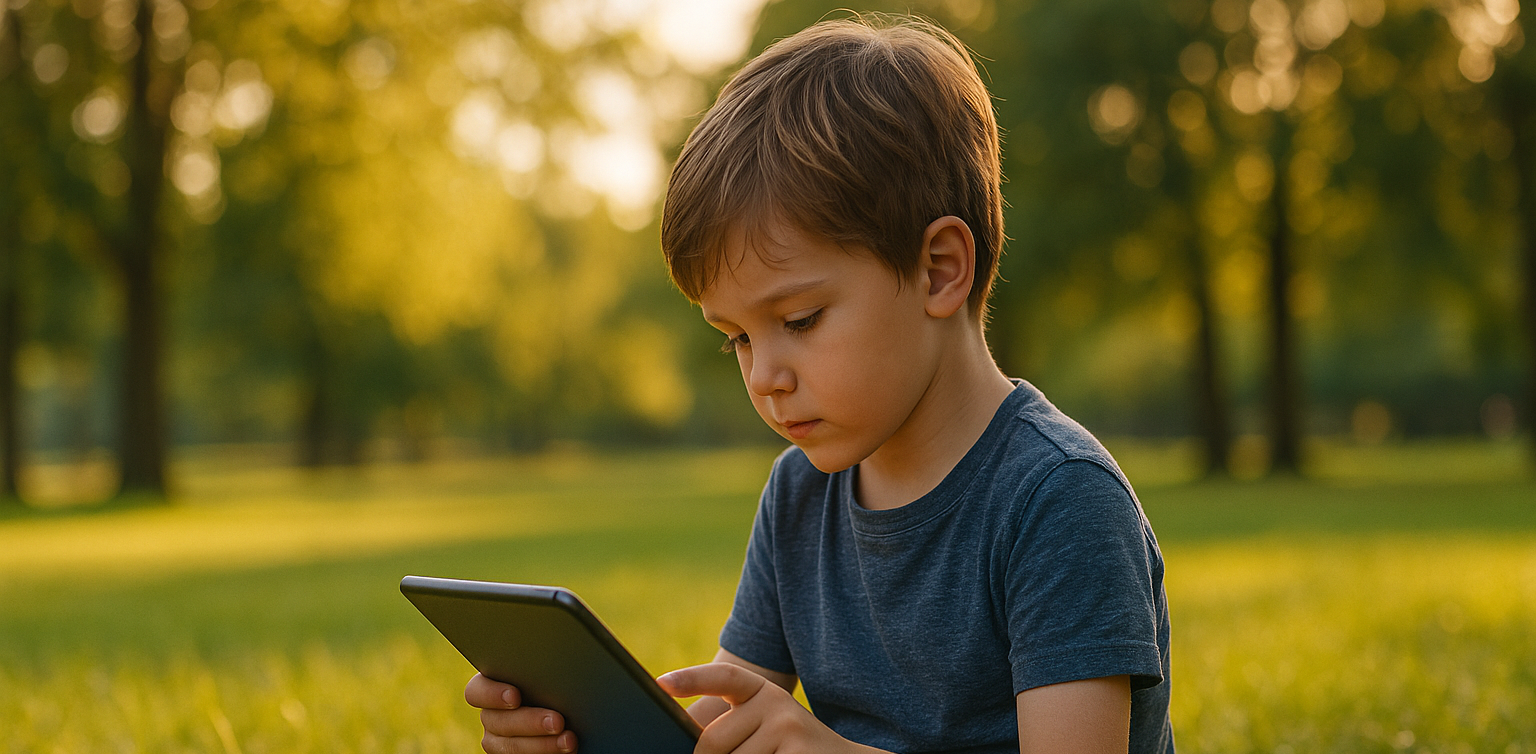
<strong>Screen Time Isn’t the Enemy: Why Screen Time for Kids Should Focus on Quality in 2025</strong> image

In today’s digital age, screen time for kids is a hot topic among parents. Many worry that too much time in front of a screen could negatively impact their children’s physical health, mental well-being, and social development. However, the truth is, screen time for kids isn’t inherently bad. When used wisely and filled with the right kind of activities, it can actually bring many positive benefits.

This article explores why the quality of screen time for kids matters more than simply limiting the hours. We’ll also discuss examples of productive digital activities, practical tips for managing screen time, and how parents can turn screen moments into opportunities for learning and meaningful family bonding.

Look Beyond Just the Hours
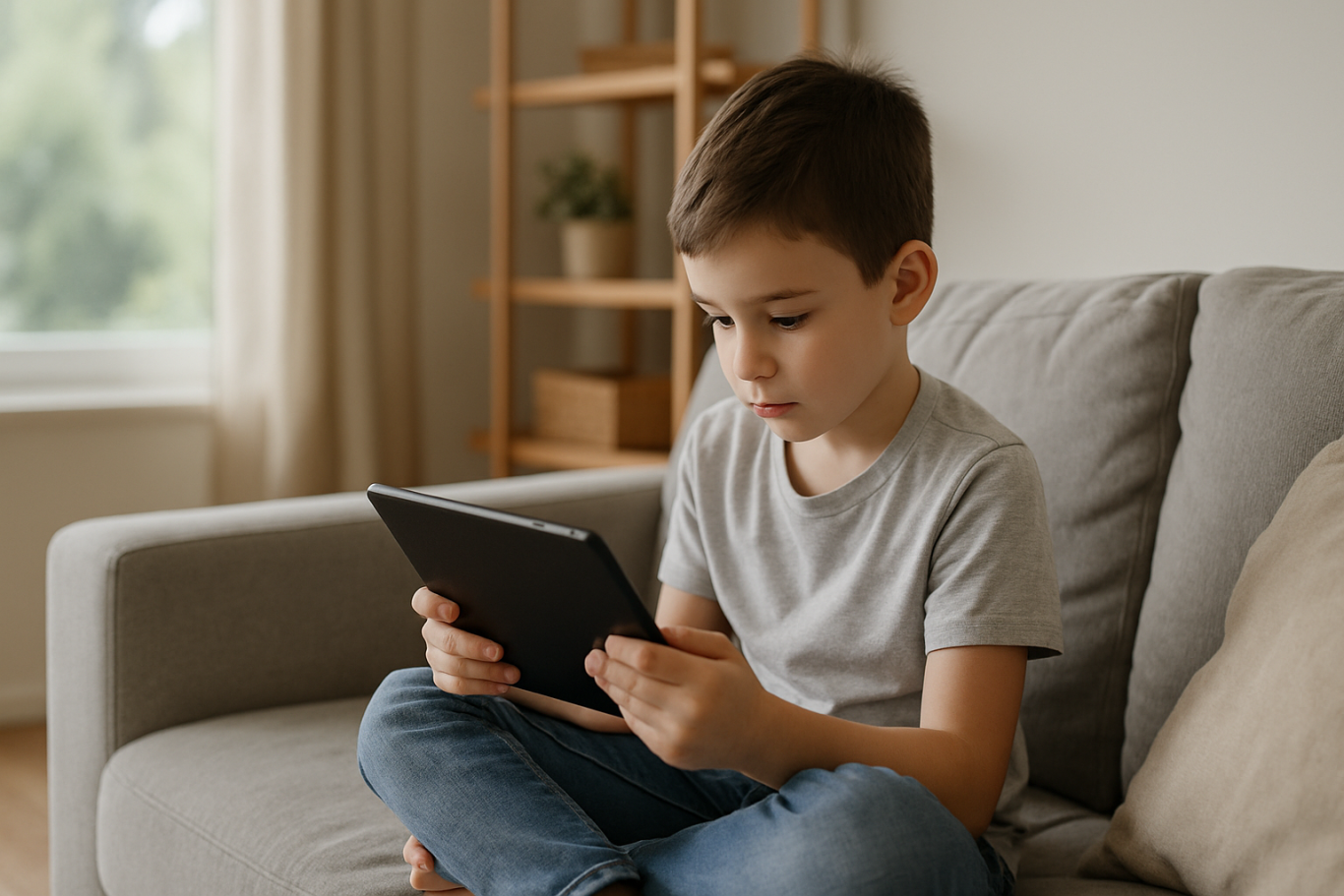
screen time for kids

Most conversations about screen time for kids revolve around duration: how many hours per day is too much? But recent research suggests that the real impact depends more on what children do during that screen time and whether parents are involved.

For example, watching educational shows, taking a coding class, or working on digital projects is far more beneficial than passively playing games or binge-watching entertainment videos.

The American Academy of Pediatrics (AAP) recommends that parents focus more on content, engagement, and interaction, rather than rigidly limiting screen time hours.

What Makes Screen Time High Quality?
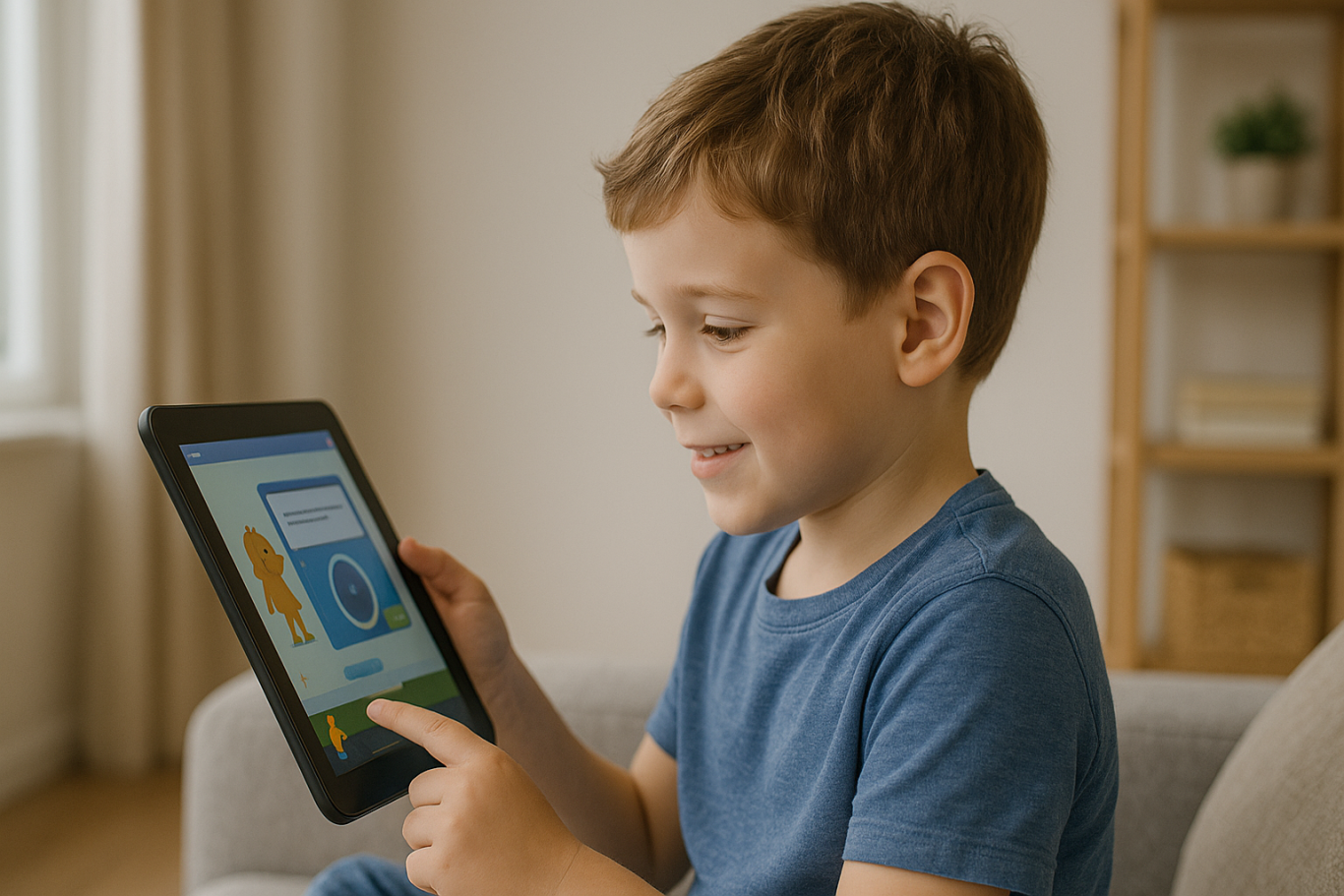
High-quality screen time is screen time that’s used for educational, creative, or character-building purposes. Examples include learning to code, creating animations, joining digital art classes, reading e-books, or communicating positively with friends and family.

Quality also improves when digital activities involve parents. Helping kids choose educational apps, discussing movies together, or working on a digital project as a family can strengthen your bond and build children’s confidence.

The Benefits of Well-Managed Screen Time
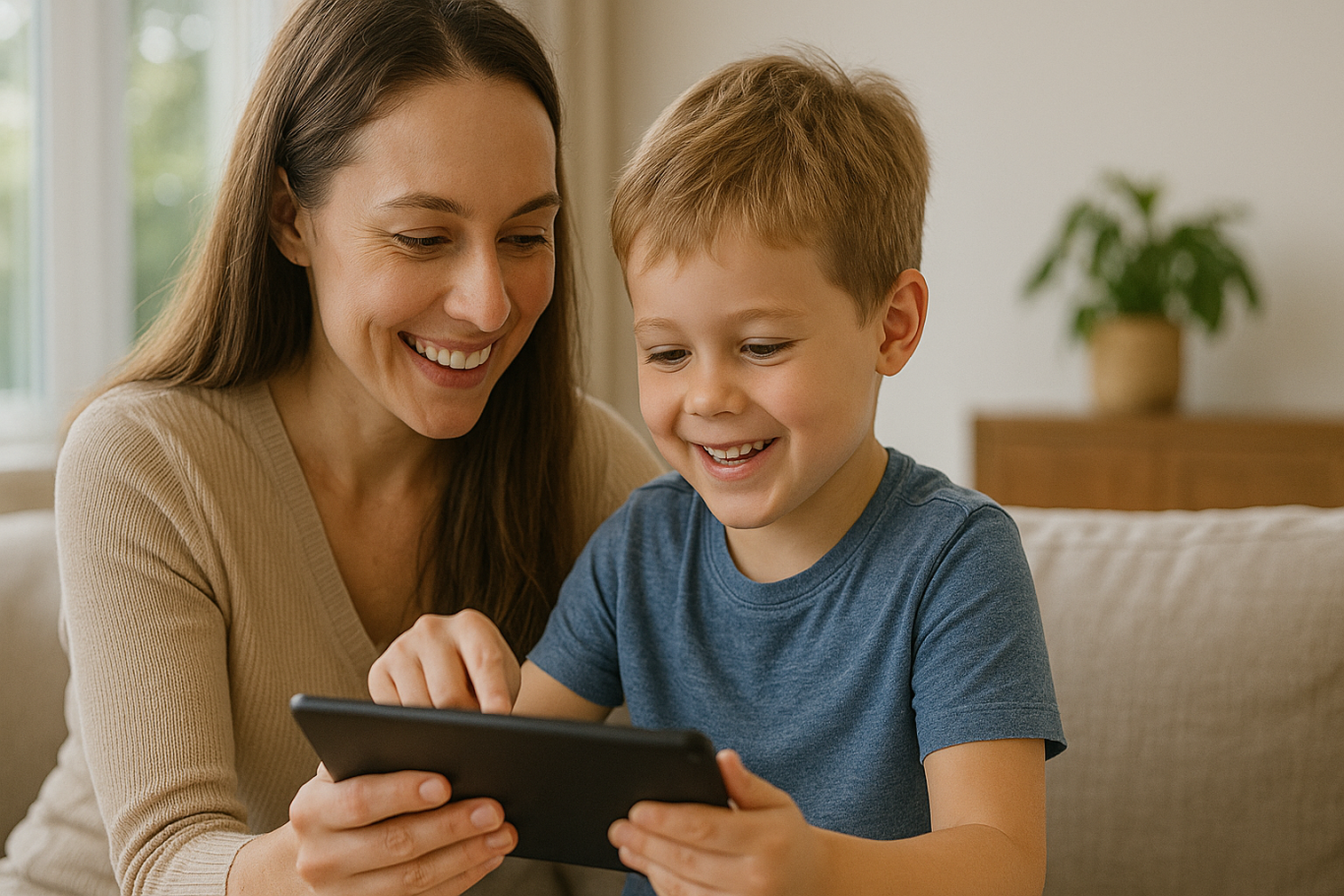
When managed properly, screen time for kids can foster many valuable skills, such as:

  • Digital literacy and tech readiness: Preparing children for a digital-driven world.
  • Critical and creative thinking: Boosted through solving coding challenges, creating digital projects, or editing videos.
  • Communication and collaboration: Practiced in online classes, learning forums, or group projects.
  • Character development: Encouraging discipline, curiosity, responsibility, and confidence.

The Risks of Unsupervised Use

On the flip side, poorly managed screen time can lead to negative outcomes like gadget addiction, sleep problems, reduced social interaction, and passive behavior. That’s why active parental supervision and guidance are essential in shaping healthy screen habits.

How to Make Screen Time More Productive

Here are some practical tips to help ensure screen time for kids is beneficial:

  • Choose Educational Content Wisely
    Opt for age-appropriate learning apps, websites, or programs. Avoid content that’s inappropriate or irrelevant.
  • Create a Balanced Daily Schedule
    Balance screen time with physical activity, outdoor play, and enough rest.
  • Watch and Discuss Together
    Be present during digital activities and talk about what your child is learning or watching.
  • Offer Creative Digital Options
    Introduce fun experiences like coding, graphic design, vlogging, or app-based science experiments.
  • Make It a Family Activity
    Try learning coding together, watching documentaries, or working on family-friendly digital projects.

Coding Courses: A Great Example of Quality Screen Time

 Image

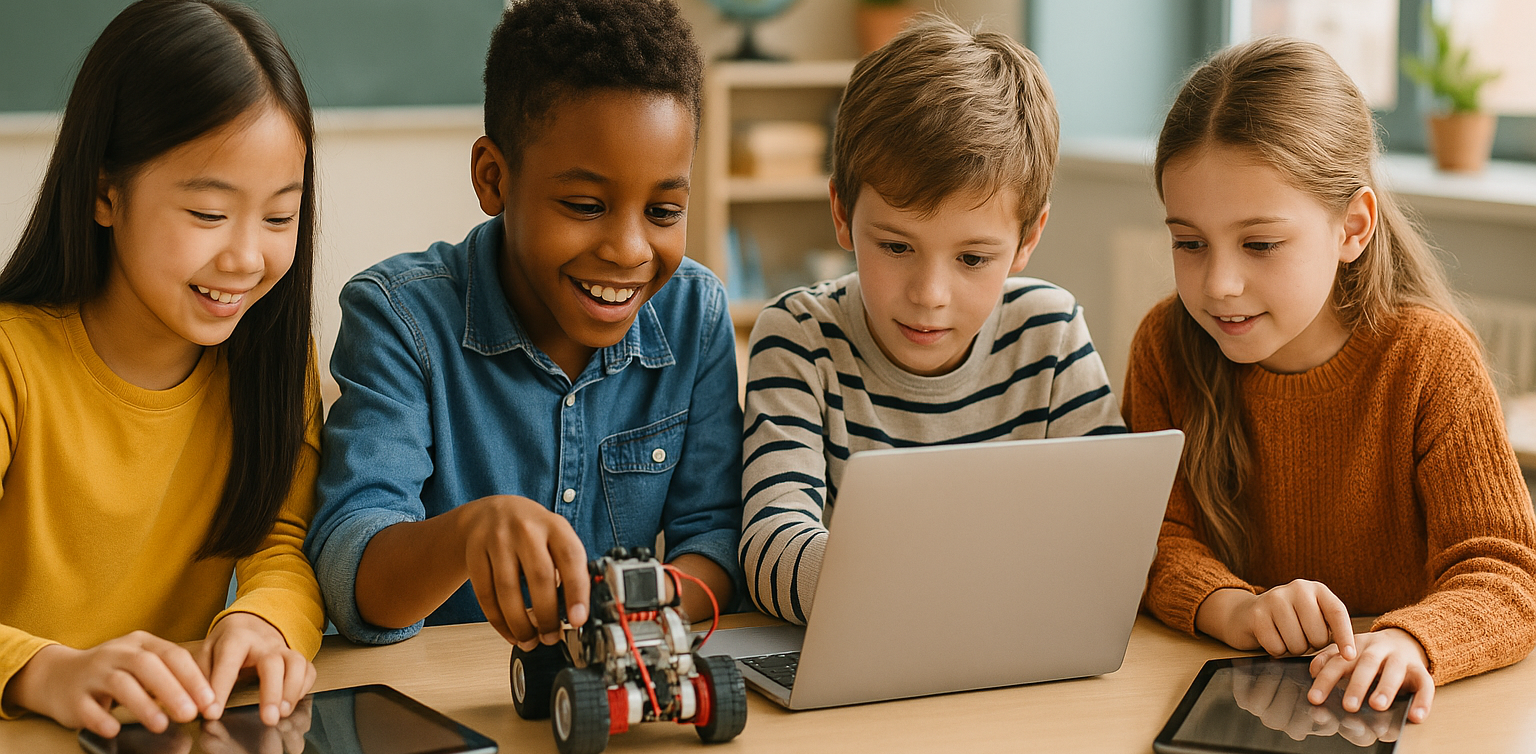
One of the best examples of productive screen time for kids is enrolling them in coding courses. Coding isn’t just a trend — it builds logic, creativity, and problem-solving skills. It also promotes patience, teamwork, and curiosity.

At Timedoor Academy, children can explore coding through structured lessons and real-world projects in a safe and supportive environment. With free trial classes available, it’s a great way to turn screen time into a fun, meaningful learning experience.
Keep Reading

Aplikasi Belajar Anak SD
Top 10 Technology Tools for Elementary Students in 2025
As we step into 2025, technology tools for elementary students are more important than ever. These tools enhance creativity, improve learning outcomes, and foster engagement both inside and outside the classroom. With the help of these technology tools for elementary students, children can develop essential skills that will serve them throughout their academic careers and beyond. Here’s a list of 10 essential technology tools for elementary students to boost their educational experience in 2025. Top 10 Technology Tools for Elementary Students in 2025 1. Kahoot! Focus: Interactive learning and quizzes Kahoot! remains one of the most popular technology tools for elementary students because it turns learning into a fun and competitive experience. Teachers and students can create customized quizzes on subjects like math, science, and language arts, fostering active participation. How to Use It: By incorporating Kahoot! in lessons, educators can make learning feel like a game. Students can play individually or in teams, which makes learning not only engaging but also interactive. With real-time feedback, teachers can adjust their lessons based on students' performance, ensuring that every child stays on track. 2. Seesaw Focus: Digital portfolio and communication Seesaw is another fantastic example of technology tools for elementary students that focuses on student documentation and communication. It allows students to create digital portfolios where they can showcase their work through photos, videos, and drawings. This tool strengthens the bond between teachers and parents, as they can track the progress of the students in real-time. How to Use It: With Seesaw, students can upload images of their assignments or record their thoughts on projects. Teachers can provide feedback and conduct virtual lessons or activities, keeping students and parents connected in an efficient, digital space. 3. Google Classroom Focus: Classroom management and assignment tracking Google Classroom is essential for managing assignments, tracking progress, and organizing classroom materials. As one of the top technology tools for elementary students, it helps both teachers and students streamline their work. Teachers can assign tasks, grade assignments, and provide real-time feedback, while students can easily access learning materials and submit work in one centralized platform. How to Use It: Teachers can post assignments and resources to Google Classroom, making it easy for students to stay organized. Additionally, it integrates with Google Drive, enabling students to collaborate on documents and presentations. This makes it easier to stay on top of deadlines and receive instant feedback. 4. Scratch Focus: Coding and creativity Scratch is one of the most popular technology tools for elementary students when it comes to learning programming. Through visual coding, students can create interactive stories, games, and animations, sparking creativity while teaching them important skills in computational thinking. How to Use It: Scratch is beginner-friendly and offers a drag-and-drop interface for students to build their own projects. Teachers can incorporate Scratch into STEM lessons, teaching logic, sequencing, and problem-solving through interactive coding challenges. This tool is a great starting point for young learners to get familiar with coding and digital creation. 5. Epic! Focus: Digital library for young readers For young readers, Epic! is an invaluable tool in the world of technology tools for elementary students. Epic! offers access to thousands of books, audiobooks, and educational videos. Its interactive features like read-aloud and quizzes make reading more engaging for children. How to Use It: Teachers can assign reading materials directly from Epic! to keep students engaged with books that suit their level. Students can explore a vast library of e-books or listen to audiobooks that cater to their individual reading preferences. Epic! fosters a love for reading by offering a fun and interactive approach to literature. 6. ClassDojo Focus: Classroom behavior and communication ClassDojo is one of the best technology tools for elementary students when it comes to fostering positive behavior and classroom culture. It allows teachers to reward students for good behavior, accomplishments, and teamwork. How to Use It: Teachers can assign points to students based on specific behaviors, such as being on task, helping others, or staying focused. These points can be exchanged for rewards like extra break time or special privileges. ClassDojo is an excellent tool for teaching students about responsibility and positive reinforcement. 7. TinkerCAD Focus: 3D design and engineeringFor students interested in design and engineering, TinkerCAD is one of the leading technology tools for elementary students. This user-friendly 3D design platform allows children to create their own digital models. How to Use It: Students can start by designing simple objects like keychains or toys and gradually work their way up to more complex 3D projects. Teachers can use TinkerCAD to introduce students to engineering and design concepts, making it easier for them to visualize their ideas and understand the basics of 3D modeling and printing. 8. Google Earth Focus: Geography and exploration Google Earth opens up the world to elementary students by allowing them to explore every corner of the globe. Whether for geography lessons or environmental studies, this tool is an essential part of technology tools for elementary students. How to Use It: Teachers can use Google Earth to give virtual tours of countries, cities, landmarks, and natural wonders. Students can explore geographical features and learn about different cultures and ecosystems. This immersive tool makes learning about the world fun and interactive. 9. Duolingo Focus: Language learning As one of the leading technology tools for elementary students, Duolingo helps young learners acquire new languages in a fun, gamified format. This app is perfect for introducing kids to a new language, including popular languages like Spanish, French, and German. How to Use It: Duolingo presents lessons in bite-sized segments that are both fun and educational. Students can practice daily and track their progress. This tool offers rewards and challenges, motivating students to keep learning new words and phrases while building language proficiency. 10. BrainPOP Focus: Educational videos and quizzes BrainPOP is a popular educational platform that offers animated videos and interactive quizzes. It covers a wide range of subjects, including science, math, and social studies, making it one of the best technology tools for elementary students to enhance their learning. How to Use It: Teachers can use BrainPOP to introduce new concepts in a fun and visual way. After watching the videos, students can complete quizzes and discuss the material in class. This helps reinforce key ideas and assess student understanding in an engaging, interactive manner. Why Technology Tools Matter for Elementary Students In 2025, technology tools for elementary students are not just an enhancement to traditional learning; they are essential to developing digital literacy and critical thinking skills. These tools help provide personalized learning experiences that adapt to the needs of each student, whether they need extra support or more challenging material. By incorporating technology tools for elementary students into the classroom, teachers can create an environment that promotes engagement, creativity, and collaboration, preparing students for future success in an increasingly digital world. Start Your Digital Learning Journey Today! Want to make learning even more engaging for your child? Explore Timedoor Academy and try free trial class today and discover how our digital learning platform can support your child’s educational growth with interactive lessons and expert-curated content.
7 Types of Robot Coding Suitable for Beginners
In today’s digital era, introducing children to technology is becoming increasingly important. One of the most engaging and educational ways to do this is through robot coding. This activity not only develops logical thinking but also fosters creativity, problem-solving skills, and teamwork. For parents, choosing the right robot coding tool for beginners is crucial. There are many options available, from simple to more advanced robots. To make the decision easier, let’s explore the benefits of robot coding, the types of beginner-friendly robots, and tips for choosing the most suitable option for your child. Why Choose Robot Coding for Beginners Robot coding is designed to help children learn programming interactively. Instead of only typing code on a screen, they can see how their commands make a robot move or perform specific actions. This makes the learning process more tangible and fun. Children become motivated to experiment because they immediately see the results of their code. For example, when they program a robot to move forward or avoid an obstacle, they witness how logic and commands shape real outcomes. This builds confidence and curiosity in young learners. Types of Robot Coding for Beginners Here are some beginner-friendly robots that children can easily explore: Line Following Robot This robot uses light sensors to follow a line on the floor. It is simple but effective for teaching decision-making based on conditions.   Obstacle Avoidance Robot Equipped with ultrasonic or infrared sensors, this robot avoids obstacles in its path. Children learn about basic if-else logic, which is fundamental in coding. Drawing Robot This robot can create patterns or drawings on paper. It is perfect for children who enjoy art, as they can combine coding logic with creativity.   Voice Controlled Robot A robot that responds to simple voice commands like “move” or “stop.” This helps children understand how machines interact with human input.   Dancing Robot Small robots that can be programmed to dance to patterns or music. It shows children that robot coding can be fun and expressive.   Sensor-Based Robot Robots equipped with light, temperature, or motion sensors that react to environmental conditions. For example, moving when motion is detected or turning on lights when it is dark.   Modular Robot Robots that can be reassembled and programmed with new functions. These encourage creativity and problem-solving by letting children design and rebuild their robots. With this wide selection, parents can choose robots based on their child’s interests. If the child enjoys art, a Drawing Robot is ideal. For those who love challenges, an Obstacle Avoidance Robot may be more suitable. Tips for Choosing Robot Coding Tools for Kids Match with Age Select robots appropriate for the child’s development stage. Younger children may benefit from block-based coding systems, while older ones can explore text-based coding.   Consider Child’s Interests Children who like creativity may prefer drawing robots, while those interested in problem-solving might enjoy sensor-based or obstacle avoidance robots.   Ease of Use A beginner robot coding kit should come with clear instructions, a user-friendly app, and ideally an active support community.   Prioritize Safety Ensure the materials are safe, durable, and suitable for repeated use by children. Long-Term Benefits of Learning Robot Coding Robot coding is not just a hobby. It builds a strong foundation for future skills. Children develop logical thinking, creativity, and perseverance, all of which are critical for success in the digital age. By experimenting with robots, kids also build resilience. If a program doesn’t work as expected, they learn to troubleshoot and try again, developing patience and determination. Parents can also participate in the process, making it a shared family activity that strengthens bonds while learning new skills. Learning Robots Coding Easier with Timedoor Academy Introducing children to robot coding at an early stage is a wise investment in their future. With the many beginner-friendly options available, each child can find a robot that suits their interests and learning style. If you are looking for a program that blends technology with creativity, Timedoor Academy offers interactive courses that can guide children step by step. Register your child now for a free trial at Timedoor Academy and discover how robot coding can be both an enjoyable and meaningful learning experience for their future.
<strong>5 Best Ways Understanding Introvert vs Antisocial Kids Difference</strong>
5 Best Ways Understanding Introvert vs Antisocial Kids Difference
Many parents still struggle to tell the difference between introverted and antisocial behavior in children. Both can seem quiet or withdrawn, but they have very different meanings. Understanding introvert vs antisocial kids is essential so parents can respond with the right support and approach. Discovering Difference of Introvert vs Antisocial Kids An introverted child is someone who feels more comfortable doing quiet activities alone or with one or two close friends. They are not afraid of people, but social settings can be draining for them. Meanwhile, antisocial kids may break rules, ignore others’ feelings, and show disruptive behavior that goes beyond shyness or quietness.In this article, we will look at how to recognize introvert vs antisocial kids by identifying key behaviors and needs. 1. Different Roots Behind the Behavior Introverted kids prefer calm and independent play because it makes them feel secure and happy. It is a personal preference, not a sign of trouble. On the other hand, kids with antisocial tendencies often act out because of emotional or behavioral challenges. They may show no guilt when they hurt others or ignore rules at home and school. In this case, parents need to understand that introvert vs antisocial kids is not just about social interest, but about deeper behavioral differences. 2. Social Comfort and Adaptation Introverted children can build healthy friendships, even if it takes time. They open up when they feel safe and are not pressured to socialize too much. In contrast, antisocial children often resist or act aggressively in social situations. They may have little interest in forming relationships or even behave in harmful ways. Recognizing this helps in understanding the core difference between introvert vs antisocial kids. 3. Empathy and Emotional Response Introverts are often very empathetic. They notice how others feel and avoid conflict when possible. Antisocial kids, however, may lack empathy. They might say or do things that hurt others and show no signs of remorse. This lack of emotional connection is one of the clearest signs when comparing introvert vs antisocial kids. 4. Relationships and Communication While introverted children may have fewer friends, their relationships are often deep and meaningful. They connect on a personal level and value trust. Antisocial kids, on the other hand, tend to have troubled relationships. They may lie, break trust, or reject others altogether. This makes it hard for them to build or maintain any lasting bond. Parents should observe these patterns carefully when thinking about introvert vs antisocial kids. 5. What Parents Can Do For introverted children, it's important to respect their need for personal space. Support them by encouraging quiet hobbies, reading, or art. They still need social interaction, but in smaller, more manageable doses. If your child shows signs of being antisocial, such as constant rule-breaking or hurting others without guilt, it is best to seek help from a child psychologist. Early intervention can prevent more serious problems in the future. Learning the true nature of introvert vs antisocial kids helps guide that support. Early Awareness Brings Better Support Understanding introvert vs antisocial kids is not about labeling, but about offering the right care. Each child is unique, and when we listen without judgment, we open the door for them to grow confidently. A calm, patient environment and strong communication will make it easier for children to express their thoughts and feelings, regardless of their personality type. Want to Boost Logic and Confidence Too? Besides supporting your child's emotional growth, you can also help them develop skills like problem-solving and focus. Coding is a fun way to improve these abilities. It teaches kids structure, creativity, and critical thinking. Timedoor Academy offers fun and age-appropriate coding classes for kids. Let your child try a free coding trial class today and explore a new world of learning.
float button