May 20, 2025

How to Boost Kids Self-Confidence with Coding in 2025

How to Boost Kids Self-Confidence with Coding in 2025 image

Self-confidence is an important quality that needs to be developed early in every child. However, for introverted children, building self-confidence can be a unique challenge. Introverted children tend to be quieter, enjoy spending time alone, and may feel awkward in social situations. One effective way to boost children’s self-confidence is through coding activities. This article will discuss how coding can serve as a supportive medium for the development of introverted children, while also providing tips on how to boost kids self-confidence in general.

Understanding Introverted Children and Their Self-Confidence Challenges
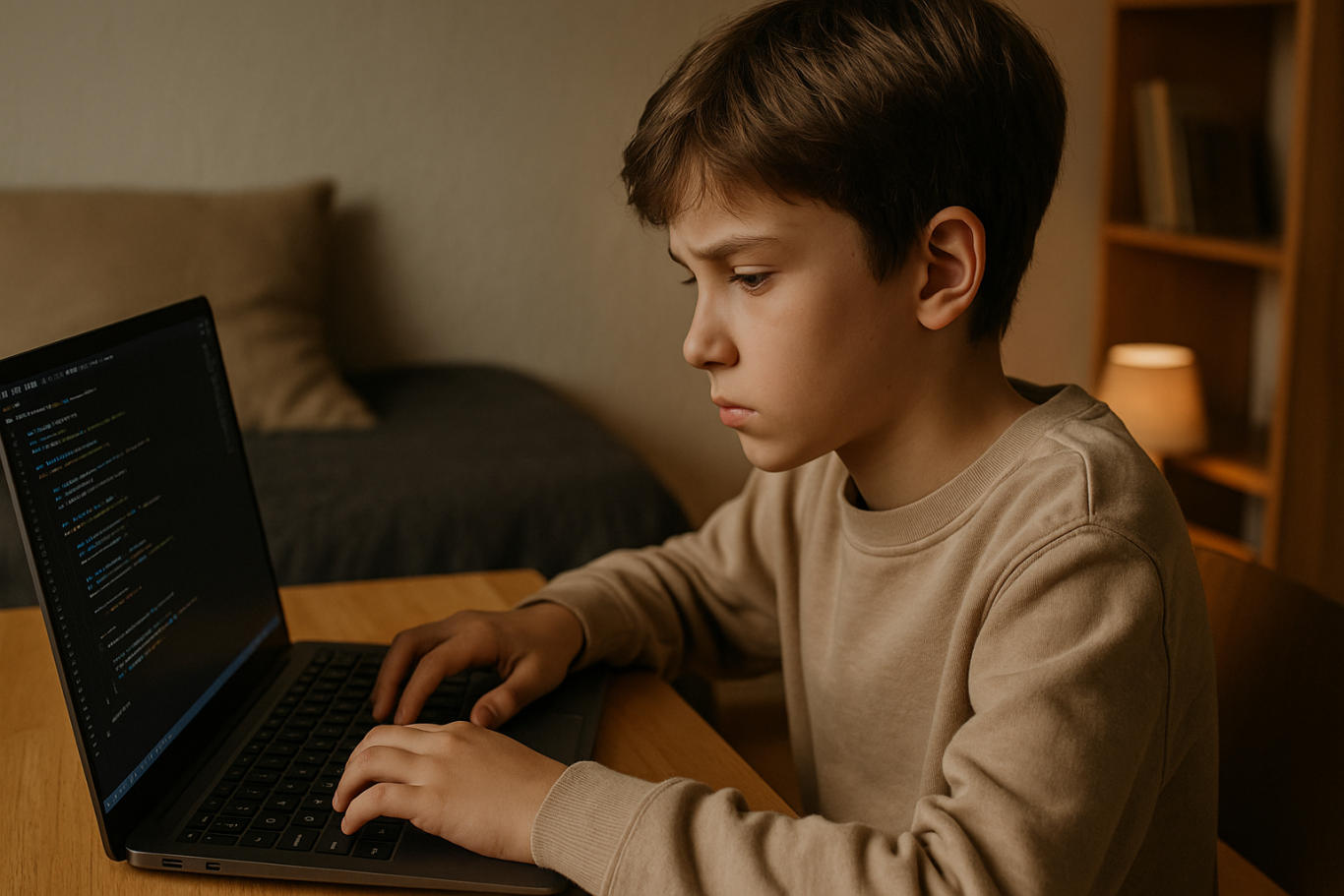
how to boost kids self-confidence

Introverted children usually prefer to engage in activities alone or in small groups, and they enjoy quiet time to think and create. In larger social environments, they might feel uncomfortable or find it difficult to express themselves, which can affect their self-confidence.

How to boost kids self-confidence in introverted kids does not mean forcing them to become extroverted, but helping them find ways to feel comfortable and believe in their own abilities. This is where coding can be a very useful tool.

Coding as a Medium to Build Self-Confidence in Introverted Children
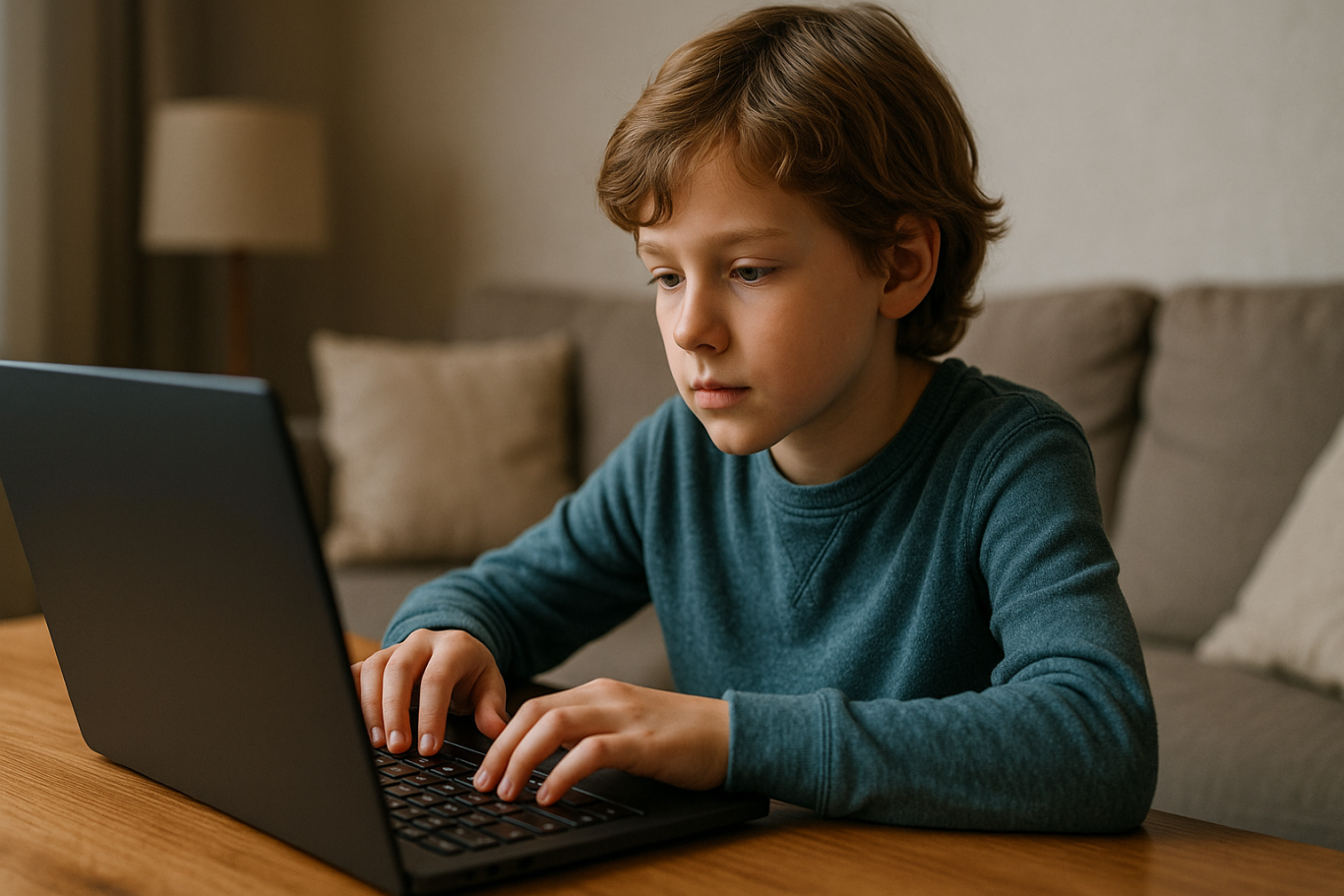
Coding is an activity that allows children to learn and create in a controlled and pressure-free environment. Here are some ways coding can help parents apply methods on how to boost kids self-confidence:

1. A Creative Space for Self-Expression

Coding gives children the chance to turn their ideas and imagination into tangible forms such as games, animations, or simple applications. Introverted children who may struggle to express themselves verbally can channel their creativity through coding. Seeing the results of their own work is very satisfying and boosts self-confidence.

2. Project-Based Learning with Clear Goals

In coding, children learn through clear, measurable projects. Every successful coding step makes the child feel a real sense of achievement. This process builds the belief that they can overcome challenges and solve problems, which is an important part of how to boost kids self-confidence.

3. Focus on Individual Skills

Coding allows introverted children to work independently with a focus on problem-solving. Without excessive social pressure, they can learn and grow in their own way. This strengthens self-confidence because the child knows they can succeed without following group pressure. This independence is key in how to boost kids self-confidence.

4. A Supportive Learning Environment

Child-friendly coding platforms and small communities let introverted children feel safe and accepted. They can interact according to their ability and comfort without feeling burdened by high social expectations.

General Ways to Boost Children’s Self-Confidence
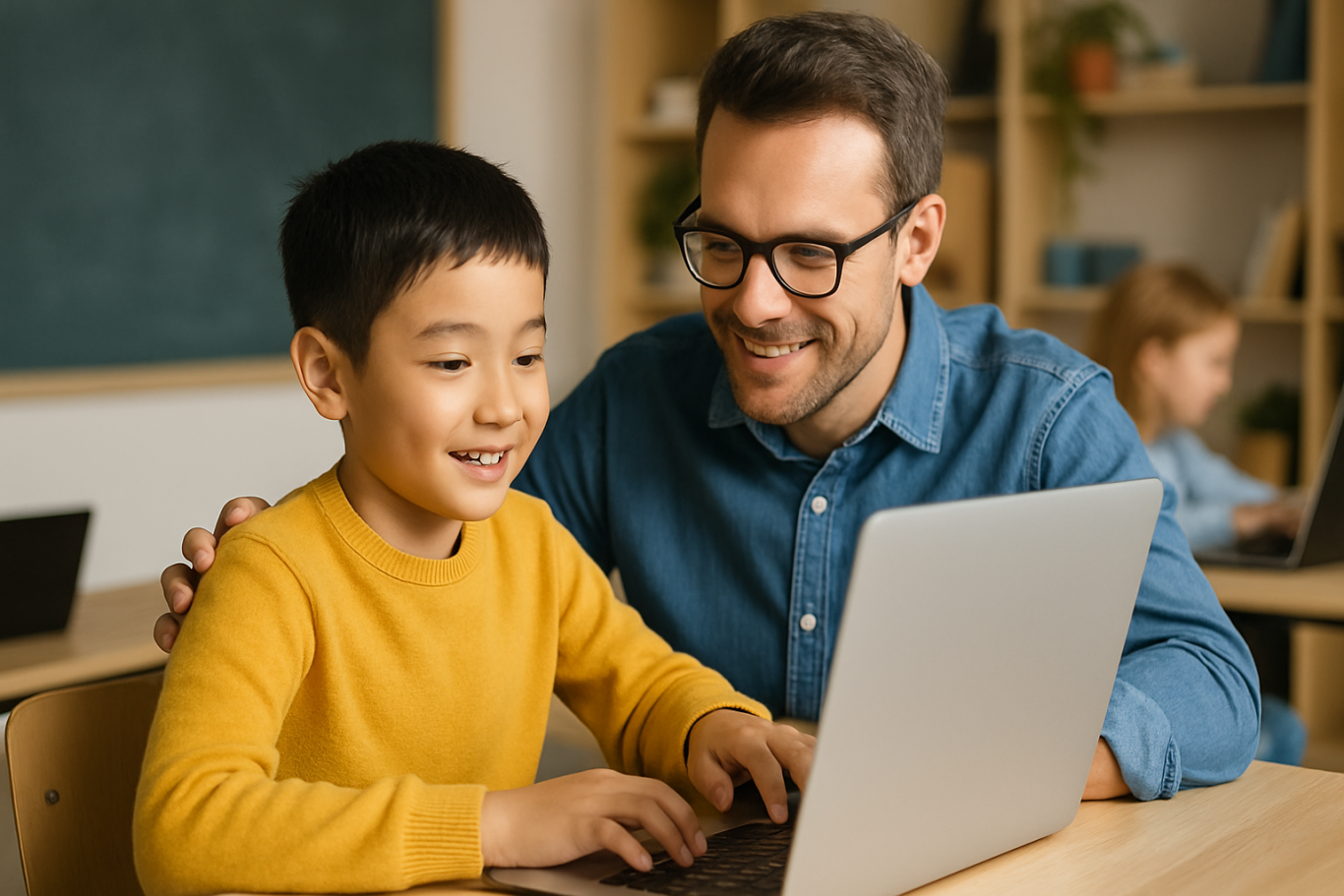
Besides using coding as a medium, there are other alternatives parents and educators can do as ways on how to boost kids self-confidence, especially for introverted children:

1. Recognize and Appreciate the Child’s Uniqueness

Every child is different, and it is important to accept their character without forcing changes. Appreciating a child’s uniqueness helps them feel accepted and confident being themselves.

2. Give Positive Support and Appreciation

Sincere praise for a child’s effort and achievements can boost motivation and self-confidence. Focus on the learning process, not just the final results.

3. Encourage the Child to Take Appropriate Risks

Let children try new things in a safe environment. Experiences of successfully overcoming challenges will build their self-confidence and are practical examples of how to boost kids self-confidence.

4. Practice Social Skills Gradually

Help introverted children practice interacting in comfortable and controlled social situations. For example, joining a small club or activities that match their interests.

5. Be a Good Role Model

Parents who demonstrate confident and positive attitudes will serve as examples for children to imitate.

Supporting Children with Fun Coding Programs

To maximize the benefits of coding as a way on how to boost kids self-confidence, choose coding programs designed specifically for kids with fun and easy-to-understand methods. Timedoor Academy is one program that offers this kind of approach.

Timedoor Academy provides coding classes tailored to the child’s age and ability, supporting learning in an interactive and enthusiastic way. Parents can also feel assured because the learning methods are very friendly, even for introverted children.

Ingin tahu detail program? Image

Ingin tahu detail program?

Moreover, Timedoor Academy offers a free trial class so children and parents can try coding lessons without any commitment. This gives children the chance to experience fun coding activities that support the development of their self-confidence and demonstrate effective ways on how to boost kids self-confidence.


Keep Reading

aplikasi python untuk anak
10 Best Python Apps for Kids to Learn Coding in 2025
In 2025, programming has become one of the most important skills for children to learn. With the rise of digital education, more parents and educators are introducing coding at an early age. Among the many programming languages, Python stands out for its readability and beginner-friendly structure, making it an ideal language for young learners. Today, there are plenty of Python apps for kids that make learning fun, interactive, and suitable for different age groups. These Python apps for kids are designed to simplify complex concepts and teach children how to think logically and solve problems creatively. Many of these apps use games, animation, and step-by-step challenges to help children build a strong foundation in Python coding. Whether your child is new to programming or already curious about how games and websites work, these apps will help them take their first steps into the world of technology. Here are the 10 best Python apps for kids that you can explore in 2025!   10 Best Python Apps for Kids to Learn Coding in 2025   1. Tynker Focus: Learn Python through games and puzzlesTynker is a highly recommended platform that offers a range of beginner to advanced courses, including Python. Its game-based lessons make learning Python enjoyable for kids and easy for parents to follow. How to Use It: Kids can choose a Python learning path, solve challenges, and build their own mini projects with guided instructions and instant feedback. 2. CodeCombat Focus: Coding adventure game with real Python codeCodeCombat combines learning with adventure. Kids control characters in a game by writing actual Python code. It’s one of the best Python apps for kids who enjoy storytelling and gaming. How to Use It: Children choose their characters, learn spells (code), and battle through levels by solving real coding problems using Python. 3. Trinket Focus: Write and share live Python code onlineTrinket is a coding tool that allows kids to write, run, and share Python code directly from their browser without installing anything. It’s simple and ideal for beginners. How to Use It: Children can explore beginner-friendly Python projects, experiment with code, and instantly see the output. Great for school use or homeschooling. 4. SoloLearn Focus: Mobile learning app for Python basicsSoloLearn is a mobile app that provides bite-sized Python lessons. While it’s suitable for learners of all ages, kids who are in upper elementary or middle school can benefit from its beginner courses. How to Use It: Kids can log in daily, go through short lessons, take quizzes, and interact with a global community of learners. 5. Pythonista (iOS Only) Focus: Real coding in Python for iPad usersPythonista is one of the more advanced Python apps for kids who are ready to try real-world coding environments. It features a full Python IDE on iOS. How to Use It: Young learners can build small apps, run scripts, and explore how Python works on mobile devices. Best for kids with prior coding experience. 6. EduBlocks Focus: Visual to text-based Python codingEduBlocks bridges the gap between block-based coding and text-based Python. It is perfect for transitioning from platforms like Scratch to actual Python code. How to Use It: Kids drag and drop visual blocks that automatically translate into real Python code, helping them understand syntax while building confidence. 7. PyGame Focus: Build games using Python If your child loves gaming, PyGame is one of the most engaging Python apps for kids. It is a set of Python modules used to make video games, and kids can create their own projects from scratch. How to Use It: Children can follow tutorials to build simple games such as pong or snake and then level up to more advanced interactive games. 8. Programming Hero Focus: Gamified learning and storytelling in PythonProgramming Hero teaches Python through colorful storytelling and missions. This makes it a great tool for children who enjoy visuals and creativity. How to Use It: Kids complete quests and unlock achievements while learning Python concepts like variables, loops, and functions in a game-like environment. 9. Blockly for Python Focus: Visual blocks to learn Python syntaxBlockly is a drag-and-drop visual coding app that helps kids learn the syntax of Python before they start writing the actual code. How to Use It: Kids create Python programs by dragging and arranging blocks to represent Python code, gradually transitioning to actual text-based coding. 10. Timedoor Academy’s Python Course for Kids Focus: Structured online classes with live mentorshipTimedoor Academy offers a fun and guided learning experience for kids who want to master Python. Lessons are designed by expert instructors who make programming fun and practical. How to Use It: Kids can join a free trial class, explore Python basics, and build real projects such as games and animations with a mentor’s help.   Why Use Python Apps for Kids? Python apps for kids are more than just learning tools. They are platforms that encourage curiosity, support creativity, and teach valuable skills in problem-solving, logic, and digital literacy. Unlike traditional learning methods, these apps allow children to experiment, make mistakes, and learn through interactive challenges. Python also offers a clean and easy-to-read syntax, which makes it perfect for beginners. Many schools and educators now include Python in their curriculum because it provides a strong foundation for learning other programming languages and STEM subjects in the future. By using Python apps for kids, your child can learn at their own pace, explore their interests, and even develop confidence in tech-related skills that may become essential in their careers later on.   Join a Free Trial with Timedoor Academy Looking for a structured yet fun way to help your child learn Python? Timedoor Academy provides interactive online coding classes that are tailored for kids. With live mentorship and project-based learning, children can build their own games, websites, and animations while learning real Python skills. Try a free trial class today and start your child’s coding journey with one of the best tech education platforms in Asia.
<strong>7 Top Facts About the Danger of YouTube Shorts for Kids in 2025</strong>
7 Top Facts About the Danger of YouTube Shorts for Kids in 2025
In today’s digital age, YouTube is no longer just an entertainment platform for adults. It has become part of many children’s daily routines. One of the most popular features among kids today is YouTube Shorts — short-form videos lasting between 15 to 60 seconds that auto-play in endless succession. While this feature may seem fun and harmless, parents should be aware of the growing danger of YouTube Shorts for kids. YouTube Shorts are designed to keep users engaged for as long as possible. They are particularly captivating to children, who are naturally drawn to fast, colorful, and funny content. However, beneath the surface of quick entertainment lies a range of hidden risks that could seriously affect a child’s mental, emotional, and social development. Here are seven critical facts that explain the danger of YouTube Shorts for kids, and why it’s important for parents to take action early. 1. Instant Content Builds Impatience in Children One major danger of YouTube Shorts for kids is the way it encourages instant gratification. Since the content is so short and constantly changing, kids become less capable of sustaining attention or focus. They are trained to expect quick entertainment without needing to think deeply. Over time, this can harm their concentration and patience when learning or completing tasks. 2. Algorithm Traps Kids in an Endless Loop YouTube Shorts uses an algorithm that adjusts content based on user preferences. If a child watches a funny or exciting video, the system will keep serving similar clips. This creates a cycle that’s hard to break. Without realizing it, the danger of YouTube Shorts for kids increases as they spend hours watching, neglecting social interaction or physical activities that are crucial for healthy growth. 3. Age-Inappropriate Content Slips Through While YouTube offers parental controls, they are far from foolproof. Many kids are still exposed to content that isn’t age-appropriate — from foul language and violence to questionable values. This is a serious danger of YouTube Shorts for kids that many parents overlook. Kids may start mimicking language or behaviors they don’t fully understand or know how to handle. 4. Decline in Imagination and Creativity Excessive exposure to passive visual content can weaken a child’s imagination. Instead of creating their own stories or games, they become consumers rather than creators. One long-term danger of YouTube Shorts for kids is the potential drop in creativity and problem-solving skills, both of which are essential in today’s evolving world. 5. Disruption of Daily Routines Children who frequently watch YouTube Shorts often lose track of time. What starts as watching “just one video” turns into hours of screen time, disrupting sleep, meals, and study schedules. This danger of YouTube Shorts for kids can interfere with healthy routines and habits that should be formed at a young age. 6. Increased Anxiety and FOMO Even kids are now experiencing fear of missing out (FOMO). They feel pressured to keep up with trends so they can relate to their peers. This constant need to stay updated leads to anxiety and social stress. If left unchecked, the danger of YouTube Shorts for kids can turn into issues with self-esteem and dependency on social media for validation. 7. Reduced Interest in Learning and Physical Play When children prefer watching short videos over reading books, playing outdoors, or spending time with family, it’s a red flag. They may lose interest in vital developmental activities. The danger of YouTube Shorts for kids here lies in reduced motivation to learn and a lack of physical exercise, both of which are essential for their overall health and development. What Can Parents Do About It? The first step is recognizing that banning technology altogether is not a realistic solution. Instead, children should be taught how to use it responsibly. Open communication, empathetic guidance, and clear boundaries are key to managing their digital habits. One effective approach is to redirect their attention to more productive digital activities, like learning to code. Coding helps children shift from passive consumption to active creation. It boosts their confidence, strengthens their focus, and opens doors to a bright future. Try a Free Coding Class at Timedoor Academy To counter the danger of YouTube Shorts for kids, Timedoor Academy offers specially designed coding classes that are fun, visual, and age-appropriate. Children are guided to create games, animations, and digital projects that build both creativity and logic. You can sign up for a free coding class at Timedoor Academy as a great first step. With an engaging, project-based curriculum and the support of professional mentors, your child can transition from passive viewer to empowered creator. Help your child grow into a tech-savvy learner with healthy digital habits today.
How to Choose Coding Course for Kids: A Step-by-Step Guide In 2025
In today’s digital era, coding is becoming a vital skill for children to learn early. Whether they are interested in games, animation, or just curious about how technology works, finding the right course can shape their learning journey. If you are wondering how to choose coding course for kids, this guide will walk you through the essential steps every parent should know. It covers what to consider, how to evaluate a course, and how platforms like Timedoor Academy make it easier than ever to get started. 1. Understand Your Child's Interests and Learning Style The first step in how to choose coding course for kids is to understand what motivates your child. Do they enjoy building things, telling stories, or playing logic games? A child who loves art might enjoy animation-focused coding, while one interested in tech may love learning how apps work. Choosing a course that connects to their personal interests makes it easier to keep them engaged and excited about learning. 2. Match the Course to Their Age and Skill Level Another important step in how to choose coding course for kids is making sure the difficulty fits your child’s current level. Younger children do better with visual tools like Scratch or Blockly, which help them understand basic logic without typing code. Older kids or those with some experience may benefit more from Python or JavaScript. Timedoor Academy provides coding programs grouped by age and ability, so children can learn comfortably at their own pace. 3. Look for Strong Curriculum and Project-Based Learning When exploring how to choose coding course for kids, the course structure matters. A good program should combine clear explanations with plenty of opportunities to build projects. Kids learn best by doing, so check if they’ll be creating apps, games, or animations. Timedoor Academy follows a project-based approach where each lesson builds toward a hands-on goal, helping children stay focused and feel proud of their work. 4. Decide Between Online or In-Person Formats Your child’s learning environment can impact their progress. As you consider how to choose coding course for kids, think about whether online or in-person learning works better for your family. Online courses are flexible and accessible from anywhere, while in-person classes may provide more direct support. Timedoor Academy offers live online sessions with real instructors and small class sizes, blending structure with flexibility. 5. Evaluate the Teachers and Student Support One of the key factors in how to choose coding course for kids is the quality of the teaching staff. Great instructors are not just skilled in programming—they also know how to communicate with children. Look for teachers who are patient, encouraging, and responsive. At Timedoor Academy, instructors are carefully trained to work with young learners and guide them with a friendly, easy-to-follow approach. 6. Try a Free Trial to See What Works Before making a commitment, it is helpful to try a class. This is one of the smartest ways in how to choose coding course for kids. A trial session lets your child experience the lesson format, meet the teacher, and decide if they enjoy it. Timedoor Academy offers free trial classes where children can explore coding firsthand, ask questions, and complete a mini project. This can be the difference between guessing and choosing a course with confidence. Ready to Begin Your Child’s Coding Journey? If you’re still wondering how to choose coding course for kids, the best way is to let them experience it. Timedoor Academy offers interactive and engaging online coding classes made for kids of all ages. With expert instructors, hands-on projects, and a flexible schedule, your child will not only learn coding but also grow in confidence and creativity. Sign up for a free class today and see how fun learning to code can be.
float button