Jul 08, 2025

Top 5 Love Language in Children and How to Understand Them in 2025

<strong>Top 5 Love Language in Children and How to Understand Them in 2025</strong> image

Every child has a unique way of feeling and receiving love from their parents. Some feel deeply cared for through hugs, while others light up when given quality time or small gifts. This is what we call the love language in children — the main way they recognize affection and connection from the people closest to them.

Understanding the love language in children is key to building a strong and secure bond. Sometimes, even when parents feel they’ve done everything right, their child may still seem distant or unsatisfied. In many cases, it’s not about doing more, but about expressing love in the way the child truly understands. Here are the five types of love language in children and how to recognize and respond to them.

1. Physical Touch

Love Language in Children

For children whose love language in children is physical touch, simple acts like hugs, kisses, or holding hands carry deep emotional meaning. These children feel safe and loved when their parents are physically present and affectionate. You’ll often find them climbing into laps, cuddling during storytime, or reaching for your hand even in small moments.

To connect with them, try starting and ending the day with a hug, offer a gentle pat on the back for encouragement, or simply hold their hand while walking together. These gestures can mean more than a thousand words.

2. Words of Affirmation

Children with this love language in children respond strongly to kind, encouraging words. Phrases like “I’m proud of you,” “You did great,” or “I appreciate your help” fill their emotional tank quickly. These children are likely to light up when praised and often repeat words that meant something to them.

If this sounds like your child, make an effort to offer sincere praise, both verbally and through small notes. Your words can build their confidence and sense of self-worth in powerful ways.

3. Quality Time

If your child frequently asks you to play, talk, or spend time together, they may have a love language in children that centers on quality time. These kids don’t need expensive toys or grand gestures — they simply want your full attention.

Put your phone down, turn off the TV, and engage in activities they enjoy. Whether it’s drawing, baking together, or just chatting before bed, what matters most is your undivided presence.

4. Receiving Gifts

Some children feel most loved when they receive something tangible, even something small. It could be a favorite snack, a hand-drawn card, or a flower picked from the yard. For children with this love language in children, gifts represent love, attention, and thoughtfulness.

Watch how your child reacts when they receive something. Do they treasure it for days or show it to everyone? These signs may indicate that small, meaningful tokens help them feel valued and remembered.

5. Acts of Service

Children with this love language in children feel loved when others help them. It could be tying their shoelaces, fixing a broken toy, or assisting with homework. These acts of care show the child that someone is paying attention to their needs and willing to support them.

Pay attention to how your child reacts when you help without being asked. A bright smile or a sigh of relief may mean they see these acts not as obligations, but as signs of deep love.

Why Understanding the Love Language in Children Matters

When parents understand the love language in children, emotional connections grow stronger. Communication becomes more meaningful, and children are less likely to feel ignored or misunderstood. They become more secure, open, and confident in expressing themselves.

By tuning in to your child’s emotional needs, you’re not just parenting — you’re building a relationship that lasts a lifetime.

Encourage Healthy Growth Through Positive Activities
Ingin tahu detail program? Image

Ingin tahu detail program?

One way to express love meaningfully is to support your child’s development with fun and enriching activities. In today’s digital world, introducing your child to something like coding is a smart step. It’s fun, engaging, and helps them build logic and confidence.

At Timedoor Academy, your child can try a free coding class tailored to their age and learning style. With hands-on projects and interactive lessons, children learn to solve problems creatively and collaborate effectively. Let them explore technology in a positive way that supports both their emotional and intellectual growth.

Keep Reading

How to Use Google Family Link: Step by step Guide in 2025
In this digital era, parents play an increasingly important role in guiding and monitoring their children’s online activities. One of the most popular apps used by families to help keep children safe and maintain a healthy balance with technology is Google Family Link. Through this app, parents can set, limit, and monitor their child’s device usage directly from their own smartphones. However, many parents are still not fully familiar with how to use Google Family Link effectively, so that its benefits can be maximized. This article will provide a detailed explanation on how to use Google Family Link, along with practical tips and benefits for both parents and children. Google Family Link is a free app from Google specifically designed to help parents manage Android or Chromebook devices used by their children. With this app, parents can set time limits, monitor which apps are downloaded, and even decide which websites their children can access. All these features make how to use Google Family Link especially relevant for parents who want to stay involved in their children’s digital world without being overly controlling. How to Use Google Family Link: A Step-by-Step Guide Here are the steps on how to use Google Family Link effectively for your family: Download and Install the AppThe first step in how to use Google Family Link is to download the app on both the parent’s and the child’s devices. The app is free and available on both the Google Play Store and the App Store. Make sure the app is installed on both devices to begin setting things up. Create and Link Your Child’s Google AccountOnce the app is installed, parents need to create a dedicated Google account for their child or use an existing one. Follow the instructions provided by the app to link the child’s account with the parent’s account. This process ensures that every digital activity of the child can be monitored directly. Set Limits and ControlsThe next step in how to use Google Family Link is to set device usage time limits, restrict which apps can be downloaded, and manage which content can be accessed by your child. Parents can also block certain apps, set a bedtime schedule, and even track the location of the child’s device in real time. Regularly Monitor Your Child’s ActivitiesOne of the main benefits of how to use Google Family Link is the ability to monitor your child’s daily activities, such as which apps are used the most, total screen time, and other online activities. Parents will also receive notifications if the child tries to download a new app or access restricted websites. Discuss Rules with Your ChildAlthough how to use Google Family Link gives parents full control, it is still important to involve your child in a discussion about device use rules. Explain the purpose of monitoring, listen to your child’s opinions, and make agreements together so the child feels respected and trusted. Benefits of Using Google Family Link for Families By learning how to use Google Family Link, parents can enjoy several benefits, including: Reducing the risk of children being exposed to negative content online. Helping children form healthy and balanced digital habits. Making it easier for parents to monitor device usage without constant supervision. Providing a means for education and communication about digital ethics. Challenges and Tips for Using Google Family Link Successfully Even though the features in how to use Google Family Link are quite complete, there are still challenges that parents might face. Some children may feel their privacy is invaded or may try to bypass the controls. It is important for parents to explain the reason for using the app as a form of protection, not just control. Involve your child in creating the rules and give them space to learn responsibility for their choices. Also, parents should stay updated with technological developments and new features from Google Family Link to get the most out of all its benefits. Connecting Digital Literacy and Coding for Kids Beyond setting boundaries for device use, it is also important to equip children with digital literacy and 21st-century skills such as coding. Through coding, children learn to think critically, logically, and adapt to technological advances. Parents can make use of their children’s screen time for educational activities, such as joining interactive online coding classes. Try a Free Trial Coding Class at Timedoor Academy If you want your child to be smarter with technology, sign them up for a free trial coding class at Timedoor Academy. In these classes, children can learn coding in a fun and interactive way that relates to their daily life. In addition to building digital literacy, children will be guided by professional mentors, making the learning process more structured and positive. Visit our Timedoor Academy website or social media to schedule your child’s free trial coding class today. By understanding how to use Google Family Link, parents can feel more at ease letting their children explore the digital world. Do not forget to maintain open communication, provide digital ethics education, and introduce coding as an important skill for a bright future.
Children Using AI In Esducation
How to Use AI in Kids Education: A Step-by-Step Guide to Revolutionizing Learning
AI in kids education is transforming the way kids learn by offering personalized, engaging, and effective learning experiences. Whether you're an educator, parent, or guardian, using AI-powered tools in children's education can make a significant impact on their academic success. This step-by-step guide will show you how to incorporate AI in kids education from understanding its role to effectively using it in everyday learning settings. Step 1: Understand The Benefit of AI in Kids Education The first step in using AI in kids education is to understand its potential benefits. AI-powered tools can: Personalize learning by adapting to each child’s pace and needs. Provide instant feedback to help children improve faster. Offer a variety of learning resources, such as videos, quizzes, and games, that keep kids engaged. Support children with special needs by providing tailored learning tools. These benefits create a dynamic and effective learning environment, enabling kids to excel at their own pace. Step 2: Choose the Right AI-Powered Learning Apps to Support AI in Kids Education Choosing the right AI-powered learning apps is essential to support your AI in kids education. Here are some popular options: Khan Academy Kids: Offers personalized learning paths for children aged 2-8 in subjects like math, reading, and problem-solving. DreamBox: A math-focused app for kids in kindergarten through 8th grade that adjusts difficulty based on the child’s learning pace. Scratch: A visual programming language for children to learn coding through interactive games and animations. Duolingo: An AI-driven language learning app that helps kids learn new languages with immediate feedback. By selecting the best apps, you can ensure that your kid receives the most effective AI-enhanced education. Step 3: Implement AI in Kids Education For Daily Learning Routines Now that you have the right tools, to support AI in kids education, it’s time to integrate AI-powered educational tools into your child’s daily routine: Daily practice: Encourage daily use of AI apps for short sessions to reinforce what they’ve learned. Homework help: Use Socratic by Google for assistance with homework and to provide explanations for complex problems. Interactive learning: Incorporate fun, hands-on activities using Tynker for coding or Osmo for interactive learning games. Integrating AI into daily routines helps children make steady progress while keeping learning fun. Step 4: Track Progress and Adjust Learning Paths of AI in Kids Education One key benefit of using AI in kids education is its ability to track progress. Most AI-powered tools provide built-in analytics that monitor a child’s performance. Here’s how to track and adjust: Review progress reports: Apps like DreamBox and Khan Academy Kids provide reports that show areas of strength and where improvement is needed. Adjust learning paths: Based on progress reports, you can adjust your child’s learning path to focus on areas where they need more practice. Set goals: Work with your child to set goals and use AI data to track their achievements and motivate them to reach milestones. Regularly reviewing progress ensures the learning experience remains effective and keeps your children challenged. Step 5: Use AI in Kids Education to Support Special Education Needs AI in Kids Education can significantly support children with special educational needs. Personalized learning tools cater to the unique needs of each child, providing a more inclusive educational experience. Examples include: Speech recognition tools for children with hearing impairments or speech delays. Visual aids for children with autism spectrum disorders to better understand concepts. Cognitive training apps to improve focus and memory for children with ADHD. AI-powered tools designed for special education help create an inclusive learning environment where every child can thrive. Step 6: Foster Collaboration with Group Learning of AI in Kids Education AI is not just for individual learning—it also supports group learning. Many AI-powered apps allow children to collaborate on projects. Here’s how: Group challenges: Apps like Scratch and Tynker allow children to collaborate on coding projects, fostering teamwork and creative problem-solving. Peer learning: Platforms like Google Classroom foster group discussions and collaborative learning with real-time AI feedback. Teacher-student collaboration: AI tools assist teachers in monitoring group projects and providing personalized feedback to each student. Group learning with AI promotes communication and teamwork while enhancing learning outcomes. Step 7: Monitor Safety and Well-being of AI in Kids Education It’s essential to ensure that AI in Kids Education uses AI tools in a safe environment. Here are some key safety measures: Limit screen time: Set time limits for using AI apps to avoid overuse and encourage breaks. Monitor activity: Track the content your child engages with to ensure it is age-appropriate. Privacy settings: Ensure the apps have proper privacy settings and don’t collect unnecessary personal data. By monitoring your child’s use of AI tools, you can ensure a safe and productive learning experience. The Future of Learning with AI in Kids Education Using AI in kids education is revolutionizing the way kids learn, offering personalized, engaging, and inclusive learning experiences. By following these steps—understanding AI’s benefits, choosing the right tools, implementing them in daily routines, tracking progress, and ensuring safety—you can help your child make the most of AI-powered education. At Timedoor Academy, we leverage AI to enhance children's learning experiences, helping them develop critical skills like coding, problem-solving, and creativity. Join our free trial class and give your child the tools they need to succeed in the future of education.
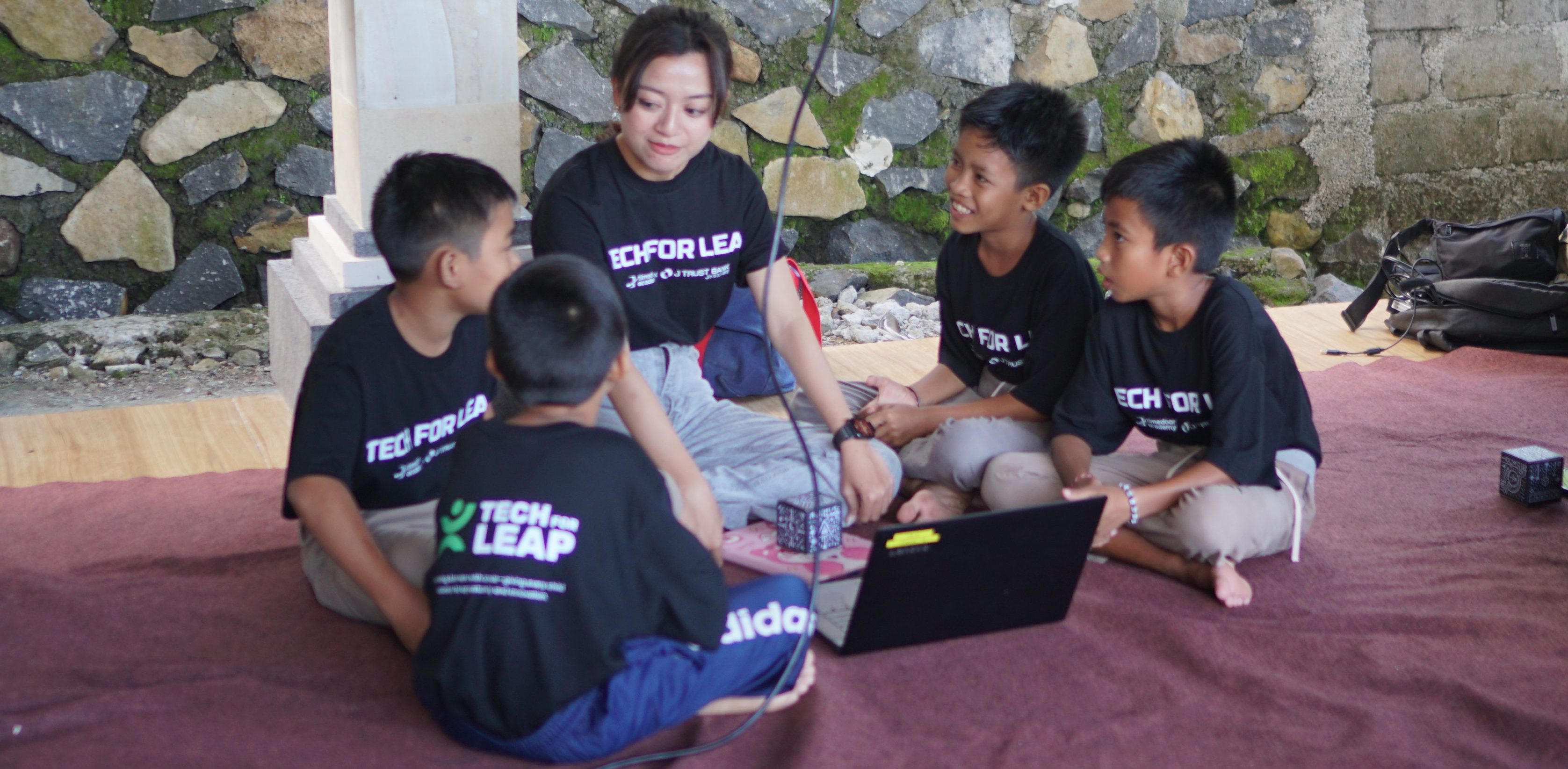
Bringing Tech Education To Potential Youth: J Trust Bank and Timedoor Academy Empower Orphans in Karangasem
Karangasem, April 27, 2025 – To support IT education for underprivileged children in Indonesia, PT Bank JTrust Indonesia Tbk (J Trust Bank) has partnered with Timedoor Academy, a tech education startup, to launch a Corporate Social Responsibility (CSR) initiative. The program, titled "IT Education for Underprivileged Children and Orphans" took place in Seraya Timur Village, Karangasem District, Bali, and reached 15 children aged 7–18 from orphaned and economically disadvantaged backgrounds. This initiative addresses the urgent need for IT education for underprivileged children who often face significant barriers such as poverty, limited educational infrastructure, and minimal access to technology. By equipping them with essential digital skills, J Trust Bank and Timedoor Academy aim to prepare these children for a brighter, more equitable future. Program Focus: IT Education for Underprivileged Children As part of their commitment to IT education for underprivileged children, J Trust Bank and Timedoor Academy designed the program around three key pillars: 1. Training of Trainers (ToT): This component equips local educators with both technical and teaching skills, enabling them to support and sustain tech education for potential youth in their communities. 2. Learning Management System (LMS) Access: Students gain access to a digital platform offering curriculum-aligned learning materials for elementary to high school levels, helping to provide structured IT education for underprivileged children that meets their developmental needs. 3. Ongoing In-Person Training: The children undergo 12 months of hands-on learning in coding and basic tech skills. This extended period reinforces the foundational goals of IT education for underprivileged children, building their confidence and digital literacy over time. J Trust Bank’s Commitment to Inclusive Digital Learning Ritsuo Fukadai, President Director of J Trust Bank, highlighted the importance of expanding IT education for underprivileged children to foster social equity. “As a Japanese company operating in Indonesia, we believe technological education must be accessible to all. This program is our step toward opening doors for orphans and underprivileged youth to reach their full potential,” Fukadai explained. This initiative is part of the bank’s broader mission to support sustainable, tech-driven social development in underserved areas. Timedoor Academy’s Role in Delivering IT Education for Underprivileged Children Timedoor Academy plays a vital role by offering a user-friendly LMS and relevant digital learning content tailored to the children’s educational levels. The academy also conducted training for local teachers to ensure continuity of IT education for underprivileged children even after the formal program concludes. Beyond delivering technical knowledge, Timedoor Academy encourages creative thinking, problem-solving, and independence—core values that enrich IT education for underprivileged children in today’s digital age. Positive Community Impact in Karangasem The response to the program was overwhelmingly positive. Children showed excitement and curiosity as they learned coding and created simple apps. Teachers who completed the ToT training appreciated the new methods and approaches offered by the program, enhancing their ability to deliver IT education for underprivileged children using technology. With the shared vision of “Creating a Bright Future for the Next Generation with IT Education,” this collaboration sets a precedent for future efforts in IT education for underprivileged children across Indonesia. It proves that meaningful change is possible when education and opportunity are made accessible to all.
float button