Apr 10, 2025

Top 10 Educational Apps for Kids in 2025 – Learning Meets Fun!

Top 10 Educational Apps for Kids in 2025 – Learning Meets Fun! image

How often do your kids ask, ‘Mom, can I play with your phone?’ It’s a question many parents hear daily. But what if that screen time could be transformed into a chance for kids to learn, grow, and explore through educational apps? At Timedoor Academy, we believe fun learning shouldn’t end when the school day does. With the right fun learning apps, your child can develop new skills, spark curiosity, and fall in love with education—all while having fun. To help you make the most of screen time, we’ve curated a list of the Top 10 Educational Apps for Kids in 2025—designed for children ages 4 to 12!

Top 10 Educational Fun Learning Apps for Kids in 2025

1. Khan Academy Kids: Best Educational App for Kids’ Fun Learning
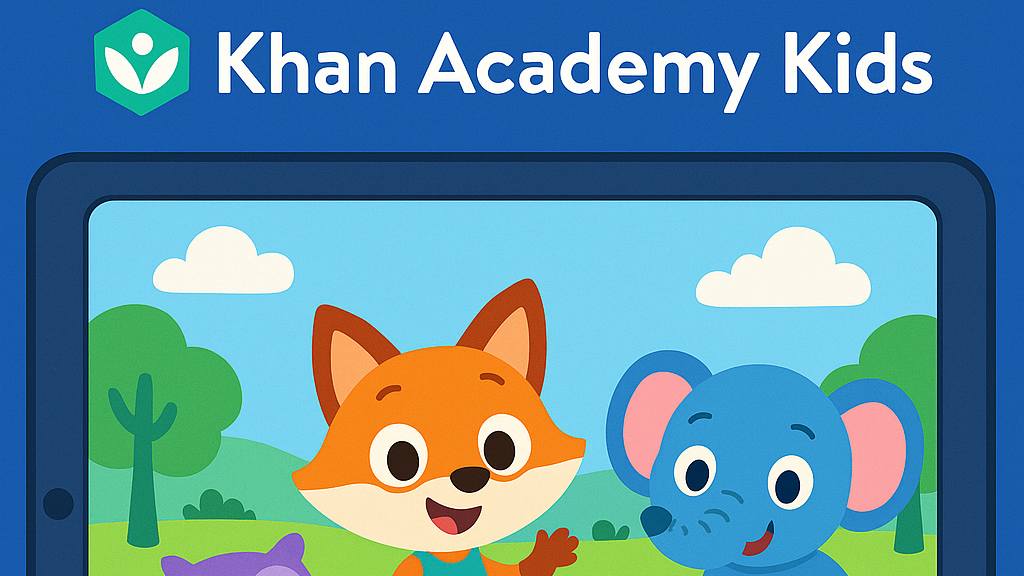
• Age: 2–8 | Free

– This all-time favorite keeps growing smarter. In 2025, Khan Academy Kids features more personalized learning paths and emotional learning tools, helping kids improve not just academically—but socially too. The app offers a broad range of subjects, from math and reading to social-emotional skills, making it ideal for holistic development.

• Timedoor Tip: Great for early learners who enjoy story-based learning!

2. Duolingo ABC: Best Educational App for Kids’ Fun Learning
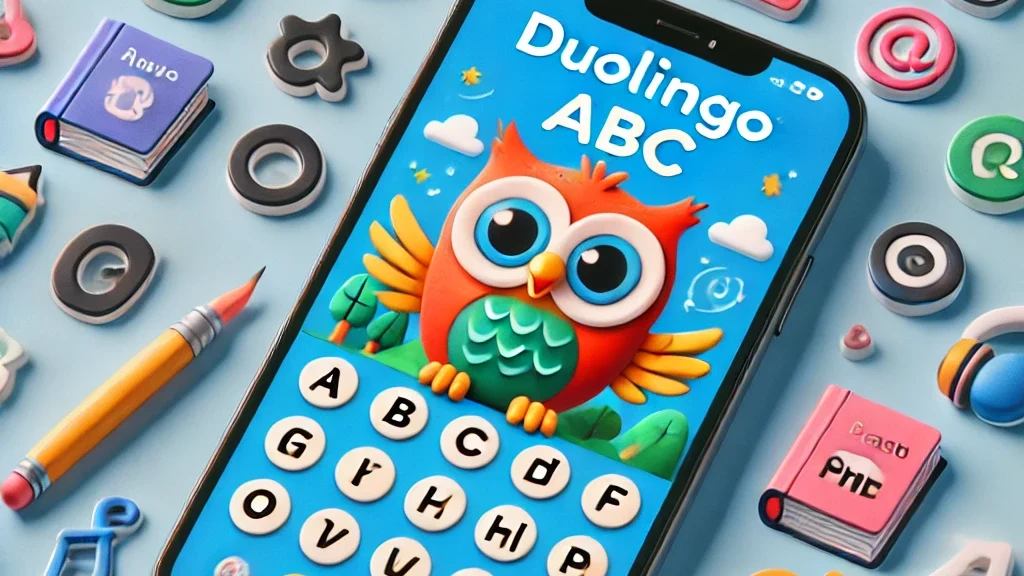
• Age: 3–7 | Free

– A charming spin-off from Duolingo, this app is now powered by AI-driven reading tutors. It helps young kids master the alphabet, phonics, and basic reading skills through interactive play. The app’s bright and engaging visuals keep children interested as they learn essential language skills step by step.

• Encourages early literacy in both native and foreign languages.

3. Toca Life World: Best Educational App for Kids’ Fun Learning

• Age: 6–12 | Freemium

– More than just a game, Toca Life is a creative sandbox for storytelling, roleplaying, and problem-solving. In 2025, it includes educational missions designed by child psychologists and educators to foster creativity and teach key skills like emotional intelligence, cooperation, and critical thinking.

• Great for building creativity and emotional intelligence.

4. Prodigy Math Game: Best Educational App for Kids’ Fun Learning
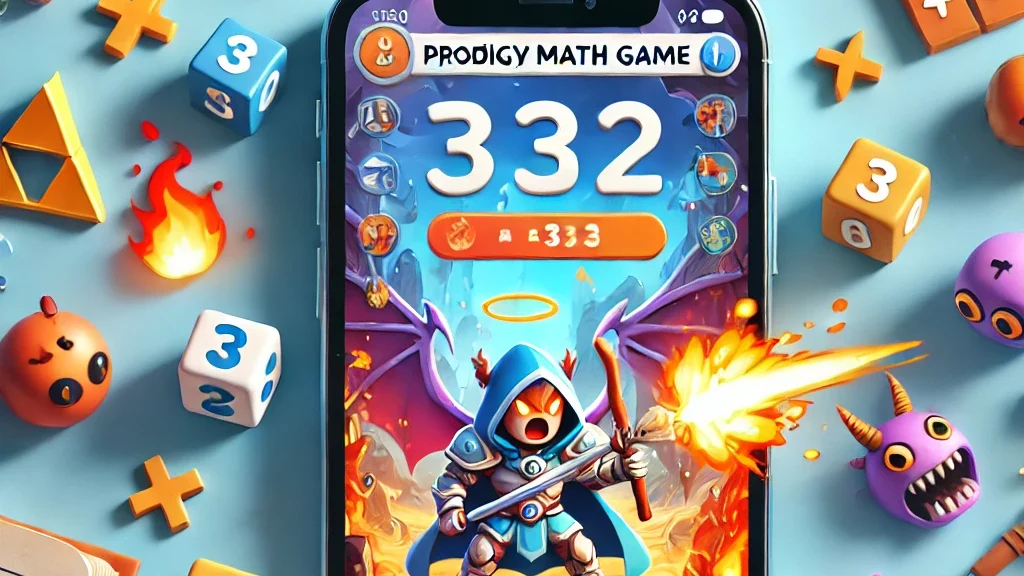
• Age: 6–12 | Free with premium option

– Prodigy gamifies math using an RPG-style format. The 2025 version introduces adaptive difficulty, so kids are constantly challenged at the right level. With multiplayer features, kids can “battle” with friends while solving math problems, turning learning into an interactive adventure.

• Fun, fantasy, and fractions—all rolled into one!

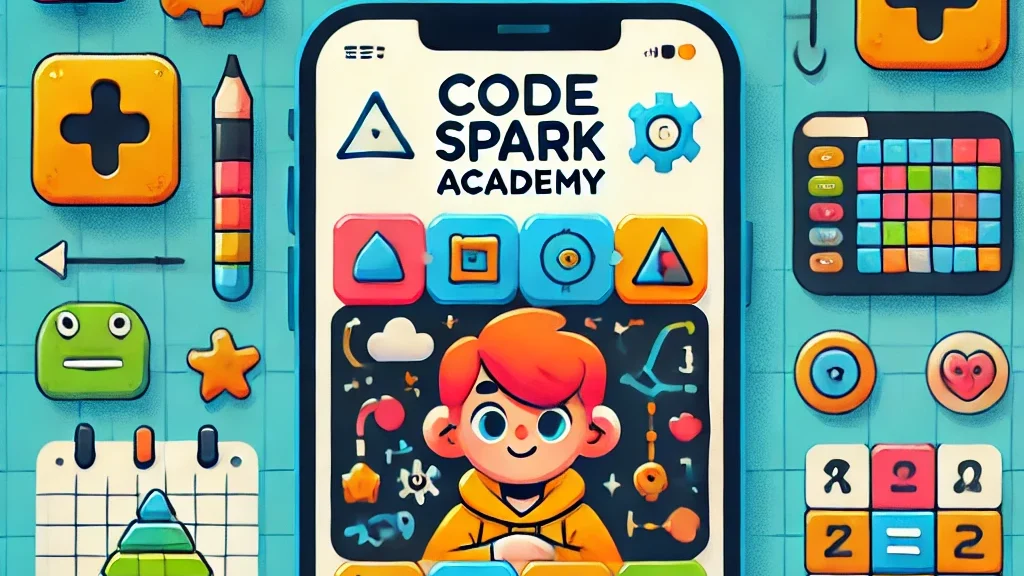
5. CodeSpark Academy: Best Educational App for Kids’ Fun Learning
• Age: 5–9 | Subscription

– A coding app with no words! Kids learn the logic behind coding through puzzles, games, and story creation. In 2025, CodeSpark Academy introduces collaborative coding projects, allowing kids to work together and solve problems, making it even more engaging for young digital creators.

• Perfect for young digital creators and future programmers!

Read our another articles:
https://timedooracademy.com/blog/winners-announcement-of-bootcamp-december-2024
https://timedooracademy.com/blog/timedoor-academy-sea-coding-competition

6. Sago Mini World: Best Educational App for Kids’ Fun Learning

• Age: 2–5 | Subscription

– This charming app bundle includes over 40 educational games designed for toddlers, each focused on foundational concepts such as shapes, colors, and problem-solving. In 2025, the app adds new science and nature-themed adventures to spark curiosity and introduce environmental awareness.

• Ideal for learning through play—especially in early childhood.

7. Elmo Loves ABCs: Best Educational App for Kids’ Fun Learning
• Age: 2–5 | Paid

– Beloved Elmo helps kids learn alphabets and counting through songs, games, and drawing. A timeless favorite, Elmo’s cheerful presence makes learning numbers fun and accessible for even the youngest learners. The app offers age-appropriate challenges that promote early math skills.

• A great bonding activity for parents and toddlers.

8. Endless Alphabet: Best Educational App for Kids’ Fun Learning

• Age: 3–7 | Paid

– This delightful app uses playful animations and adorable characters to teach kids the alphabet and vocabulary. Each word is brought to life through fun puzzles, with vibrant visuals and friendly creatures that help reinforce each letter and its sound. It’s an excellent way to build literacy skills in young children.

• Great for early literacy and word recognition skills.

9. Monkey Preschool Lunchbox: Best Educational App for Kids’ Fun Learning

• Age: 2–5 | Paid

– This app introduces young children to a variety of foundational concepts such as colors, shapes, numbers, and letters, all through engaging mini-games. The app’s friendly characters make the learning process playful and entertaining, providing a fun, hands-on way to practice essential skills.

• Perfect for toddlers to build early math and reading skills in a fun way.

10. Epic!: Best Educational App for Kids’ Fun Learning

• Age: 3–12 | Subscription

– Epic! offers an extensive digital library of books, audiobooks, and educational videos, making reading more exciting for kids. The app adapts to your child’s interests and reading level, providing them with personalized recommendations and a wide variety of reading material that encourages independent learning.

• Ideal for developing reading habits and expanding vocabulary.

Turn Kids Curiosity Into Capable Fun Learning

In 2025, the world of educational apps is more exciting than ever. Whether your child wants to build stories, solve puzzles, explore new languages, or code their first game—there’s an app waiting to spark that passion.

As parents, we don’t just want our kids to be tech-savvy—we want them to be thoughtful, creative learners. The right apps, used with guidance, can be powerful tools for just that.

Want to take your kids learning to the next level?

Join one of Timedoor Academy’s online coding classes and support their development in a structured, fun, and nurturing Llearning environment. Visit our website or contact our team to find the best course for your child.

Keep Reading

How to Use Figma for Kids: A Fun and Simple Digital Design Guide
In today’s digital era, graphic design has become an increasingly essential skill, even for kids. Design is not just about drawing or creating illustrations. It also helps children develop creativity, visual logic, and systematic thinking. One of the most popular and beginner-friendly design tools to introduce early on is Figma. This article will guide you on how to use Figma for kids in a fun and easy-to-follow way. Figma is a web-based design platform widely used by UI/UX professionals and graphic designers. But because of its intuitive interface and real-time collaboration features, Figma can also be a great learning tool for children, especially those curious about digital design, posters, invitations, app layouts, or even simple games. Why Kids Should Learn Digital Design Digital design is not only about aesthetics, but also about communication. Kids who learn design early tend to express ideas visually, organize information clearly, and feel more confident experimenting with their creativity. Design skills also open doors to other fields like illustration, app development, animation, and branding. By learning how to use Figma for kids, the design process becomes more engaging. They can instantly try, rearrange, and explore design elements without needing to install any additional software. What to Prepare Before Using Figma Before your child starts designing, here are some things to set up: Figma account: Create a free account at figma.com. Use a parent’s email and assist during setup. Device: A laptop or desktop with a stable internet connection works best. Simple design theme: Start with fun, easy projects like a birthday card or character illustration. Benefits of Using Figma for Kids Here are some of the main benefits of using Figma as a learning tool for kids: Enhances creativity and visual aesthetics Builds logical thinking through layout structure Boosts confidence through hands-on creation Encourages teamwork and collaboration in online settings Step-by-Step Guide: How to Use Figma for Kids Below are specific steps on how to use Figma for kids, including core features and how to guide them: 1. Introduce the Interface and Basic Tools After logging in to a Figma account, walk your child through the main elements of the workspace: Canvas: the blank area where they’ll build designs Top toolbar: includes tools like Move, Frame, Shape, and Text Left panel: shows the object structure (layers) Right panel: used to adjust color, size, position, and effects Let them freely draw circles, squares, or stars and experiment with colors. This unstructured play helps them get familiar with Figma naturally. This is also a great starting point in how to use Figma for kids in a stress-free way. 2. Start a New Project Click New Design File and let your child name it something fun like “My Poster” or “Cute Cat Project.” Then: Create a Frame using A4 size or mobile screen dimensions Add shapes via the Shape tool, then change colors on the right panel Add text with the Text Tool, and adjust font size, color, and position This step of how to use Figma for kids feels like drawing on a digital piece of paper—fun and intuitive. 3. Add Images and Illustrations To make their design more dynamic, help them insert images: Click File > Place Image and choose from your computer Or simply drag and drop into the canvas Use the Unsplash plugin to find royalty-free images directly inside Figma This makes it easier for kids to create digital greeting cards, collages, or mood boards. These small projects are practical examples of how to use Figma for kids in real-life situations. 4. Create Simple App or Game Layouts For older kids, try introducing them to basic app layout design: Use Frames sized for iPhone or Android Add titles, icons, and buttons Turn elements into Components for duplication Use Prototype mode to simulate screen transitions This is a creative and exciting way to teach design logic and basic UX thinking. It’s also a more advanced stage in how to use Figma for kids who want to go deeper. 5. Collaborate and Present Figma is perfect for collaborative learning. Kids can: Click Share to invite parents, teachers, or friends Use Presentation Mode to view their design full-screen Receive comments directly on the canvas and learn from feedback These interactions help kids learn how to present and improve their ideas. How to use Figma for kids can extend into valuable lessons on teamwork and communication. Combine with Online Design Classes To support their learning journey, consider enrolling your child in an online design course. Timedoor Academy offers kid-friendly design programs based on fun projects and personalized learning. Learning how to use Figma for kids is much easier when supported by friendly mentors and structured activities. Tips for Parents to Support Learning To make the learning process smoother, parents can: Be present during the early stages, then give room to explore Ask about their designs and encourage storytelling Avoid focusing on perfection—celebrate creativity instead Try designing together as a bonding activity Ready to Introduce the World of Design? Introducing your child to digital creativity can begin with simple tools like Figma. With the right guidance and playful approach, how to use Figma for kids becomes a fun activity that sharpens logic, builds visual confidence, and sparks interest in technology. Timedoor Academy is here to support your journey. With interactive online classes and friendly instructors, your child can learn to design with confidence. Try a free class today and help your child discover their design potential from an early age.
keterampilan teknologi untuk anak
The Future of Work: Top Tech Skills for Kids to Succeed Tomorrow
As we move deeper into the digital age, tech skills for kids are no longer optional. They are becoming just as essential as reading, writing, and math. With industries increasingly relying on technology, children need to be equipped with the right digital tools and knowledge to stay ahead. By learning tech skills early, kids can prepare for a future filled with opportunities in science, engineering, design, and other fast-growing fields.   Why Tech Skills for Kids Are More Important Than Ever Technology is rapidly changing how we work, learn, and communicate. In the past, children could grow up and find stable jobs without needing much technical knowledge. Today, even non-technical fields expect basic digital literacy. Professions such as marketing, healthcare, logistics, and education all require some level of tech fluency. That is why building strong tech skills for kids should be a priority in every household. Children who develop a comfort with technology early on are more likely to adapt quickly to new systems, think critically, and solve problems creatively. These are not just technical skills but life skills that will help them thrive in a variety of careers.   Essential Tech Skills for Kids in 2025 and Beyond Here are some of the most valuable tech skills for kids that parents and educators should focus on: 1. Coding and Programming Learning to code is like learning a new language, and children are especially good at picking up languages when they start young. Platforms like Scratch, Blockly, and Python-based tools make coding fun and engaging. These tools teach kids how to build games, apps, and websites while developing logical thinking and problem-solving abilities.   2. Typing and Computer Literacy Before diving into more advanced skills, kids need to master the basics. This includes proper typing, navigating operating systems, using a keyboard and mouse, and understanding file structures. These fundamental tech skills for kids help them complete school assignments efficiently and prepare them for more complex tech learning.   3. Digital Creativity and Design Children love to create, and today’s digital tools offer endless possibilities. Whether it is designing graphics, editing videos, or making simple animations, creative platforms like Canva, Tinkercad, and iMovie allow kids to express themselves while building useful tech abilities. Encouraging digital creativity is one of the most fun ways to improve tech skills for kids.   4. Internet Safety and Digital Citizenship Tech skills go beyond using devices. Kids must also learn how to stay safe online, recognize reliable information, and communicate respectfully in digital spaces. Teaching internet safety and digital ethics is crucial for preparing responsible future digital citizens.   5. Robotics and Engineering Basics Robotics introduces kids to mechanical thinking, sensors, automation, and problem-solving. With kid-friendly kits like LEGO Mindstorms or VEX Robotics, children can explore how real-world machines work. These hands-on experiences provide engaging ways to build tech skills for kids and spark interest in STEM careers.   6. Data Handling and Logical Thinking Understanding how to collect, analyze, and interpret data is becoming a key skill in both tech and non-tech fields. Kids can learn data basics through games or classroom projects. Introducing simple concepts like charts, graphs, or patterns enhances their analytical thinking and boosts their overall digital confidence.   How Parents Can Support Tech Skills Development Even if you are not tech-savvy yourself, there are many ways to help your child build strong tech skills for kids at home: Set up learning time: Create a routine that includes tech learning alongside play and study time. Choose the right tools: Use age-appropriate apps, games, and websites designed for tech education. Encourage exploration: Let kids experiment and learn by doing, even if they make mistakes. Sign up for courses: Platforms like Timedoor Academy offer coding, animation, and digital literacy classes tailored for kids. Model healthy screen habits: Teach children how to use technology responsibly by demonstrating balance and purpose in your own digital behavior.   The Future Job Market Is Digital The future of work is likely to include jobs that do not even exist today. Careers in virtual reality, artificial intelligence, environmental tech, and other advanced fields will become common. The one thing they will all have in common is the need for strong tech skills for kids. Preparing your child now will not only boost their academic performance but also set them up for lifelong success.   Empowering the Next Generation Through Tech Skills for Kids Investing in tech skills for kids is one of the smartest moves parents can make today. As technology continues to evolve, children who are comfortable using digital tools, thinking critically, and adapting to change will have a clear advantage in school and in the workplace. Whether your child dreams of becoming a game developer, an engineer, or even a digital artist, the journey starts with the right skills and encouragement.   Ready to Help Your Child Build Strong Tech Skills? If you're looking for a fun and structured way to introduce tech skills for kids, Timedoor Academy offers engaging online courses designed for young learners. From coding and game development to digital creativity, our expert instructors make learning tech both fun and educational. By enrolling in Timedoor Academy, your child will have the opportunity to build essential skills that will prepare them for future success. Start their learning journey today by signing up for a free trial class. Give them the tools to thrive in the digital world and beyond. Join Timedoor Academy Now
7 Powerful Reasons Why Coding Game Roblox for Kids Can Shape Their Future
In today’s fast-paced digital world, technology skills have become an essential part of children’s growth. One of the most engaging ways to introduce programming is through the coding game Roblox for kids. Roblox is more than just a gaming platform; it is a creative learning space where children can build their own virtual worlds while understanding programming logic in a fun and interactive way. For parents, introducing coding at an early age is not just a trend but a long-term investment. By learning to code through Roblox, children develop logical thinking, creativity, and collaboration skills. In this article, we will explore seven powerful reasons why the coding game Roblox for kids can play a vital role in shaping a smarter, more innovative future generation. 1. Turning Playtime into Learning Time Children often spend hours playing games. However, with the coding game Roblox for kids, playtime can become a productive learning experience. Roblox Studio, the platform’s game creation tool, allows kids to understand how a game is built from scratch. They can design characters, write scripts, and create their own game mechanics. Through this process, children are introduced to basic coding concepts such as variables, logic, and functions in a simple and engaging way. It transforms gaming from passive entertainment into an active and educational activity. 2. Boosting Creativity and Imagination One of the biggest strengths of the coding game Roblox for kids is its ability to unleash creativity. Within Roblox, children can build their own virtual worlds, from a simple playground to a futuristic city. There are no limits to what they can imagine and create. This design and coding process allows kids to turn their ideas into something tangible. They do not just use technology; they become creators who understand how it works. Combining art, logic, and problem-solving helps them develop creativity in multiple dimensions. 3. Building Problem-Solving and Critical Thinking Skills Every game developed in Roblox presents unique challenges. Children who explore the coding game Roblox for kids often encounter situations where they need to fix coding bugs or adjust game features to make everything run smoothly. These experiences naturally strengthen their problem-solving skills. Kids learn to analyze problems, test solutions, and think systematically. These are essential abilities not only for digital development but also for daily life, school projects, and teamwork. 4. Encouraging Collaboration and Communication Roblox is a global platform that encourages collaboration among users from all around the world. Through the coding game Roblox for kids, children can learn to work in teams, share ideas, and respect others’ opinions. These teamwork and communication skills are crucial for the future, especially in a professional world that relies heavily on cross-disciplinary and cross-cultural cooperation. Kids also learn how to explain ideas clearly and solve problems together. 5. Equipping Children with Future-Ready Skills In the coming years, digital skills will be one of the most valuable assets for any profession. By learning the coding game Roblox for kids, children build a solid foundation for future careers in app development, game design, or even artificial intelligence. Understanding programming logic gives them a significant advantage in a technology-driven world. Even if they do not become programmers, the structured and analytical mindset learned from coding will benefit them in many areas of life. 6. Making Learning Fun and Engaging One of the biggest challenges in education is maintaining children’s interest in learning. Through the coding game Roblox for kids, learning becomes an enjoyable experience rather than a chore. Children learn by doing, experimenting, and seeing their ideas come to life in real time. They feel proud when their game works and others play it. This sense of accomplishment builds confidence and motivates them to continue exploring and improving their skills in technology. 7. Inspiring Early Entrepreneurship Roblox is not only about coding; it also teaches valuable lessons about digital entrepreneurship. Kids who master coding game Roblox for kids can create popular games and even earn income through Roblox’s in-game economy. This experience fosters a sense of responsibility, creativity, and business awareness from an early age. They learn about value creation, audience engagement, and the importance of innovation in attracting players. How Timedoor Academy Helps Children Master the World of Coding Timedoor Academy believes that every child has incredible potential in the digital age. Through fun, interactive, and age-appropriate lessons, students are guided to explore the world of programming, including coding game Roblox for kids, in a safe and educational environment. Each class is designed not only to teach technical skills but also to instill values like digital responsibility, teamwork, and creativity. With the support of professional mentors, children are encouraged to experiment, innovate, and develop their curiosity about technology. Start Your Child’s Digital Journey Today The digital world is evolving rapidly, and the future belongs to those who can adapt and create with technology. If you want your child to become more than just a technology user but also a creative thinker, coding game Roblox for kids is the perfect first step.Enroll your child in a free trial class at Timedoor Academy today and discover how learning coding can become an inspiring, enjoyable, and rewarding experience that prepares them for a bright future.
float button