Apr 24, 2025

Positive & Negative Effects of AI on Kids

Positive & Negative Effects of AI on Kids image

Artificial Intelligence (AI) is becoming a regular part of children’s lives, from voice assistants and learning apps to smart toys and educational platforms. As this technology continues to shape the way children learn and interact with the world, parents and educators are beginning to ask an important question: what are the positive & negative effects of AI on kids?

While AI can provide engaging and personalized learning experiences, it also raises concerns about screen time, privacy, and social development. In this article, we’ll explore both sides of the story and help you better understand how to manage AI in your child’s life.

What Are the Positive & Negative Effects of AI on Kids?

parents wondering Positive & Negative Effects of AI on Kids

Understanding the positive & negative effects of AI on kids starts with identifying how AI is used in their daily routines. Many children today interact with AI-powered tools at home, in school, or even while playing.

AI helps personalize lessons based on learning speed and style. It can adjust content difficulty, give instant feedback, and keep children motivated with gamified progress tracking. However, relying too much on AI can reduce face-to-face interactions and lead to excessive screen exposure.

As we explore each aspect, keep in mind that moderation and parental guidance are essential to maximizing the benefits of AI while avoiding its downsides.

Positive Effects of AI on Kids’ Learning and Development
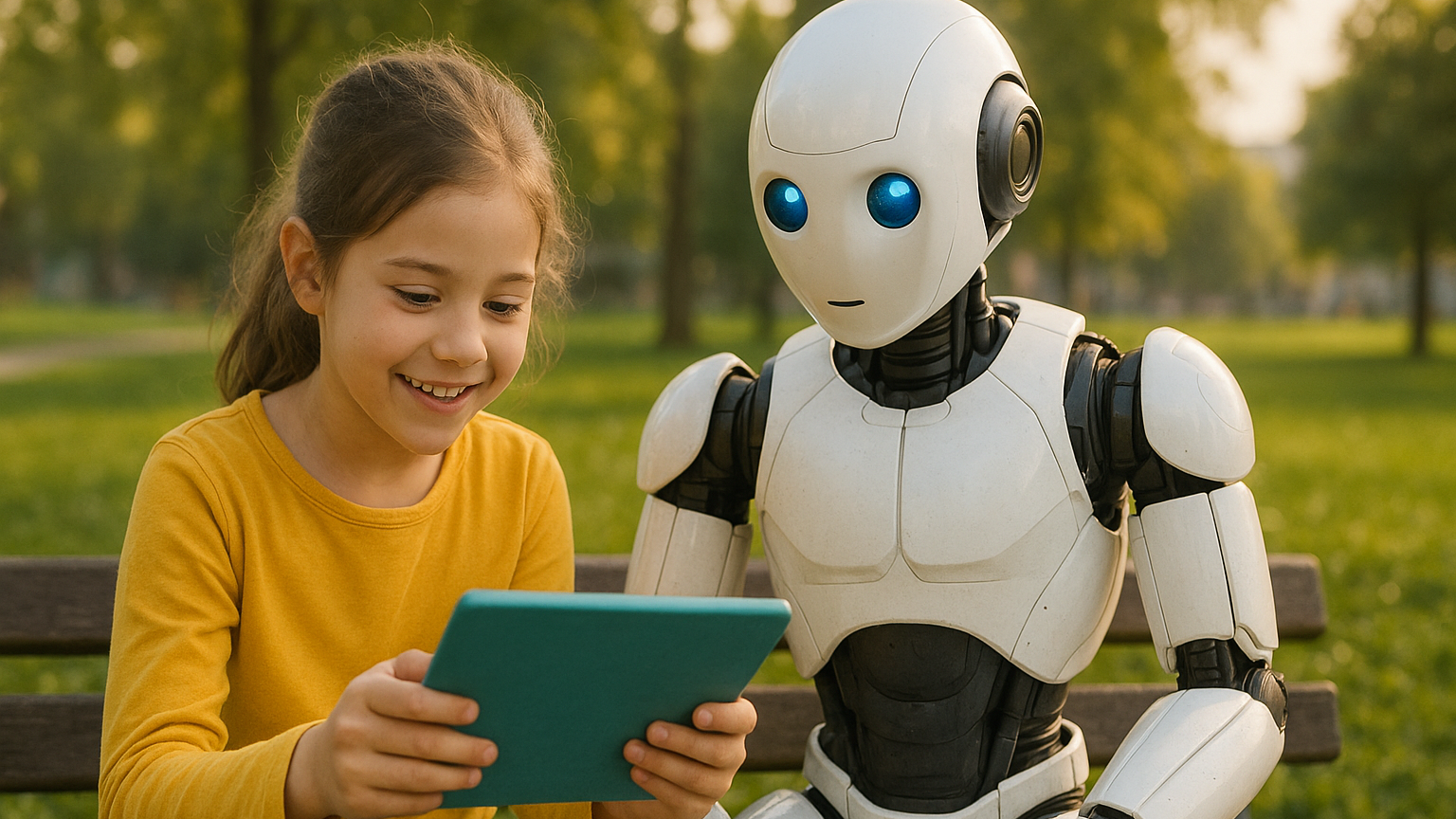
One of the major positive effects of AI on kids is how it transforms the learning process. AI can create personalized learning paths that help students progress at their own pace. This is especially useful for children who need more time with certain subjects or want to advance beyond the standard curriculum.

Some common benefits include:

  • Personalized education: Platforms like Duolingo, Khan Academy Kids, and Google’s Read Along adapt to a child’s learning speed and interests.
  • Interactive engagement: AI-powered tools can make learning fun. Children feel like they are playing a game, which boosts motivation and retention.
  • Support for special needs: AI can assist children with learning difficulties, such as dyslexia or ADHD, by providing tailored content and feedback.
  • Language development: Tools like ChatGPT or AI-powered story apps can help kids practice conversation skills, learn vocabulary, and explore creative writing.

When used thoughtfully, AI can support cognitive development, encourage independent learning, and make education more accessible to all children.

Negative Effects of AI on Kids’ Behavior and Health

While the benefits are impressive, the negative effects of AI on kids should not be overlooked. Increased screen time and constant engagement with digital devices can affect children in many ways.

Here are some of the concerns:

  • Reduced social interaction: Over-reliance on AI tools can limit kids’ real-world communication and collaboration with peers.
  • Privacy and data concerns: AI tools often collect personal data. Parents must stay aware of how and where their child’s information is stored and used.
  • Impaired creativity: When kids rely too much on automated answers or suggestions, it may reduce their problem-solving and critical thinking skills.
  • Health risks: Excessive screen time is linked to eye strain, poor posture, and decreased physical activity.

These negative effects of AI on kids highlight the importance of setting boundaries and ensuring that AI is used as a supplement, not a replacement, for real-life experiences.

Balancing the Positive & Negative Effects of AI on Kids at Home and School

balancing Positive & Negative Effects of AI on Kids

Finding the right balance between the positive & negative effects of AI on kids is the key to ensuring that technology supports rather than harms their development.

Here are some strategies:

  • Set clear screen time limits: Encourage breaks and schedule offline activities like outdoor play or reading.
  • Choose high-quality apps: Use tools that offer educational value and avoid those filled with ads or mindless content.
  • Stay involved: Talk to your child about what they’re learning, and encourage them to ask questions or reflect on what they discover.
  • Encourage a mix of learning methods: Combine AI-based tools with traditional learning and hands-on activities.
  • Teach digital responsibility: Help kids understand the importance of online privacy, respectful communication, and balanced usage.

By creating a healthy digital environment at home and working with educators to do the same in schools, we can maximize the positive impact of AI while reducing the risks.

Managing the Positive & Negative Effects of AI on Kids
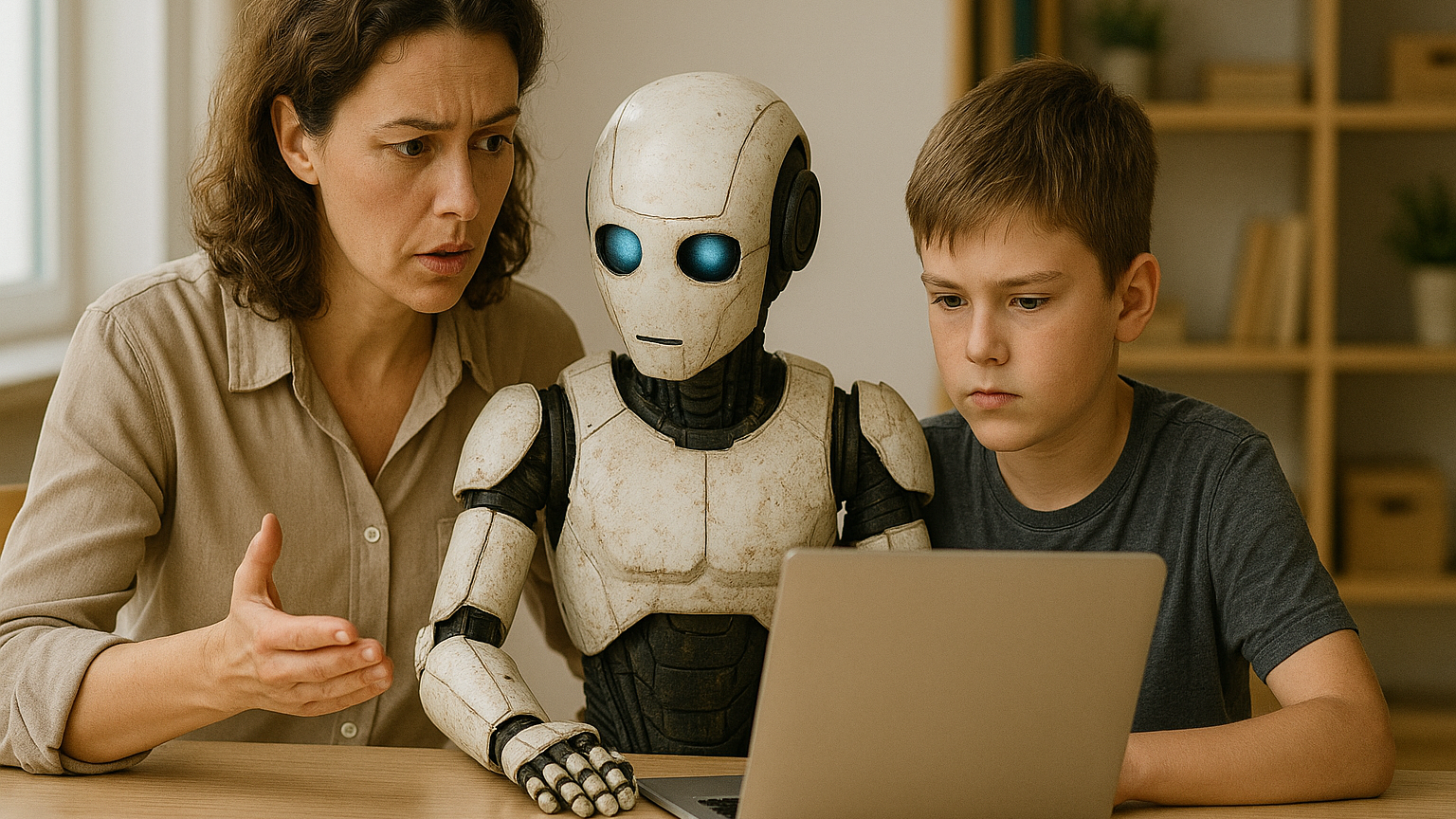
AI is here to stay, and its role in children’s lives will only continue to grow. As with any technology, the key is to use it intentionally. When guided properly, the positive & negative effects of AI on kids can be managed in a way that supports learning, creativity, and healthy development.

Parents, teachers, and caregivers all have a role in helping kids develop strong digital habits and a balanced approach to technology. With the right support, AI can be a powerful tool for growth rather than a source of distraction or harm.

Make AI Work for Your Child at Timedoor Academy

At Timedoor Academy, we believe in using technology the smart way. Our live, interactive coding and digital classes are designed to help kids explore AI, robotics, and programming while developing communication and critical thinking skills.

 Image

Looking for a healthy way to introduce tech into your child’s routine? Try our free class and see how we guide students to grow in a structured and inspiring environment.

Visit our website to learn more and start your child’s smart tech journey today!

Keep Reading

Top 10 Educational Apps For Kids
Top 10 Educational Apps for Kids in 2025 – Learning Meets Fun!
How often do your kids ask, 'Mom, can I play with your phone?' It’s a question many parents hear daily. But what if that screen time could be transformed into a chance for kids to learn, grow, and explore through educational apps? At Timedoor Academy, we believe fun learning shouldn’t end when the school day does. With the right fun learning apps, your child can develop new skills, spark curiosity, and fall in love with education—all while having fun. To help you make the most of screen time, we’ve curated a list of the Top 10 Educational Apps for Kids in 2025—designed for children ages 4 to 12! Top 10 Educational Fun Learning Apps for Kids in 2025 1. Khan Academy Kids: Best Educational App for Kids’ Fun Learning • Age: 2–8 | Free - This all-time favorite keeps growing smarter. In 2025, Khan Academy Kids features more personalized learning paths and emotional learning tools, helping kids improve not just academically—but socially too. The app offers a broad range of subjects, from math and reading to social-emotional skills, making it ideal for holistic development. • Timedoor Tip: Great for early learners who enjoy story-based learning! 2. Duolingo ABC: Best Educational App for Kids’ Fun Learning • Age: 3–7 | Free - A charming spin-off from Duolingo, this app is now powered by AI-driven reading tutors. It helps young kids master the alphabet, phonics, and basic reading skills through interactive play. The app’s bright and engaging visuals keep children interested as they learn essential language skills step by step. • Encourages early literacy in both native and foreign languages. 3. Toca Life World: Best Educational App for Kids’ Fun Learning • Age: 6–12 | Freemium - More than just a game, Toca Life is a creative sandbox for storytelling, roleplaying, and problem-solving. In 2025, it includes educational missions designed by child psychologists and educators to foster creativity and teach key skills like emotional intelligence, cooperation, and critical thinking. • Great for building creativity and emotional intelligence. 4. Prodigy Math Game: Best Educational App for Kids’ Fun Learning • Age: 6–12 | Free with premium option - Prodigy gamifies math using an RPG-style format. The 2025 version introduces adaptive difficulty, so kids are constantly challenged at the right level. With multiplayer features, kids can “battle” with friends while solving math problems, turning learning into an interactive adventure. • Fun, fantasy, and fractions—all rolled into one! 5. CodeSpark Academy: Best Educational App for Kids’ Fun Learning • Age: 5–9 | Subscription - A coding app with no words! Kids learn the logic behind coding through puzzles, games, and story creation. In 2025, CodeSpark Academy introduces collaborative coding projects, allowing kids to work together and solve problems, making it even more engaging for young digital creators. • Perfect for young digital creators and future programmers! Read our another articles:https://timedooracademy.com/blog/winners-announcement-of-bootcamp-december-2024https://timedooracademy.com/blog/timedoor-academy-sea-coding-competition 6. Sago Mini World: Best Educational App for Kids’ Fun Learning • Age: 2–5 | Subscription - This charming app bundle includes over 40 educational games designed for toddlers, each focused on foundational concepts such as shapes, colors, and problem-solving. In 2025, the app adds new science and nature-themed adventures to spark curiosity and introduce environmental awareness. • Ideal for learning through play—especially in early childhood. 7. Elmo Loves ABCs: Best Educational App for Kids’ Fun Learning • Age: 2–5 | Paid - Beloved Elmo helps kids learn alphabets and counting through songs, games, and drawing. A timeless favorite, Elmo’s cheerful presence makes learning numbers fun and accessible for even the youngest learners. The app offers age-appropriate challenges that promote early math skills. • A great bonding activity for parents and toddlers. 8. Endless Alphabet: Best Educational App for Kids’ Fun Learning • Age: 3–7 | Paid - This delightful app uses playful animations and adorable characters to teach kids the alphabet and vocabulary. Each word is brought to life through fun puzzles, with vibrant visuals and friendly creatures that help reinforce each letter and its sound. It’s an excellent way to build literacy skills in young children. • Great for early literacy and word recognition skills. 9. Monkey Preschool Lunchbox: Best Educational App for Kids’ Fun Learning • Age: 2–5 | Paid - This app introduces young children to a variety of foundational concepts such as colors, shapes, numbers, and letters, all through engaging mini-games. The app’s friendly characters make the learning process playful and entertaining, providing a fun, hands-on way to practice essential skills. • Perfect for toddlers to build early math and reading skills in a fun way. 10. Epic!: Best Educational App for Kids’ Fun Learning • Age: 3–12 | Subscription - Epic! offers an extensive digital library of books, audiobooks, and educational videos, making reading more exciting for kids. The app adapts to your child’s interests and reading level, providing them with personalized recommendations and a wide variety of reading material that encourages independent learning. • Ideal for developing reading habits and expanding vocabulary. Turn Kids Curiosity Into Capable Fun Learning In 2025, the world of educational apps is more exciting than ever. Whether your child wants to build stories, solve puzzles, explore new languages, or code their first game—there’s an app waiting to spark that passion. As parents, we don’t just want our kids to be tech-savvy—we want them to be thoughtful, creative learners. The right apps, used with guidance, can be powerful tools for just that. Want to take your kids learning to the next level? Join one of Timedoor Academy's online coding classes and support their development in a structured, fun, and nurturing Llearning environment. Visit our website or contact our team to find the best course for your child.
How to Choose a College Major: Why IT Major Is One of the Best Options in 2025
Deciding on how to choose a college major is one of the most important decisions for any student. The major you pick can shape your future career, skills, and opportunities. With so many options available, it can feel overwhelming to decide which path to take. Among the many fields, an IT major (Information Technology) stands out as a strong choice for students looking to enter a fast-growing, dynamic industry with global opportunities. This article will help you understand why an IT major could be the right fit and offer tips on how to choose a college major wisely. Why Choosing the Right College Major Matters Deciding on how to choose a college major is more than just picking a subject to study. It determines the skills you will develop, the network you build, and the kind of career path you might follow. A well-chosen major aligns with your interests and the demands of the job market, giving you a better chance at success after graduation. Many students struggle with this choice because they want to balance passion with practicality. You want to enjoy what you study but also ensure that your skills will be valuable in the real world. Understanding the current and future job market trends can guide you to make an informed decision. Why Consider an IT Major? High Demand and Job SecurityThe IT industry is growing rapidly worldwide. Businesses, governments, and organizations of all sizes rely on IT professionals to maintain systems, secure data, and develop new technologies. Roles like software developer, network administrator, cybersecurity analyst, and data scientist are in high demand and expected to grow for years to come. Versatile Skills Applicable Across IndustriesAn IT major equips you with technical skills that apply in various sectors such as healthcare, finance, education, entertainment, and more. Whether you want to build apps, manage cloud infrastructure, or analyze big data, the skills from an IT major open doors in many fields. Attractive Salaries and Career GrowthBecause of the specialized skills required, IT careers often come with competitive salaries. Plus, the tech industry is known for offering career advancement opportunities, certifications, and the chance to work in innovative environments. Continuous Learning and InnovationIT is an ever-evolving field. If you enjoy learning new technologies and solving problems creatively, an IT major offers a dynamic and stimulating career path. Tips for How to Choose a College Major Assess Your Interests and StrengthsThink about what subjects excite you and where your skills lie. Passion combined with aptitude often leads to success. Research Job Market TrendsLook into which majors have strong job prospects both locally and globally. The IT field, for example, shows consistent growth worldwide. Consider Your Long-Term GoalsWhere do you see yourself in 5 or 10 years? Choose a major that aligns with your vision. Talk to Professionals and AlumniConnect with people who have studied or work in your fields of interest to get real-world insights. Explore Related Courses or WorkshopsTry online courses, coding bootcamps, or workshops in IT or other areas you’re curious about. This can help you get a feel for what you like. How Online Learning Can Boost Your IT Journey Choosing an IT major doesn’t mean you only learn in classrooms. Many successful IT professionals supplement their studies with online courses and coding bootcamps. Platforms like Timedoor Academy offer interactive and beginner-friendly coding classes that can help you build practical skills alongside your college education. Timedoor also provides free trial classes, so you can explore if coding and IT are right for you before fully committing. This kind of hands-on experience can give you an edge when entering the job market. Making an Informed Choice How to choose a college major is a question many students face. By reflecting on your interests, researching industries, and exploring fields like IT major, you can make a choice that benefits both your passion and career prospects. If you’re leaning towards technology and innovation, an IT major is definitely worth considering. And remember, learning doesn’t stop with your degree. Using resources like Timedoor Academy to build real skills can set you up for success in the competitive global job market. Start your learning journey today with a free trial class and see where IT can take you!
7 Types of Robot Coding Suitable for Beginners
In today’s digital era, introducing children to technology is becoming increasingly important. One of the most engaging and educational ways to do this is through robot coding. This activity not only develops logical thinking but also fosters creativity, problem-solving skills, and teamwork. For parents, choosing the right robot coding tool for beginners is crucial. There are many options available, from simple to more advanced robots. To make the decision easier, let’s explore the benefits of robot coding, the types of beginner-friendly robots, and tips for choosing the most suitable option for your child. Why Choose Robot Coding for Beginners Robot coding is designed to help children learn programming interactively. Instead of only typing code on a screen, they can see how their commands make a robot move or perform specific actions. This makes the learning process more tangible and fun. Children become motivated to experiment because they immediately see the results of their code. For example, when they program a robot to move forward or avoid an obstacle, they witness how logic and commands shape real outcomes. This builds confidence and curiosity in young learners. Types of Robot Coding for Beginners Here are some beginner-friendly robots that children can easily explore: Line Following Robot This robot uses light sensors to follow a line on the floor. It is simple but effective for teaching decision-making based on conditions.   Obstacle Avoidance Robot Equipped with ultrasonic or infrared sensors, this robot avoids obstacles in its path. Children learn about basic if-else logic, which is fundamental in coding. Drawing Robot This robot can create patterns or drawings on paper. It is perfect for children who enjoy art, as they can combine coding logic with creativity.   Voice Controlled Robot A robot that responds to simple voice commands like “move” or “stop.” This helps children understand how machines interact with human input.   Dancing Robot Small robots that can be programmed to dance to patterns or music. It shows children that robot coding can be fun and expressive.   Sensor-Based Robot Robots equipped with light, temperature, or motion sensors that react to environmental conditions. For example, moving when motion is detected or turning on lights when it is dark.   Modular Robot Robots that can be reassembled and programmed with new functions. These encourage creativity and problem-solving by letting children design and rebuild their robots. With this wide selection, parents can choose robots based on their child’s interests. If the child enjoys art, a Drawing Robot is ideal. For those who love challenges, an Obstacle Avoidance Robot may be more suitable. Tips for Choosing Robot Coding Tools for Kids Match with Age Select robots appropriate for the child’s development stage. Younger children may benefit from block-based coding systems, while older ones can explore text-based coding.   Consider Child’s Interests Children who like creativity may prefer drawing robots, while those interested in problem-solving might enjoy sensor-based or obstacle avoidance robots.   Ease of Use A beginner robot coding kit should come with clear instructions, a user-friendly app, and ideally an active support community.   Prioritize Safety Ensure the materials are safe, durable, and suitable for repeated use by children. Long-Term Benefits of Learning Robot Coding Robot coding is not just a hobby. It builds a strong foundation for future skills. Children develop logical thinking, creativity, and perseverance, all of which are critical for success in the digital age. By experimenting with robots, kids also build resilience. If a program doesn’t work as expected, they learn to troubleshoot and try again, developing patience and determination. Parents can also participate in the process, making it a shared family activity that strengthens bonds while learning new skills. Learning Robots Coding Easier with Timedoor Academy Introducing children to robot coding at an early stage is a wise investment in their future. With the many beginner-friendly options available, each child can find a robot that suits their interests and learning style. If you are looking for a program that blends technology with creativity, Timedoor Academy offers interactive courses that can guide children step by step. Register your child now for a free trial at Timedoor Academy and discover how robot coding can be both an enjoyable and meaningful learning experience for their future.
float button